Jeff Benjamin

Jeff has been with iDownloadBlog since 2010, acting as resident video specialist, and tutorial expert. He earned his degree in Computer Network Systems back in 2001, but decided Cisco routers and the like just weren’t for him. Since then, he’s been heavily involved with online writing. He’s written for numerous tech and video game sites since the late 1990′s, and has a knack for explaining things in a simple, clear, and concise manner. Jeff works primarily from the east coast on his Retina Macbook Pro, and shoots video with a Canon DSLR. During downtime he likes to travel the world, visiting the various Apple Stores across the globe. You can email him at jeff [at] idownloadblog.com and follow him on Twitter @JeffBenjam or on Google+.

iOS 7 begins showing up in developer logs along with new iPhone

With 2012 officially behind us, it's time to start really looking towards the future with regard to the iPhone and its ubiquitous operating system. And what do you know? Developers are beginning to see references to iOS 7 and a new iPhone in their app usage logs.

According to The Next Web, one developer in particular has contacted them about the logs, and they report seeing references to both iOS 7, and a new iPhone model with an iPhone 6,1 identifier.

Auxo for iOS 5.1.x now available on Cydia

Auxo — the popular jailbreak tweak we covered in depth last week — is now available on Cydia with iOS 5.1 support in tow. As you may recall, the initial version only supported iOS 6 out of the gate, and many users, pined for iOS 5.1 support, since a great majority of jailbreakers have chosen to remain on 5.1 firmware for obvious reasons.

Thanks to developer, Kyle Howells, who assisted with porting the tweak, the team behind Auxo was able to meet its turnaround time for adding support for the older iOS firmware. Did the team have to make any sacrifices in order to bring such an awesome tweak to iOS 5.1? It sure doesn't look like it to me. Check inside as we go hands on with Auxo for iOS 5.1 on video...

The Daily Recap – Dec 28, 2012 edition

http://www.youtube.com/watch?v=4LTZawIaXho

Welcome to The Daily Recap for December 28th, 2012. Watch our video for a quick look at some of the top stories from the day in less than two minutes. If you missed out on any of today's big news, this is a great way for you to get caught up fast.

For your convenience, you'll also find links to all of the stories listed in today's recap inside...

The top jailbreak tweaks of 2012

A few weeks ago I published a somewhat controversial post about jailbreaking, and how its popularity is waning. This wasn't intended to be controversial, but it ended up that way, and after some thought I began to backtrack (a bit) on my stance.

The problem stemmed from the fact that I didn't do a very good job of explaining my stance. I didn't intend to say that jailbreaking was dead, my main point was just to show how innovation in the jailbreak community was being stifled by sometimes lazy developers, but mostly by Apple's efforts to stamp out jailbreaking.

While I still stand by my post, I felt that I needlessly ruffled a few feathers, and probably should have kept those thoughts to myself for the time being. When I began to work on this post — the top jailbreak tweaks of the year — it became more apparent that we actually have seen lot of innovation this year. Most of that innovation was earlier in the year, but nevertheless, there have been lots of great jailbreak tweaks to come out in the last 12 months.

Take a look inside as we cover some of this year's best jailbreak efforts from the development community. I'll also crown 2012's top jailbreak tweak of the year.


The Daily Recap – Dec 27, 2012 edition

http://www.youtube.com/watch?v=GBkC9iBs-Y8

Welcome to The Daily Recap for December 27th, 2012. Watch our video for a quick look at some of the top stories from the day in less than two minutes. If you missed out on any of today's big news, this is a great way for you to get caught up fast.

For your convenience, you'll also find links to all of the stories listed in today's recap inside...

‘Fade’ dims your Home screen icons when invoking Notification Center

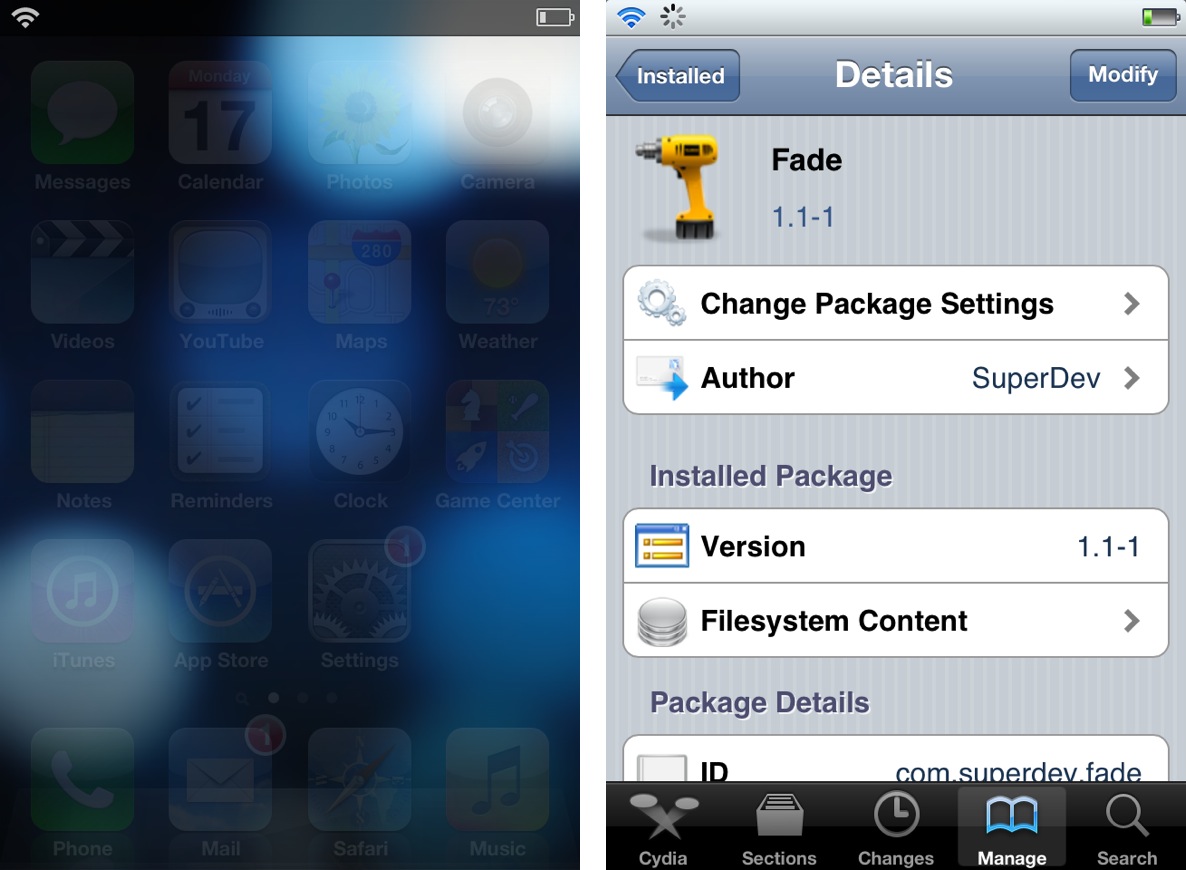
Fade is an extremely simple jailbreak tweak that forces the Home screen UI elements to fade when Notification Center is invoked. As you slide down Notification Center, elements like the app icons and the dock will progressively fade from view. As you slide the Notification Center pane up, the effect is reversed, and the elements fade back into view.

There are no options to setup or settings to configure, just install it and it starts working. Take a look inside as we demonstrate Fade on video...

How to enable the hidden Topography view in Google’s Maps app

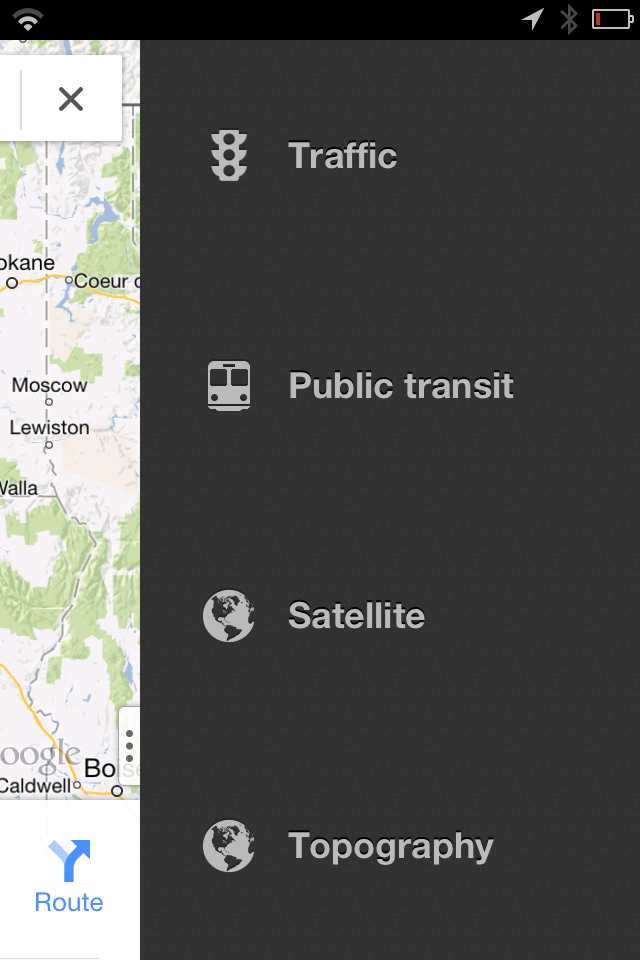
Ryan Petrich is back at it again, this time with a new jailbreak tweak that enables a hidden Topography mode found in the recently released Google Maps app. The tweak, available via Cydia on his beta repo, adds a fourth option to the sidebar featured within Google maps to easily enable Topography.

As it turns out, the Topography Mode enabled via this tweak was already built into the Google Maps app from the get go. Why Google decided to keep the feature disabled in the public release is anyone's guess, but if you install this tweak, you can easily enable the option.

Check out our full video demonstration inside for more details...

Auxo now available on Cydia

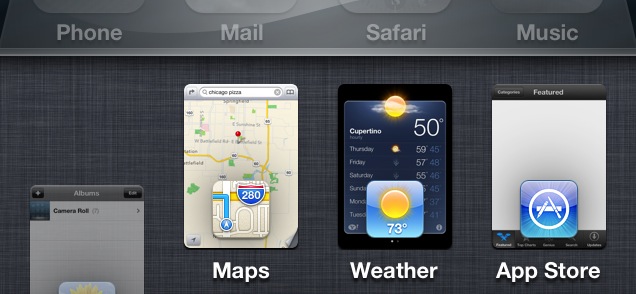
Ladies and gents, it has landed. Yes, Auxo, the highly anticipated jailbreak tweak that reinvents the iOS app switcher has gone public on Cydia.

Last week we brought you an exclusive first look at the tweak in action, and needless to say, nearly 200,000 views later, many of you are looking forward to trying it out for yourselves. If you have a jailbroken iPhone running iOS 6, I'm happy to report that you can now download Auxo from Cydia's BigBoss repo for just $1.99.

The Daily Recap – Dec 21, 2012 edition

http://www.youtube.com/watch?v=dL41d1RSLMI

Welcome to The Daily Recap for December 21th, 2012. Watch our video for a quick look at some of the top stories from the day in less than two minutes. If you missed out on any of today's big news, this is a great way for you to get caught up fast.

For your convenience, you'll also find links to all of the stories listed in today's recap inside...

This jailbreak tweak allows you to fake certain statistics on your iPhone

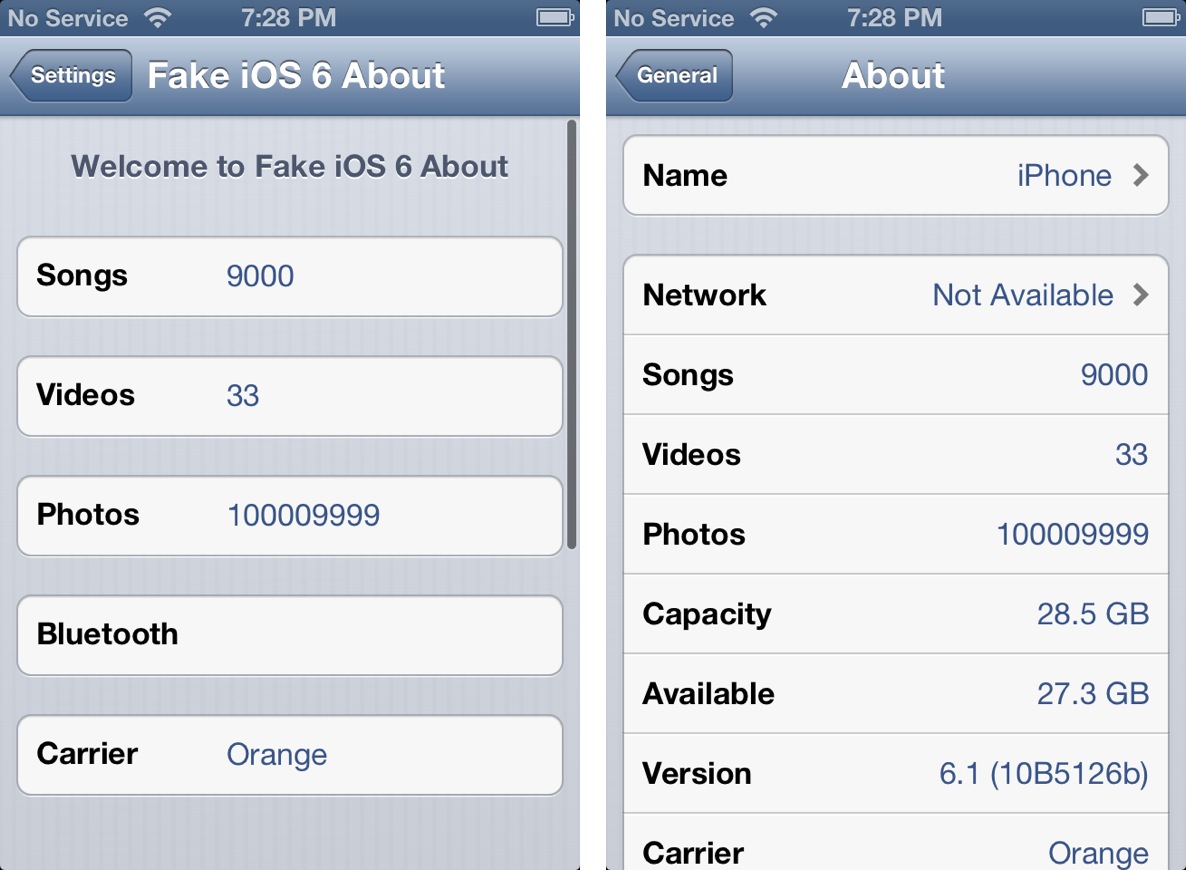
I've been known to give jailbreak developers a pass when it comes to developing what many deem as "worthless" tweaks, because I know that there is always someone who will find a tweak to be useful. The latest such item to teeter upon this fine line is Fake iOS 6 About — a jailbreak tweak that allows you to fake statistical information about your device.

If you've ever wanted to pretend that your device could hold a million songs, or that you reside on a carrier not available in your country, then Fake iOS 6 About is the tweak for you. In most cases, many will feel that such a tweak is worthless. I'll be totally honest with you; this time, it's hard not to agree with those sentiments.

‘Download To Newsstand’ makes it easier to identify pending downloads

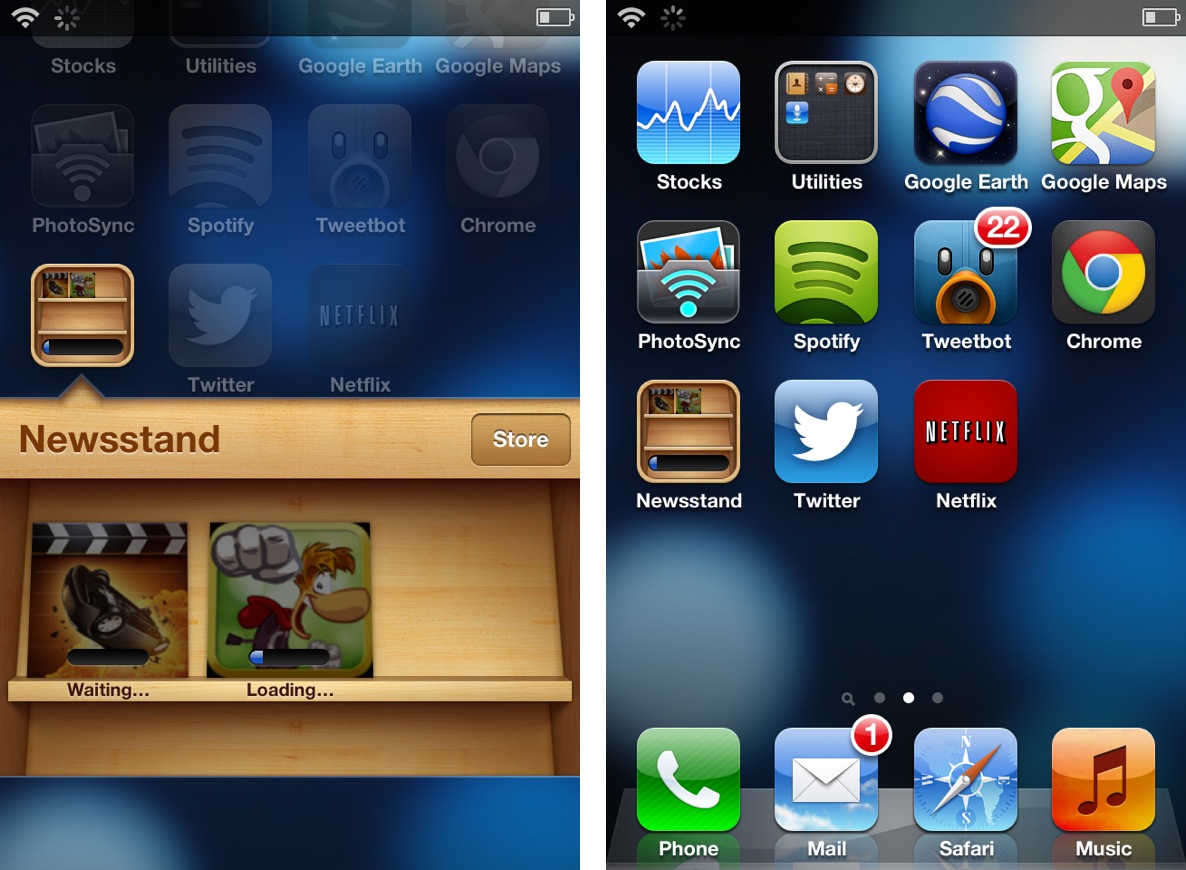
It's always great to open up the App Store and find a dozen new app updates waiting for download, but downloading so many items at once presents a small issue. If you're like me and you have a ton of apps scattered around four or five pages in multiple folders, then it can be tedious to locate each app to check its download progress.

Download To Newsstand is a recently released jailbreak tweak that attempts to address this. It moves all pending downloads into the Newsstand folder for an easy to see centralized location for all pending downloads.