As we always do at iDB, here is a comparison image pitting the iPad mini vs the iPad 2 vs the iPad with Retina Display.
How does the new iPad mini stack up to its bigger brethren? Take a look at the full comparison inside...

As we always do at iDB, here is a comparison image pitting the iPad mini vs the iPad 2 vs the iPad with Retina Display.
How does the new iPad mini stack up to its bigger brethren? Take a look at the full comparison inside...
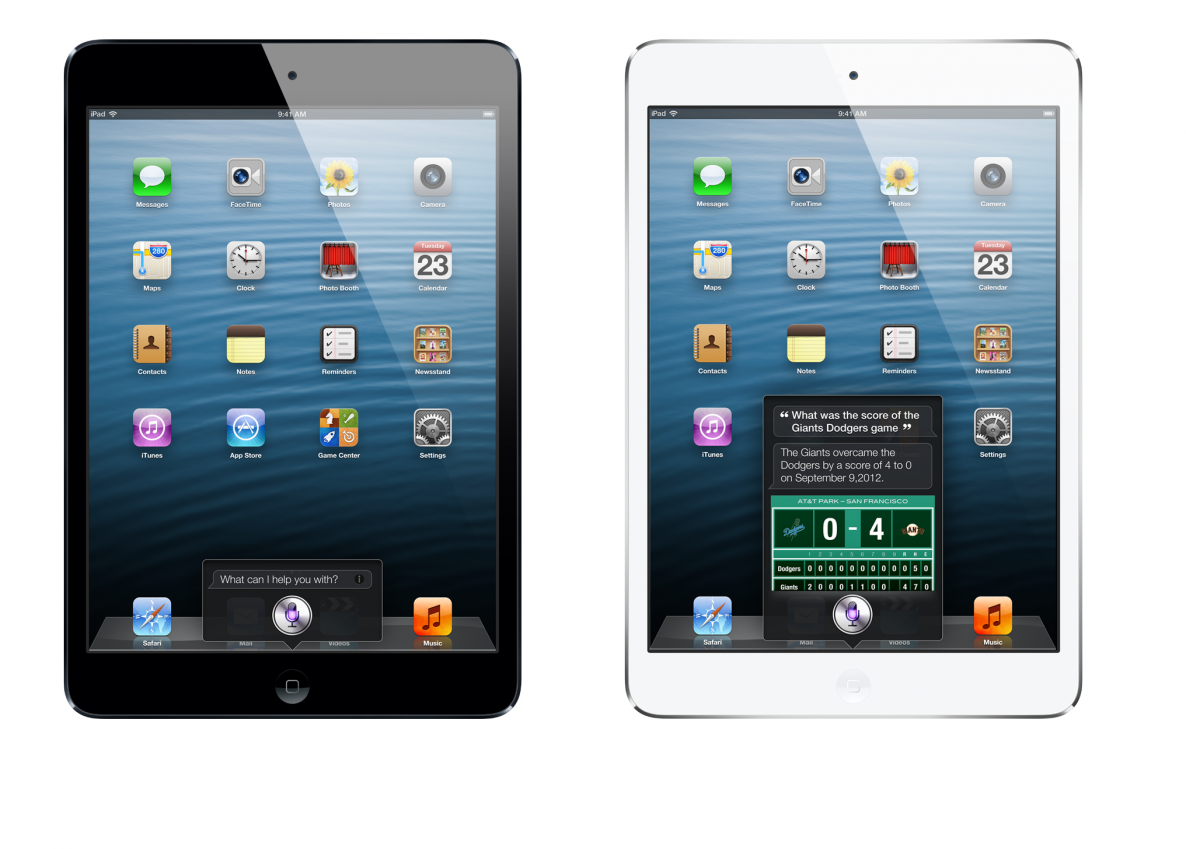
I've been asked a few times about Siri's presence of the new iPad mini. Yes, Siri will be included out of the box on the new iPad mini. Apple even has screenshots of Siri in action on their iPad mini page.
Check after the break for a few more screenshots of Siri in action for the iPad mini...

Apple has immediately updated their website to reflect the new iPad mini. There, you'll be able to digest the new iPad mini video, watch the entire keynote address (coming soon), and look at screenshots and statistics for the latest entry in the iPad line.
Be sure to check out our other posts on the iPad mini to catch up with all of the latest news surrounding Apple's small statured tablet.

Apple announced an amazing looking new iMac that's incredibly thinner than the previous generation version.
The new iMac use a new build process called fricton stir welding, where the actual molecules of the aluminum are merged together to make a single piece. Apple also laminated the display directly to the glass to yield a 45% thinner display system.
The optical drive is also removed for added space savings. The new iMacs will come in both 21.5" and 27" versions...

Apple just announced iBooks 3.0 at their iPad Mini media event. The new version of iBooks includes support for a helping new languages, like Chinese, Japanese, and Korean.
The iBooks refresh also supports continuous scrolling, and enhanced iCloud integration similar to that which is found on Kindle Devices. Now you can easily pick up right where you left off across all of you devices in a more efficient manner.
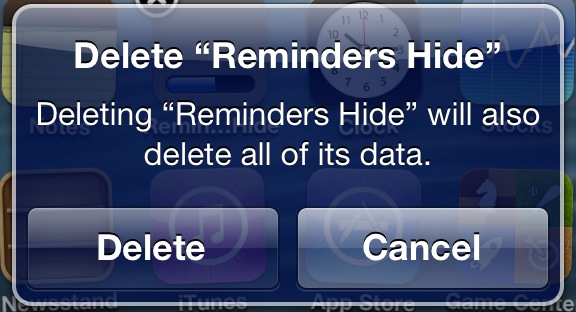
A while ago we told you about StifleStand — an app for Windows or Mac that allows you to hide Newsstand without the need for a jailbreak.
Now there's another option for hiding Newsstand, along with a host of other default iOS apps. Again, like StifleStand, no jailbreak is needed for this method either.
In the following video walkthrough, we'll provide you with a demonstration of Rag3Hack, a new website dedicated to hiding stock iOS apps on any device, regardless of whether or not the device is jailbroken.
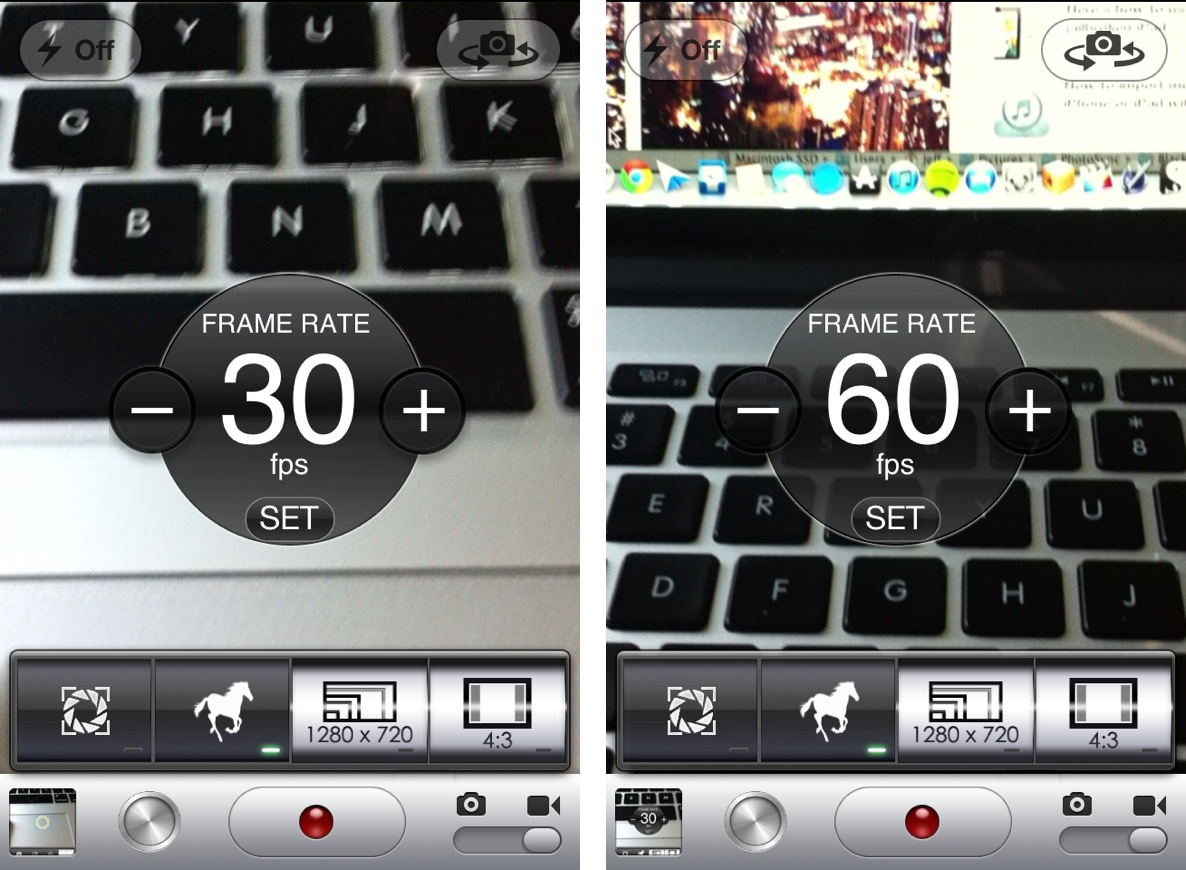
From a quality standpoint, the iPhone's built in camera has always been near the top of its respective class. But, admittedly, there are a few chinks in the armor when it comes to advanced camera features.
For instance, there's no countdown timer to be found inside the camera app. Also, more advanced features like independent reticles for exposure and focus are no where to be found. And what about a built in time lapse feature? That seems like only a mere dream at this point.
That is, of course, unless you are jailbroken.
Jailbreakers have the luxury of adding additional features to stock apps, and the Camera app is no exception. CameraTweak is a new jailbreak tweak that affords the ability to add all of the previously mentioned features into the stock Camera app, and then some. Take a look at our video walkthrough inside for the full details.

Nicholas Allegra, a.k.a.Comex — the iOS hacker responsible for the popular jailbreak tool JailbreakMe — has parted ways with Apple after interning there for a little over a year.
Last August, Comex broke the news that sent shockwaves through the jailbreak community, announcing that he would be joining the very company whose security he'd successfully undermined more than once.
Is it possible that Comex might pick up where he left off in the jailbreak community?

We've been stressing how many new features were packed into the new RedSn0w, and we weren't kidding. Another under the radar feature that's been added to the new RedSn0w is the ability to jailbreak iOS 5.1.1 untethered on Pre-A5 devices in A5 Non DFU style.
This is accomplished using the same method used for jailbreak tools like Absinthe, which utilizes backup and restore instead of the typical DFU ramdisk method. This is a great feature that speeds up the jailbreak process on Pre-A5 devices running iOS 5.1.1. Check inside as we give you a video demonstration and tutorial showing how it works.

Ostium is a new jailbreak tweak that adds a screen splitting animation to Notification Center. The tweak works with a two finger pinch gesture, along with the more traditional slide from status bar gesture.
At first it appeared that the developer was only going to release Ostium for iPad, but iPod touch and iPhone support were added late in the game. I can definitely see the two finger pinch being more suited for the iPad's larger screen, but as you'll see, it works reasonable well on the small screen too.
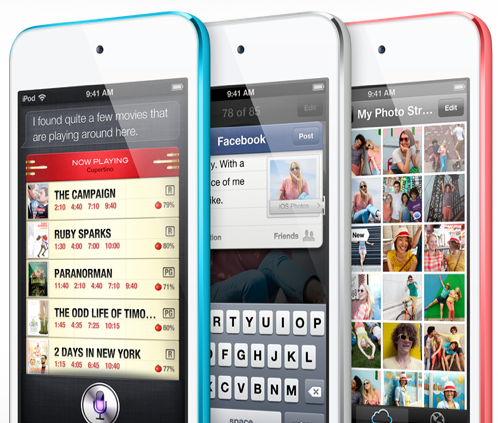
Yesterday we emphasized the lack of an ambient light sensor in the 5th generation iPod touch after initially highlighting the omission in our iPod touch 5th gen review.
Now a reader claims to have emailed Apple's SVP of worldwide marketing, Phil Schiller, and received a response explaining the drop of the sensor. The reason for the omission? It's just too thin.
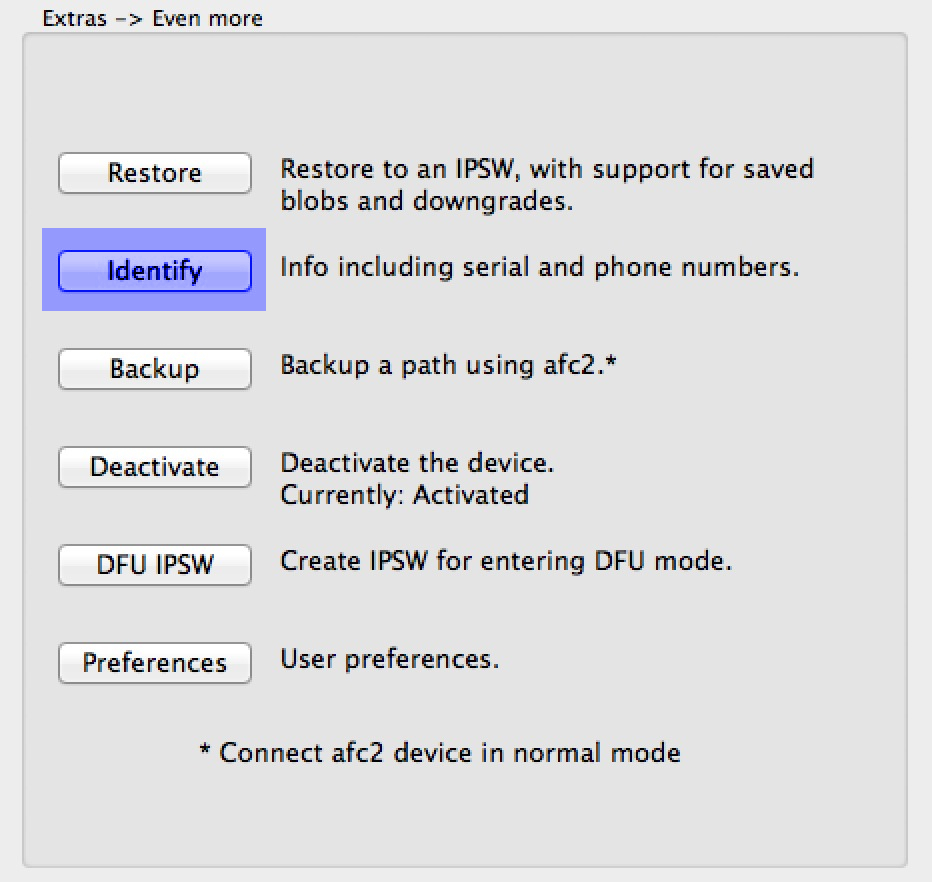
As you know, RedSn0w 0.9.15b1 was a pretty significant upgrade over its predecessor. One of the new features that has sort of flown under the radar is the new Identify feature, which is buried in the Extras > Even more options.
The purpose of this new feature is to provide a verbose output of all device info in an easy to read and exportable format. This nice thing about the Identify feature is that you don't even have to be jailbroken to use it, and it works on pretty much every iOS device, including the iPhone 5.
Have a look inside as we go hands on with the new feature and showcase how easy it is to use.