Jeff Benjamin

Jeff has been with iDownloadBlog since 2010, acting as resident video specialist, and tutorial expert. He earned his degree in Computer Network Systems back in 2001, but decided Cisco routers and the like just weren’t for him. Since then, he’s been heavily involved with online writing. He’s written for numerous tech and video game sites since the late 1990′s, and has a knack for explaining things in a simple, clear, and concise manner. Jeff works primarily from the east coast on his Retina Macbook Pro, and shoots video with a Canon DSLR. During downtime he likes to travel the world, visiting the various Apple Stores across the globe. You can email him at jeff [at] idownloadblog.com and follow him on Twitter @JeffBenjam or on Google+.

How to perfectly mesh your Auxo installation with ayecon

Ayecon is by far the most popular jailbreak theme that we've seen in quite some time, and its popularity doesn't seem to be slowing down. Auxo, like ayecon, is insanely popular in its own right. But how do you get the pair to play nice together? It's actually really simple — you download the official ayecon theme for Auxo, that's how.

ayecon Auxo Theme is a free WinterBoard theme, and it comes directly from the creator of ayecon — Surenix. That means you can expect it to be a 1:1 match with the rest of the ayecon theme from a visual perspective.

Watch the evad3rs’ Q&A session from HITB 2013

Yesterday we linked you to the slide presentation from the evad3rs' appearance at the HITB 2013 security conference in Amsterdam. Today, we're bringing you video from their Q&A session.

In the video, which comes in at less than half an hour — and can probably be watched faster than it would take you to read their entire slide presentation — the evad3rs talk about exploits (obviously), iOS 6.1.3, Apple, downgrading, and more.

PebbleOS v1.10 for Pebble SmartWatch released

Today, Pebble released the v1.10 update for PebbleOS, which powers the Pebble SmartWatch. This update brings some highly anticipated new features along with a slew of bug fixes to the table.

The update can be accessed via the the Pebble app available on the App Store. If you're a Pebbl SmartWatch owner, simply open up the Pebble app to get started. Check inside for the full change log.

Here’s how Velox will interface with the Mail app

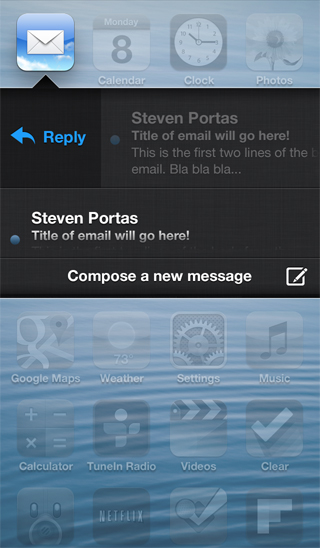
A few new screenshots were posted on Apex Tweaks' official site, and one of them shows the way that Velox will interface with the Mail app. This is significant, because this wasn't available in the preview version that I demoed a few days ago.

The screenshot shows the typical Velox view, with what appear to be scrollable messages with titles and a two line preview of the message. It looks, judging from the screenshot, that a swipe gesture, or a tap of the email, may allow you to reply directly to messages from Velox's enhanced email folder.

Computer Chronicles episode highlights Apple in the late 90’s

https://www.youtube.com/watch?v=k-hD7xT_SbU

TUAW stumbled upon an old episode of Computer Chronicles — a show that aired on PBS during the 80's and 90's — which highlighted Apple's late 90's recovery, the iMac, and various other interesting Apple tidbits.

If you're feeling nostalgic, I highly recommend that you check out this episode, which was uploaded last August to YouTube. It just helps you to put into perspective how close Apple was to death back then.

Sleeper Tweak: BannerDisable

We talk about a lot of interesting things on Let's Talk Jailbreak, and one of them is the concept of sleeper tweaks. These are great tweaks, that for whatever reason have been forgotten, or fly under the radar. We've talked about a few of them on the Podcast, and I'd like to periodically talk about them on the blog.

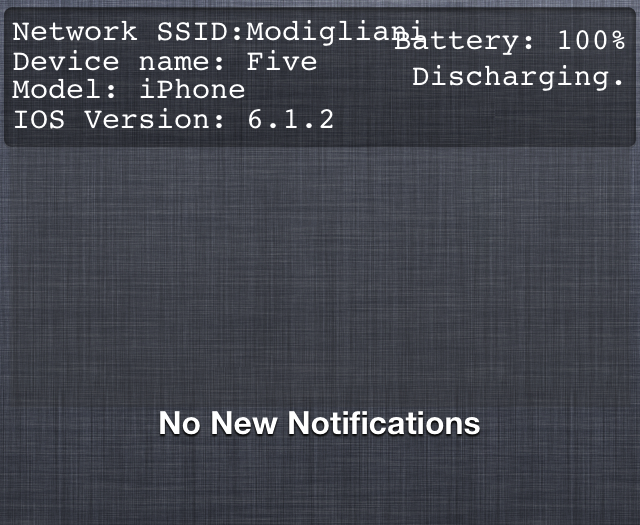
One of the first sleeper tweaks that comes to my mind is BannerDisable. It came out before Do Not Disturb hit iOS, and it's a lot more forceful than iOS' built in DND feature. If you absolutely do not want any notifications disturbing you for any reason, then you should definitely have BannerDisable installed on your device.

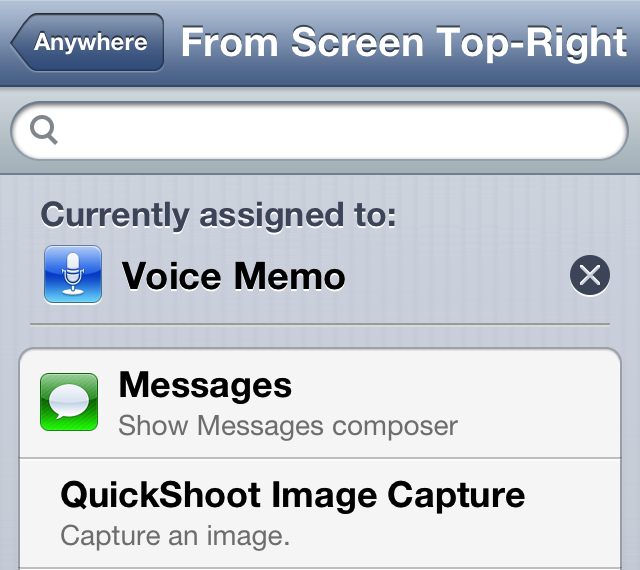
How to assign voice memos to an Activator gesture

Whenever you have Ryan Petrich's beta repo added to your Cydia sources, you're bound to run into a new surprise from time to time. That's because the prolific Cydia developer likes to test out some of his new creations on his personal repo before adding them to Cydia.

One of his latest creations is called Voice Memo Toggle for Activator. As its name states, it simply adds the ability to toggle voice memos on or off using an Activator gesture. The memos are taken using the iPhone's stock Voice Memos app, which makes it only available for the iPhone or iPod touch users. Take a look inside for a few additional details.

Set intervals for the Reminders app with RemindMeAgain

A new tweak was just submitted to the Cydia store today, and it is called RemindMeAgain. As its name alludes to, RemindMeAgain works with the Reminders app to provide you with Reminders for tasks at preset intervals. RemindMeAgain will continue to bug you at the interval you set, until the task is checked as being complete.

Take a look inside for a brief look at the tweak...

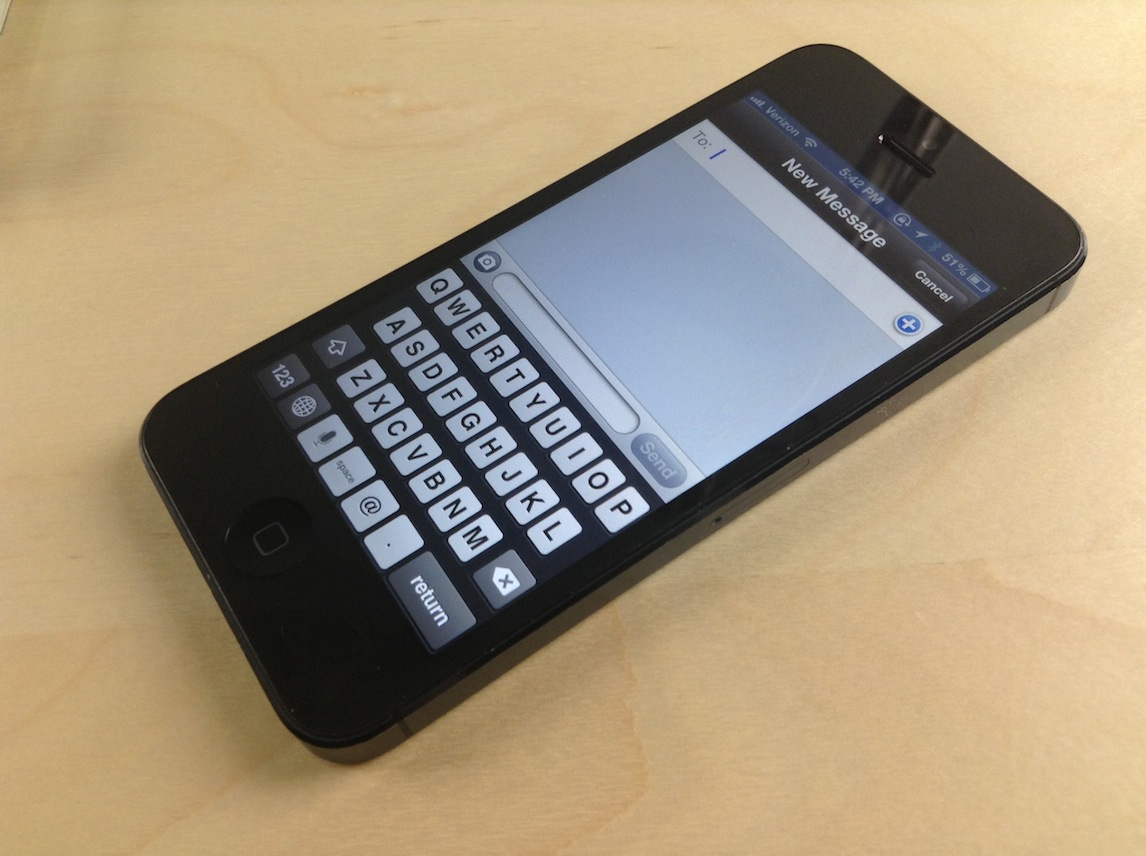
Messages: a compromise between biteSMS and the stock Messages app

If you already listened to our latest episode of Let's Talk Jailbreak, then you know that Sebastien and I discussed jailbreak tweaks for the Messages app. We talked about biteSMS, Messages+, iRealSMS, and the like. We talked about these tweaks as we discussed the validity of a new tweak, simply called Messages, and whether or not it was worth the investment.

At the time, neither of us had really put any hands-on time into the tweak, although Cody has given it a shot and seemed to like it. On the show, I promised that I would check out the tweak and provide my two cents, and that's just what I did today.

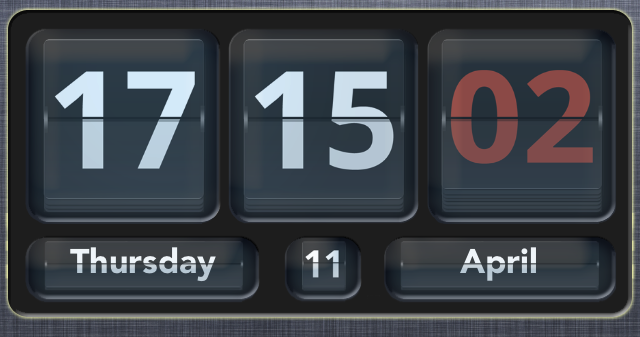
How to add an animated clock to Notification Center

Flip Clock is a jailbreak widget that allows you to add an animated flipping clock to Notification Center. The tweak features a nice helping of options to configure the look and feel of the clock to your personal liking.

Once Flip Clock is installed, simply enable it in Settings > Notifications in order to display it within your Notification Center. The tweak also works with packages like LockInfo for placing the widget in more places than just the Notification Center panel. Check out a few more tidbits about this great looking jailbreak tweak after the break...