Jeff Benjamin

Jeff has been with iDownloadBlog since 2010, acting as resident video specialist, and tutorial expert. He earned his degree in Computer Network Systems back in 2001, but decided Cisco routers and the like just weren’t for him. Since then, he’s been heavily involved with online writing. He’s written for numerous tech and video game sites since the late 1990′s, and has a knack for explaining things in a simple, clear, and concise manner. Jeff works primarily from the east coast on his Retina Macbook Pro, and shoots video with a Canon DSLR. During downtime he likes to travel the world, visiting the various Apple Stores across the globe. You can email him at jeff [at] idownloadblog.com and follow him on Twitter @JeffBenjam or on Google+.

JellyLock is an Android inspired Lock screen launcher for iOS

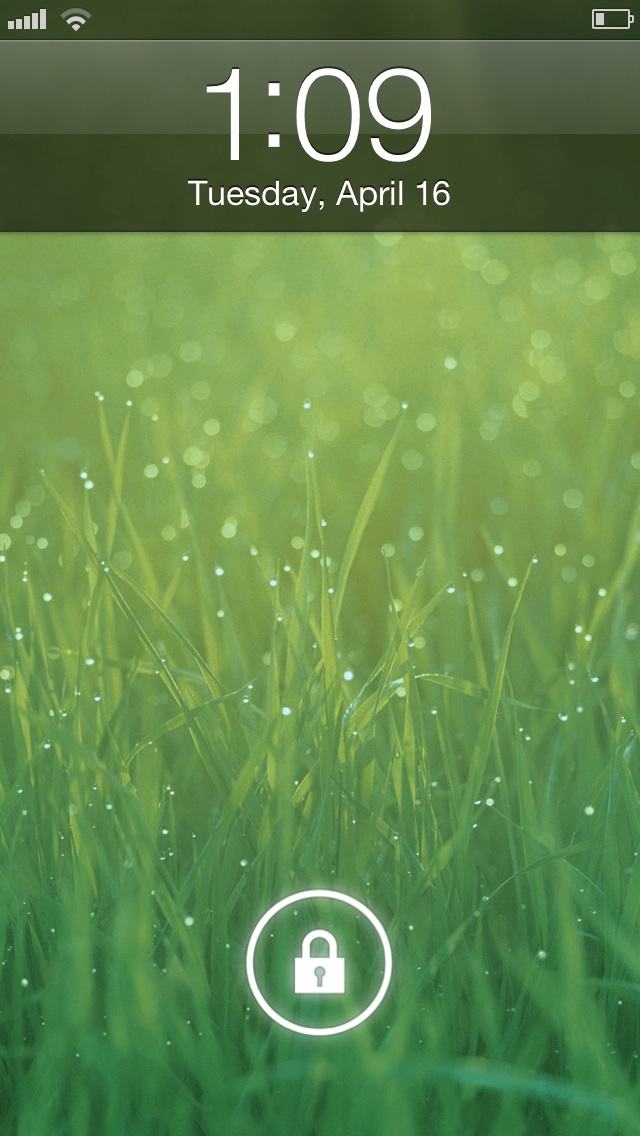
JellyLock is a jailbreak tweak that allows you to add an Android inspired Lock screen launcher to iOS. The tweak, developed by Max Katzmann, and only available via his beta repo, has proven to be quite popular amongst the jailbreak community — it's been downloaded over 19,000 times already.

Like its inspiration, Android Jellybean, JellyLock features a lock icon that you can drag to the edge of a circle on your Lock screen to unlock your device. It also features the ability to fully customize the look of the launcher and add up to three custom apps that can be launched directly from the Lock screen. Take a look inside as we go showcase JellyLock in our in-depth video walkthrough...
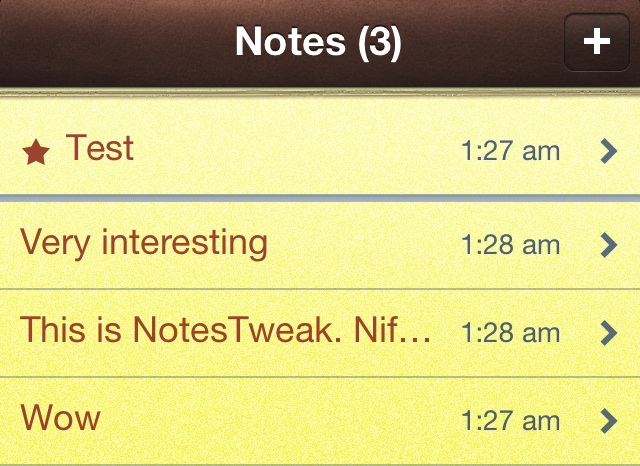
NotesTweak will add cool new features to the stock Notes app

NotesTweak is an upcoming jailbreak tweak for iOS that allows you to enhance the stock Notes app. NotesTweak adds new features like the ability to save note snippets directly to the Home screen, upload notes to DropBox, and pin important notes to the top of your list.

If you're someone who relies on the stock Notes app to get things done, then you'll undoubtedly appreciate some of the new features that NotesTweak will bring to the table. Take a look inside for more info.

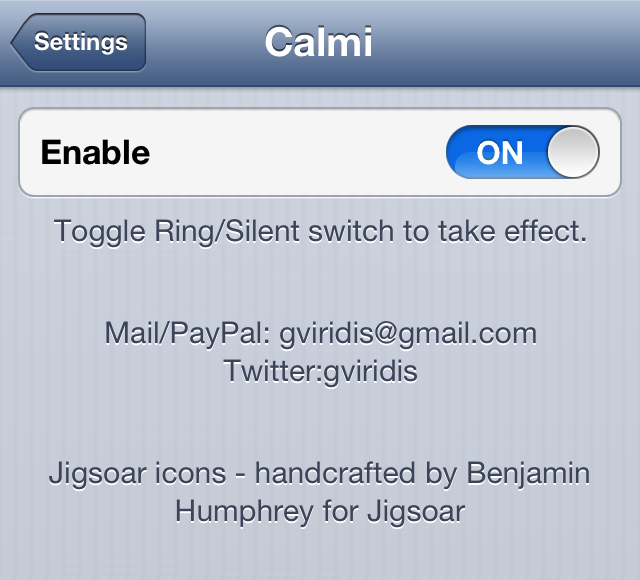
Calmi: toggle vibration with the silent/ringer switch

I rarely use ringtones with my iPhone. In fact, I can't even remember the last time I've heard my ringtone, because my iPhone stays on silent mode 99% of the time.

Sometimes I find that even the motor from the vibration is too much for me, so I quickly tap the volume buttons to completely silence the phone. Calmi is a jailbreak tweak for people like me. It's a tweak that allows you to turn the ringer/vibrate switch into a vibrate/silent switch.

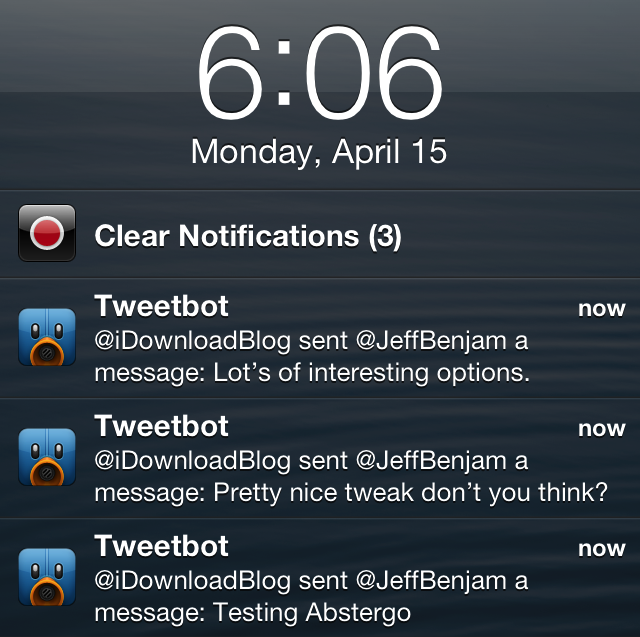
Abstergo: the perfect tweak for managing notifications

It's been a very long time in the making, but the release of Abstergo is almost upon us. Abstergo, as you may remember, has been talked about and worked on for over a year. It is the concept and creation of Andrew Richardson and Joshua Tucker, and it promises to make managing your notifications better on iOS.

Needless to say, lots and lots of time has been invested into nearly every aspect of the tweak. Tucker, in a candid discussion with him via Twitter, stated that the pair worked hard on one particular portion of the tweak — the ability to add notifications back to the Lock screen — for a couple of weeks.

With its release a mere six days away, Abstergo is shaping up to be a tweak that has been well worth waiting for. I believe it truly will lend a better ability to managing iOS notifications. It's one of those tweaks that's a bit difficult to explain how it can help you without seeing it in action for yourself. For that reason, we've hit the video lab to give you an in-depth hands-on demonstration of the tweak's most intimate functions. Take a look past the break for the full scoop.

Would you like it if Cydia looked like this?

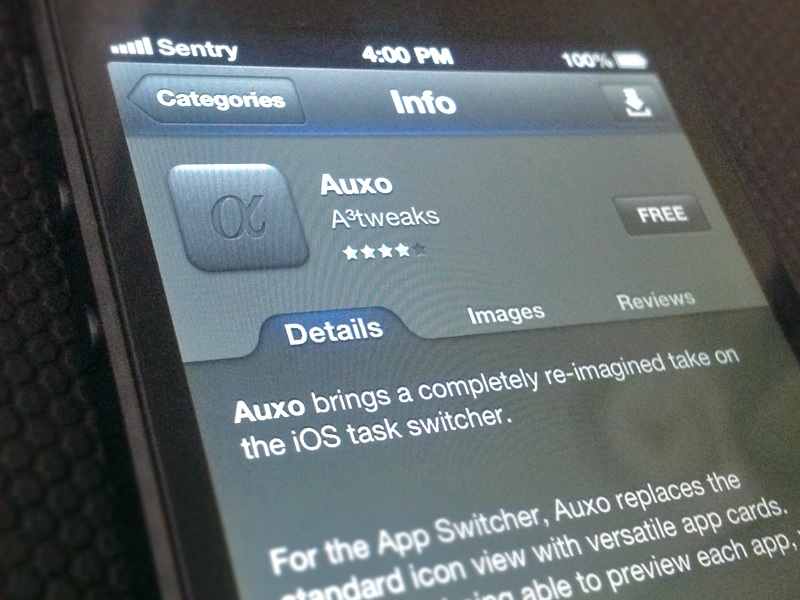
What would Cydia look like with a fresh coat of paint, ratings, reviews, and no ads? It could look a little something like this: a Cydia alternative design concept, which was dreamed up by Sentry, the designer of the popular Auxo jailbreak tweak.

In its current form, Cydia is okay with me, but there's no denying that having a refresh that looked something like this would be pretty sweet.

Swipe between conversations with MessageSwiper

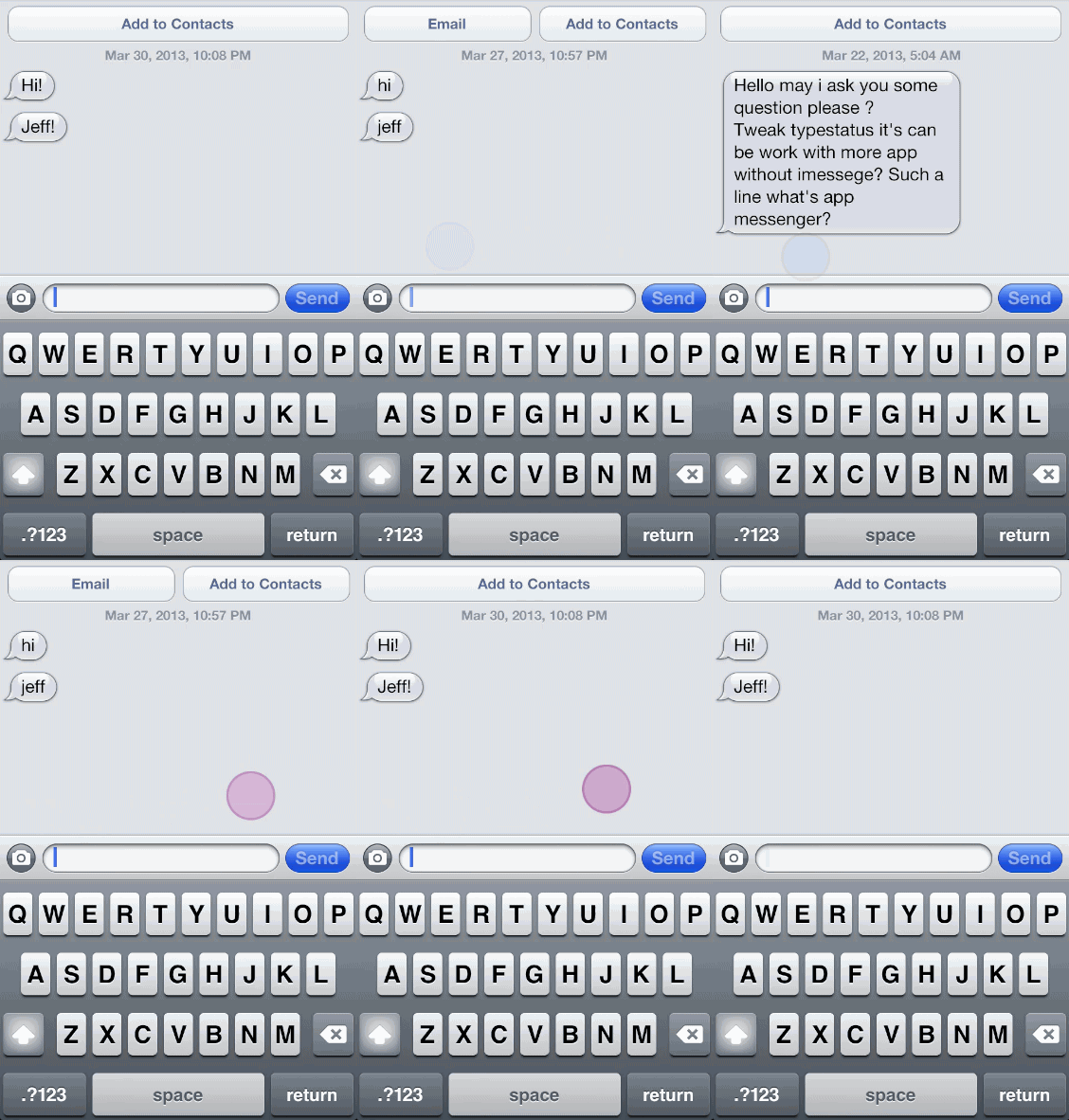
MessageSwiper is a jailbreak tweak that allows you to quickly switch between ongoing conversations in the Messages app using swipe gestures. You can cycle through conversations via left and right swipes to instantly go forward or backwards through your various message threads.

This is an extremely simple tweak that focuses on one particular area and does a commendable job of doing so. I do wish there was a swipe animation implemented when switching between message threads, but according to the developer, that's due in an upcoming update.

Check out this new “iPhone 6” concept video

http://www.youtube.com/watch?v=RxNDY9veepE

It's the time of year where not only are people conceptualizing the new version of iOS, but they're also imagining what the new iPhone might look like. This new concept video shows off a new thinner and smaller iPhone design with a bigger screen, sans Home button.

Grabby is a new customizable camera grabber tweak

When Ryan Petrich releases a new tweak, people take note. And that's the case with his latest creation, Grabby, which is currently available as a beta in his personal repo.

Based on a concept by UI designer Sentry, Grabby is a customizable camera grabber tweak, and it allows you to slide the Lock screen's camera grabber to launch more apps. Take a look inside for a further description and screenshots...

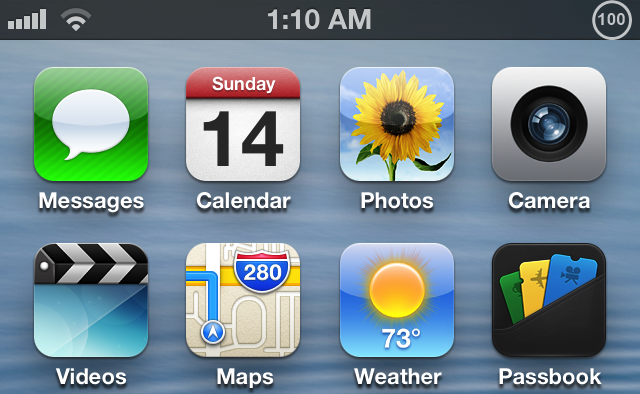
Live Battery Indicator merges battery percentage with a circular icon

I've received quite a few inquiries about my iPod touch's battery over the last few days. More specifically, people want to know exactly how I got new battery icon with the battery percentage in the middle.

This is the result of an upcoming jailbreak tweak called Live Battery Icon. It ditches the standard battery icon for a new-fangled circular indicator with the battery percentage neatly situated in the center.

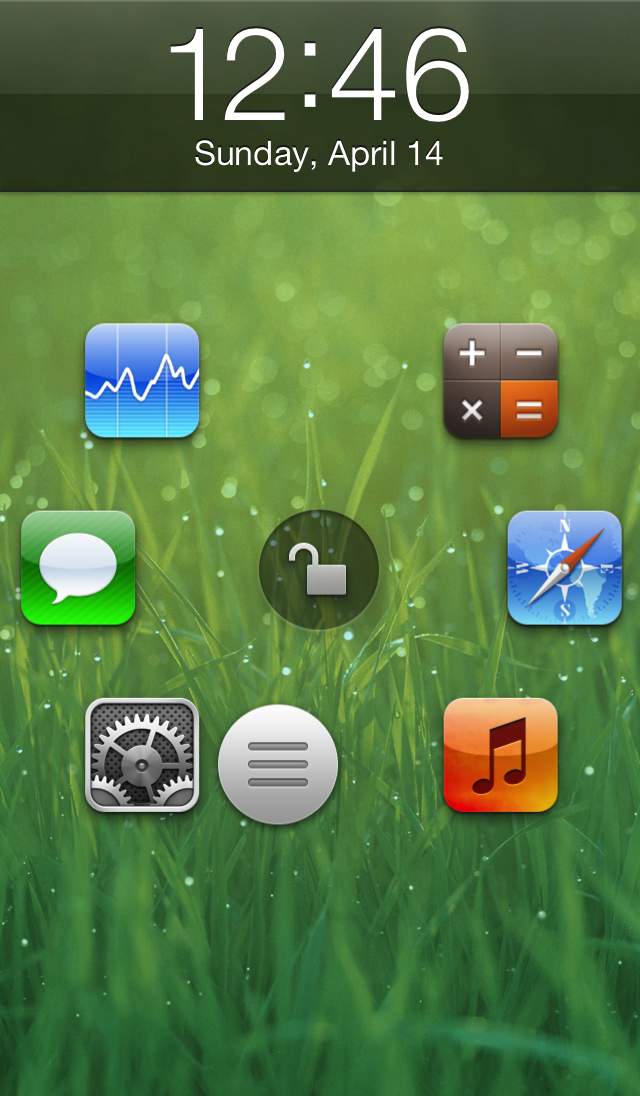
Atom: a beautiful upcoming Lock screen launcher

Atom is an upcoming jailbreak tweak that brings a beautifully animated Lock screen launcher to your Home screen. Six apps can be configured to appear on your Lock screen as shortcuts, and you can launch directly into those apps by sliding and releasing a small little nub over the app you wish to launch. If you feel like unlocking your device to the Home screen, just slide the nub over the unlock icon located in the middle of the screen instead.

True, there have been Lock screen tweaks that have allowed you to launch directly into an app before, but none of them featured the beautifully animated style of Atom. Don't believe me? You don't have to take my written word for it, check out our exclusive hands-on video inside, and see for yourself.

Yet another iOS 7 concept video

http://www.youtube.com/watch?v=UFM-LUxiAXo

You can tell we're getting closer and closer to WWDC 2013, because the concept videos for the next version of iOS seem to be popping up every day. This latest video shows off a new way to toggle settings, kill apps, open folders, and check notifications. It's a pretty impressive video, but the features don't seem to be very practical for real world usage if you ask me.

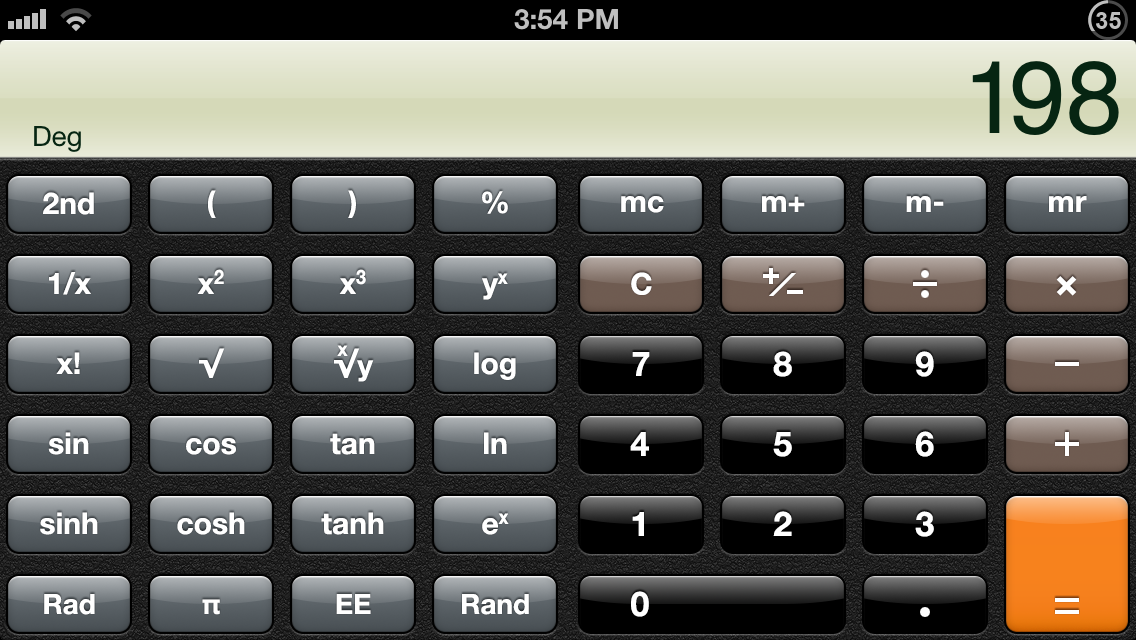
How to force the iPhone’s calculator into landscape mode

Do you always use the scientific functions on iOS' Calculator app? Do you find the standard calculator to be worthless without scientific functions? If so, then try LandscapeCalc.

LandscapeCalc is a jailbreak tweak that locks the calculator's orientation into landscape mode. After the first rotation from portrait to landscape, the calculator will never return back to the default orientation until the Calculator app is killed or stops running.