Jeff Benjamin

Jeff has been with iDownloadBlog since 2010, acting as resident video specialist, and tutorial expert. He earned his degree in Computer Network Systems back in 2001, but decided Cisco routers and the like just weren’t for him. Since then, he’s been heavily involved with online writing. He’s written for numerous tech and video game sites since the late 1990′s, and has a knack for explaining things in a simple, clear, and concise manner. Jeff works primarily from the east coast on his Retina Macbook Pro, and shoots video with a Canon DSLR. During downtime he likes to travel the world, visiting the various Apple Stores across the globe. You can email him at jeff [at] idownloadblog.com and follow him on Twitter @JeffBenjam or on Google+.

A chiclet keyboard for iOS? It’s in the works

I'm usually not a sucker for themes and other elemental changes to stock iOS, but sometimes, a man just can't deny a good thing when he sees it. That's exactly the case with this new chiclet styled keyboard, which is currently in the works.

They keyboard, as you can see, is a thing to behold. It's so simple, yet so elegant, and I want it right now. Unfortunately it's not quite ready for release, but according to the designer, who posts on Reddit under the name RugratsReRuns, the keyboard may be ready as early as tomorrow.
Assign Activator gestures to Siri questions with Ask Assistant

Sometimes you just don't feel like talking, even if it's to Siri. Ask Assistant is perfect for those times, because it allows you to invoke Siri without saying a word.

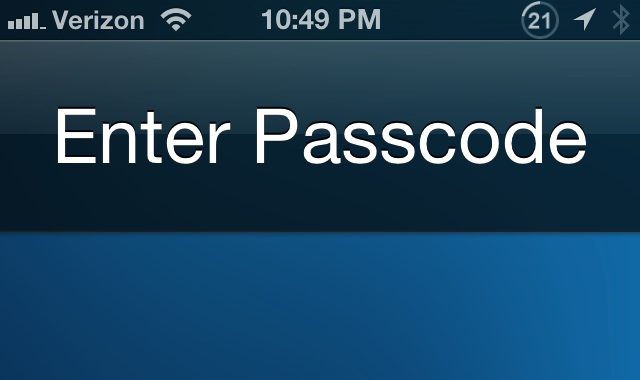
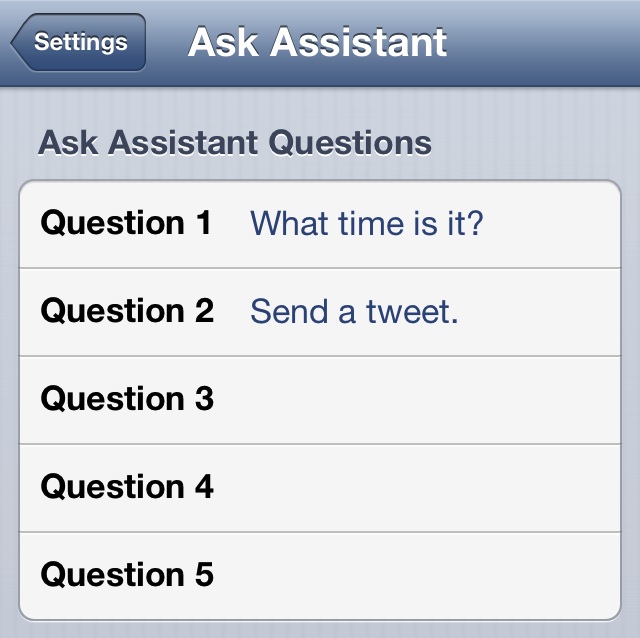
The tweak lets you enter up to five canned Siri queries into its preference panel, and you can then assign each query to a specific Activator gesture. For instance, I setup a query that simply stated "Send a Tweet." I then assigned this question to an Activator gesture — a double tap of the status bar. Now, anytime I want to send a new tweet, all it takes is a double tap of my status bar, and the new tweet sheet will appear.

It doesn't have to be that simple, though. Ask Assistant can perform any query that you can normally perform using your voice. Take a look inside for a few additional details.

And just like that, Chat Heads are a reality on iOS

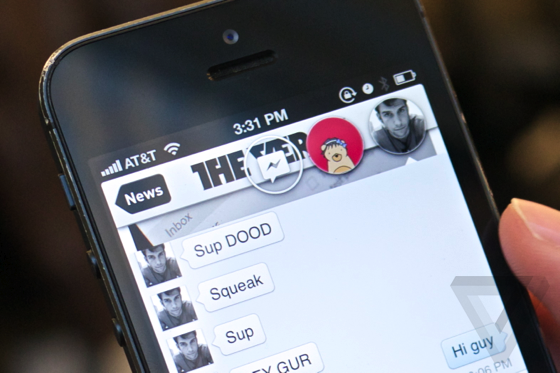
As we predicted, Chat Heads are coming to a jailbroken iPhone near you. Stride developer, Adam Bell, is currently hard at work on implementing Facebook's Chat Head feature system-wide on iOS, and he's made some great progress.

First posted on the Verge, Bell's Chat Head integration with iOS looks to be coming along much faster than many anticipated. Take a look at a hands-on video inside.

Auxo coming to iPad next month

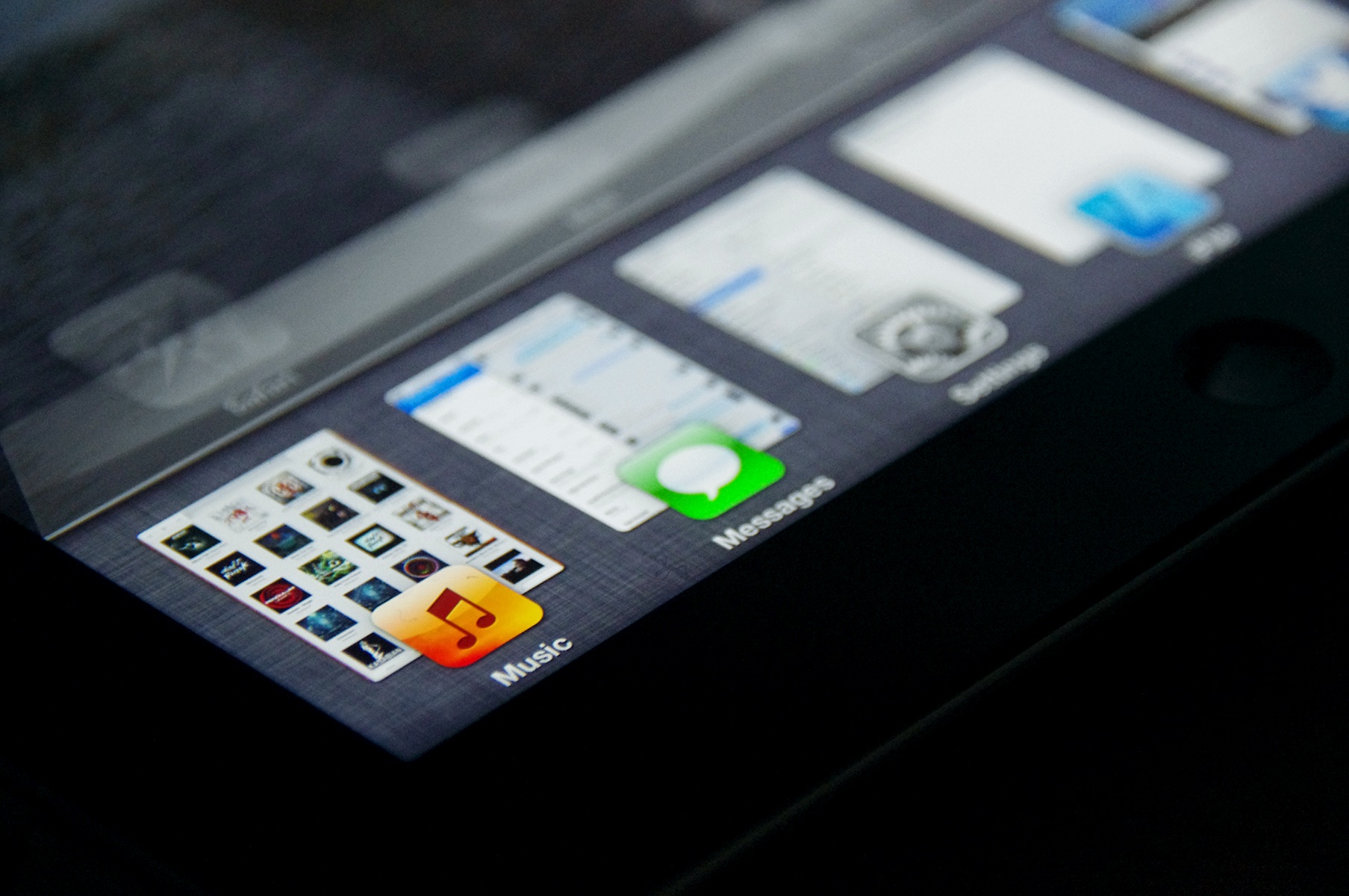
Folks, it's almost here. Yes, Auxo is coming to the iPad next month. As you know, Auxo is one of my own personal favorite jailbreak tweaks, and for good reason. It completely re-imagines the iOS app switcher, giving users the ability to see full screen previews of running apps.

While I always thought Auxo looked great on the iPhone 5's larger screen, I'd imagine it will look even better on the iPad. The screenshot above pretty much says as much.

Live Battery Indicator now available for free on Cydia

Live Battery Indicator, a jailbreak tweak that merges the battery bar and the battery percentage into one, is now available for free download on Cydia’s BigBoss repo. I must say that I was quite surprised at the reception that this tweak, a very simple one, received in our preview. A lot of you guys seemed to be keenly interested in its release.

Live Battery Indicator performs pretty much exactly like it did in my preview build of the tweak. Just like the preview version, there are no options or settings to configure, and once it's installed it starts working immediately.

There is one unsuspected surprise that you'll find when installing the official version of Live Battery Indicator, though. Can you guess what it is?

T-Mobile airs new iPhone 5 advertisement

T-Mobile is wasting no time touting the fact that they finally have access to the world's best smartphone. Can you blame them? This latest creative compares T-Mobile's contract-less plans with the competition.

The spot features two iPhone 5's: one surrounded by a series of mouse traps to represent being trapped within a competitor's contract, and another, free of traps, representing T-Mobile's new contract-free strategy.

Let’s Talk Jailbreak 06: I’m still having fun

In episode six of Let's Talk Jailbreak, Sebastien and Jeff discuss Cydia's issues with TSS, Filippo Bigarella's generous contribution to cancer research, and a few amazing new jailbreak tweaks. Jeff also gets the opportunity to follow up on last week's episode, as he provides a dialogue of his experience using the new Messages jailbreak tweak. Needless to say, you don't want to miss this episode.

Mailbox opens its doors to all

Good news for all of you would be Mailbox users: the app no longer requires to you to wait an inordinate amount of time before gaining access to it. That's because Mailbox has dropped its reservation system, an idea initially brought forth to stagger the amount of users placing stress on its network at any one time.

Along with the recent 1.2 update, which brought smarter snooze options and a helping of UI tweaks to the fore, Mailbox can actually be used immediately after downloading it. How's that for practicality?

How to quickly enable or disable Airplane Mode from the Lock screen

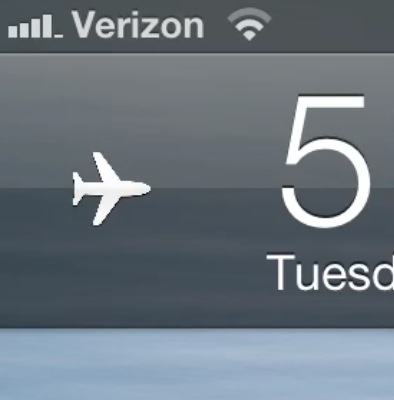
LockScreenAirplaneMode is a free jailbreak tweak that just touched-down on Cydia's BigBoss repo. It allows you to quickly enable or disable your iOS device's Airplane mode feature directly from the Lock screen.

A simple tap and hold will enable AirPlane mode, and another tap and hold gesture will disable AirPlane mode. As you can probably imagine, this is an extremely simple tweak. There are no options to configure, or settings to adjust.

New Grabby update adds customizable icons and up to five items to the camera grabber

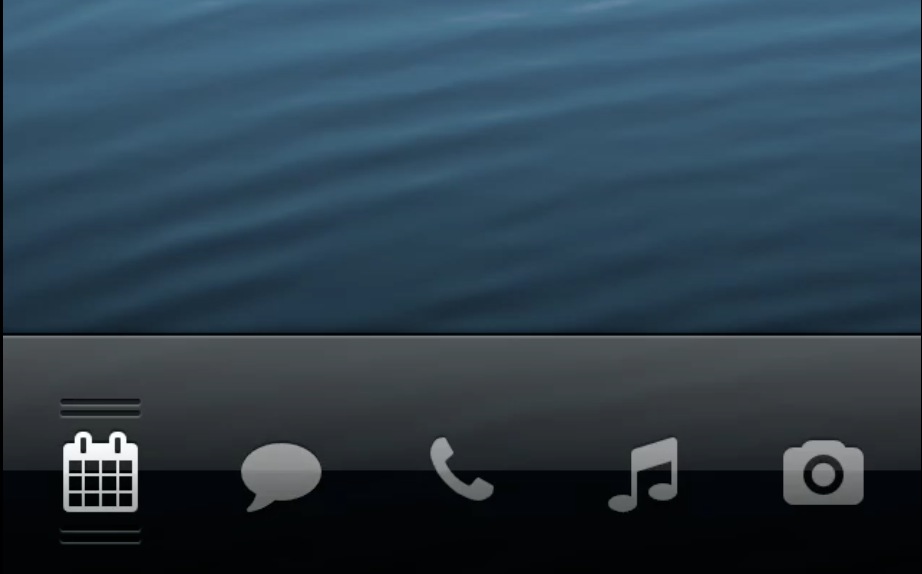
Ryan Petrich's Grabby tweak has been updated with a bunch of new features, making it a much more well rounded tweak than the initial release. With version 0.2, downloadable now on Petrich's personal beta repo, you can have up to five apps assigned to the Lock screen camera grabber at once.

But, of course, that's not all. This latest version lends the ability to mix and match the icons featured on the camera grabber, along with the ability to display the actual app icons themselves. The tweak is still in beta, but if you were hesitant to try it out the first time, you may want to considering trying it out now.

Here’s what Chat Heads could look like on a jailbroken iPhone

This is admittedly, a very rough demo, but it does give us a rough idea as to how Chat Heads might look on iOS. I'd say it's only a matter of time before a jailbreak developer implements Facebook's Chat Heads in some way, shape, or form throughout iOS.

What do you think? Perhaps it could be an extension of biteSMS, or maybe it could be a standalone feature? Whatever the case may be, I believe that the only variable here is time.

How to open App Store links without closing out of the current app

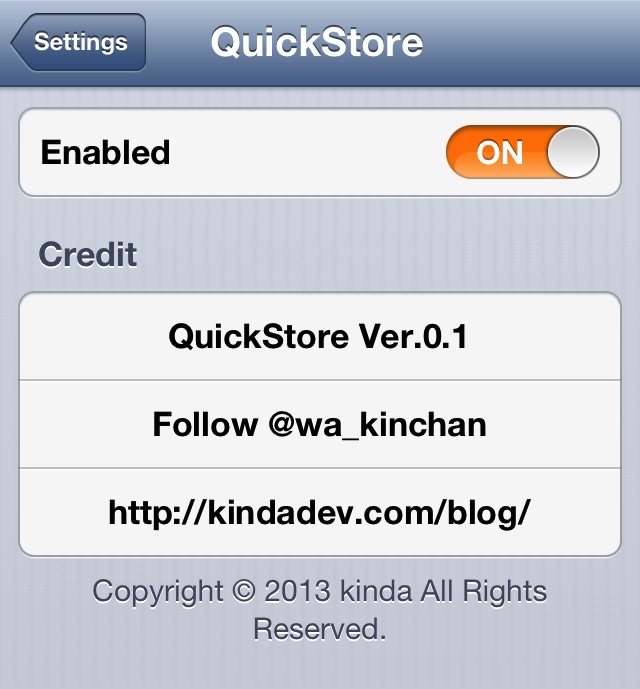
QuickStore is a jailbreak tweak that allows users to quickly open App Store links within apps. The tweak contains a simple kill switch located in the Settings app, but outside of that, it's ready to go as soon as it's installed.

When App Store links are tapped while within another app, i.e. from Safari, then a pop up window will load the App Store inside of the currently running app.