Jeff Benjamin

Jeff has been with iDownloadBlog since 2010, acting as resident video specialist, and tutorial expert. He earned his degree in Computer Network Systems back in 2001, but decided Cisco routers and the like just weren’t for him. Since then, he’s been heavily involved with online writing. He’s written for numerous tech and video game sites since the late 1990′s, and has a knack for explaining things in a simple, clear, and concise manner. Jeff works primarily from the east coast on his Retina Macbook Pro, and shoots video with a Canon DSLR. During downtime he likes to travel the world, visiting the various Apple Stores across the globe. You can email him at jeff [at] idownloadblog.com and follow him on Twitter @JeffBenjam or on Google+.

How to use Handoff in OS X Yosemite

Handoff is one of the flagship features for both iOS and OS X. It allows you to seamlessly continue working where you left off on another device.

In this video tutorial, I'll walk you through making sure that Handoff is enabled for your device, and show you how it can be used. Step inside to learn more.

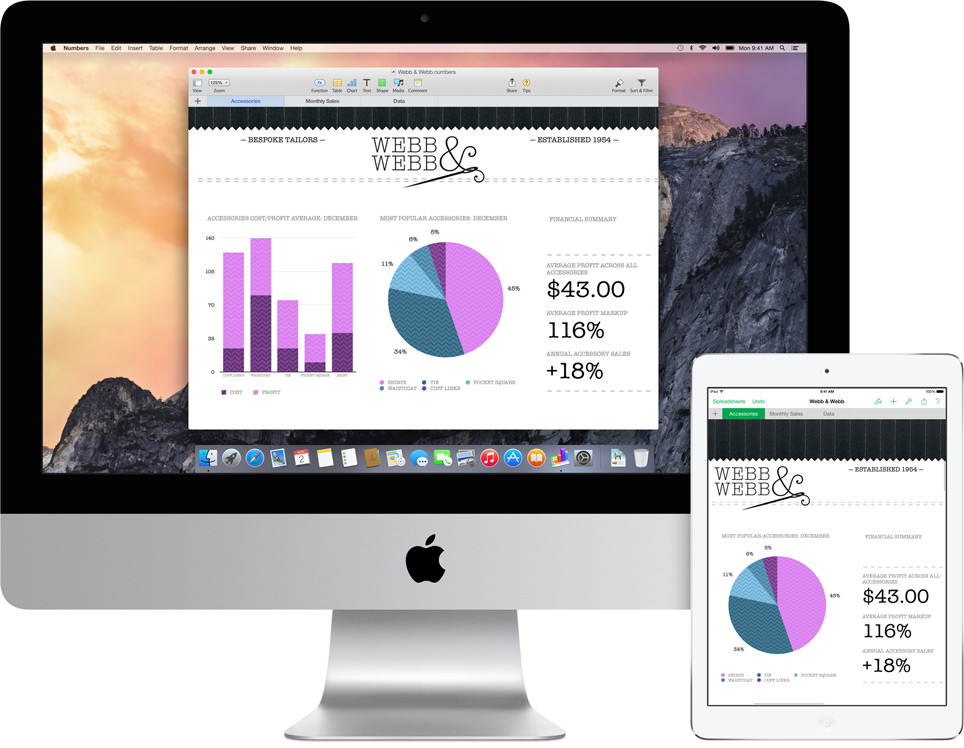
New in OS X Yosemite: iCloud Drive

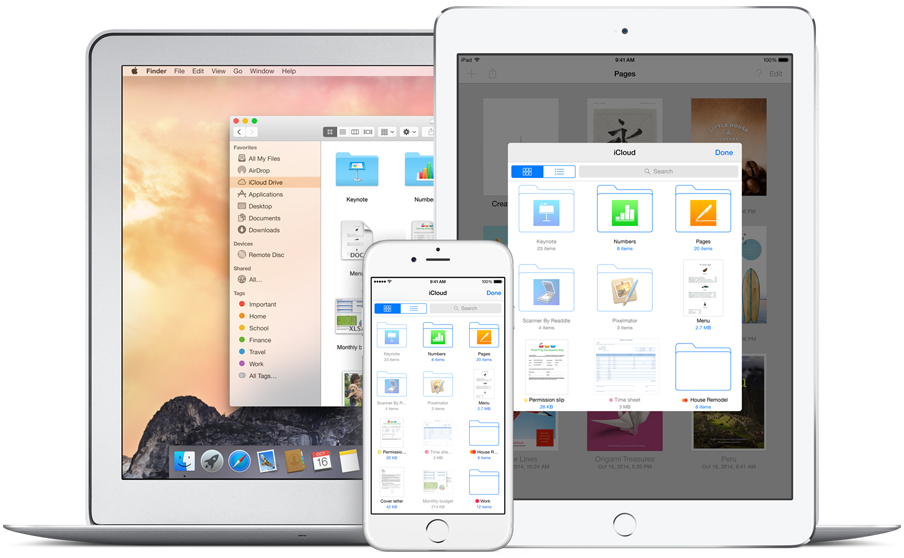
iCloud Drive is a new integrated cloud storage solution for Apple devices. It’s available on both iOS devices running iOS 8, and Macs with OS X Yosemite installed.

iCloud Drive taps into your existing iCloud Storage to act as a central hub for all of the files stored in iCloud. Watch our video walkthrough after the jump for additional insight...

The Calendar app gets a new “Day View” for OS X Yosemite

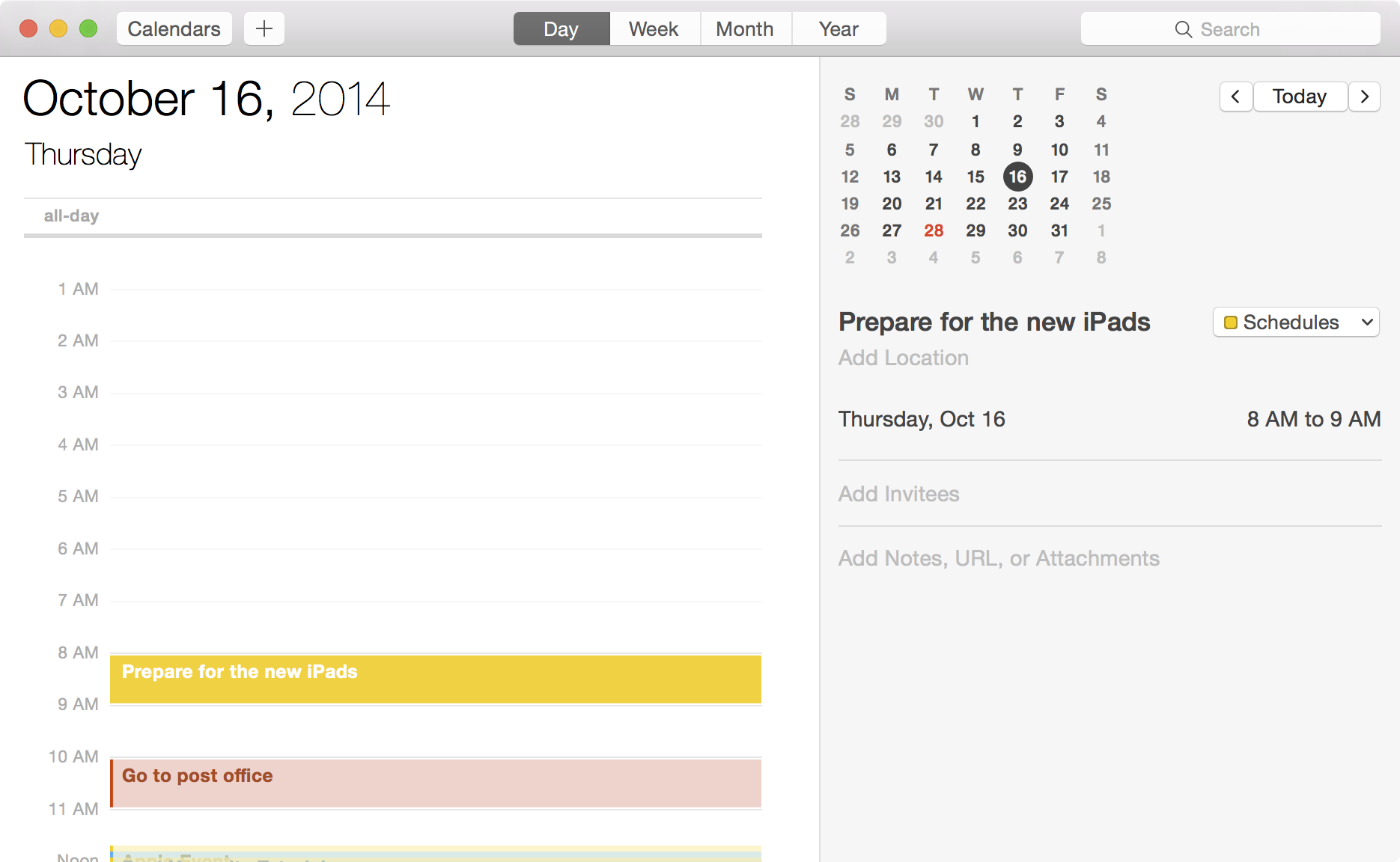
The Calendar app receives a brand new Day view to highlight a full day’s events in OS X Yosemite. Again, this is a feature that originates on iOS, and has found its way back to the Mac.

If you have a lot of appointments scheduled on a daily basis, then the Calendar App’s new Day view could become an instrumental tool for you. It’s a great way to take in the breadth of the current day’s appointments from a single view.

Step inside and watch our hands-on walkthrough, which showcases the new Calendar view in action...

OS X Yosemite ushers in a revamped iTunes

iTunes has been redesigned completely to coincide with OS X Yosemite’s design enhancements. The result is a much flatter and cleaner looking app that’s devoid of many of the shadows and layers present in previous iterations.

Just recently, the iTunes Store, which resides within the iTunes app, received an update to match the flatter appearance. This has resulted in a more consistent look across the entire app.

Check out our video walkthrough after the break, which highlights some of the changes in the latest version of iTunes— iTunes 12.

Let’s Talk iOS 053: It’s just business

Episode 53: Sebastien gushes (sort of) about his new 5K Retina iMac, Jeff laments about merchant response to Apple Pay, and Cody reveals his admiration for Christian Bale.

Subscribe on iTunes

Sponsor:

This episode of LTiOS is brought to you by Pixelmator, a powerful, full-featured, layer-based image editor that gives everything you need to create, edit, and enhance images on the iPad. You may know Pixelmator as one of the most powerful image editors for OS X, but it is now available for iPad too. To find out more about Pixelmator for iPad go to: www.pixelmator.com/blog/.

Cydia Substrate updated to fix app installation issues, iTunes syncing bugs, and more

If you're jailbroken on iOS 8 and you have Cydia installed, you should check for a new version of Substrate that just went live.

Cydia Substrate 0.9.5014 comes right on the heels of the Pangu team's 0.2 Untether update for iOS 8. Both Pangu and Saurik are working around the clock to shore up as many bugs and issues as possible related to the jailbreak and subsequent Cydia support.

ForceReach: extend the capabilities of Reachability

ForceReach is a new jailbreak tweak for Reachability enable devices like the iPhone 6 and iPhone 6 Plus. It serves as a way to extend the capabilities of Reachability, allowing you to invoke the mode while in landscape orientation, and eliminate the timeout that occurs after a few seconds of it being active.

Want to see how ForceReach works in action? Check out our video walkthrough inside for the in-depth details.

Here’s what the Apple Watch UI looks like on an iPhone [video]

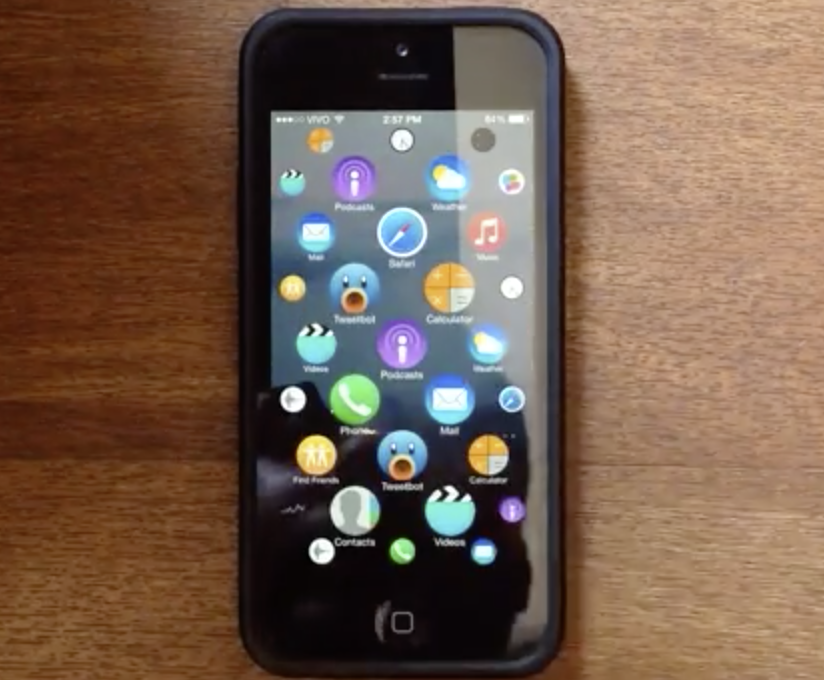
When the Apple Watch was revealed, it displayed a fairly drastic UI change from the way a typical iPad or iPhone works. The UI showcased many app icons on screen and once, and they could be zoomed in and out via the watch's digital crown.

That UI seems to fit in fairly well with the watch, given that device's limitations on screen real estate. But how would a similar UI work on the iPhone? Would it even work at all?

Developer Lucas Menge helps to answer that question via an open source mockup showcasing the Apple Watch UI on his iPhone 5s. The result is a fairly eye-opening display that may convince some that the Apple Watch UI could indeed work on a large screen device. Have a look inside at the awesome video, and let us know what you think.
Pangu releases iOS 8.x jailbreak untether update to fix Cydia Substrate loading, iMessage bugs, and Safari crashes

The Pangu team has just released an update to their untethered jailbreak. Users who are already jailbroken can venture into the Pangu app on the Home screen in order to update.

The incremental update fixes the Cydia Substrate loading issue upon reboot, iMessage picture sending, and Safari bugs. It's advised that all jailbroken users update now.

Ryan Petrich pushes iOS 8 updates for Activator, FlipSwitch, and more

You know things are starting to roll when Ryan Petrich begins to update his vast library of Cydia tweaks. The first such tweaks to receive their iOS 8 updates landed on the prolific developer's beta repo just a short while ago.

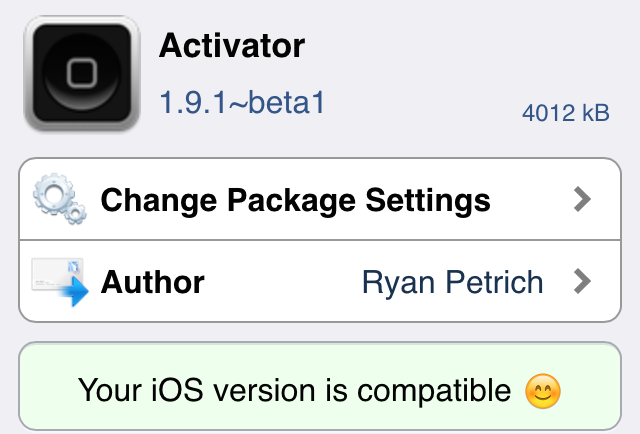
Activator, is of course, the headlining feature of them all, since so many other tweaks rely on it for core functionality. It, along with AppList and the FlipSwitch framework were updated.

Using predictive text in OS X Yosemite

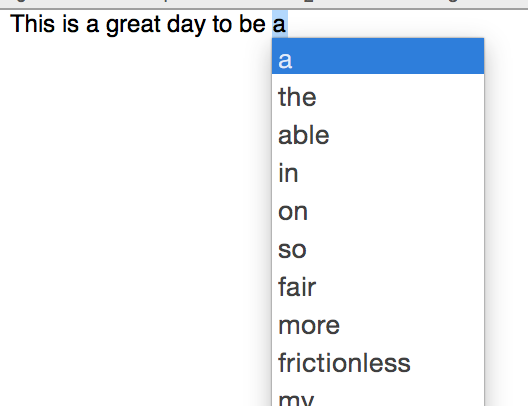
The QuickType predictive text functionality found in iOS 8 would be hard to mimic on a desktop interface that uses a physical keyboard, but Apple has come up with a good way to suggest words that you may want to type next in OS X Yosemite. Check out our video walkthrough after the break and see how.

CVS follows Rite Aid’s lead and shuts down Apple Pay

CVS appears to be following Rite Aid's stupidity, according to MacRumors, and has instructed its individual stores to shut down NFC access on its terminals, rendering Apple Pay unusable during checkout. The problem with this decision is that it not only shuts down Apple Pay, but any other contactless payment technology such as Google Wallet.

These stores have been able to accept contactless payment for who knows how long, but now that Apple Pay has brought needed relevance to the space, companies are beginning to draw lines in the sand...