Jeff Benjamin

Jeff has been with iDownloadBlog since 2010, acting as resident video specialist, and tutorial expert. He earned his degree in Computer Network Systems back in 2001, but decided Cisco routers and the like just weren’t for him. Since then, he’s been heavily involved with online writing. He’s written for numerous tech and video game sites since the late 1990′s, and has a knack for explaining things in a simple, clear, and concise manner. Jeff works primarily from the east coast on his Retina Macbook Pro, and shoots video with a Canon DSLR. During downtime he likes to travel the world, visiting the various Apple Stores across the globe. You can email him at jeff [at] idownloadblog.com and follow him on Twitter @JeffBenjam or on Google+.

A look at some of the Safari enhancements in OS X Yosemite
Safari has been given a big revamp in OS X Yosemite, and it's one of my favorite new updates to the operating system as a whole. The team working on Safari took a lot of the elements that makes Safari on iOS a success, and incorporated those into the OS X Yosemite version. The result is a much-improved favorite interface, simplified toolbar, and better tab navigation. Safari for OS X Yosemite is a win all the way around. Have a look at our video walkthrough showcasing these new features inside...

How to manage group iMessages in OS X Yosemite

Like iOS 8, OS X Yosemite brings tons of new features to the table when it comes to iMessage. You can now do interesting things like rename iMessage Conversations, add additional participants to a group message conversation, and leave a group iMessage conversation outright.

Have a look at our video walkthrough after the break, which showcases these three new group iMessage features in OS X Yosemite.

Pangu iOS 8 jailbreak team posts an update regarding Cydia

Details have been a bit hard to gather when it comes to the status and progress of Pangu's iOS 8 jailbreak. Since the initial release and subsequent bug fix update, all has been relatively quiet.

Today on Twitter, the team broke their silence to provide an update on the progress being made towards Cydia compatibility. There's still a lot of work to be done until everything is finished, but it's getting there.

Using Do Not Disturb in OS X Yosemite’s Messages app

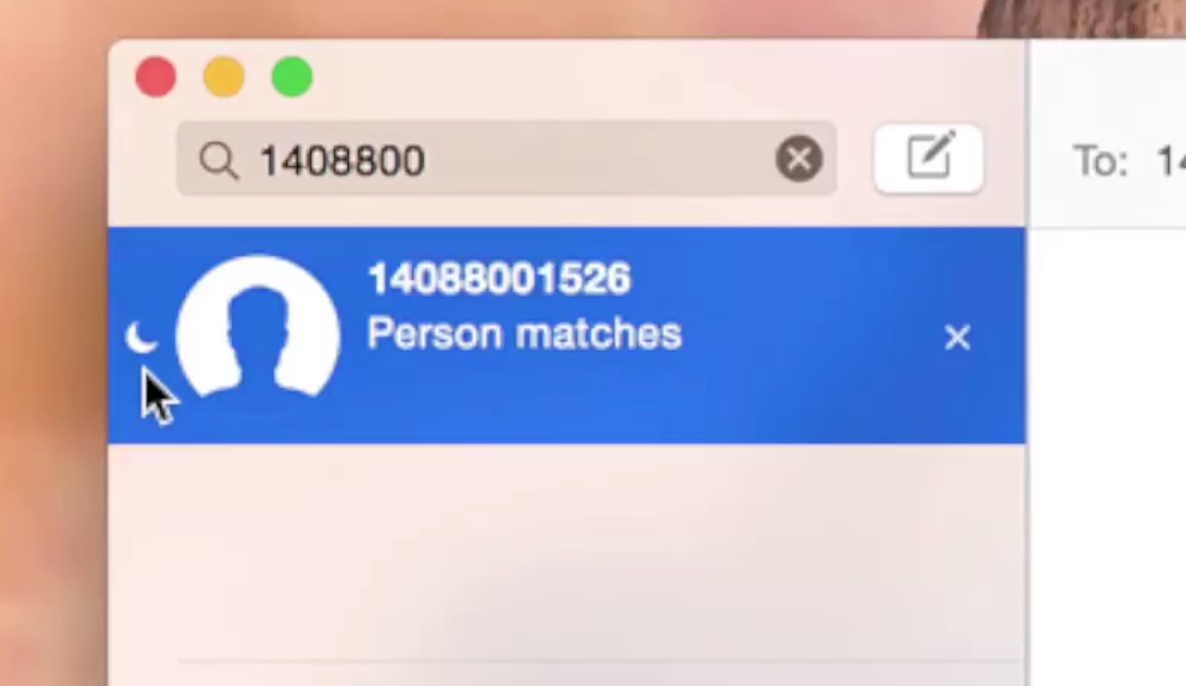
Like the Messages app in iOS 8, the Yosemite version of Messages allows you to mute specific conversations by enabling Do Not Disturb. Do Not Disturb ensures that you still receive messages, but you won’t be bothered by notifications when new messages arrive.

Have a look at our video walkthrough explaining the ins and outs of Do Not Disturb after the break.

Translucency: a big part of OS X Yosemite’s new visual style

Translucency is everywhere in OS X Yosemite. In Safari, you can see the subtle colorful translucent glow of a website behind its toolbar. In the Finder, you’ll see apps and wallpaper glow behind your list of favorites, and in the Dock, you’ll see the translucent visuals of any apps that are moved behind it.

Check inside, as we explore OS X Yosemite's translucent effects in our video walkthrough. We'll also show you how to disable translucency if you're not a fan of the effect.

SleekCode: improve the look of the Lock screen passcode interface

SleekCode is a brand new jailbreak tweak that just recently touched down on Cydia’s BigBoss repo. SleekCode allows you to change up the look of the passcode screen. You can alter the background of the blur, alpha, and passcode rings, along with hiding the emergency dial button and slide to unlock chevron.

I was fairly impressed with the look of the passcode screen after configuring SleekCode. Have a look at our video walkthrough for more information.

Saurik brings AFC2 support to iOS 8

For those of you who prefer to manage iOS's file system via USB, we have some good news for you. Saurik recently pushed an AFC packaged called Apple File Conduit 2 to jailbroken iOS 8 users. The package, which is downloadable from Cydia right now, allows users to browse the entire iOS root file system when your device is connected to your computer via USB.

10 great jailbreak tweaks that work on iOS 8 right now [video]

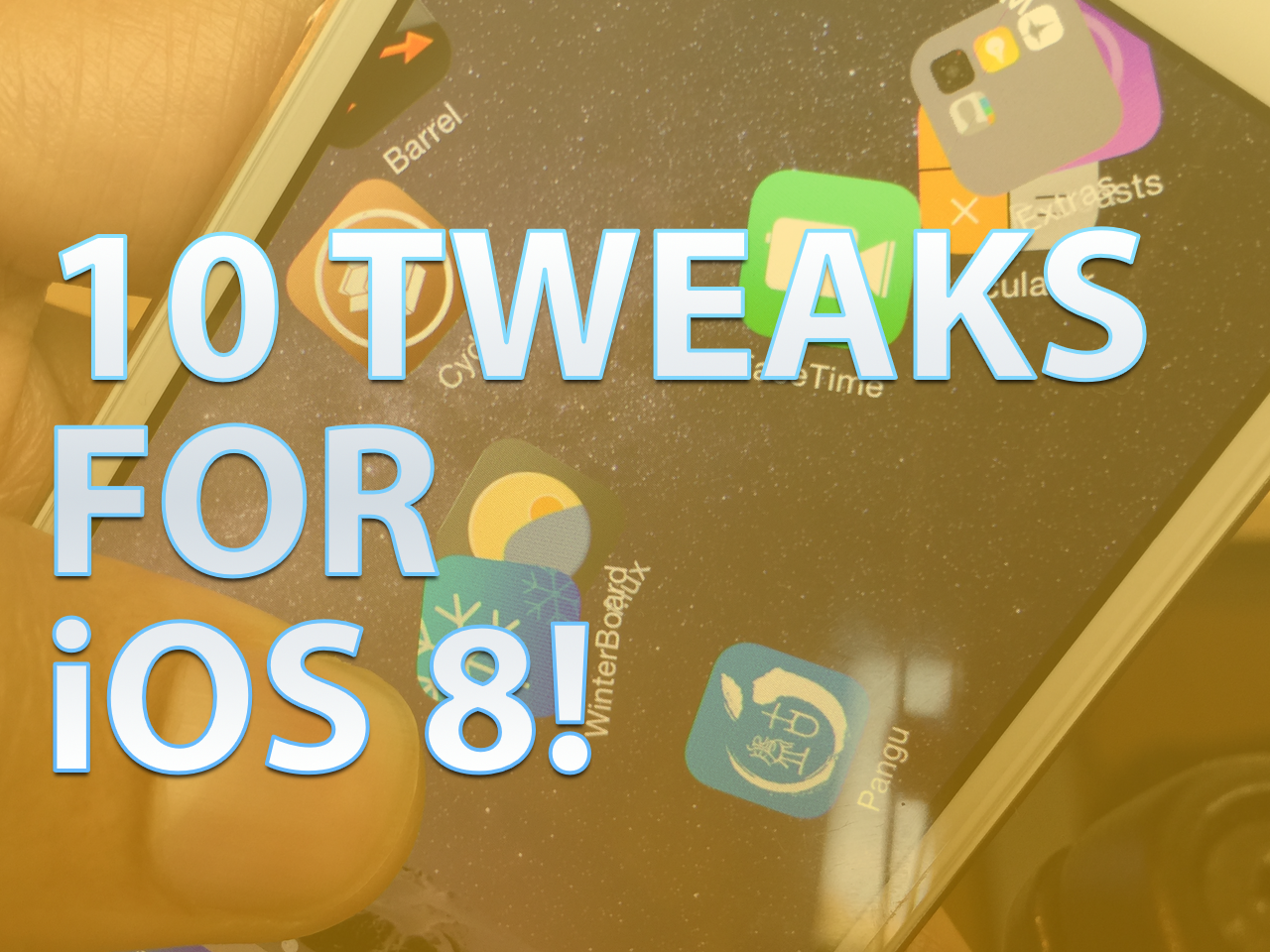
Now that Cydia Substrate has been updated, many jailbreak developers are rushing to update their apps and tweaks for iOS 8. But did you know that many jailbreak tweaks, although they've not been officially updated, already work with iOS 8?

Inside, we break down 10 jailbreak releases that already play relatively nice with iOS 8, even though they may not have been officially updated. Check out our list, and add your own favorite tweaks in the comments to share with other readers. Full video after the break.

Apple extends TestFlight beta testing to everyone

Apple's acquisition of TestFlight is about to make a big splash when it comes to the general public gaining greater access to developer betas. A short while ago, developers began receiving emails from iTunes Connect alerting them of the wider availability of beta tester invites.

Developers will be able to invite up to 1000 testers to beta test their iOS apps, and it's all done through a simple email invitation initiated through the iTunes Connect website. Once sent, recipients of the email can accept the invitation and can install the beta app on their iOS devices within the TestFlight app. It seems like a win-win situation for everyone involved. Developers get a super-simple way to manage and send out beta invites, and beta testers potentially receive broader access to the apps that interest them most.

How to jailbreak iOS 8.x with Pangu on Mac OS X using a virtual machine

Although you never can tell with these sorts of things, it doesn't look like we'll be seeing an OS X version of Pangu in the immediate future. Although I'm sure that the Pangu guys are working feverishly on an OS X version of the jailbreak tool for iOS 8.x, it likely lags behind other priorities, such as translation, embedding Cydia, etc.

With that in mind, what options exist for those of us in Mac-only households? You could, of course, visit a friend who owns a Windows machine. Or, you can do what I always do, and install Pangu and jailbreak using a Windows virtual machine on OS X. In fact, you may be surprised (or not), but I don't own a Windows machine, and haven't in years. But I'm always able to jailbreak on day one due to my Windows virtual machines.

In this tutorial, I'll tell you how to set up and install a virtual machine for free in order to jailbreak iOS 8.1 with Pangu on your Mac.

Cydia Substrate updated to 0.9.5013 to support iOS 8

Good news, fellow jailbreakers. Saurik has just pushed an update to Cydia Substrate to lend it iOS 8 compatibility. This means that tweaks that rely on Cydia Substrate to run (most of them should) can now be updated to work with iOS 8 as well.

Cydia Substrate has always been a big part of the puzzle that needed to be there for this iOS 8 jailbreak to really gain steam as far as jailbreak apps and tweaks are concerned. If you're already jailbroken and have Cydia installed, then Cydia Substrate 0.9.5013 should appear as an update in Cydia.

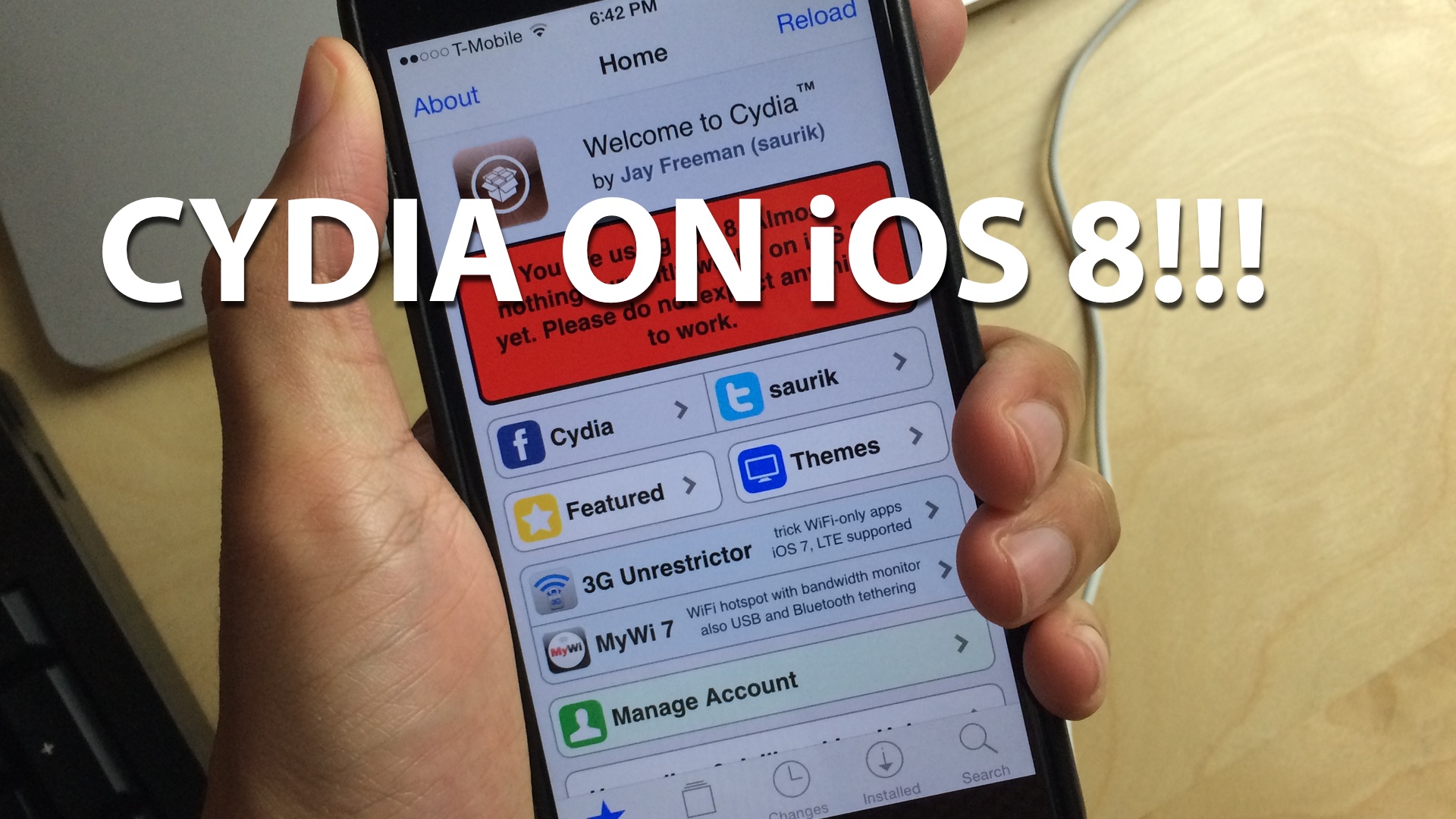
How to install Cydia on iOS 8 [video]

As you know, the Pangu jailbreak came out this morning and enabled the ability to jailbreak iOS 8-8.1. Unfortunately, the jailbreak wasn't bundled with Cydia, so it's not much use to the general jailbreak users by itself.

Thankfully, Saurik quickly compiled a working version of Cydia for iOS 8, which is pretty easy to install if you follow our 8 steps. We show you how in this hands-on video walkthrough.