Jeff Benjamin

Jeff has been with iDownloadBlog since 2010, acting as resident video specialist, and tutorial expert. He earned his degree in Computer Network Systems back in 2001, but decided Cisco routers and the like just weren’t for him. Since then, he’s been heavily involved with online writing. He’s written for numerous tech and video game sites since the late 1990′s, and has a knack for explaining things in a simple, clear, and concise manner. Jeff works primarily from the east coast on his Retina Macbook Pro, and shoots video with a Canon DSLR. During downtime he likes to travel the world, visiting the various Apple Stores across the globe. You can email him at jeff [at] idownloadblog.com and follow him on Twitter @JeffBenjam or on Google+.

How to annotate mail attachments in OS X Yosemite

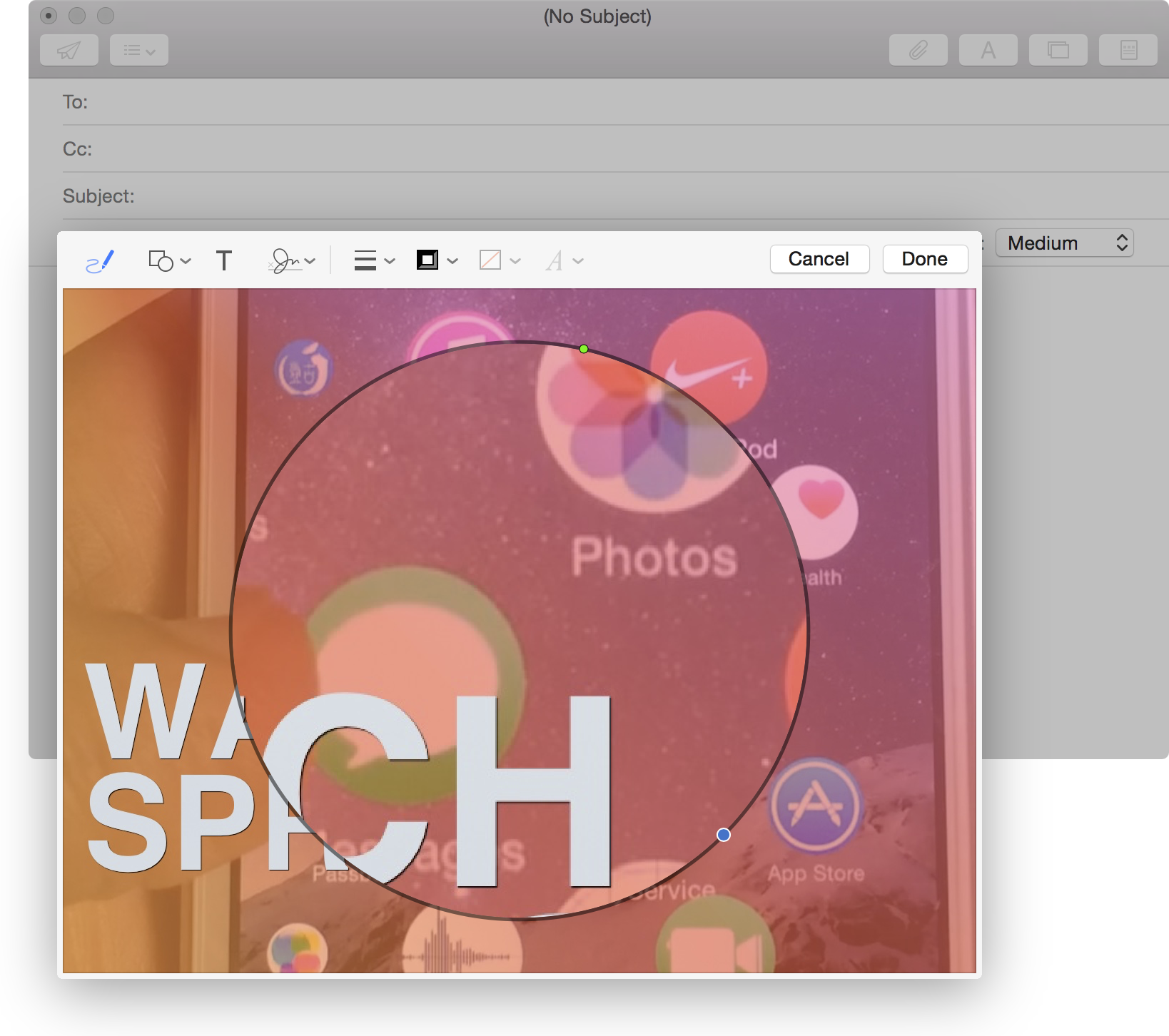
It is now possible to annotate image attachments in the Mail app on the fly. In previous versions of OS X, you had to go through the time-consuming exercise of opening the image in some sort of editor, perhaps Preview, annotating the image, attaching it to your email, then sending.

With OS X Yosemite, you can annotate the image while the image is attached to the email. This is done via Markup—a new default extension available within Mail. Look inside to see our video walkthrough, which showcases this awesome new OS X Yosemite feature.

Using OS X Yosemite’s revamped Spotlight Search

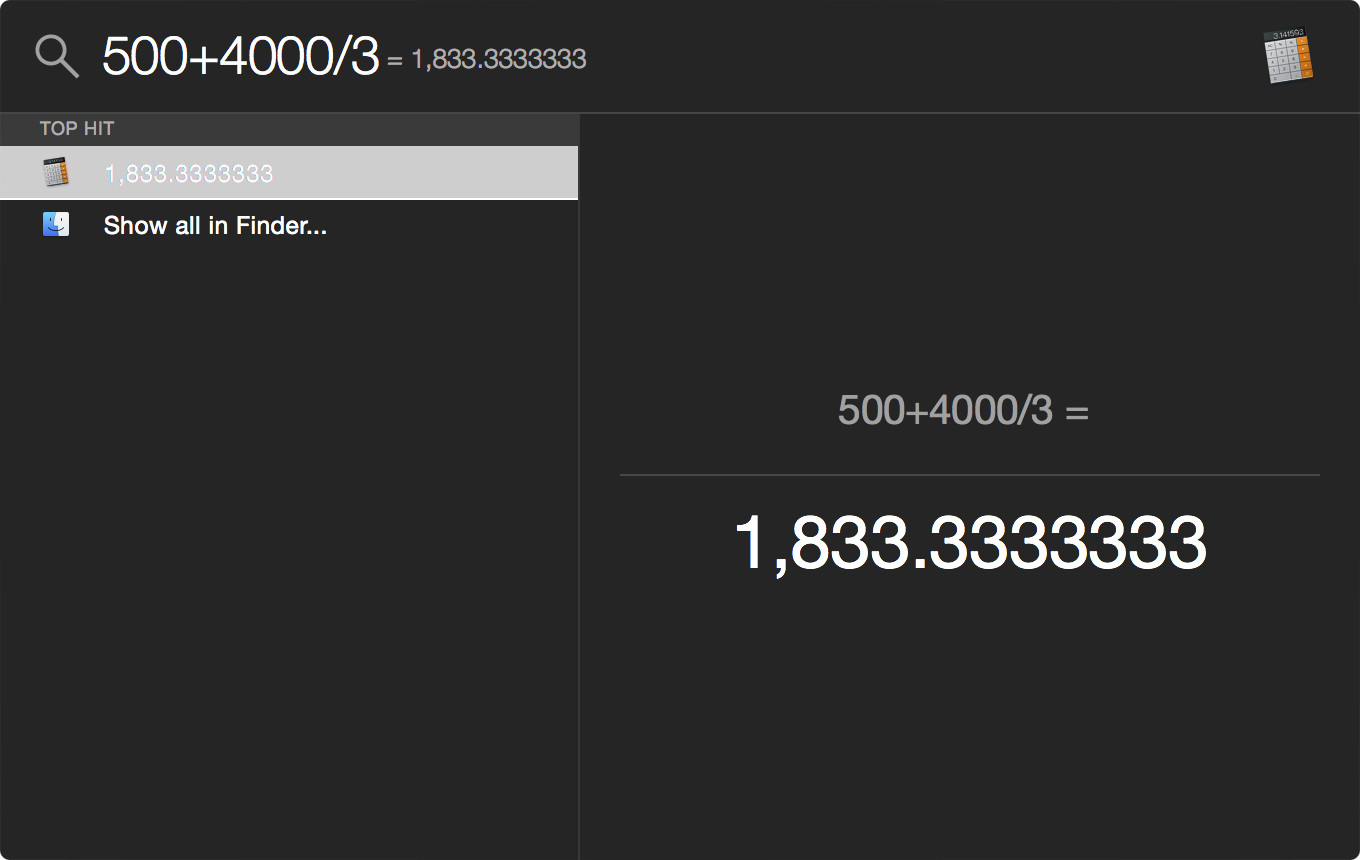
Spotlight has been improved through and through to be more useful in OS X Yosemite. It has adopted an Alfred-inspired interface that makes working with Spotlight easier and more powerful.

Want to see some of the main differences in action? Have a look at our video walkthrough as we showcase some of the new things that Spotlight has to offer.

Using Extensions in OS X Yosemite

Like iOS 8, OS X Yosemite introduces third-party extensions. Extensions allow you to easily share with social services and perform other functions.

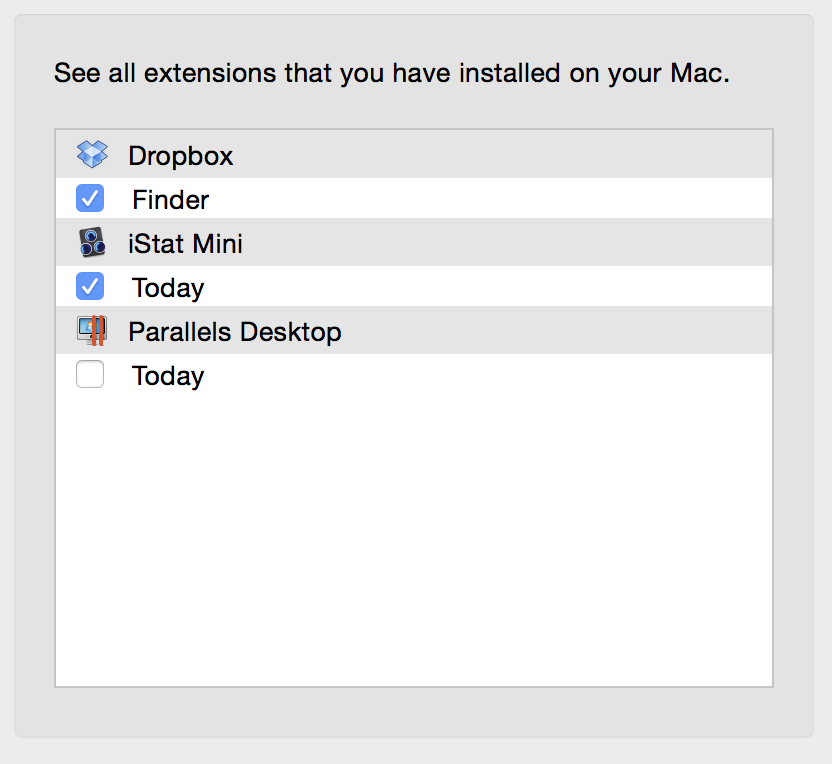
Apple has included a new Extensions manager, accessible via System Preferences → Extensions. From there, you can manage built-in extensions, third-party extensions, and Notification Center Today View widgets from one convenient location.

How to use a passcode with the iOS 8.x jailbreak

At this point in time, running Cydia on a jailbroken iPhone can still be a bit confusing for users who aren't always knee-deep in this stuff. One of the biggest issues encountered when running Cydia on a jailbroken iOS 8 device at the moment involves using the passcode and Touch ID.

After installing Cydia on a jailbroken iOS 8 device, many are reporting that establishing a passcode sends them into a bootloop. I verified that I encountered the same issue.

Let me just preface this by saying that the problems encountered here are no fault of the Pangu team or of Saurik. This jailbreak is a work in progress, and we've been advised that the jailbreak is only for developers at the moment. That said, many of you are adventurous and want to take the plunge as soon as possible; as do I.

In this video, I share an unsanctioned workaround to the boot loop issue. I show you how to establish a passcode on a device with Cydia and Cydia Substrate installed. I've tested this out, and have recorded the entire Cydia installation process for your convenience. Have a look inside for the full tutorial.
Let’s Talk Jailbreak 79: Pangu lives!

Episode 79: We discuss the Pangu jailbreak for iOS 8, including the current state of the jailbreak and Cydia. We also talk about the newest tweaks to be released, such as the Apple Watch UI concept, Reachability tweaks, and other releases we'd like to see for iOS 8. Also, Sebastien talks about his cool life saving experience at the beach. Don't miss the fun.

Subscribe via RSS

New ‘WatchSpring’ tweak brings a real working Apple Watch inspired UI replacement to the iPhone

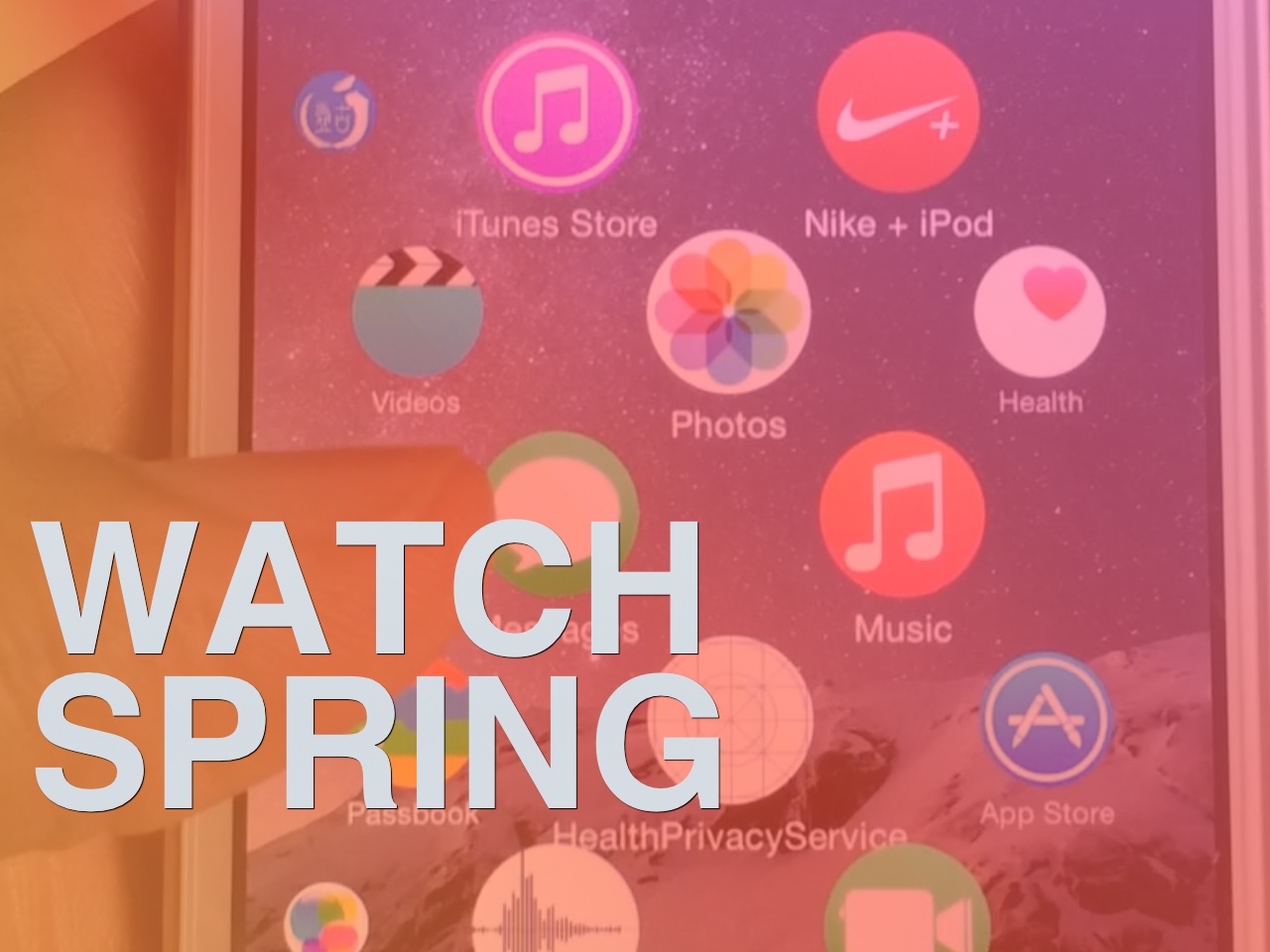
It started as a concept, it grew to a mockup, and now it's somewhat of a reality. Earlier today, WatchSpring, a tweak that brings an Apple Watch inspired user interface to the iPhone, was released to the public.

WatchSpring, brought to life by developer Kigg, more or less completely replaces the stock SpringBoard in favor of the radical looking Apple Watch-like interface. This tweak allows you to actually use the interface to launch the apps installed on your phone, along with perusing the Home screen. It's a real working tweak, and we have a hands-on video demonstrating it inside.

ReachAll brings Reachability-inspired functionality to the iPhone 5s and older devices

ReachAll is a recently released jailbreak tweak that brings one of the iPhone 6 and 6 Plus' flagship features—Reachability—to older devices. Reachability, as you're likely aware of, allows you to shift down the contents of the iPhone's interface via a double-tap on the iPhone's Touch ID sensor. For large devices like the iPhone 6, this feature was added with one-handed usage in mind.

Obviously, a smaller device like the iPhone 5s lacks the need for such a feature out of the box, but don't tell that to jailbreak developers. ReachAll not only brings Reachability to the most likely candidate, (the iPhone 5s is the only Touch ID enabled iPhone without Reachability) but it also works, thanks to a special "Tap Box" option, on older devices like the iPhone 5.

Want to see how ReachAll functions in action? Step inside and watch the full video walkthrough.

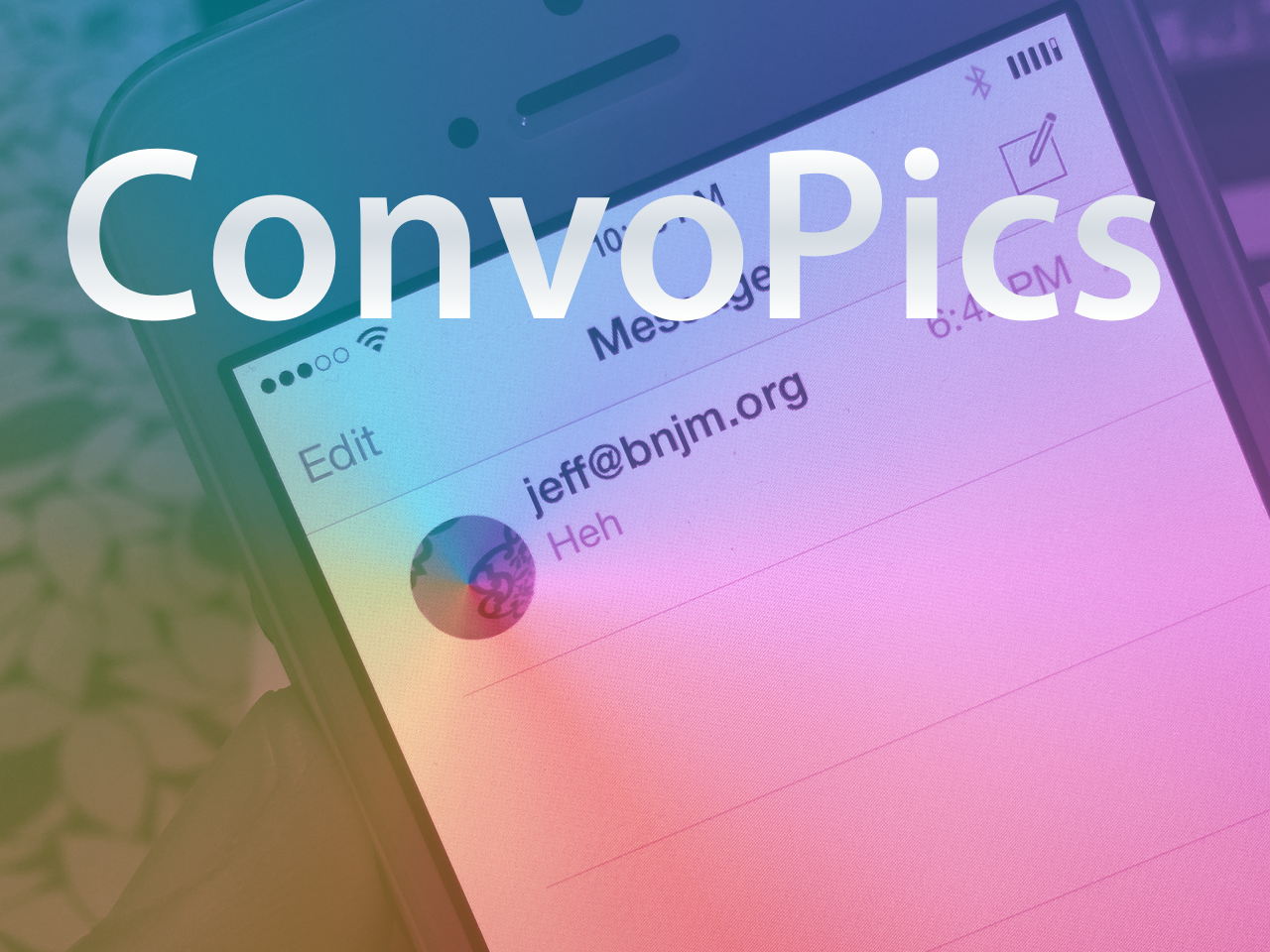
ConvoPics brings the iPhone 6 Plus Messages app avatars to all devices

It’s only a matter of time before the deluge of iOS 8-only jailbreak tweaks begin surfacing on Cydia. Until then, I just thought I’d bring it to your attention that another one of the first such tweaks has appeared on Cydia.

The release is called ConvoPics, and it’s an iOS 8-only tweak that enables the iPhone 6 Plus’ conversation list pictures found in its stock Messages app on all devices. Have a look at our video demonstrating the before and after comparison inside.

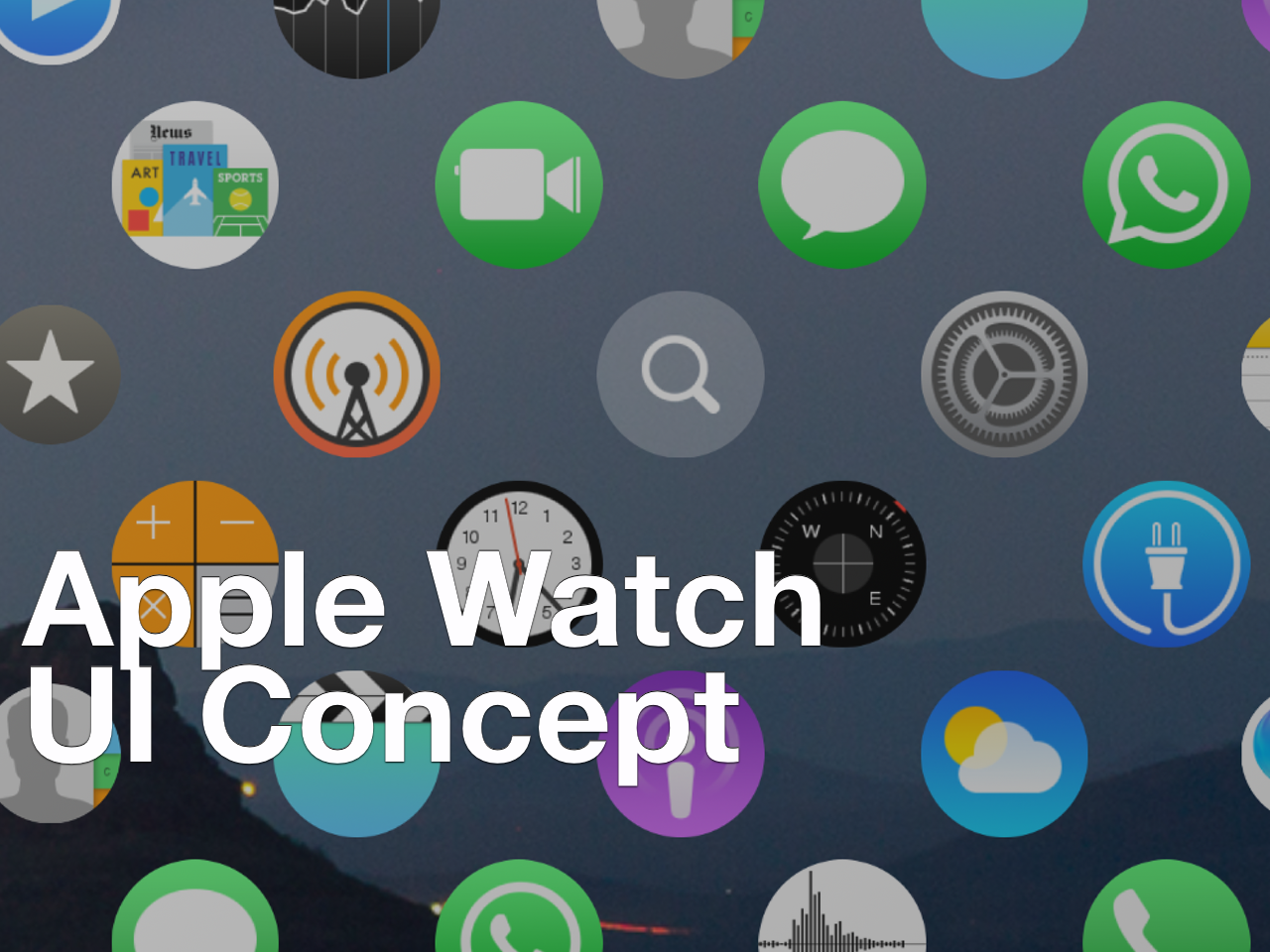
Here’s how to install the Apple Watch UI concept on your iPhone

Yesterday, we posted an article showcasing a developer's concept of the Apple Watch UI running on the iPhone. The response was mixed, but it leaned more towards the positive end of the spectrum than I anticipated.

Seeing someone demo a concept on video is one thing, but trying it for yourself is something altogether different. Thanks to developer Lucas Menge, who made the project open source, the code has been compiled and posted as a Cydia package. This means that everyone can now try out the Apple Watch UI concept on their iPhone.

After the break, watch me demonstrate and comment on the Apple Watch UI running on my iPhone 6 Plus. I also showcase how you can get the Apple Watch concept on your iPhone to try out yourself.

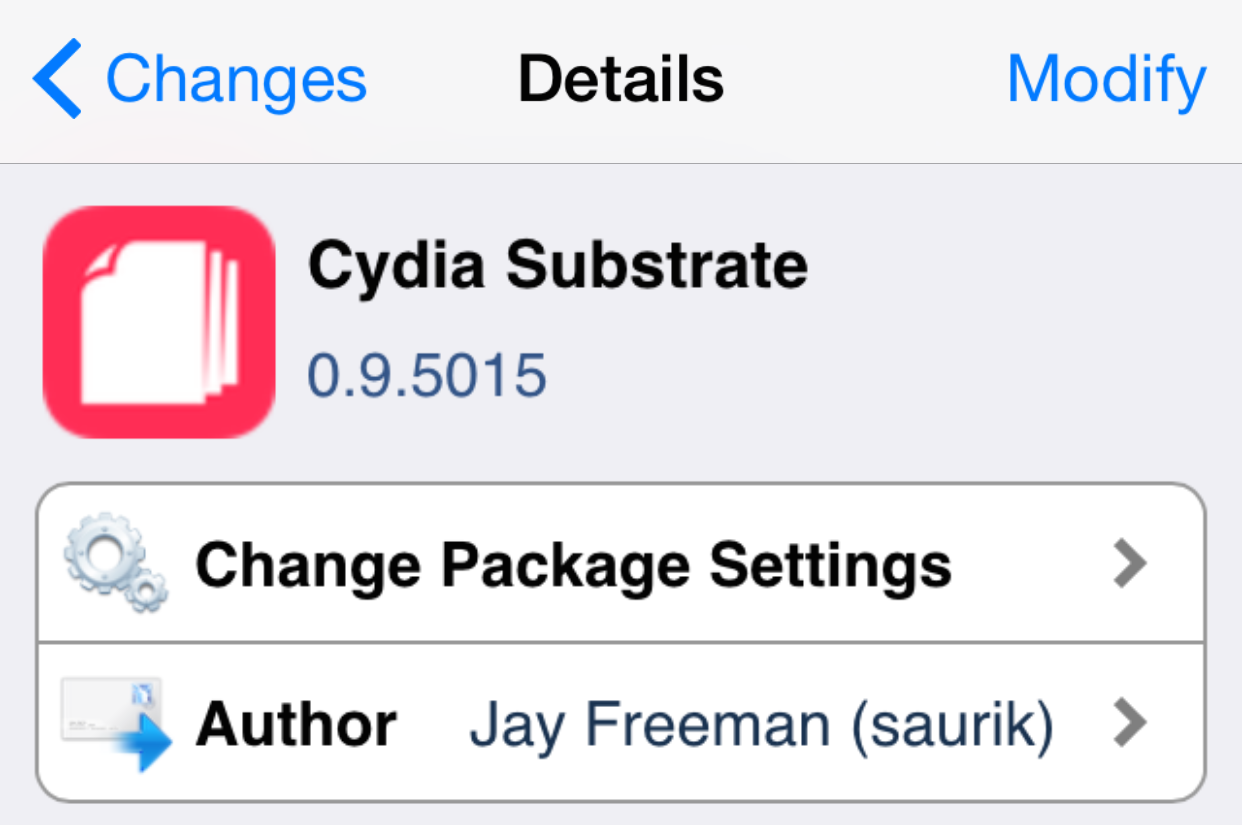
Cydia Substrate updated yet again, this time fixing bugs with OpenSSH and other processes

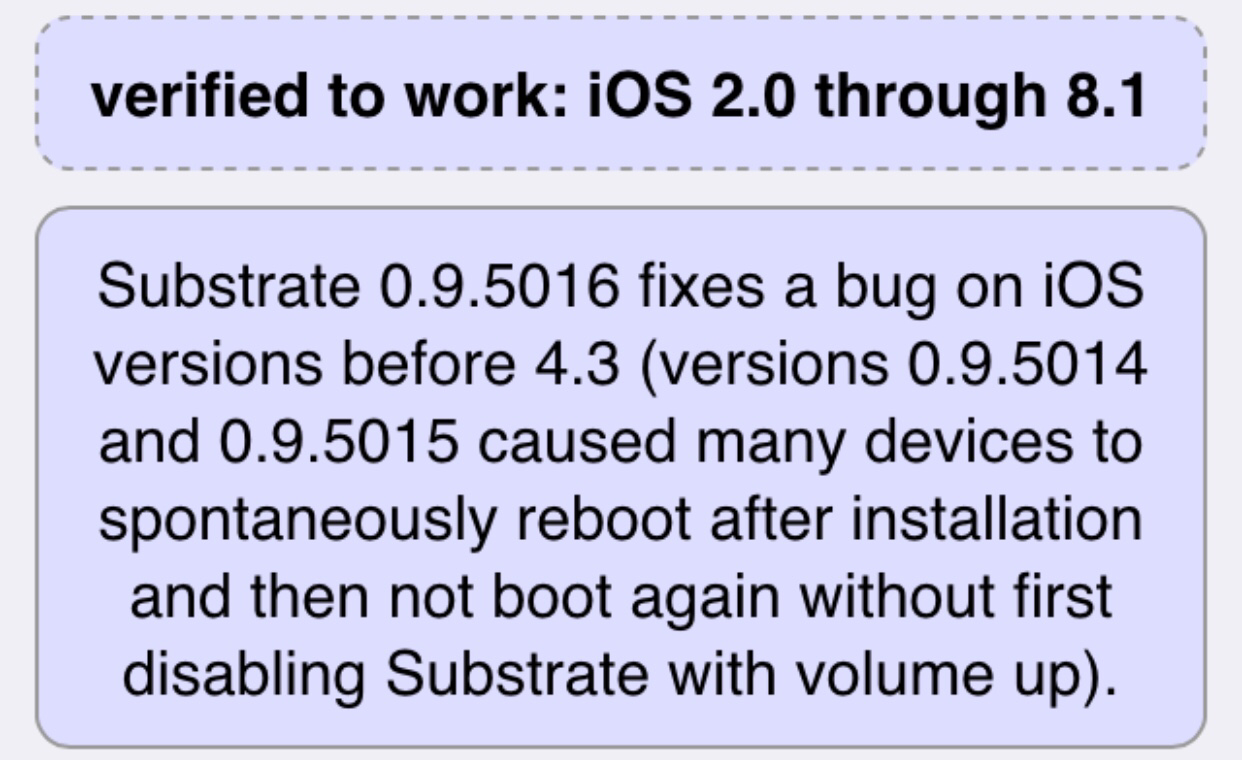
As expected, Saurik continues to work tirelessly on Cydia and all of its parts, including the uber-important Cydia Substrate. The latest update, which rings in at version 0.9.5015 comes mere hours after the 0.9.5014 update.

While the previous update aimed to squash many festering bugs, and did so successfully, it also introduced another bug which caused some process, like OpenSSH, not to start. Obviously this was a huge issue that needed to be fixed quick, since OpenSSH is used by lots of jailbreakers as a means to communicate with their jailbroken devices and to transfer files. As expected, Saurik responded accordingly.

How to use AirDrop between OS X Yosemite and iOS 8

AirDrop is a file transmission tool that first debuted in OS X Lion. Prior to iOS 8 and OS X Yosemite, the AirDrop protocols between Mac and iOS were not compatible. This incompatibility made AirDrop worthless in the eyes of many, as most casual users would prefer to exchange data between a Mac and an iOS device, instead of two Macs.

The AirDrop issue has been solved in iOS 8 and OS X Yosemite. AirDrop now works beautifully between a Mac and an iPhone, or a Mac and an iPad. It’s a great way to make quick transmissions between local devices. Watch our video walkthrough after the break for a demonstration of AirDrop in action.