Explore features that promote a healthy balance of safety and parental controls on your child’s iPhone or iPad.
15 child-focused features on iPhone and iPad

Explore features that promote a healthy balance of safety and parental controls on your child’s iPhone or iPad.
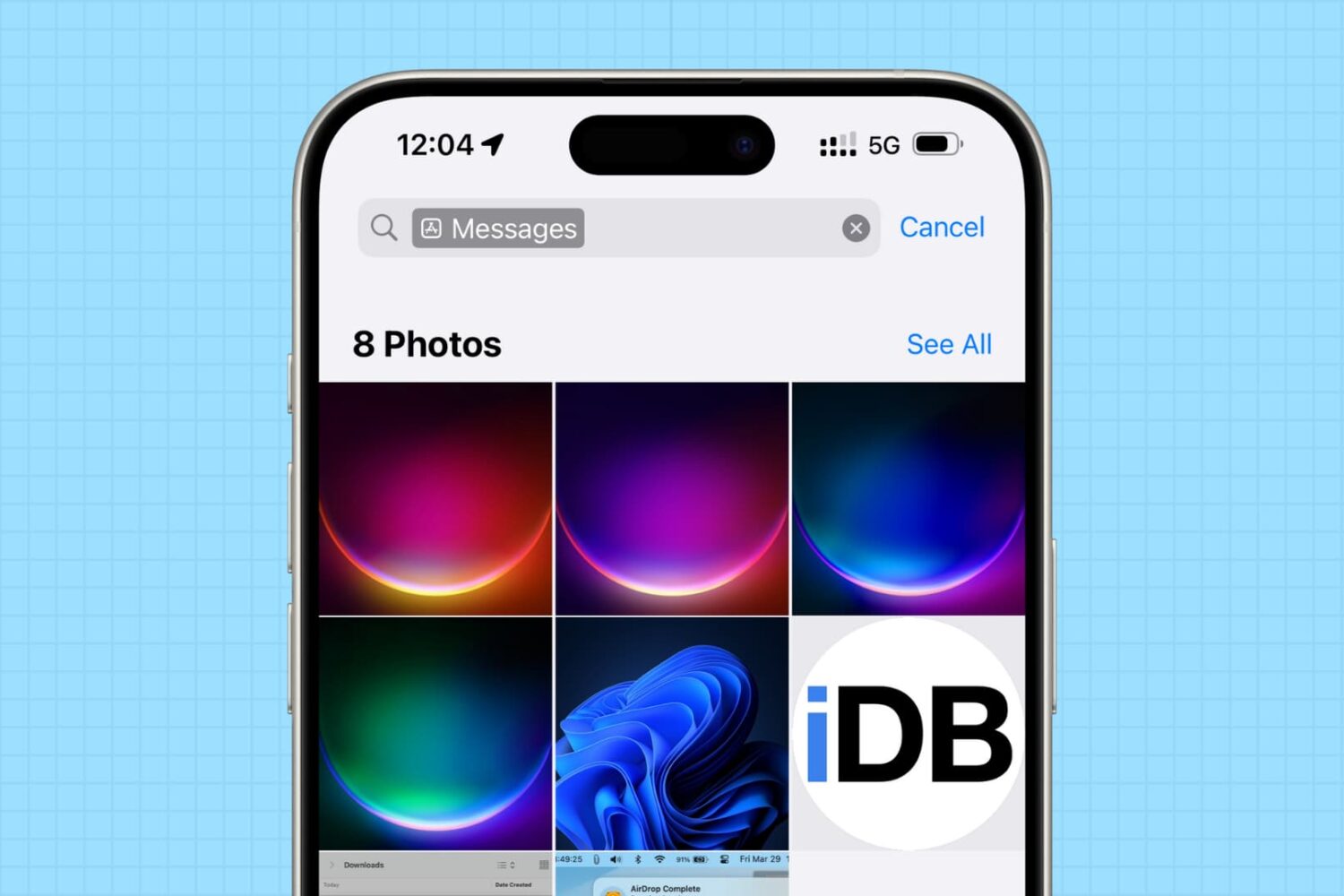
In this tutorial, we will share how to see the photos saved by a specific app on your iPhone or iPad, and delete them all to clean up your library and free up space.

Wondering if your Mac needs more RAM? In this tutorial, we will show you how to check for this, and find out whether your computer allows RAM upgrades or not.
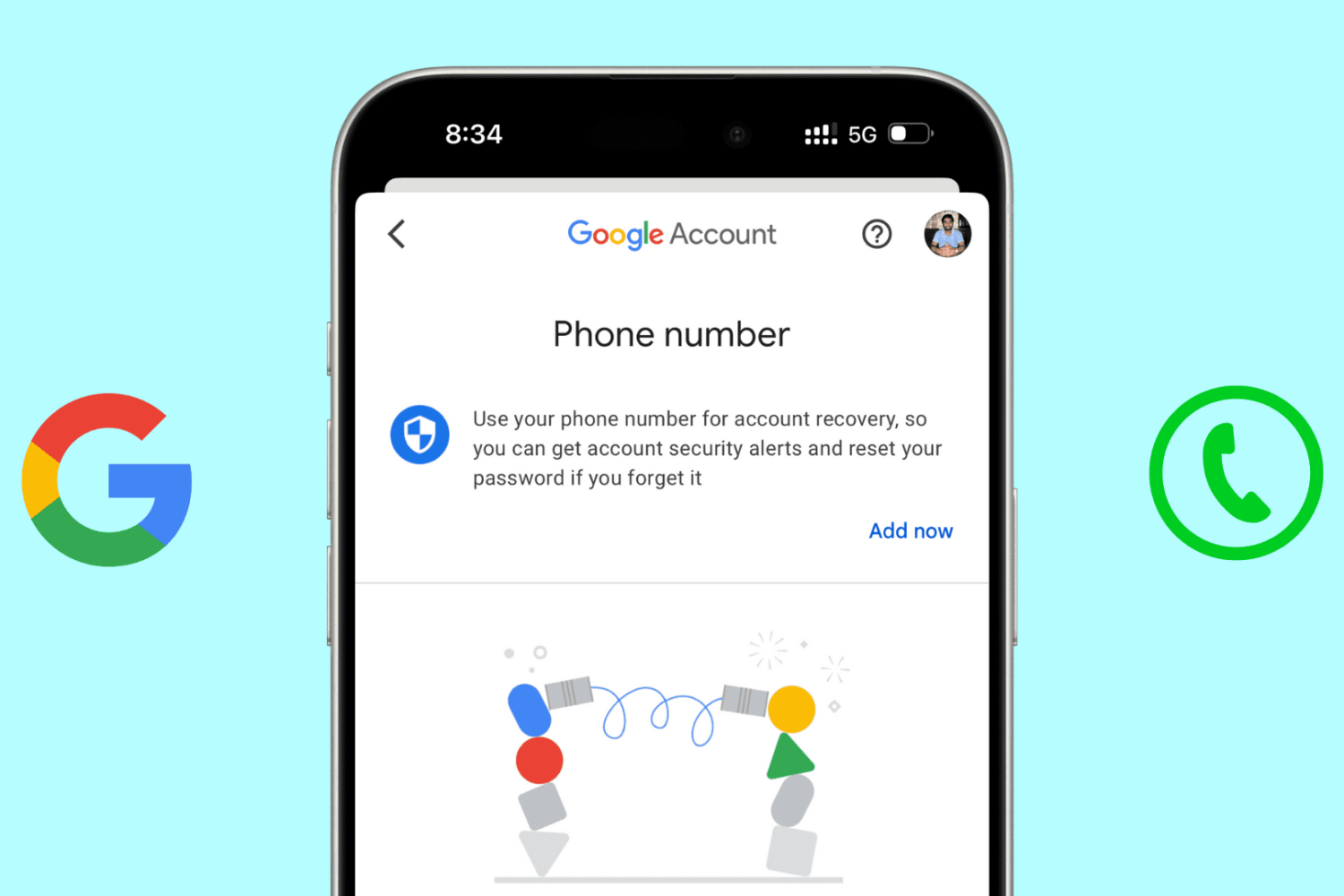
In this step-by-step tutorial, we will show you how to add, update, or delete your mobile number associated with your Google account.
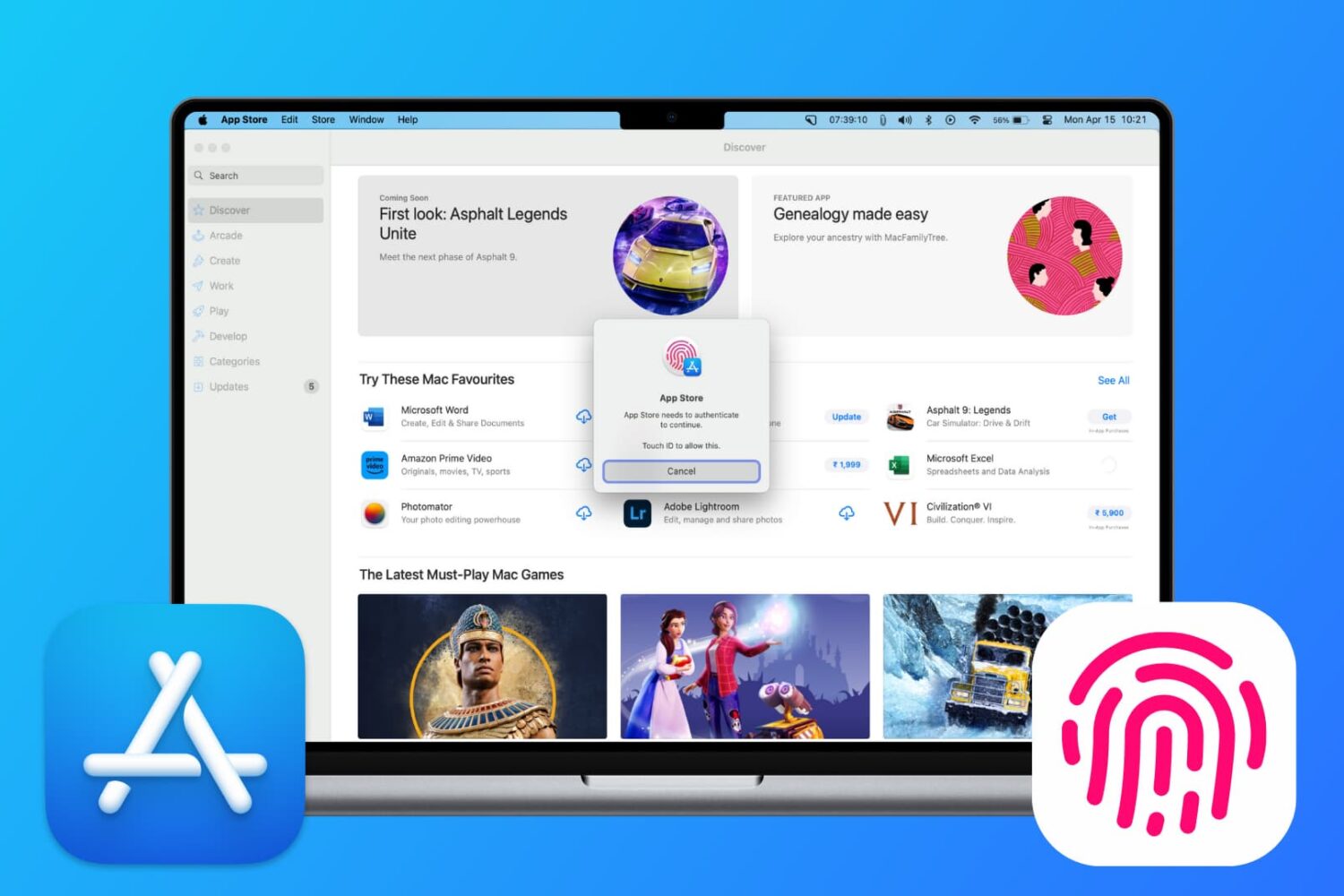
Learn how to download free apps from the Mac App Store without needing to authenticate with Touch ID or your Apple Account password.
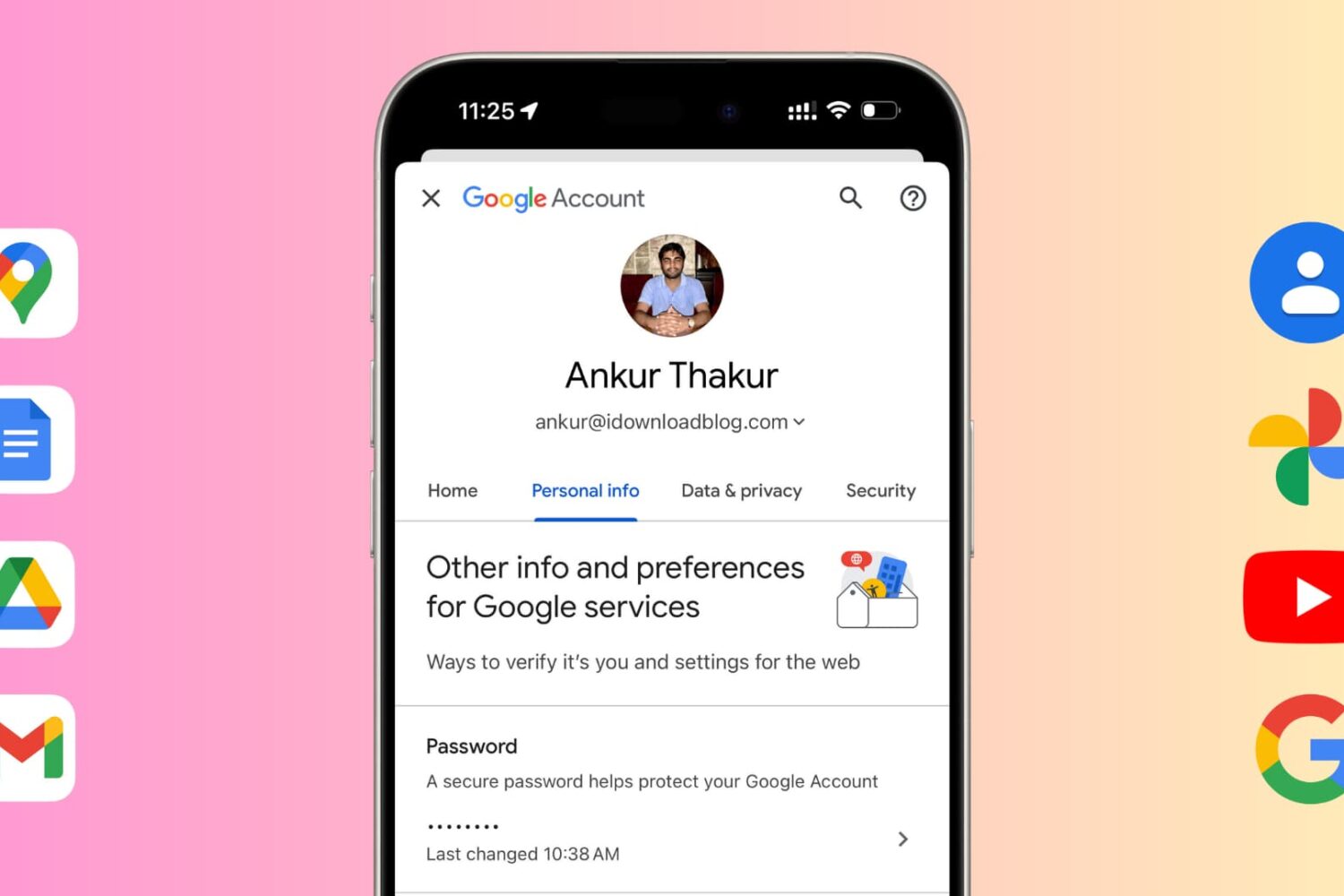
Learn how to change your Google account password for security reasons or reset it if you have forgotten it and can't log in to a new device.

In this tutorial, we’ll show you which settings to enable so you can adjust or mute your connected television volume using the Apple TV Siri Remote, eliminating the need to constantly juggle between the two remotes when watching a movie or TV show.

Did you just buy or are about to buy a used iPhone and have concerns about its authenticity? In this guide, we will share twelve expert tips that will allow you to check if your iPhone is genuine or a fake phone with a copied design and an iOS skin on top of Android.
In this tutorial, we will show you how to mute your voice when you're on a phone or FaceTime call on your iPhone. We've also shared the steps for muting calls when you're talking through your AirPods, Apple Watch, iPad, Mac, or HomePod.
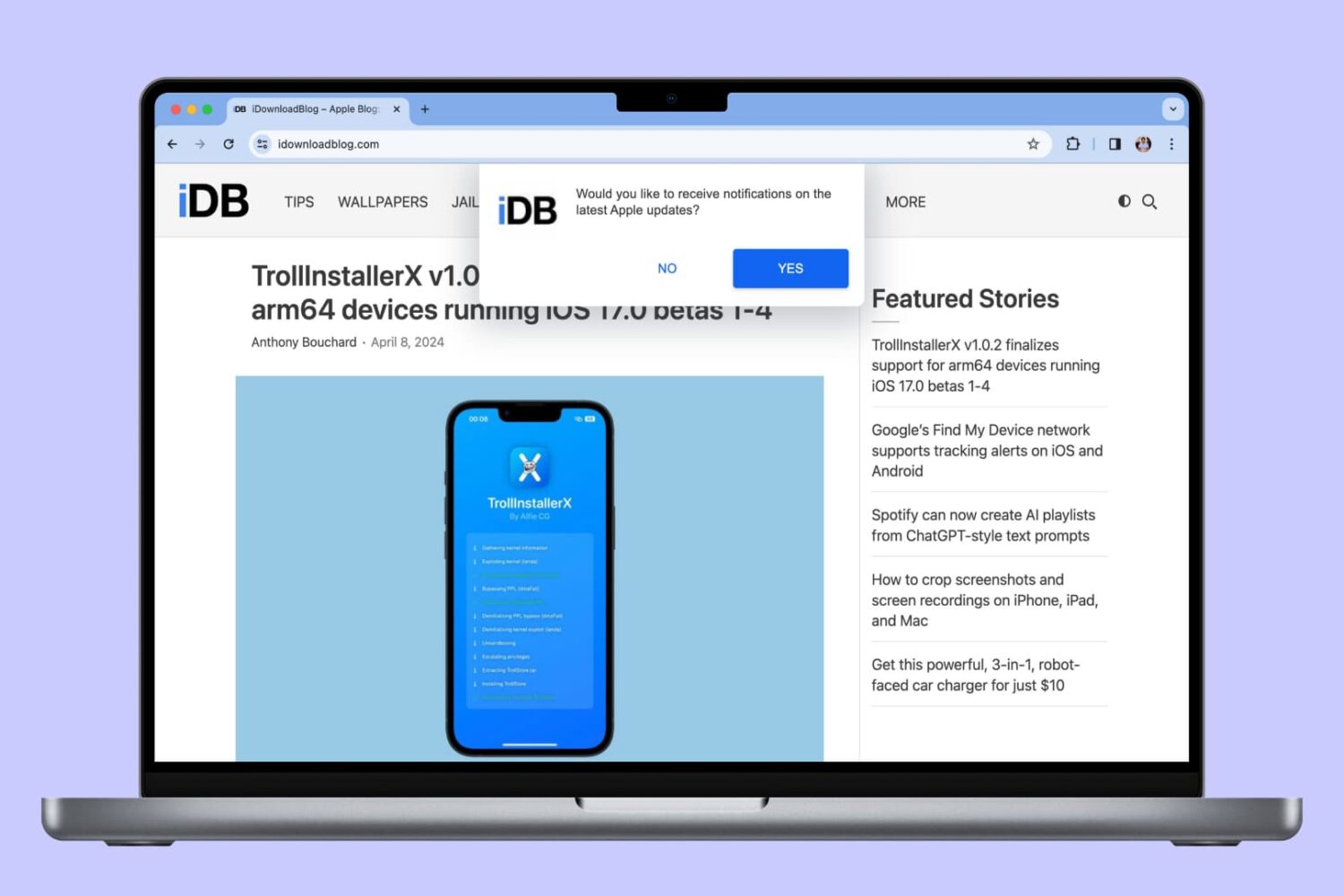
In this tutorial, we will show you how to allow, block, customize, and turn off website notifications in popular browser apps like Safari, Chrome, and Firefox on your Mac.
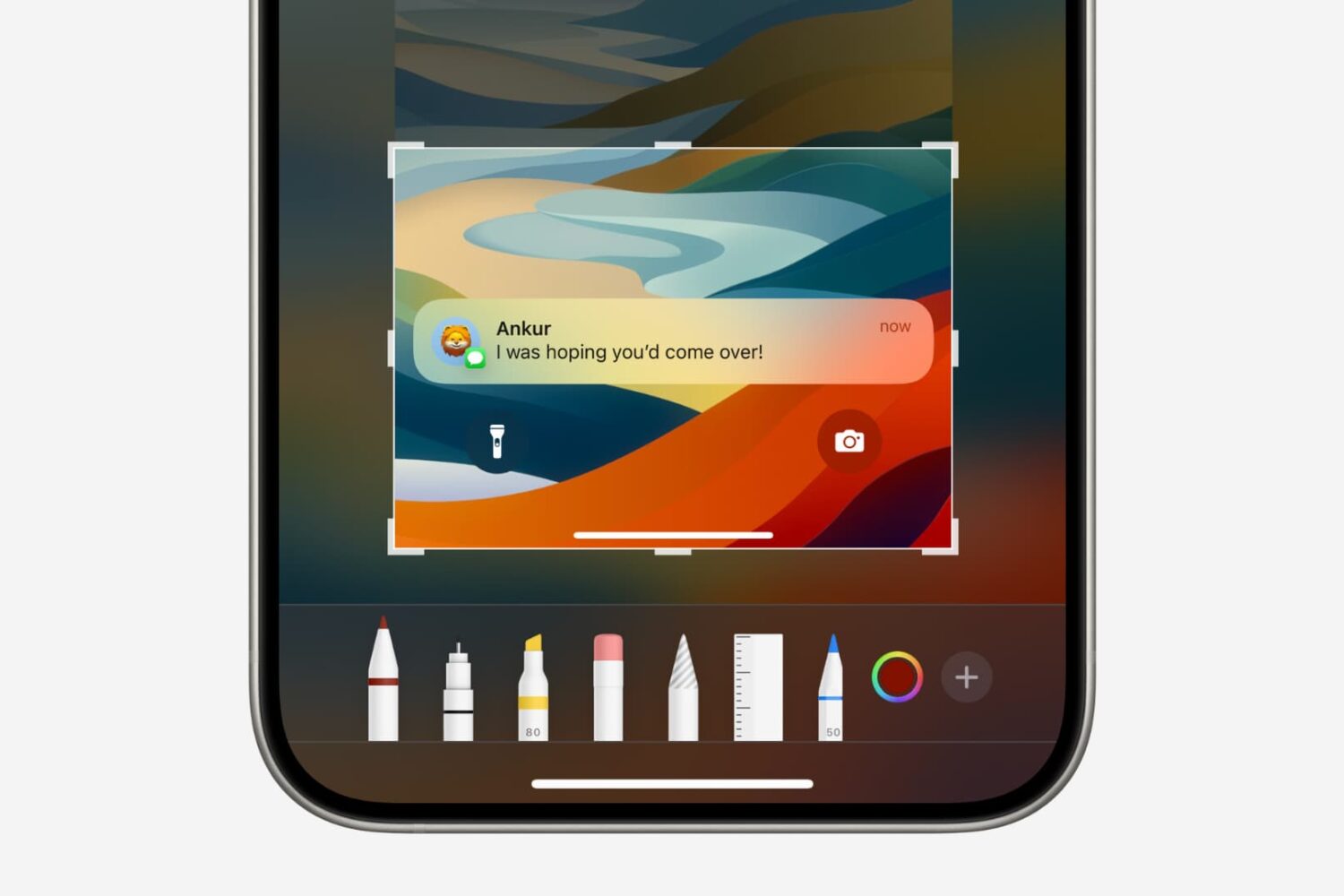
In this tutorial, we will show you how to quickly crop a screenshot or screen recording on your iPhone, iPad, or Mac before you save or share it.
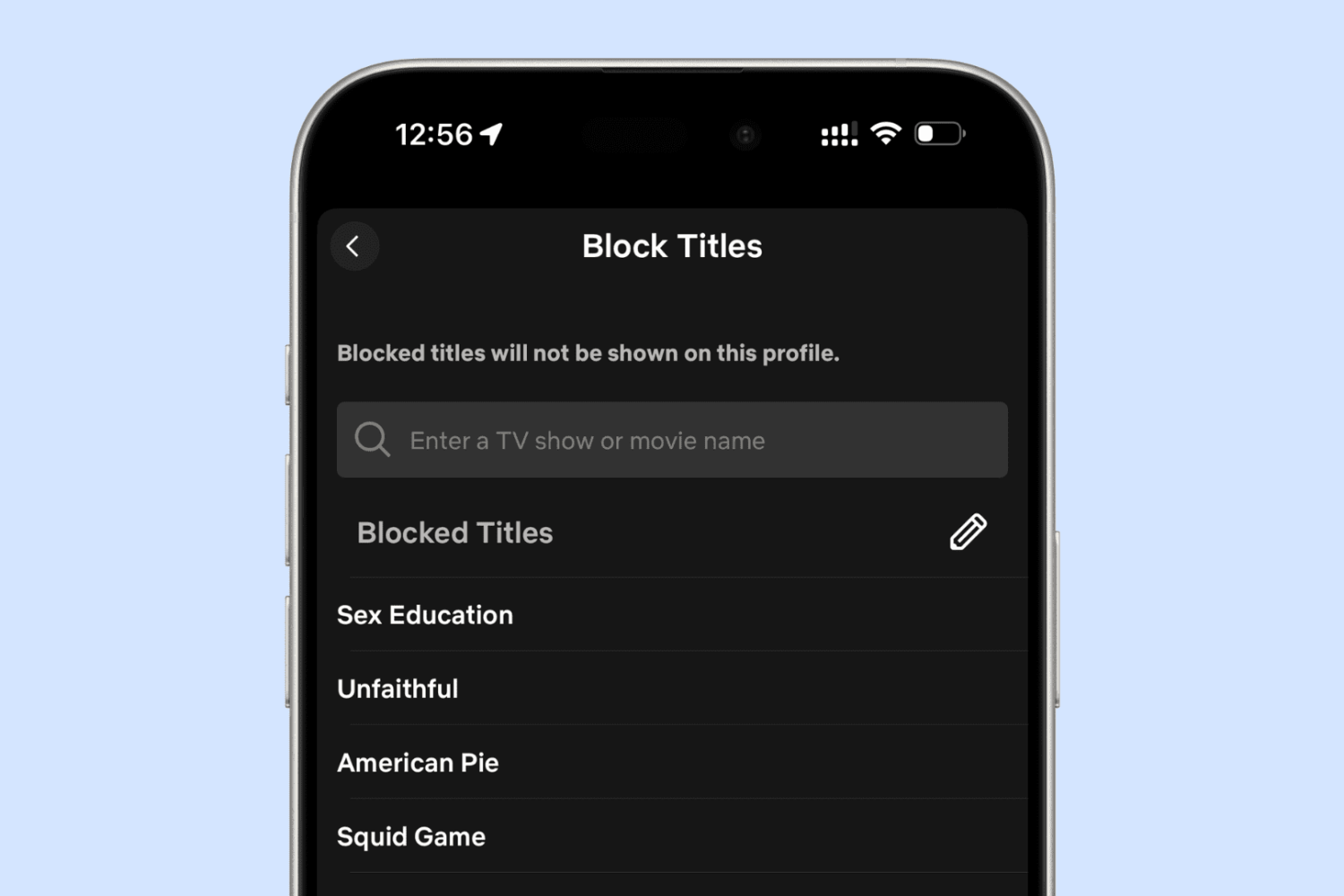
In this guide, we will go over some expert tips to stop popular iOS apps from showing explicit and mature content. This can be particularly helpful if you’re setting up the iPhone or iPad for your kids.