Learn how to switch your existing app subscriptions to a different plan on your iPhone, iPad, Mac, and Apple Vision Pro without canceling and resubscribing.
How to upgrade or downgrade your app subscriptions on Apple devices

Learn how to switch your existing app subscriptions to a different plan on your iPhone, iPad, Mac, and Apple Vision Pro without canceling and resubscribing.

Does your HomePod automatically pause music out of nowhere? In this tutorial, we will share some causes and effective tips to address this problem.

Discover some practical tips to reduce your daily iPhone screen time for a productive yet healthy digital lifestyle.

Learn how to keep your main email address private by using the Hide My Email feature to generate random email addresses for apps, websites, newsletters, and other online services.

Learn how to use the built-in editor in Firefox on your Mac or Windows PC to add text, signature, images, and highlights to a PDF file right from your browser.

Find out how to check your iPhone repair history to see if genuine Apple parts like battery, camera, or display were used to perform the repair.
Learn how to stop Instagram from limiting political content for you and have it show Reels, posts, and suggestions that relate to politics.
Check out these quick ways to view previously deleted posts and comments on Reddit, directly from your iPhone or computer.
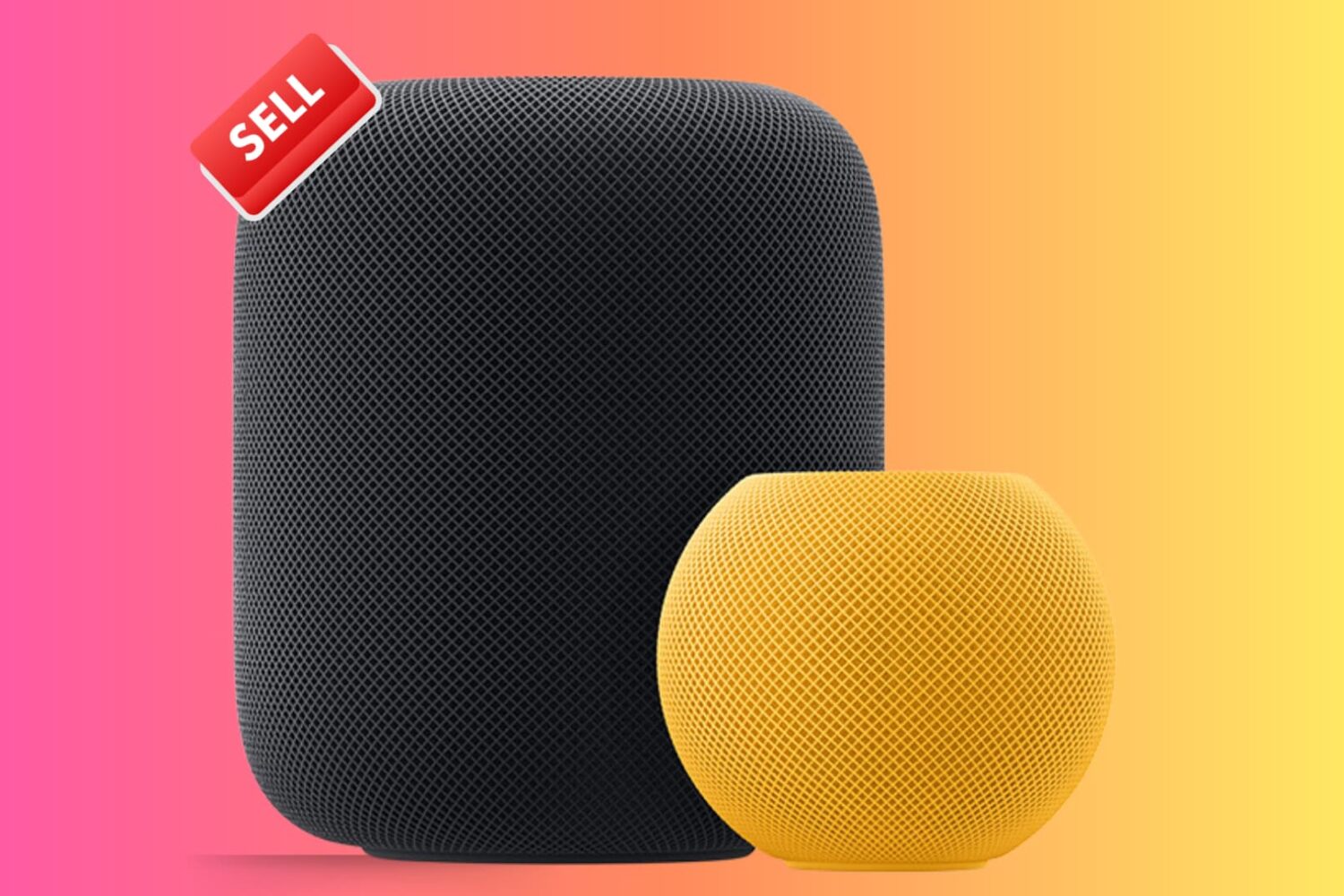
Check out these important tips if you're planning to sell or give away your HomePod or HomePod mini. These will ensure the next user can set up the speaker with their Apple ID and use it to the fullest.
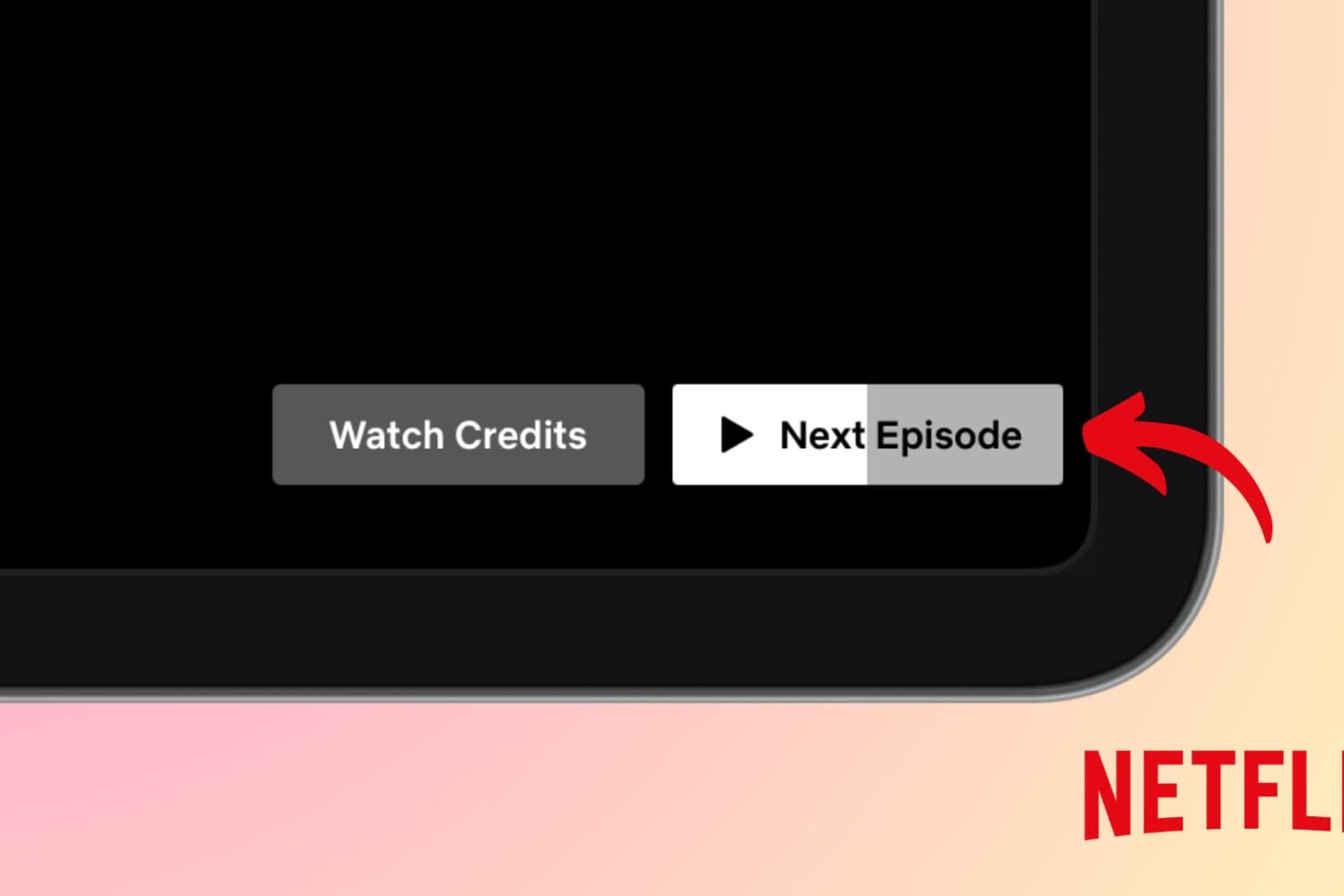
Find out what to do if the next episode of a TV show does not auto-play when the current one ends in the Netflix app or website.
In this guide, we will go over important tips to help secure your Gmail, YouTube, and other Google accounts, keeping your personal data as safe as possible.
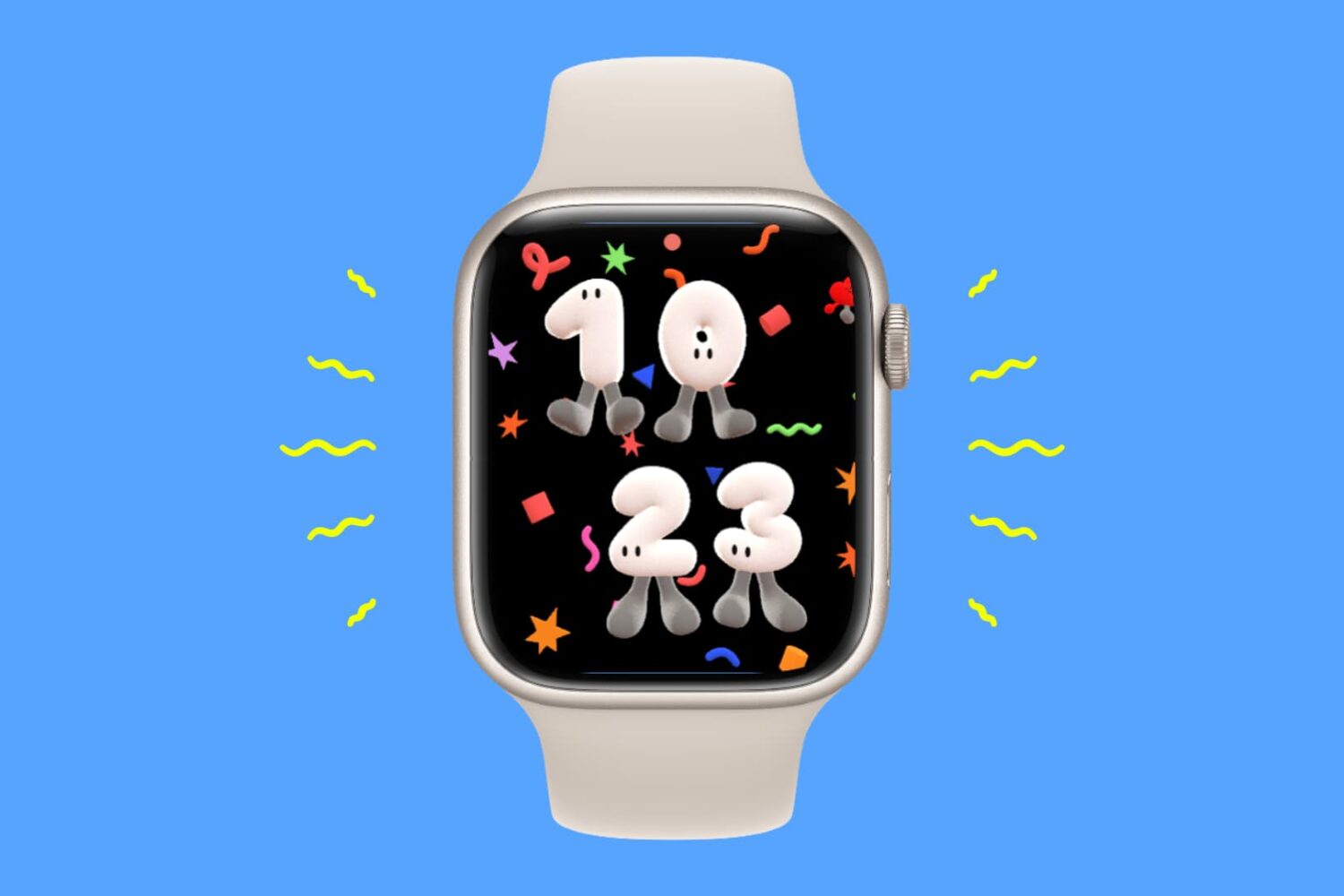
In this guide, we will explain why your Apple Watch can randomly vibrate and what steps you can take to prevent it from happening.