Learn how you can enable Private Session in Spotify on its mobile and desktop apps to listen to music privately.
What is Private Session in Spotify and how to enable it

Learn how you can enable Private Session in Spotify on its mobile and desktop apps to listen to music privately.
Learn different ways to merge two or more PDFs into one file or split a lengthy PDF into several smaller documents.

Learn how to set up, store, and use one-time verification codes for two-factor authentication in the Apple Passwords app built into your iPhone or iPad.
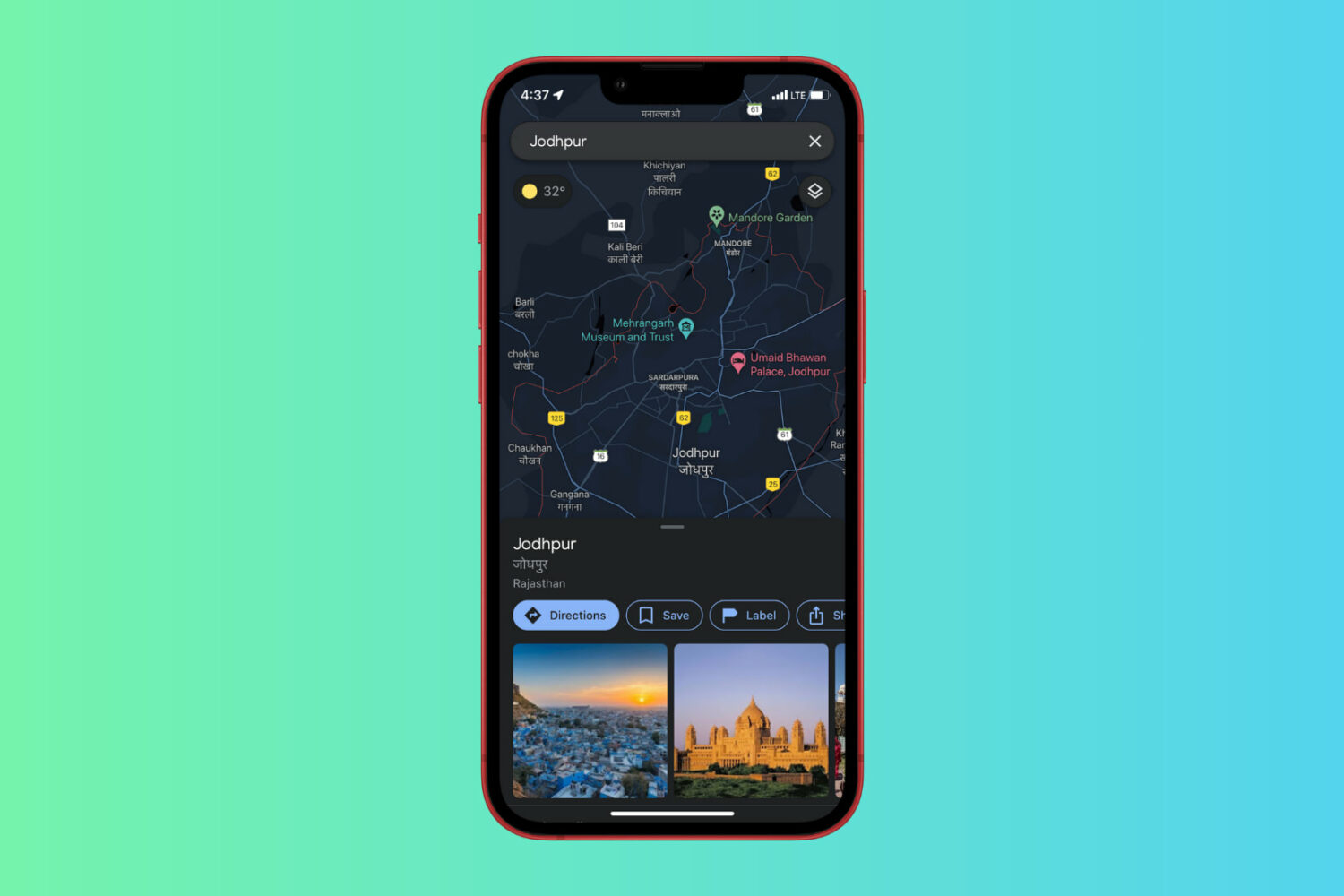
Learn how to enable Dark Mode in Google Maps on iPhone and what to do if you don’t see the Dark Mode option to begin with.
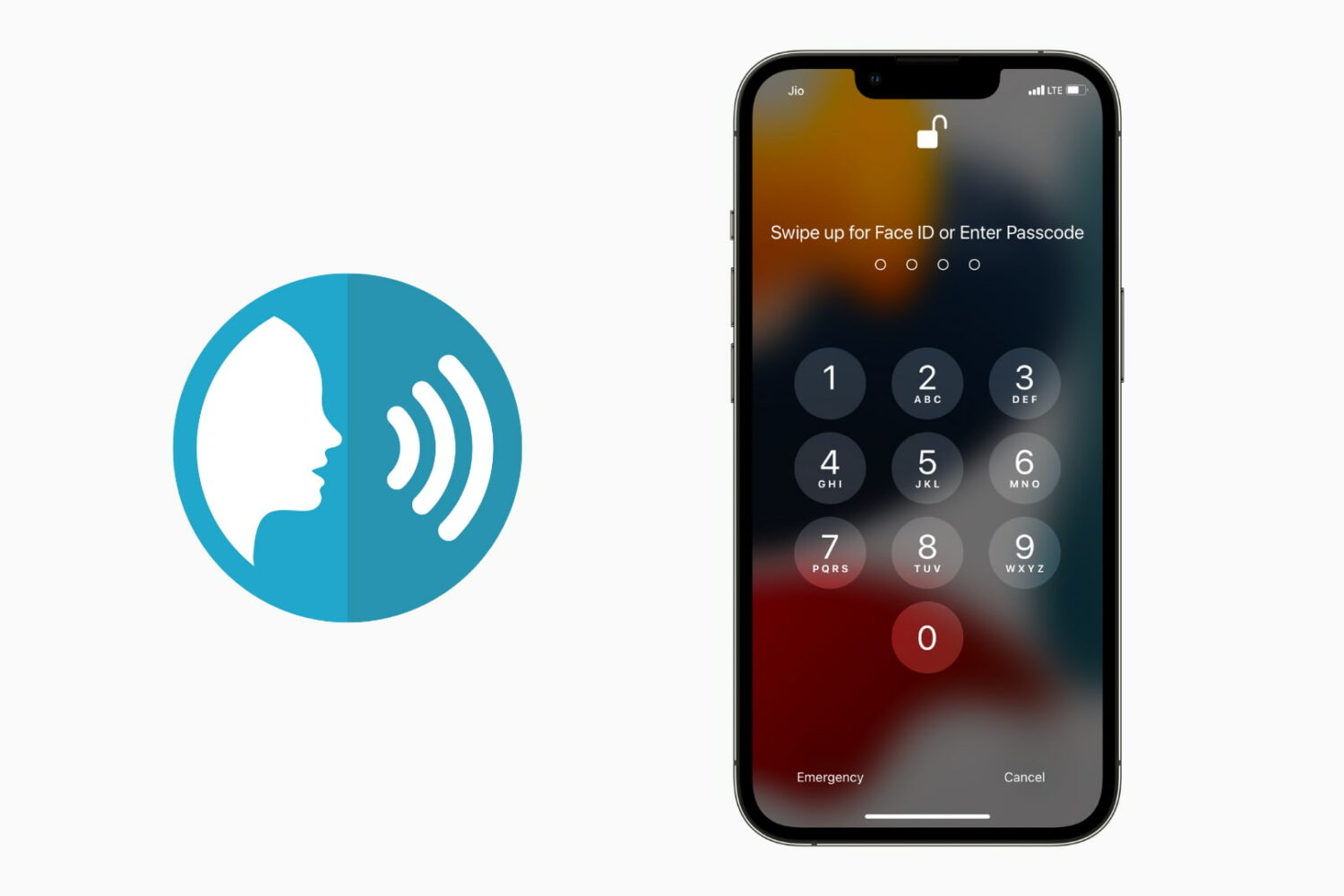
You usually unlock your iPhone using Face ID, Touch ID, or by entering the correct passcode. In addition to these, there is an accessibility setting that lets you unlock your iPhone using your voice. All you have to do is set up the voice command in the Voice Control feature and then say that phrase to unlock and get inside the iPhone. In this guide, we will show you how to do that. We also have a video demonstrating this. Finally, don't forget to see the drawbacks so that you can make an informed decision about using iPhone voice unlock.
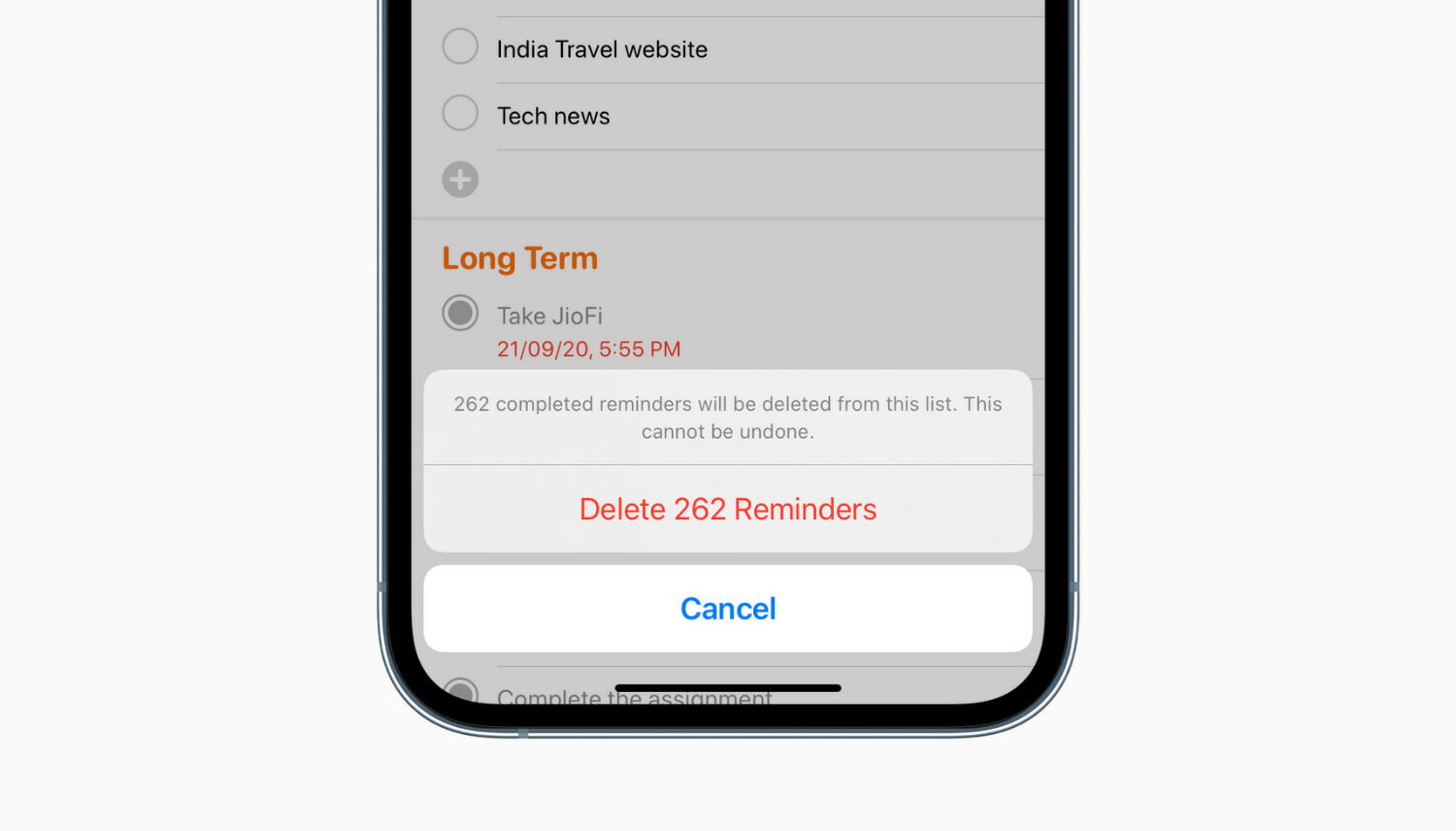
Do you have too many completed reminders that are no longer useful? In this tutorial, we’ll show you how to delete all completed reminders at once on iPhone, iPad, and Mac.

In this troubleshooting guide, we’ll go over all the solutions to fix YouTube videos not playing or pausing randomly on your iPhone or iPad.
You may want to contact an iPhone, iPad, or Mac app developer for multiple reasons. This includes getting support, requesting a new feature, notifying about a bug, information regarding an update, asking for their next app, and more.
Apple makes it easy and transparent to contact an iOS, iPadOS, or macOS app developer via the App Store. This post will show you five ways to reach the app's developer to get your grievances addressed.
Check out these quick ways to unblock one, multiple, or all email addresses on Gmail from your iPhone, iPad, Android phone, or computer.
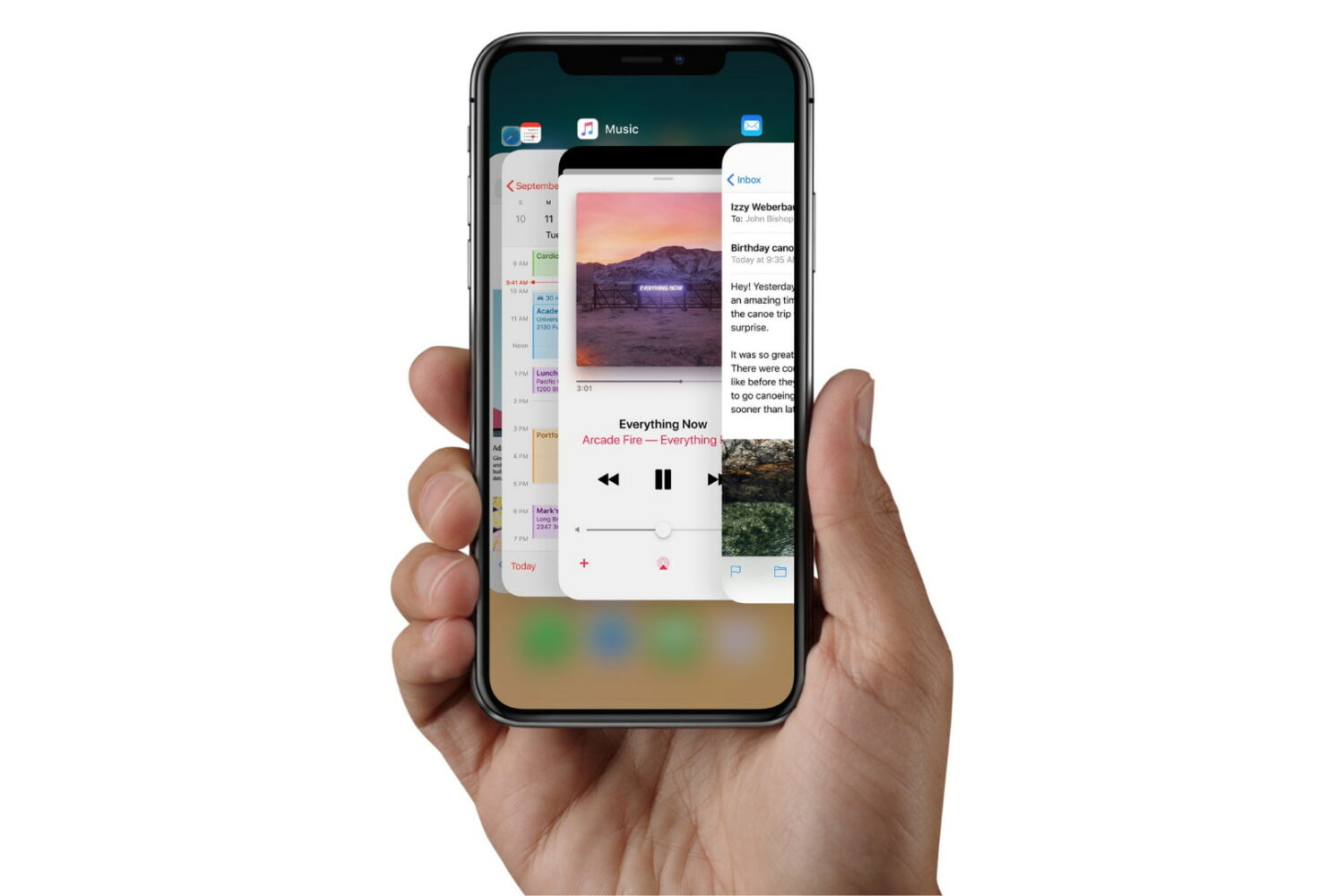
Check out the quick steps to force-close unresponsive apps on your iPhone, iPad, or iPod touch for smooth performance and to quickly resolve app issues.
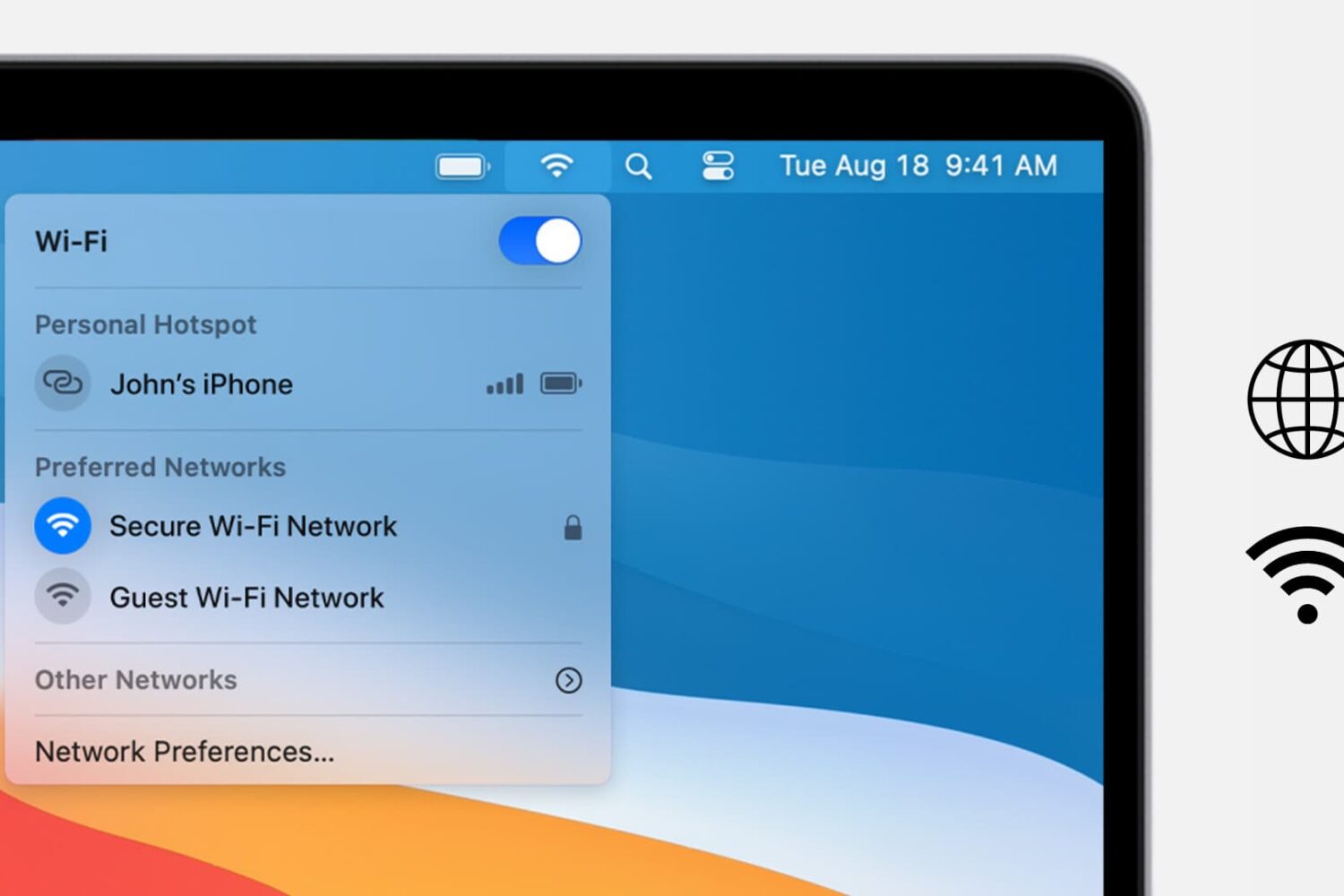
Check out these solutions if you cannot connect to the internet or browse the web on your Mac using Wi-Fi or Ethernet.
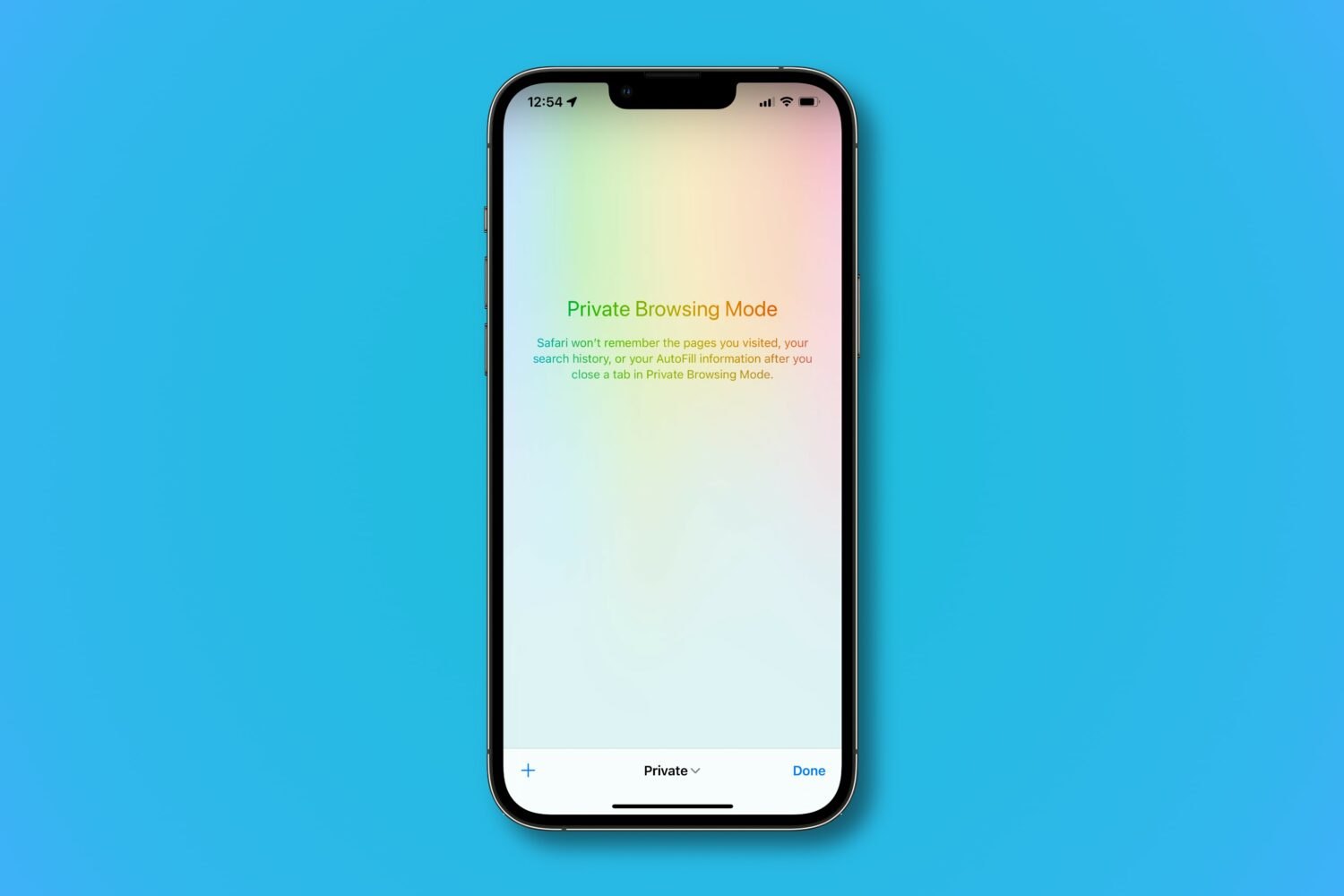
Learn how Safari’s private browsing mode works and how to activate it to surf the web without leaving tracks on your iPhone, iPad, Mac, and Apple Vision Pro.