Follow these essential steps before selling, giving away, or trading your old iPhone, iPad, or iPod touch to ensure a safe experience.
15 things to do (and not do) before selling your iPhone or iPad
Follow these essential steps before selling, giving away, or trading your old iPhone, iPad, or iPod touch to ensure a safe experience.

Learn how to create a full iCloud backup of your iPhone or iPad if you’re switching to a new device but don’t have enough iCloud storage space on your Apple Account.
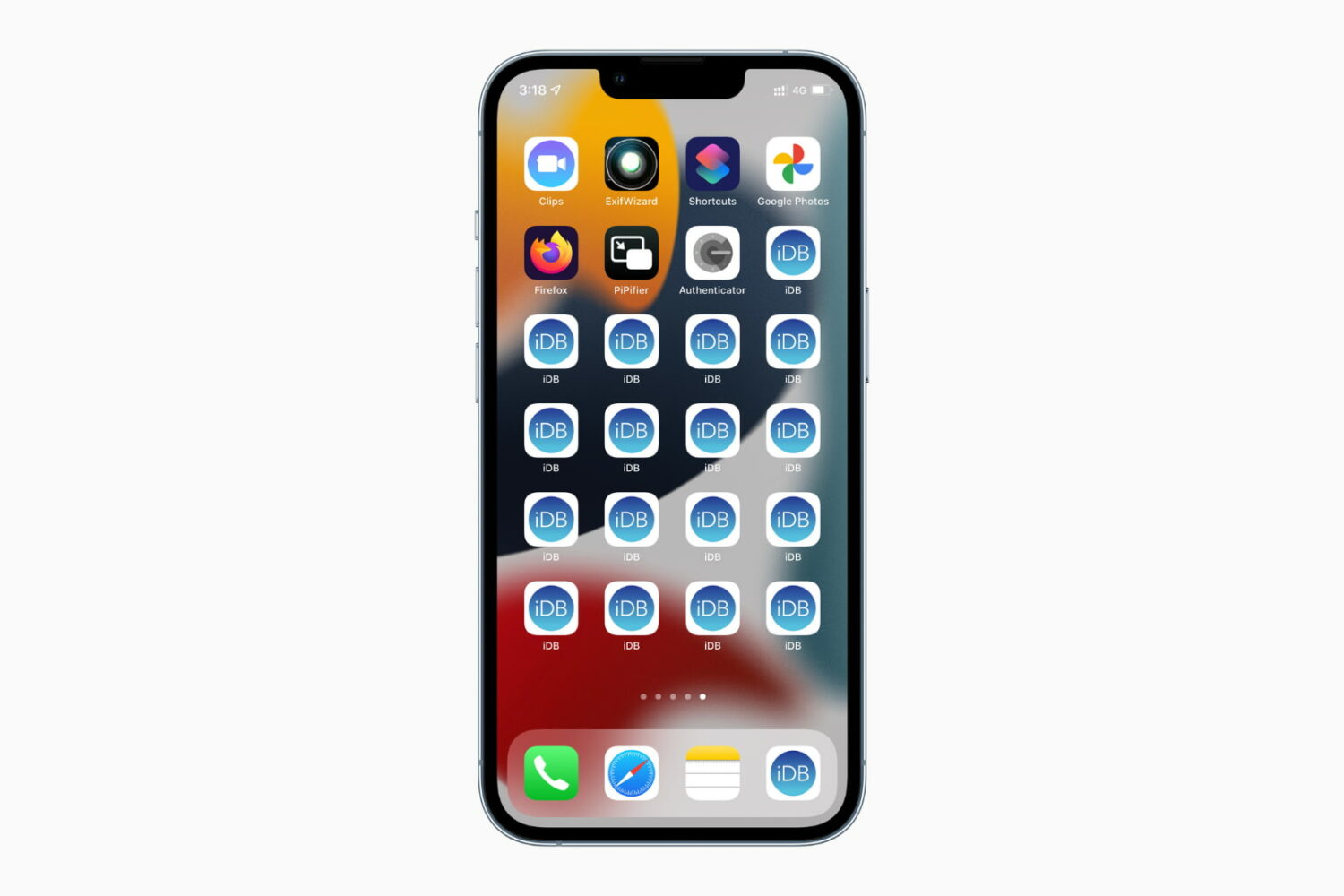
In this tutorial, we will show you how to add duplicate icons of the same app on multiple Home Screens on your iPhone or iPad -- without needing a third-party app or a Jailbreak tweak.

In this quick guide, we’ll show you five ways to delete invisible apps from your iPhone or iPad to declutter things and free up local storage.
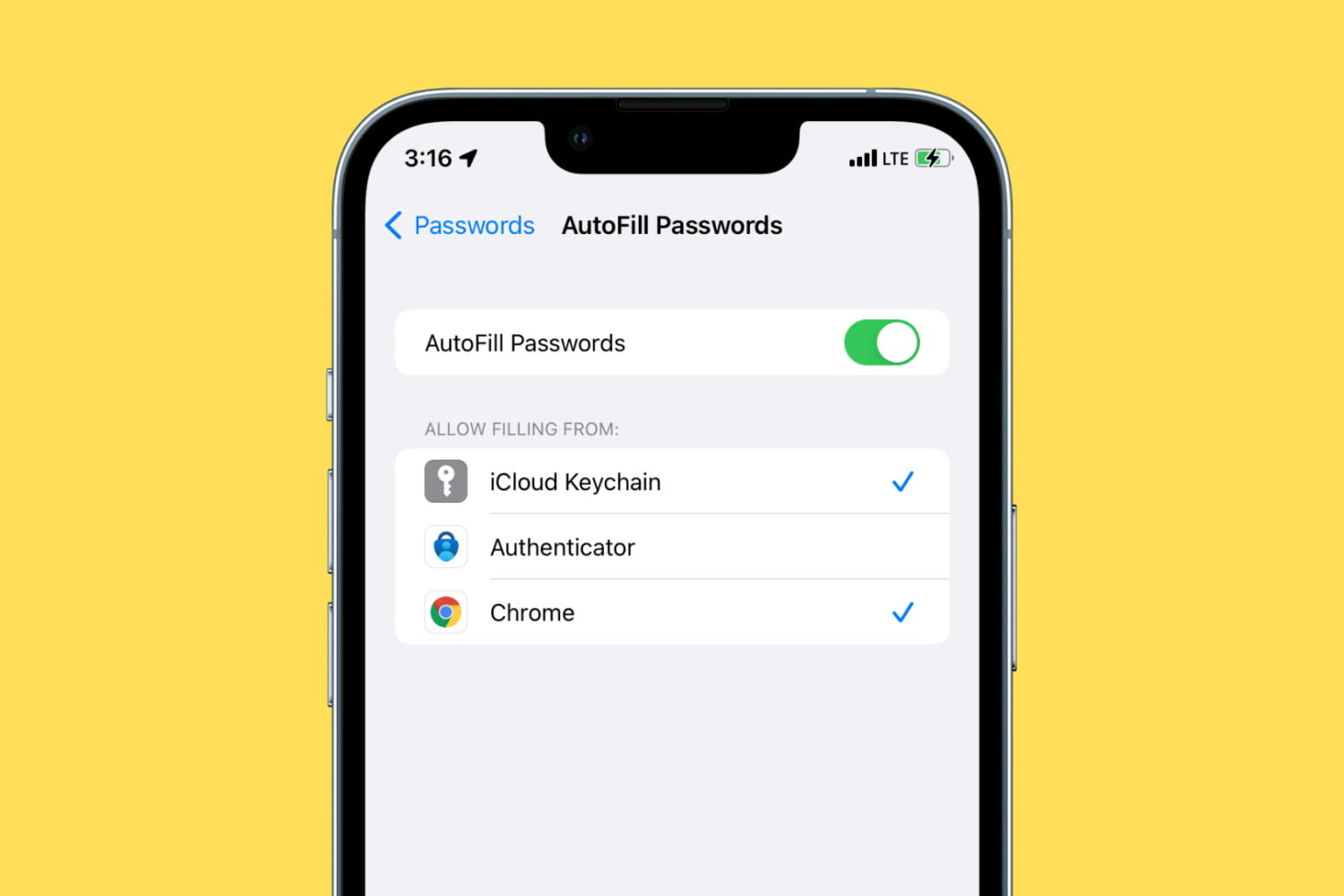
Learn how to use Google Chrome as a password manager on your iPhone to autofill passwords saved in Chrome across various iOS apps and websites.
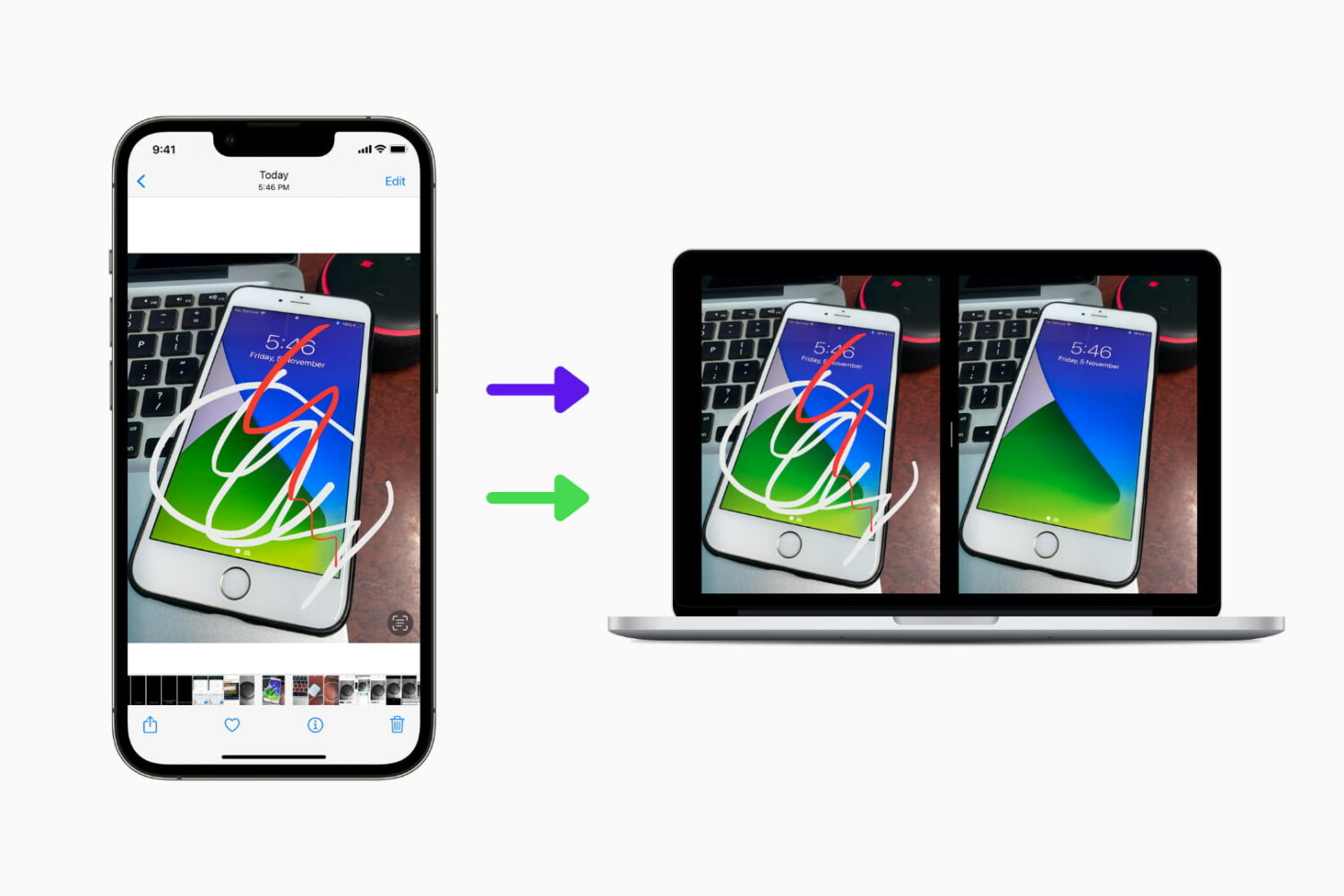
Did you edit a photo on your iPhone or iPad but now want to get its original version back? In this guide, we show you two ways to have both the edited and non-edited variants of the same image.
Go through these troubleshooting tips if your iPhone isn’t receiving push notifications for incoming calls, new text messages, and app updates.
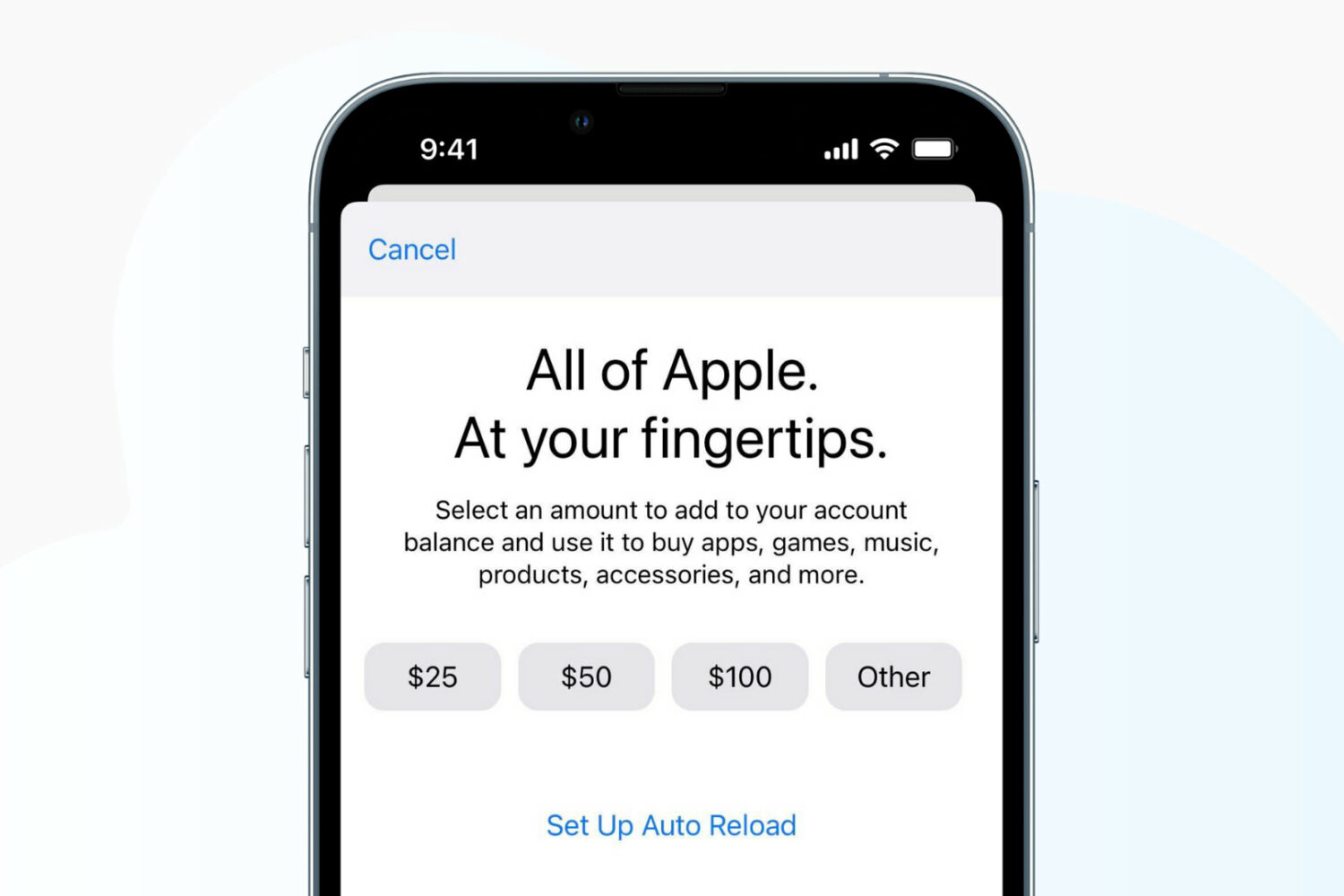
Learn how to add money to your Apple Account balance on your iPhone, iPad, or Mac, see the remaining funds, and know everything else about it.
This tutorial shows you the steps to take screenshots on any iPhone and iPad model, including the latest iPhone 17, Air, 17 Pro, and 17 Pro Max.
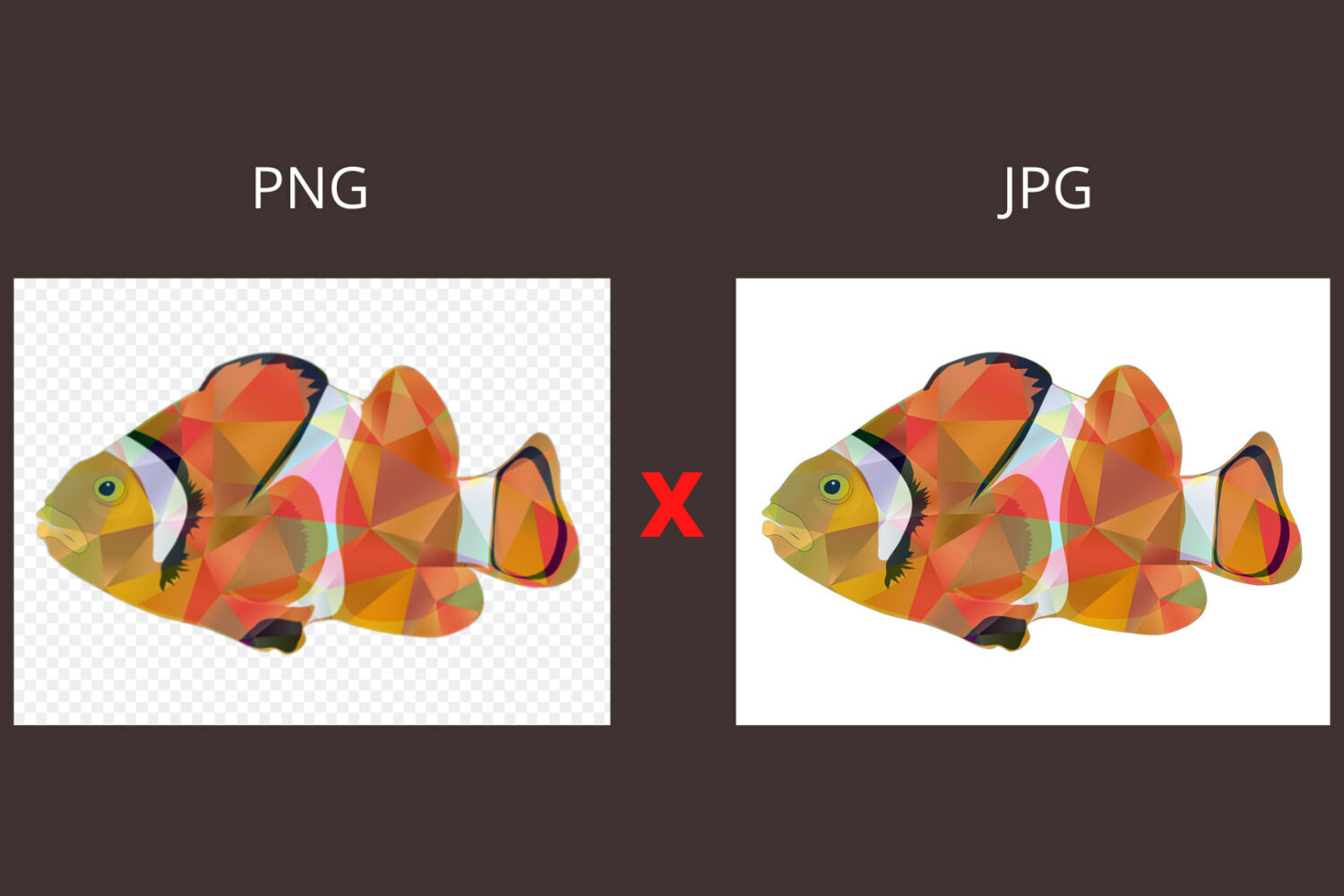
Learn how you can stop AirDrop on iPhone from converting photos to another format, such as PNG to JPG, while sending them to a Mac.
Check out the quick solutions to fix WhatsApp or WhatsApp Business not working on your iPhone and get back to messaging and calling in no time.
Echo is a series of smart voice assistant devices by Amazon. You can review and listen to voice commands given to Alexa on your Amazon Echo, inside the Alexa app, and any other device with Alexa built in. From here, you can delete the voice recordings individually or in bulk. The settings also allow you to stop saving your Echo recordings. Finally, you can even ask Amazon to no longer use your Alexa voice recordings for evaluation and training purposes. This'll ensure no human hired by Amazon listens to them. In this guide, we show you how to do all these using the Alexa app on your iPhone, iPad, Android, and the Amazon website in a browser on Mac or PC.