Are you still on the fence about buying an Apple Watch and wondering what you can do with it? In this guide, I will share the important things my close friends and I use our Apple Watches for.
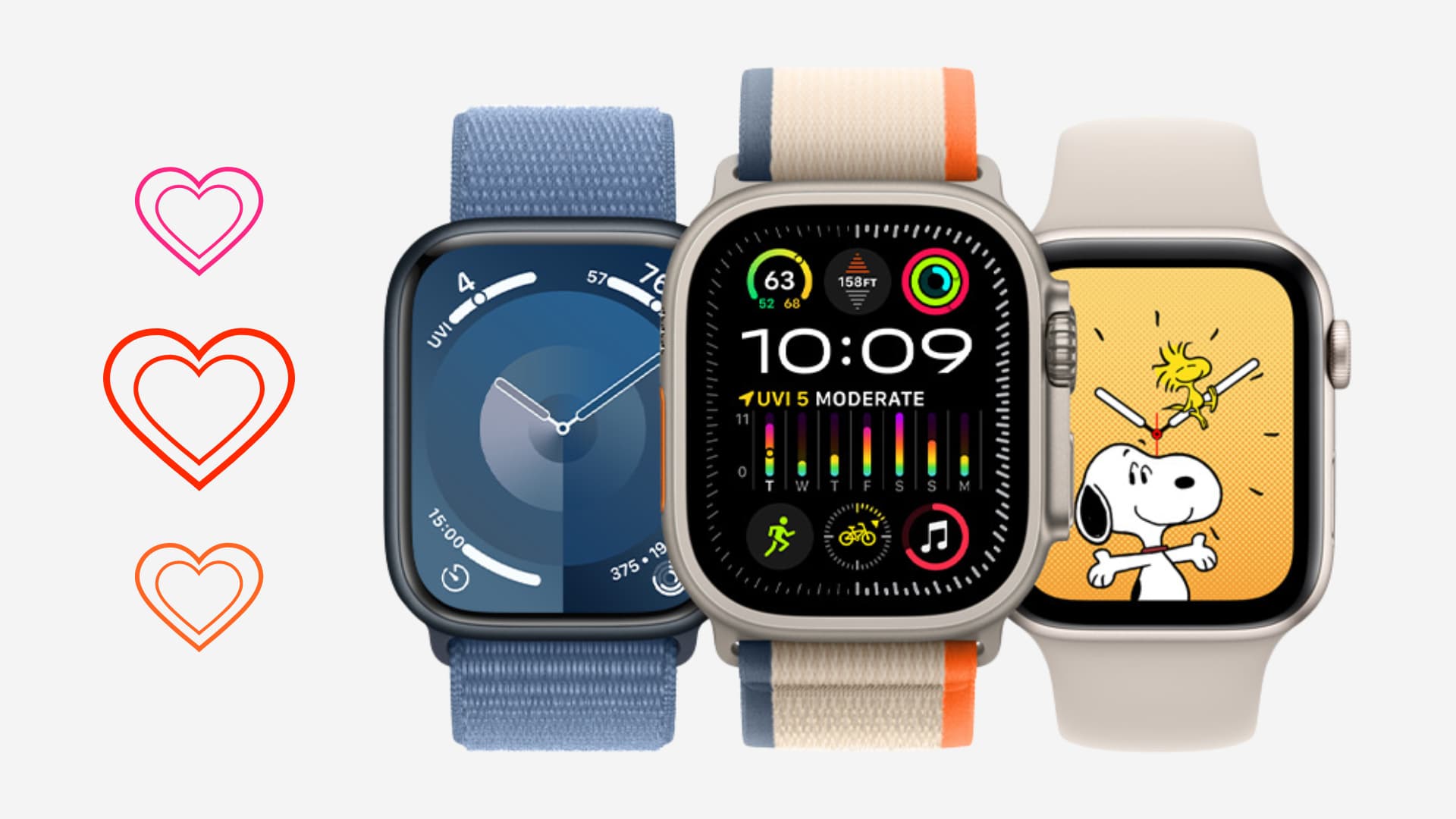
1. Depend less on the iPhone to check the time
Most of us use our phones to see the time. However, the problem is that when I wake my iPhone to check the time, I get tempted to go through pending notifications or check social media for a while.
Having an Apple Watch eliminates this dilemma. I can glance at my wrist to check the time, then continue my work without distractions.
2. Pick up or decline calls
I love knowing who is calling right from my wrist. It’s helpful when my iPhone isn’t with me or when I can’t take it out of my pocket. Furthermore, I can pick up the call or decline it right from the watch.
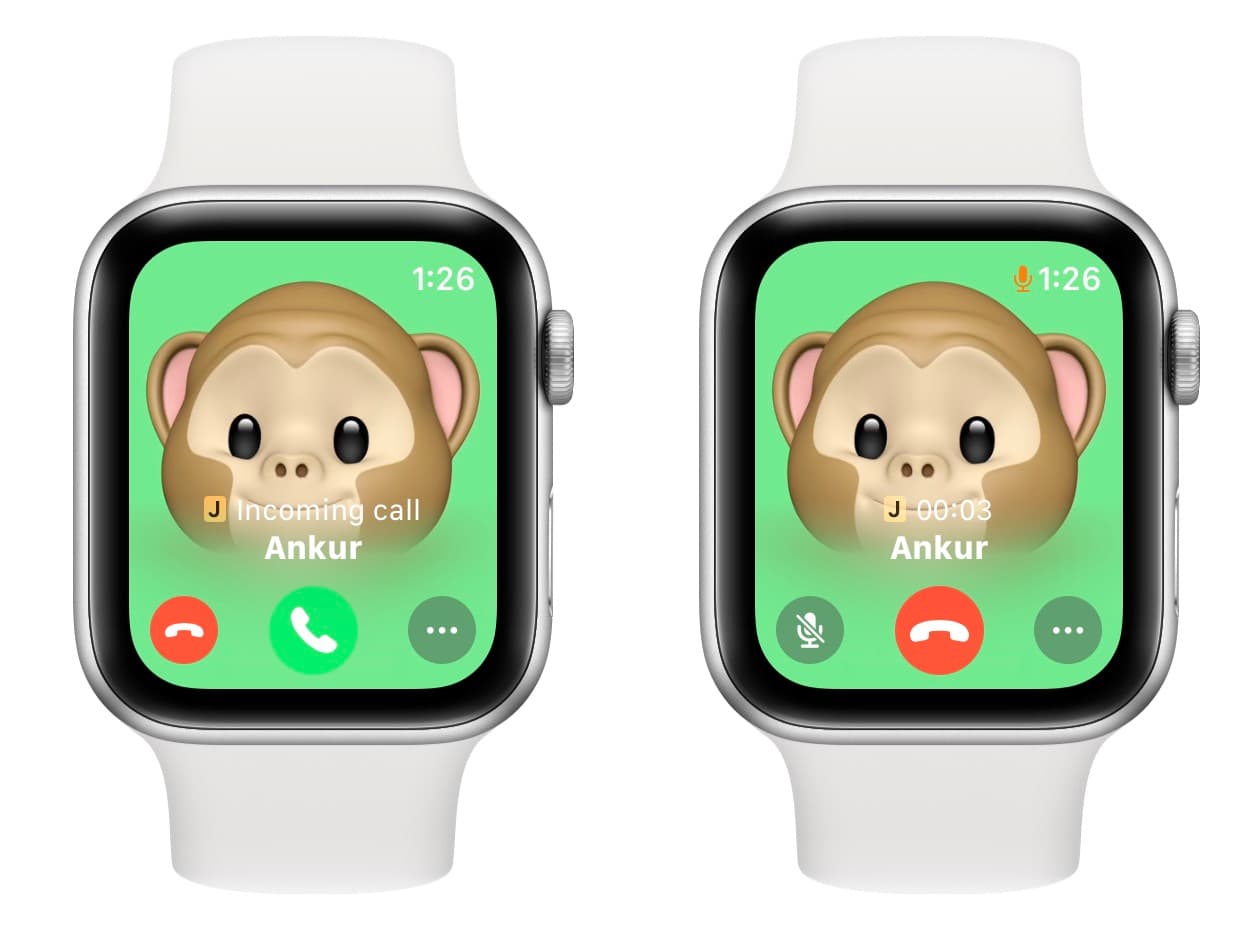
Note that your iPhone must be nearby if you have a Wi-Fi-only Apple Watch. However, if you have the cellular version, you can be miles away from your iPhone and still receive and make calls, provided you have a cellular signal.
3. Know if a notification is urgent
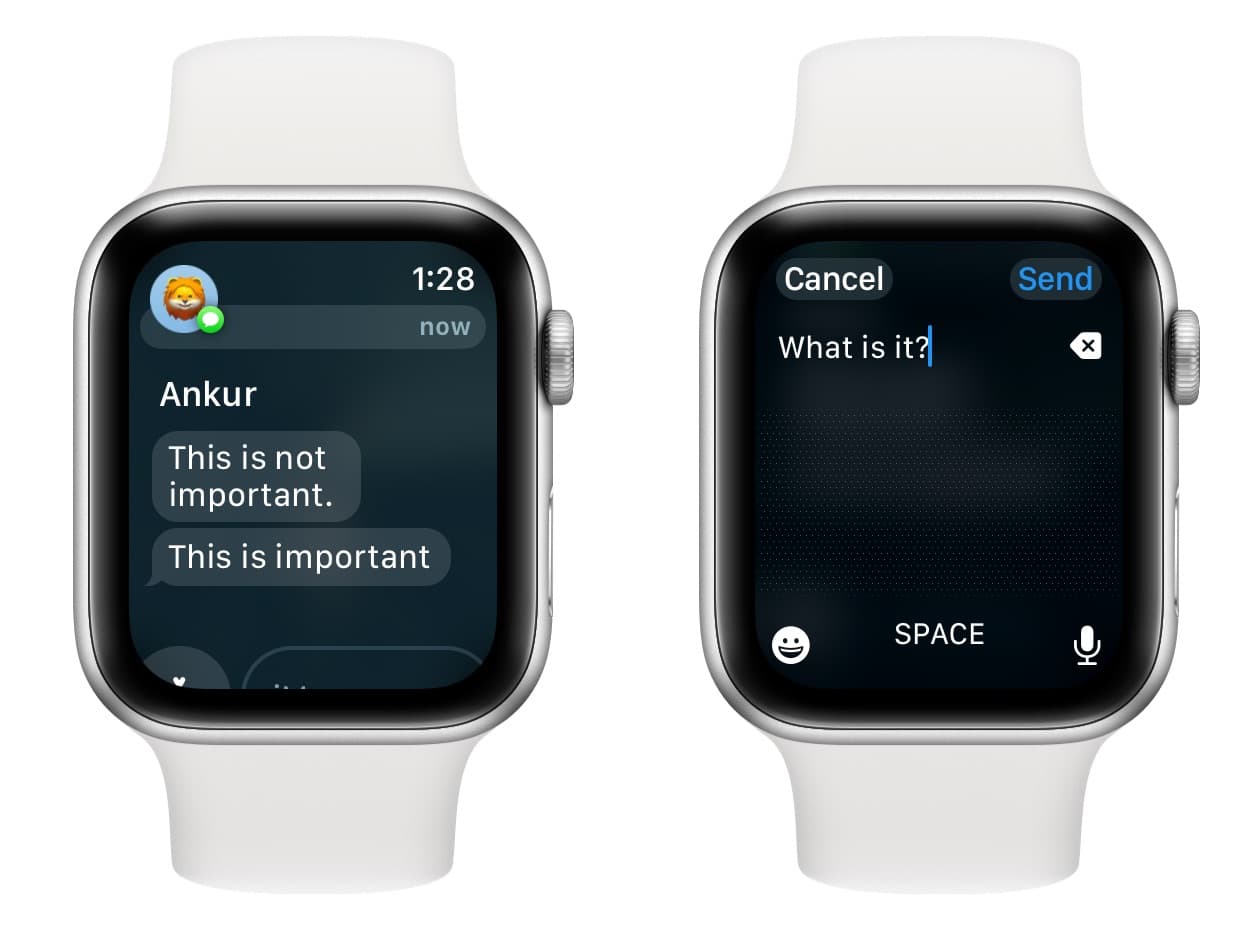
Apple Watch mirrors all my iPhone notifications, and I can see a preview of the incoming email, text, WhatsApp messages, and more. If something is important, I can attend to that alert on my iPhone, else I ignore it for later.
4. Use it for workouts
Apple Watch is a great fitness tracker. It can record your walking steps, running miles, calories burnt, and so much more. And it can do all this without the help of your iPhone.
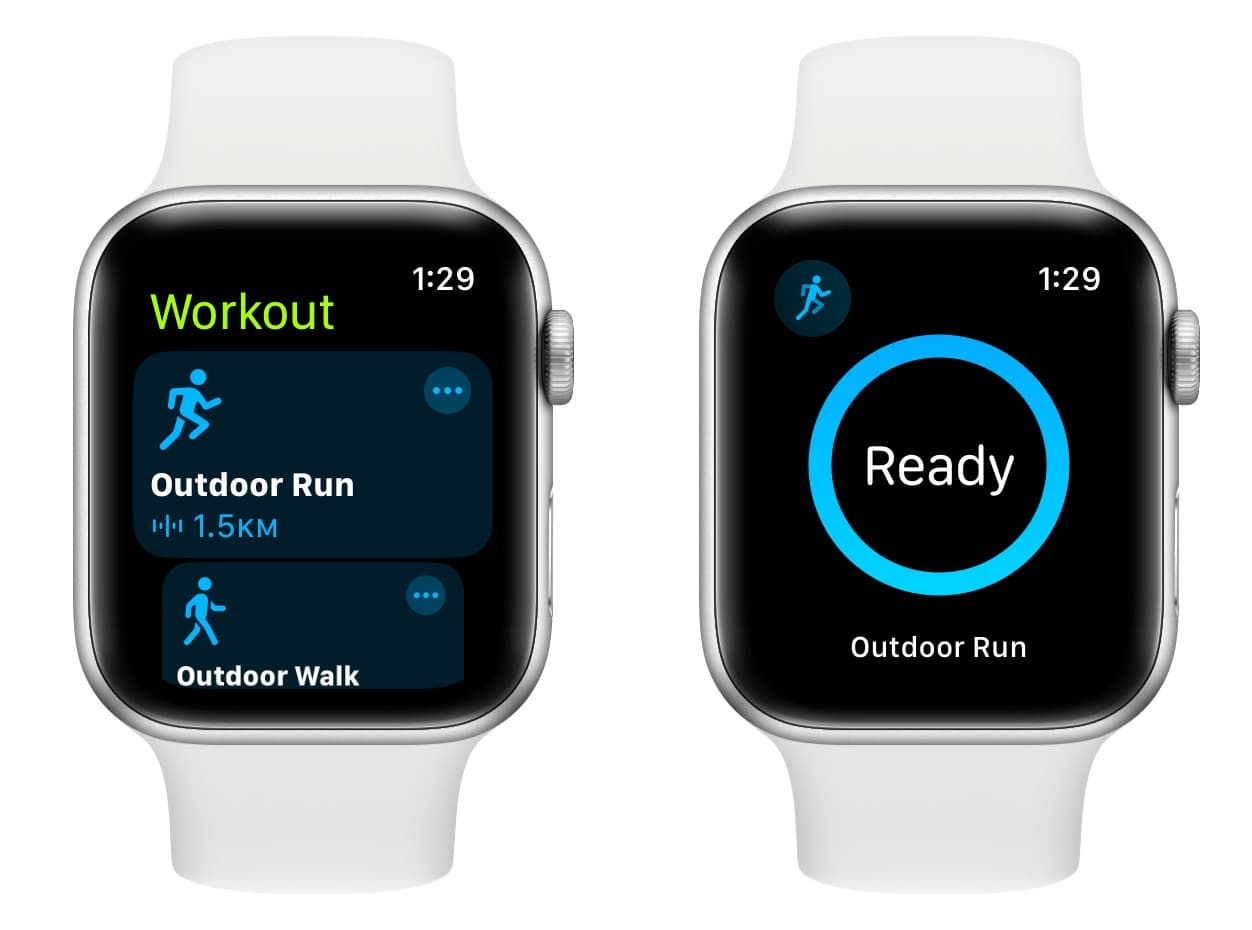
So, when I go for my evening runs, I never carry my bulky iPhone in my shorts pockets, as my Apple Watch is powerful enough to be my workout companion. When I return home, all the data is synced automatically to the Health, Fitness, and other relevant apps on my iPhone.
5. Make payments via Apple Pay
Apple Pay is integrated into the Apple Watch, and you can use it to pay securely at stores without having to reach for your iPhone.
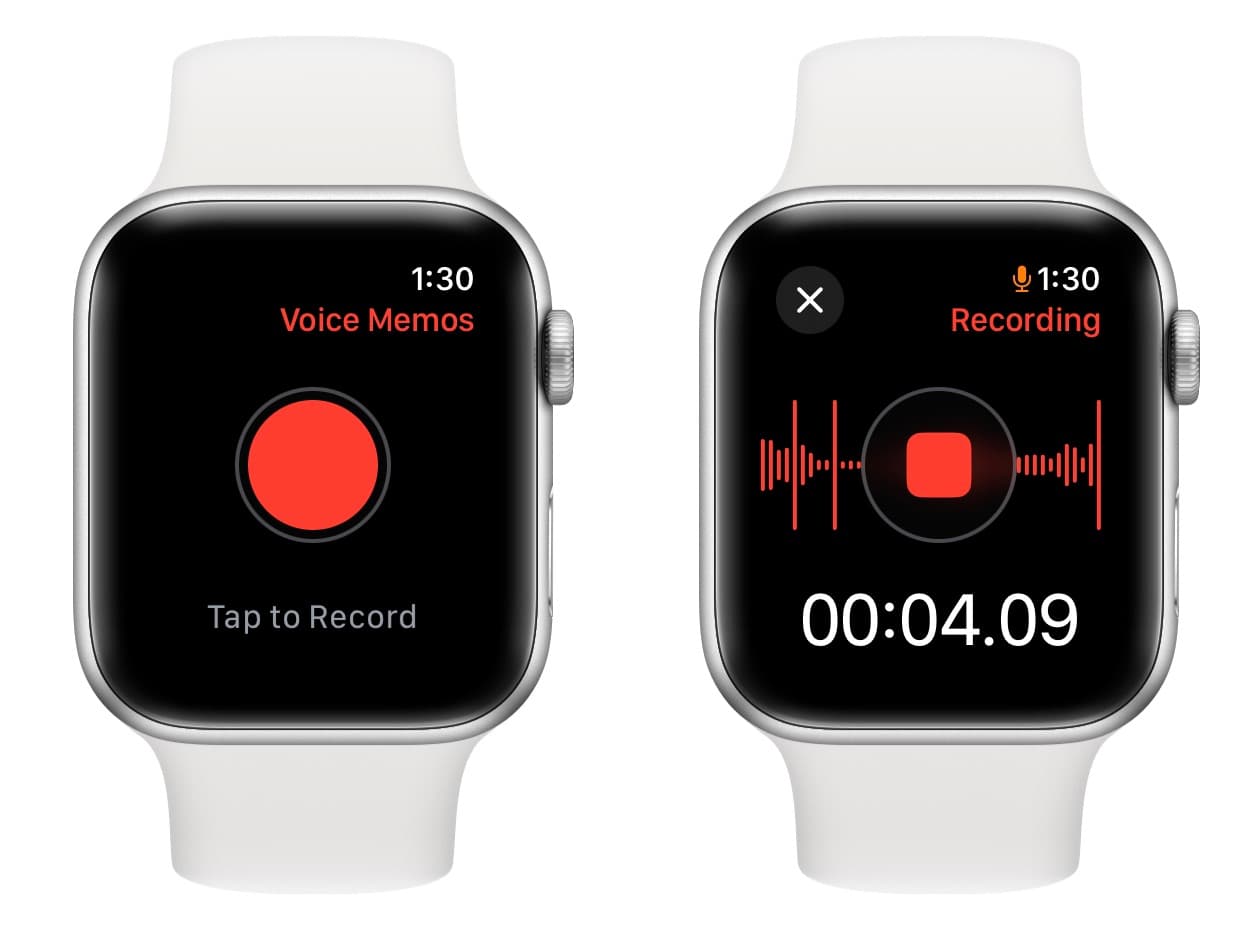
6. Use it to record voice memos
This is another feature that I use frequently on my Apple Watch. Whenever I have to record some important conversation like that with a doctor or insurance person, I do it conveniently on my Apple Watch. All the voice notes are synced automatically to my iPhone and other Apple devices, including my Mac.
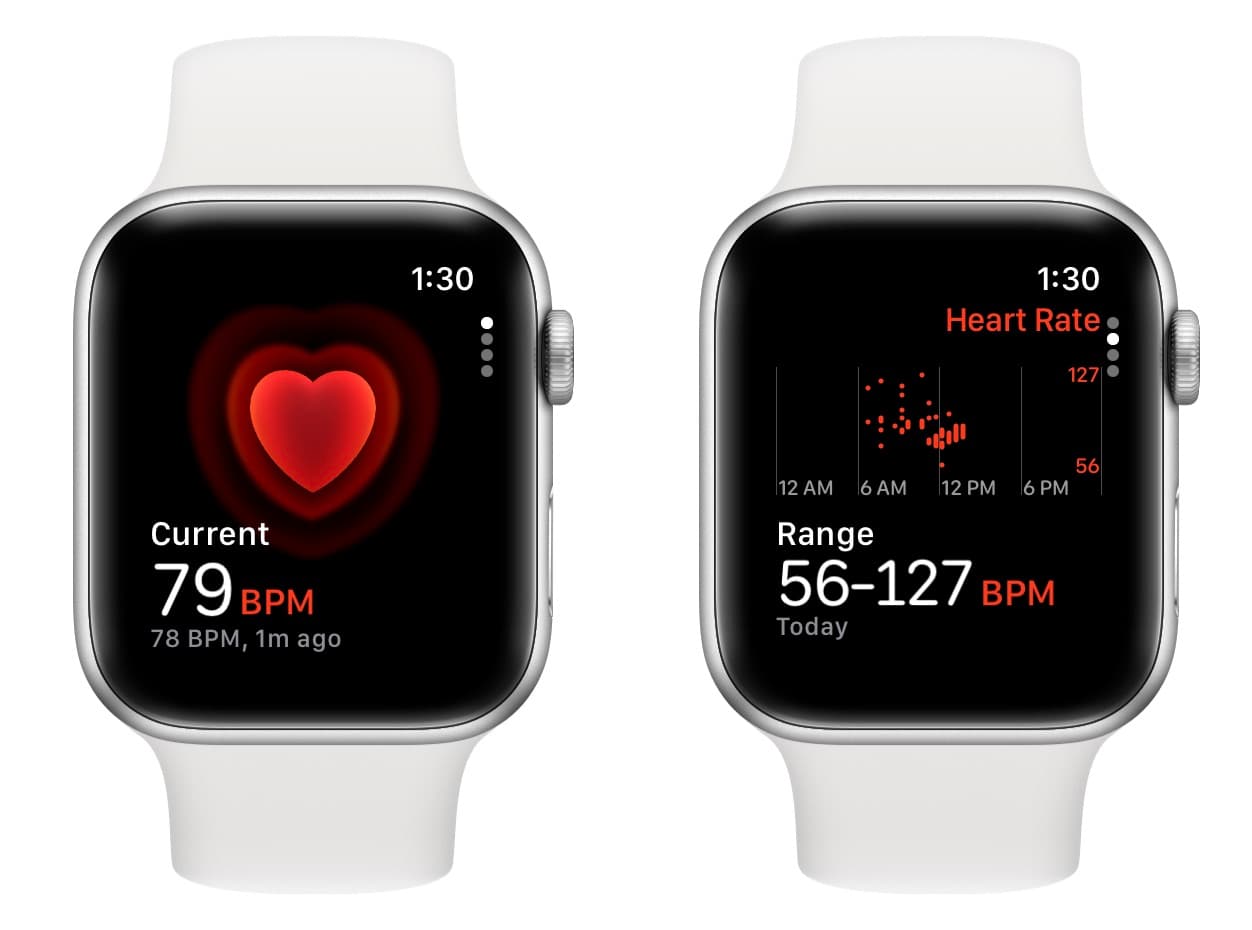
7. Check my heart rate
The built-in Heart Rate app on Apple Watch lets me measure my heart rate whenever I like. In addition to that, the Apple Watch can also send an automatic notification if the heart rate falls below or goes above a set threshold.
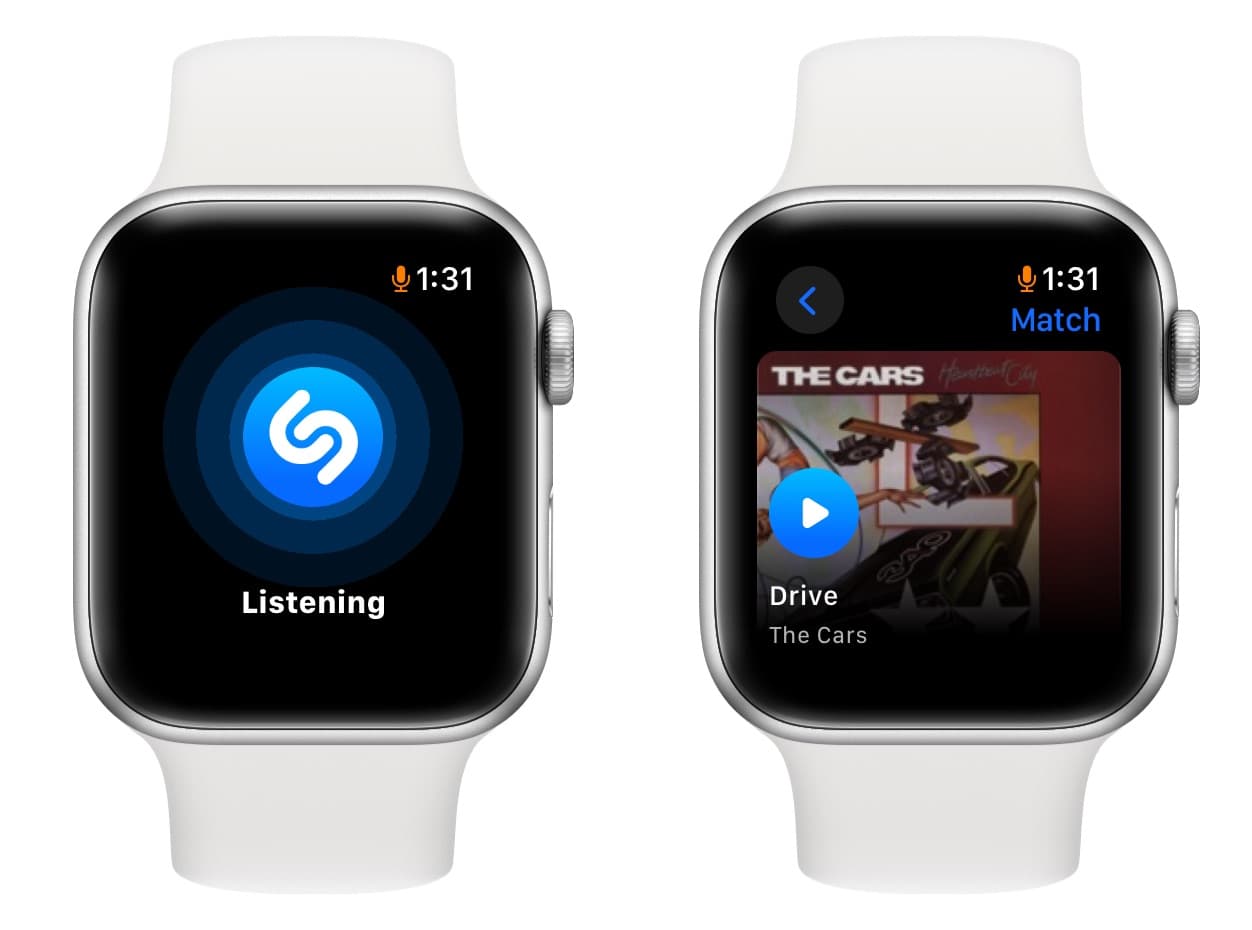
8. Identify music using Shazam
Yet another cool thing I do on my Apple Watch is use it to identify music playing around me. All I have to do is fire up the Shazam app and tap on the screen. The identified music syncs automatically to the Shazam app on my iPhone as well as to a playlist on Apple Music.
9. Set alarms
While iPhone alarms can startle you in the morning, the alarm on your Apple Watch will wake you up gently with haptic vibrations. If you’re comfortable sleeping with a watch on, you should certainly try it out.
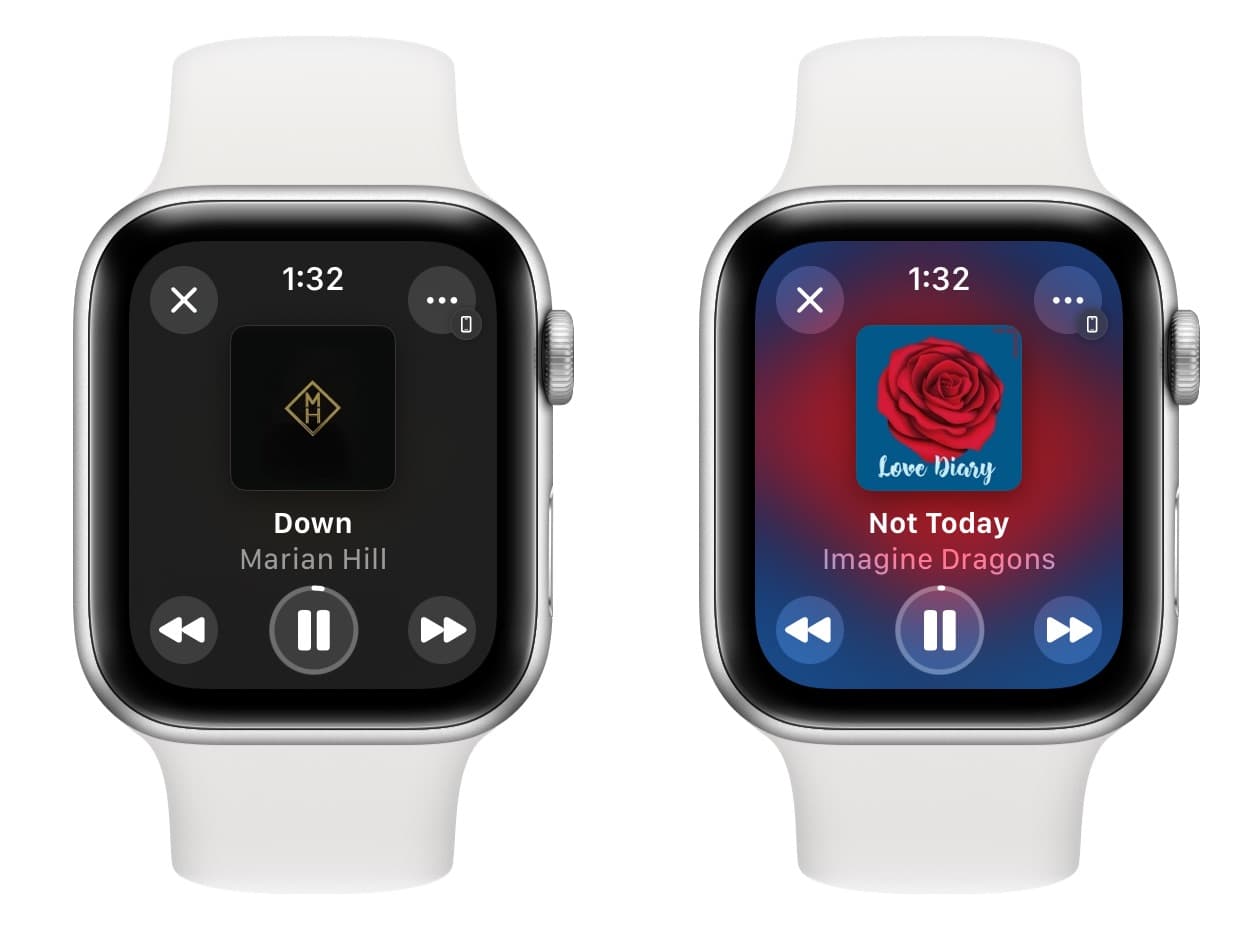
10. Manage playback on my iPhone
When I’m cleaning my car or doing other chores around the house, I play songs on my iPhone or route it to a speaker (like the car’s infotainment system). Now, if I have to change tracks, I can do that straight from my Apple Watch instead of reaching for my iPhone.
11. Use it as a camera shutter button
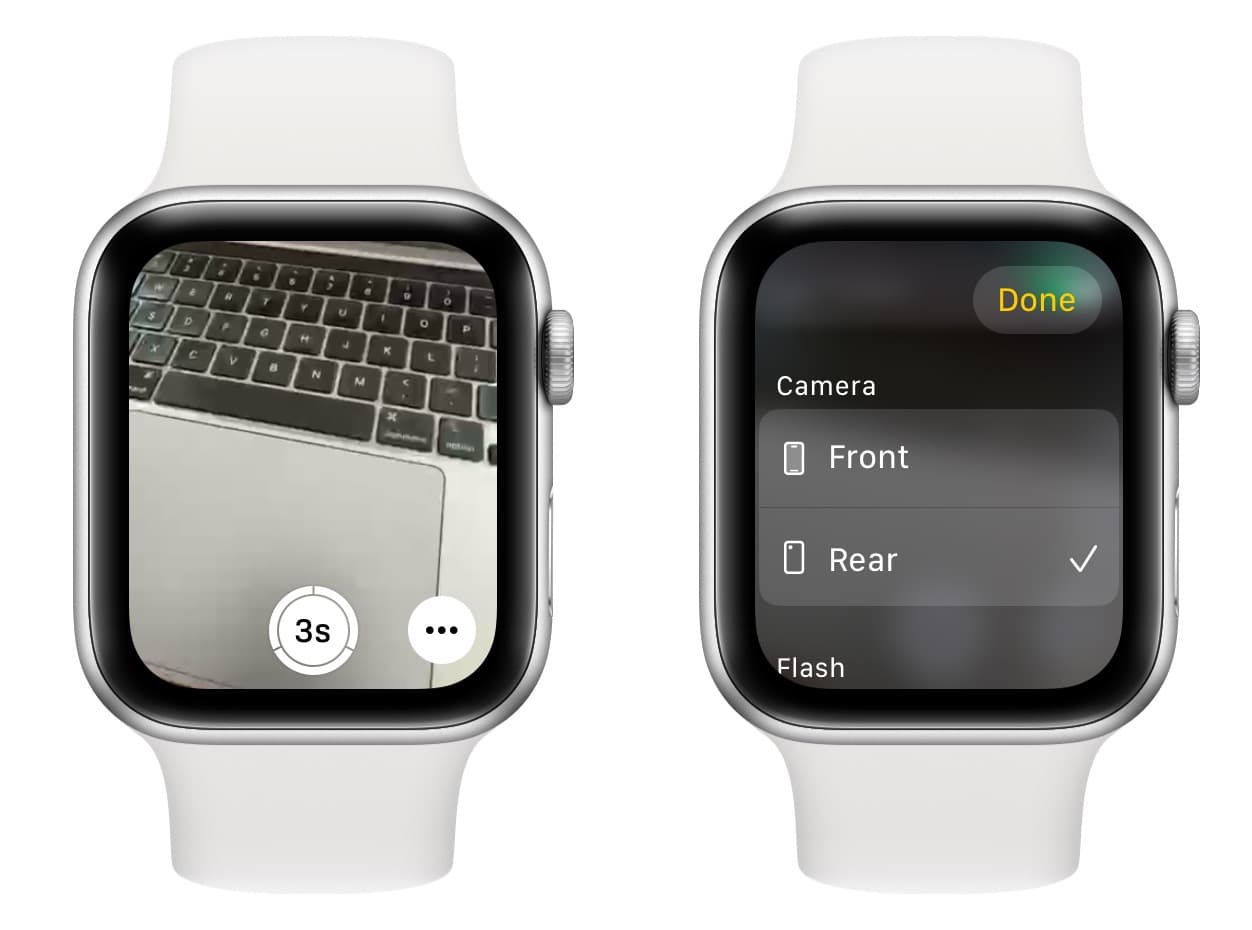
Even though the Apple Watch doesn’t have camera hardware, it does have a Camera app that’s actually a remote for your iPhone camera. You can use it as a shutter button to take perfect group photos and selfies.
12. Use it during Keynote presentations
While I’ve not tried it myself, my wife has used the Apple Watch to control Keynote presentations. It works to move between slides in Keynote on both Mac and iPhone.
These are some of the important things I do on my Apple Watch. There is a lot more to it that you’ll experience after owning one.
In addition to the above points, I’d also recommend checking our other guide, where I share 14 reasons to buy an Apple Watch if you already have an iPhone.