Want to view Instagram stories anonymously? In this post, we’ll show you how to view an Instagram story without the user knowing it.
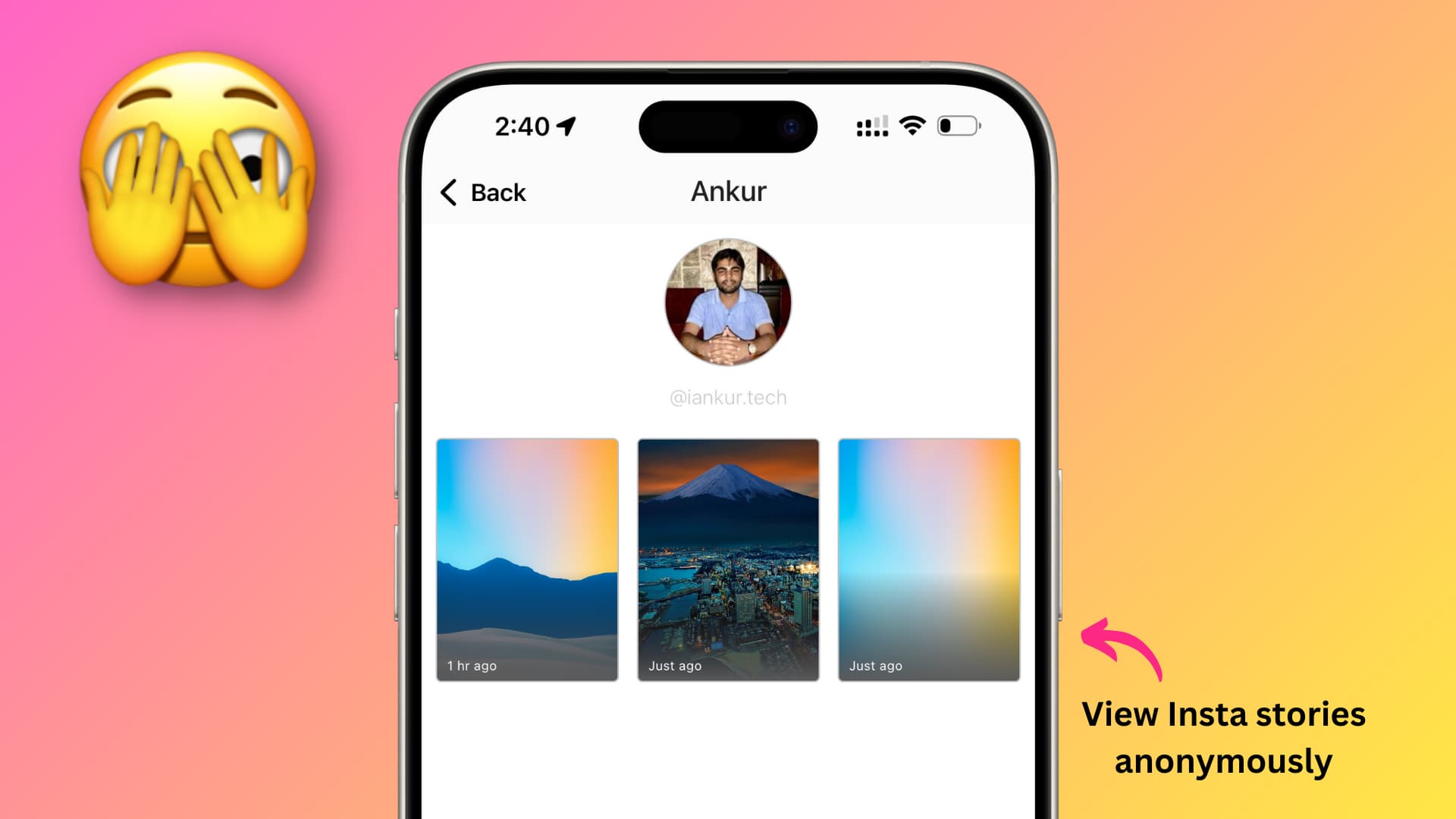
Every time you watch one of your friends’ Instagram stories, whether it is a photo or video, the person can actually tell you saw it. But what if you wanted to see their Instagram stories without them knowing? There is actually a way to do just that right from your iPhone.
To do that, we’ll be using a free app we developed called Reshare.
Watch Instagram stories without the person knowing
1) Open the Reshare app on your iPhone or iPad and tap the Stories tab at the bottom.
2) Now, log in with your Instagram account when prompted. Your login is handled directly by Instagram, and the Reshare app does not have access to your login credentials in any way. Logging in will also allow you to view your friends’ stories whose accounts are set to private.
3) Type the username of the person whose Instagram story you want to view anonymously and tap Find Stories. The app may show some accounts with similar usernames. So, select the right account.

4) Now, if the user has made one or more stories within the last 24 hours, they will all appear here. Select a story to view it without letting the person know that you viewed it.

At this point, you can even save the story to your iPhone by tapping the share button and selecting Reshare on Instagram, which will automatically save the story to your iOS Photos app.
Will it work for private accounts?
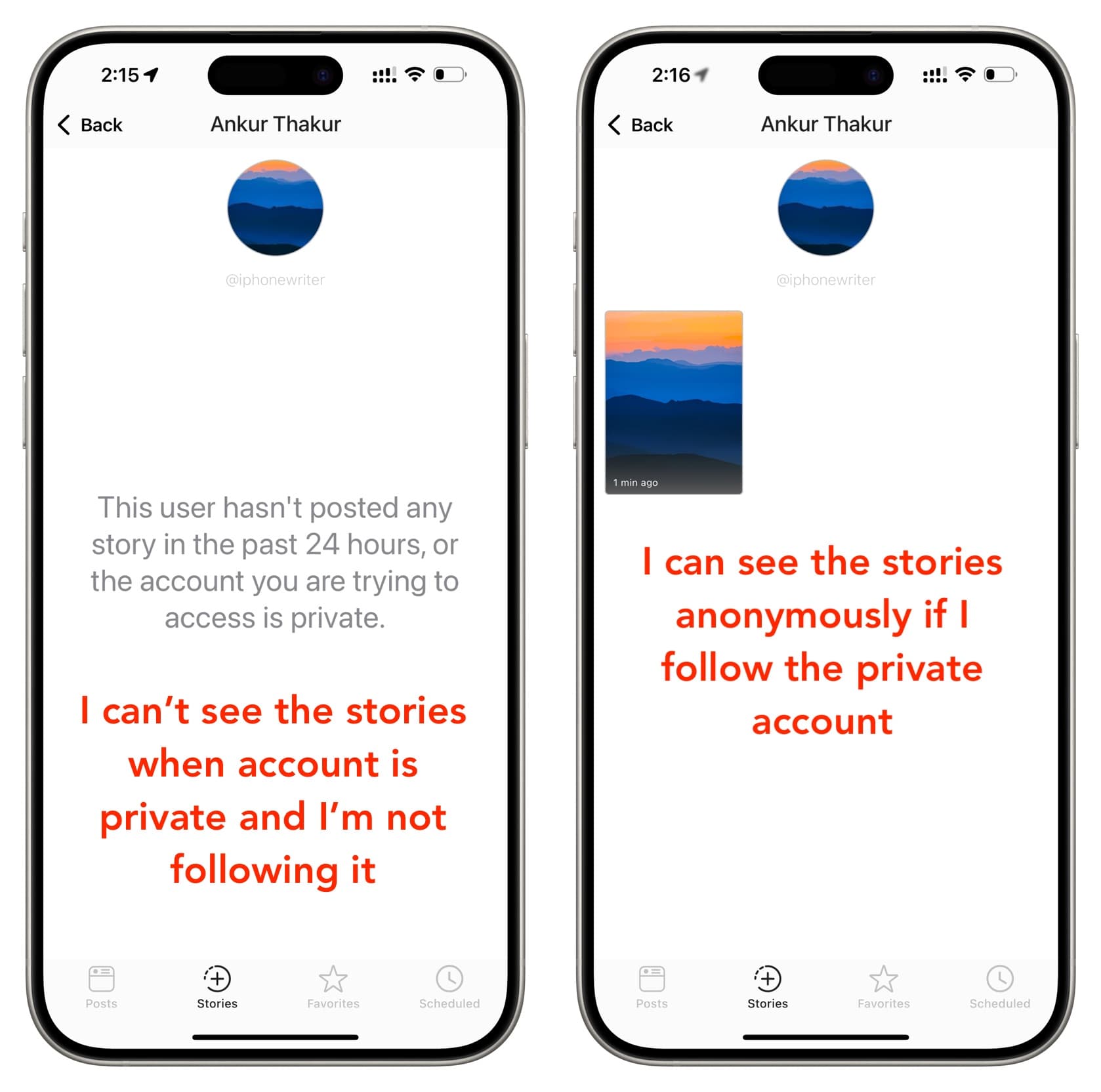
Yes. You can use the above tip to view Instagram stories of private accounts without them knowing, but for that to work, you must be following that person. However, if their account is private and you are not following them, then this app or any other app or website cannot show you their story.
Other tips
You can also use these tricks to view Instagram stories without informing the original poster, but these may not be as effective as the one we outlined above:
Use the Airplane trick: Go to the person’s profile page whose story you want to view anonymously. Wait for a few seconds for their stories to load in the background, and then put your iPhone in Airplane mode from Control Center. Now, tap their profile picture to view the story. After that, force close the Instagram app, wait for 5 seconds, and turn off Airplane mode.
Peek from adjacent story: You can open a story that’s adjacent to the actual person’s story. Now, swipe a little and hold to take a peek at their story. This method won’t work if Instagram serves you ads in between the story. Secondly, you cannot use this trick if the user has made several stories.
Try third-party websites: You can also enter the username on dedicated websites for this job, but it will work only for public accounts. Do a quick web search to find such sites.
Create a throwaway account: The last option is to create a new Instagram account whose name, username, and profile photo do not disclose who you are. You can try using a burner email to create this account.
Also, check out: