Windows

Stuck on 20% in TaiG? How to jailbreak iOS 8.3 with TaiG 2.1.3

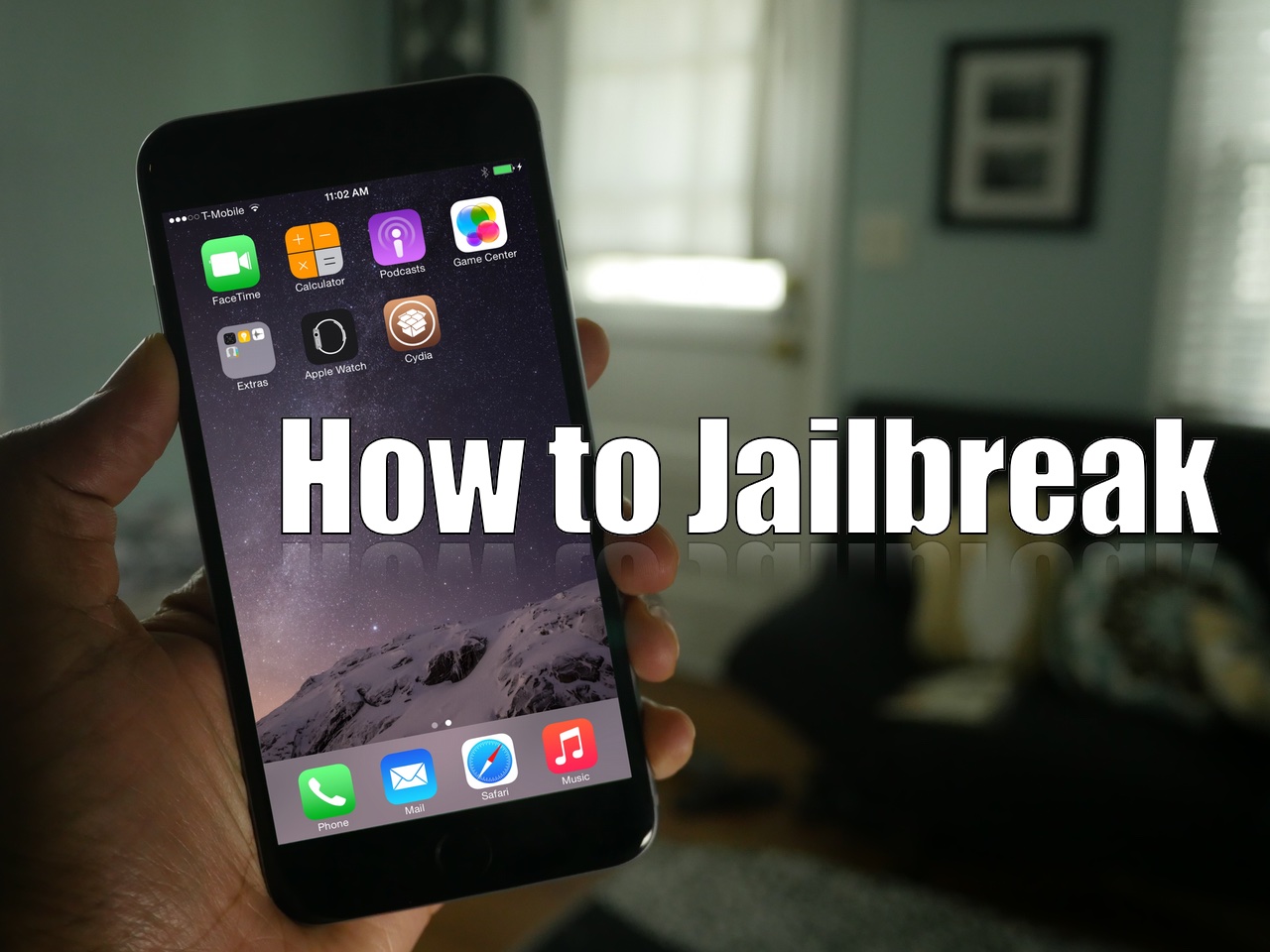
As we mentioned earlier, TaiG has released version 2.1.3 of its jailbreak tool, and it's a significant update as far as fixes go. First and foremost, it works with virtual machines, so you no longer need to modify your virtual machine to use the tool. Secondly, it fixes the 20% hangup. With these things in mind, we thought we'd show you how to jailbreak using this latest TaiG update.

This post is primarily aimed at those who have yet to jailbreak, and are looking for guidance with the latest tool. In the video that follows, we'll show you the proper way to go about jailbreaking your iPhone or iPad, and we'll show you how well the tool runs on a virtual machine.

How to fix the dreaded virtual machine error when attempting to run the TaiG jailbreak

In a previous post, I lamented about the fact that I received a dreaded virtual machine error when trying to run the TaiG jailbreak tool on VMware Fusion 7. The error went something like this: Sorry, this application cannot run under a Virtual Machine.

Not only is that totally ambiguous, but it really didn't make much sense when you consider that the prior TaiG tool ran with no problems. After trying a few solutions I found via Google, I resigned myself to the fact that I would probably just have to settle and use the old tool instead..

Fortunately, however, one of our awesome readers has come though with a fix. Mohamed Elkady shared this interesting little trick to help bypass a frustrating error. In this post and video, I'll walk you through the entire process step-by-step.

TaiG 2.1 released to fix Cydia Substrate

It looks like several reddit users have unearthed the next version of the TaiG jailbreak for iOS 8.3. Several users have posted screenshots of the tool, which is said to fix the Cydia Substrate issues, iTunes issues, etc.

I've tested the untether myself, and I can confirm that it works. Cydia Substrate now works, and jailbreak tweaks that are compatible with iOS 8.3 now work.

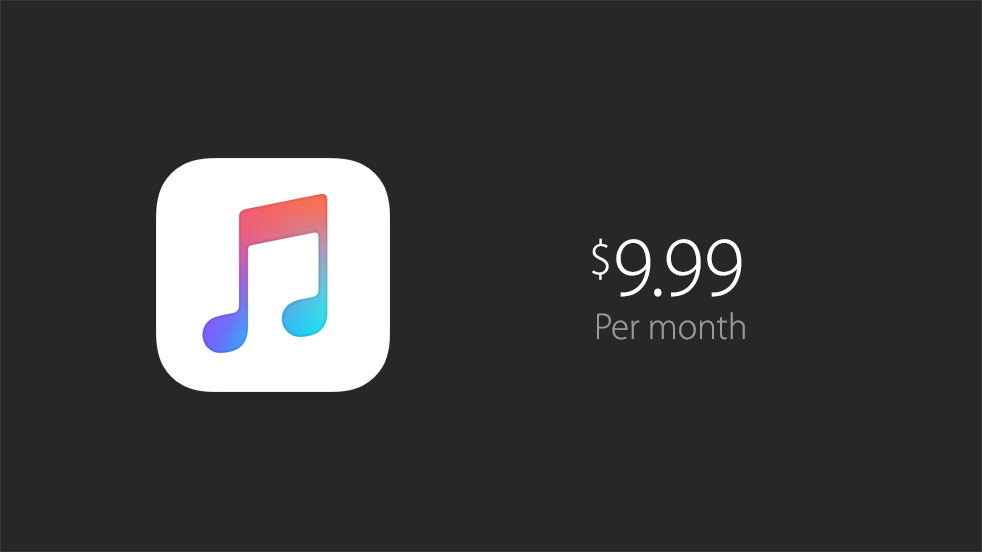
Apple Music available on June 30 for $9.99/month with 3-month free trial

Apple rounded up its WWDC 2015 keynote with a 'one more thing' announcement for Apple Music. The service will incorporate streaming music, 24/7 radio stations, and a new 'Connect' feature that will allow musicians to connect with their fans.

For those excited to try out the service, Apple says that it will be available on June 30th. As run-up reports predicted, it'll come with a 3-month free trial and cost $9.99 per month after that. There will also be a family plan for multiple users, for $14.99 per month.

How to watch WWDC keynote live on Mac, iPhone, iPad, Apple TV, Windows, Linux and Android

As you know, Apple's annual Worldwide Developers Conference kicks off tomorrow with a State of the Union-like keynote address. WWDC is the most important event for the Apple community as it gives a sneak peak at how the firm plans to woo app developers in the year.

The 26th summer event runs from June 8 through June 12 at San Francisco’s Moscone West, where CEO Tim Cook will share the stage Monday morning along with other company executives to deliver latest advances concerning iOS, OS X and Watch OS platforms.

iDownloadBlog, the biggest name in jailbreaking, doesn't get invited to Apple events. Not to worry: we'll be providing a remote live coverage of the two-hour long presentation and following up with related tidbits throughout the day so you don't miss a thing.

Apple will be providing a live stream through the Apple Events webpage on its website, using the new familiar weblog-like layout.

Although the official live stream is limited to Mac, iPhone, iPod touch, iPad and Apple TV devices, you can enjoy it on other platforms, too. Without further ado, here's a quick tutorial on what you'll need to watch the keynote live on both Apple devices and non-Apple platforms like Windows, Linux and Android.

Microsoft confirms Windows 10 arriving on July 29

Monday, software giant Microsoft announced that Windows 10, the latest and greatest upgrade for its ubiquitous operating system designed to scale from smartphones to tablets to desktop computers, will be launching on July 29 across 190 countries.

The software will be available as a free upgrade for both mobile and desktop Windows devices, with the desktop version released through a reservation system.

Cortana is coming to iOS with Windows 10 Phone Companion app, Microsoft confirms

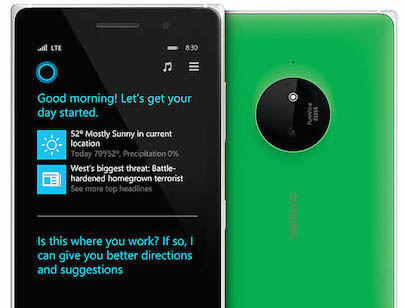
Microsoft Cortana, the software giant's Siri-like personal digital assistant available on Windows Phone and Windows 10 mobile and desktop platforms, will expand later this year to iPhone, iPad and iPod touch devices, as well as Android smartphones and tablets.

The company officially confirmed the news in a blog post this morning, basically corroborating an earlier March report by Reuters which claimed Cortana would hit non-Microsoft mobile platforms this fall.

Oculus Rift’s Mac development ‘paused’ as team focuses on 2016 Windows launch

Both OS X and Linux development of the Oculus Rift virtual reality headset has been put on hold as the team focuses on a strong launch of the Windows version of the product, the company has confirmed in a blog post today.

While Oculus focuses its energies on a “high quality consumer-level VR experience at launch across hardware, software and content on Windows,” they want to “get back to development for OS X and Linux” but “don't have a timeline” yet, said Atman Binstock, Chief Architect at Oculus and technical director of the Rift.

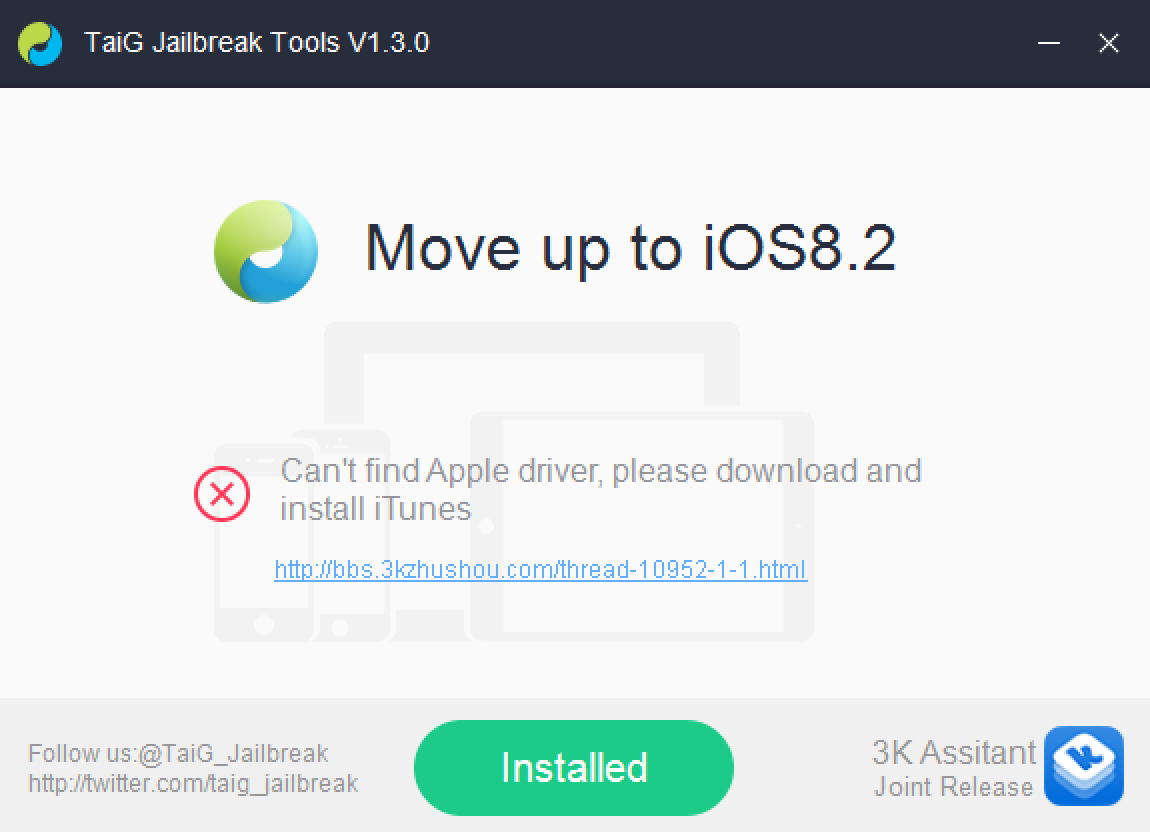
How to fix the “Can’t find Apple driver” issue with TaiG for Windows

If you've been trying to jailbreak iOS 8.2 beta 1 or 2 with TaiG 1.3.0 over the last couple of days, you may have encountered an issue. An error that says: "Can't find Apple driver, please download and install iTunes" has been causing all sorts of problems for would be jailbreakers.

iTunes may indeed already be installed, but it's the latest version of iTunes for 64-bit Windows machines that's causing the error to begin with. Perhaps you've tried to downgrade your copy of iTunes unsuccessfully. Or maybe you've just given up on trying to jailbreak your iPhone on a Windows machine. Well, don't give up just yet, because we have a solution inside.

Apple releases iTunes 12.1.1 for Windows users with fix for Outlook syncing and more

Apple today rolled out a new version of iTunes specifically for Windows users. Windows-only iTunes updates are rare for Apple, but the changelog says that today's release fixes some significant bugs related to Outlook-device syncing, as well as an audio playback glitch.

Users can update to 12.1.1 by either visiting the Updates section from the Updates tab within iTunes, or they can visit Apple's website and download the software in its entirety. Windows users must be running Windows Vista 64-bit or later, and have 400MB free space.