Windows

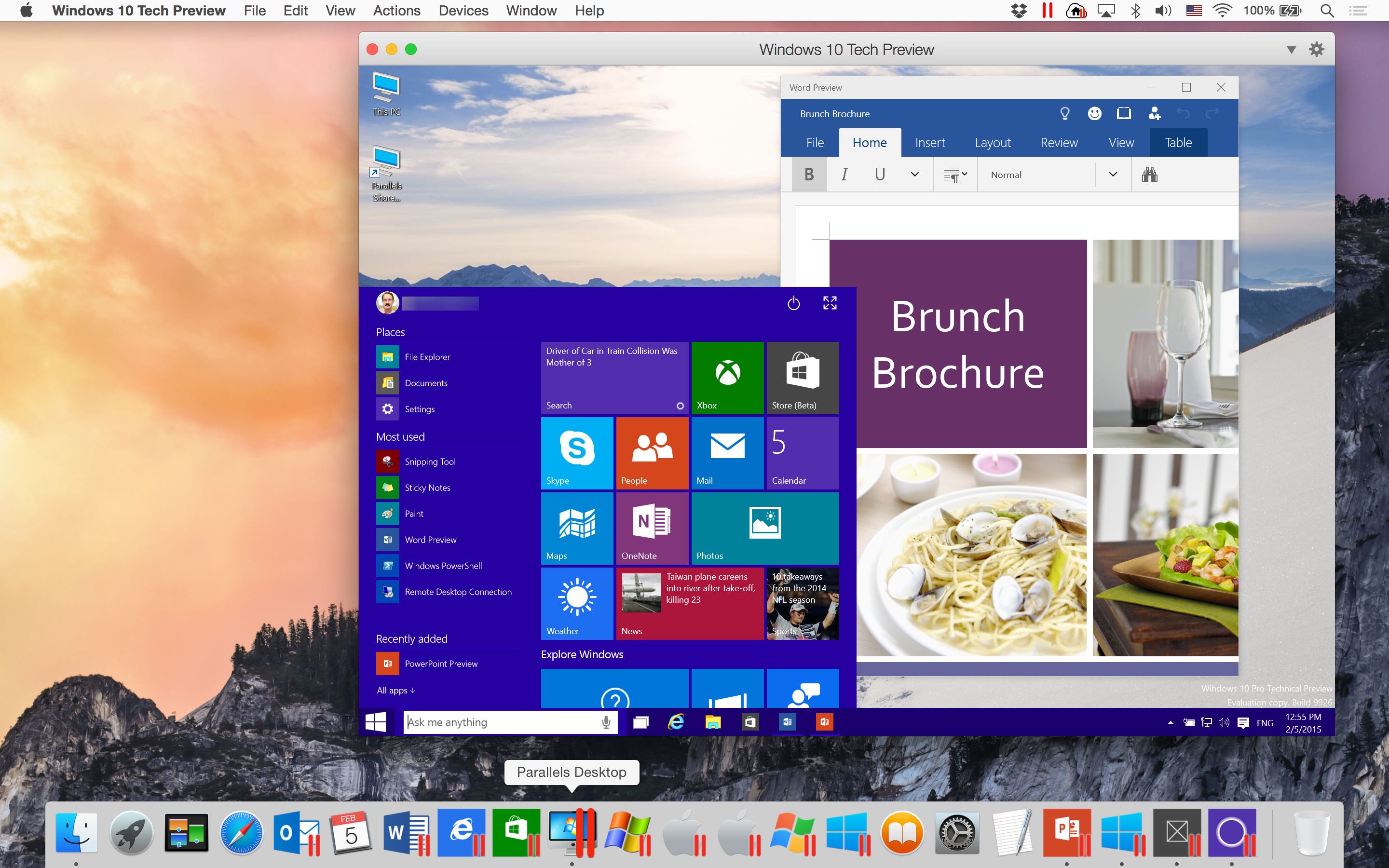
Parallels Desktop 10 gains experimental support for Office/Windows 10 Technical Preview

Our own Jeff Benjamin showed you earlier how anyone can try Windows 10 Technical Preview on their Mac for free, using VMware Fusion.

But if you use Parallels’ award-winning virtualization software, you must check out its most recent update.

Announced today, it enables experimental support for running both Office 10 and Windows 10 previews on your Mac.

How to install Windows 10 Technical Preview on your Mac with VMware Fusion

The Windows 10 Technical Preview is now available for free download and trial, but just because you're on a Mac doesn't mean you have to be left out of the fun. Windows 10 brings new features to the table like Cortana voice assistant integration, improved multitasking, and more.

In this full tutorial, I'll show you how to install Windows 10 Technical Preview on your Mac using VMware Fusion. In the video walkthrough, I show you how to install Windows 10 on your Mac in less than 15 minutes.

Microsoft says Windows 10 will be a free upgrade, with a caveat

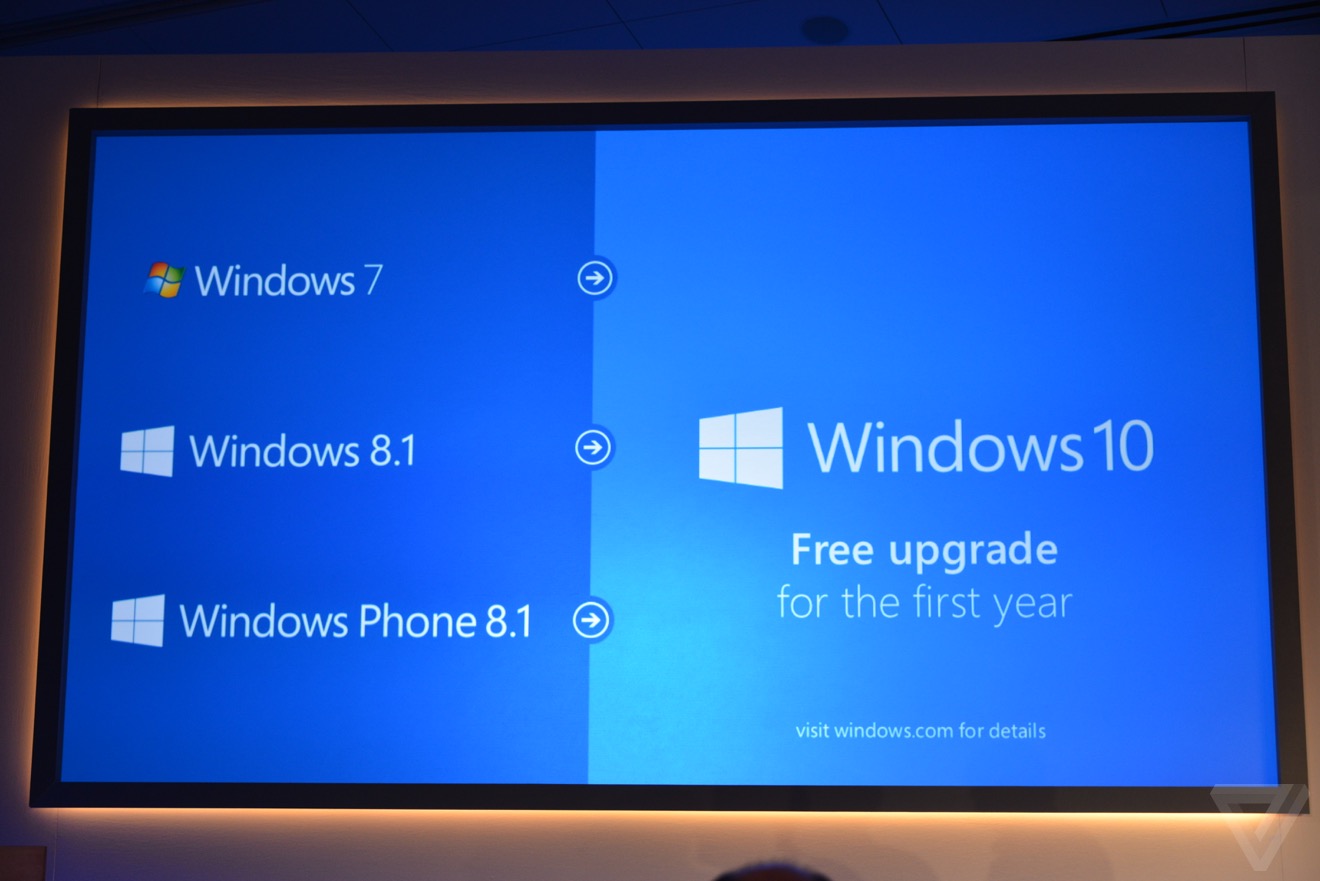
Realizing Windows has long been losing its momentum ever since that Vista train wreck in 2005, the Redmond-based software giant surprised attendees of its press event this morning by announcing that Windows 10 will be a free upgrade from Windows 8.1, Windows Phone 8.1 and Windows 7.

But how on Earth is Microsoft going to make money from the forthcoming operating system? Well, in a typical Microsoft fashion Windows 10 upgrades will be free for just one year.

How to jailbreak iOS 8.1.2 with TaiG 1.2

TaiG has released version 1.2 of its iOS 8 jailbreak tool, and it's now capable of jailbreaking iOS 8.1.2. As has been the norm with the past few jailbreak releases, this is a Windows only jailbreak tool. If you're running Windows, you can follow our step-by-step tutorial. If you're on a Mac, you can use our virtual machine tutorial to run Windows on OS X and jailbreak.

How to jailbreak iOS 8.1.1 or iOS 8.1.2 on Mac OS X using a virtual machine

As has been the norm as of late, OS X releases of the latest jailbreak tools have lagged behind their Windows counterparts. The TaiG jailbreak, which released to much surprise early this morning is no exception.

But what if you're an OS X only user who doesn't have access to a Windows machine? Are you left out in the cold waiting until TaiG decides to release an OS X version of its tool? Not necessarily.

Inside, I'll show you how easy it is to run a Windows virtual machine on OS X absolutely free of charge. Doing so will allow you to jailbreak iOS 8.1.2 even if you only have a Mac. Best of all, it's absolutely free to do so. Check out our video tutorial after the break for the full how-to.

Update: this post was originally created for iOS 8.1.1, but you can follow the same steps to jailbreak iOS 8.1.2 using the latest version of TaiG.

The Pangu team says a 0.4 Untether update is coming soon

It's hard to believe, but it's almost been two weeks since Pangu surprised us all, providing a jailbreak for iOS 8. Since that day, we've seen numerous updates and releases to fix bugs and address other lingering issues.

Many of you, though, are still waiting for an OS X version of the iOS 8 jailbreak. From the looks of things, the OS X jailbreak is still a little ways off. Pangu is currently working on a 0.4 release of its Windows tool, which will drop shortly after the 0.3 update was released to fix overheating issues in 32-bit devices.

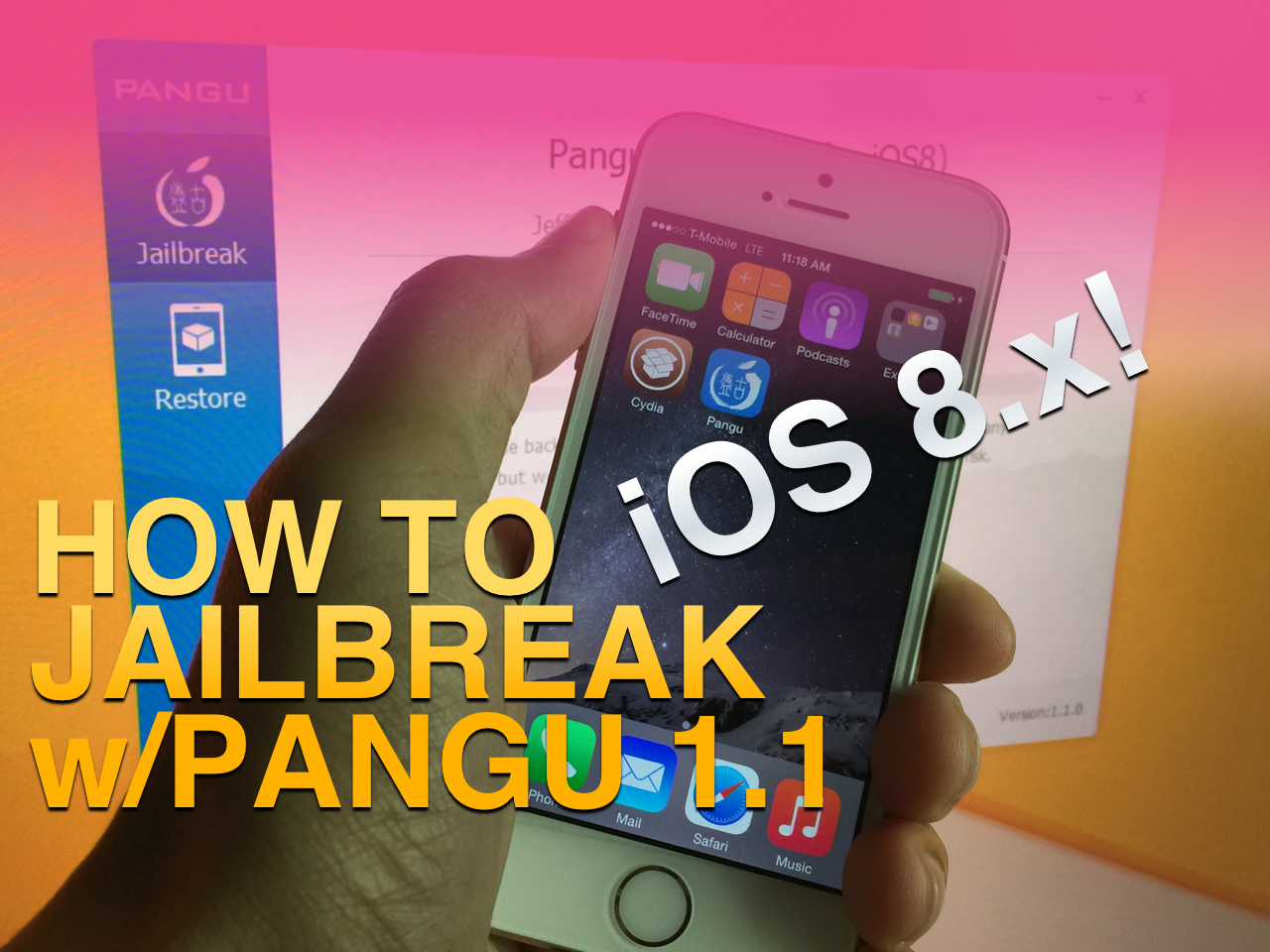
How to jailbreak iOS 8 and install Cydia using Pangu 1.1.0 on Windows [Video]

The definitive version of Pangu for Windows is here. This version, as you've likely read, is complete with a bundled Cydia installation and English text. There are also a few differences in some of the screens that you'll encounter during the jailbreak process.

If you've yet to jailbreak iOS 8, then you no longer need to wait around for anything (outside of a version for the Mac). This is the complete version of Pangu, that makes it super-simple to jailbreak just like jailbreaks of old. Pangu 1.1.0 is a great tool, and it works very well.

Check out our final complete Pangu 1.1 iOS 8.x jailbreak video tutorial inside. It only takes 8 easy steps.

How to jailbreak iOS 8.x with Pangu on Mac OS X using a virtual machine

Although you never can tell with these sorts of things, it doesn't look like we'll be seeing an OS X version of Pangu in the immediate future. Although I'm sure that the Pangu guys are working feverishly on an OS X version of the jailbreak tool for iOS 8.x, it likely lags behind other priorities, such as translation, embedding Cydia, etc.

With that in mind, what options exist for those of us in Mac-only households? You could, of course, visit a friend who owns a Windows machine. Or, you can do what I always do, and install Pangu and jailbreak using a Windows virtual machine on OS X. In fact, you may be surprised (or not), but I don't own a Windows machine, and haven't in years. But I'm always able to jailbreak on day one due to my Windows virtual machines.

In this tutorial, I'll tell you how to set up and install a virtual machine for free in order to jailbreak iOS 8.1 with Pangu on your Mac.

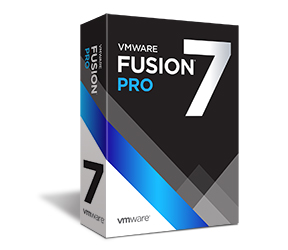
VMware Fusion 7 now available with OS X Yosemite and Windows 8.1 support

Following the recent release of Yosemite-enabled Parallels Desktop 10, rival WMware on Wednesday announced immediate availability of VMware Fusion 7 and VMware Fusion 7 Pro, major new versions of its virtualization software which now includes built-in support for OS X Yosemite, OS X Yosemite Server and Windows 8.1, along with a bunch of other perks.

Also compatible with OS X Mavericks and OS X Mountain Lion and available in English, German, French, Italian, Spanish, Simplified Chinese and Japanese, WMware Fusion 7 and VMware Fusion 7 Pro take virtualization on the Mac to the next level with a speedier performance, a redesigned appearance, improved connectivity, support for Macs with Retina displays and more.

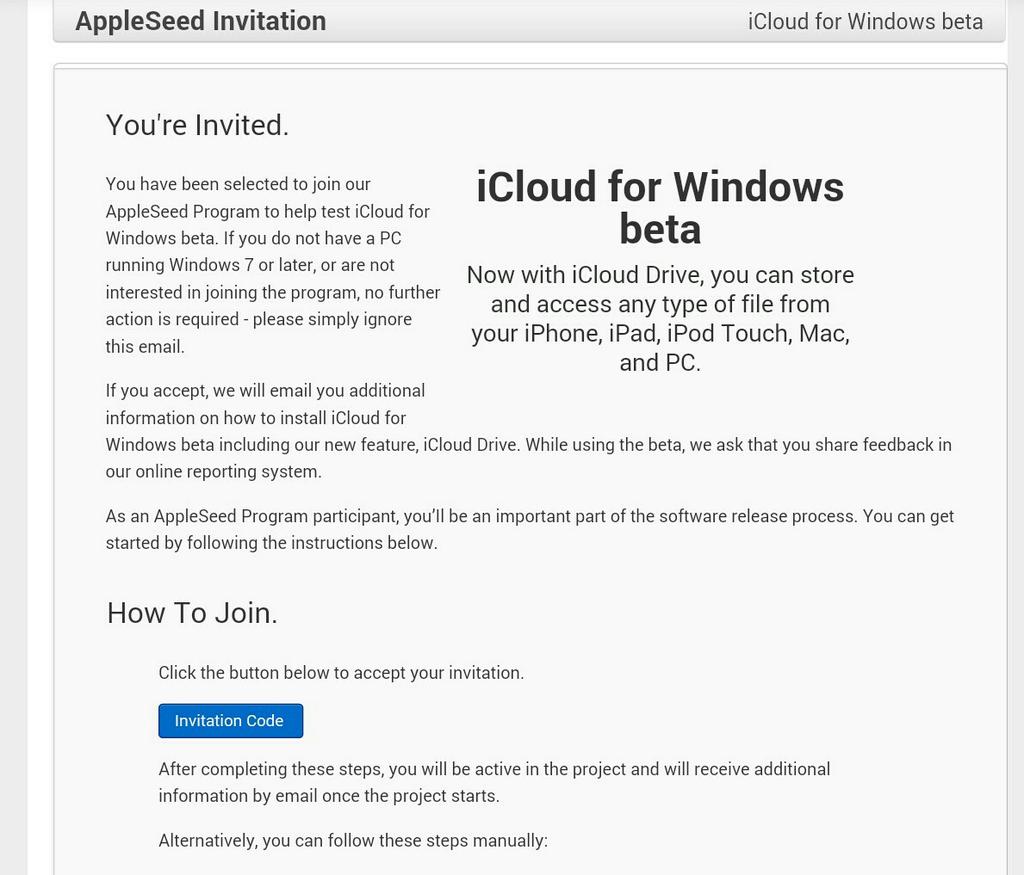
Apple sending out AppleSeed invites for Windows iCloud beta

Apple has begun sending out invitations to AppleSeed members this afternoon for a new iCloud for Windows Beta. Introduced at WWDC in June, the app includes iCloud Drive, a new feature that allows you to store and access any file type from any iOS device, Mac or PC.

AppleSeed members who receive the invites must have a PC running Windows 7 or later to participate in the beta, and must accept the terms and conditions. Those who receive the invitation but don't meet the aforementioned requirements can simply ignore the e-mail.

How to jailbreak iOS 7.1.x with Pangu 1.1 on Windows [video]

The highly anticipated Pangu 1.1 update was just today released for both Windows and Mac users. Obviously, the big news here was Mac compatibility, as Mac users were left without a usable version after the initial Windows-only version of Pangu 1.1 was released.

But Windows users should be happy too, as version 1.1 of Pangu brings with it English text that makes it easier to follow along in the jailbreak process. The update also gets rid of the nefarious checkbox that allowed pirated software to be easily installed on your device.

Pangu 1.1 is a streamlined version of the original tool. If you've been on the fence about using it, then perhaps this latest update will ease your concerns. Check inside to view our step-by-step jailbreak tutorial for Pangu 1.1 on Windows.