Windows

How to jailbreak iOS 9 with Pangu

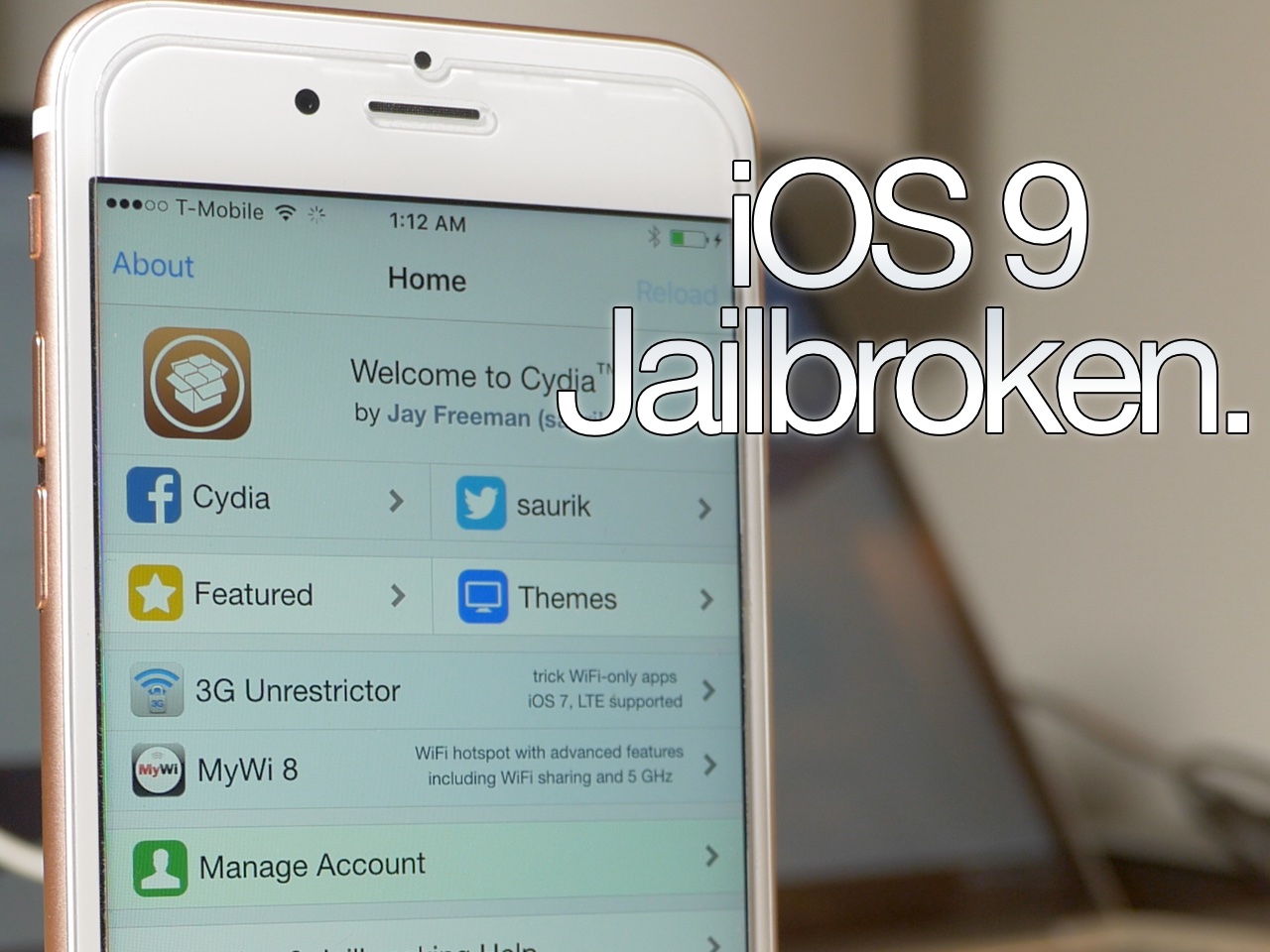
As we told you, the Pangu Jailbreak tool for iOS 9 was just released a few minutes ago. We've taken the liberty to test it out, and can vouch for its legitimacy as far as jailbreaking the iPhone goes. We tested it out with our iPhone 6s and were able to jailbreak and load Cydia successfully. In this post, we'll show you how to do the same.

iOS 9 jailbreak released by Pangu

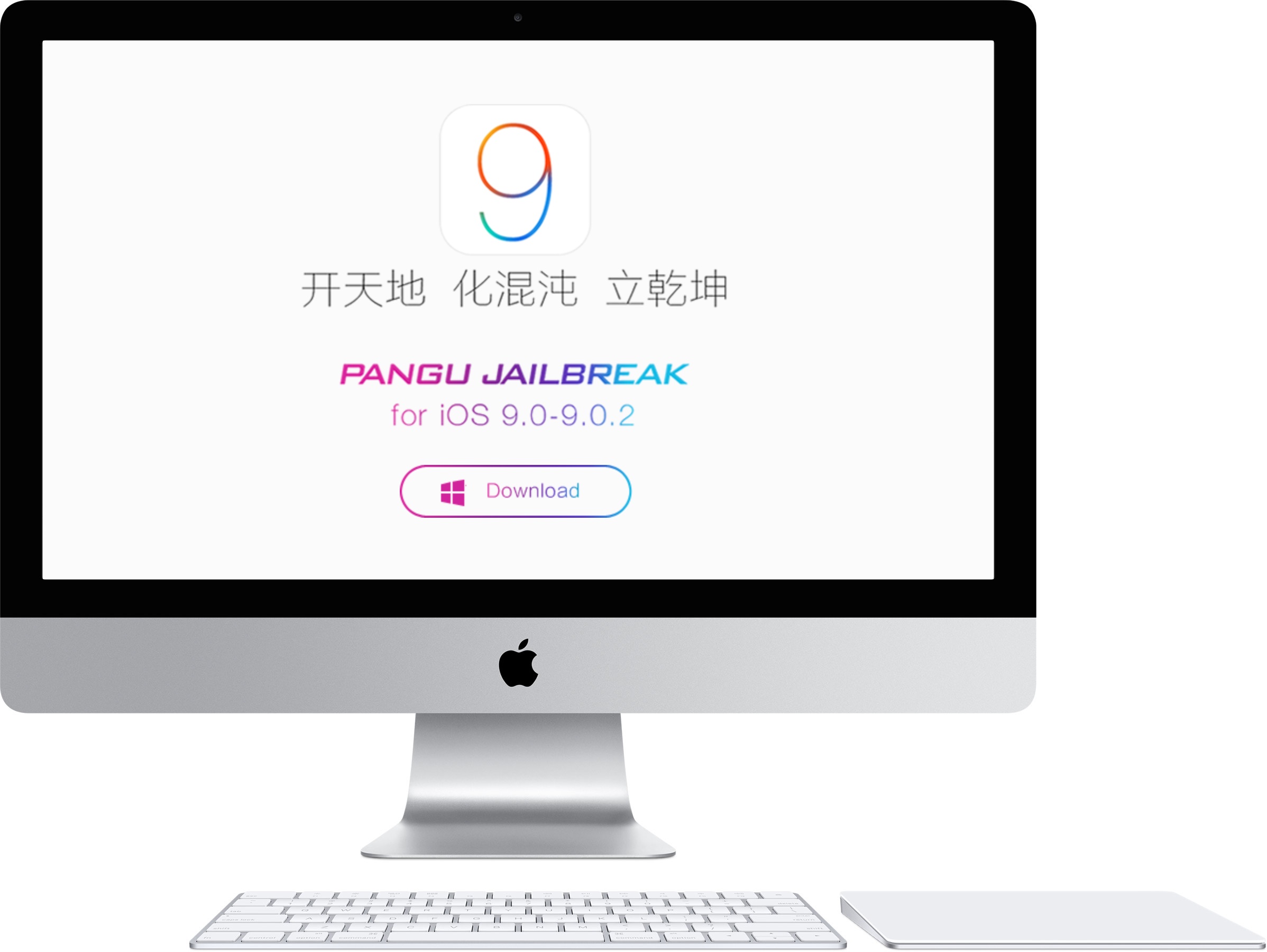
Surprise! The iOS 9 jailbreak that we just talked about appears to be legit, and there is now a download link available. The tool is only available for Windows users at this time. The Pangu tool for iOS 9 works with iOS 9.0, iOS 9.0.1, and iOS 9.0.2. There's no word on whether it works with the beta releases at this time.

El Capitan’s Boot Camp has USB drive-less Windows setup, but not all Macs are supported

Boot Camp, the Mac's built-in software for dual-booting between OS X and Windows has been given some love in the new El Capitan software update and now features a slicker Windows setup that no longer requires a USB thumb drive, as discovered by Twocanoes.

Previously, Boot Camp required that the Windows installer be provided in the form of a USB drive or CD/DVD installation media. Now you can just point to an .ISO file, which significantly shortens the entire procedure for those who have purchased Windows as a digital download.

Parallels Desktop 11 with support for El Capitan and Windows 10 now available

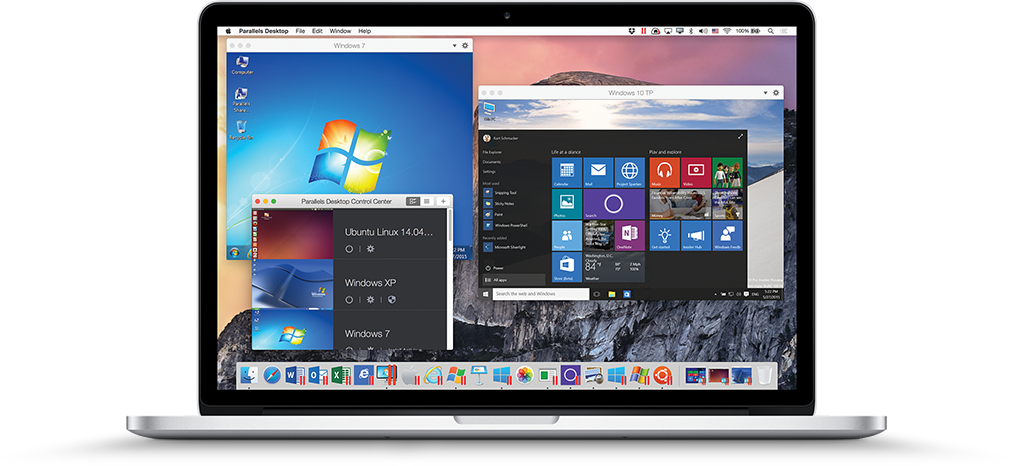
In addition to running newly-released Windows 10 natively on your Mac in dual-boot mode through Boot Camp 6, you can now enjoy Microsoft's latest and greatest operating system alongside OS X using the popular virtualization solution, Parallels Desktop.

In its latest incarnation that was released earlier today, Parallels Desktop 11 brings full support for Windows 10 features like Cortana and experimental support for Macs running OS X El Capitan.

Apple releases iTunes 12.2 with Beats 1 and Apple Music fixes and enhancements

In addition to releasing the iOS 8.4.1 software update for the iPhone, iPod touch and iPad with Apple Music fixes and enhancements, and the OS X Yosemite 10.10.5 software update with a crucial patch for the dangerous DYLD exploit and more, Apple today also posted a new version of iTunes with a bunch of fixes and improvements.

Among other things, iTunes 12.2 for Mac and Windows contains improvements for Beats 1, Apple Music and Connect features while fixing a few issues with the software.

Apple releasing Boot Camp 6 with full Windows 10 compatibility and updated drivers

Apple's Boot Camp utility, which allows Mac customers to boot directly into Windows, is getting an important update later today bringing full compatibility for Windows 10 to 64-bit Intel-based Mac notebooks and desktops.

The update allows a wide range of Mac systems dating back to 2012 models to run Windows 10 natively, as opposed to running Microsoft's operating system and OS X side by side using virtualization software like Parallel's Desktop for Mac.

Apple posts an update improving FaceTime camera compatibility on Windows for Boot Camp users

If you use Apple's Boot Camp software to run Windows and OS X in a dual-boot configuration, you're advised to install the company's new driver update for the FaceTime camera on 2015 MacBook, MacBook Air and MacBook Pro models.

The FaceTime Camera Driver Update, a manual download from Apple's website, improves FaceTime camera compatibility with Windows. This update is recommended for all Boot Camp users.

How to jailbreak the iPod touch 6th generation

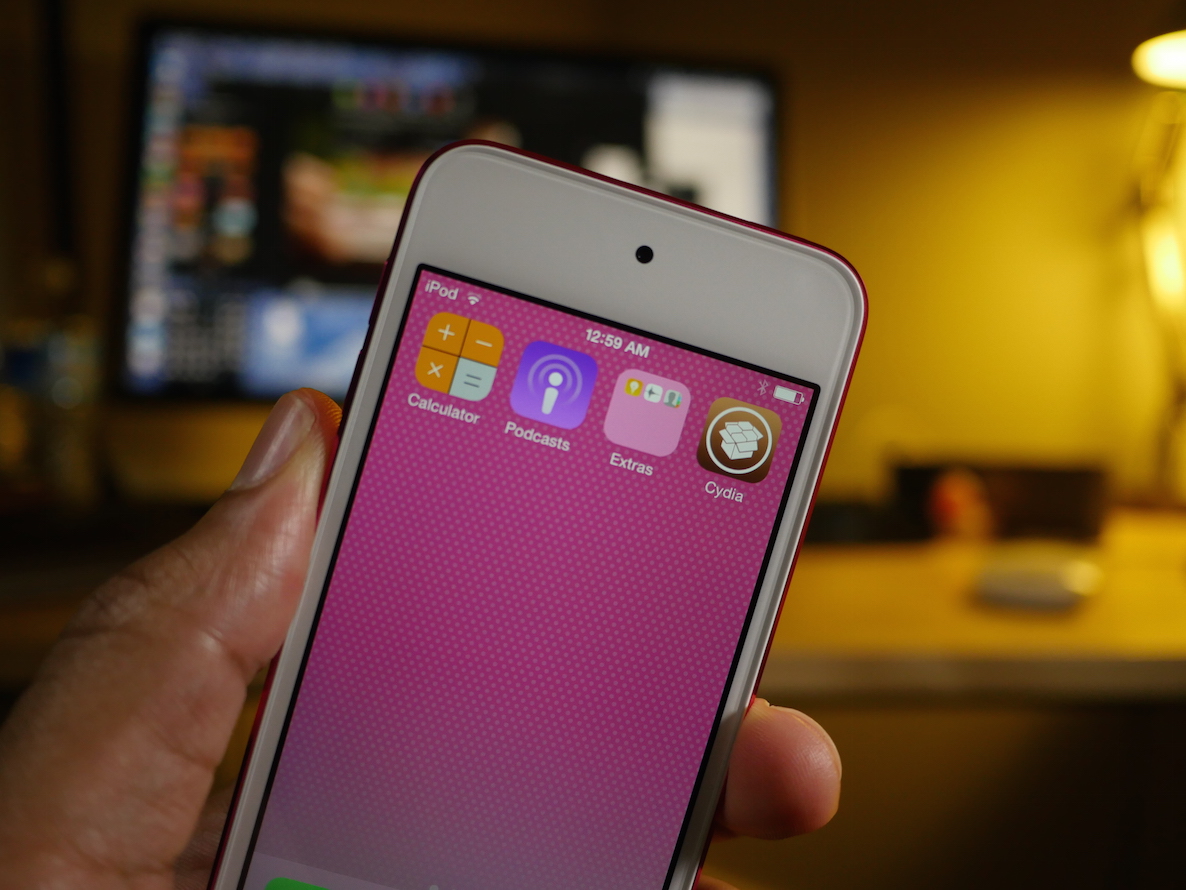
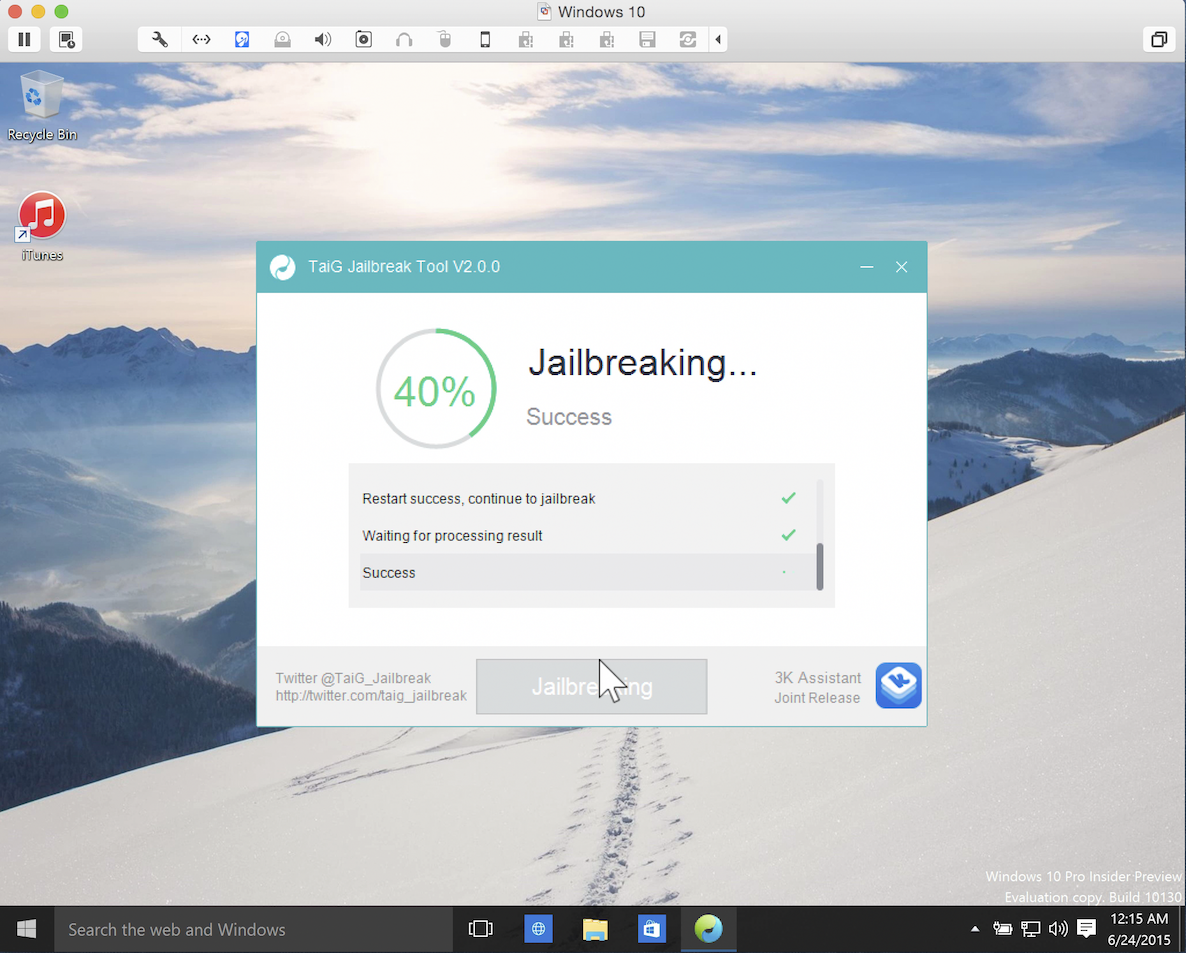
One of the very first things that I tried when I got the iPod touch 6th generation (full review) was to jailbreak. To my surprise, both the PP jailbreak for Mac and the Windows-only TaiG jailbreak for iOS 8.4 worked out of the box. This surprised me because in times past, the tools used to perform the jailbreak needed to be updated to support new devices.

With the iPod touch 6th generation, this is not so; you can jailbreak immediately. In this post, I'll show you how easy it is to jailbreak your iPod touch 6 using the latest version of TaiG.

TaiG 2.4.3 beta released to jailbreak iOS 8.4

The folks at TaiG have released yet another beta for the iOS 8.4 jailbreak tool on Windows. Labeled version 2.4.3 beta, this update is there to optimize the jailbreak process.

As TaiG has been doing for some time now, they are suggesting that jailbreakers stick to the public versions of the TaiG tool, and leave the beta versions to testers. In this post, you'll find the download links for both the publicly available version of TaiG and the beta version.

Apple pushes iTunes 12.2.1 update fixing iTunes Match and Beats 1 issues

Apple on Monday issued a bug-fix update to iTunes for Mac and Windows. iTunes 12.2.1, available through the Software Update mechanism or standalone via iTunes.com/download, fixes a pair of issues with iTunes Match, Apple's $25 per year song identification service. In addition, it contains minor bug fixes and improvements for Beats 1, Apple's free of charge 24/7 global Internet radio broadcasting in more than a hundred countries.

Poll: Does a Mac version of TaiG even matter at this point?

The TaiG jailbreak for either iOS 8.3 or iOS 8.4 has been out for over two and a half weeks. Many users have jailbroken their iPhone, iPads, and iPod touches as a result.

Even though the TaiG tool has been Windows-only this entire time, plenty of Mac-only jailbreakers have been able to use it by means of a Bootcamp partition, or a virtual machine—which is far and away the most popular way to jailbreak on a Mac.

So the question stands to be asked: do you even care about a Mac version of TaiG at this point? Rumors are swirling that a Mac tool is indeed in the works, but it's been so long, I imagine most who were starving for a jailbreak either used a friend's Windows computer, or took advantage of one of the above options.

Vote in our poll and let us know...

How to prepare for a possible iOS 8.3 downgrade

When Apple closes the firmware signing window for iOS 8.3, users wishing to downgrade (or upgrade) to iOS 8.3 won't be allowed to do so. Instead, you'll have to settle for whatever firmware Apple is signing, which is usually the latest and greatest out there.

When that happens, it's quite probable that it could spell the end of jailbreaking for a while—remember we just got out of a significant lull.

With this in mind, the ability to downgrade back to iOS 8.3 is very desirous for would-be jailbreakers. While there is no confirmed downgrade ability just yet, there are some things that you can do to ensure that you have the best chance to downgrade should that ability arrive.

This is accomplished by saving your iOS 8.3 SHSH blobs.

To save your SHSH blobs and prepare for a possible iOS 8.3 downgrade, you'll need to use TinyUmbrella to do so. I'll show you how in this post and video.