Windows

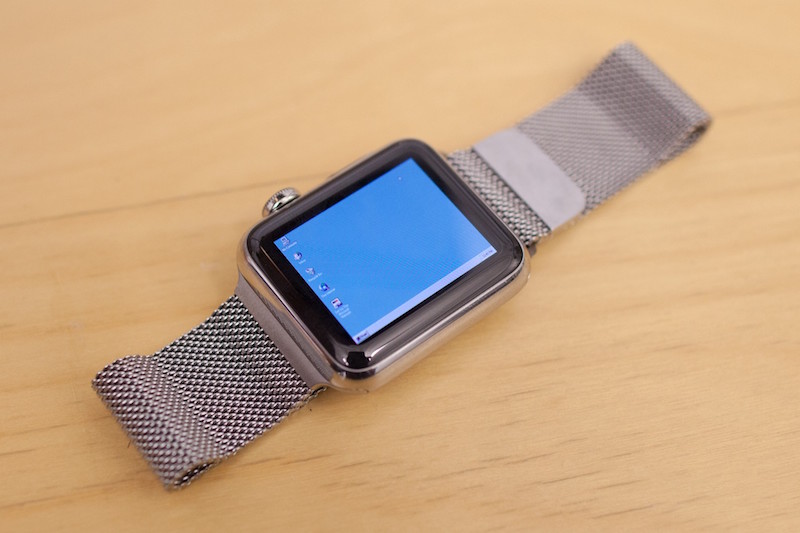
Developer manages to run Windows 95 on an Apple Watch

A developer for the Apple Watch has found a way to emulate the Windows 95 operating system experience on Apple's flagship wearable accessory.

Albeit nothing more than a concept, it really does show off how powerful the Apple Watch's internal hardware really is. This is just one of those things you have to see to believe.

Apple confirms QuickTime for Windows is no more

Following the disclosure of two new flaws in QuickTime 7 for Windows last week by software security firm Trend Micro, Apple has now officially confirmed to The Wall Street Journal that it will stop releasing updates or patching security holes for QuickTime for Windows, marking the end of the road for the PC edition of the multimedia software after an eleven-year run.

The Cupertino firm added that keeping the software installed on Windows PCs may pose a security risk.

A support document on Apple's website details the steps that Windows users should follow in order to uninstall the software from their Windows PC.

Apple to end support for QuickTime for Windows

Apple reportedly has plans to deprecate support for QuickTime for Windows, according to a research note issued Thursday by software security firm Trend Micro, which found a pair of new vulnerabilities in the software. Apple will no longer be issuing security updates for QuickTime for Windows, the advisory cautions.

An Apple support document provides the steps that Windows users can follow to uninstall the software. QuickTime for Mac is unaffected.

What to do if iTunes doesn’t recognize your iPhone or iPad

If you ever sync your iPhone, iPod touch, or iPad with iTunes, then more than likely you've experienced hiccups at some point in time where iTunes has been unable to find or recognize your device.

You have it plugged in, but for whatever reason, it just doesn't show up in iTunes. What gives?!

In this piece, we'll go over what to do if iTunes doesn't seem to recognize your iOS device when you plug it in to your computer so that if and when it happens to you, you'll be prepared to tackle the situation.

What you need to know about the AceDeceiver trojan that’s affecting some iOS devices

Stock, non-jailbroken iOS devices appear to be vulnerable to a new security threat; a trojan known as AceDeceiver, which can be installed on an iOS device without the user's knowledge and without the help of an enterprise certificate. Once installed, it will spread malware and unwanted software to the user's device.

AceDeceiver only seems to be affecting those located in China at this point in time, but because that could change on the fly, you need to know how to protect yourself so similar threats don't affect users across the globe in the future.

How to recycle your old tech with Apple’s Recycling Program

If you have old tech sitting in your closet or attic that you don't use anymore because you've got something better, Apple will gladly make sure that tech is recycled properly free of cost via the Apple Recycling Program. In some instances, the company will even give you an Apple Store gift card as credit towards a new Apple device or accessories.

The Apple Recycling Program has been around for ages, but is often overlooked as an option. Although better deals can often be had elsewhere, the urge to trade in your device can come at inopportune times, and when you want quick money for your old Apple devices, or a quick and easy way to get rid of your junk tech, Apple can come in handy in a pinch.

In this tutorial, we'll show you how you can use the Apple Recycling Program to make better use of your unused tech.

How a journalist convinced Jobs to bring iTunes to PCs and other tidbits from Tony Fadell interview

It was The Wall Street Journal technology columnist Walt Mossberg, one of Steve Jobs's favorite reviewers, of all people who has finally managed to persuade then Apple CEO to expand the addressable market for iPods by bringing iTunes to Windows PCs.

Jobs, Nest founder Tony Fadell and then Apple executive charged with iPod and iPhone development recalls, long insisted that the iPod be used as a vehicle to increase Mac sales. “Steve, the iPod is $399. But really it’s not. Because you have to buy a Mac!” We had to give people a taste,” Fadell recalls telling Jobs, to no avail.

He eventually relented and agreed that Apple should bring iTunes to Windows, under one condition: the software was to be tested by journalist Walt Mossberg. “We’re going to build these and run it by Mossberg,” Jobs reportedly said. “And if Mossberg says it’s good enough to ship, then we’ll ship it.”

Walt reportedly said, “Not bad. I’d ship it,” and the rest is history.

New Microsoft ads for Windows 10 focus on things Macs can’t do

Microsoft this weekend published four new commercials for its Windows 10 operating system that showcase things “Macs can't do”. The ads feature Kristie and Jess, AKA The Bug Chicks, the two women who are apparently trying to change the way kids think about bugs.

The two characters, one of whom is a Mac fan jealous of Windows 10 features, explore competitive advantages of Microsoft's operating system like the built-in Cortana personal assistant, support for inking and drawing on notebooks with built-in touchscreens, the ability to log in to Windows 10 with one's face and more.

As each Windows 10 feature is highlighted, the other woman responds with a variation of the “I don’t have a touchscreen on my Mac, I’m jealous of that” theme.

Private Internet Access review: a great VPN at a great price

The quest for internet privacy and security is no game these days; hackers with malicious intent are really out there and they want your valuable personal information.

One way to protect yourself is with a virtual private network (VPN), but there are lots of VPN options out there to choose from – both free and paid. Picking a VPN that's right for you can be tough, and many people are concerned about their privacy while online.

In this piece, we'll be giving you our opinion on the Private Internet Access VPN; a paid VPN service that holds a solid reputation among its many users.

PwnTunes for iOS 9: manually manage music via Windows on a jailbroken device

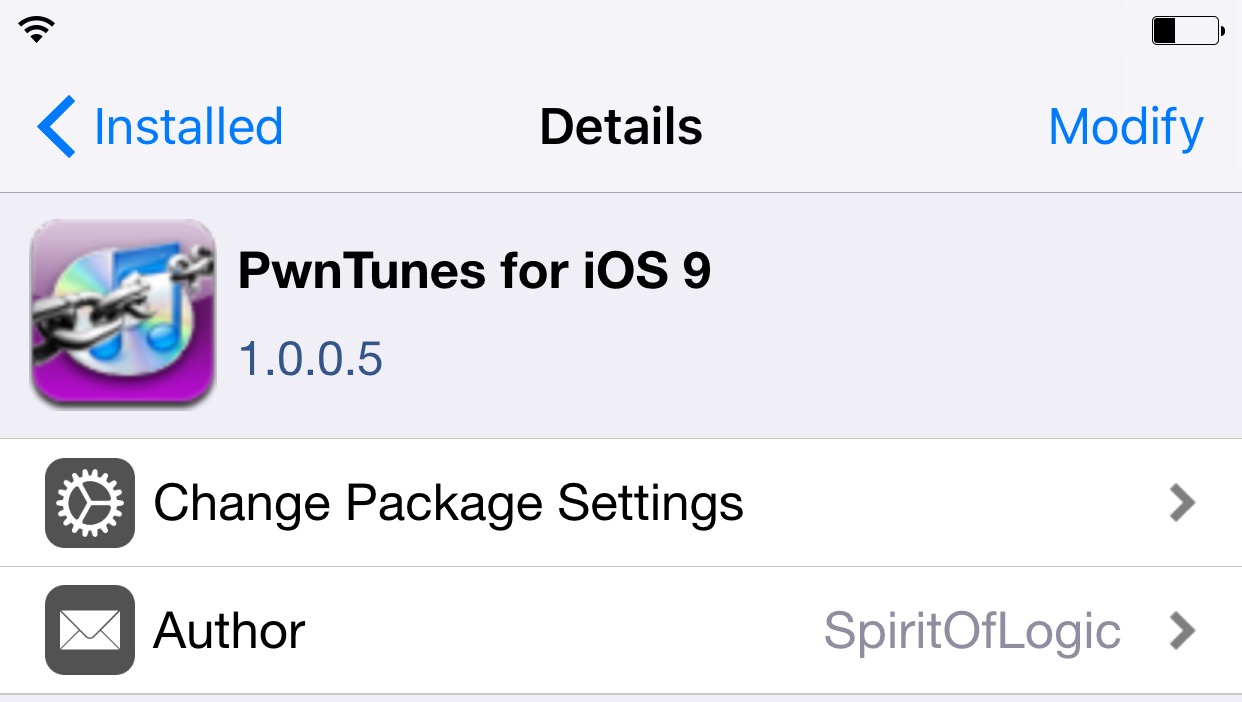
PwnTunes is a jailbreak tweak that’s been around since the every early days of jailbreaking. If memory serves me correctly, I think it’s been available since the iOS 3 days, which seems like an eternity now that we’re only 7 months or so away from iOS 10.

The basic premise behind PwnTunes is that it affords Windows users drag and drop access to import and export music without iTunes. The tweak is able to accomplish this feat by turning an iPhone into a mass storage device that’s accessible via Windows Explorer.

Pangu releases version 1.1.0 of its iOS 9 jailbreak tool

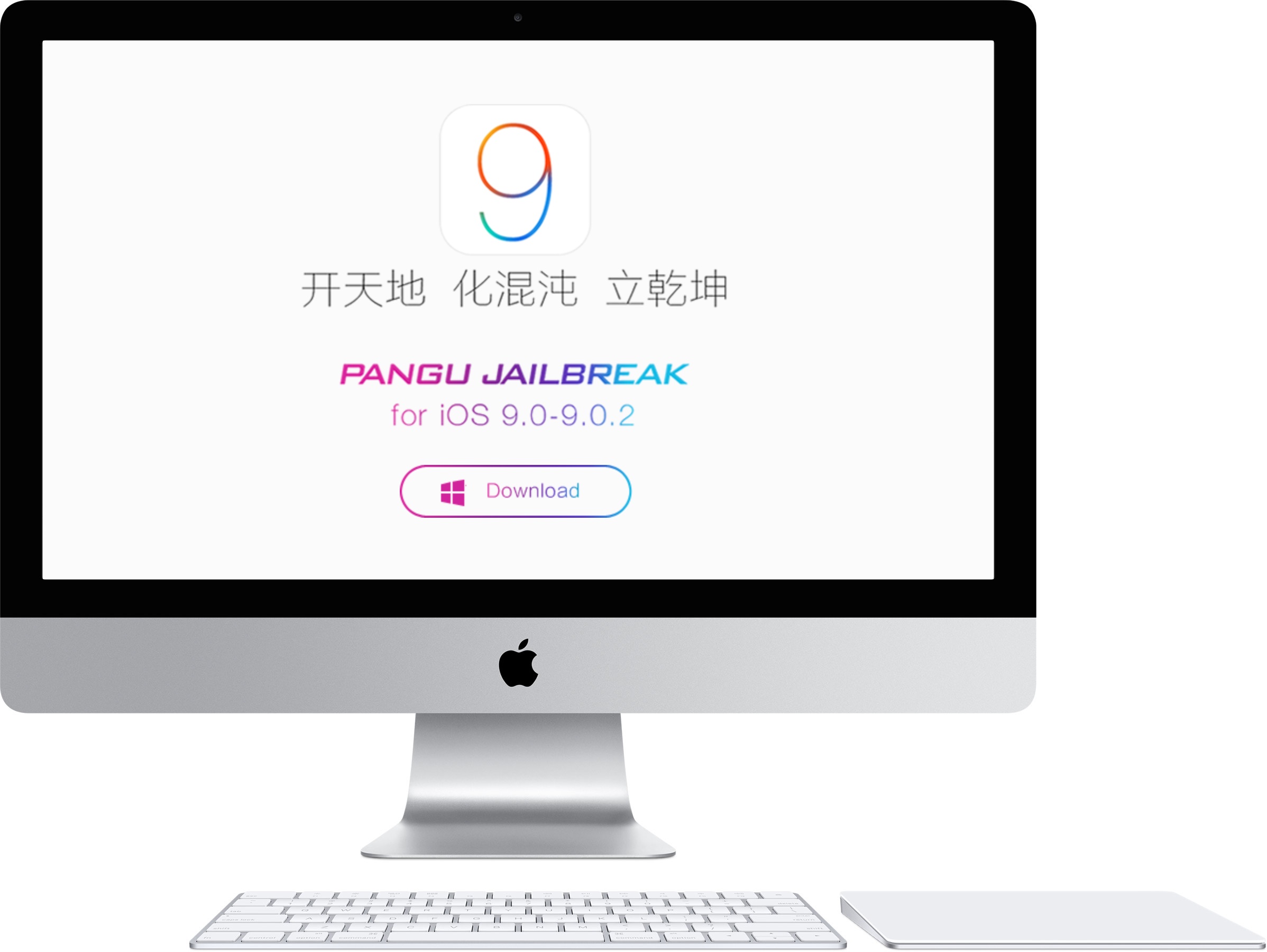
Pangu has released an update to its Windows jailbreak tool for iOS 9. Pangu 1.1.0 features fixes to improve the success rate when attempting to jailbreak 64-bit devices, optimizations for the backup process, overall jailbreak speed, and more. If you've been experiencing issues getting Pangu for iOS 9 to work successfully on your device, then you should definitely try Pangu 1.1.0.

How to jailbreak iOS 9 with Pangu on Mac using a virtual machine

If you're running a Mac, you'll need a virtual machine running Windows in order to jailbreak using OS X. In this tutorial, I'll show you how to create a Windows virtual machine and how to jailbreak iOS 9 on your Mac. It's super easy, and takes less than 20 minutes to complete. Instead of waiting for a Mac tool, why not use a virtual machine and enjoy an iOS 9 jailbreak today?