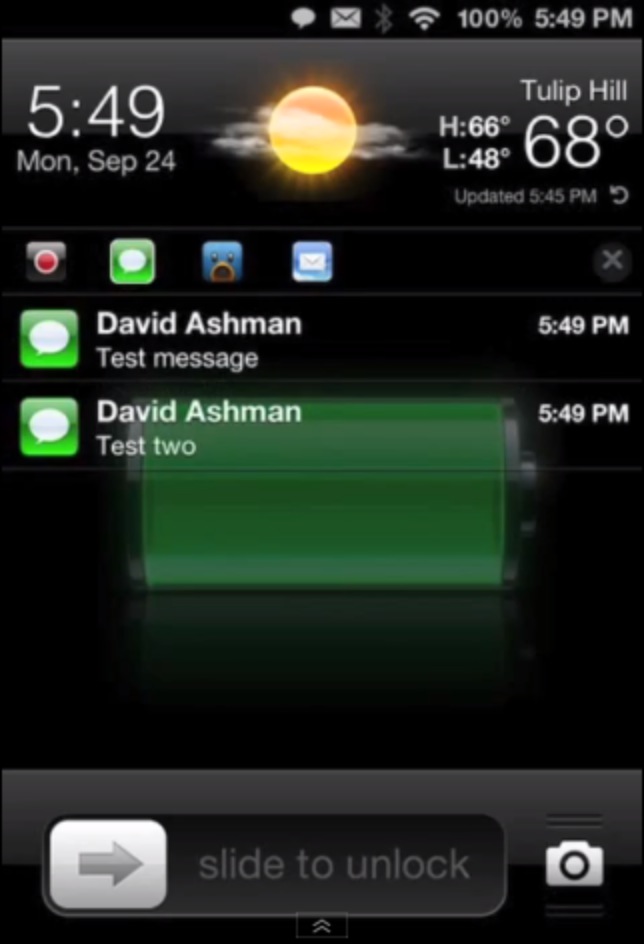
LockInfo 5 is coming soon

If you are a fan of iPhone photography (and perhaps are following our iPhoneography series), you're gonna love this little gem. Streamweaver is a new multi-angle video app with a novel approach to mobile video recording. First, invite a bunch of friends to use the app. Then, each one of you gets to record the same scene from a different angle.
Finally, the program combines your uploaded video streams and plays them back in a single split-screen video that shows all the angles together. It's simple, clean, straightforward and works as advertised. Best of all, Streamweaver is provided free of charge...
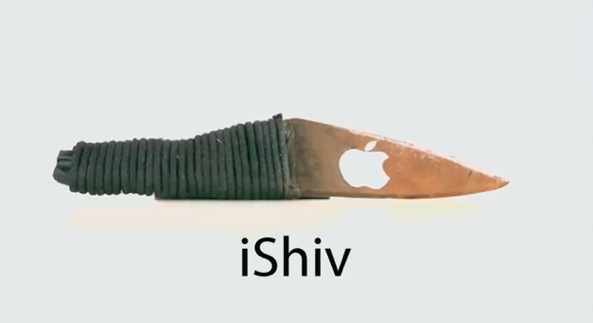
In addition to Mapgate and Scuffgate, another controversy involving Apple is making rounds on the web. Comedian and television host Conan O'Brien jumped on the opportunity to scold Apple over the rioting which swept the iPhone 5 plant in Asia. Take a look at the iShiv, a new tool designed to "revolutionize factory riots". Because assembly line workers "just love the thinnest, lightest factory riot weapon yet". The clip is right after the break...

Apple's new Maps application, which replaces Google Maps in iOS 6, has caused quite a stir in the tech community over the past few days. It's been described as "inaccurate," and "glitchy," and many feel that it's extremely inferior to its predecessor.
But the good news is, there may be light at the end of the tunnel. At least for jailbreakers anyway. Well-known jailbreak developer Ryan Petrich announced earlier today the he was able to get Google Maps working on iOS 6. And here's the video...
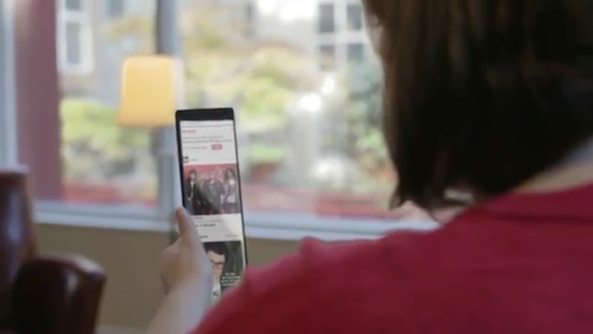
One of the most noticeable and talked about features of the iPhone 5 is its new display. For the first time, Apple has made the handset's screen larger, bumping it up to right around 4-inches.
But in order to maintain usability, Apple only increased the height of the display, not the width. And this has spawned some criticism from the tech world, as well as this hilarious parody...
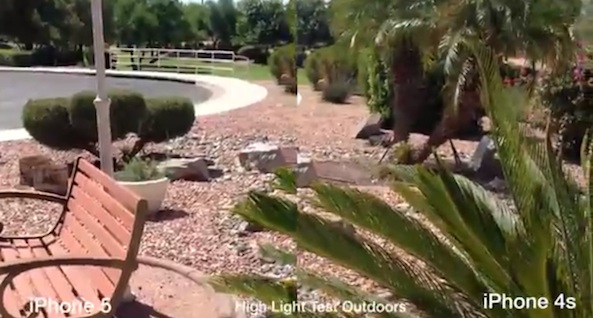
It's been a big day so far, but we're not finished yet. Continuing on with our iPhone 5 coverage, we've come across a new clip that compares the video quality of the new handset with its predecessor.
Now, since the 5 uses the same 8MP camera sensor as the 4S, you'd think that video quality would be the same. But just as we discovered with still photos, there is a noticeable difference between the two...
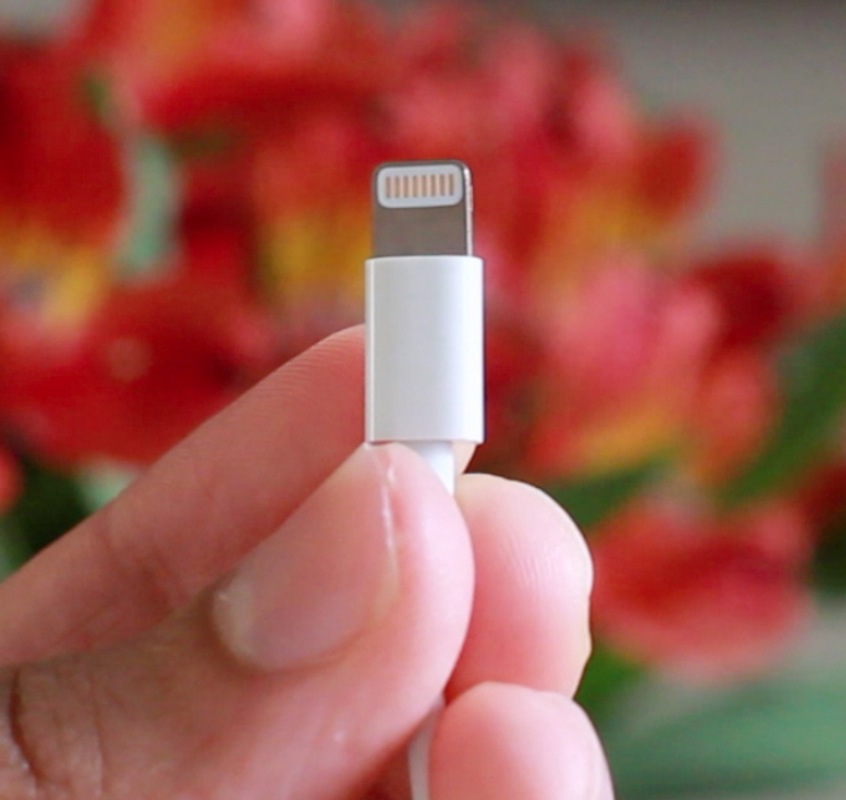
Until you get it in your hands, it's hard to imagine just how tiny Apple's new Lightning connector really is. You might be thinking it's on USB Mini levels, but it's even smaller than that.
The press shots usually show an up close photo of the Lightning connector, which is just enough to skew perceptions of its size. In this video inside, I compare the Lightning connector to a plethora of other connectors and items we're all familiar with: USB, USB Micro, USB Mini, Thunderbolt, 30-pin connector, a penny, and more.
If you're at all interested in Apple's new connector, then you don't want to miss this...
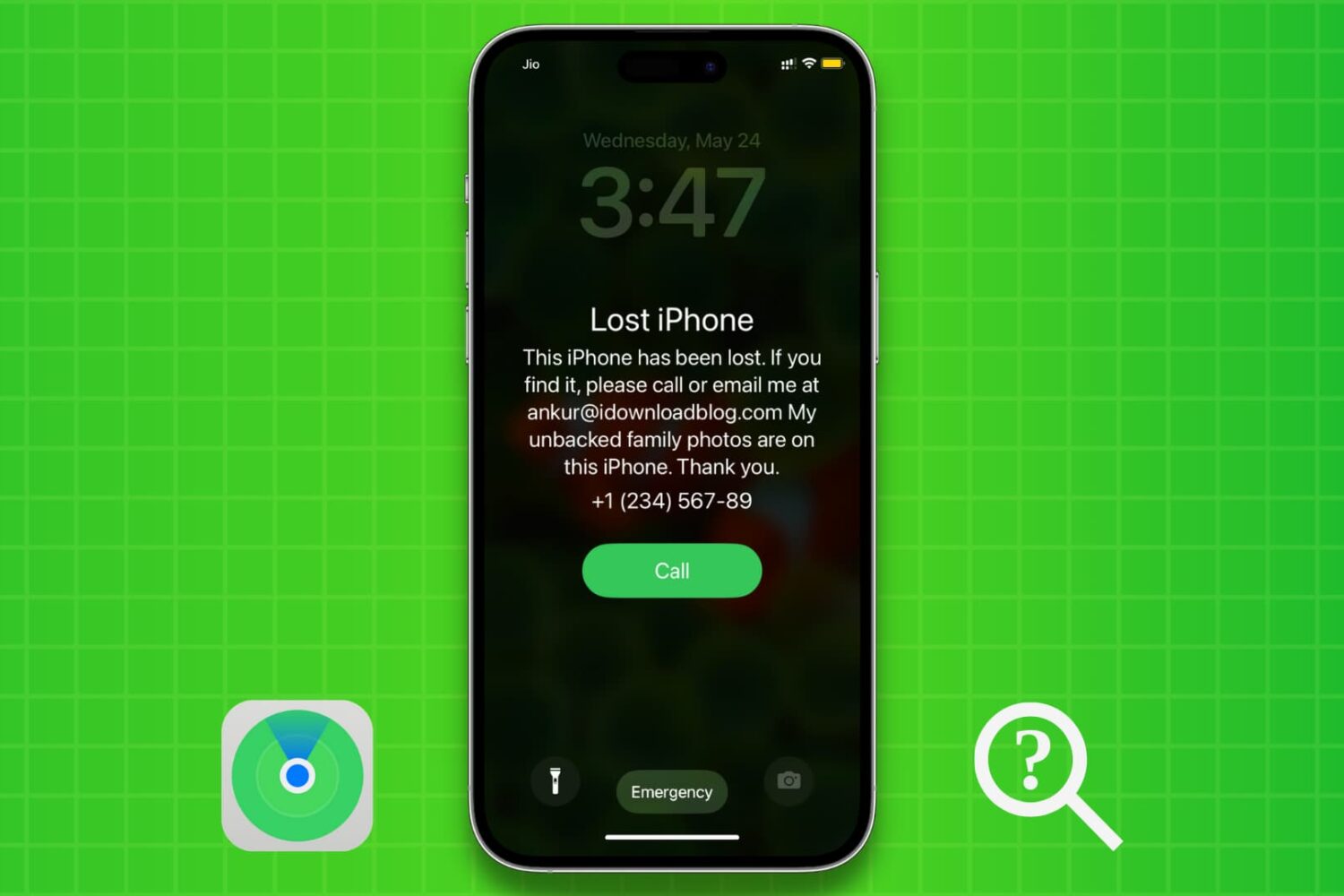
We’ll show you how to use Apple’s Find My service to enable Lost Mode for your iPhone or iPad that was lost, stolen, misplaced, or left behind. Lost Mode will password-protect your device, lock it remotely, and also display a custom message on the device Lock Screen with your phone number.
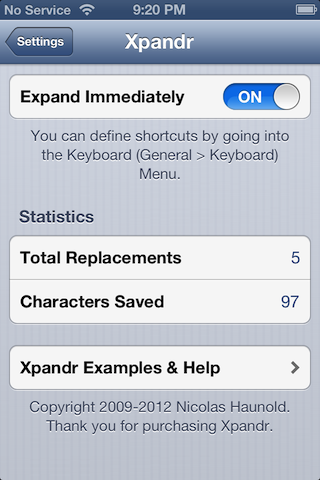
If you're a blogger, then you'd be crazy not to use TextExpander. TextExpander is an app that runs on the Mac, that automatically expands shortcuts into larger lines of text.
For example, I have a shortcut named jb, which expands fully to the word jailbreak. It works with phrases to, for instance, jbt = jailbreak tweak. Needless to say, TextExpander is a life saver for those of us who have to type the same words and phrases over and over again, day in, and day out.
Apple introduced a sort of "TextExpander light" in iOS 5, and it came in the form of Keyboard Shortcuts. Keyboard shortcuts work, but unlike TextExpander, they don't immediately expand; instead, the shortcuts appear as suggestions, and then you have to use the space bar to fully expand them.
Xpandr 2, is the jailbreak tweak that seeks to put an end to this issue. Check out our full video walkthrough inside...
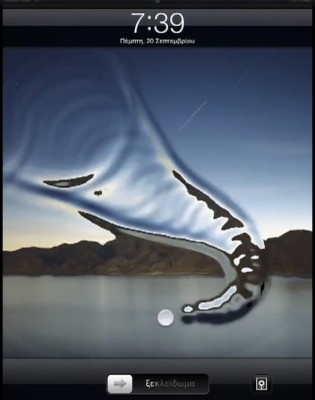
AquaBoard is a new jailbreak tweak currently in development by Elias Limneos. As you'll see from the video inside, it adds cool water effects to your device's Lock screen, and Home screen.
Currently, the tweak is set to be compatible with the iPad, iPad 2, The new iPad, iPhone 3GS, iPhone 4, and iPhone 4S. I'm pretty sure that at the very least, the iPod touch 4th generation will probably be shown some love as well.
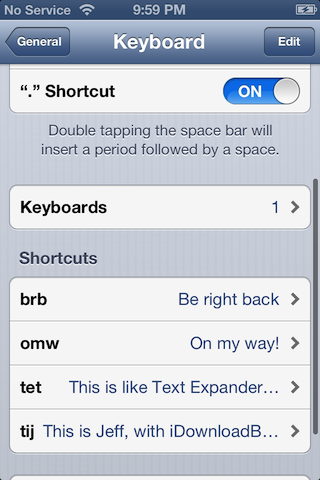
One of the more under the radar items in iOS, is the TextExpander inspired Keyboard Shortcuts feature. Keyboard Shortcuts allow you to create quick shortcuts, which then expand to larger words or phases. It's a feature that's best used for stuff that you tend to type over and over again, which helps reduce repetition, therefore making you more productive.
In the past with iOS 5, these shortcuts resided independently on each device, meaning you had to setup all of your shortcuts on each device individually. If you do a lot of blogging or other forms of writing on your iOS device, then chances are, you can benefit from having a decent array of shortcuts. With that thought it mind, it's a headache to have to setup each device manually with the same shortcuts.
We already knew that iOS 6 would feature custom dictionary iCloud syncing, but it was never really clear whether or not Keyboard Shortcuts fell within that area. It's been one of the features that I've been saying would benefit from iCloud syncing for a long time now, and thankfully, it looks like Apple took care of that with iOS 6.