Video

GroupMe separates regular Messages app conversations from group conversations

Do you find your Messages app to be too cluttered? Perhaps it's the mix of group messages combined with normal one-on-one messages that make sit feel that way.

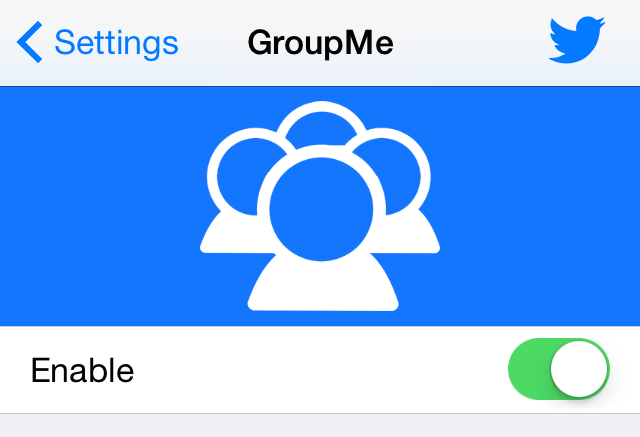
GroupMe is a new jailbreak tweak that can go a long ways towards decluttering the Messages app. It separates group messages from regular messages using tabs at the bottom of the Messages app interface. Watch our video walkthrough for a thorough explanation.

Andrios: an Android-inspired experience for iOS

Andrios has been a hot topic for jailbreakers as of late. The upcoming tweak, which should be touching down any second now on Cydia, brings many Android-inspired features to iOS.

The developers of Andrios, BrandDev & Logan O'Connell, have worked hard to make the tweak's tag line live up to the final product. Does it succeed in doing so?

Hands-on video compares size of alleged iPad Pro cases with iPad Air 2

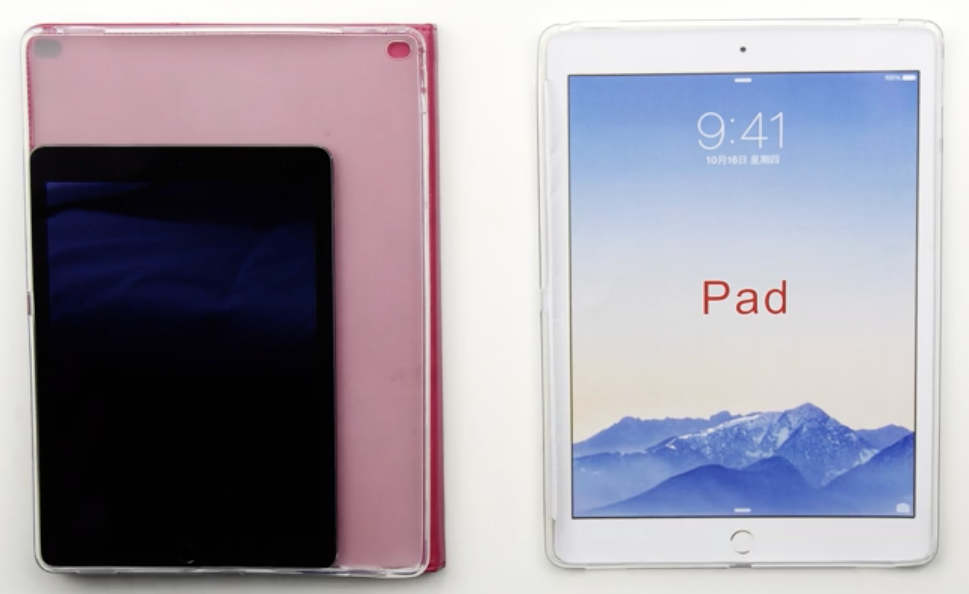
Popular YouTube channel Unbox Therapy on Friday posted a hands-on video with 2 alleged iPad Pro cases, comparing them in size and design with the iPad Air 2. The clip gives you a good idea of how much bigger the rumored 12-inch iPad would be than the current 9.7-inch model.

Additionally, the cases add weight to the accuracy of previous industrial renderings and case leaks. Despite the fact that they come from different manufacturers, and are made up of different materials, they're identical to both each other and many past cases in terms of size and features.

Amazon’s Instant Video for iOS can now stream content in HD and over cellular

Amazon's Instant Video client for the iPhone and iPad has received an update Thursday, bumping version number to 3.0 and bringing out several improvements to streaming video quality.

Users can now stream Instant Video content on their iOS device through their carrier's cellular network while controlling their mobile data usage settings. In addition, the ability to watch video streams in high-definition has been added, too.

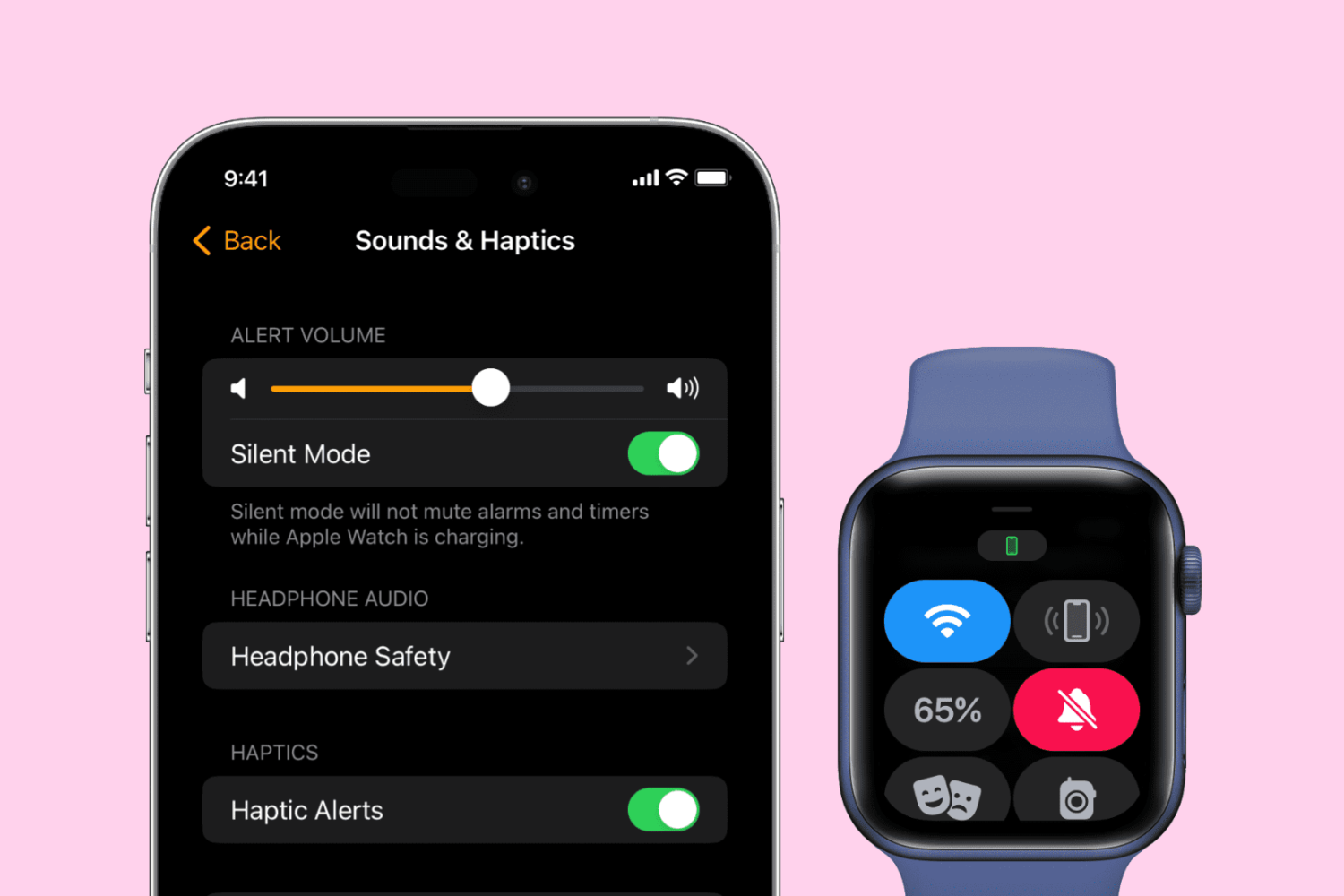
Getting to know the Status icons on the Apple Watch screen

Although the Apple Watch doesn't feature a traditional status bar like the iPhone or the iPad, from time to time you will notice a status indicator icon at the top of the screen. Apple Watch contains a variety of status indicator icons, and they all mean different things. In this post, we'll talk about some of the status icons that you may encounter during your usage of Apple's new wearable.

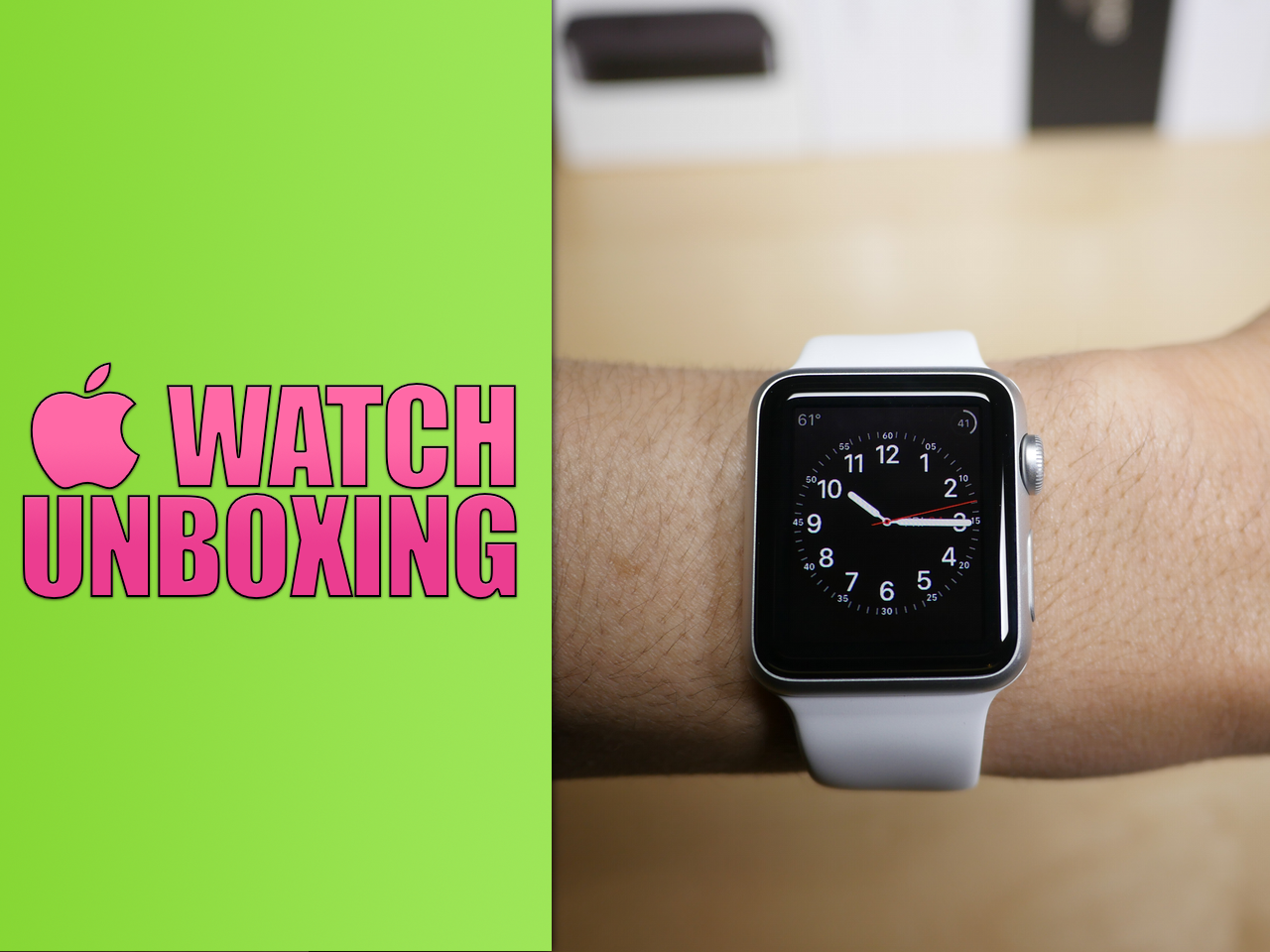
Apple Watch unboxing and hardware overview

After what seemed like an immeasurable wait, I finally got my UPS delivery, and the Apple Watch is now in hand. Unfortunately, I only received one of the two watches that I purchased—a 38mm Apple Watch Sport with a white band. I'm not complaining though, at least I got something on launch day.

Watch our unboxing video for a full look at what's inside. I've also included an overview of the Apple Watch hardware mated with my giddy commentary.

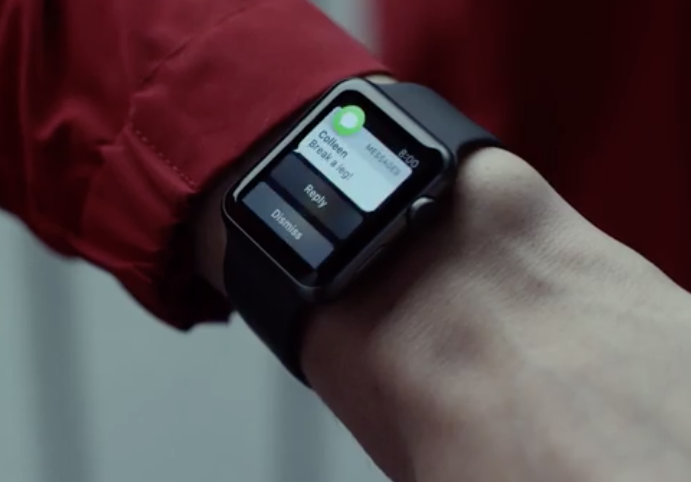
Apple posts 3 new Apple Watch ads: ‘Rise,’ ‘Up’ and ‘Us’

It's officially Apple Watch launch day, and Apple has already started celebrating by debuting 3 new advertisements for the wearable. On its YouTube channel, the company posted new videos entitled 'Rise,' 'Up' and 'Us,' respectively.

The ads are a major departure from the 'Reimagined' commercial Apple has been playing since March. Each one focuses on a tentpole feature—time, fitness and communication—and demonstrates them using real-world scenarios.

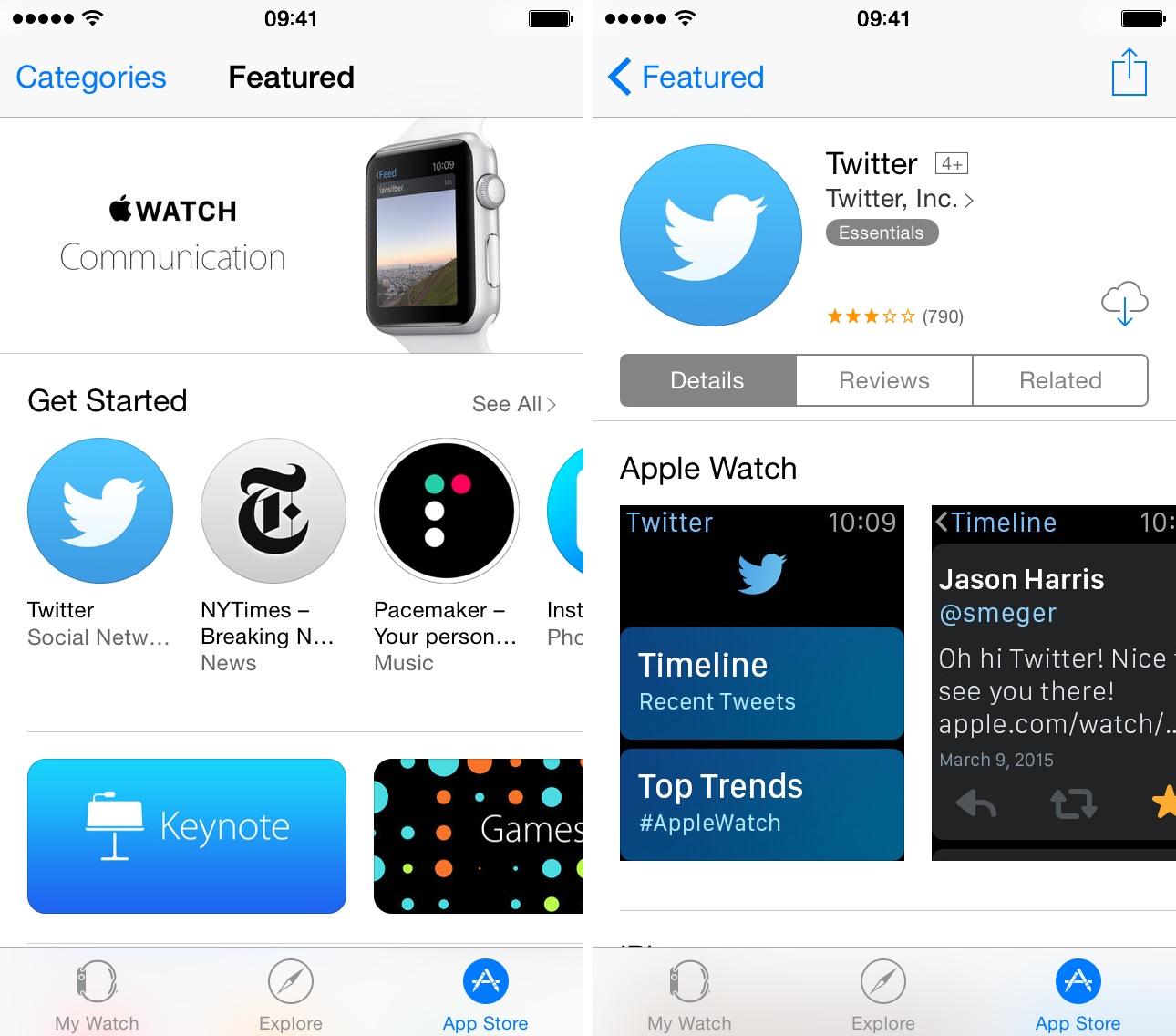
The Apple Watch App Store goes live

If you're running iOS 8.2 or iOS 8.3, you can view the Apple Watch App Store right now. Simply open up the Apple Watch app on your iPhone, and tap the App Store tab. If you don't yet see the App Store interface, you can use our refresh trick to reload the interface to view the Apple Watch App Store.

iSwitch makes the App Switcher card interface transparent

The premise of iSwitch may sound a little goofy at first, but after using the tweak, I was a left with a much better impression about the overall idea than when I started. iSwitch is a tweak that makes the App Switcher cards transparent, but it goes further than that. Not only are the cards transparent, but the interface, including the app icons that normally rest beneath the cards, are displayed on top of the currently running app.

The end result is an App Switcher that can be manipulated on top of an open app. This means that you could be browsing Safari, invoke the App Switcher while Safari is still open and usable, and switch to an app of your liking. It’s not without its downsides, but iSwitch is much cooler than I initially expected. Watch our video preview to see how.