Video

GMYLE Book Case for iPhone 6 Plus review: fake it ’til you make it

The original BookBook case for the iPhone 4 was a trendsetter and one of my favorite iPhone accessories ever. Unfortunately, the version for the iPhone 5 didn't hold up nearly as well for me, and started coming apart at the seams after just a few months. With the BookBook case for the iPhone 6 and 6 Plus, Twelve South appears to be back at their winning ways with some innovative new features.

Due to the company's success, it's not surprising that several copycat cases have surfaced online. One such case, the GMYLE Book Case, is a shameless copy of Twelve South's popular case line. In fact, it's so shameless that my curiosity got the best of me, and I had to order one.

Spotify could move into video later this month as Apple targets streaming music

Spotify, the world's leading music-streaming service with sixty million listeners on a free tier and fifteen million accounts on its $9.99 per month tier, could start integrating video into its service as early as this month, according to a report published Friday by The Wall Street Journal.

A video-streaming service should complement Spotify's music platform. The company reportedly has the likes of Facebook and YouTube in its sight, the latter working on a paid subscription service of its own.

Google's Music Key allows Play Music subscribers to watch ad-free music videos on YouTube and Jay Z's Tidal includes access to music videos in its subscription and will soon live-stream concerts and related events to users. Rdio briefly experimented with video, too, but pulled that service over lack of interest.

Earlier today, the privately owned Swedish startup sent out invites for a May 20 press event in New York City ahead of Apple's Beats Music relaunch at WWDC next month.

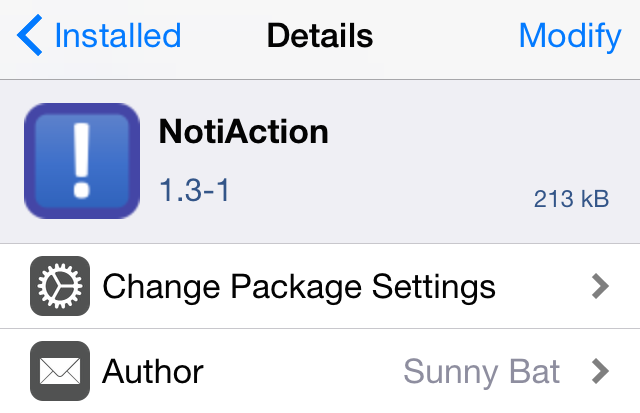
NotiAction: launch Activator actions based on notification keywords

NotiAction is an innovative new jailbreak tweak that does something particularly cool—it lets you launch any Activator action by means of keywords found in incoming iOS notifications. You can designate up to 10 keywords with wildcards in the tweak's settings, and allow NotiAction to listen for those particular keywords. If a valid keyword is found, then the corresponding Activator action is automatically launched. Have a look at our video walkthrough for a demonstration of NotiAction.

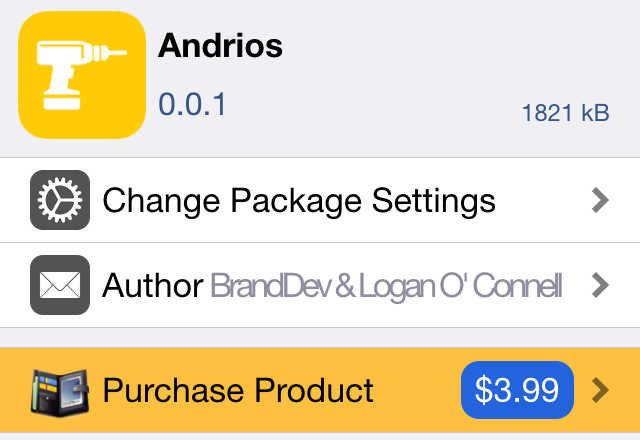
Andrios is now available for download on Cydia

Andrios, the jailbreak tweak that brings some awesome Android-inspired features to iOS, was our top item on this week's episode of Let's Talk Jailbreak. It's rare when a tweak gets the thumbs up from Cody, Sebastien, and I, but Andrios was able to pull off that impressive feat.

Since our initial review aired, I've received numerous emails, tweets, and messages about Andrios and its launch. After a slight delay, I'm happy to tell you that the tweak is now available for purchase and download from Cydia's BigBoss repo.

Aspectus brings a Music control interface to Reachability

If you're not a big proponent of Reachability, then perhaps this new jailbreak tweak will at least convince you to use it, even if it's not the way that Apple intended it to be used. Aspectus is a recently released jailbreak tweak that brings a beautiful music control interface to the iPhone's Reachability view.

Even if you're using a device that doesn't support Reachability, Aspectus will work with Activator in order to provide access to the tweak. Read our walkthrough for more details as to how it looks and how it works.

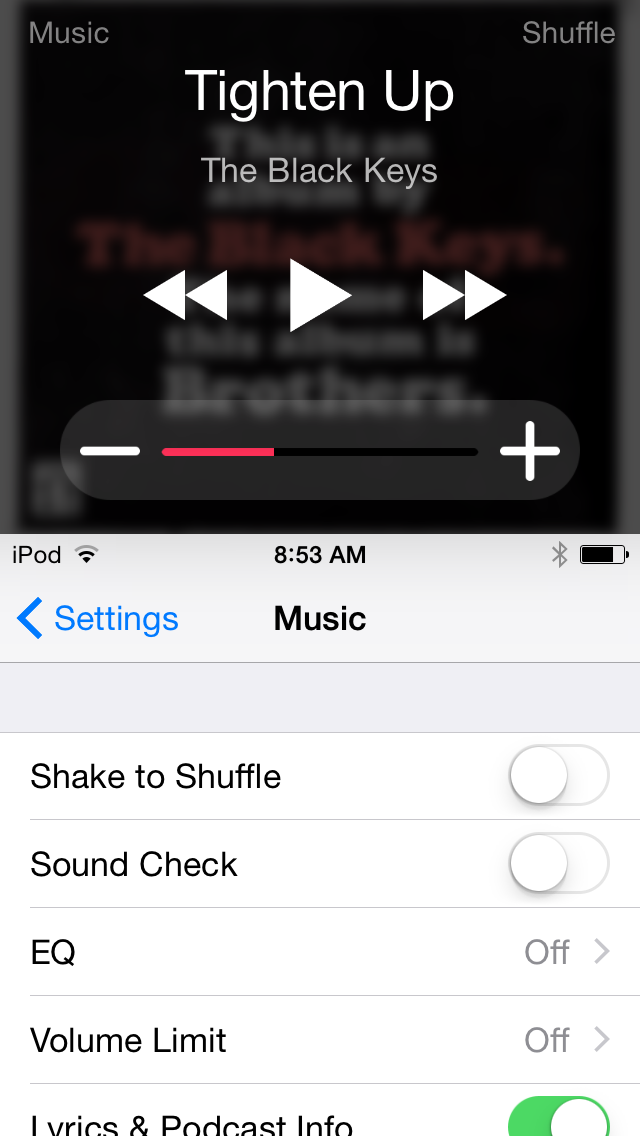
Muswitch: a jailbreak tweak that places music controls in the App Switcher

App Switcher tweaks seem to be all the rage these days, so it's not surprising to see a tweak like Muswitch pop up on Cydia. Muswitch, as its name hints to, allows you to place music controls in the iOS 8 App Switcher.

These Music controls replace the contact shortcuts that normally reside above the cards found in the App Switcher. Watch our video walkthrough for more details.

CCSwipe adds customizable swipe zones to iOS

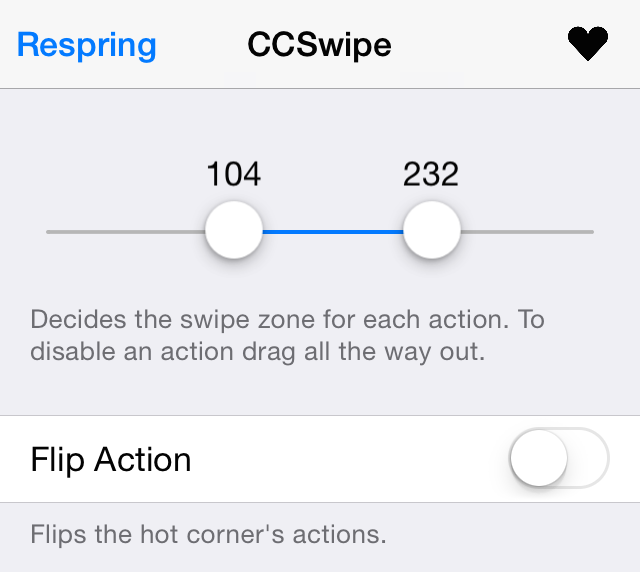
CCSwipe is a recently released tweak that replaces the standard Control Center swipe gesture with a gesture that invokes the App Switcher, and a gesture that takes you to the Home screen.

By itself, CCSwipe isn't mind-blowing, but its preference panel contains an innovative features that I feel is worth some praise. Have a look at our video walkthrough inside to see what it I mean.

How to add an old school combination lock to the iOS Lock screen

Combination Lock, a brand new jailbreak tweak that just recently touched down on Cydia, makes me feel a bit nostalgic. It takes me back to my high school days when I used to use a combination lock for my school locker. It's been so long since I've used one of those locks, but this new jailbreak tweak resuscitates the experience.

If you're looking to add a little flair to the iOS Lock screen, then you should take Combination Lock for a spin (pun intended). Have a look at our video walkthrough to see what I mean.

Review: Logitech MX Master – a good choice for OS X users?

The Logitech MX Master Wireless Mouse has been at the top of my must-try list ever since it came out. Debuting to glowing reviews, and statements of increased productivity, I had to try this mouse out to see if it would help my workflow on OS X. Does it live up to my high expectations? Check out our review for more details.

How to complete various actions hands-free on Apple Watch

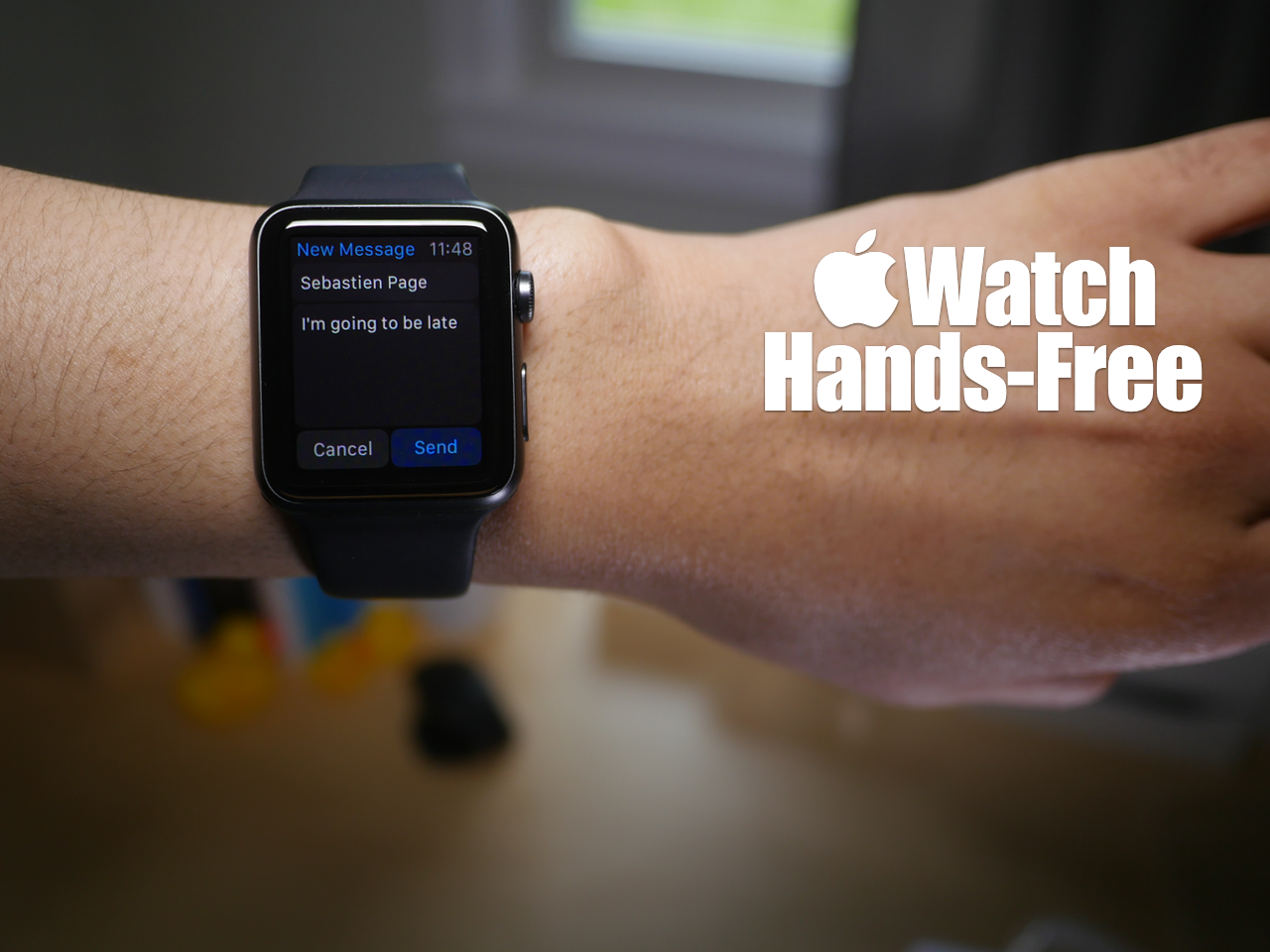
You may have noticed that while using Siri, the Apple Watch interface presents on screen buttons that you have to tap with your finger to confirm commands. While this is doable in a lot of circumstances, it takes away from the hands-free element that's necessary in many situations.

At times, it's simply impossible to physically tap a button on the Apple Watch to confirm a command, and that's where using the Hey Siri hands-free assistant to its full potential can come in handy. In fact, it's totally possible to send text messages, establish calendar events, set reminders, and more without touching your Apple Watch.

Yes, despite what the Apple Watch interface may lead you to think, you can use Siri completely hands-free in quite a few scenarios. Watch our hands-on video for the details.