Video

How to manage received AirDrop files with Hazel on Mac

Every waking day I send tons of screenshots from my iPhone to my Mac via AirDrop. And every day I wish that Apple allowed users to customize the AirDrop save location. Not only is the ~/Downloads folder the default save location, but it can't be modified, not even via undocumented methods.

As a workaround, I use Hazel ($29 w/ free trial) to automate the process of moving images sent via AirDrop to my Desktop. It's a great workaround that does the job. While it would be nice if Apple allowed you to specify an exact save location, this is probably the next best thing.
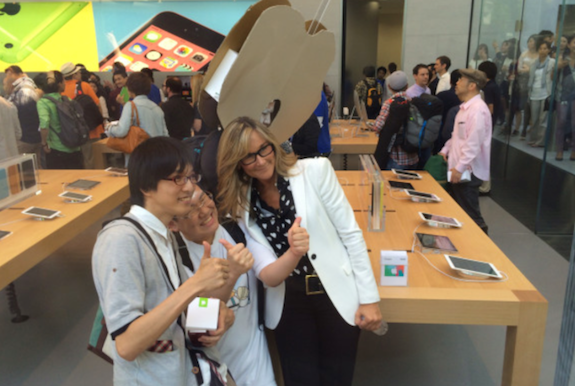
Angela Ahrendts addresses retail employees about Apple Watch launch

Apple retail chief Angela Ahrendts sent out a video to Apple retail employees today, addressing concerns and questions regarding the Apple Watch and MacBook launches. In the video, posted by French site Mac4Ever, Ahrendts reiterates much of what was said in an internal memo that was sent out to employees last week.

How to use the Pixelmator Repair Tool extension on Mac

One of the most under-the-radar new features to hit OS X Yosemite was the addition of extensions. Action extensions are particularly nice, because they allow apps to interface with other apps directly.

Some app developers, such as Pixelmator ($29.99 on the Mac App Store), have brought third-party extensions to the Mac, which demonstrates how beneficial extensions can be. Watch our video that showcases Pixelmator's Repair Tool extension to see what I mean.

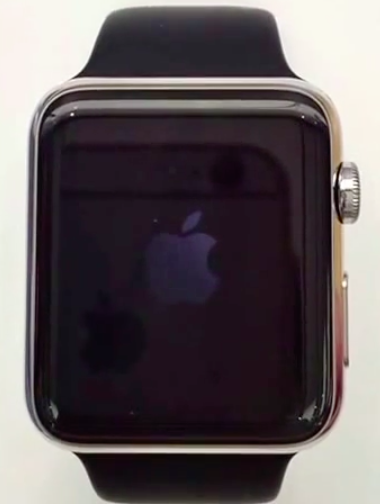
Video suggests Apple Watch may take twice as long to boot as iPhone

A new video surfaced on the web Monday, ostensibly showing the Apple Watch booting up to the Clock face in a little more than sixty seconds, or twice as long as the iPhone's average startup time of about thirty seconds, depending on the model.

The clip, first shared by 9to5Mac, was recorded inside an Apple Store by an enthusiast and should be taken with a grain of salt because it shows an in-store unit which runs demo software that may or may not be exactly the same as the actual shipping Watch OS.

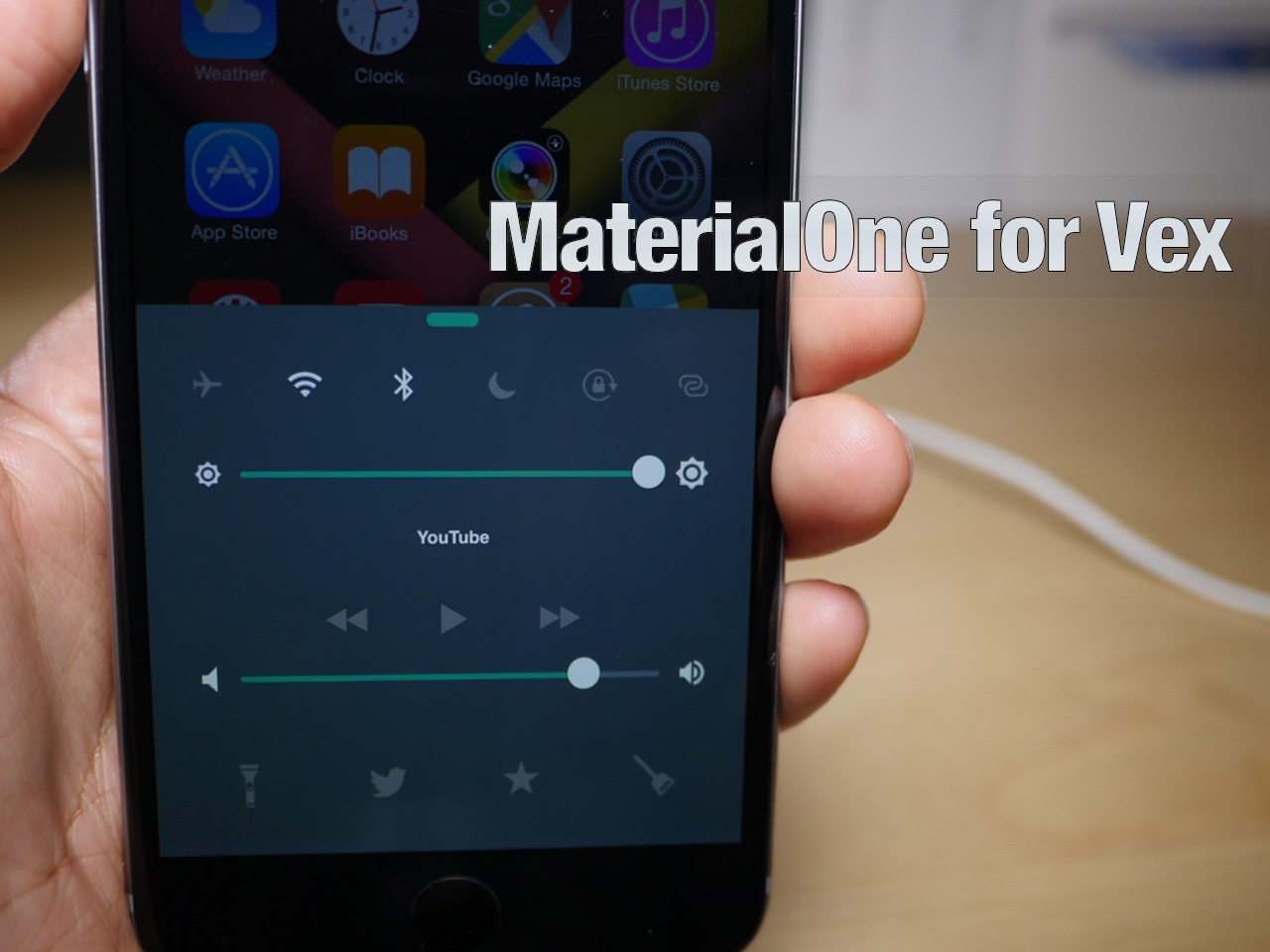
MaterialOne for Vex: a new Android Lollipop-inspired theme for iOS

Vex—the tweak that allows you to apply custom themes to both Notification Center and Control Center—features several built-in options that look great. But none of the built-in themes look as good as MaterialOne.

MaterialOne for Vex is a new third-party theme that's available free of charge on the MacCiti repo. It allows you to apply an Android 5.0-inspired look to both Control Center and Notification Center. Watch our video and see how.

Beep Beep: modify what happens when you plug in your iPhone

Would you like an easy way to modify the vibration, charging sound, and screen power on when plugging in your iPhone to a power source? If so, then Beep Beep will allow you to do just that.

Although the sound and vibration exists to provide you with confirmation that the iPhone is indeed properly  connected to a power source, it can be annoying depending on your circumstances. In this video walkthrough, we'll show you how to manage the charging confirmations using Beep Beep.

SmoothCursor brings a beautifully animated cursor to iOS

When I first heard about SmoothCursor, I didn't imagine that it would have much of an effect on the typing experience. While it's true that it doesn't have any real bearing on the actual input process, it definitely has a noticeable look from a visual standpoint.

SmoothCursor borrows the same cursor movement popularized by Microsoft Office. Instead of a cursor with well-defined keyframes of animation, the cursor features smoothly animated motion as you type. 

PrismBoard adds beautiful colors to the stock iOS keyboard

PrismBoard is a jailbreak tweak that adds a new look to the stock iOS keyboard. Like the geometric figure it's named after, it produces all sorts of different colors. Each key press results in a random color on the key pop-up. If you want a way to spice up the look of the keyboard on your jailbroken iPhone, then PrismBoard should be near the top of you list.

Eclair hides open apps when locking your iPhone

Have you ever unlocked your iPhone only to be presented with an app or website that you didn't want to appear? Perhaps you were previously looking at something embarrassing, shopping for a gift, etc.

I know I always kill my Music app after listening to my favorite Taylor Swift songs, because I don't want people to judge me. The problem is, it's nearly impossible to always remember to do this, and it's easy to forget what you had opened last.

Eclair is a brand new jailbreak tweak that remedies this issue. It will automatically hide the last opened app after locking your device. That way, you'll be met with a Home screen page instead of the last running app.

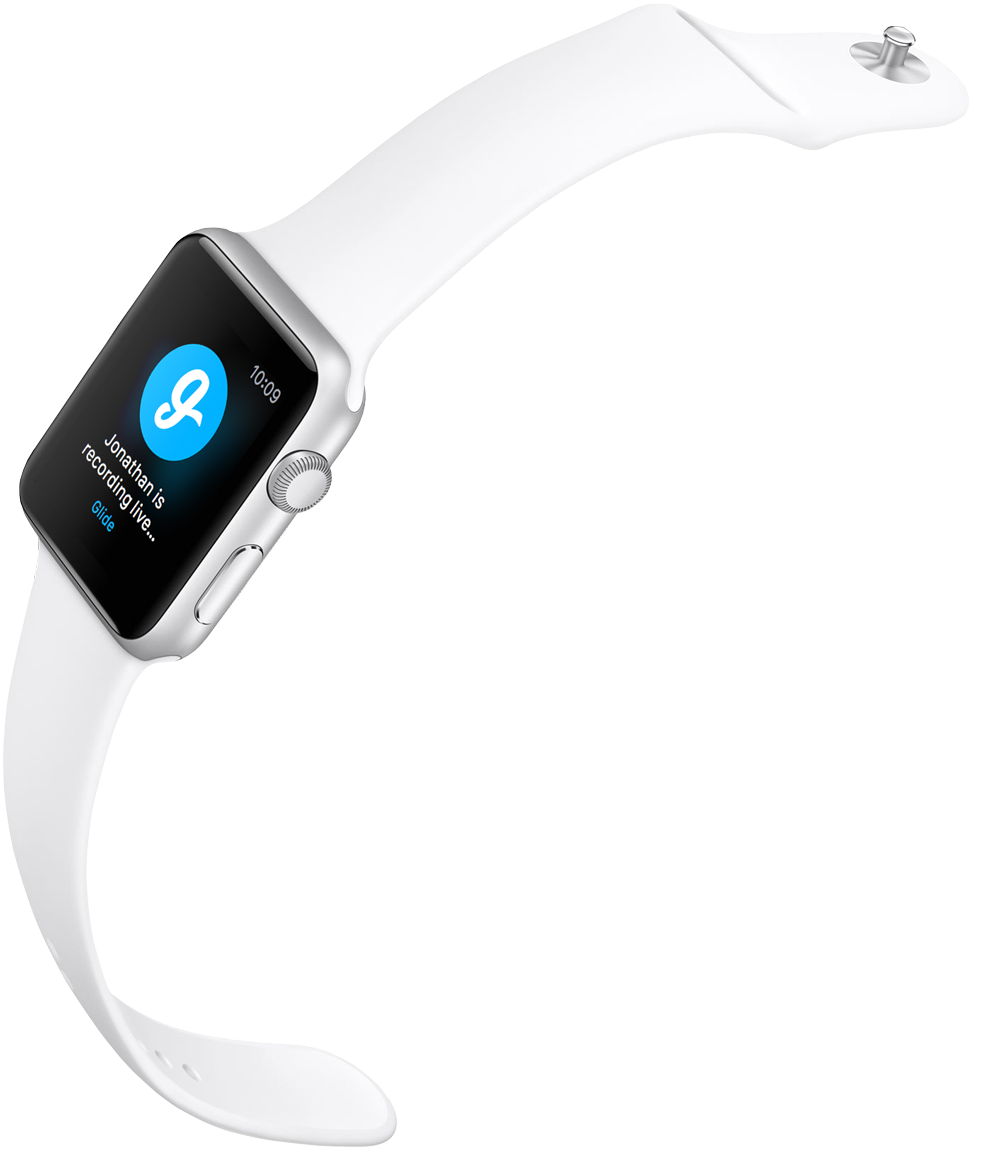
Glide becomes first app to bring one-way video calling to Apple Watch

Glide for iPhone has been updated on the App Store today with Apple Watch support, becoming the first app to bring one-way real-time video messaging to the wrist-worn gizmo. The app lets you see a preview of video messages up to five minutes long on your wrist and respond straight from your Apple Watch.

Other features include getting quick updates to the Watch when friends send you videos, texts or photos without needing to take out your iPhone, accessing all chats and missed events and more.

FolderBlur adds stylized blurs to the folders in iOS 8

Looking to spice up the look of your folders in iOS 8? If so, then you may want to give FolderBlur a look, a new jailbreak tweak that allows you to select from several different folder styles on the fly without respringing.

We've taken FolderBlur for a spin on video. In this post, we'll showcase all of the available styles and explain which style is our favorite.

Assistant+ lets Siri trigger Activator events

If you're a big fan of Siri, or even if you're a bit down on the virtual assistant, listen up. Assistant+ can significantly enhance Siri and its capabilities by allowing it to interface directly with Activator.

Activator, the jailbreak tweak that allows you to assign a variety of actions to assorted gestures, is incredibly deep on its own. But when given the ability to invoke the many Activator events with Siri, things really get interesting.

Imagine activating a car mode by saying "Siri engage car mode". All of the sudden, your Bluetooth connection comes on, Wi-Fi goes off, the volume is boosted, and Spotify is launched. That's just the tip of the iceberg when it comes to the things that you can do with Assistant+.