Video

Dismiss breadcrumb links in iOS 9 with a new jailbreak tweak

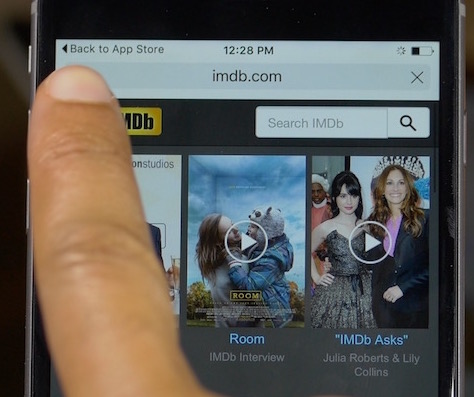
One of the new features in iOS 9 is a new app linking structure. This allows you to navigate back to the originating app that linked you via a handy breadcrumb link in the upper left-hand corner of the status bar. Some people hate it, most love it, but I think all can agree that it's a little awkward at times.

Wouldn't it be better if you could dismiss the breadcrumb link once you've arrived at a destination, and had no intentions of going back? BreadcrumbsAway is a new jailbreak tweak that lets you do just that. It allows users to dismiss breadcrumb links and regain the full status bar view in iOS 9.

Apple posts new iPhone 6s ad highlighting 3D Touch

Apple on Thursday posted a new iPhone 6s commercial, with a special focus on its new 3D Touch feature. During the ad, you hear a voiceover explain how Peek and Pop work, followed by a list of several things you can do with them.

In typical Apple fashion, most of the tasks covered by the voiceover are demonstrated by users on-screen. At one point we even see actor/singer Jamie Foxx, who uses 3D Touch in the Music app to access his just-released R&B album.

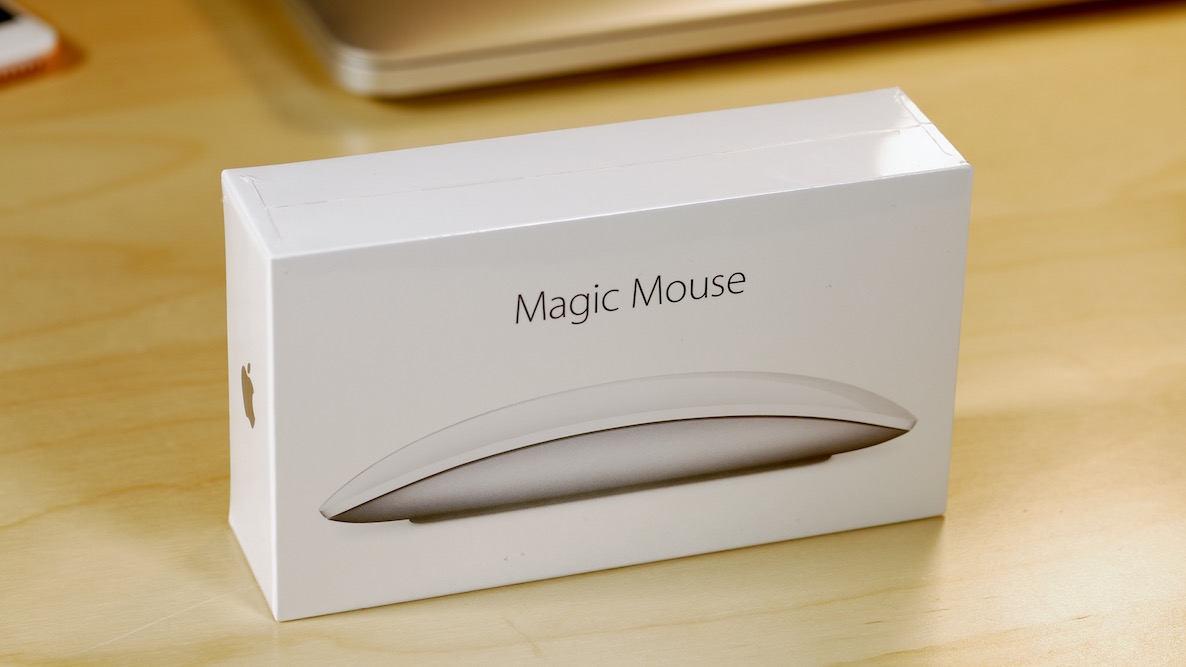
Magic Mouse 2 review: rechargeable and sturdier, but is it worth the upgrade?

I've been a huge proponent of the Magic Mouse ever since it first debuted. I use this mouse almost daily, even though I have a MacBook with a trackpad.

When editing video in Final Cut Pro X, a mouse is pretty much a necessity due to the precision required. With this in mind, the Magic Mouse is one of my most cherished companions when it comes to my daily workflow.

As you know, Apple just updated its Magic Mouse with several new features. The headlining feature of the new Magic Mouse is its built-in rechargeable battery. The new mouse is also lighter with a sturdier build and features an optimized foot design for better movement. But for existing Magic Mouse users, is it worth the upgrade?

How to put folders inside folders on iOS 9

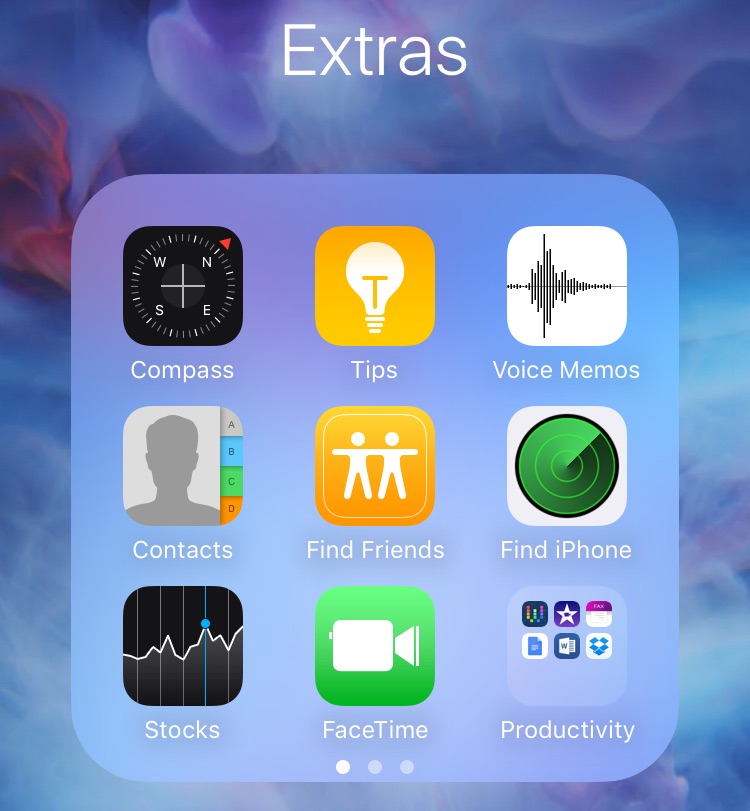
Since folders first appeared on iOS, there have always been glitches that make it possible to place a folder within a folder. iOS 9 is no different, it too allows you to nest folders on your iPhone. To do so is extremely easy, and requires no quick movements, or ridiculous over the top finger cramping combinations methods.

The only downside about using this method to nest folders is that you'll have to do it all over again when you restart your iPhone. In this post and video, I'll show you how simple it is to nest folders on iOS 9 in just a few seconds.

Vimeo updated with iOS 9 Spotlight support, iPad multitasking, picture-in-picture & more

The popular video-sharing service Vimeo has refreshed its iPhone and iPad application in the App Store with full support for iOS 9 technologies. For starters, videos you upload to the service and other content can now be found through iOS 9's much improved Spotlight Search engine.

Moreover, the new Vimeo 5.6 for iPhone, iPod touch and iPad now lets you multitask like a boss on the iPad Air 2 and iPad mini 4 in side-by-side Split View and Slide Over modes while enjoying video in iOS 9's picture-in-picture mode.

Going beyond Likes, Facebook is testing empathetic Reaction emojis ahead of public launch

Facebook, the social networking behemoth, is testing half a dozen reactions that go beyond Likes—among them Love and Angry—while at the same time prototyping a new feature that would make it easy to send “Happy Birthday!” videos to friends on mobile, according to The Next Web. The publication writes that Facebook's iPhone and iPad application is prompting some users to send a video as a birthday greeting directly from within the app.

How to send video wirelessly from your Mac to TV

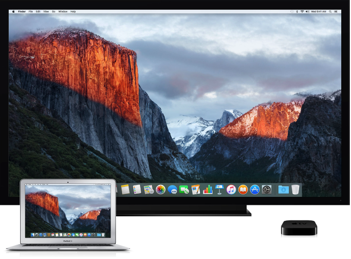
Since OS X 10.9 Mavericks owners of the Apple TV have been able to wirelessly mirror their Mac screen to the big screen TV with an AirPlay feature called AirDisplay. There was just one slight problem: you couldn't stream individual videos without mirroring the whole screen.

Apple has solved this annoyance with OS X 10.11 El Capitan, which introduced richer AirPlay support permitting you to send video from Safari and other apps to the Apple TV.

Watch: Apple Watch Hermès unboxing video

The special Apple Watch Hermès became available for sale in select locations across the globe yesterday, and we now have a first look at it in this unboxing video.

The watch comes in a bright orange packaging very similar to that of the Stainless Steel Apple Watch, with some extra Hermès branding added to justify the price tag.

5 awesome 3D Touch tips that you may not know

Now that we've had the new iPhone 6s for about a week, it's time to share a few more 3D Touch tips that we've picked up over the last few days. By now, everyone knows about the basic 3D Touch features, but there remain a few usage scenarios that continue to fly under the radar. In this post and video walkthrough, we'll examine five different 3D Touch gestures that can help make your life easier when using your iPhone 6s. 

How to disable the mouse pointer shake gesture on Mac

Have you ever woken your Mac up from sleep, and couldn't find the mouse pointer among the mess of windows and desktop icons. We've all been there before.

Starting with El Capitan, macOS is hoping to help out with that, courtesy of a brand new addition to the operating system. It's certainly not a headline feature, but macOS can help you quickly locate your mouse or trackpad pointer by simply shaking your mouse or swiping your finger back and forth on the trackpad in quick succession.

Watch our video inside to see how it works. We'll also show you where to go to disable the feature in System Preferences.

Why 4K video matters on the iPhone 6s

Why would Apple enable 4K video capture on a phone that can't actually display 4K content in full resolution on screen? The reasons are multifaceted, but one obvious reason is that it allows users to zoom in on video while still maintaining crisp resolution.

Coincidently, iOS 9 now supports pinch to zoom and double-tap to zoom on videos in the Photos app. This makes it possible to zoom in to a specific portion of the video without necessarily sacrificing the amount of resolution needed to look great on most of today's displays. Zooming also allows for creative and flexible video editing solutions while working in apps like iMovie, which supports 4K editing. To make a long story short: it's all about the zoom.