Video

Pegasus: a tweak that brings Picture in Picture mode to all iOS 9 devices

The iPad has a leg up on other devices in the iOS family, because later model versions can take advantage of iOS 9's new Picture in Picture mode for video multitasking. Picture in Picture mode lets you watch videos or conduct FaceTime calls in a smaller window while using other apps at the same time.

Unfortunately, for those of you on iPads that predate the iPad Air, along with iPhone and iPod touch users, Picture in Picture mode is not available. That's unless you decide to jailbreak and install Pegasus, a tweak by developer Evan Swick. Pegasus is a new jailbreak tweak that enables Picture in Picture mode on previously unsupported devices. Have a look at our full video walkthrough to see how it works.
Tutorial: how to jailbreak iOS 9 on Mac

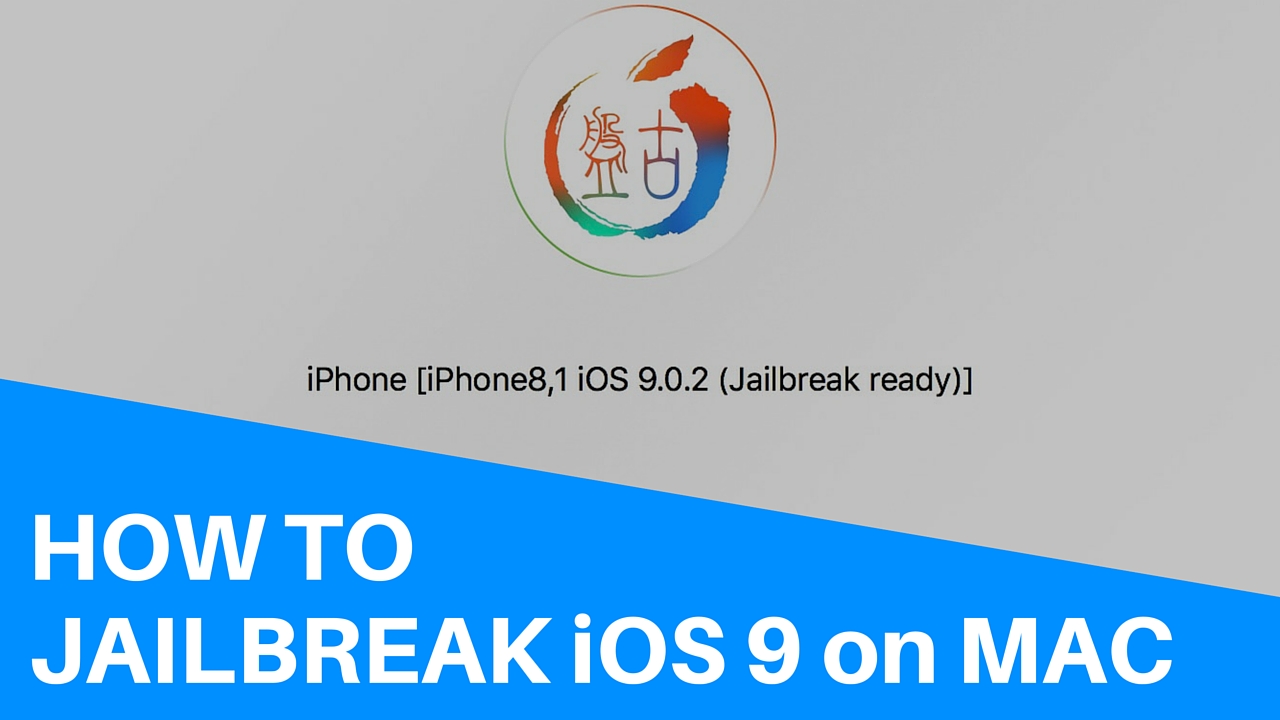
About two weeks after releasing the first version of their jailbreak tool for iOS exclusively for Windows, the Pangu Team has now released its utility for the Mac. The process is roughly the same between both platforms, but for the sake of completeness, we are going to post instructions on how to jailbreak iOS 9 with Pangu for Mac.

Pangu for Mac can only be used to jailbreak all iOS 9-compatible devices running iOS 9, iOs 9.0.1, and iOS 9.0.2. The latest version of Pangu can also jailbreak 64-bit devices running iOS 9.1.

Apple posts hilarious new iPhone 6s ad with actor Bill Hader

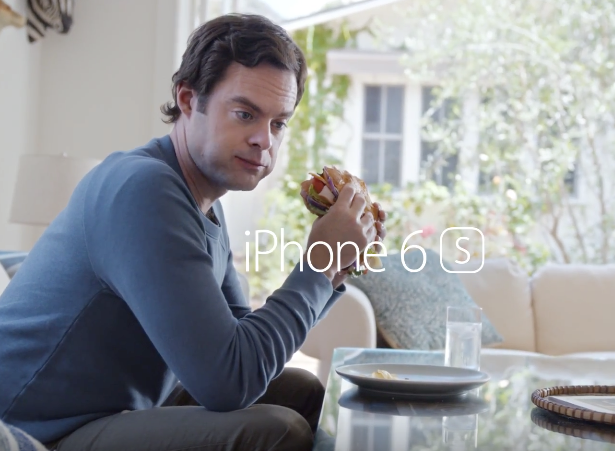
Apple on Tuesday posted a new iPhone 6s commercial, highlighting the hands-free capabilities of the just-released smartphone. The ad stars Bill Hader, the long-time Saturday Night Live actor who appeared in Apple's "Backstage" video at WWDC this year.

The spot demonstrates how users can tap Siri to read and respond to emails using voice commands, with a bit involving the well-known "foreign prince wants to help you get rich" scam. As you can imagine, it's pretty entertaining. Watch the 30-second clip below.

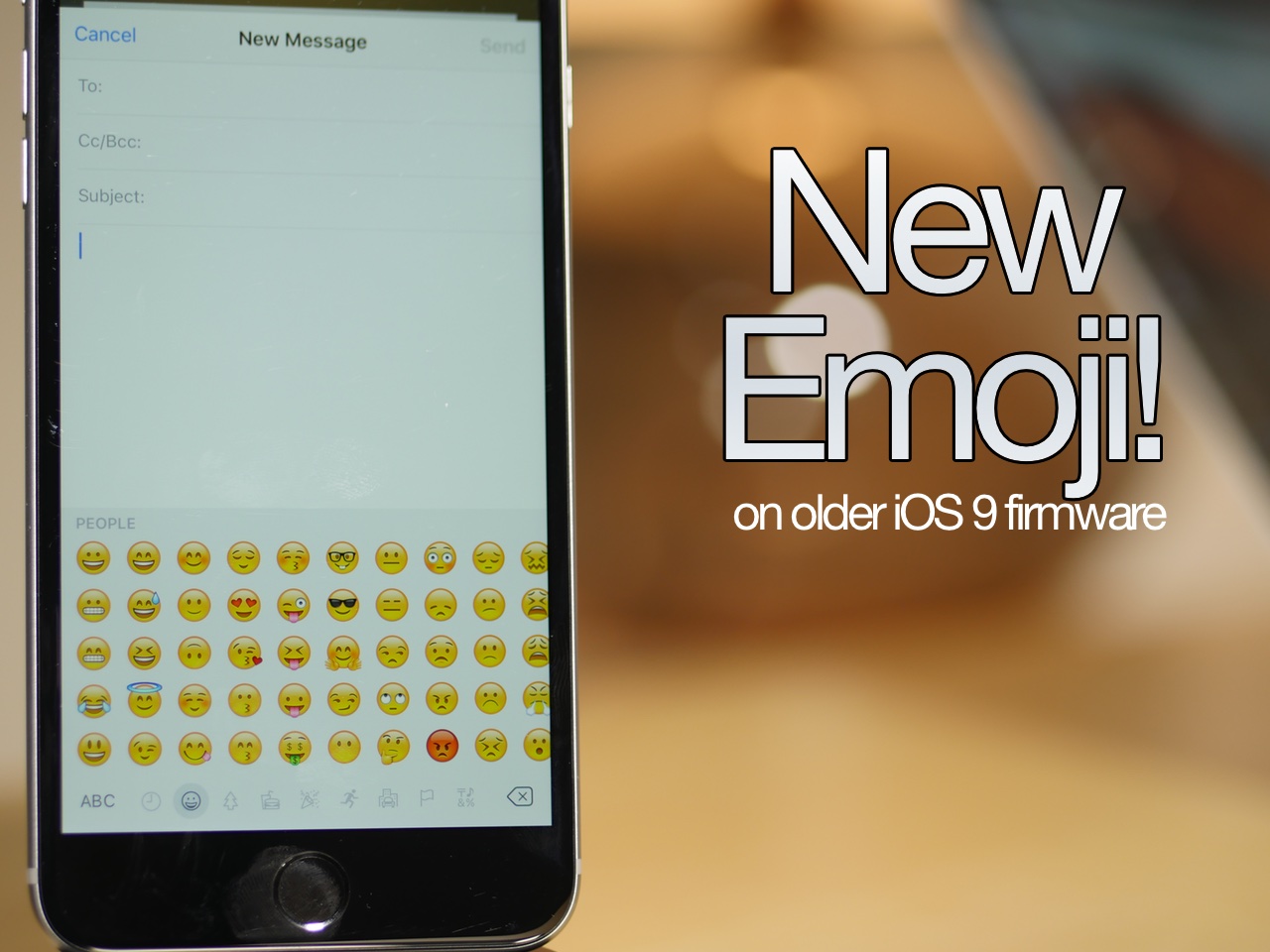
How to add iOS 9.1 emoji to a jailbroken device running iOS 9.0, iOS 9.0.1, or iOS 9.0.2

The headline feature of iOS 9.1 was without a doubt the 150 new emoji characters available to emoji keyboard users. These new characters are all the rage, and rightfully so, as they bring a whole new range of emotions to the table.

But what about those of us stuck on iOS 9.0, iOS 9.0.1, or iOS 9.0.2? As you all know, Apple killed the Pangu jailbreak with iOS 9.1, so upgrading to iOS 9.1 isn't an option for those of us wanting to maintain our jailbreak.

Well, I have good news and bad news. The good news is that you can enable the emoji keyboard and send new emojis to devices capable of displaying them. The bad news is that the tweak is still a work in progress, and as such, the new emoji don't display properly in all apps.

Some apps will work fine, such as Mail, but other apps, like Messages, won't properly display the new emoji. Developer PoomSmart says that he is working on a fix for the issue, so eventually, we may have a 100% fully working iOS 9 emoji package for iOS 9.1.

In the meantime, however, this tutorial is the next best thing. Watch our video to see how it works.

App Store starts experimenting with landscape screenshots and videos

Apple has seemingly begun experimenting with landscape screenshots and video in the App Store. A handful of App Store apps now offer landscape screenshots, video posters in landscape or both.

Twitter users and SplitMetrics have also noticed the change recently, which impacts the iPhone and is also showing on iTunes. Before the change, landscape App Store screenshots would show in portrait mode, requiring users to turn their head.

Instagram releases Boomerang, a Live Photos-like iPhone app for creating looping clips

Facebook-owned Instagram is taking on Live Photos, one of Apple's headline iPhone 6s features, with a brand new 1-second video loop app called Boomerang. Available free of charge in the App Store, Boomerang aims to turn everyday moments into “something fun and unexpected.”

The app couldn't be simpler. You just point your iPhone's front or rear camera and press a button to take a burst of ten photos.

Boomerang then stitches the individual images together into a one-second sped-up video that plays forward and backward in a looping manner, similar in appearance and function to Apple's Live Photos feature.

Watch: seven new Apple Watch TV ads highlighting Apple Pay, Siri, and more

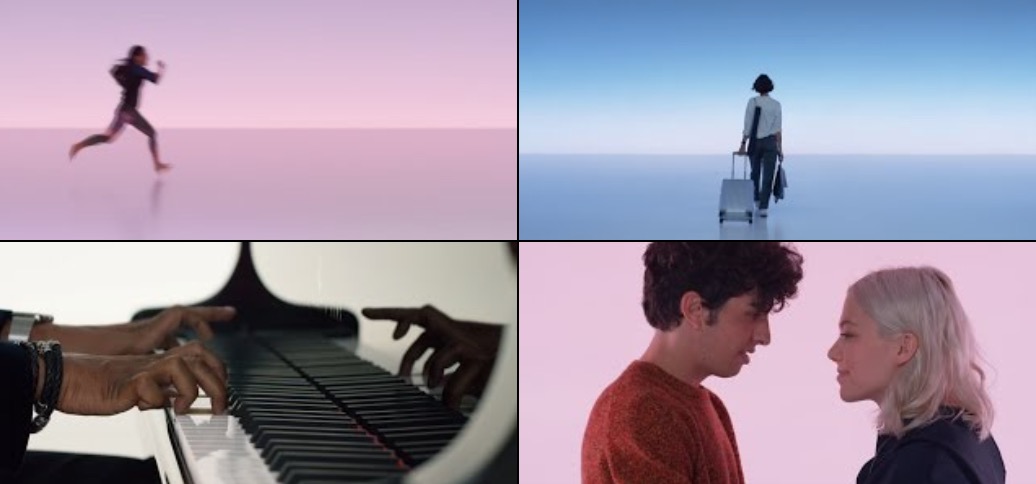
Apple is out tonight with seven new short TV ads for Apple Watch. The format is similar to what the company company up with two weeks ago, when it debuted the first ads in this series.

Each short film focuses on a specific feature of Apple Watch, from apps, Apple Pay, Siri, physical activity tracking, to the convenience the device can offer. Yes, convenience is a feature!

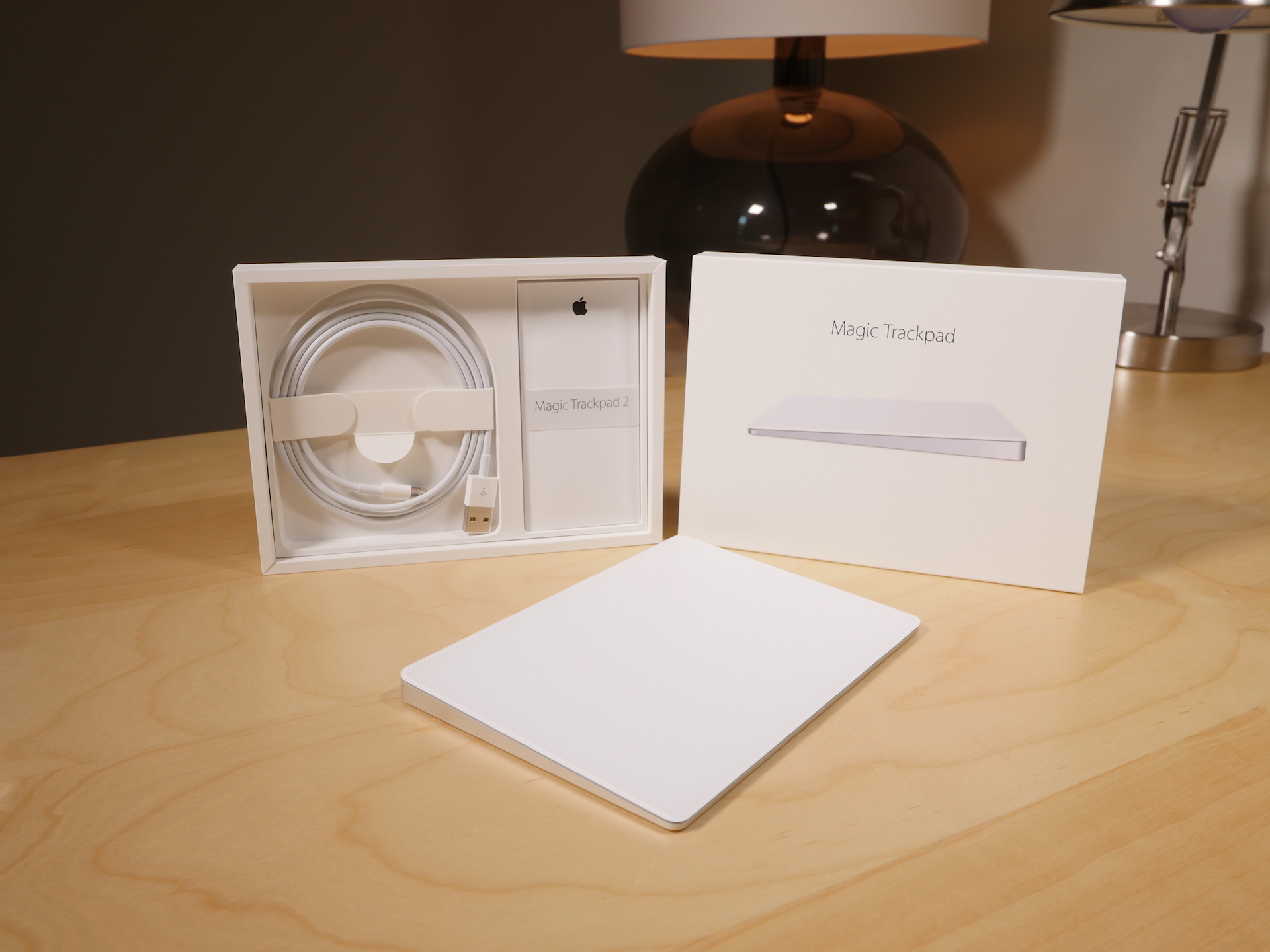
Magic Trackpad 2 review: Force Touch-enabled and rechargeable, but should you upgrade?

Of all of the new "Magic" devices in Apple's lineup, perhaps no device is more deserving of the moniker than the Magic Trackpad 2. It's the only device, out of the three new peripherals that Apple recently launched, that truly brings new functionality to the table.

While the Magic Mouse 2 and the Magic Keyboard are legitimate upgrades over the products they replace, the Magic Trackpad 2 is the most justifiable upgrade from a pure features standpoint, and Apple's pricing for it says as much.

At $129.00, this isn't exactly a knee-jerk purchase to be made on a whim. And if you already own the old Magic Trackpad, an impulse buy is lessened even more.

I've been testing out the new Magic Trackpad 2 for several days now, and it's taken me a while to put my thoughts down in writing. This device takes significantly more time to get to know than either the Magic Mouse 2 or the Magic Keyboard. That's because the Magic Trackpad offers the most diverse functionality of the trio.

With all of that said, is the Magic Trackpad 2 worth upgrading to if you already own the previous Magic Trackpad? Watch our video review, and read my full analysis for the details.

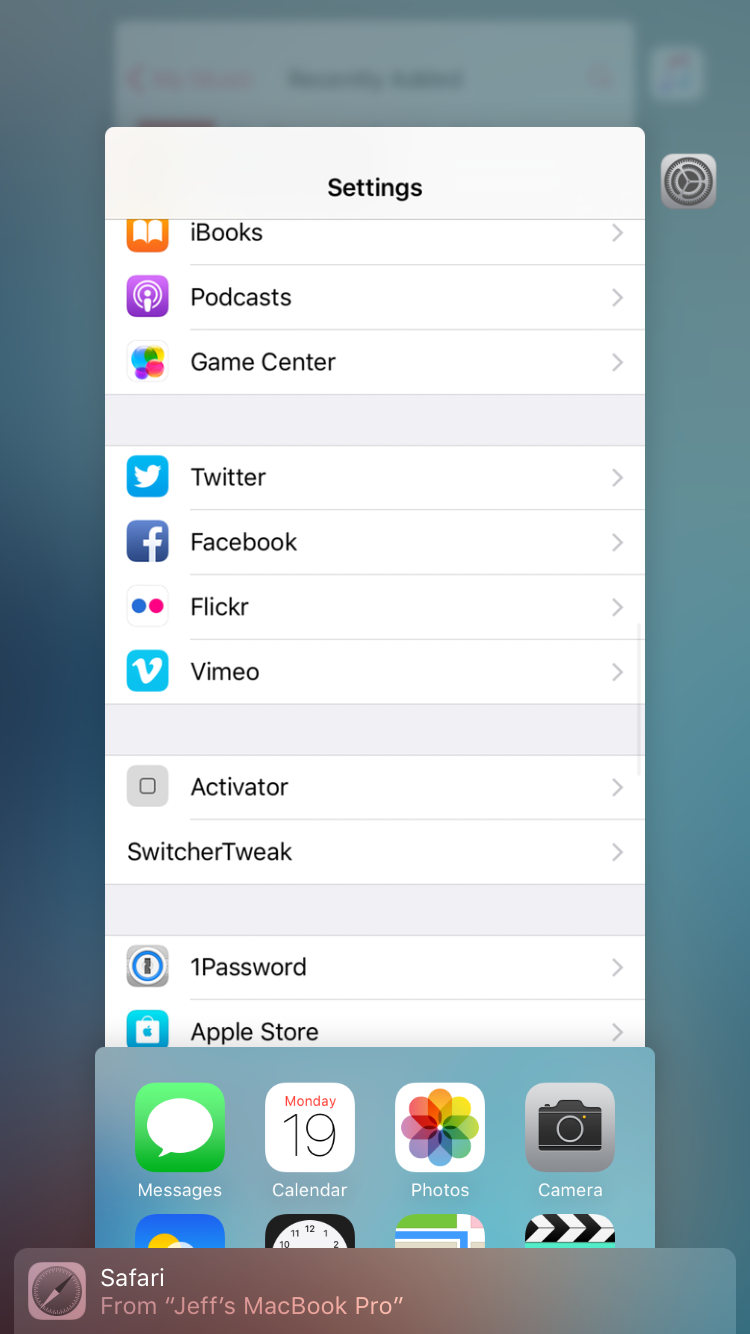
SwitcherTweak: invert the App Switcher direction, enable vertical App Switcher scrolling, and more

If you're looking to customize the newly redesigned App Switcher in iOS 9, then look no further than the just-released SwitcherTweak. This is a jailbreak tweak that adds lots of new options to the App Switcher, including scrolling direction, respring options, padding, blur, and more.

SwitcherTweak is available for free right now via a third-party repo, and I recommend that you check it out. Watch our video walkthrough for a more in-depth look at what this tweak can do.

A closer look at Activator’s new Application Shortcuts feature

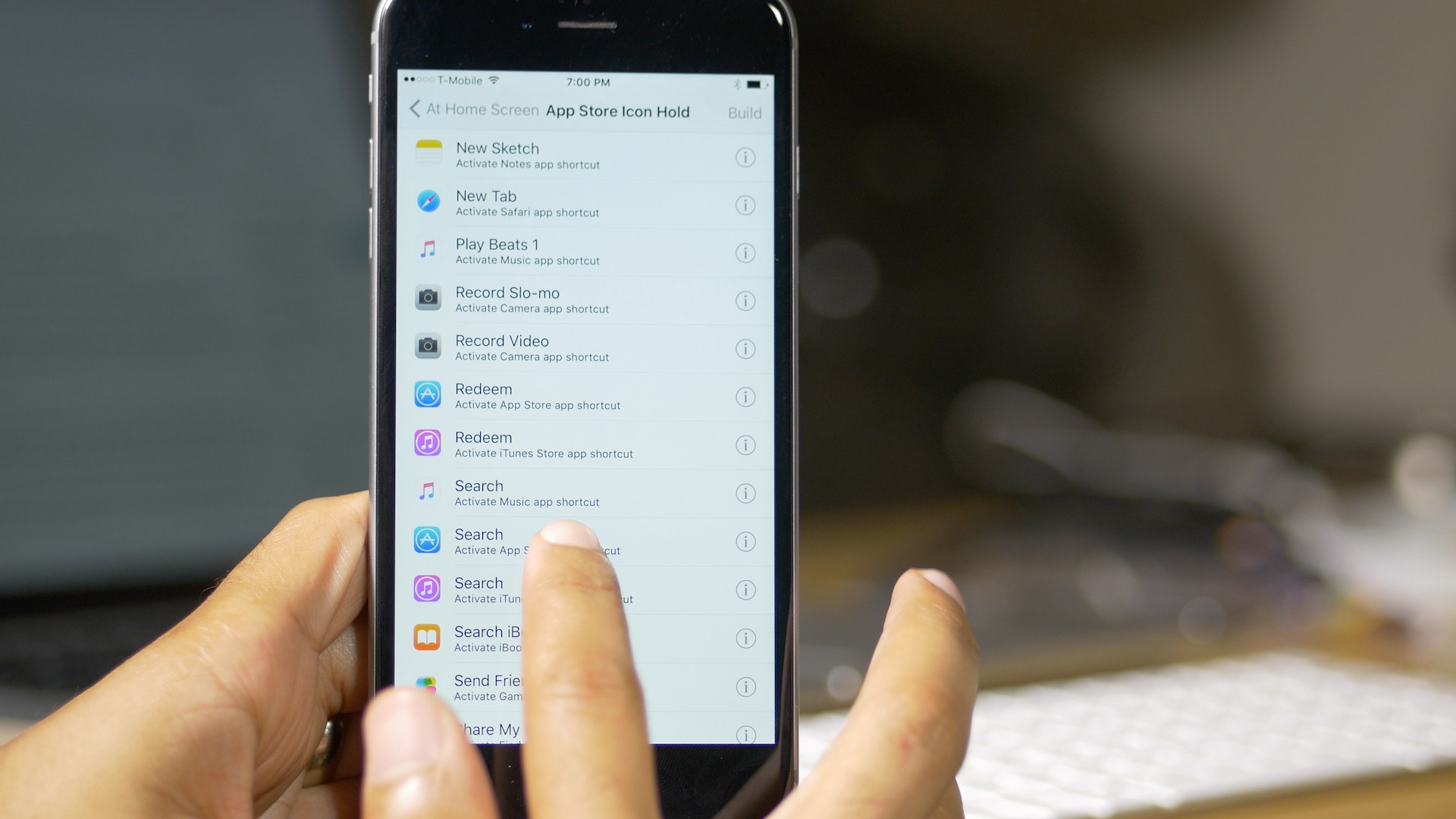
Earlier today, we reported that Ryan Petrich had updated his beta repo, and with it, the Activator beta for iOS 9. The update brought overall compatibility to iOS 9, but more interestingly, it brought about a new feature called Application Shortcuts.

In our previous post about the iOS 9 compatible Activator beta, we briefly touched on the new Application Shortcuts, but in this post, I'd like to dive in a little deeper to show you exactly what these puppies can do, and why they're so cool—even for older pre-iPhone 6s devices.

In a nutshell, Application Shortcuts let you access the shortcuts that are normally only available to 3D Touch capable iPhones on the Home screen, merging them with Activator gestures. The result is a super-cool feature that will undoubtedly be one of the highlights of the iOS 9-enabled Activator.

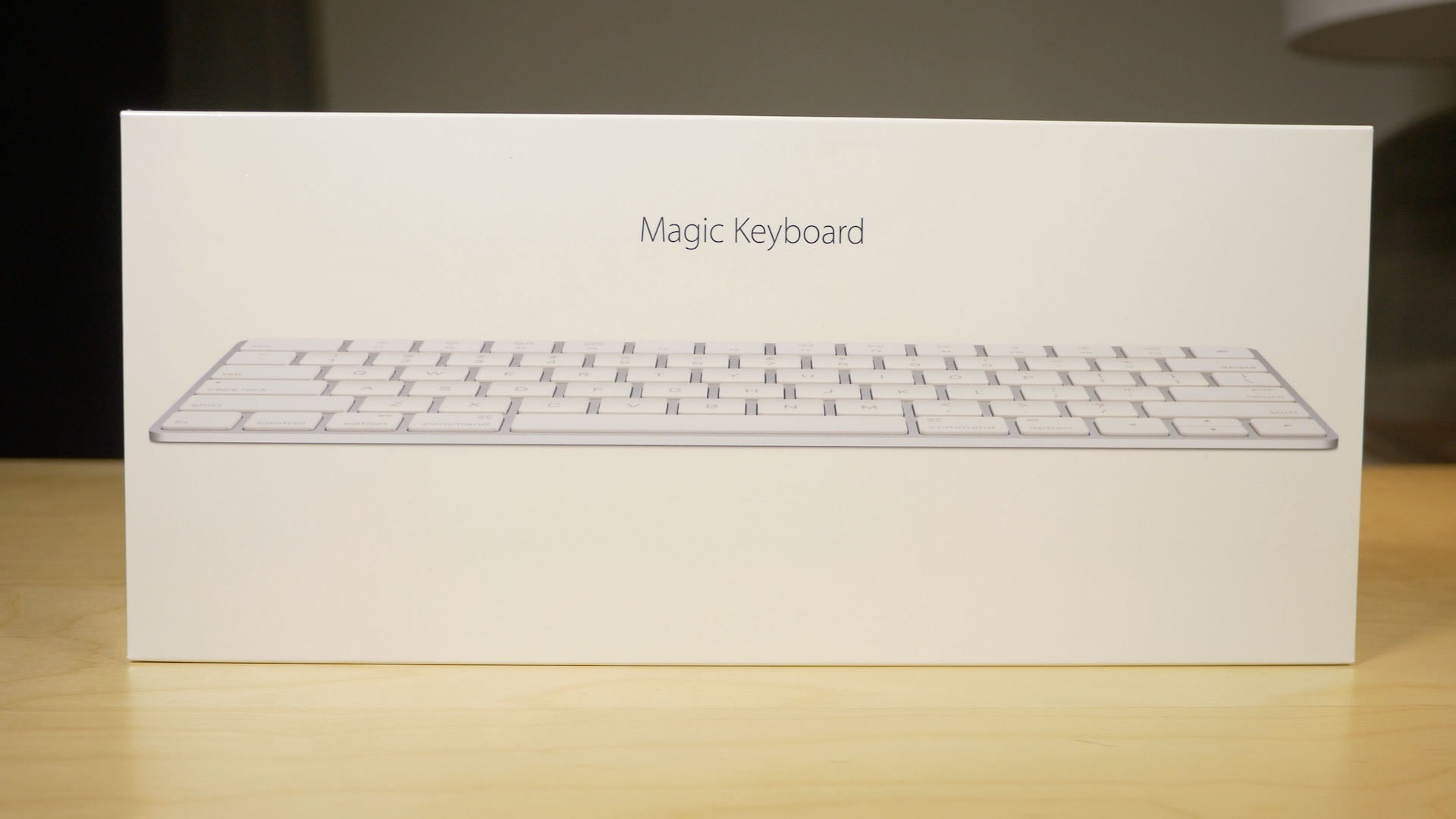
Magic Keyboard review: streamlined and rechargeable, but worth it?

Along with my Magic Mouse 2, I decided to pick up a Magic Keyboard. The Magic Keyboard, for me, is probably the least compelling of the "Magic" devices that Apple just released. That's primarily because I'm a full time MacBook user, so I don't actually have a real hardline need for an external keyboard.

Yet, I'm nonetheless intrigued by the Magic Keyboard. I'm a sucker for the streamlined design, and the rechargeable batteries. Anytime you can get me away from having to replace or swap out batteries, you've pretty much won me over.

But does the Magic Keyboard do enough to truly justify the upgrade? Admittedly, it's a hard sell. Not only do you have to consider whether an upgrade is necessary, you then have to justify paying $30 more than the Wireless Keyboard that it replaces.

Is it worth it? Watch our video review and find out.

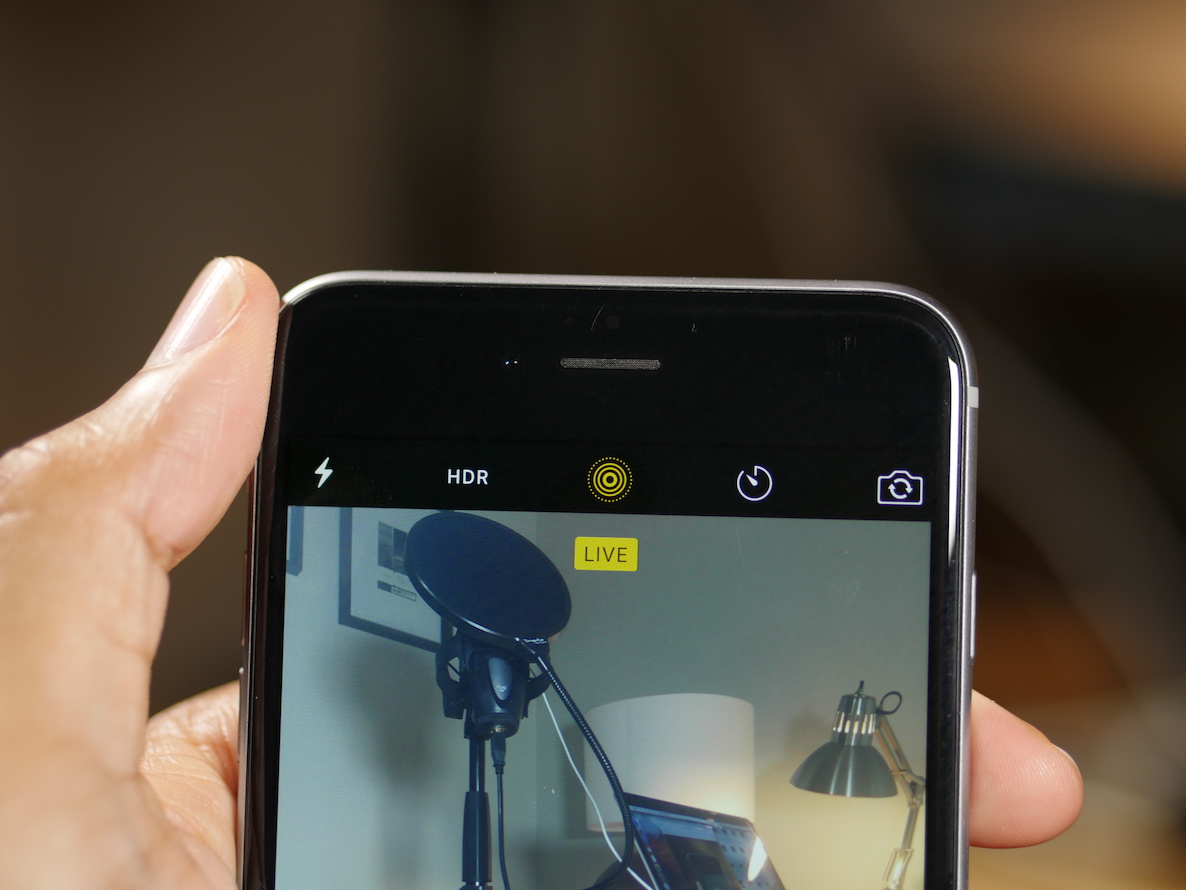
EnableLivePhotos enables Live Photos on older iOS 9 devices

If you have an older device running iOS 9, it's possible to create Live Photos if you're willing to jailbreak your device. EnableLivePhotos is a recently released jailbreak tweak that not only lets you take Live Photos, but lets you display Live Photos on the Lock screen as well.

EnableLivePhotos is the best implementation of Live Photos that I've seen for non-iPhone 6s devices. Watch our video and see how it works.