Video

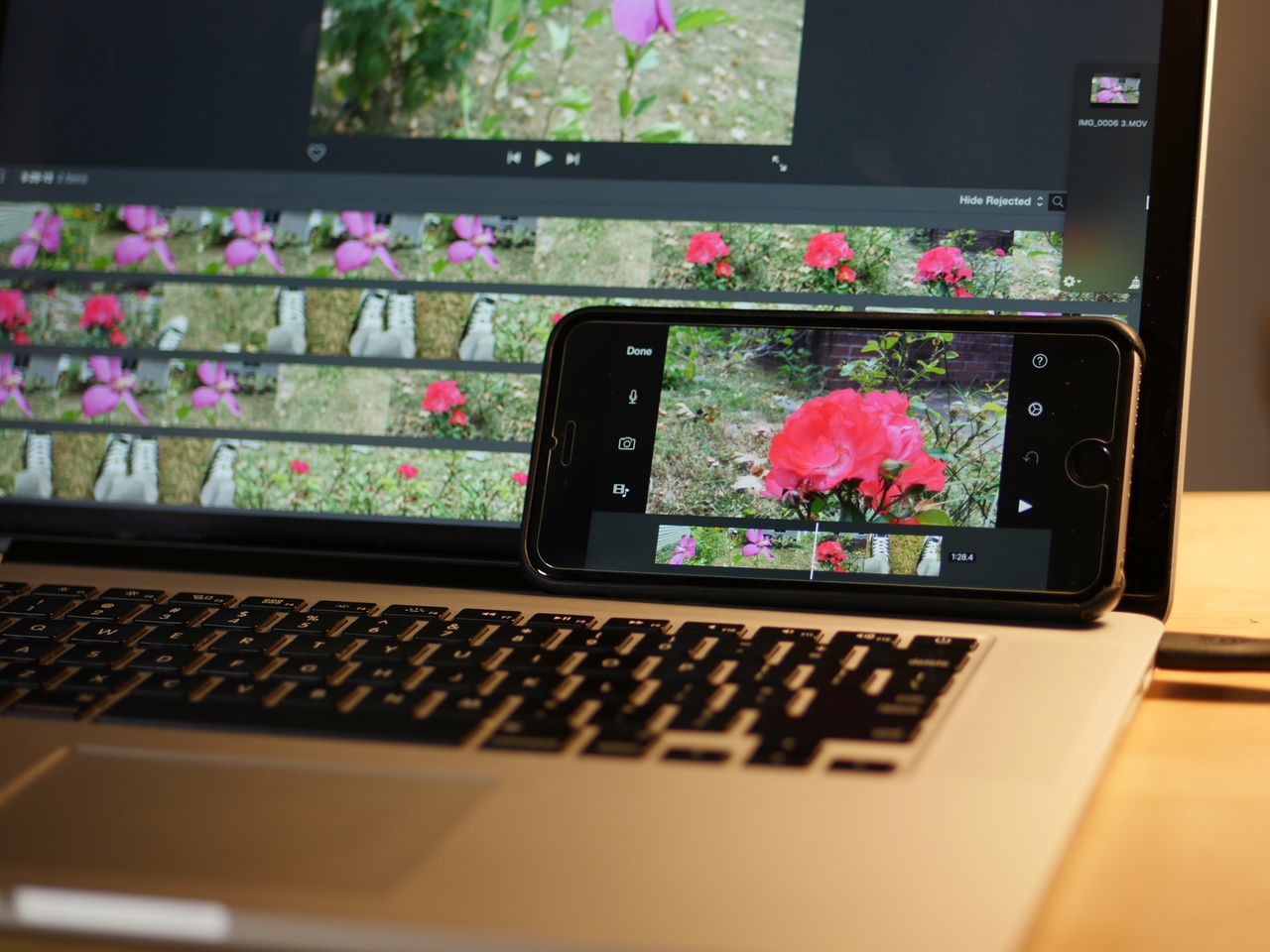
iPhone 6s Plus vs MacBook Pro: Exporting 4K video from iMovie

By now, it's well documented how fast the new A9 processor is in the iPhone 6s. The benchmarks show a marked improvement over last year's iPhone 6, and it even compares nicely with the iPad Air 2.

The iPhone 6s benchmarks better than the entry-level 12" MacBook, and compares nicely with some the earlier generations of MacBook Airs. Needless to say, this device is quite something from a technical perspective. So much so, that I thought it would be fun to compare it with my MacBook Pro.

I decided to install iMovie on my Mac, and compare a 4K export between it and the iPhone 6s. By no means is this a scientific test, but the results paint a general picture that may surprise some people.
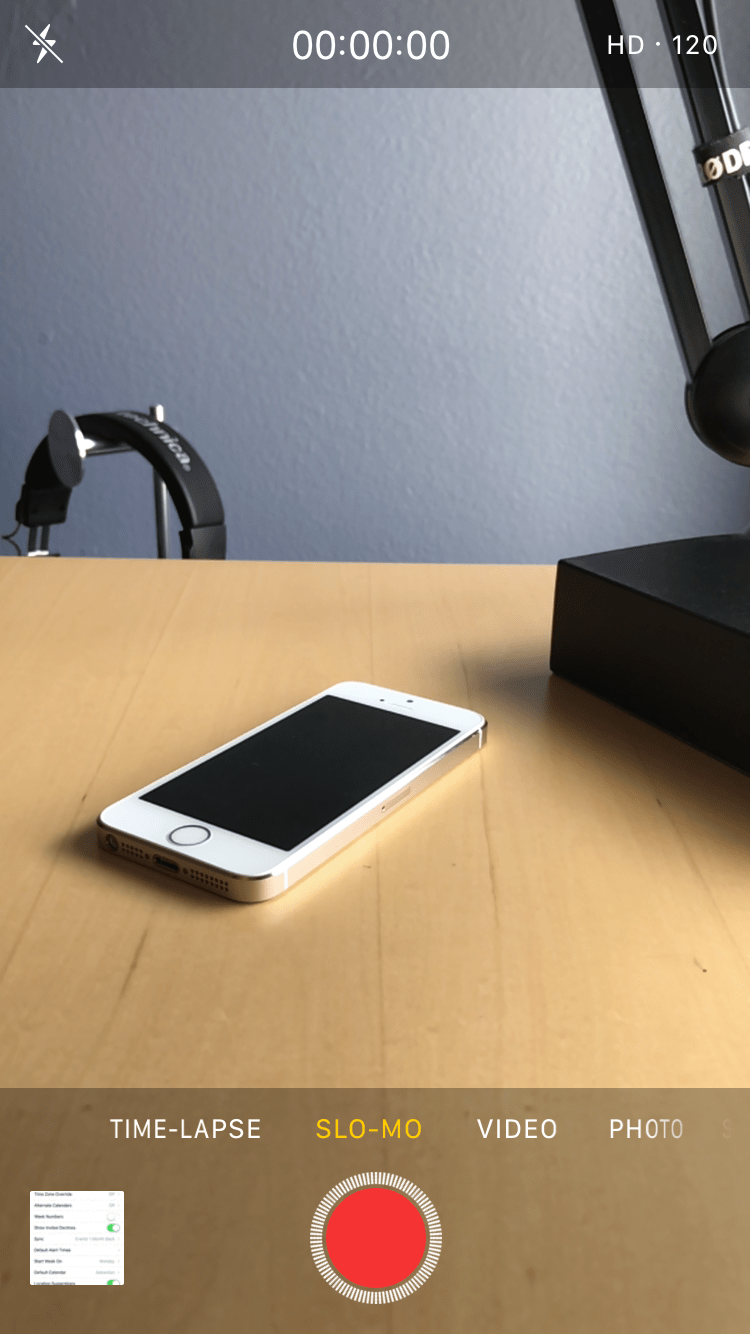
How to enable 1080p Slo-mo videos on iPhone

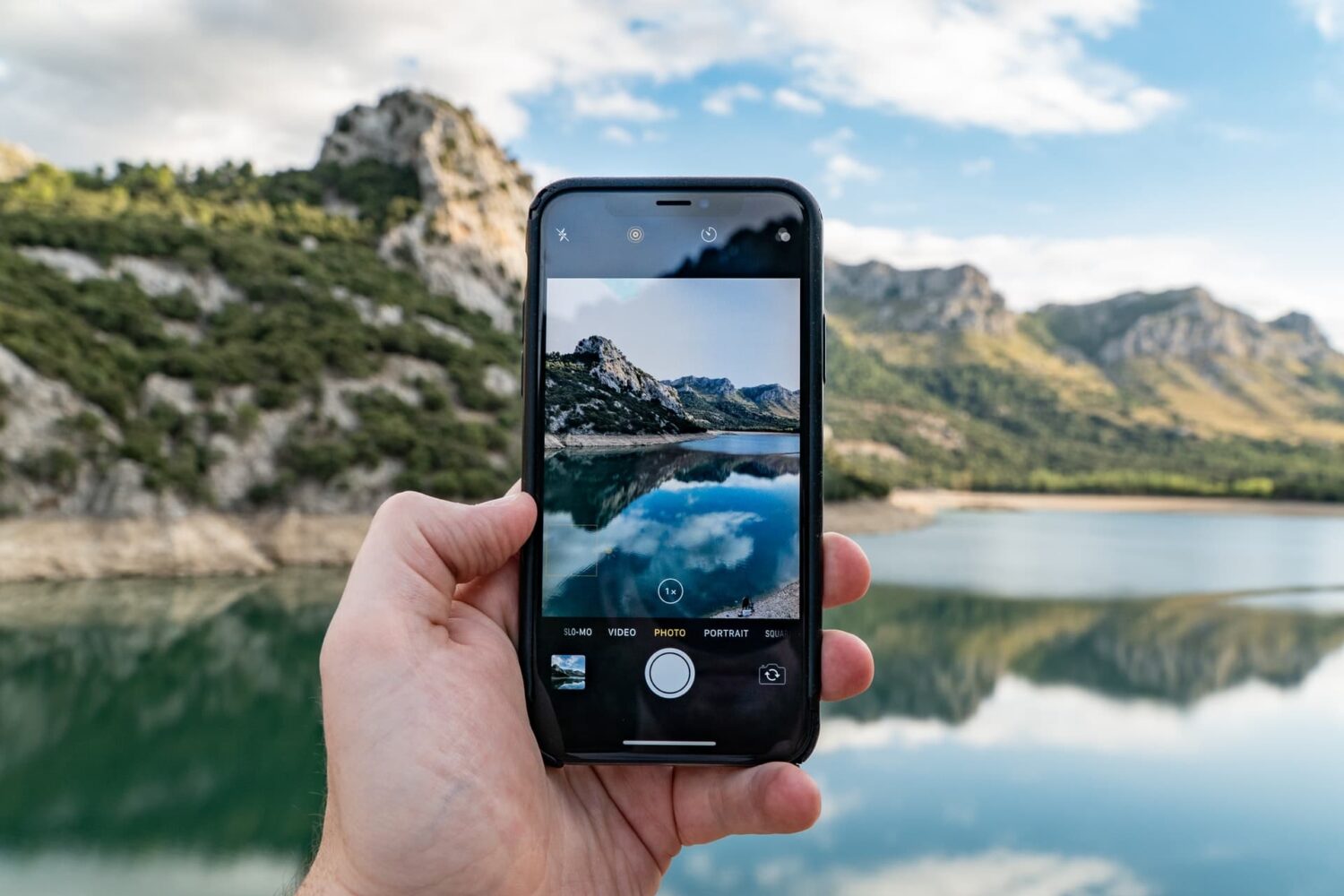
The iPhone iSight camera has received several remarkable improvements over the year, headlined by its ability to shoot 4K video. Another big feature is its ability to shoot slow motion videos in 1080p. Older iPhones, like the iPhone 6, were only capable of shooting "Slo-mo" videos in 720p resolution. With new iPhones, you can now enjoy slow motion videos in full HD glory.

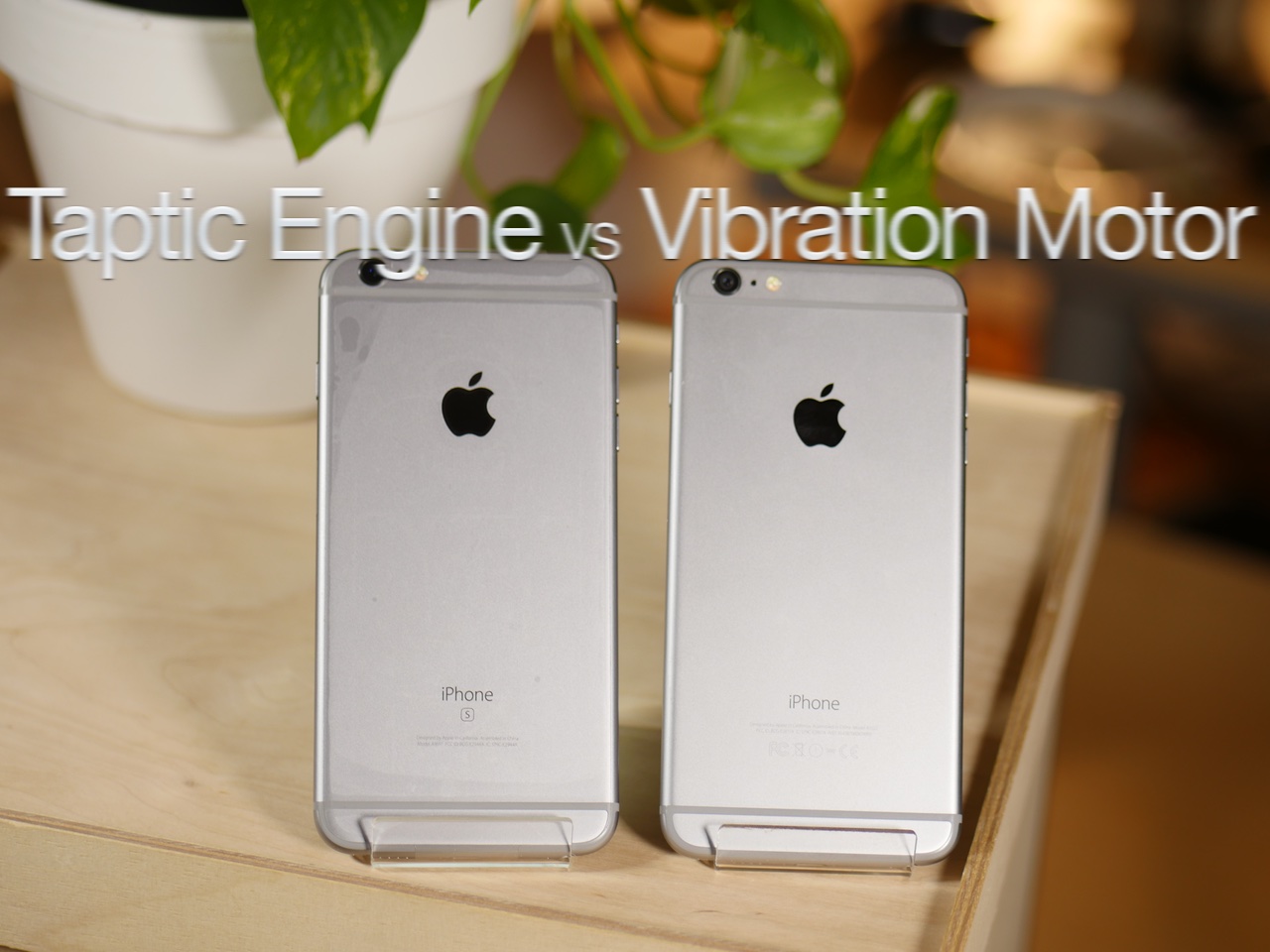
How the iPhone 6s Plus Taptic Engine compares to the vibration motor in the iPhone 6 Plus

If you're rocking a new iPhone 6s, then you've no doubt felt the difference that the new Taptic Engine makes when it comes to vibrations. Vibrations are now audibly quieter on the iPhone 6s, yet still just as strong, if not stronger. If you've ever felt a vibration from the Apple Watch, a device the necessitated the creation of the Taptic Engine, then you already understand the difference.

You'll also notice a new default vibration option for text tones in the Settings app. The new default vibration, called Synchronized, replaces the older Staccato default vibration from older devices. Synchronized allows for the Taptic Engine to sync with the sound of a selected text tone. This provides users with a unique vibration that matches each selected text tone, which is really cool.

We've created a video highlighting some of the differences between iPhone 6s Plus and the iPhone 6 Plus' vibration patterns. It's a change that goes unnoticed to the eye, but you can certainly feel and even hear the differences.

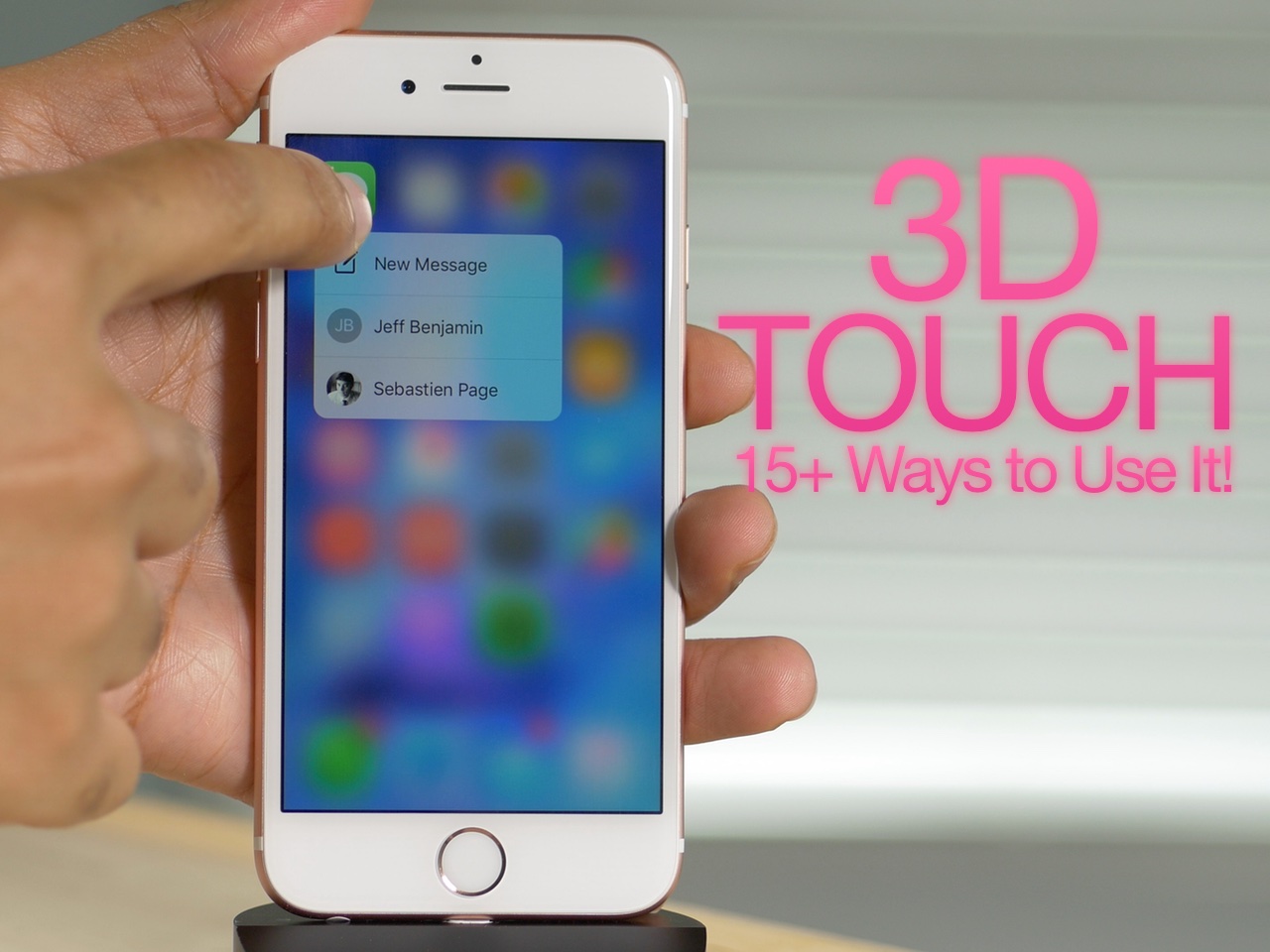
How to use 3D Touch on iPhone 6s: a video tutorial

3D Touch is the biggest new feature to come to the iPhone 6s, and it brings a whole new interaction paradigm to the iPhone. 3D Touch is possible by means of a new pressure sensitive screen used in Apple's new iPhone hardware.

By tapping into this new input method, Apple and third-party developers are able to lend users access to quick Home screen shortcuts, in app previews, and quicker access directly to specific pages within an app. Not only is 3D Touch an awesome feature today, but its potential for the future is even more exciting.

In the following video, I'll share over 15 different points on 3D Touch. Perhaps you'll find something in this list that you weren't aware of.

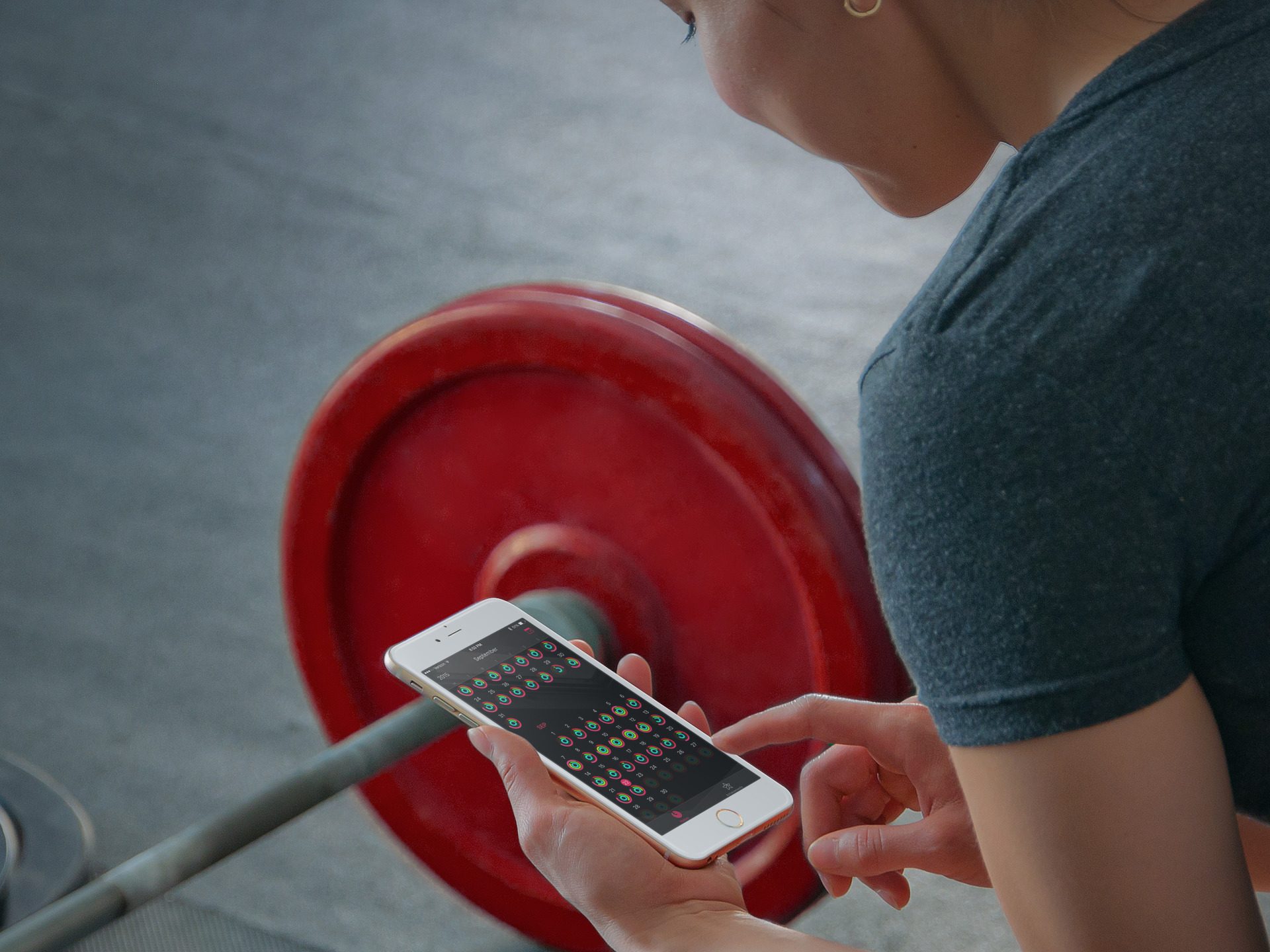
How to only transfer Activity and Health app data to a new iPhone

Transitioning to a new iPhone is made simple by iCloud backups, iTunes, and a few clicks or taps. Apple ensures it is easy to move from a fully loaded and setup device to a completely fresh iPhone with the same information, using their backup options. Most laypeople, almost always choose to restore new iPhones from their backups; however, more technically inclined concerned people tend to start with a fresh iPhone and do not restore from backup to prevent carrying over any unwanted information.

Earlier this week Christian highlighted two methods for upgrading to a new device and retaining your Activity and Health data. Method #1: use a third-party app to import your Health data, but it lacks Activity logs. Method #2: backing up your old device to iCloud or iTunes and restoring from backup, as I've described above.

But, what if you want both your Activity and Health data, but a fresh setup too? Step inside to learn how to install both, yet only, your previous device's Activity and Health data on your new iPhone. 

New tweak brings Live Photos to older iPhones running iOS 8

Live Photos is a new iPhone 6s exclusive feature that breathes new life into static photography. It works by shoehorning the photo in between video captured just prior and just after the photo is taken. The resulting effect is a "live" photo that moves on your screen, lending context to the photo at hand.

The new 3D Touch feature is used to activate Live Photos in the Photos app, and doubtlessly the iPhone 6s and Live Photos were made with each other in mind. That said, it doesn't mean that it's not possible to have a similar iteration of Live Photos on older hardware, as has just been proven by a new Cydia tweak.

Elias Limneos, a well known tweak developer who has releases like CallBar and BioProtect under his belt, just released PhotosLive—an impressive rendition of Apple's Live Photos for older jailbroken devices. The question is, how well does PhotosLive work?

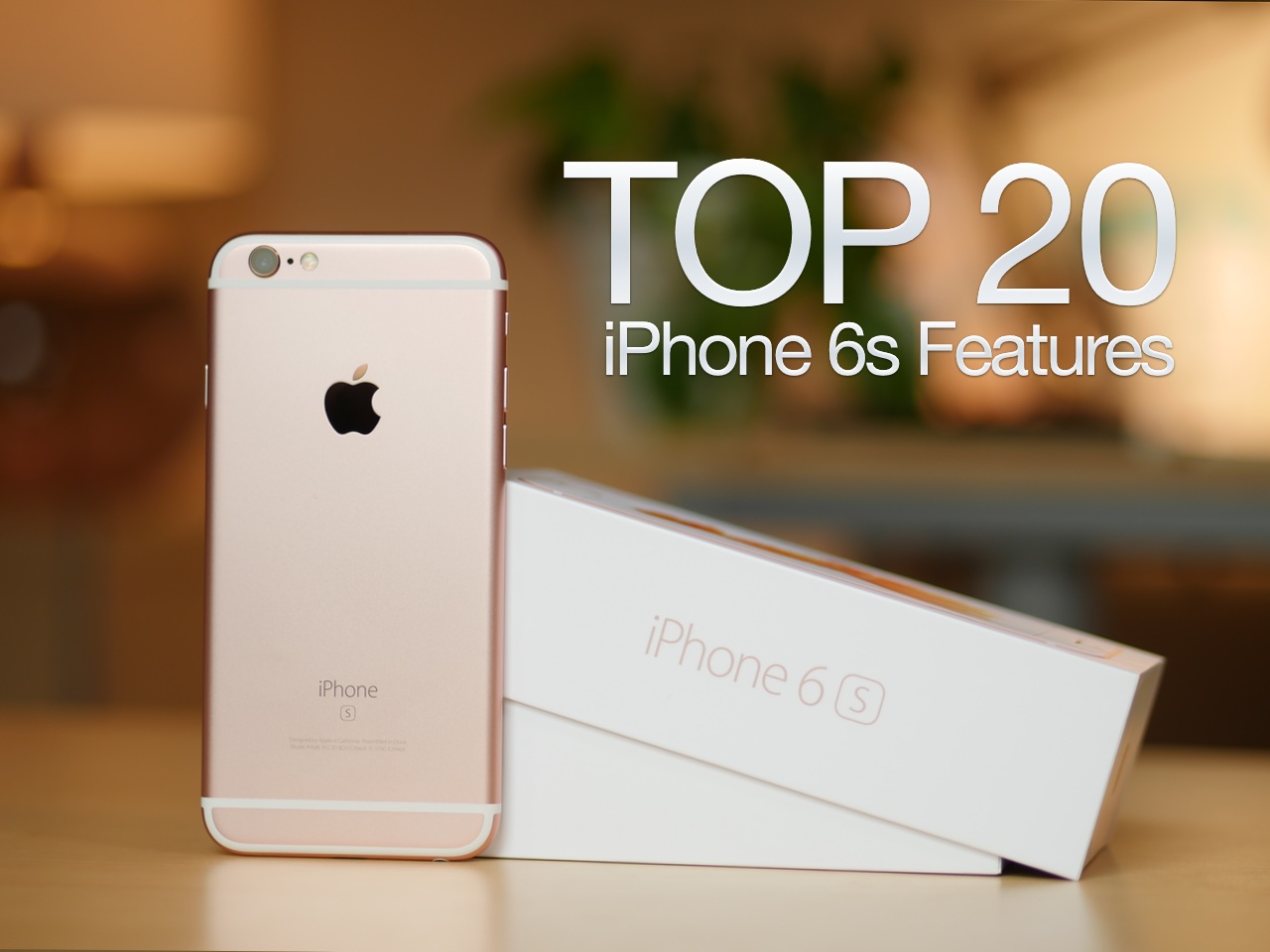
The 20 best iPhone 6s features [Video]

After an agonizing two week wait, the iPhone 6s is finally here. Although this is an 'S' model year, a time when most of the changes are internal, there are lots and lots of new and notable additions to the iPhone 6s.

In this video overview, I consider 20 new features that you'll find in Apple's new flagship phones. Some claim that not much has changed with the iPhone 6s when compared to last year's model, but this lengthy list says otherwise.

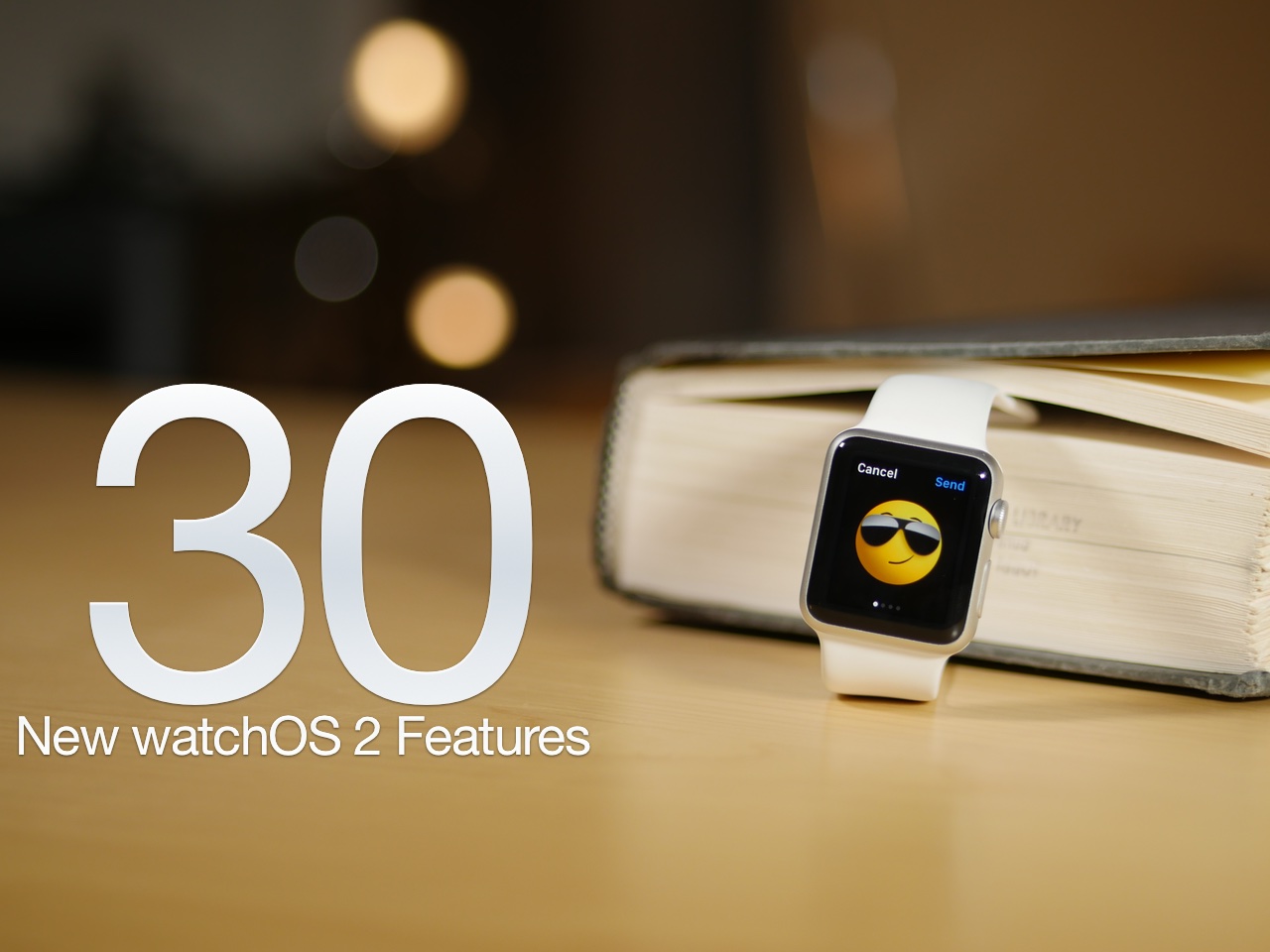
The 30 best watchOS 2 features [Video]

After a unscheduled delay, watchOS 2 was released on Monday for the Apple Watch. As we've noted in the past, watchOS 2 is a significant upgrade over the first version. It brings with it several big name features, including third-party complications, native apps, Nightstand mode, and a handful of all new watch faces.

No, watchOS 2 isn't as big as last week's release of iOS 9 in terms of features, but if you're an Apple Watch owner, it's something that you'll definitely want to update to without delay. Have a look at our video walkthrough to see many of the new features in action

Apple releases iOS 9.0.1 containing various bug fixes for Safari, Setup Assistant, alarms, and more

A week after Apple pushed iOS 9 to the public, it has followed up with the release of iOS 9.0.1. As you may have guessed by the version number, iOS 9.0.1 is a bug fix update. All users running iOS 9 should therefore update to iOS 9.0.1 for increased system stability.

Perhaps most notably, we saw several users in our comments talk about failed upgrades, where iOS would freeze when using the Slide to Upgrade feature in the Setup Assistant. That issue should now be solved thanks to iOS 9.0.1.

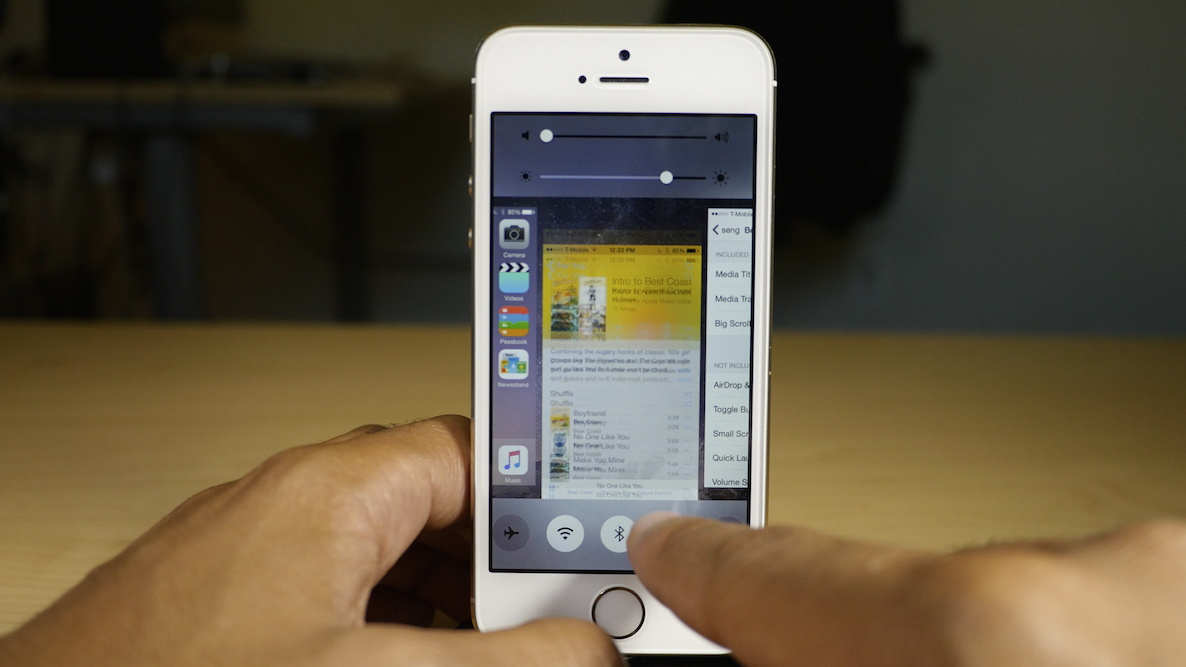
Seng: a new Auxo alternative now available on Cydia

It's been a big day for jailbreak releases. First, we had the highly anticipated Multiplexer land on Cydia, and now, we have Seng, another much-anticipated tweak, albeit less so than Multiplexer.

Seng, as we discussed back in in August, is a jailbreak tweak that's inspired by Auxo. Actually, just calling it "inspired" would be doing it a disservice; Seng is heavily influenced by Auxo.

After being in beta for nearly two months, Seng is now available for purchase on Cydia for $2.50. Should you consider taking a look at it?

Multiplexer, one of the deepest jailbreak tweaks ever, is now available on Cydia

Multiplexer, the six-in-one multitasking jailbreak tweak that we previewed back in August, is now available for purchase on Cydia.

Multiplexer brings six different jailbreak tweaks together as one, and each tweak could rightfully stand on its own as a separate download. In the package, you'll find Aura, Empoleon, Mission Control, Quick Access, Swipe Over, and the already well-know jailbreak tweak, Reach App.

All six of the tweaks join together to form one insanely deep package for multitasking on a jailbroken iPhone. Watch our video inside to get a preview of what to expect.