Video

50 new features in iOS 9 [Video]

iOS 9 has been out for just under a week, and and as you've no doubt heard, there are tons of new features to be found in Apple's latest and greatest iOS update.

Some of the features are headlining additions, such as the iPad's new side-by-side multitasking option, called Split View. Other features, however, are bound to fly under the radar. For example, did you know that you can search through saved passwords in Safari's preferences? What about using Touch ID to validate access to said passwords?

I've always believe that it's the little things that truly make a piece of software, in this case a full fledged operating system, really special. iOS 9 has plenty of big features, but even more smaller features, fixes, and optimizations.

In this post, I'll showcase 50 new iOS 9 features. While many of them are well-known and will probably be familiar to you, I'm betting that there are at least a handful of new features that you either forgot about or didn't know about at all.


How to upload HD photos and videos on Facebook

One of the more annoying things about Facebook has got to be the diminished quality of photos and videos you upload to the service, be it via iOS's Facebook integration integration or through the official mobile app for the iPhone and iPad, a free download in the App Store.

For whatever reason, Facebook's mobile app defaults to low-resolution photo and video uploads, likely in an effort to minimize bandwidth usage in this digital age of capped cellular data.

Fortunately, there is an easy yet not immediately obvious way to configure Facebook for iPhone and iPad to record and upload videos and photos in glorious high-definition.

iMovie for iOS updated with 4K video editing on iPhone 6s and much more

At its 'Hey Siri' media event last week, Apple demonstrated how the all-new 'A9' microchip ticking inside the iPhone 6s and iPhone 6s Plus has enough oomph to edit 4K video by showing off native 4K video editing on both new iPhones and the iPad Pro with iMovie.

Today, iMovie for iOS receives a timely refresh in the App Store to bring this feature to the latest devices along with more than a dozen other enhancements for older iDevices.

How to migrate your data from Android to iOS

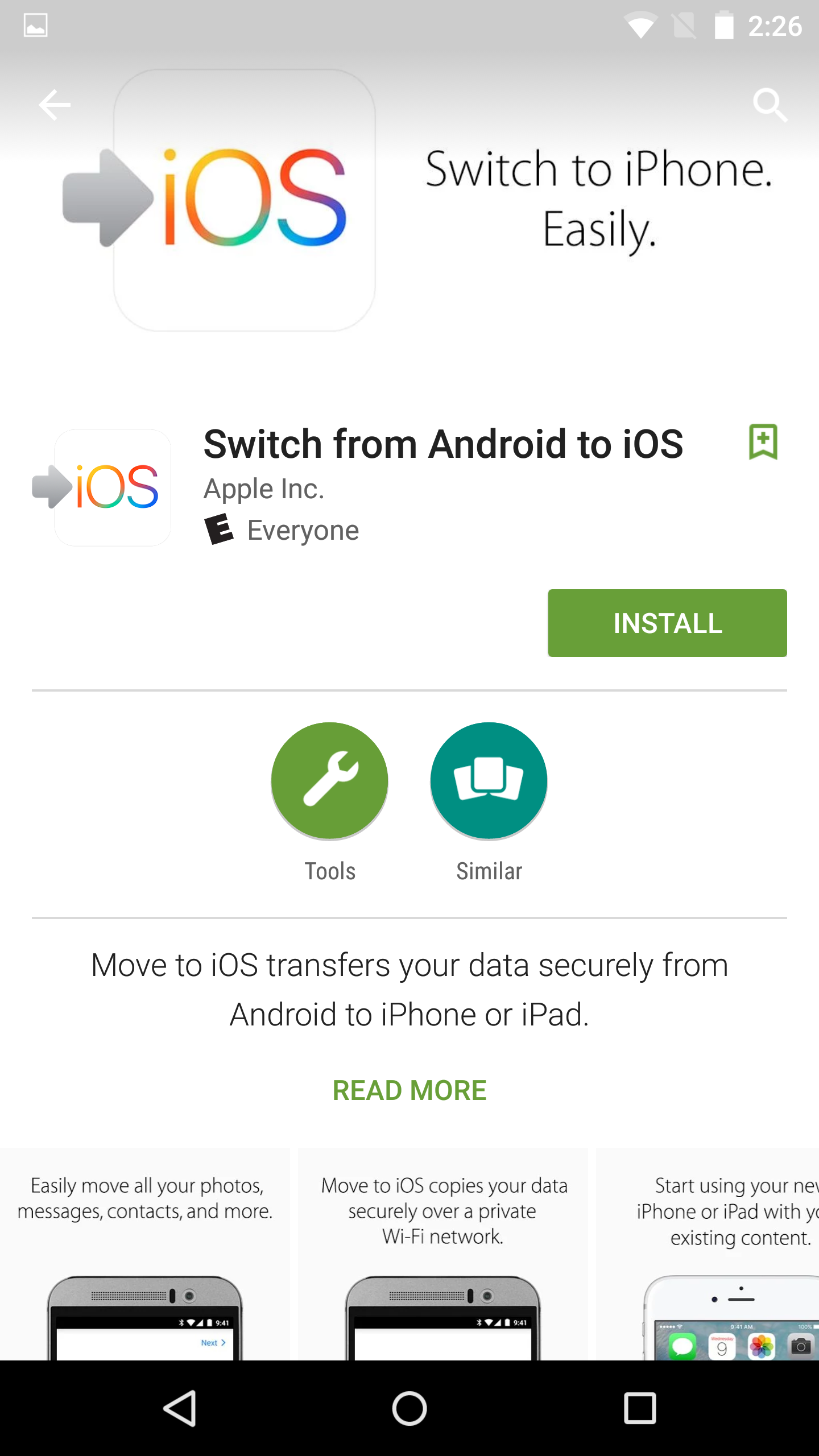
Apple just released its Move to iOS app for Android. This is an app that you can download from the Google Play store that will make it easier for Android users to migrate to iOS.

During the initial iOS 9 setup, users are given the option of how they want to proceed with setup, and migrating from Android is one of those options. If a user selects Move Data from Android, they will then be pointed to the Move to iOS app on their Android device for easy migration.

In this post, I'll walk you through the full migration process, which involves pairing the two devices together in order to transfer Android user data to your iOS device.

How to search within third-party apps using Spotlight on iOS 9

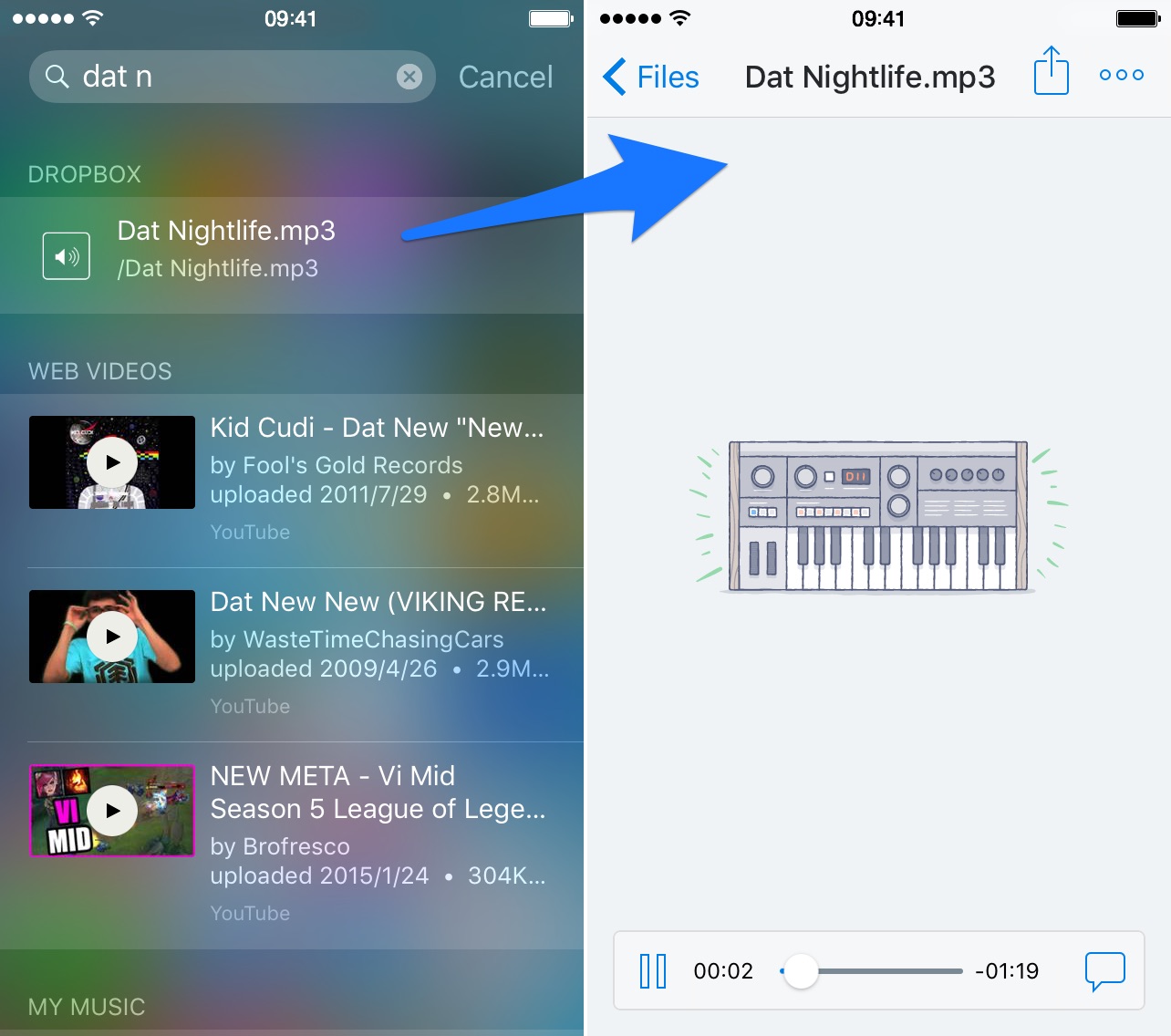
One of the biggest new features found in iOS 9 is the adoption of universal search. Universal search is a new feature that allows you to search for content within apps directly from Spotlight search.

On previous versions of iOS, searching was limited to the web and first party Apple apps pre-installed on iOS. For example, with older version of iOS you could search for contents within the Notes app, but couldn't do so for third-party note apps.

With iOS 9's new Spotlight search abilities, you can now search and discover content buried deep within the apps on your iPhone. It makes Spotlight feel truly useful and brand new.

How to use third-party complications in watchOS 2

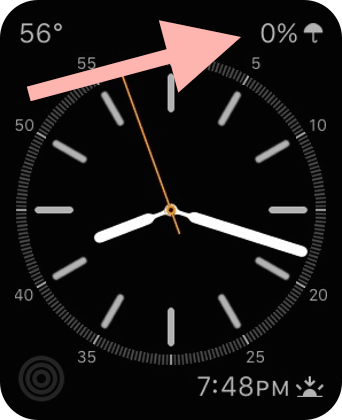
Although watchOS 2 and iOS 9 won't be available for another few hours, several apps that include new watchOS 2 functionality have already been approved for distribution on the App Store. One such app is Star Walk 2, the sequel to the groundbreaking astronomy app for iOS.

StarWalk 2's iOS 9 and watchOS 2 update includes support for in-app Spotlight searches on iOS, Slide Over and Split View on the iPad,  and more. But in this post, we want to concentrate on one thing in particular—third-party Apple Watch complications. How do third-party complications work, and how do you use them? Take a look at our video walkthrough.

Tim Cook to appear on the Late Show with Stephen Colbert next week

Apple CEO Tim Cook will appear on the new "Late Show with Stephen Colbert" next week. Colbert made the announcement himself via Twitter, posting a picture of him using an Apple Watch asking Siri to add Cook to his calendar.

For those unfamiliar with the program, the Late Show is a primetime talk show that began in the early 90's with host David Letterman. In May, Letterman retired, and popular TV personality Stephen Colbert took his place this month. 

Volkswagen posts new ad highlighting late model CarPlay support

Volkswagen on Thursday posted a new commercial to its US YouTube channel entitled "Volkswagen App-Connect saves a bromance," which highlights support for connect apps and Apple's CarPlay platform in its late model vehicles.

The clip features Adam Scott, from Parks and Recreation fame, and prolific big-screen star Michael Pena. The two are shown in a vehicle using Siri and other CarPlay features as they work through way through a humorous argument.

Apple posts ‘Hey Siri’ downloadable video to iTunes

If you want to relive new iPhone, iPad and Apple TV announcements and watch Apple's keynote presentation in the comfort of your home, on your own time and without streaming, now you can as the full event video has surfaced as a downloadable high-definition video podcast on iTunes.

“See Apple CEO Tim Cook and team introduce iPhone 6s & iPhone 6s Plus, the all-new Apple TV with tvOS, iPad Pro, WatchOS 2 and iOS 9,” reads the description. The presentation runs two hours and twenty minutes long so block out about three hours of your time this weekend and enjoy it in its entirety.

Periscope for iPhone refreshed with landscape video and more ahead of Apple TV app

Twitter-owned Periscope is secretly building an app for the new Apple TV and now the company has issued a telling update to its iPhone application in the App Store. The biggest newsworthy addition in Periscope 1.2 is landscape mode for shooting video.

Ever since its debut, Periscope has only supported portrait video. Video streams in portrait orientation look good on smartphones, but no so much on widescreen television sets so today's update could be viewed as a prelude to Periscope's rumored Apple TV app.

Hands on with the iPhone 6s, new Apple TV and iPad Pro

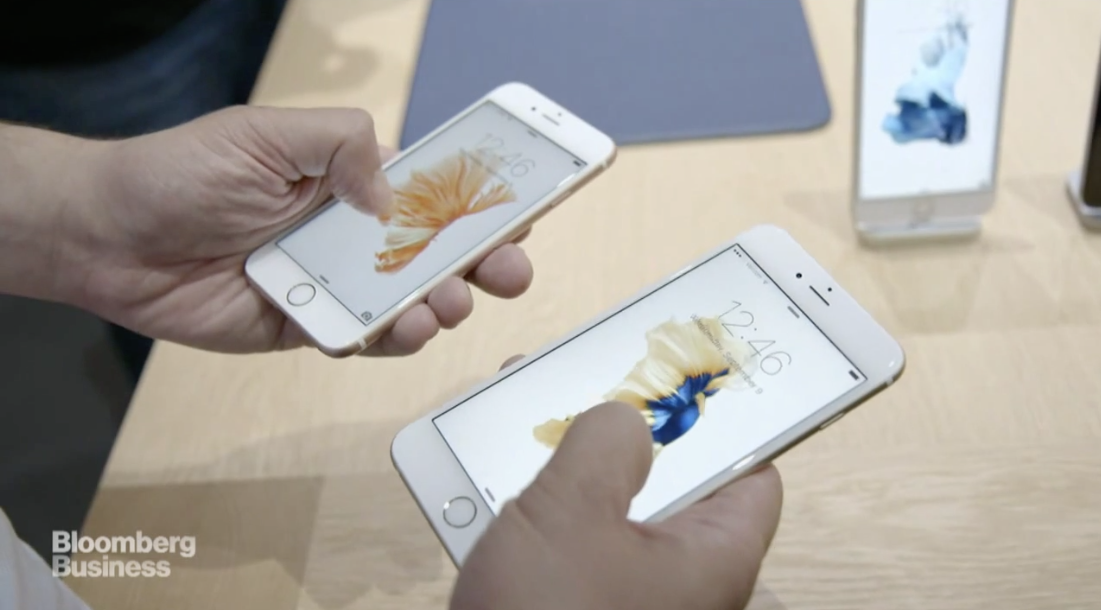
By now you probably feel like you know everything there is to know about Apple's new iPhone, Apple TV and iPad Pro, but thus far, you've only seen the devices from either afar or in marketing materials. Sure, all products look good in staged or rendered settings, but what are they like in real life?

Following today's event, Apple gave a select group of journalists the chance to spend some hands on time with the aforementioned iPhone, set-top box and iPad, in an effort to garner some initial feedback. So naturally, we’ve rounded up some of these first impressions in a single, digestible post.