UI

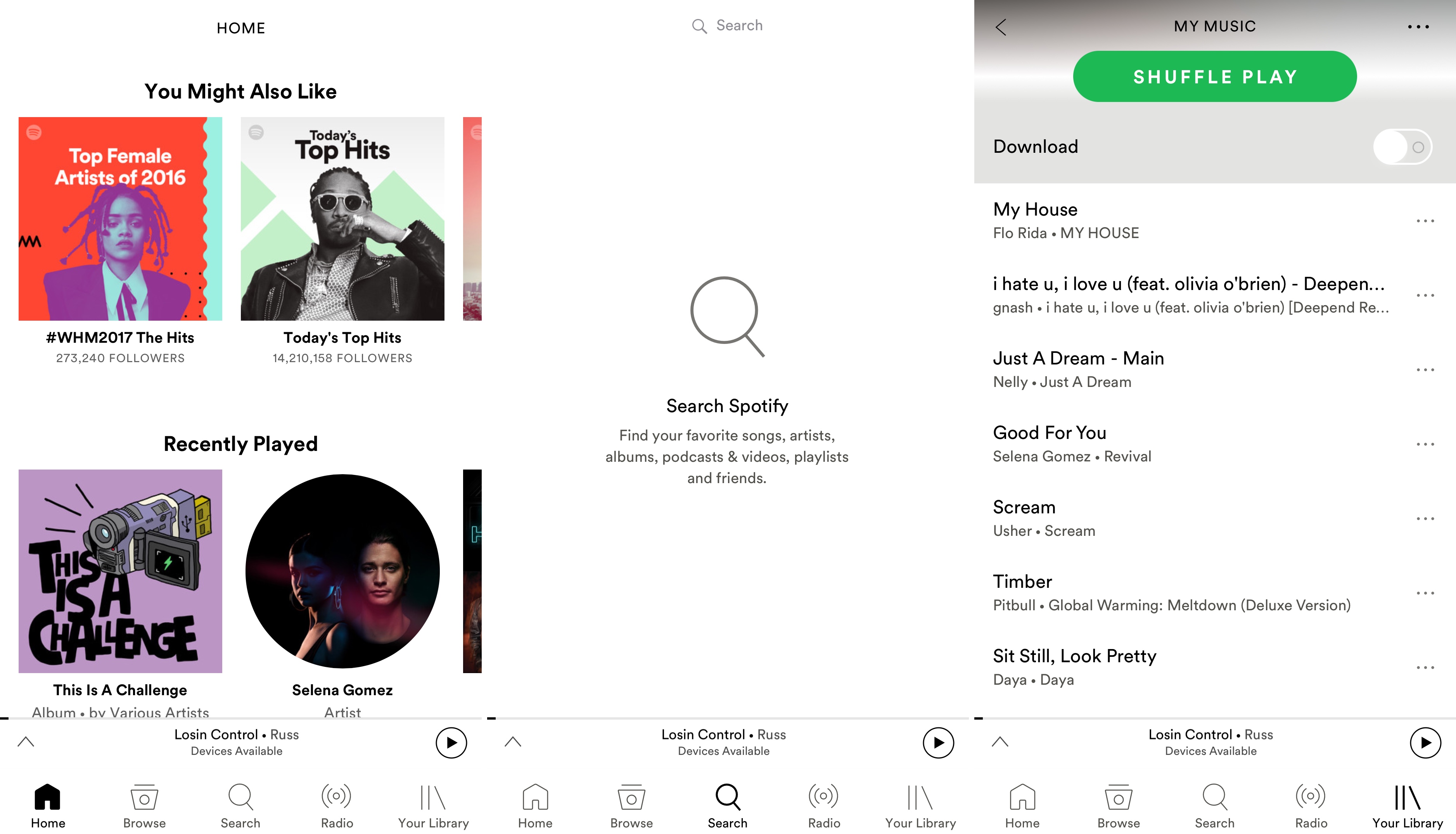
Brightify gives the Spotify Music app a white makeover

It wasn’t long ago that we showed you a jailbreak tweak called Lightify, which applied a light skin to the Spotify Music app's typically dark UI.

On the other hand, a new free jailbreak tweak called Brightify by iOS developer cyanisaac aims to accomplish similar goals, all while coming with its own unique benefits that competing tweaks don't offer.

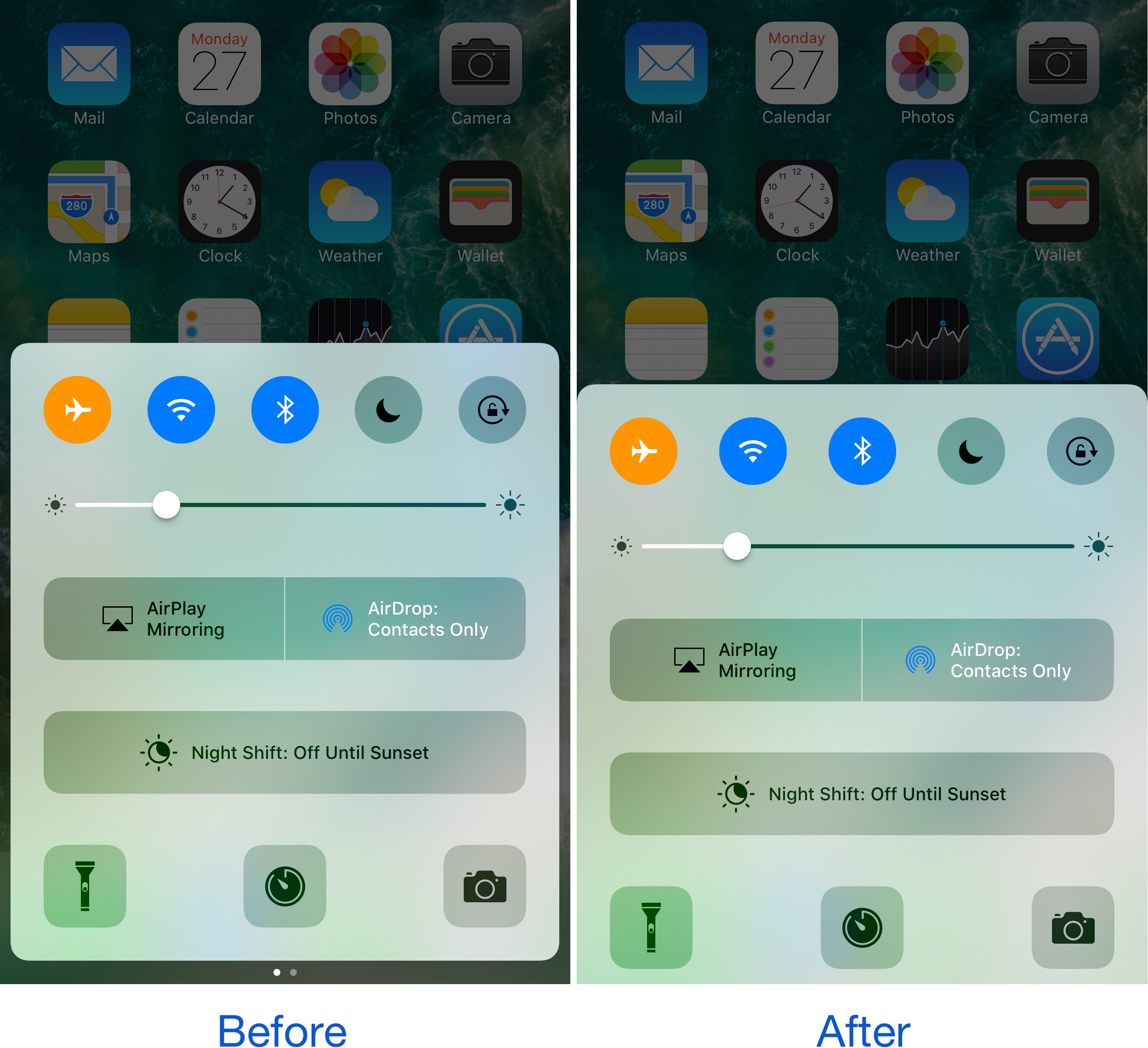
UsageBarX modifies the clunky activity bar on your iPhone or iPad

Whenever you use Personal Hotspot, multitask while in the middle of a phone call, or use Shazam to tag music in the background, your Status Bar multiplies in size and changes color, which depends on the situation.

While the intent was to keep you aware that something is happening in the background, it becomes intrusive when the user interface gets squashed down to make room for the double-decker-sized Status Bar. That’s where a new free jailbreak tweak called UsageBarX by iOS developer Justin Petkovic comes into play, as it offers more than one potential solution.

Add some squareness to iOS with ringUI

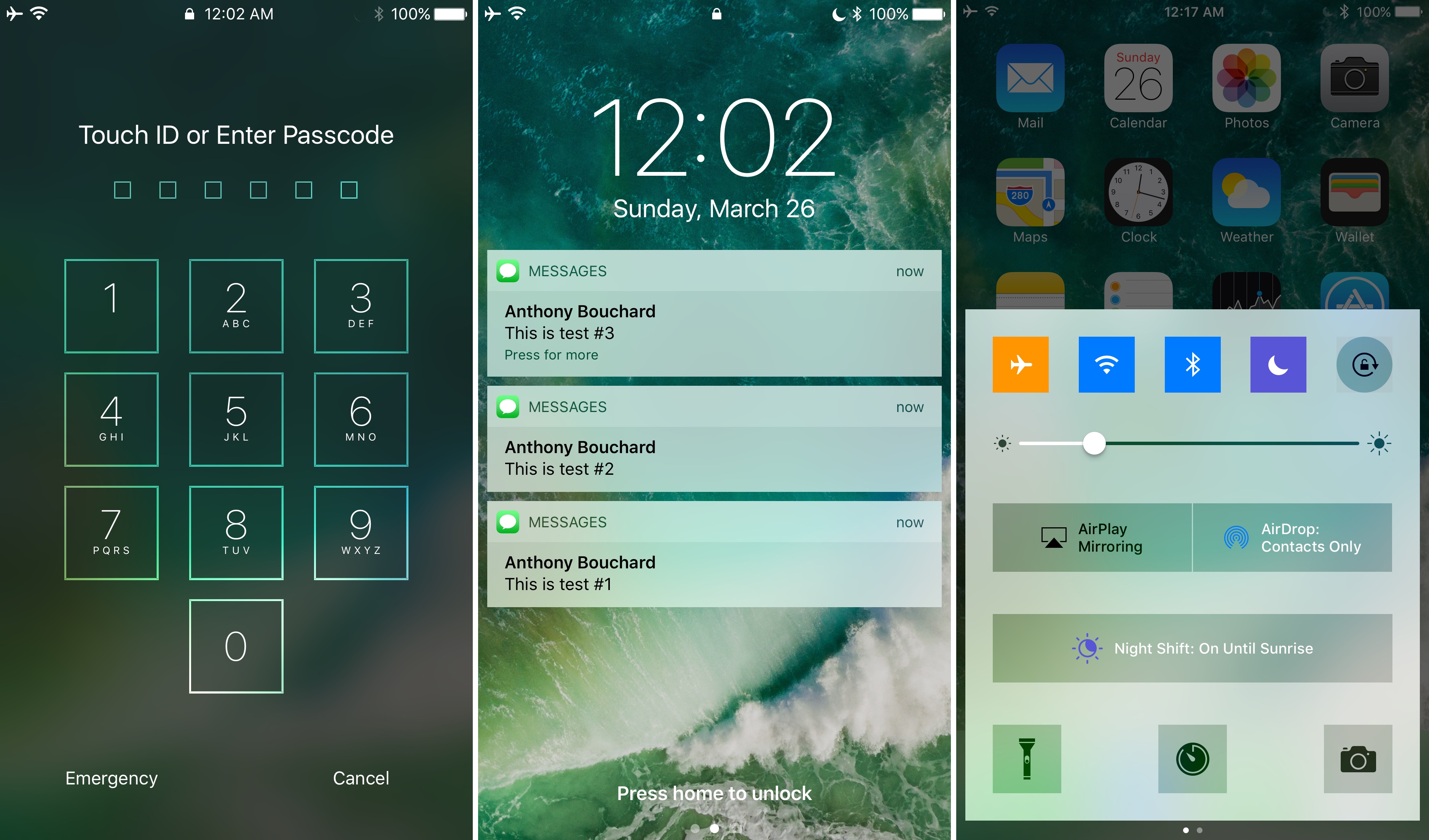
A handful of elements that make up the iOS UI in its entirety are round or have rounded corners; this includes, but is not limited to: passcode buttons, Control Center toggles, the corners of banner notifications, and Home screen folders, among other things.

If you’re not a fan of this system-wide rounded style, a new free jailbreak tweak called ringUI by CydiaGeek can be installed to make several elements on your device look much squarer.

Delay your Lock screen auto-dimming feature with this tweak

I often get asked about how to delay the Lock screen's auto-dimming feature, and it would seem that a viable solution has conveniently slipped into Cydia this week.

Dubbed CustomLockscreenDuration, this new free jailbreak tweak by iOS developer Andreas Henriksson lets you choose how long of a delay there is before your Lock screen falls asleep. This is great for anyone who uses Lock screen-related mods, because the screen sometimes tends to dim while you're interacting with the tweaks.

After installation, you can head right into the Settings app, where you will find a preferences pane tailored around configuring the dim timer:

This tweak brings a YouTube-inspired volume HUD to your iPhone

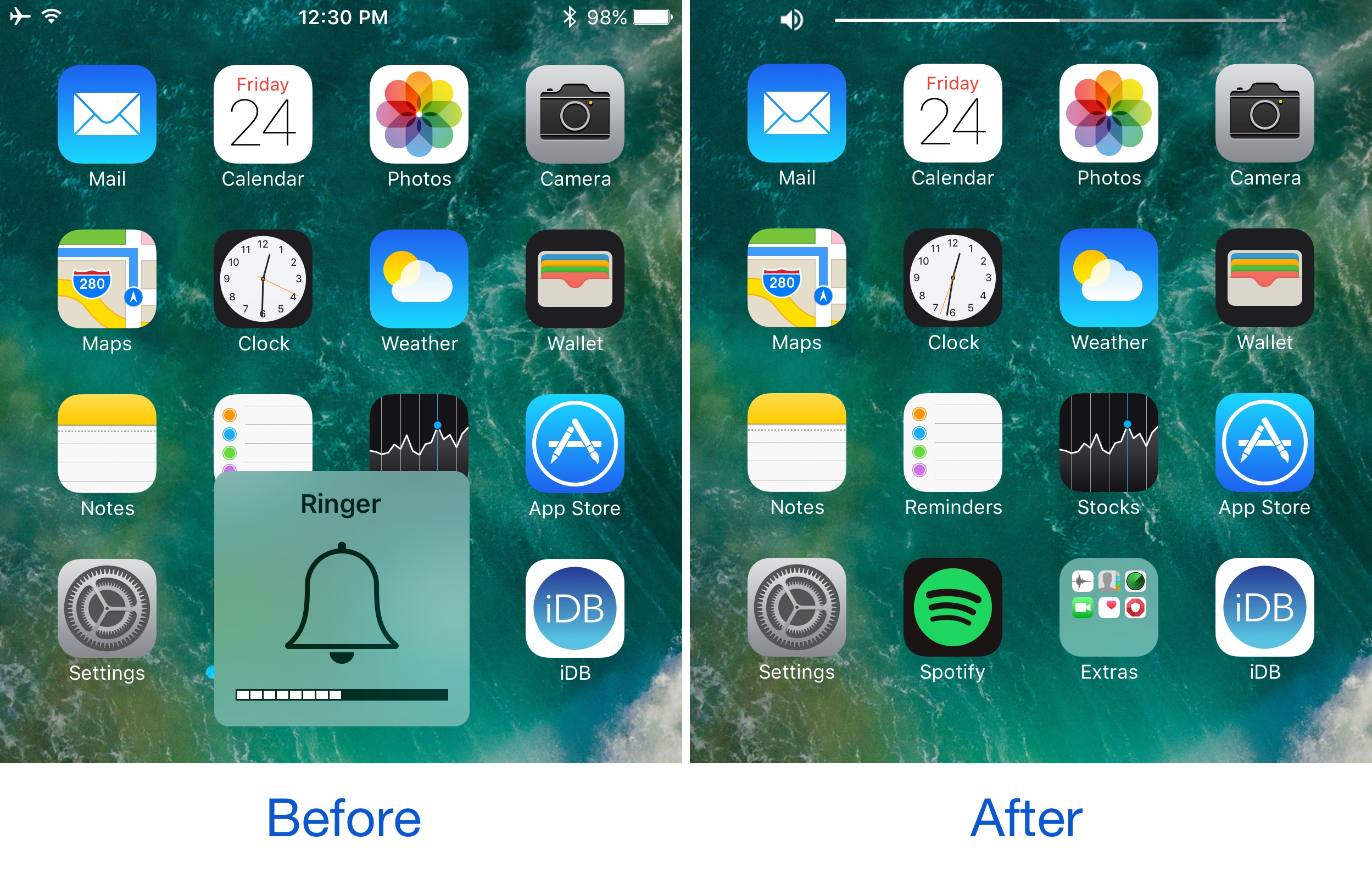
If you’ve ever used the YouTube app on your iPhone before, then you know Google has good taste in what a volume HUD should look like. Obviously, the monstrosity of a volume HUD that Apple continues to impose on iOS users is not something said users like to see, as it gets in the way of everything.

Because Google has the right idea, iOS developer midkin decided to create a YouTube-inspired volume HUD system that’s made to work across your whole iOS system. As a result, the new free jailbreak tweak YouTubeVolume was born.

WidgeficationX lets you tinker with the transparency of your banners and widgets

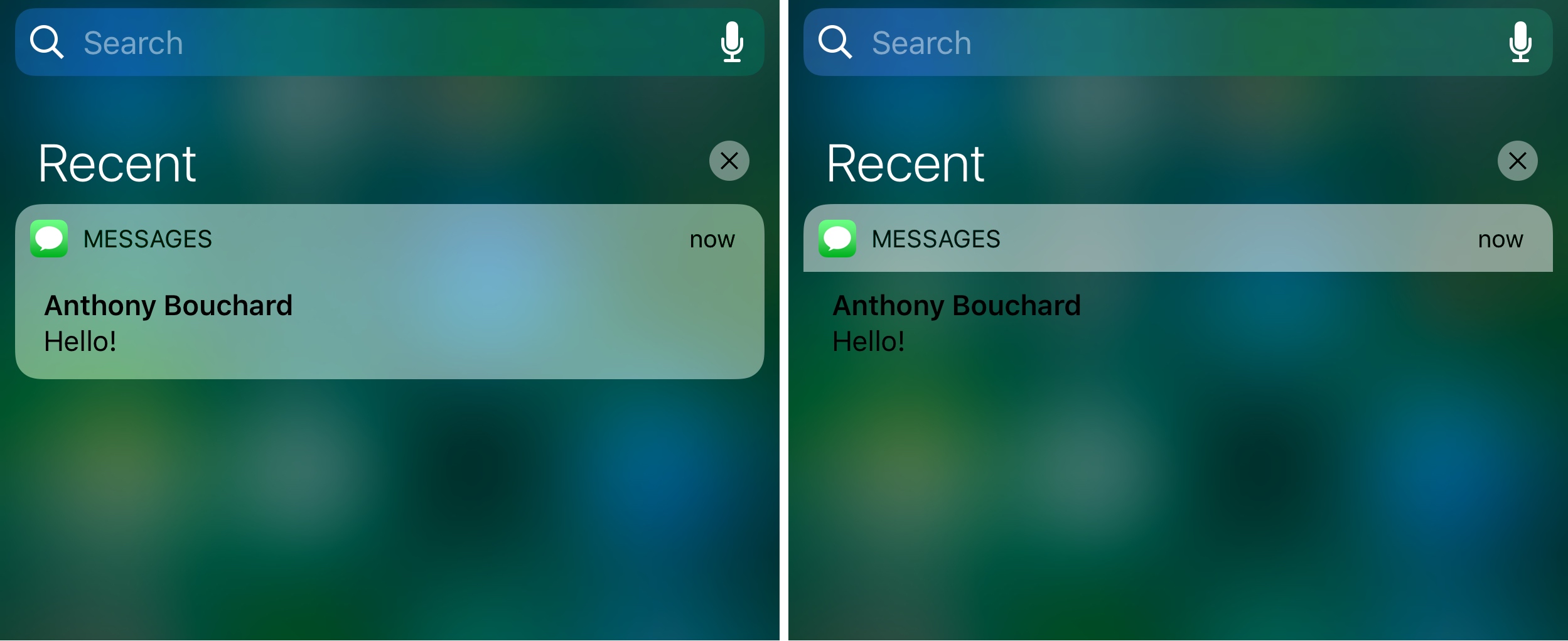
WidgeficationX is a new free jailbreak tweak by Justin Petkovic that lets you customize the look of your widgets and notification banners by modifying their transparency values.

The tweak has a system-wide effect on your device, so you’ll see the changes throughout your many iPhone or iPad interfaces, whether you’re on the Lock screen, Home screen, or viewing Notification Center.

Defluxit applies a fade effect to your Lock screen notifications

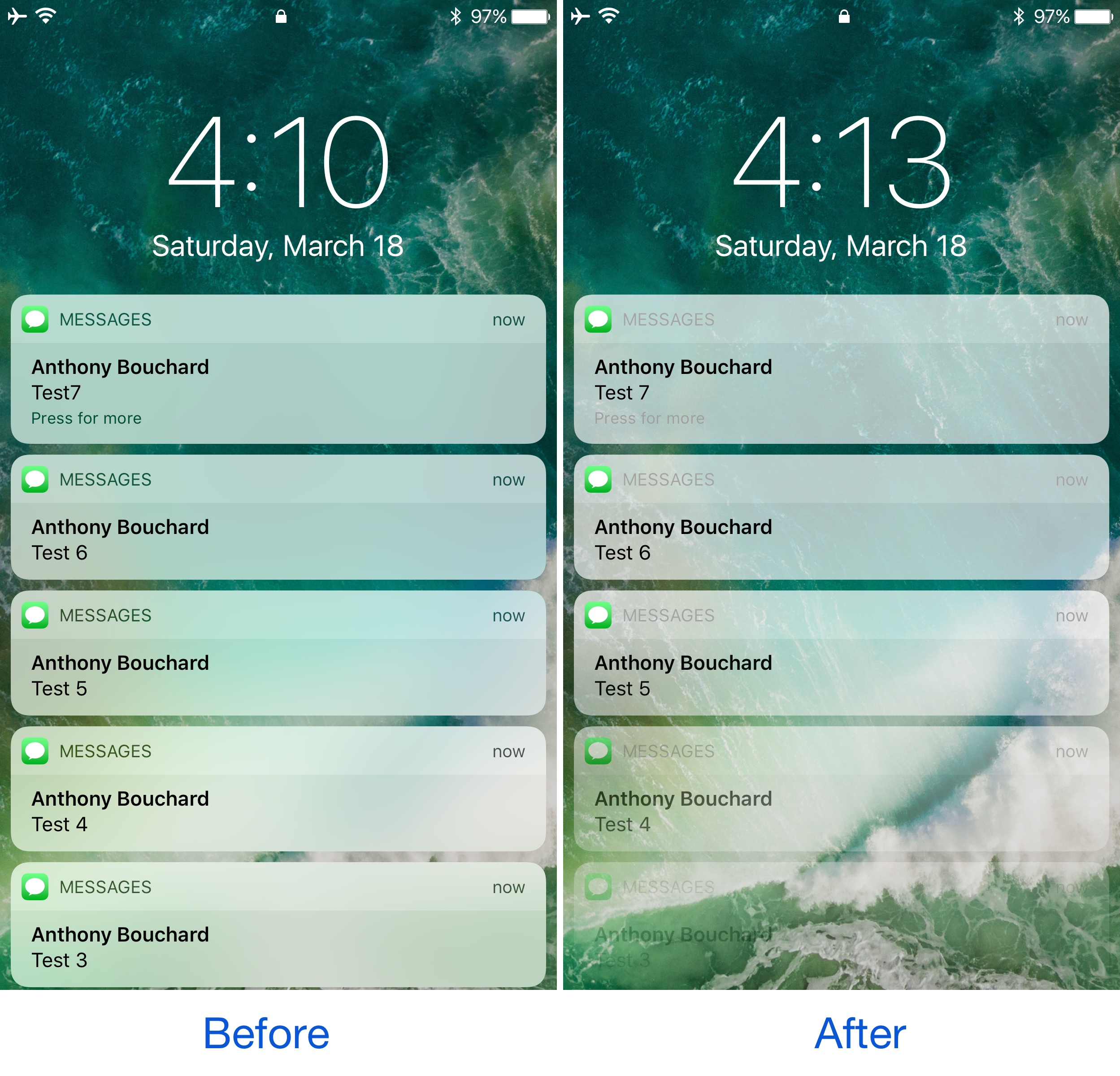
One thing the jailbreak community does best is change the way iOS looks through the channels of jailbreak tweaks and themes, and one of the latest releases to do so is Defluxit, by c0ldra1n.

This tweak is intended to give your Lock screen’s incoming notifications a visually-appealing fade away effect that puts emphasis on your most recent notifications, as shown above.

Colorize your iPhone’s cursor and text selection tools with Moose

The last several weeks have seen the release of many jailbreak tweaks aimed at colorizing different elements of iOS, and it doesn’t seem like the trend will be dying down any time soon.

Yet another tweak to join the growing array of color customization tweaks is Moose by iOS developer Tom Effects. This tweak lets you tint the cursor and text highlighting tools you typically see when editing text in iOS.

SleekNotifications makes notification banners more compact

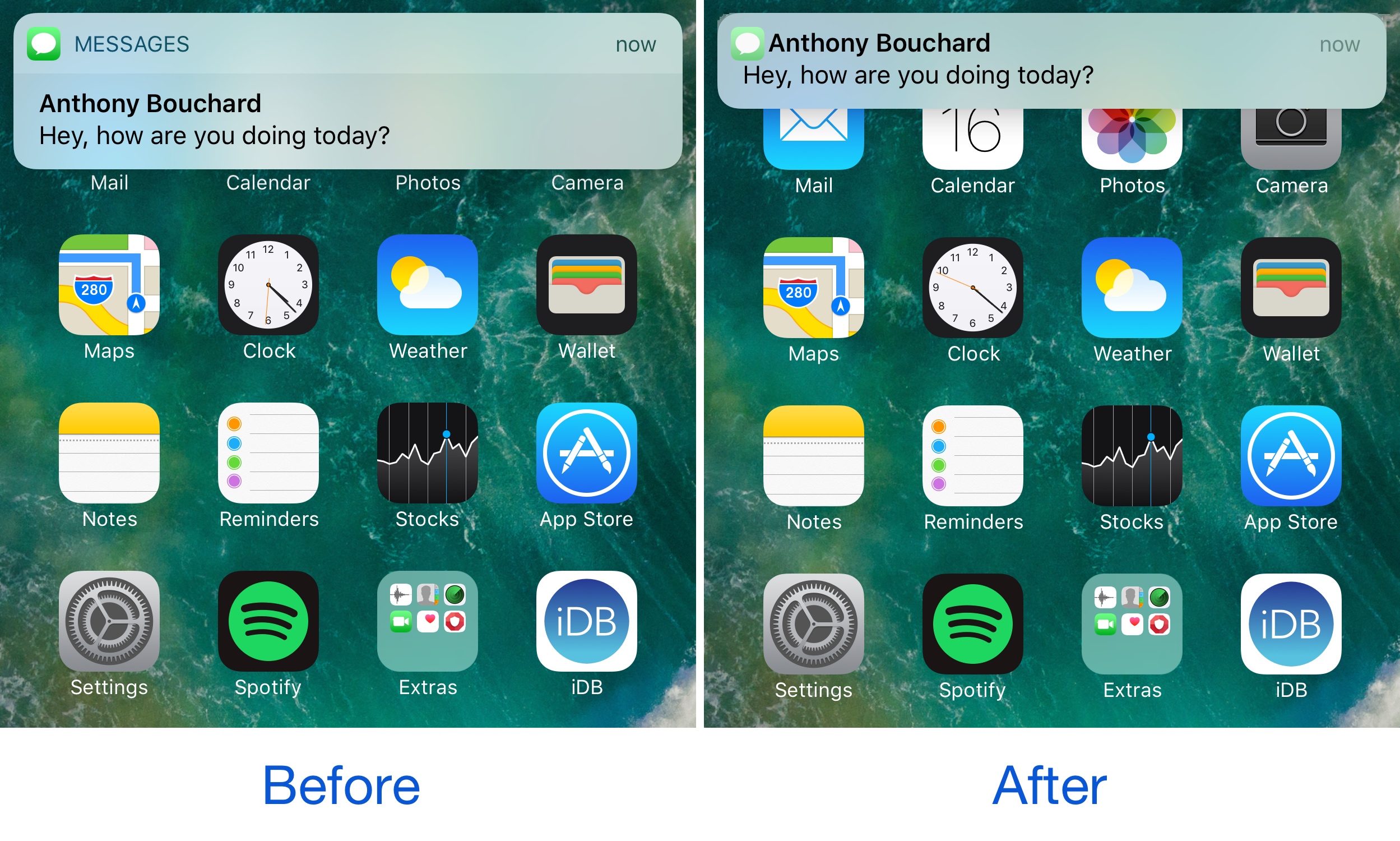
One of the ongoing pain points of notification banners circa iOS 7 is their large size. Banners were originally introduced to keep notifications out the way, but Apple eventually made them taller, causing them to get in the way of more of what you’re doing.

A new free jailbreak tweak called SleekNotifications by Rishanan is now available to help quell the misery in this department, as it shirnks down the size of your notification banners so they take up less vertical space on your screen.

BouncyNC10 makes the Notification Center launch animation bouncier

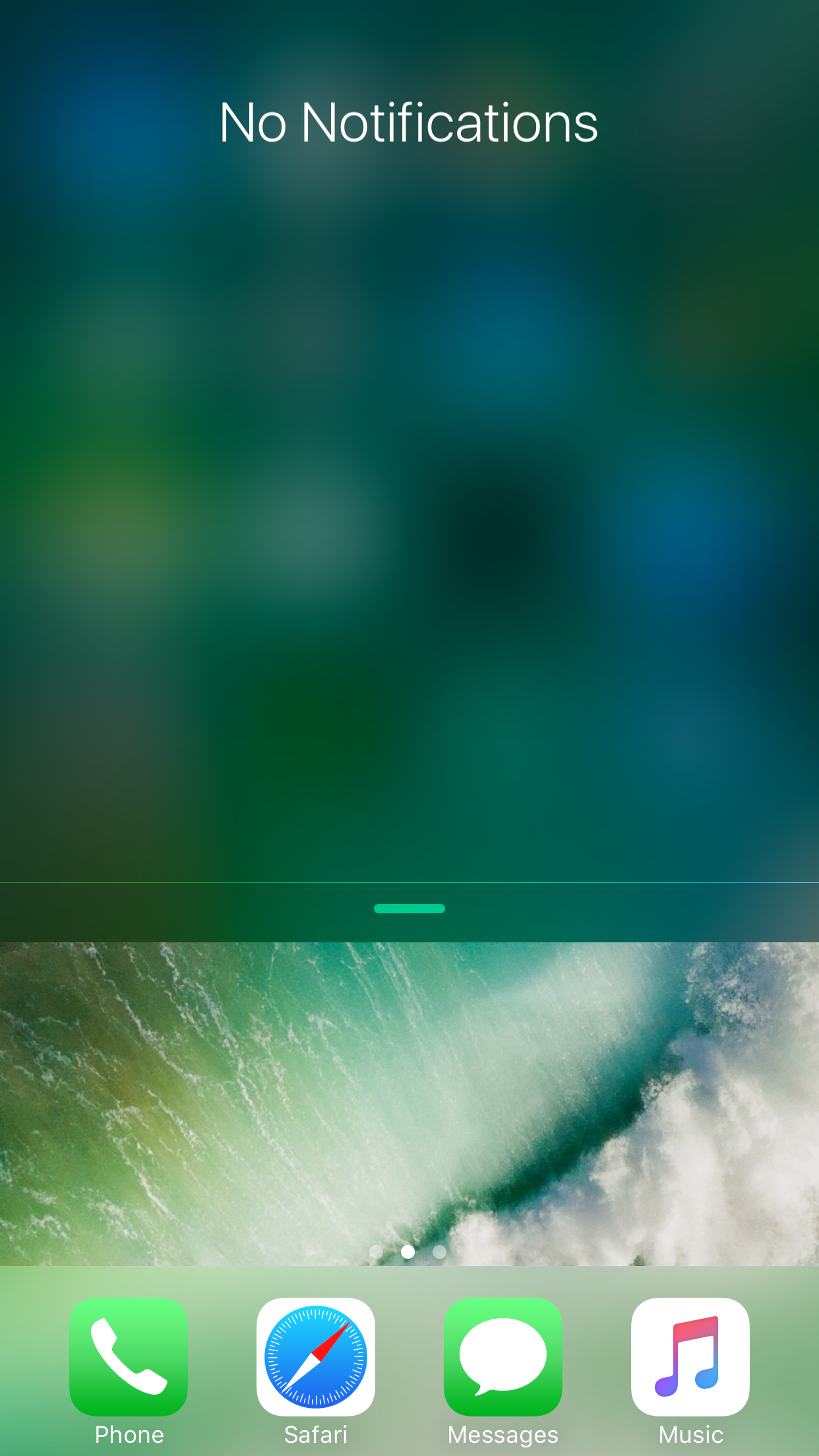
When you drag Notification Center down from the top of your screen, the interface normally just falls into place. The stock animation is a little boring, and some might argue that it could do with some additional creativity.

That’s the idea behind a new free jailbreak tweak called BouncyNC10 by CydiaGeek, which adds an enhanced bounce animation to Notification Center as it strikes the bottom of the screen.

BiggieSmallcc makes the album artwork more more prominent in Control Center

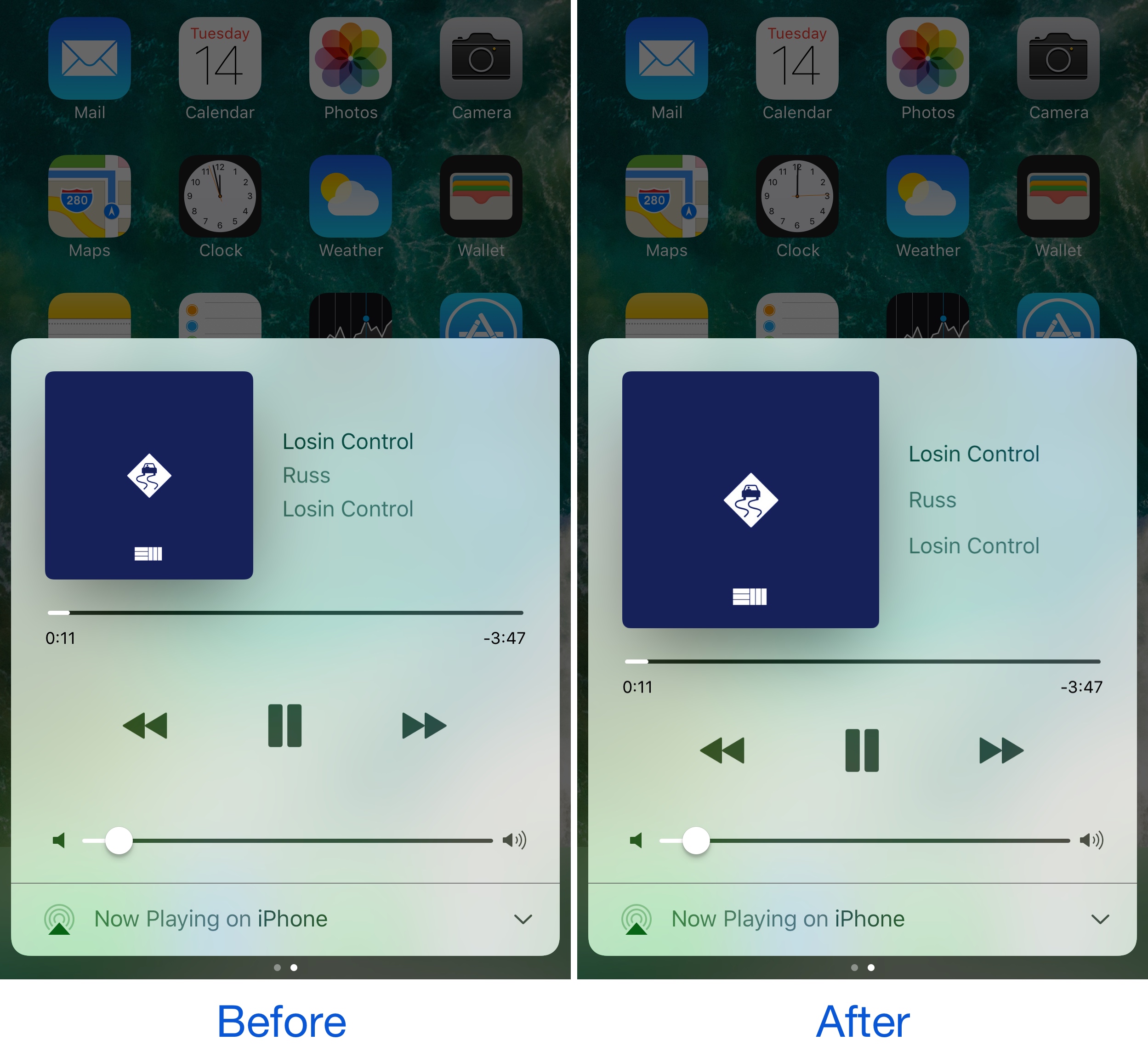
One of the great things about Control Center is how it offers access to Music controls anywhere you might need them. Part of the music control interface shows an album artwork illustration for whatever media is playing. Of course, some jailbreak developers would argue that it needs improvement.

A new free jailbreak tweak called BiggieSmallcc by candoizo aims to make the album artwork more proportionately appropriate by enlarging it to better fit the size of the interface, especially on larger-screened devices.