UI

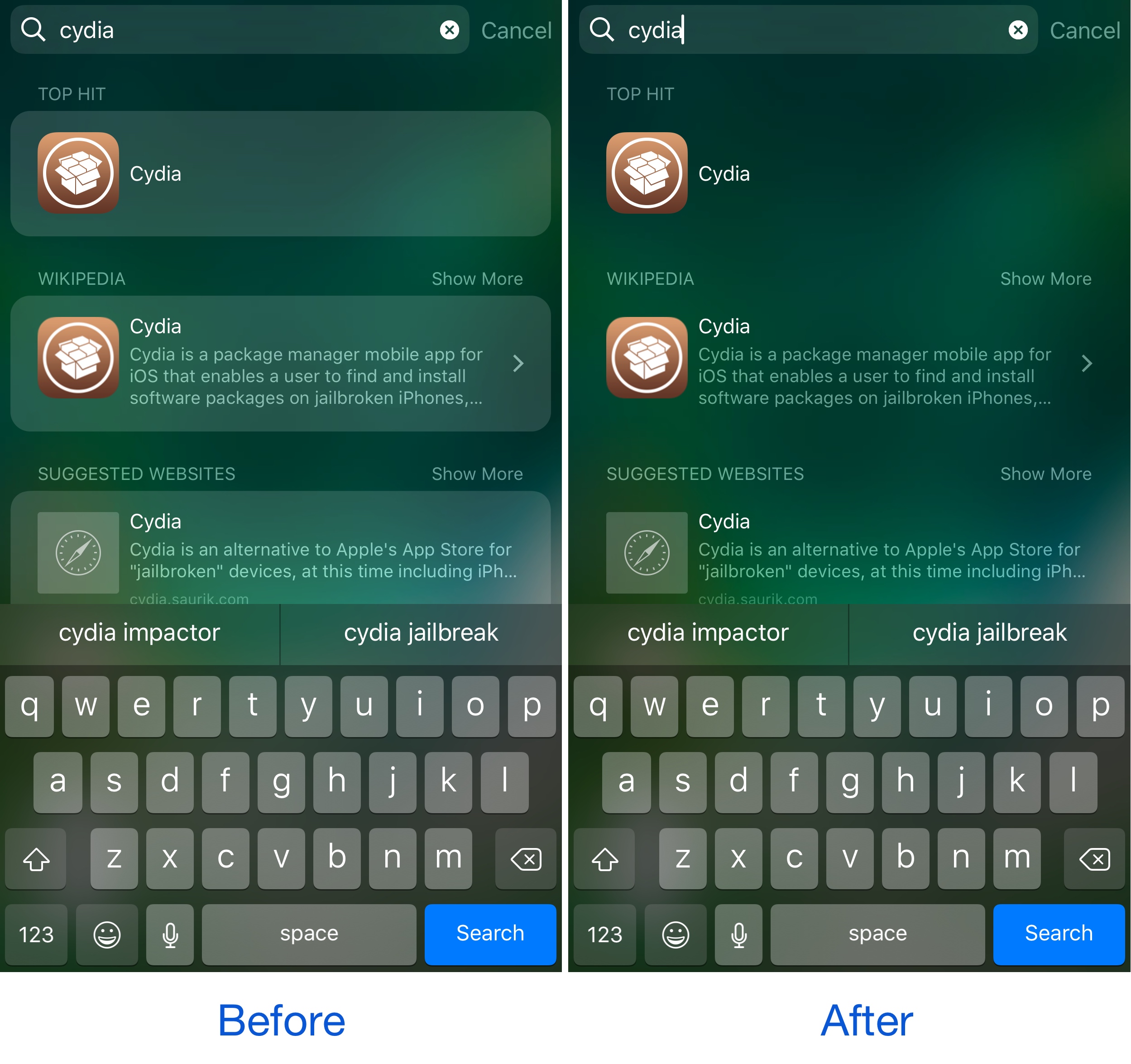
This tweak removes the background mask effect from Spotlight search results

We recently showed you a tweak that can remove Spotlight search from your device entirely. On the other hand, if you do use Spotlight, but just wish there was more you could do with it to make the interface look better, then try this on for size…

A new free jailbreak tweak called No Spotlight BG Mask by Justin Petkovic is a minor aesthetic mod that simplifies the way your Spotlight search results look. It removes the background masks that normally appear out of the box, resulting in a new look.

BorderIcon+ adds colorized borders to various parts of your Home screen

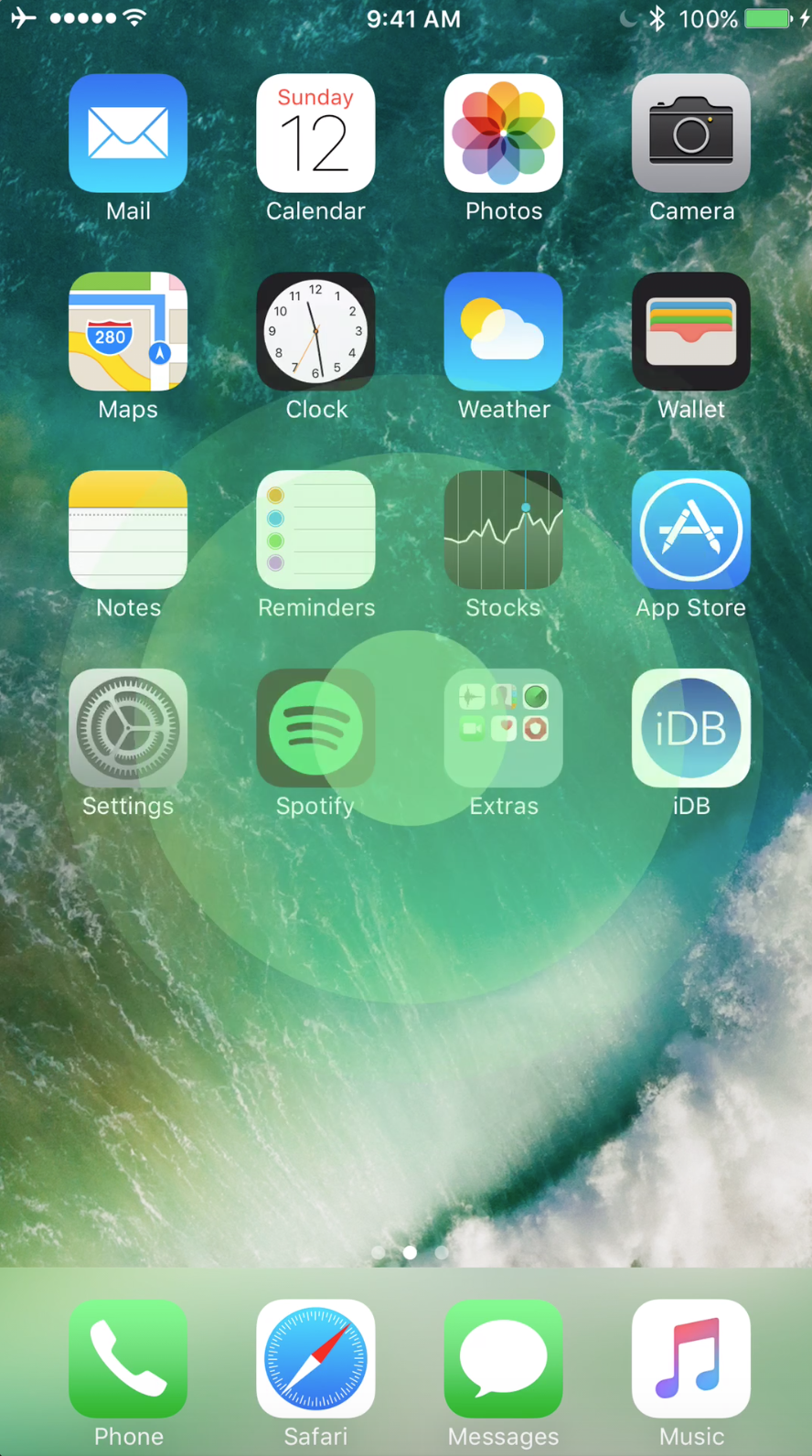
For the folks who like tinkering with the way their iPhone looks and feels, a new free jailbreak tweak release called BorderIcon+ by Pax Cex lets you deck out various parts of your Home screen with customizable borders.

The tweak is fully configurable and can be applied to a number of things including: app icons, notification badges, folder backgrounds, and even 3D Touch menus.

PulseHUD displays a pulse animation when changing your iPhone volume

When it comes to iOS volume HUDs, opinions are all over the place in terms of what it should look like. Apple puts it right in the middle of the screen, while much of the jailbreak community tries to relocate it to the Status Bar, where it’s out of the way of everything.

On the other hand, a new free jailbreak tweak called PulseHUD by Ziph0n takes everything into a completely new realm by displaying a smooth pulse animation in the middle of the screen as you adjust your volume.

This tweak removes the dots from the iOS UI

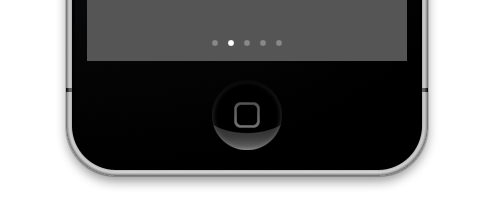
All across iOS, from the Home screen, to the Lock screen, to Control Center and so on, dots of all kinds appear whether to indicate a page in a page-driven UI, or to let you know something's new on your device.

While some people don’t mind them, there are a number of people that hate seeing dots across their operating system, and a new free jailbreak tweak called NoDots10 by harrywantstodev lets you erase the various dots from all over iOS.

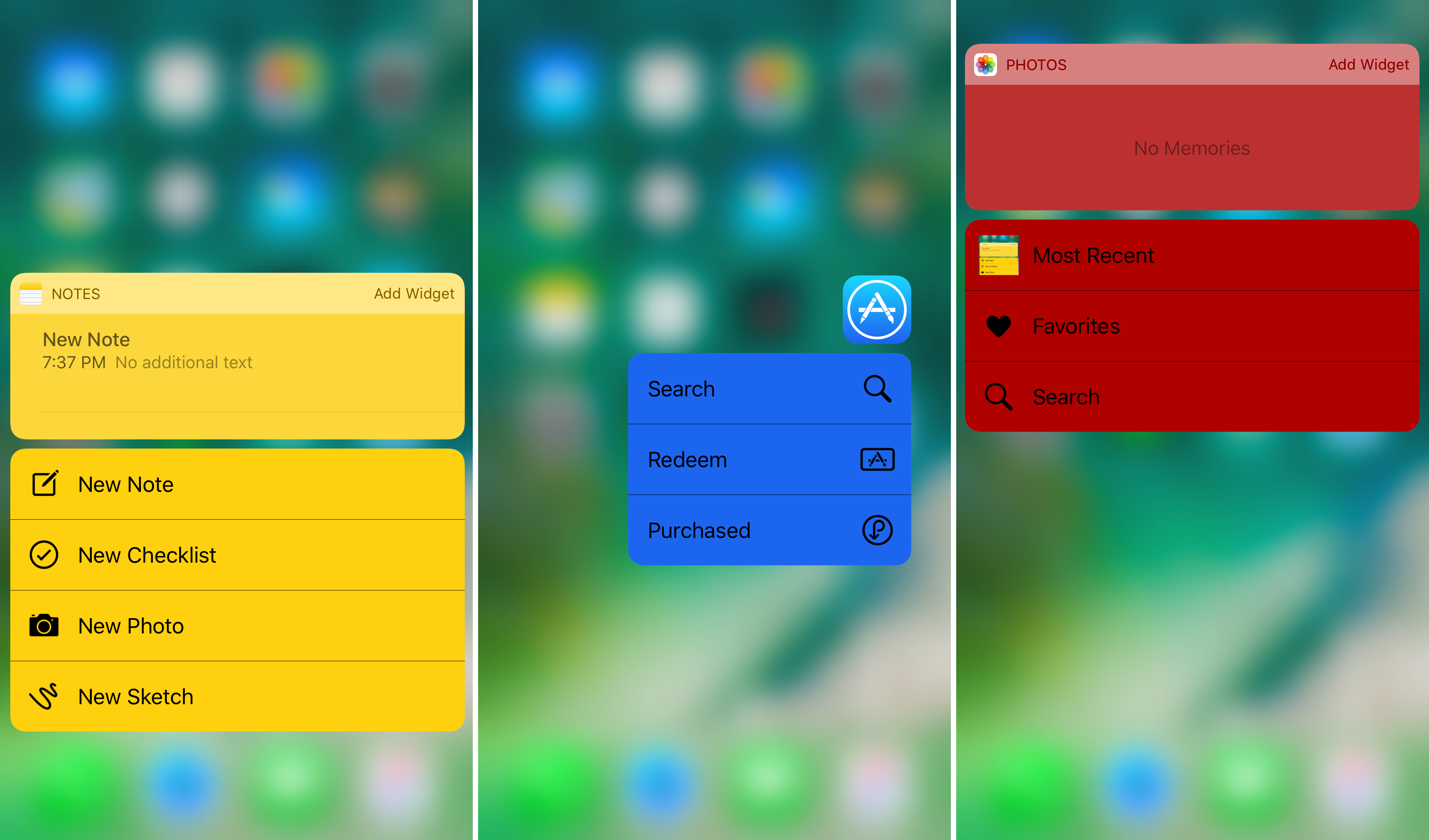
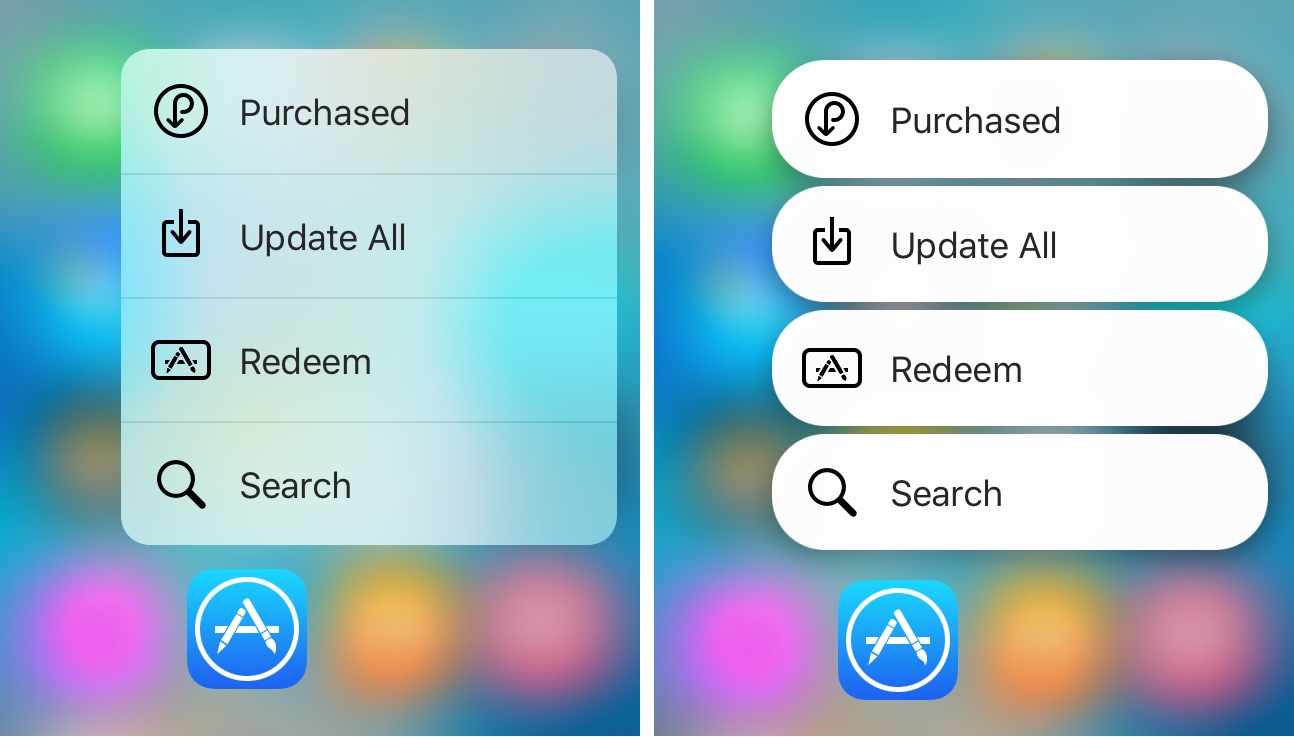
This tweak is jam-packed with colorization options for your 3D Touch menus

One of the things Apple included on devices with the 3D Touch display is the ability to use a firm press gesture on an app icon to reveal a bevy of app shortcuts right from the Home screen. While this is useful, the menus have always looked pretty bland.

A jailbreak tweak called 3DColorChanger10 by gilsharhar7 fixes this problem by offering a myriad of comprehensive customization options that dwarf any tweak in its department.

Customize Control Center with CCPlus

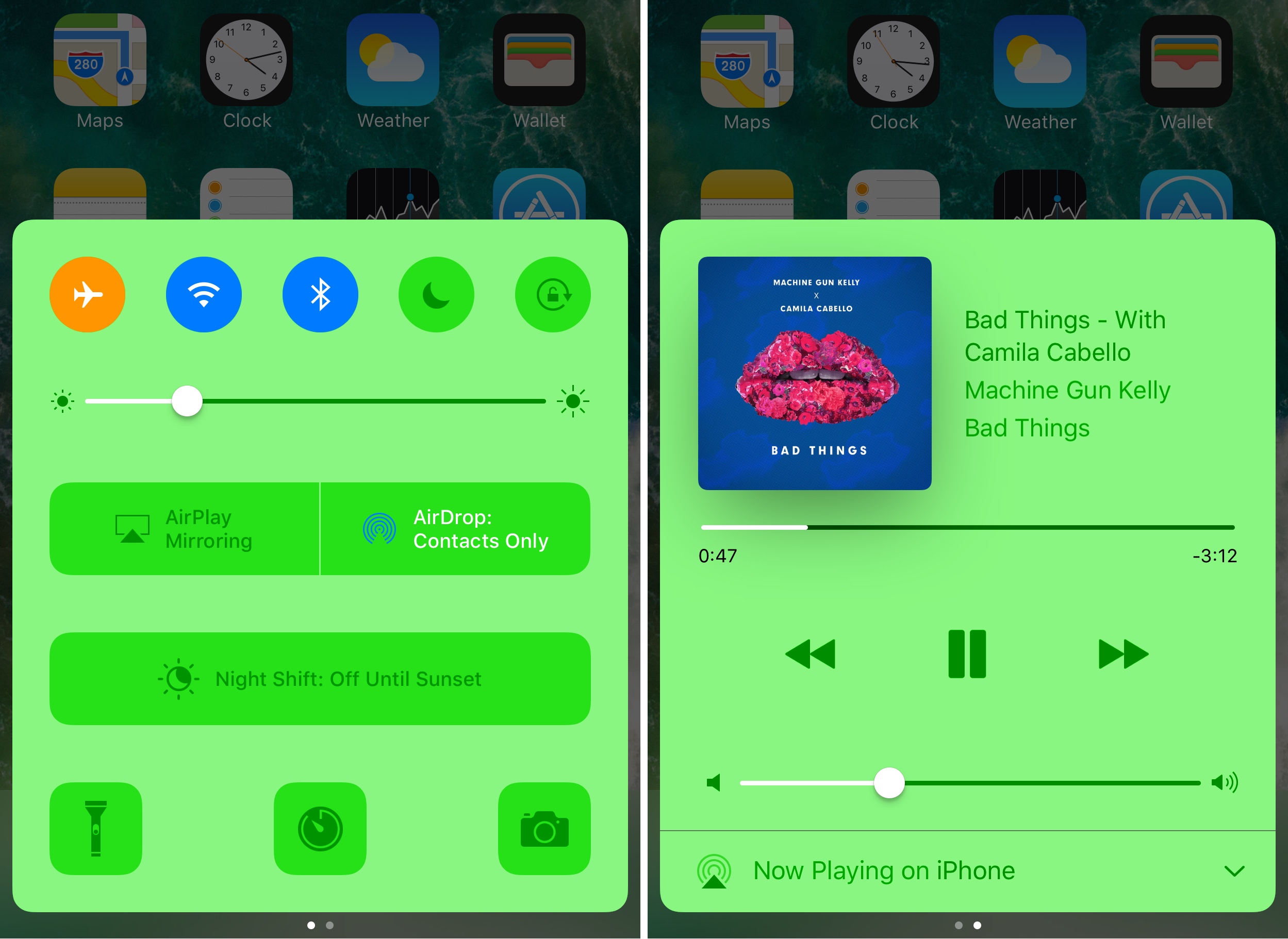
Control Center made iOS devices more usable after debuting post-iOS 7, as it allows you tinker with settings and shortcuts without ever having to open an app to do so. On the other hand, Apple still doesn’t give the user even the most basic of customization options, which leaves a lot to be desired. Fortunately, the jailbreak community picks up the slack in this department.

With a new free jailbreak tweak called CCPlus by iOS developer Skitty, you can configure the look and feel of Control Center so it reflects what you want, rather than what Apple expects it to be.

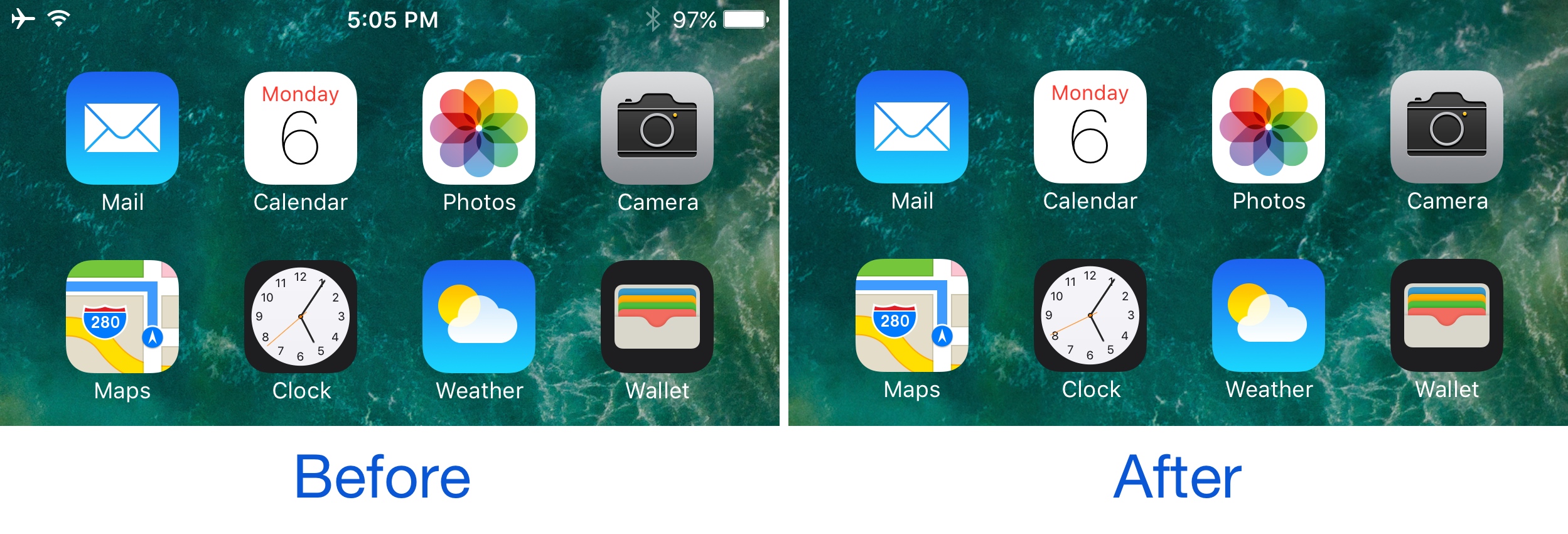
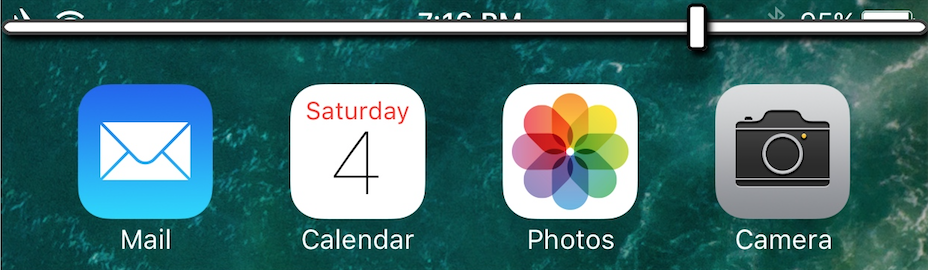
TapTap Statusbar lets you hide and show your Status Bar with a tap

There may be times when you actually want to see your Status Bar, but sometimes you might feel just the opposite and have the desire to hide it away from view. One might want to do this when inside of certain apps where the Status Bar appears on top of an interface, like in the Pokémon GO app, for instance.

With a new free jailbreak tweak called TapTap Statusbar by pxcex, you can easily hide or show your Status Bar on demand with a simple tap gesture.

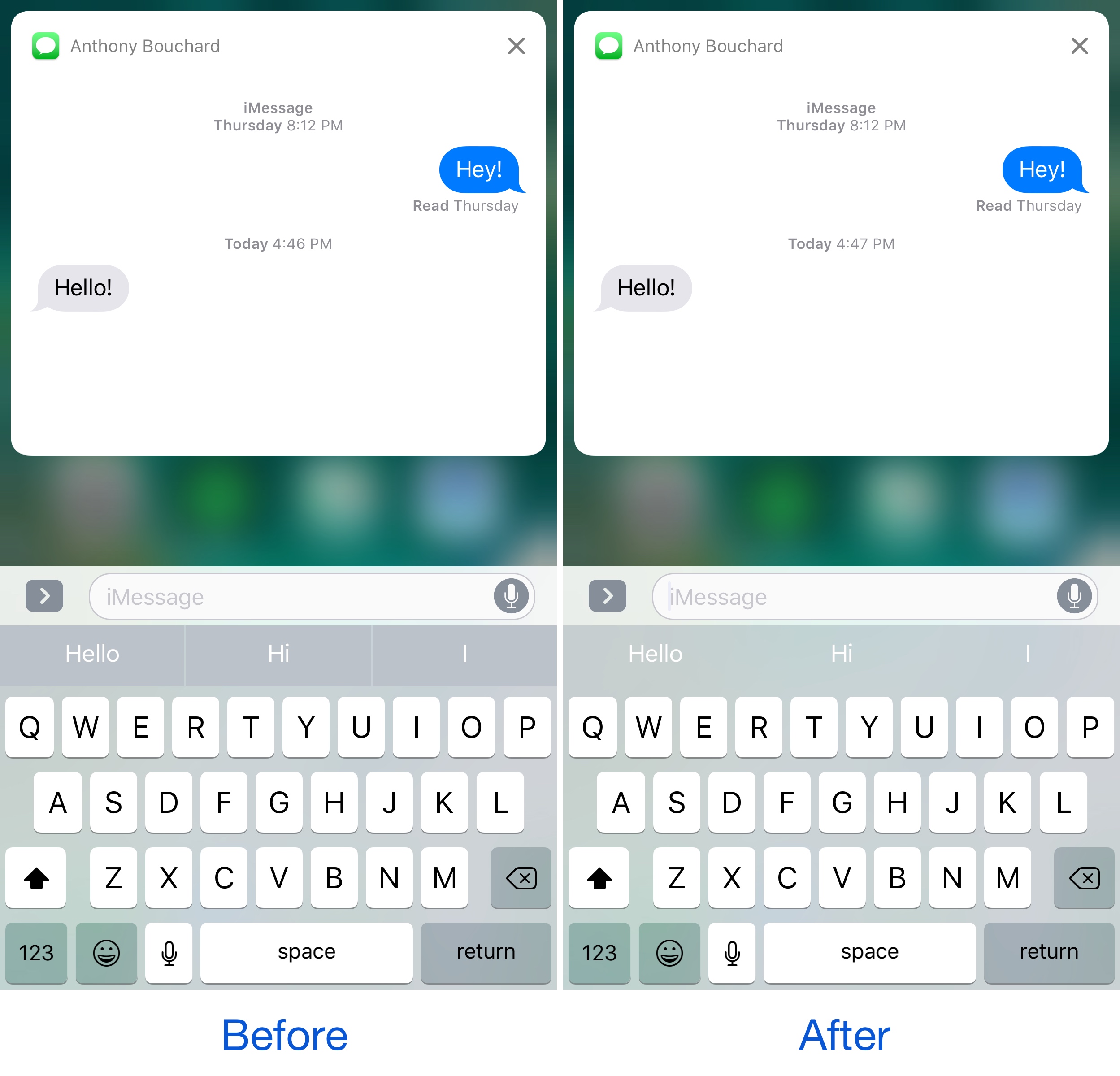
This tweak hides the background of the predictive keyboard

If you ever use the predictive keyboard to type faster responses to people from your device, then you’re likely familiar with those ugly separator lines in between the suggested words and the unappealing difference in background color that the buttons have when compared with the rest of the keyboard.

A new free jailbreak tweak called KB - NoPredictiveBackground by pxcex removes the background color and lines from the predictive keyboard buttons, leaving you with much cleaner-looking buttons.

ByeByeHUD is another attempt to improve the iPhone volume HUD

The volume HUD continues to lack any innovation from Apple with each passing release of iOS. It's put smack in the middle of the screen, overlaying everything and making watching videos or playing games more of an annoyance than anything.

There has been a truck load of jailbreak tweaks released in the past that aimed to fix this issue by relocating the volume HUD to the top of the screen, and a new free release called ByeByeHUD by midkin joins that ever-expanding list.

This tweak brings a touch of Android Nougat to your iPhone

It seems almost like releasing jailbreak tweaks to make iOS look more like Android Nougat are becoming a trend.

It was just around a week ago we showed you a tweak that could make Home screen folders look more like those from Android Nougat, and now another release called NougatShortcuts by Ben Giannis makes 3D Touch menus on the Home screen look more like menu options from Android Nougat.

LockGlyphX puts a nice twist on your Touch ID unlocking experience

If you’ve ever used Apple Pay before, then you’re likely familiar with the visually-appealing Touch ID animation that appears on the Lock screen when accessing it.

Now if you've ever thought to yourself that this animation would be nice to look at when unlocking your device, then a new free jailbreak tweak called LockGlyphX by evilgoldfish is just what you've been looking for.

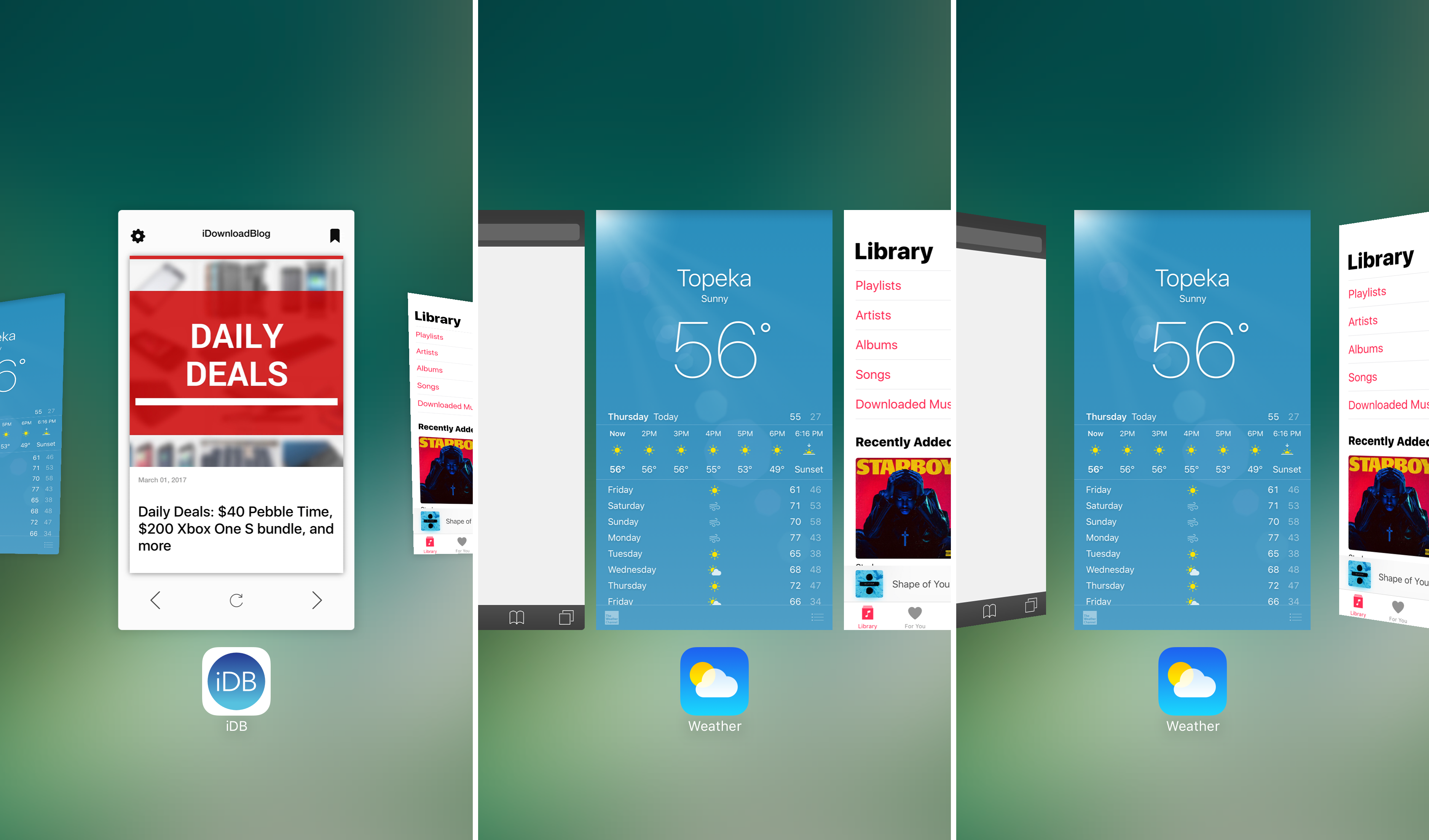
3DSwitcher 2 brings three-dimensional animations to your App Switcher

Without a doubt, the App Switcher is one of the interfaces that gets used more than any other on an iOS device. It’s an access point for all of your recently-used apps, and whenever you desire to force-quit an application, you’ll end up in the App Switcher for that too.

Since you use it so much, why not empower yourself with the ability to customize it and make it look the way you want it to? You could always leave it stock, but when you have a jailbreak, you can stand out from the rest with a jailbreak tweak called 3DSwitcher 2.