UI

HideMeX: an all-inclusive SpringBoard customization tweak for iOS 10

HideMeX by CPDigitalDarkroom is an all-inclusive SpringBoard customization jailbreak tweak for iOS 10 that lets you customize a number of things on your iPhone or iPad.

For anyone who’s familiar with Springtomize, this tweak is very similar in a myriad of ways, however as we continue to wait for the release of Springtomize for iOS 10, HideMeX offers a viable alternative with a lot of similar configuration options.

ColorFlow 3 uses dominant colors of album artwork to colorize your Now Playing screen

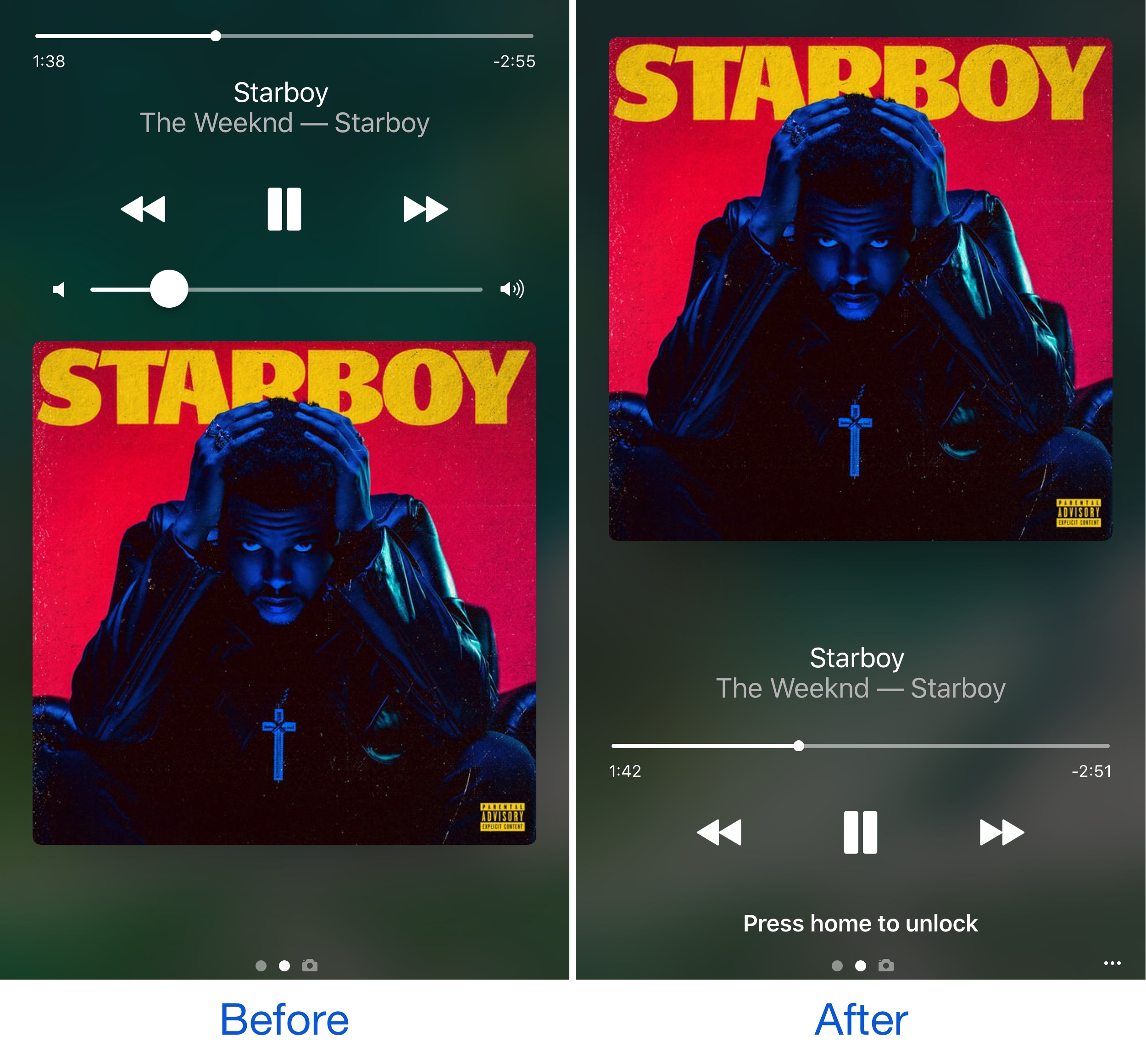
It was just last week that we showed you a unique tweak for jailbroken devices called Spin10, which redesigned the look and feel of the Now Playing interface on the Lock screen, giving it a circular and colorful look and feel that made it feel much more modern.

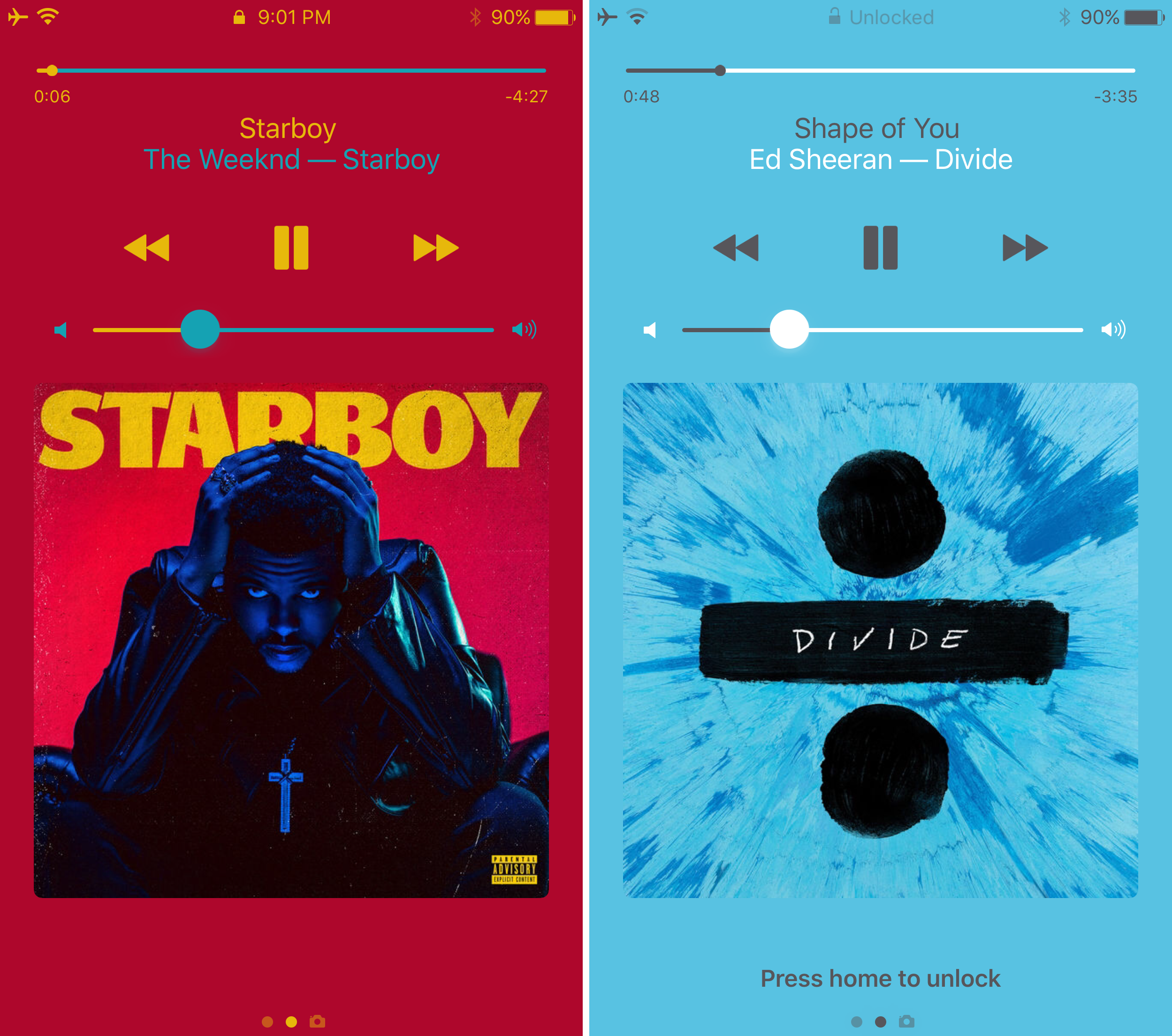
On the other hand, another jailbreak tweak that changes the appearance of the Now Playing screen by colorizing it based on the dominant color of the album artwork dubbed ColorFlow 3 by David Goldman is also available in Cydia as of this week.

Customize and add new functions to Control Center with Onizuka

Although Control Center is useful on any stock iPhone or iPad right out of the box, Apple doesn’t give you a whole lot of options for customizing it with the toggles and aesthetics you want to have. Fortunately, that’s where having a jailbreak can come in handy.

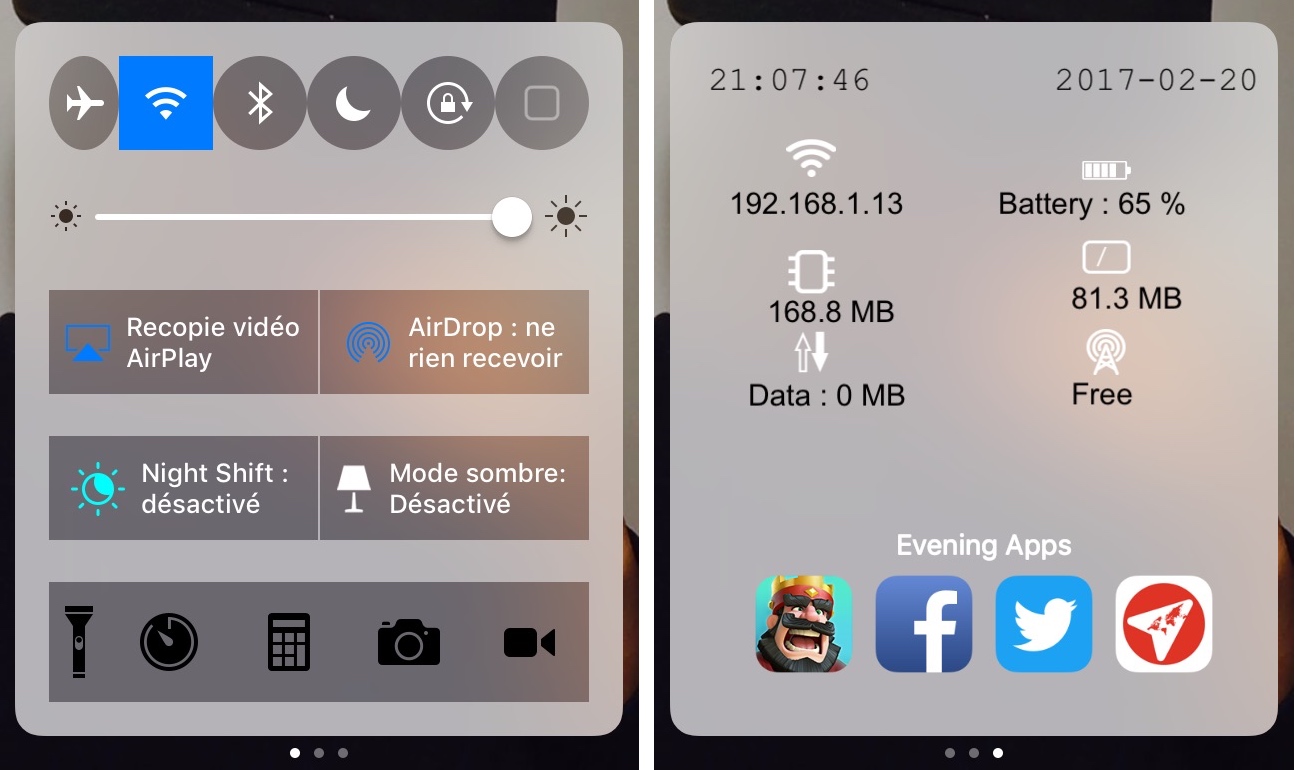
With a new jailbreak tweak called Onizuka by maximehip, you can customize your Control Center layout through the help of various options that can give it a different aesthetic or change its functional usefulness.

ColorBanners 2 adds a splash of color to your notification banners

When iOS 10 launched, there was quite a bit of gasping at the appearance of the new notification banner style throughout the operating system, including those that appear in apps, on the Lock screen, and in Notification Center.

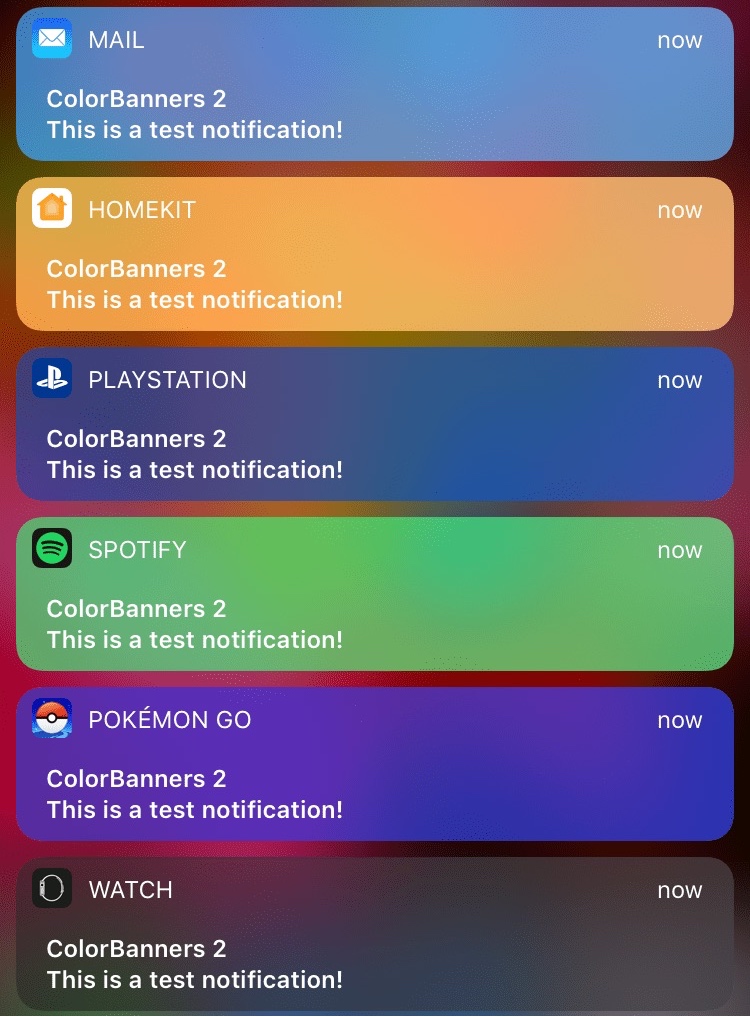
Fortunately, a jailbreak tweak called ColorBanners 2 by David Goldman can help you to make your notifications a little easier to look at, as it lets you to colorize them in nearly any way you’d like.

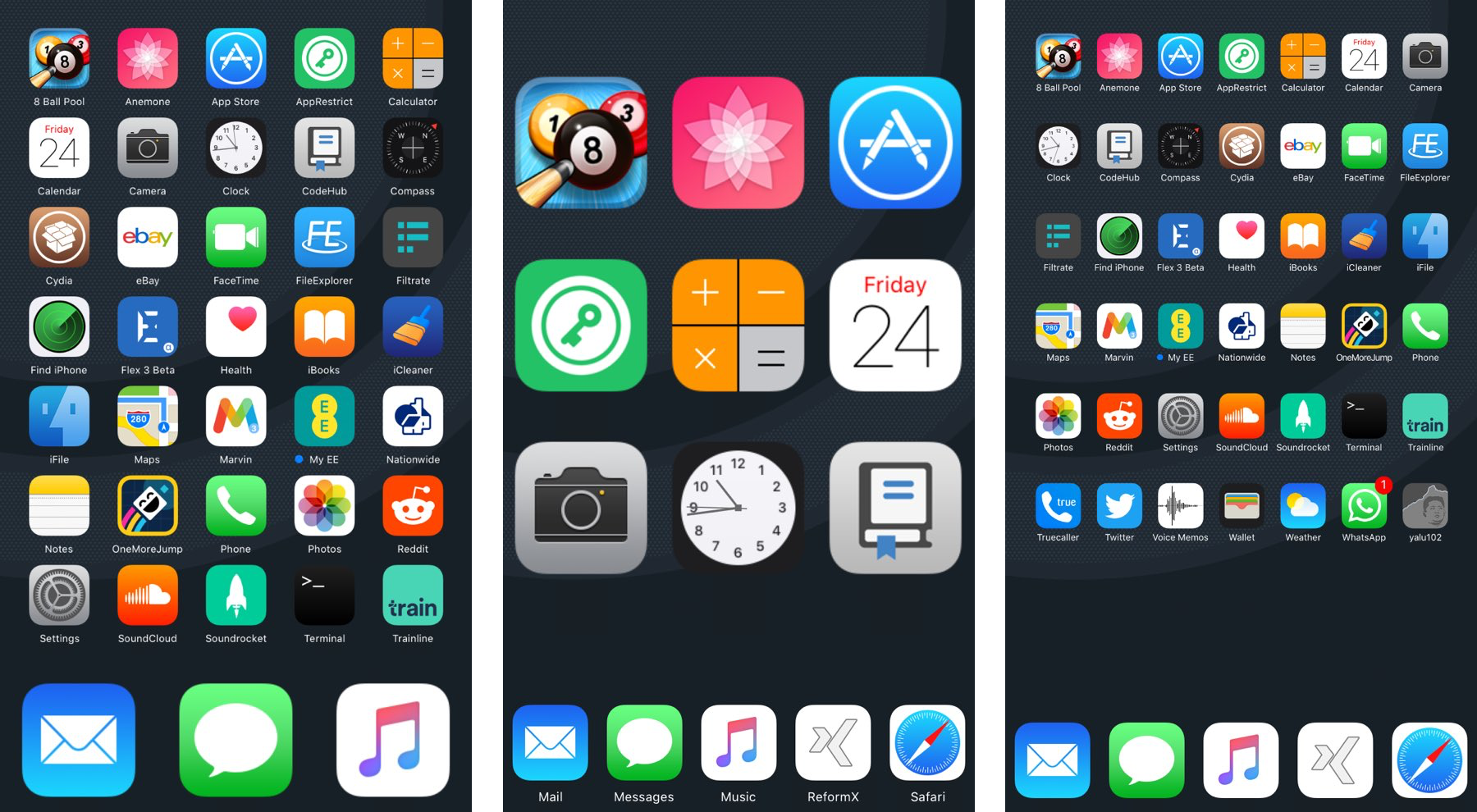
ReformX: customize your Home screen layout and more

A number of large springboard customization jailbreak tweaks are paid, and expensive at that, but for those who want a budget option, a new free jailbreak tweak called ReformX by zEstLabs could be just the one you’ve been waiting for.

This tweak provides you all kinds of options for tricking out your Home screen, ranging from the layout of your Home screen icons, to the style of your dock, to the appearance of your folders; the list goes on.

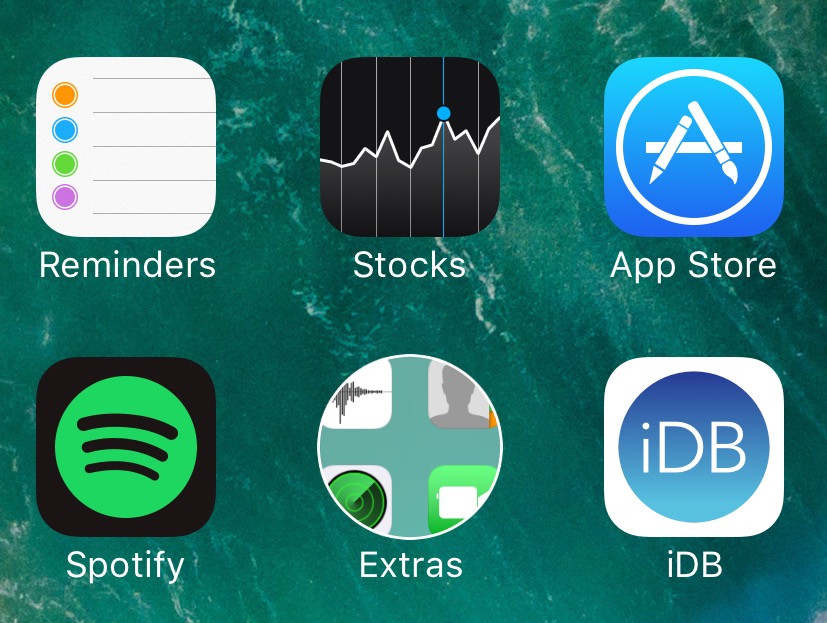
Get Android Nougat-like folder icons with this tweak

If you’re looking for something you can do to change the appearance of your Home screen on your jailbroken device without going overboard, then you should look into a new free jailbreak tweak called NougatFolder by Elton Goci.

Essentially, this tweak transforms your Home screen’s folder icons to look more like those on an Android Nougat handset.

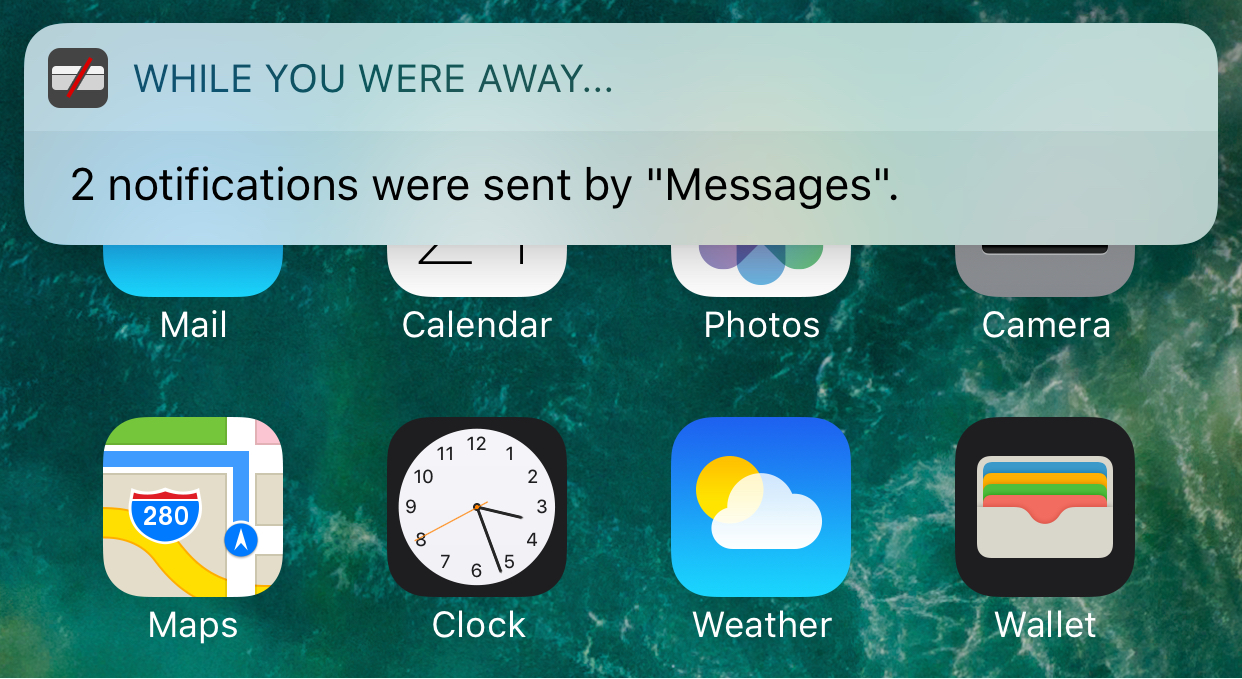
Eyeplugs prevents unwanted notification banners from getting in the way

Apple’s banner notification system leaves a lot to be desired, especially since modern banners are so huge when they appear that they cover all kinds of important parts of your apps, such as navigation bar, which is often an essential part of navigating your apps.

Because banner notifications are excessively large, a new free jailbreak tweak called Eyeplugs by the author The Holy Constituency of the Summer Triangle can help prevent them from appearing whenever you’re inside of designated apps, but once you close the app(s), you’ll get a summary of all your missed notifications.

MinimalisticUI adds transparency across iOS

MinimalisticUI is a new free jailbreak tweak that aims to make the UI throughout iOS a little less noticeable while you peruse through content in various apps.

The tweak can be used to adjust the transparency and more of tab bars and navigation bars so that they appear to ‘fade’ away as you scroll up and down.