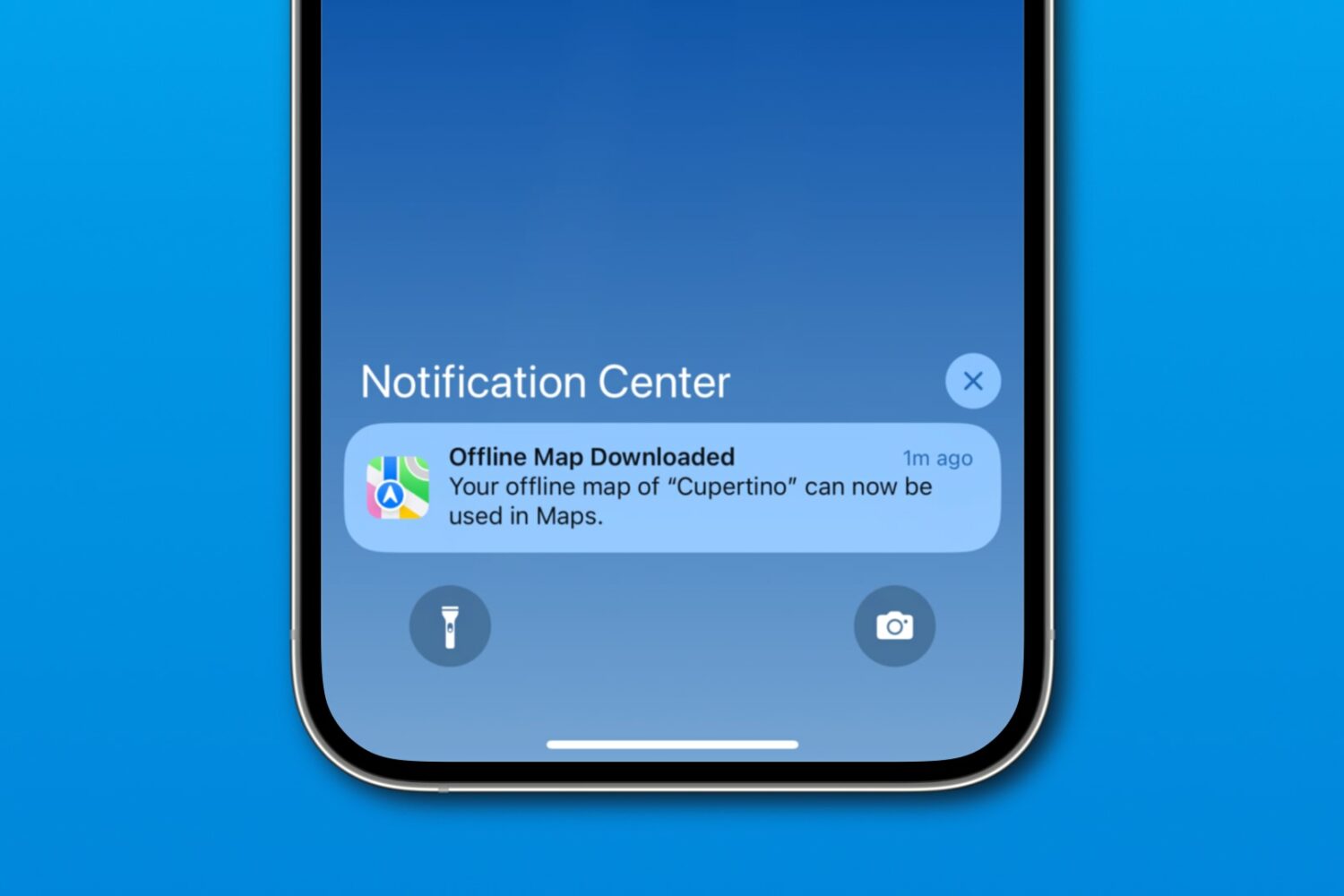
Download a custom region in iOS 17's Apple Maps to navigate offline on your iPhone, iPad or Apple Watch, search for nearby places, and more.
How to download custom regions on Apple Maps to navigate offline on your iPhone
Learn how to master your Apple devices with our comprehensive tutorials. From iPhone and iPad to Mac, Apple Watch, AirPods, and more, our expert guides will help you unlock the full potential of your Apple products. Discover new features, tips, and tricks each day to enhance your user experience.
Download a custom region in iOS 17's Apple Maps to navigate offline on your iPhone, iPad or Apple Watch, search for nearby places, and more.
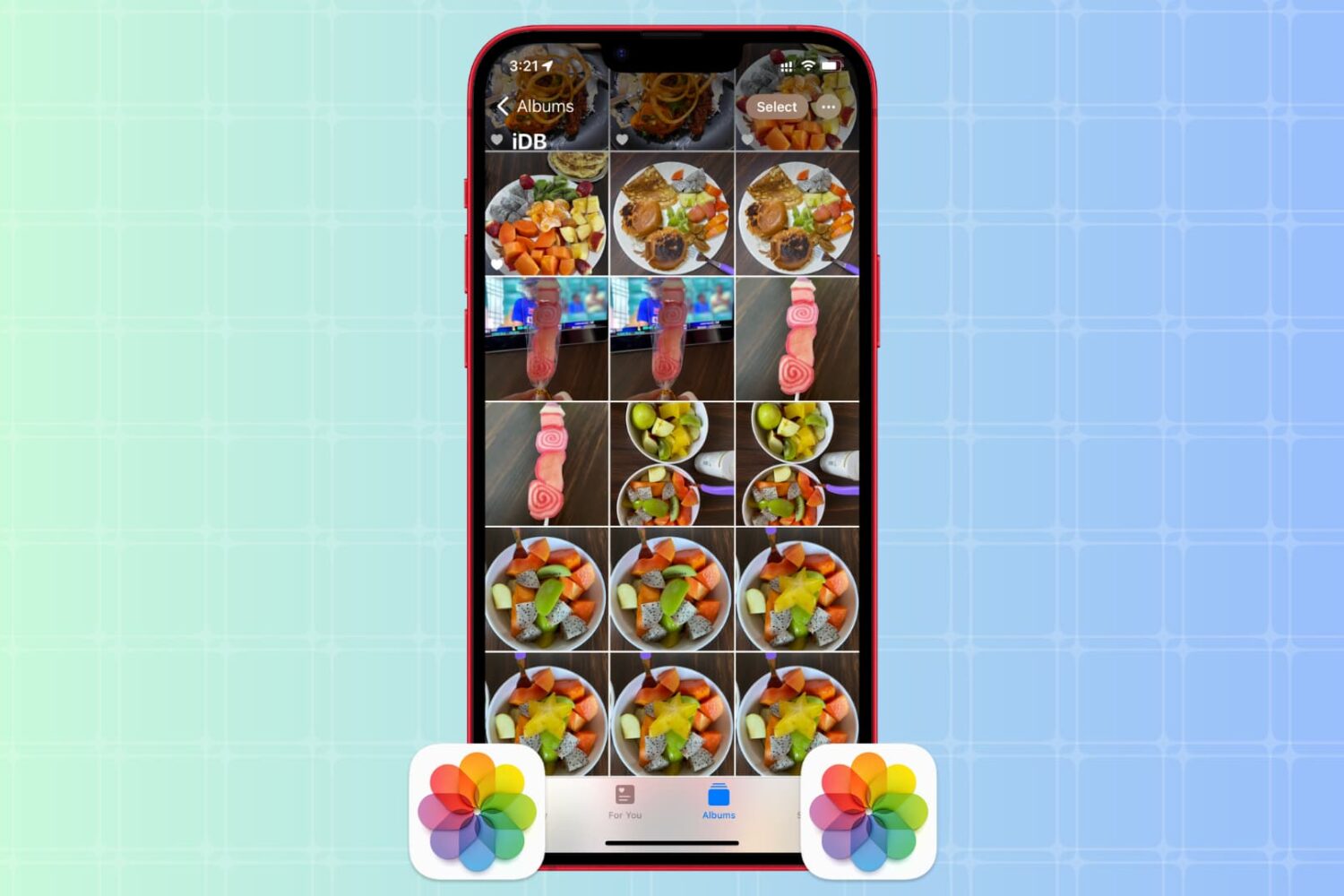
Whether you want to create backups, share multiple copies, or organize your media files, the Apple Photos app makes it easy to duplicate your photos and videos.
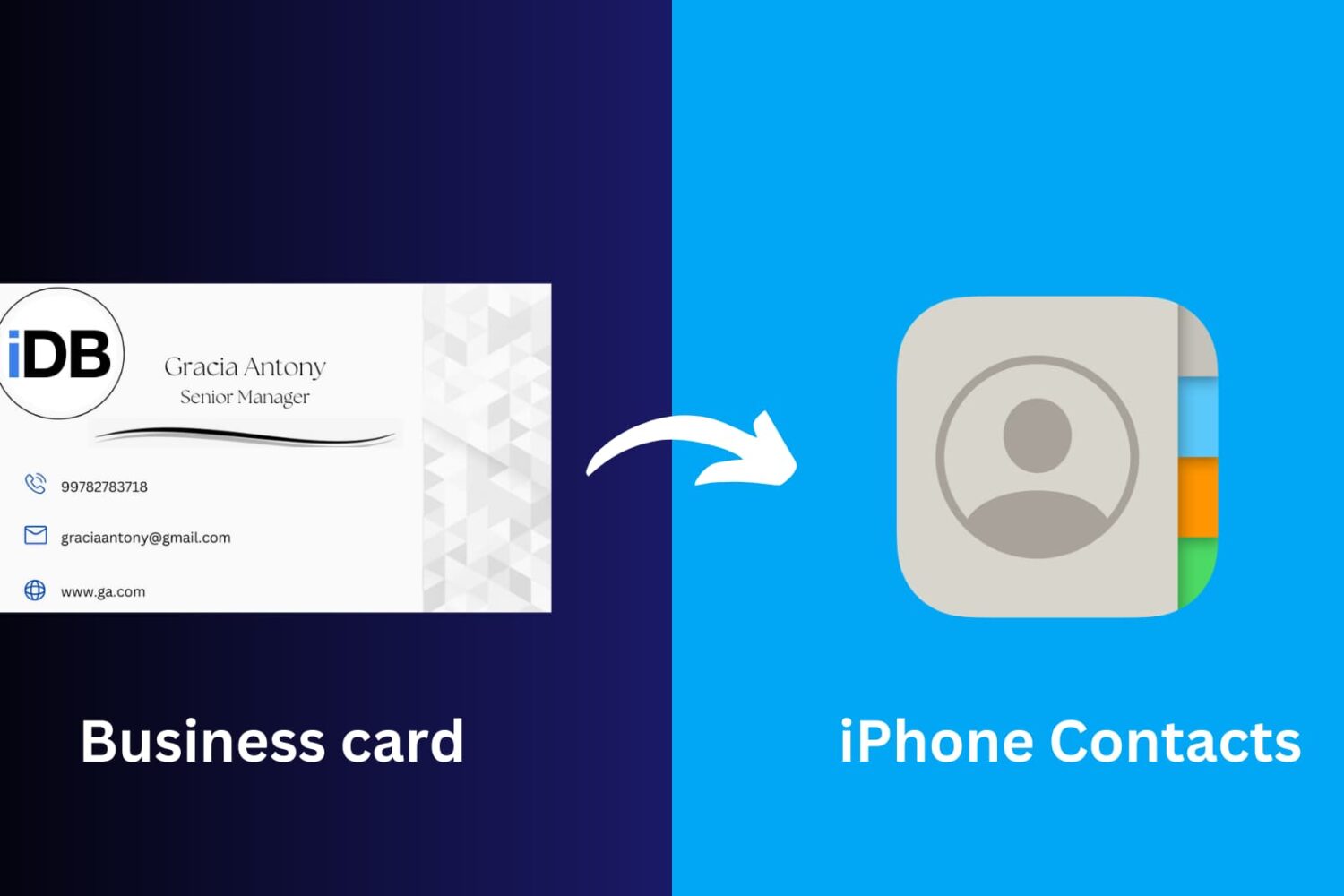
This article will guide you through the simple process of scanning a business card and seamlessly saving its information to your iPhone Contacts app, ensuring you never miss a beat in networking and professional connections.

If you’re looking to use the DelayOTA update method on one of your jailbroken devices to move to a newer firmware, then you can make things easy on yourself by taking advantage of an add-on called Dahlia by iOS developer Dhinakg.
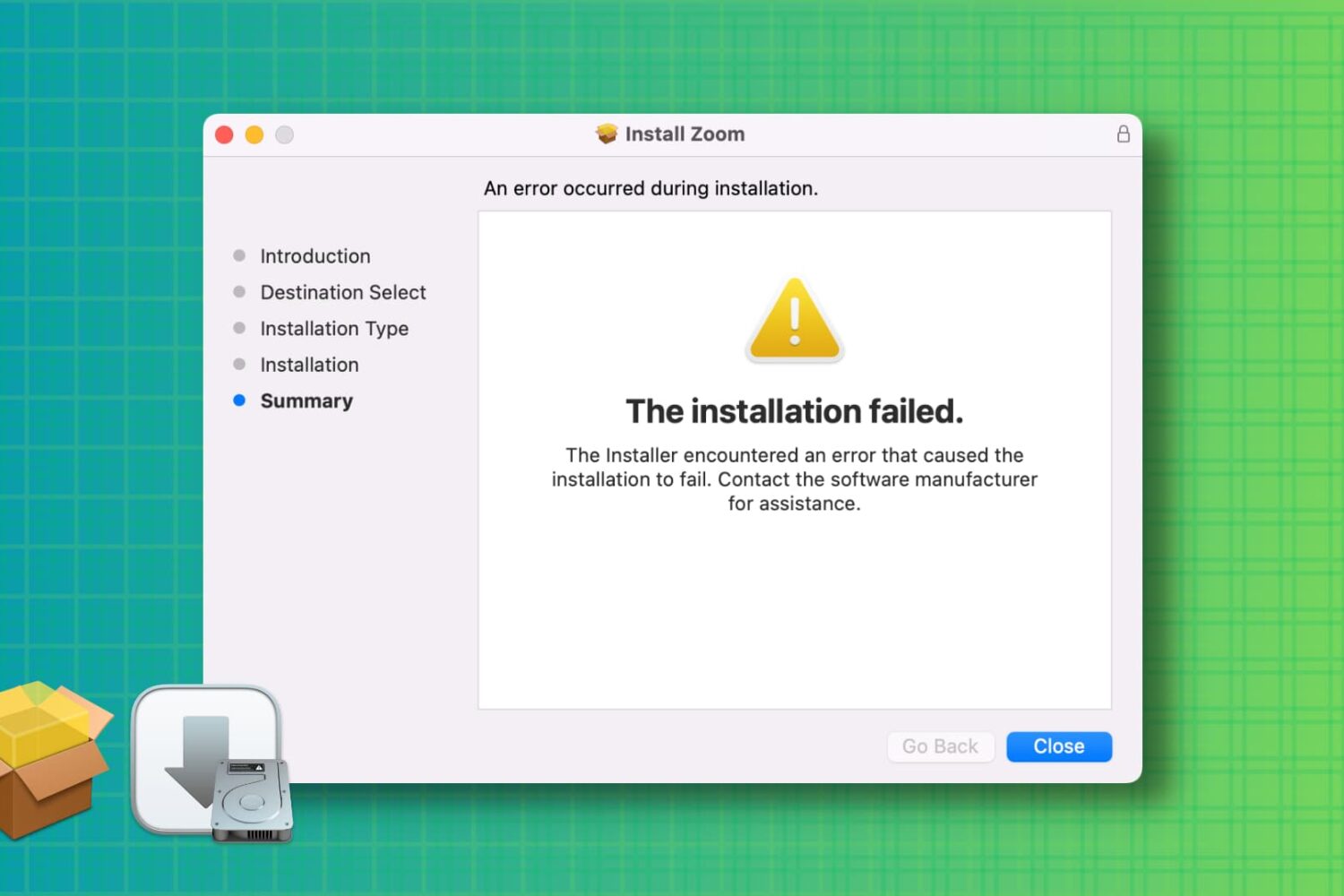
Learn how to troubleshoot and fix the “installation failed” error when installing a Mac app using a downloaded PKG, DMG, or ZIP file.
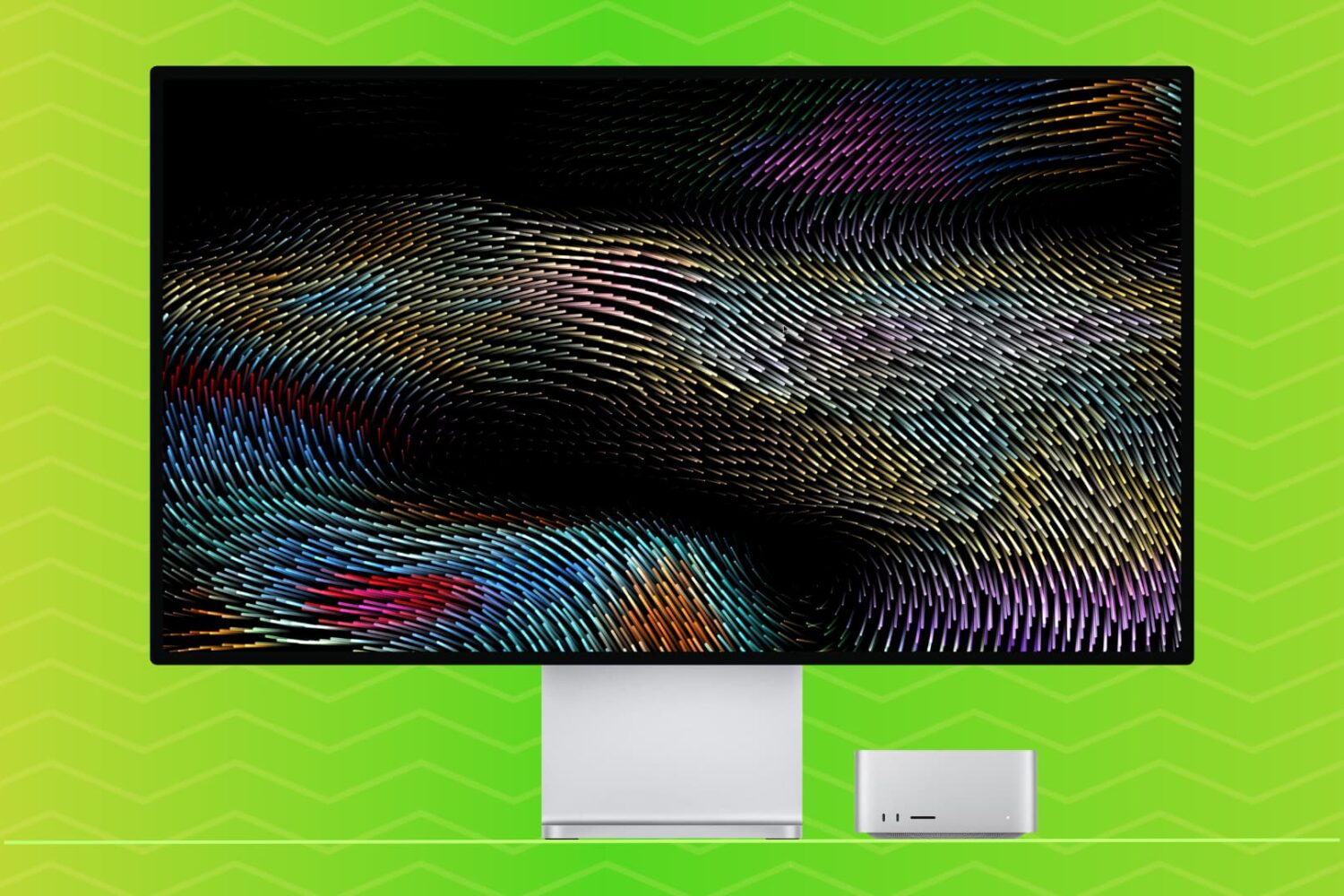
Learn how to set up a screensaver in macOS 27 Golden Gate or macOS 26 Tahoe to hide your desktop when you’re not using your computer by displaying photos, music album art, word of the day, and other custom visuals.

See Apple's headset in action: Learn how to watch the WWDC 2023 keynote on any device, including the iPhone, iPad, Mac, Apple TV and Windows PCs.
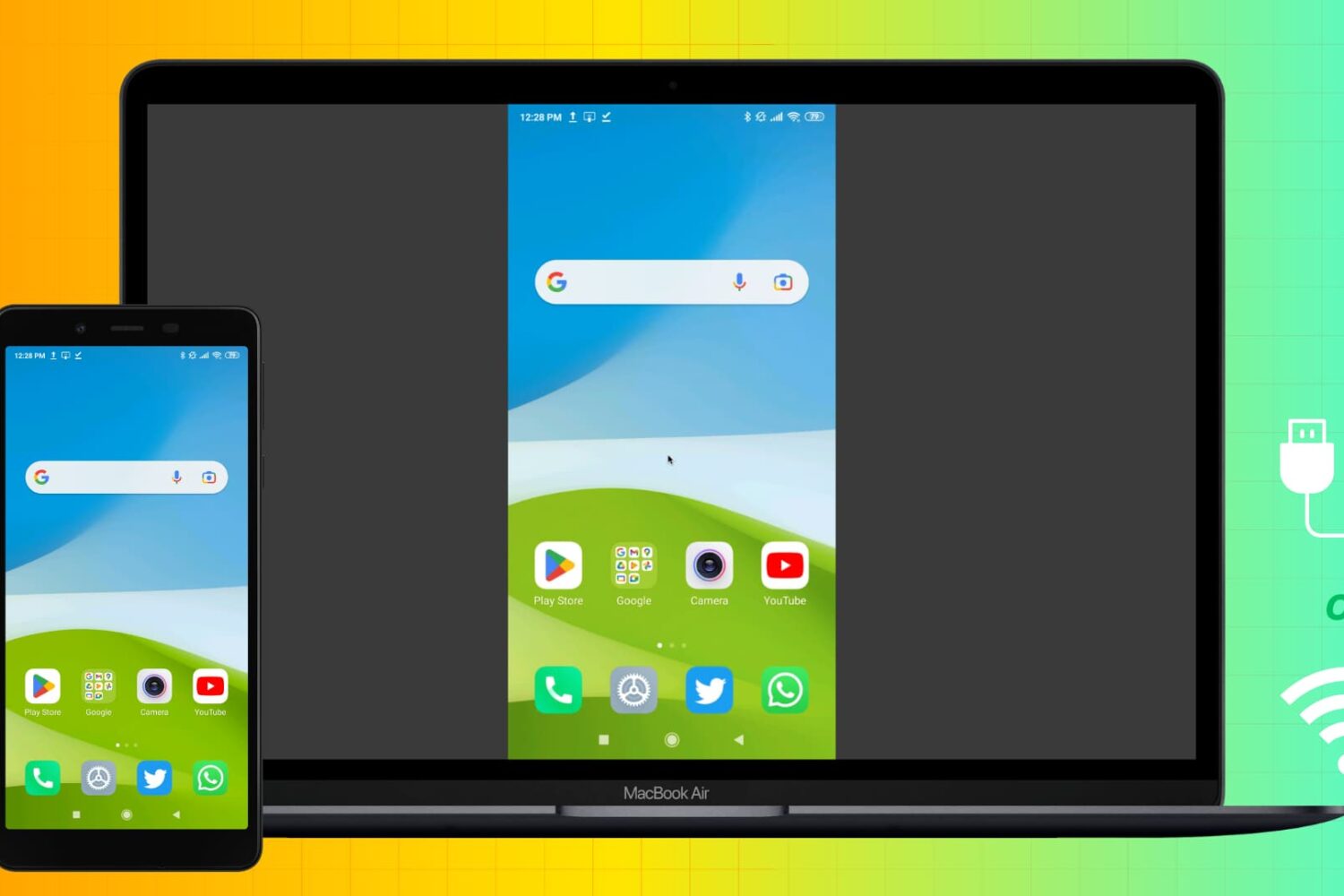
Learn how to mirror your Android phone screen to your Mac wirelessly or using a USB cable without rooting your device.
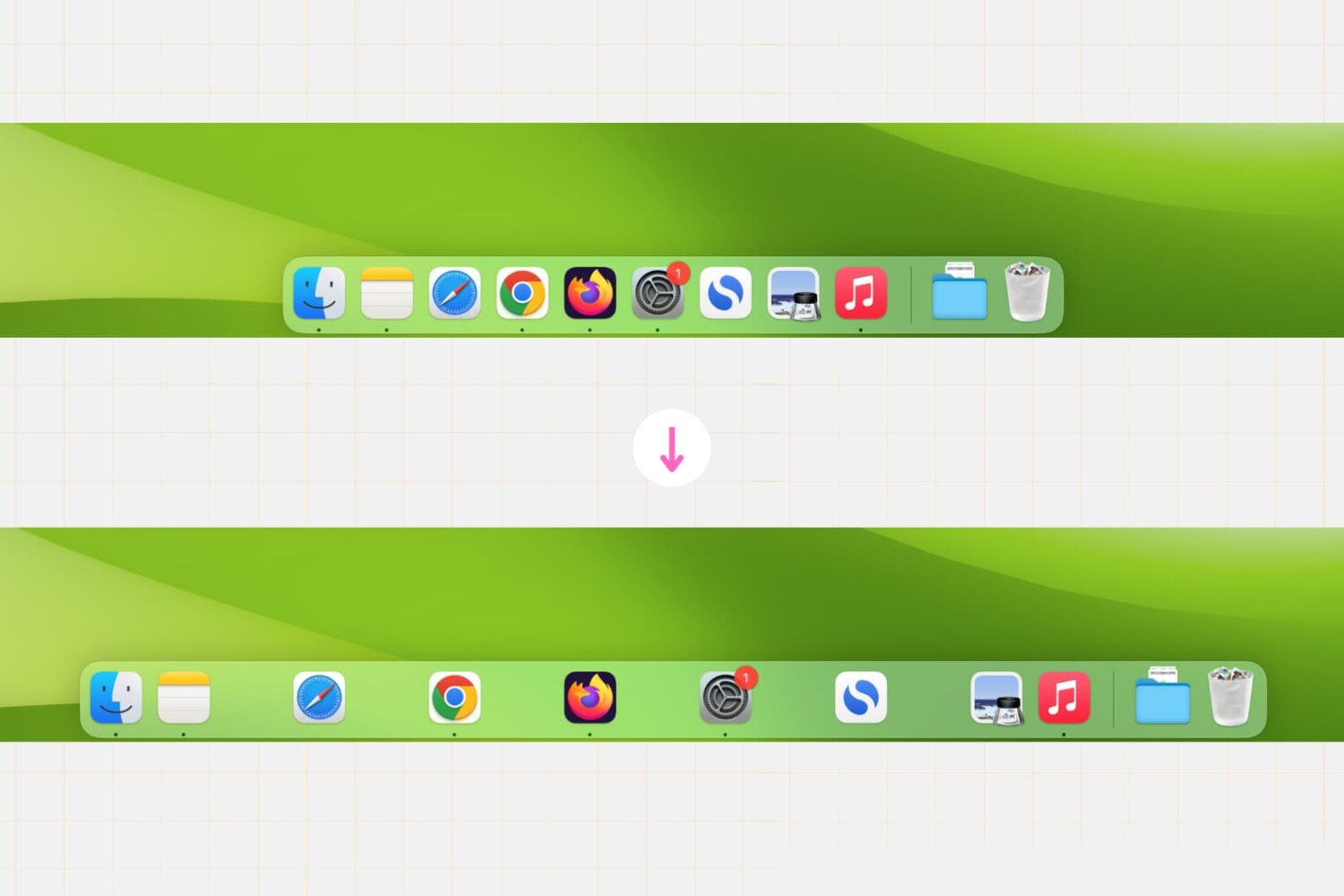
Whether you’re a productivity enthusiast or just want to customize your desktop, this simple Terminal command lets you create clear divisions between app icons, helping you achieve a cleaner and more organized Dock setup in no time.
Learn how to split tabs in the Finder on your Mac into separate windows, as well as merge multiple windows into a single window with multiple tabs.
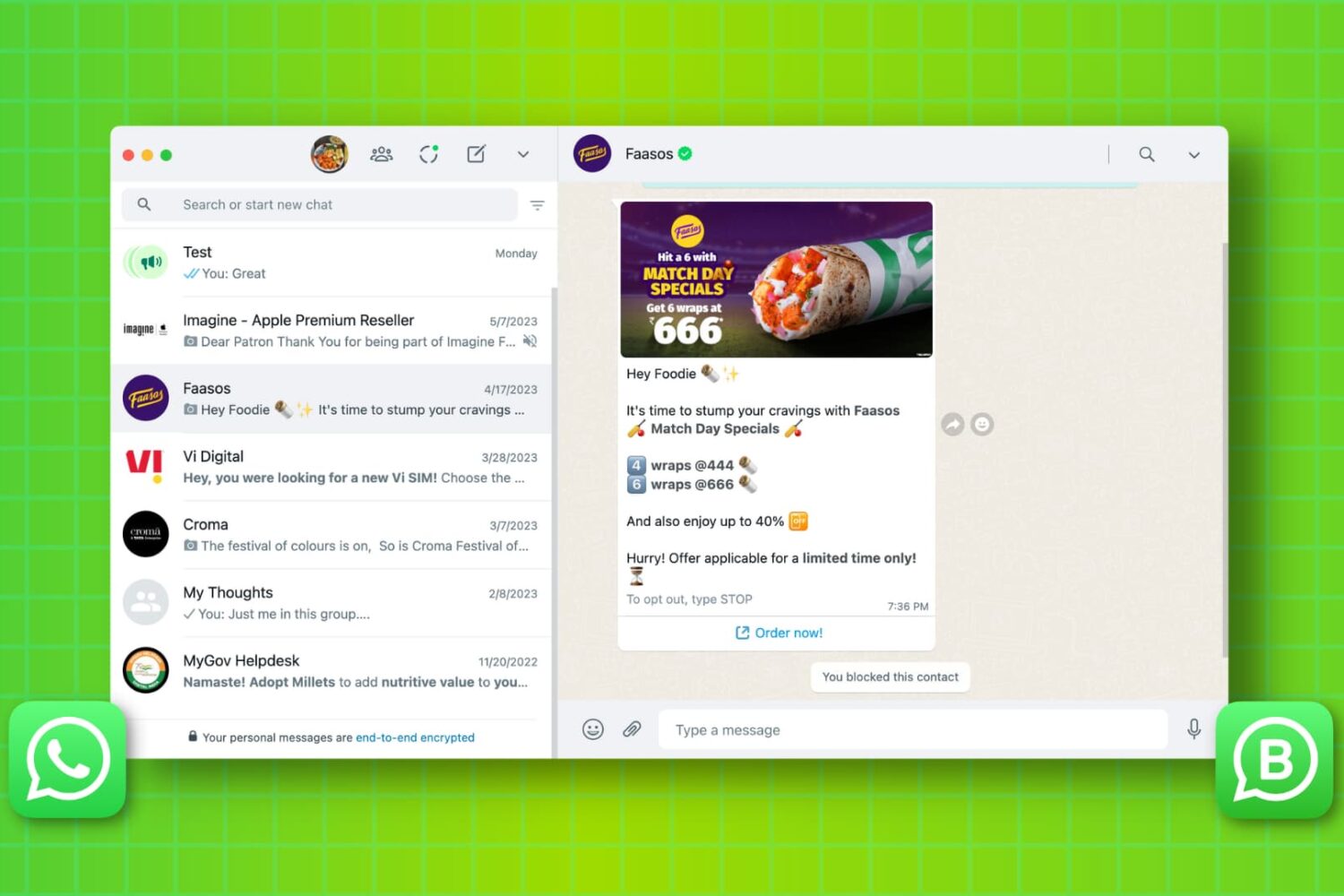
Learn how to set up and use WhatsApp on your Mac or Windows PC to stay connected, send messages, make calls, and share media directly from your desktop. We’ll also explain what to do if you can’t get WhatsApp working on your computer.
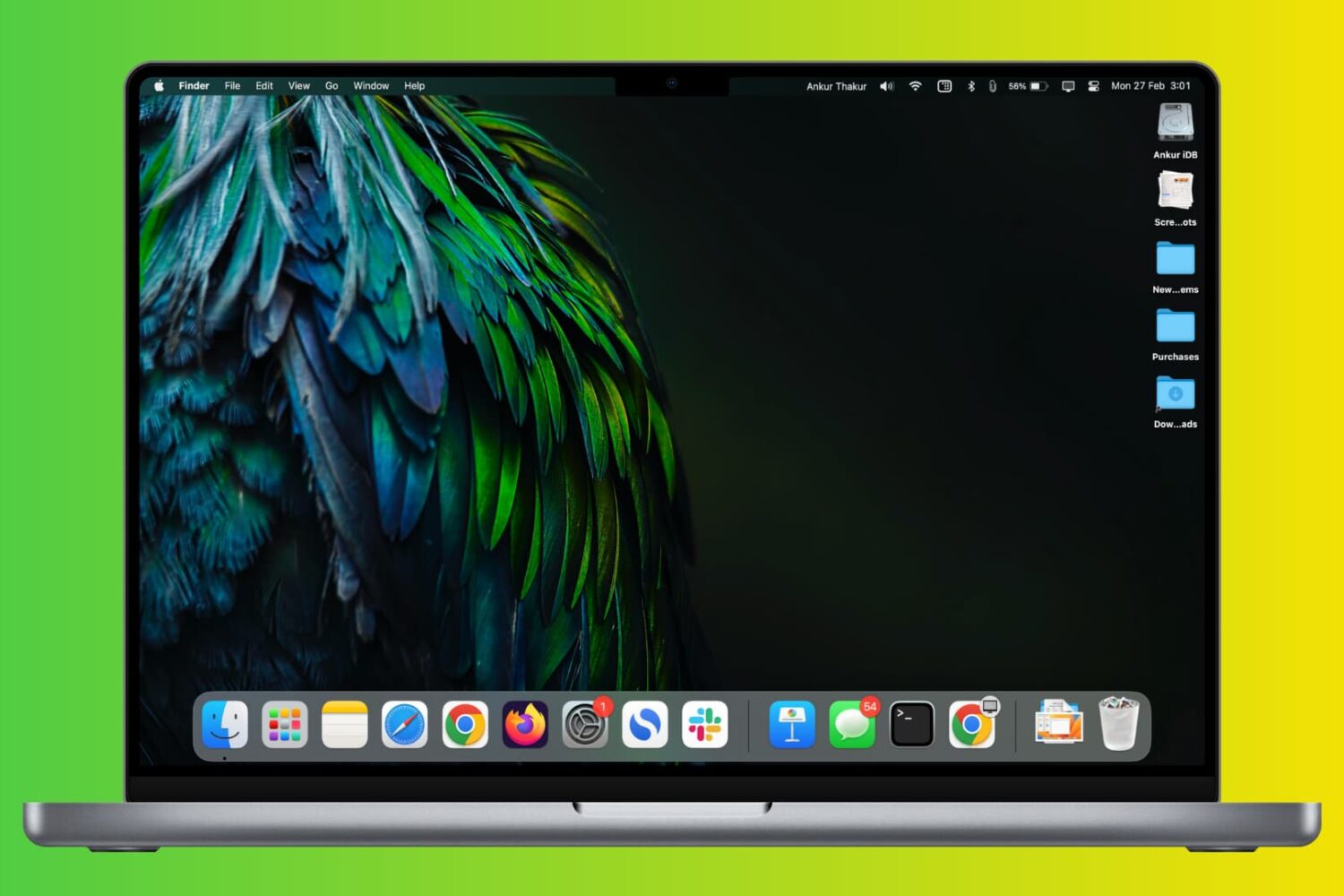
Check out these two simple ways to permanently keep currently open and recently used apps in your Mac’s Dock.