Learn how to easily see the Wi-Fi IP address of your Mac, iPhone, and iPad in this comprehensive tutorial.
How to find the Wi-Fi IP address of your Mac, iPhone, iPad
Learn how to master your Apple devices with our comprehensive tutorials. From iPhone and iPad to Mac, Apple Watch, AirPods, and more, our expert guides will help you unlock the full potential of your Apple products. Discover new features, tips, and tricks each day to enhance your user experience.
Learn how to easily see the Wi-Fi IP address of your Mac, iPhone, and iPad in this comprehensive tutorial.

Learn how to enable, create, and use templates in Gmail to save time on repetitive emails or even use these templates for auto-replying to incoming messages.
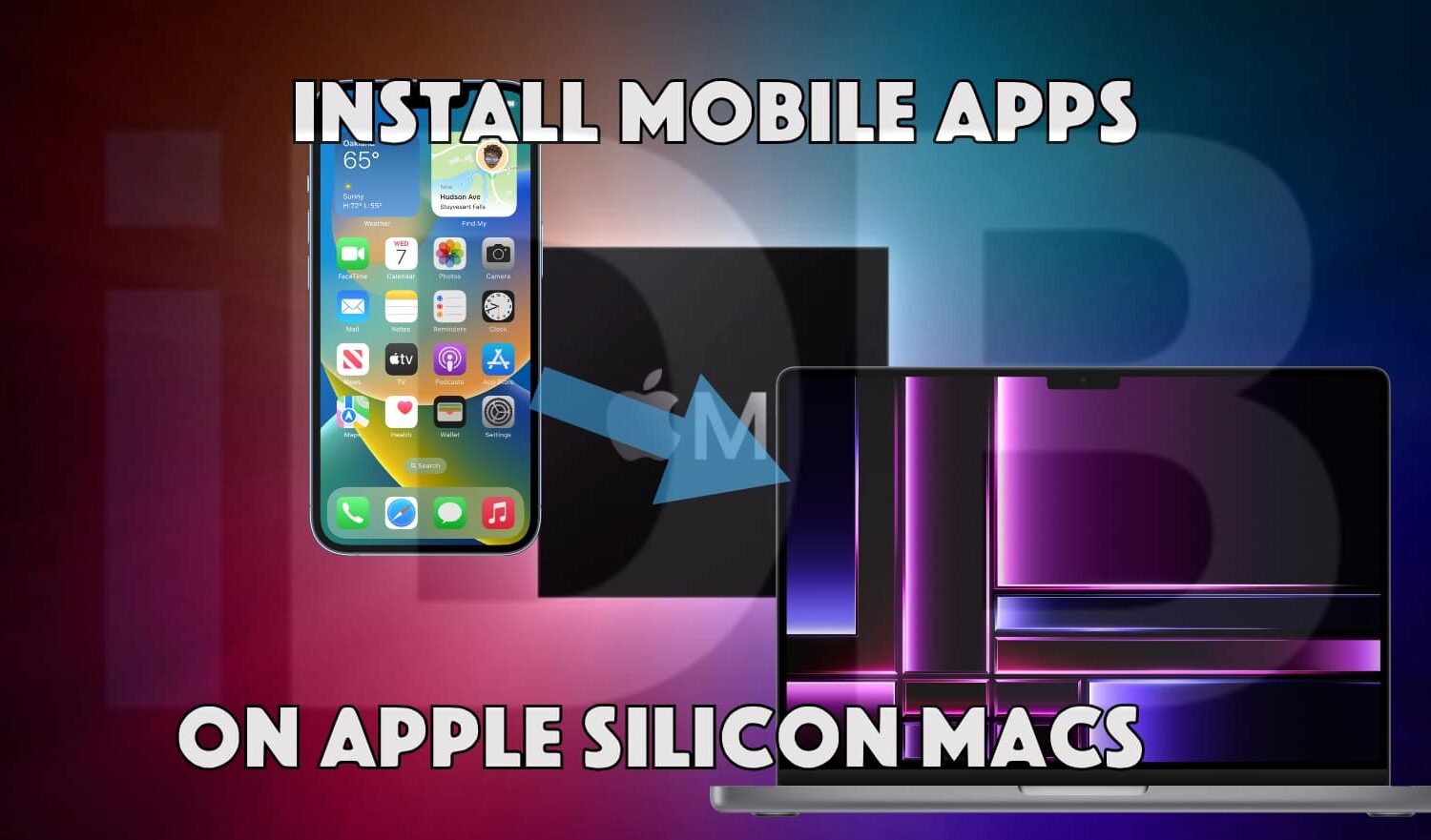
Learn how to download, install, and run iPad and iPhone apps on Apple silicon Macs, even if the app is unavailable in the App Store.

Like previous years, Apple has set its next Apple Watch fitness challenge on the 2023 International Day of Yoga. Here's how to win it and earn digital awards.
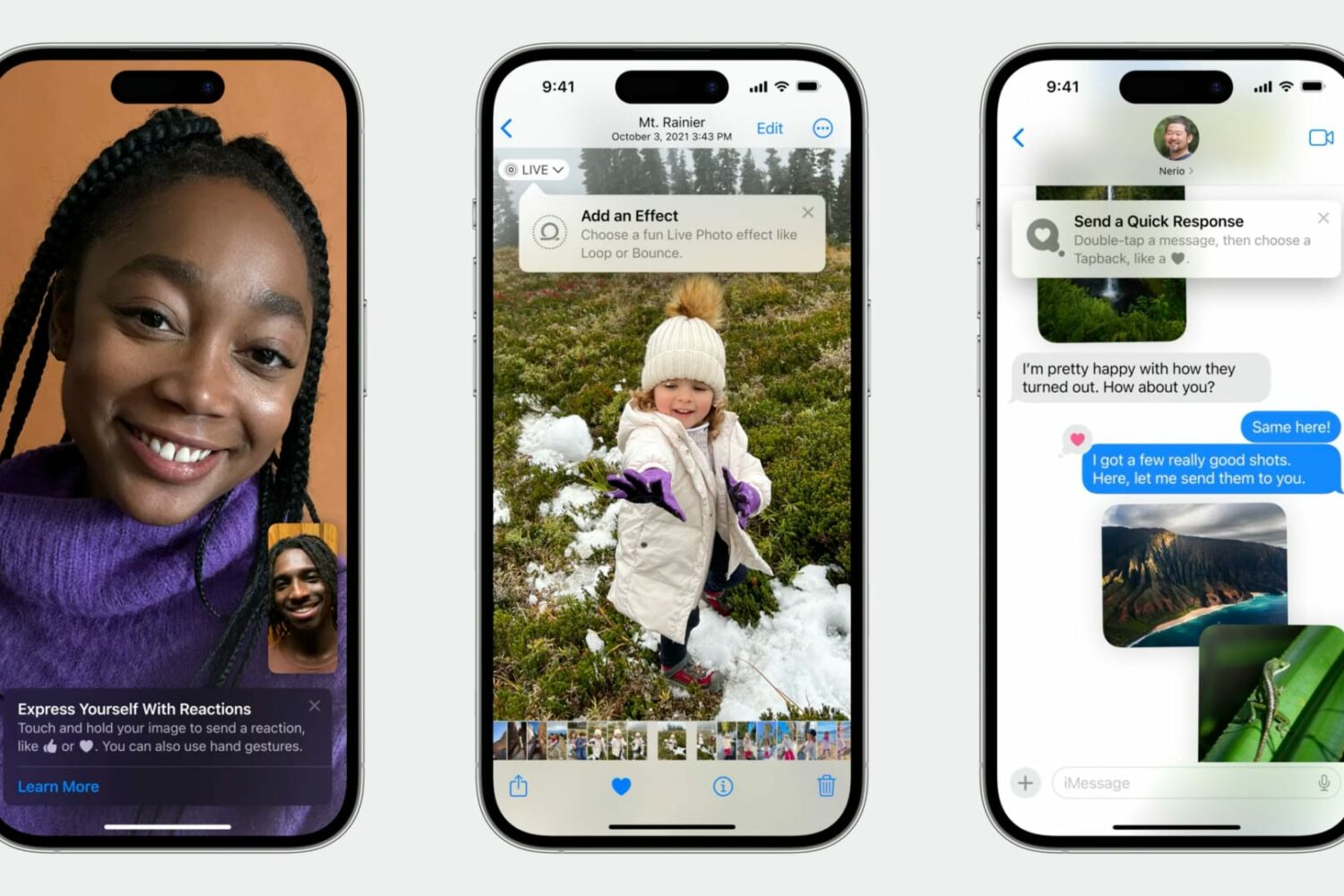
Learn how Apple's TipKit software framework lets developers aid the discovery of new features in apps for users in delightful ways.

Learn effective tips and tricks to optimize your Mac’s startup time and boost its performance with a few simple steps.

Check out these quick solutions to resolve low phone call sound issues and increase the volume if you’re struggling to hear during calls on your iPhone.

Learn how to quickly straighten your pictures on iPhone and iPad using the stock Photos app, ensuring your memories always look perfectly aligned.

Learn how to install macOS Sequoia on a different volume (disk partition) and have two macOS versions simultaneously on your Mac.
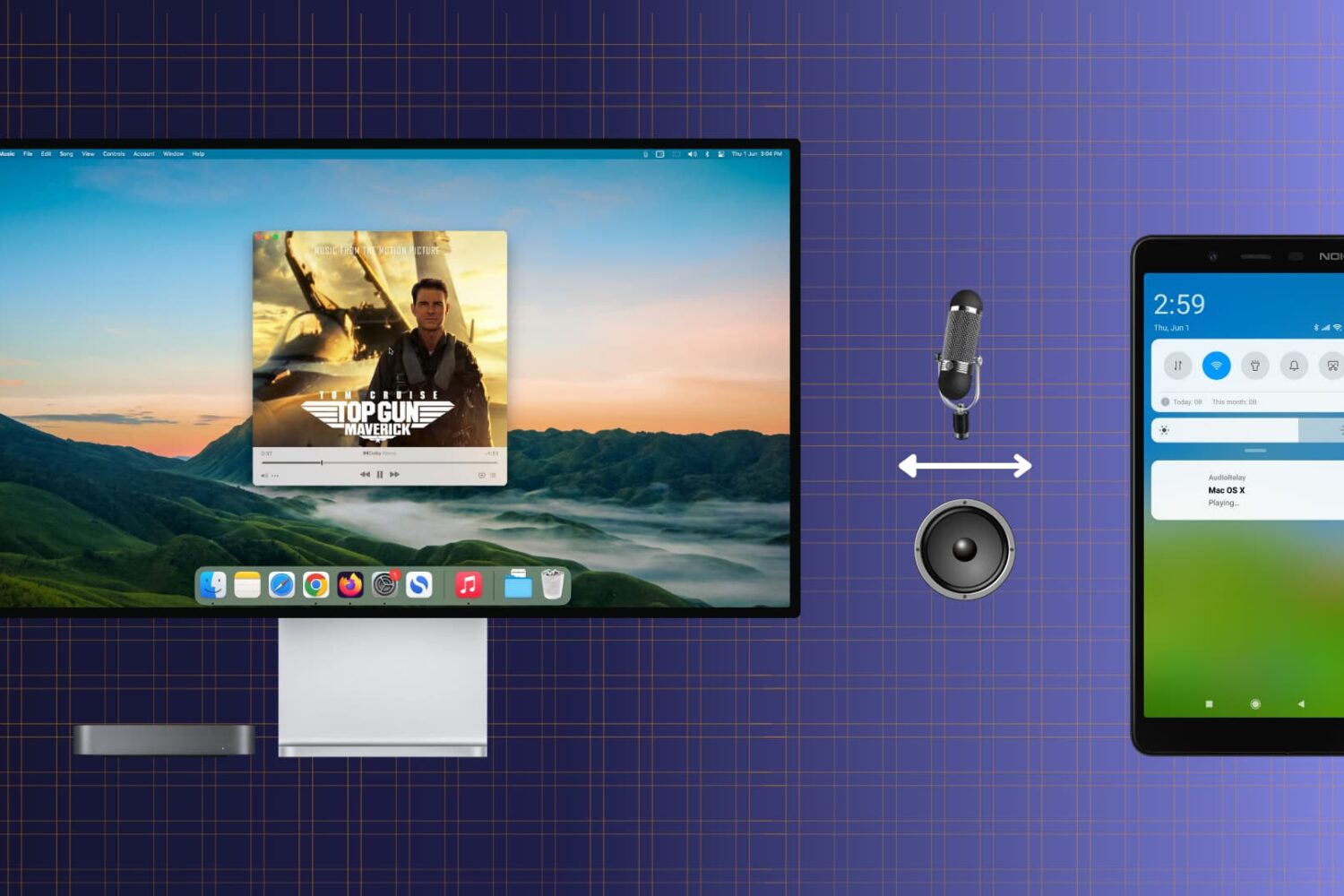
Check out this free and easy way to turn your Android phone into a convenient wireless speaker or microphone for your Mac.

Learn how to add text or text-based signatures to your photos on iPhone, iPad, and Mac so your images stand out and effectively convey your message.

Learn how to get macOS Sequoia on a USB thumb drive and use it to install macOS 15 on multiple Macs without needing to download the large macOS file each time.