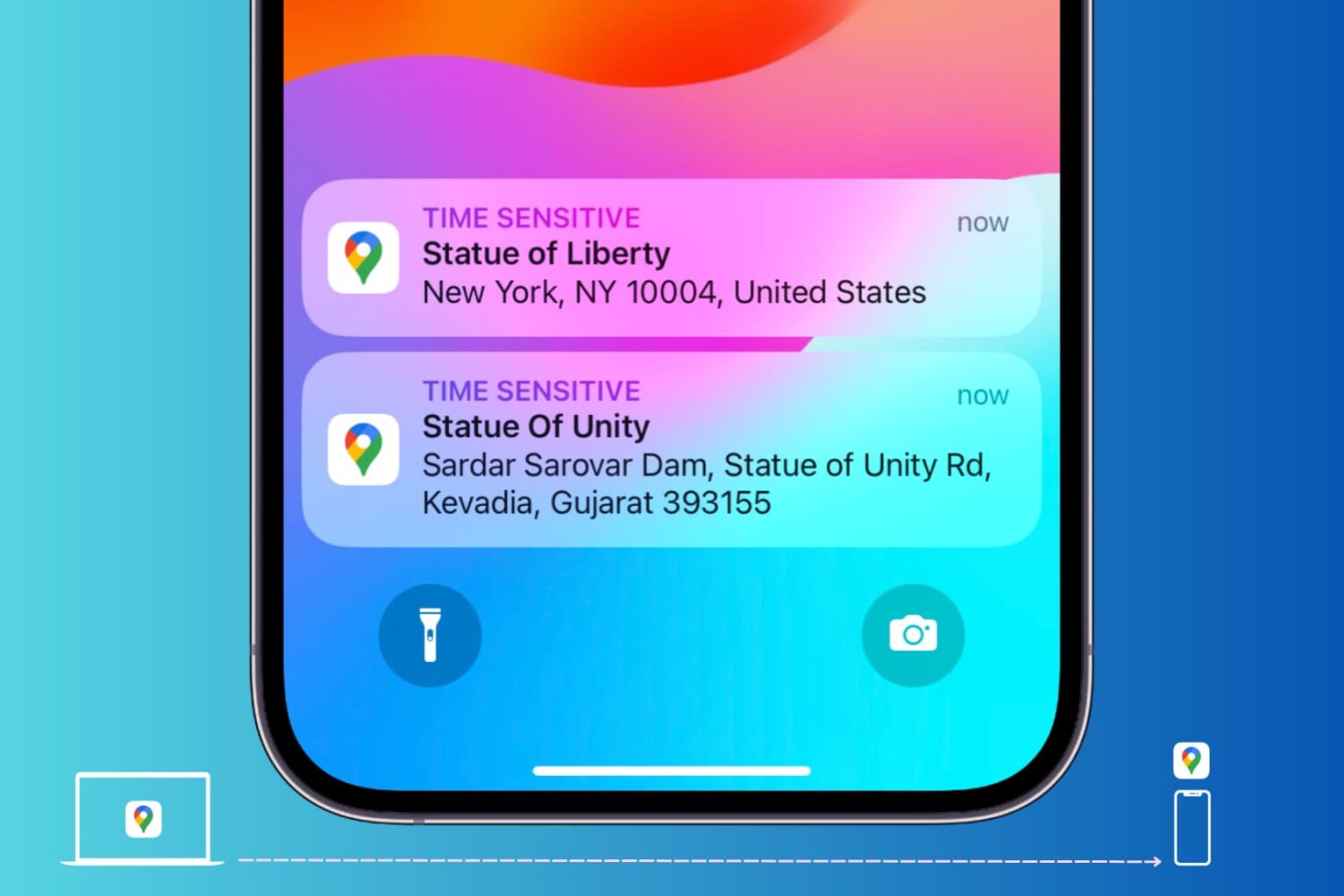
Learn how to send locations of your favorite restaurants, stores, and other places of interest from Google Maps on your computer to your iPhone or Android phone.
Send a Google Maps location from computer to phone
Learn how to master your Apple devices with our comprehensive tutorials. From iPhone and iPad to Mac, Apple Watch, AirPods, and more, our expert guides will help you unlock the full potential of your Apple products. Discover new features, tips, and tricks each day to enhance your user experience.
Learn how to send locations of your favorite restaurants, stores, and other places of interest from Google Maps on your computer to your iPhone or Android phone.
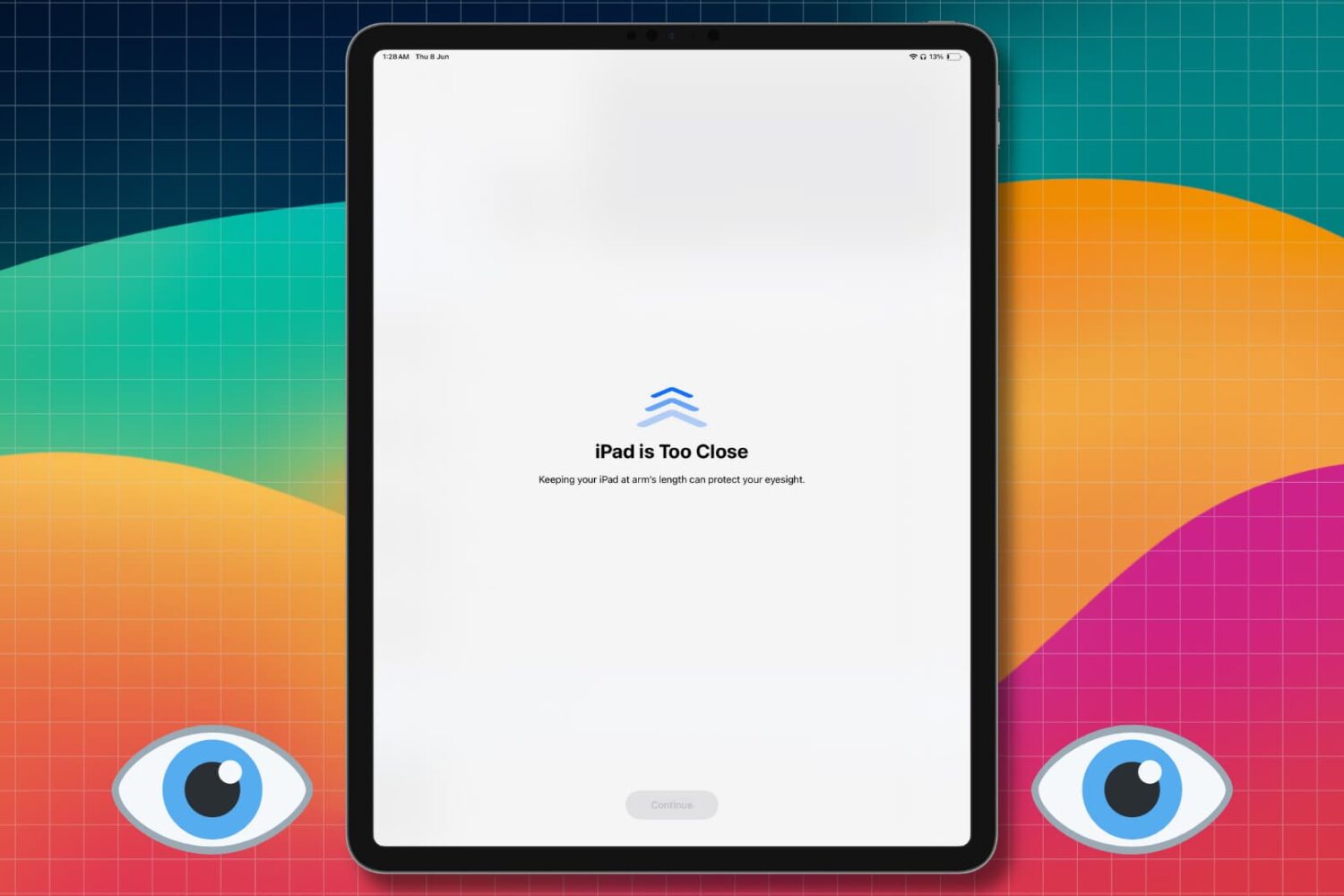
Learn how to turn off the Screen Distance feature so you no longer get the full-screen “iPhone/iPad is Too Close” message when you hold the device close to your eyes.
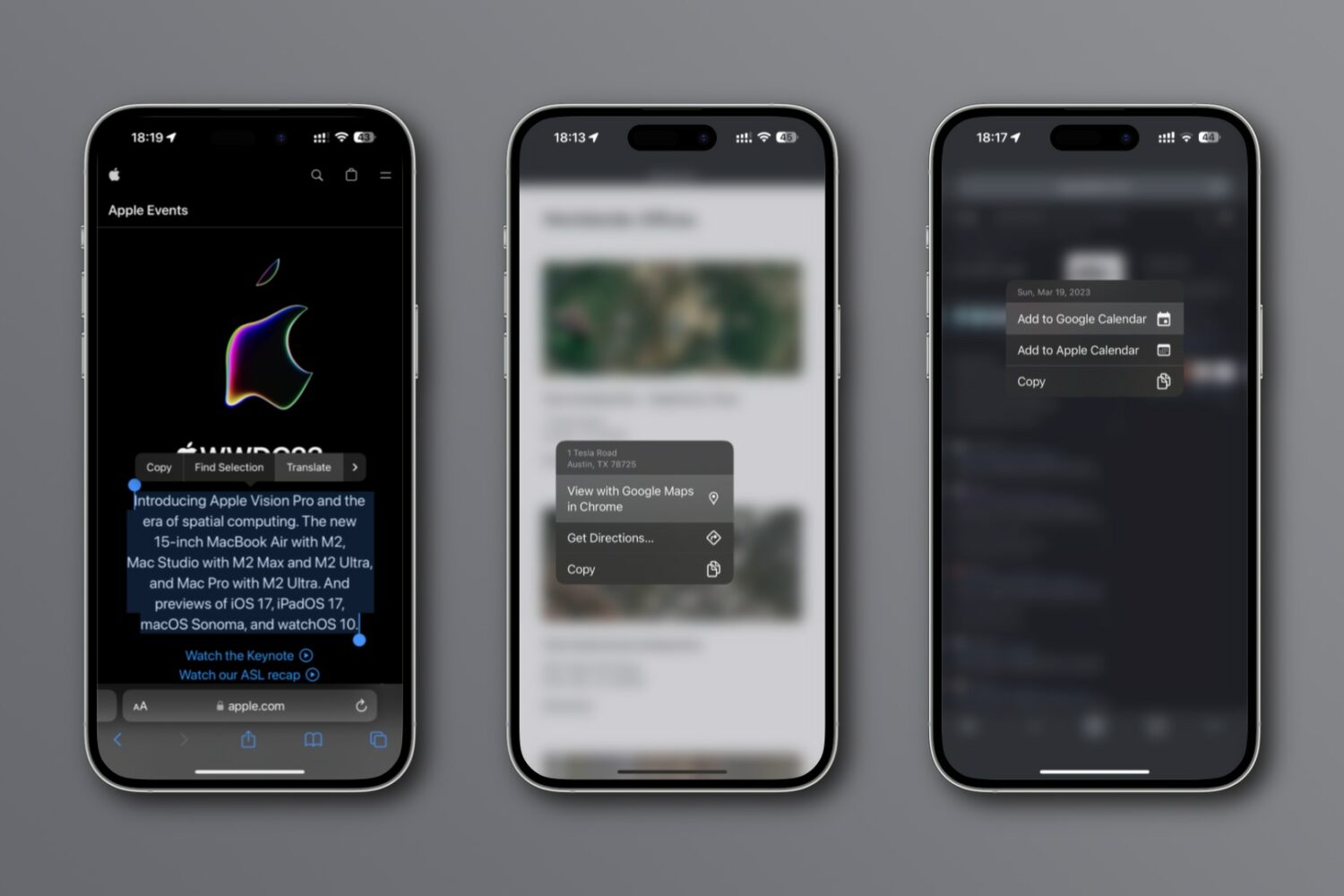
New integrations in Chrome for iPhone and iPad let you look up an address on a mini Google map, translate webpages, search using images, etc.
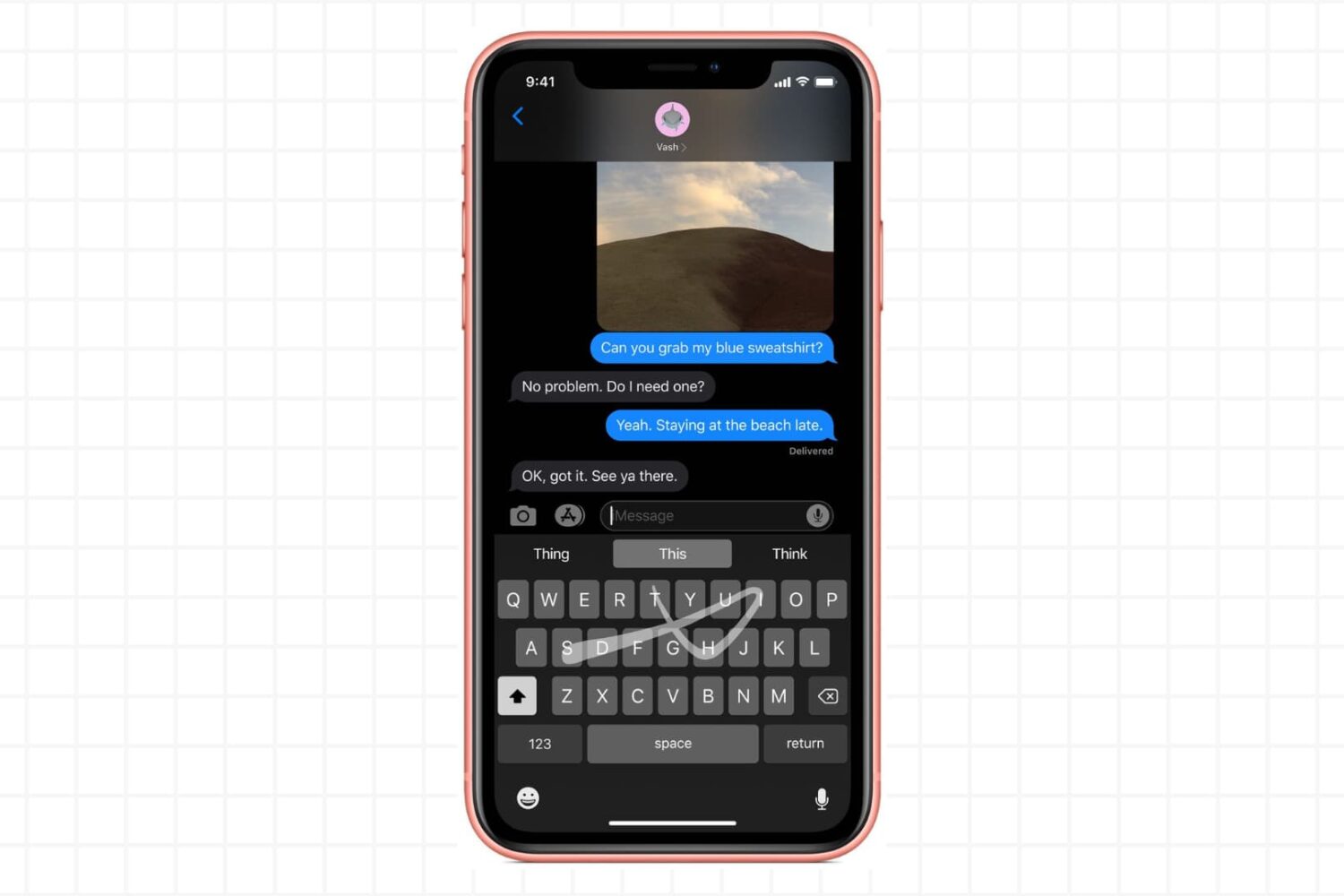
Try these troubleshooting tips if the gestural swipe keyboard on your iPhone or iPad isn’t working, preventing you from entering text by swiping your finger across.
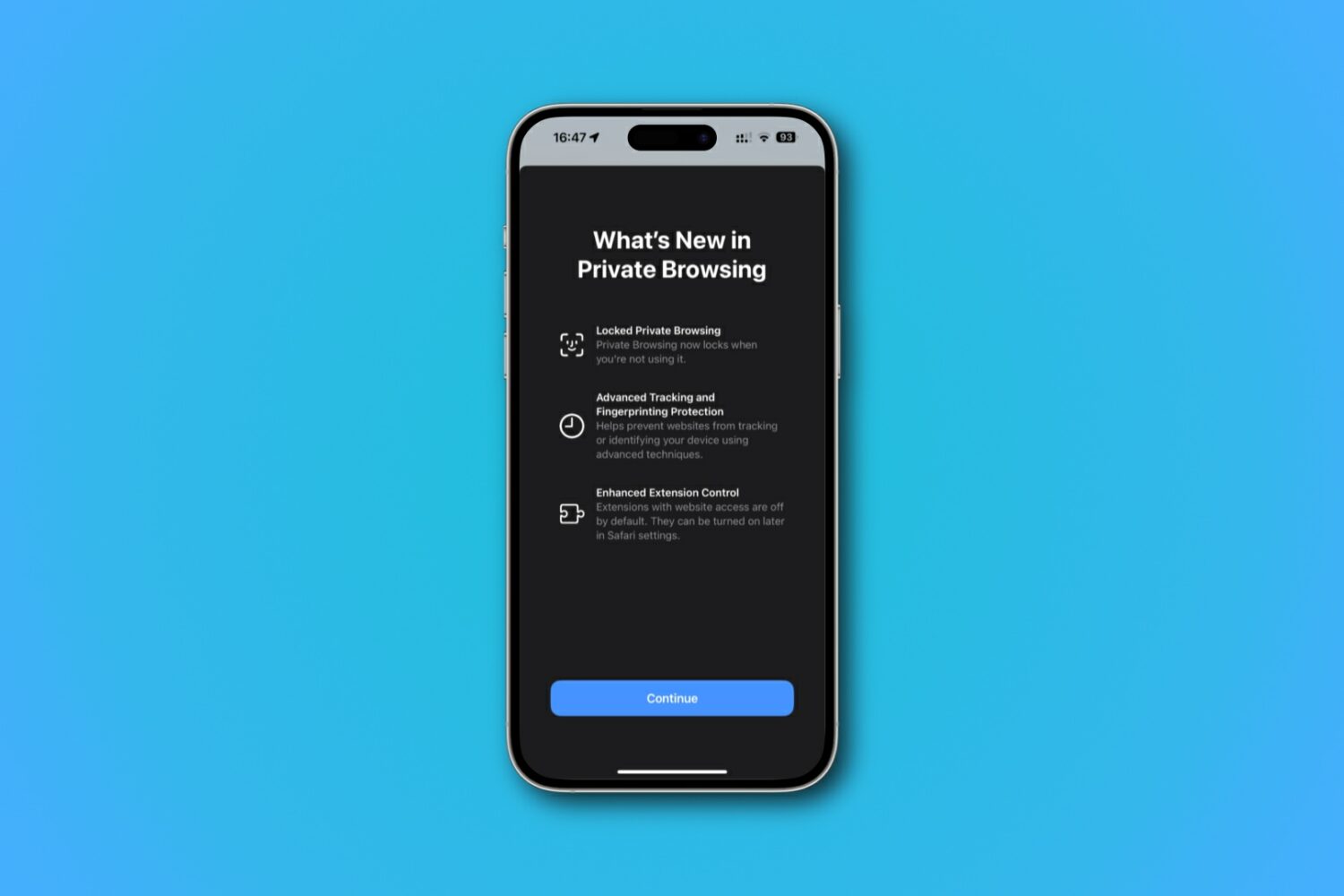
Learn how to lock and unlock your private tabs and windows in Safari with Face ID, Touch ID, or device passcode.
Learn how to save battery life and lower memory usage when running Google Chrome on your Mac so you can browse longer on a single charge.
Learn how to use multiple profiles in Safari on your iPhone, iPad, or Mac to keep your personal and work browsing separate.
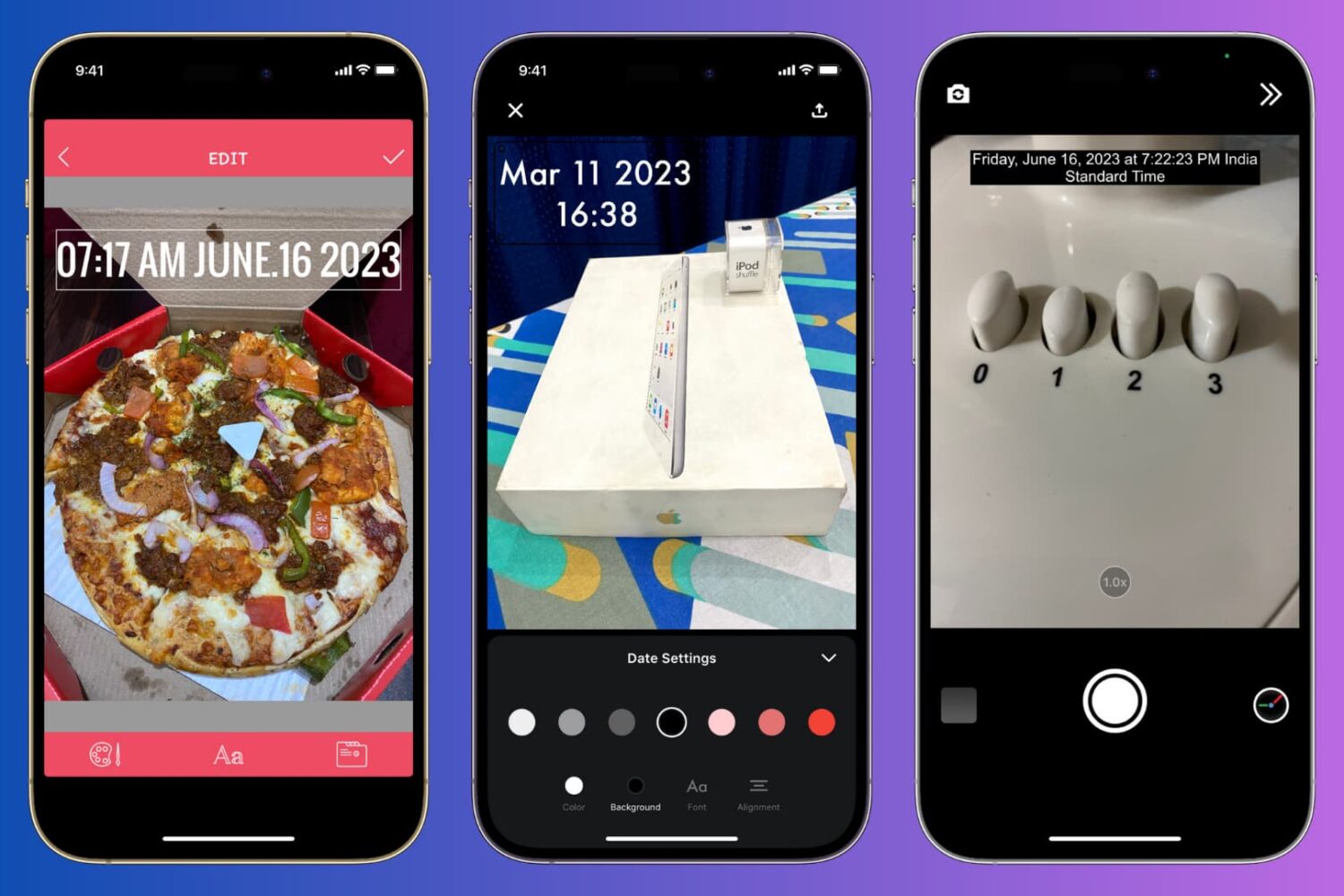
Learn how to manually add the current date and time to your iPhone photos or use a third-party app to automatically timestamp your snaps.
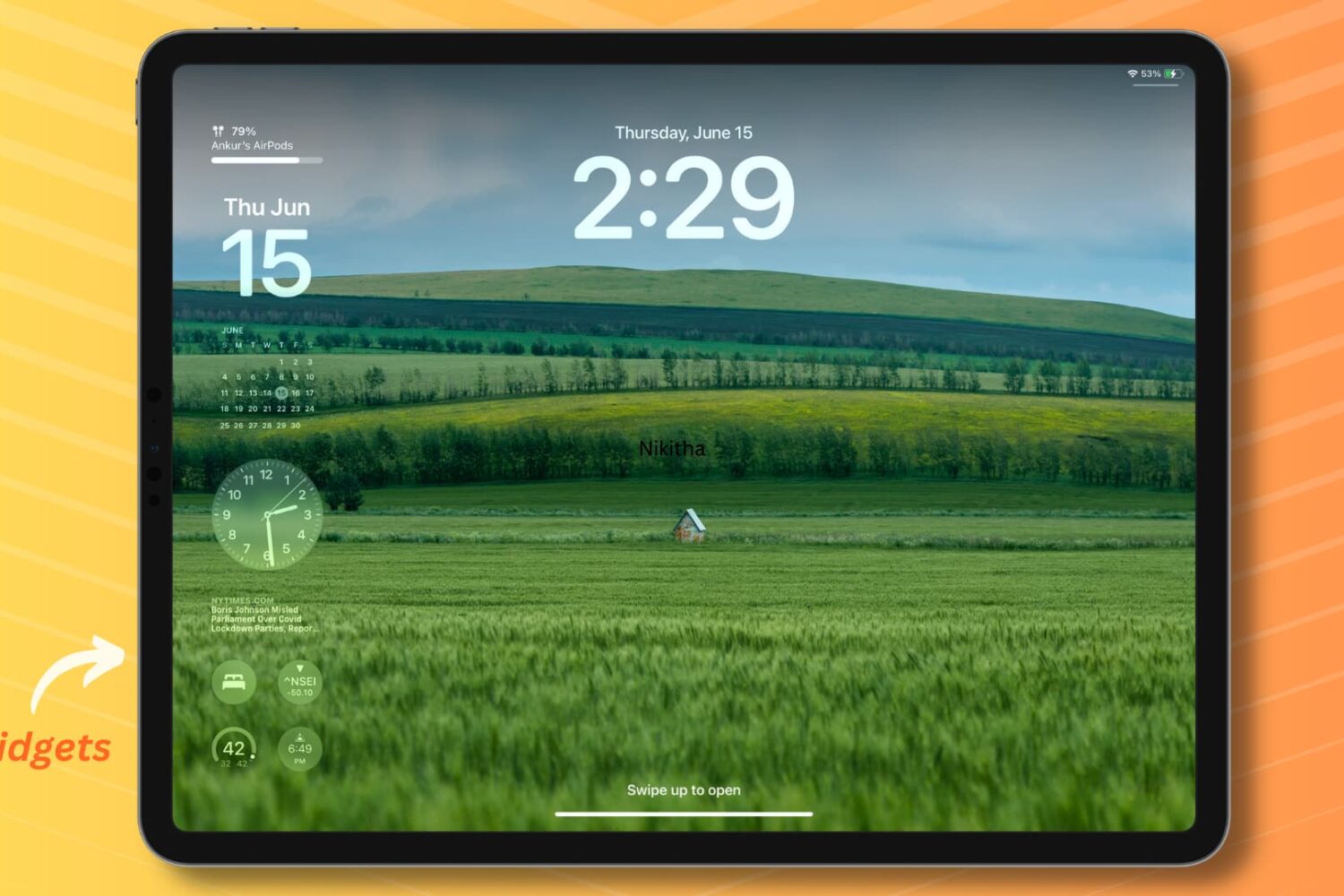
Learn how to add widgets to your iPad Lock Screen in both landscape and portrait mode to access essential information without unlocking your device.
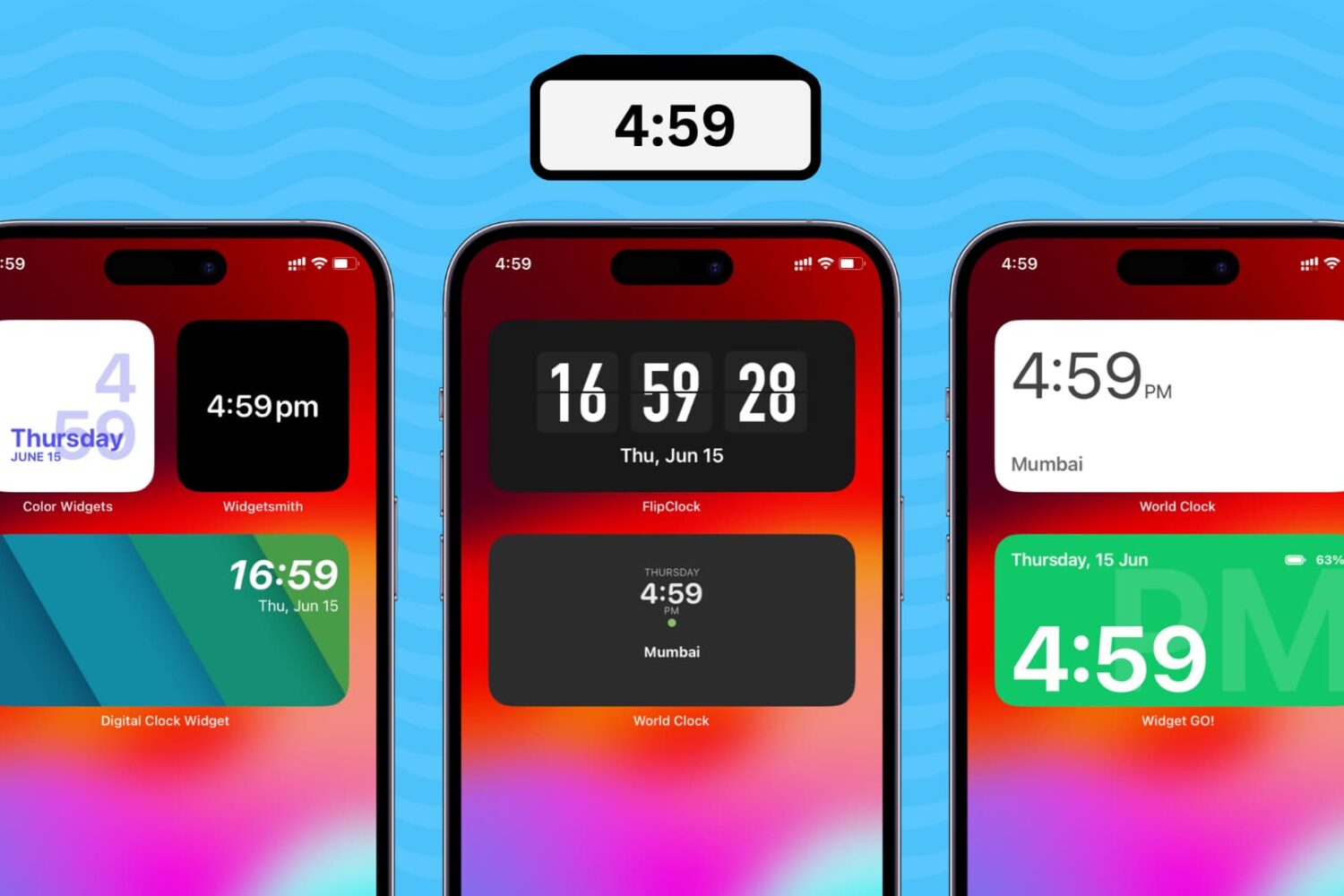
Learn how to add a digital clock widget to the Home Screen of your iPhone and iPad so that you never lose track of time and date.
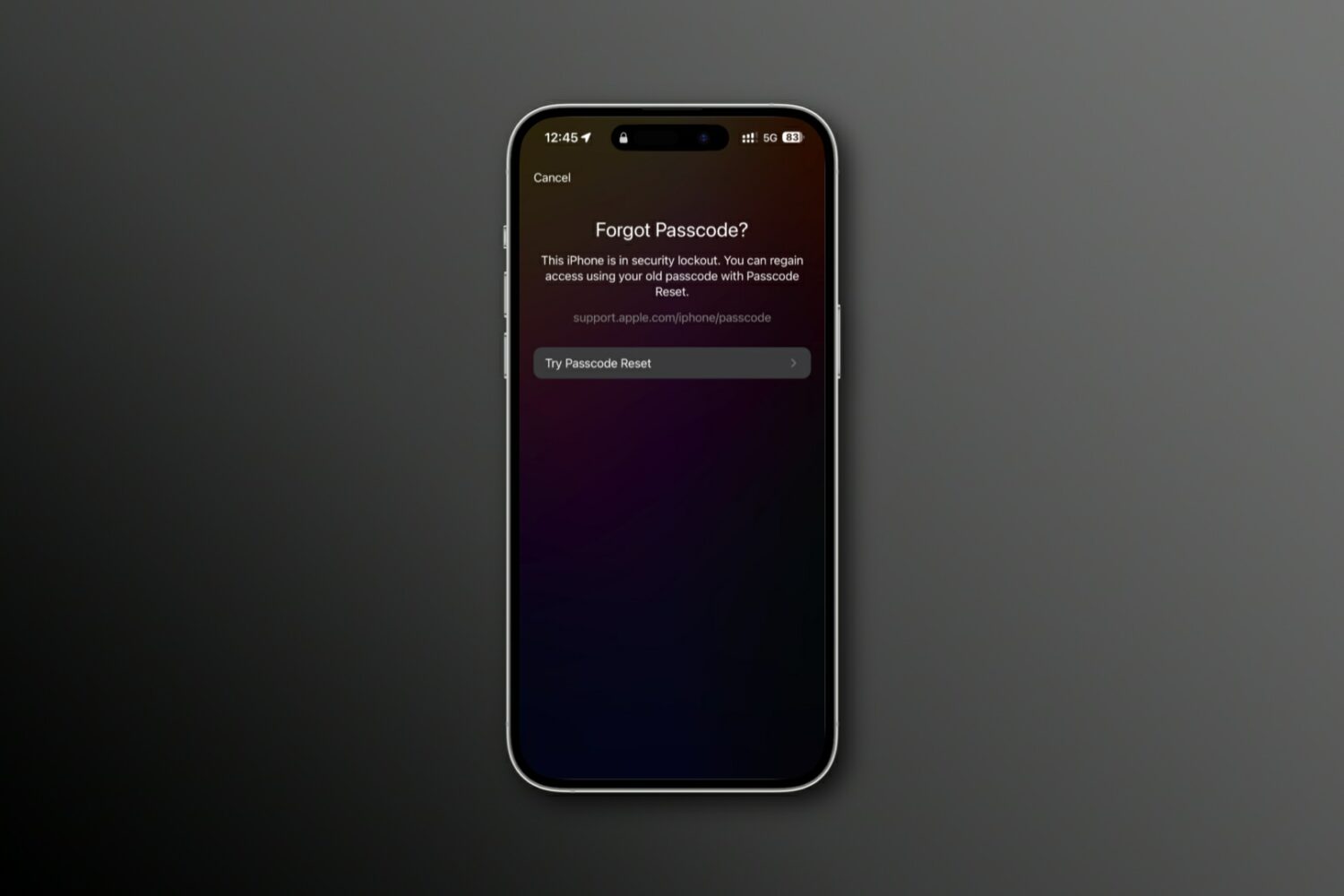
Learn how to reset your forgotten iPhone passcode using your previous passcode to regain access to your device.
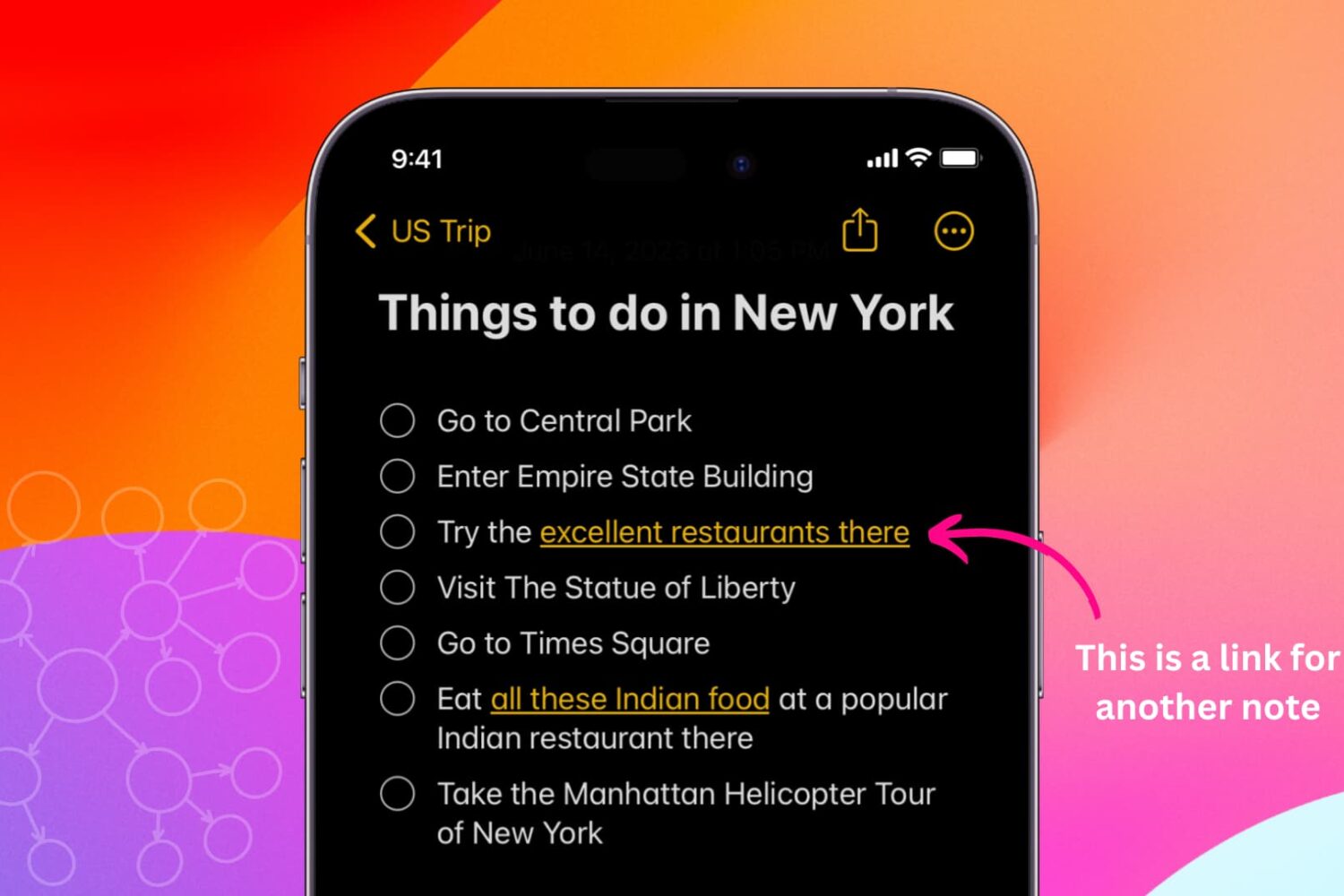
Learn how to link related notes in the Notes app on iPhone, iPad, and Mac for better organization and easier navigation.