Learn how to have WhatsApp silence calls from unknown numbers on iPhone, Android, and desktop to reduce spam and boost your privacy.
How to silence unknown callers on WhatsApp

Learn how to master your Apple devices with our comprehensive tutorials. From iPhone and iPad to Mac, Apple Watch, AirPods, and more, our expert guides will help you unlock the full potential of your Apple products. Discover new features, tips, and tricks each day to enhance your user experience.
Learn how to have WhatsApp silence calls from unknown numbers on iPhone, Android, and desktop to reduce spam and boost your privacy.

This tutorial covers how to add, use, and manage app widgets on your Mac’s desktop, including adding widgets from your iPhone apps to your Mac.
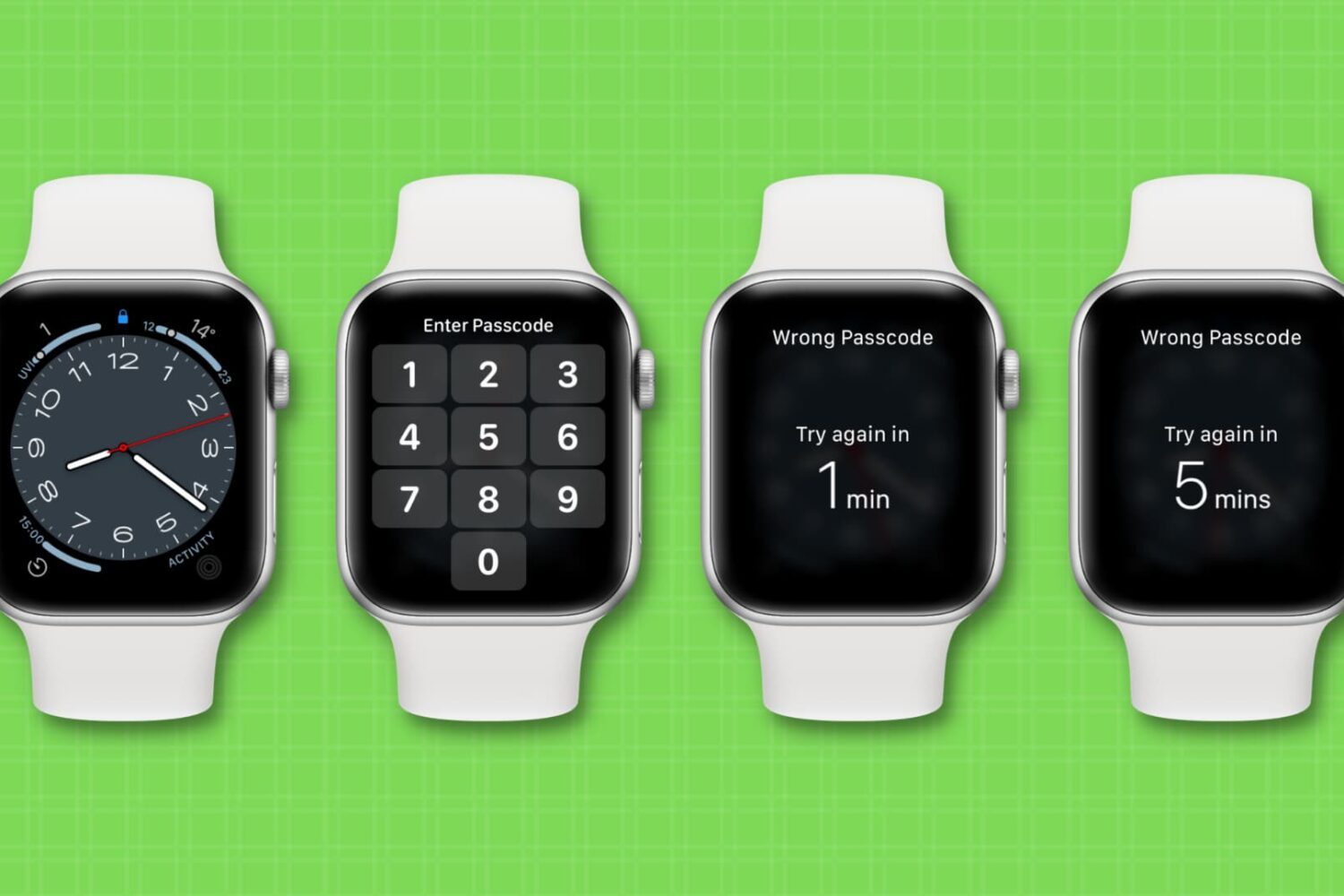
Learn how to reset your forgotten Apple Watch passcode with or without your iPhone to bypass messages like “Wrong Passcode; Try again in 1 min or 5 mins.”
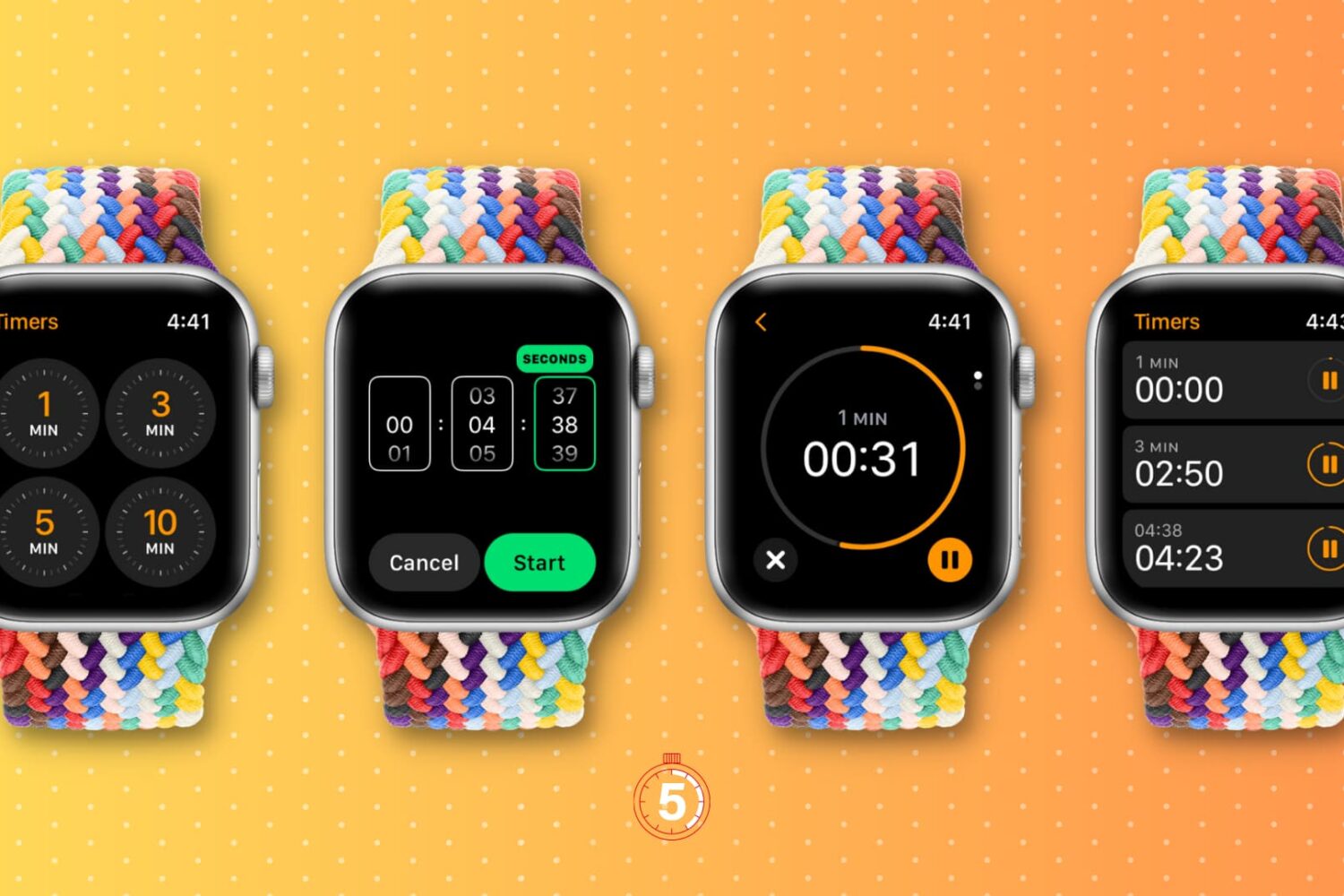
Learn how to start one or more timers on your Apple Watch to track time and pin custom timer durations for quick access.
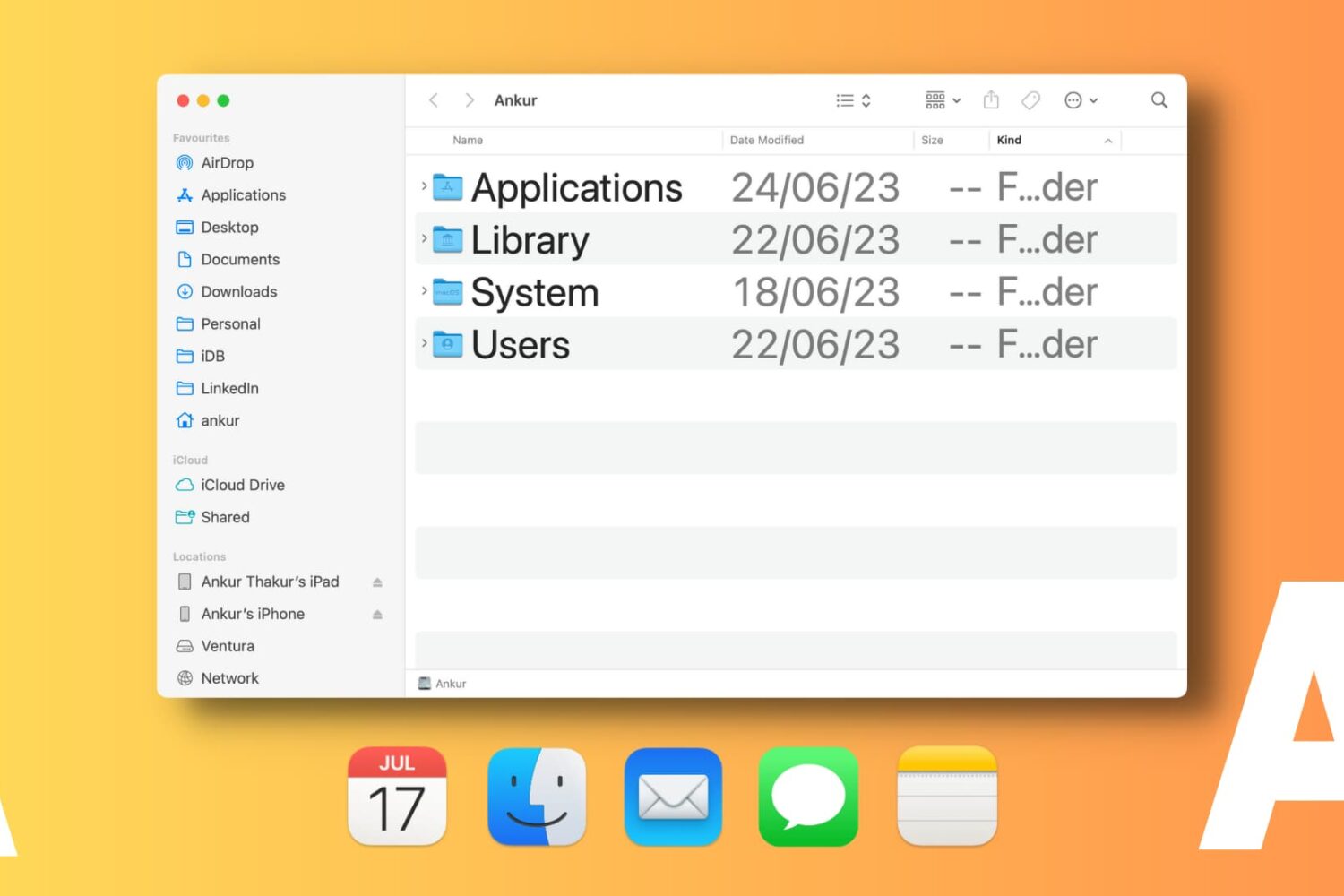
Learn how to change font sizes of specific Mac apps to create a comfortable reading experience without affecting the overall size of system text.

Learn how to update your Nintendo Switch handheld, the dock, controllers, and games so they all have the latest software features and bug fixes.

Learn how to configure Apple’s Safari browser on your Phone, iPad, and Mac to pause animated GIFs on webpages and render them as static images instead.

Learn how to adjust Haptic Touch so your iPhone responds faster to long taps, making it feel almost like the discontinued 3D Touch feature.
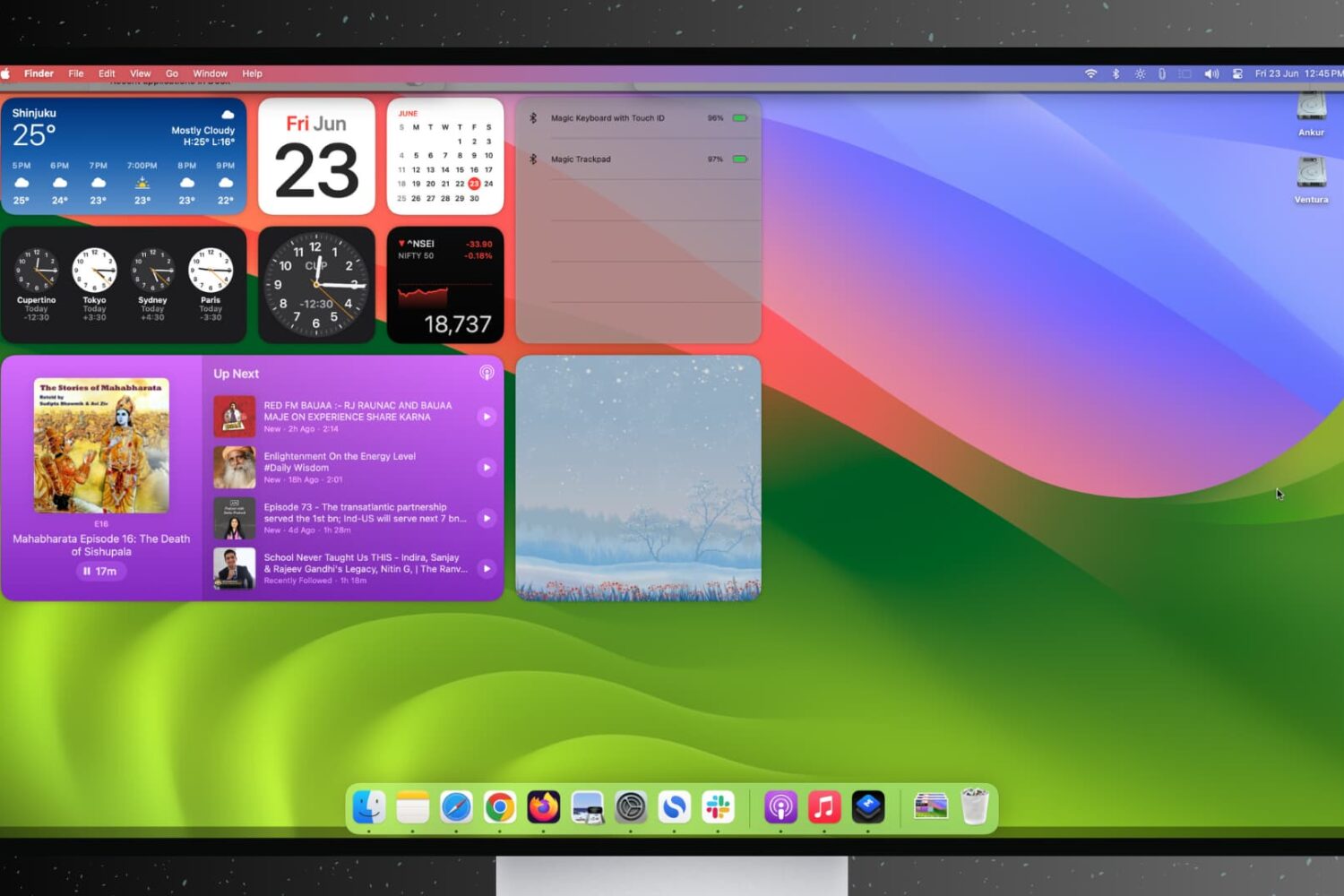
Find out how to stop open apps and windows on your Mac from hiding automatically when you click the desktop wallpaper.

Learn how to convert PDF files into the Apple Pages format on your Mac to seamlessly edit and work with your existing documents.