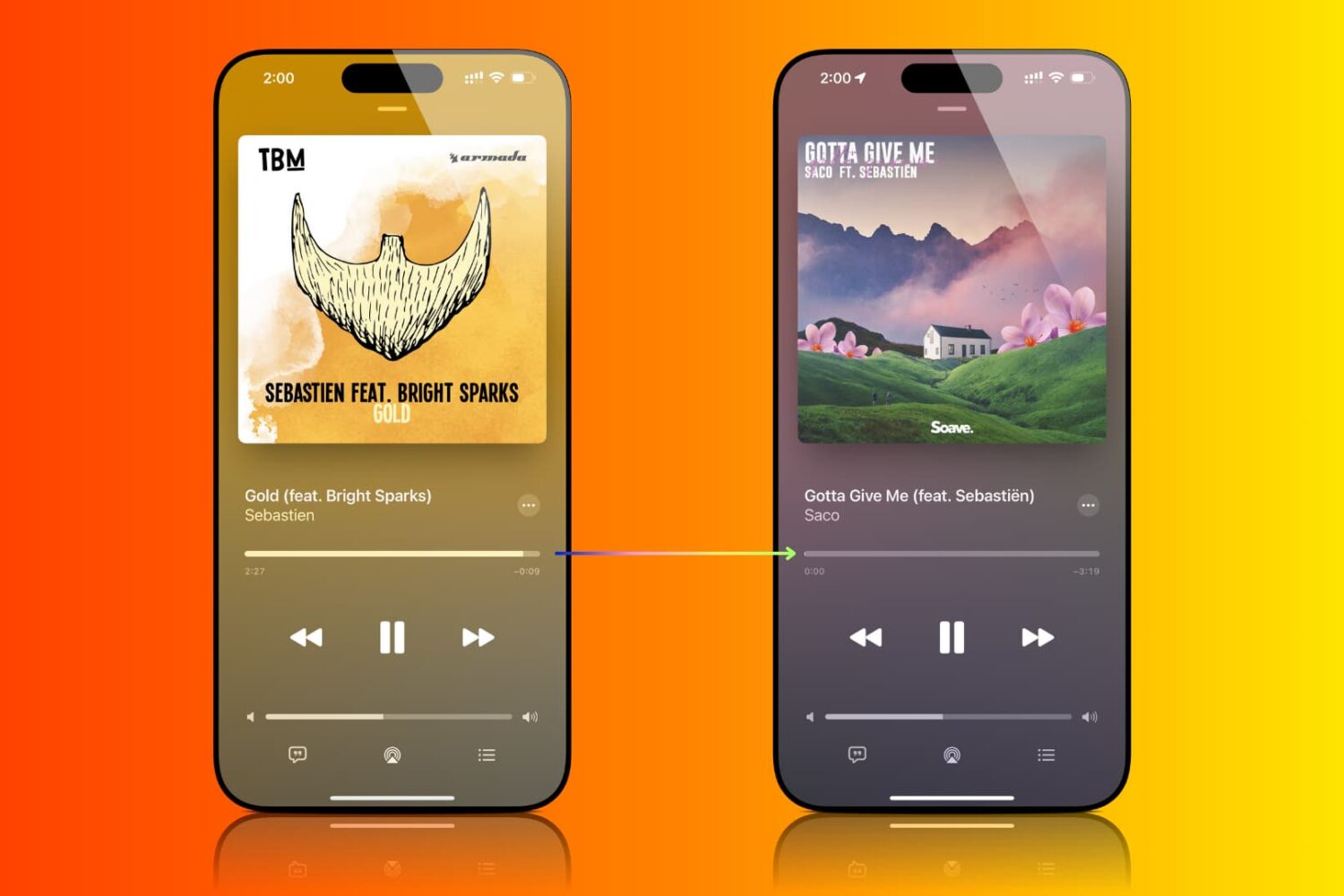
Find out how to enable crossfade for Apple Music so you don’t get an abrupt silence during track changes on iPhone, iPad, Mac, and Android phone.
How to crossfade songs in Apple Music for seamless transitions
Learn how to master your Apple devices with our comprehensive tutorials. From iPhone and iPad to Mac, Apple Watch, AirPods, and more, our expert guides will help you unlock the full potential of your Apple products. Discover new features, tips, and tricks each day to enhance your user experience.
Find out how to enable crossfade for Apple Music so you don’t get an abrupt silence during track changes on iPhone, iPad, Mac, and Android phone.
Your iPhone warranty doesn’t always have you fully covered: here are 13 exclusions you need to know about now.
Learn how to browse the web privately and securely by hiding your IP address from trackers and websites and removing tracking information from URLs.

Learn how to recover deleted passwords, passkeys, and two-factor verification (2FA) codes from the Apple Passwords app or iCloud Keychain on your iPhone, iPad, and Mac.
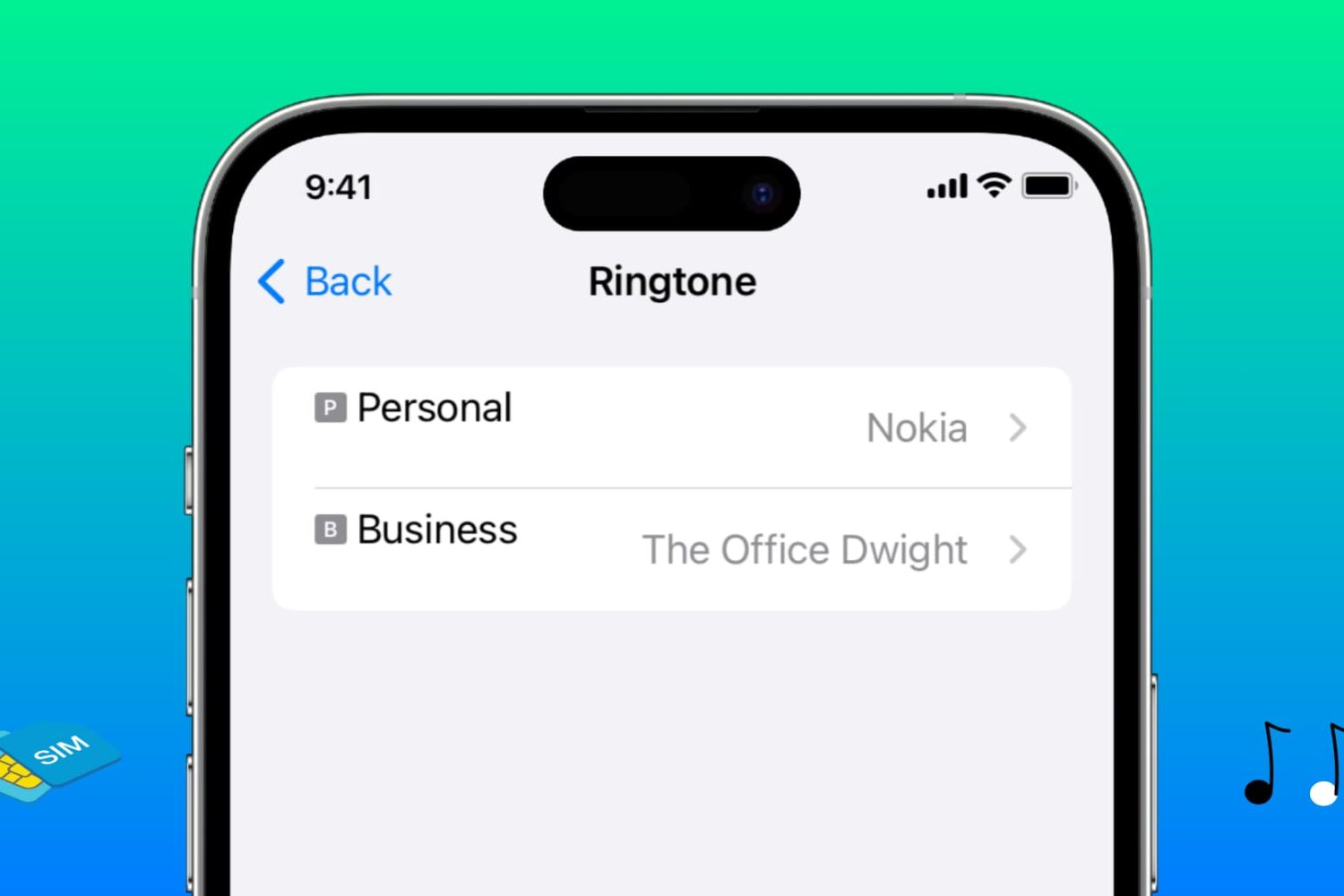
Learn how to assign different ringtones to each SIM line on your iPhone, making it easier to identify which phone number is receiving a call.
In this tutorial, we’ll show you how to view the cycle count, manufacturing month, and first use month of your iPhone battery to assess its health and age.
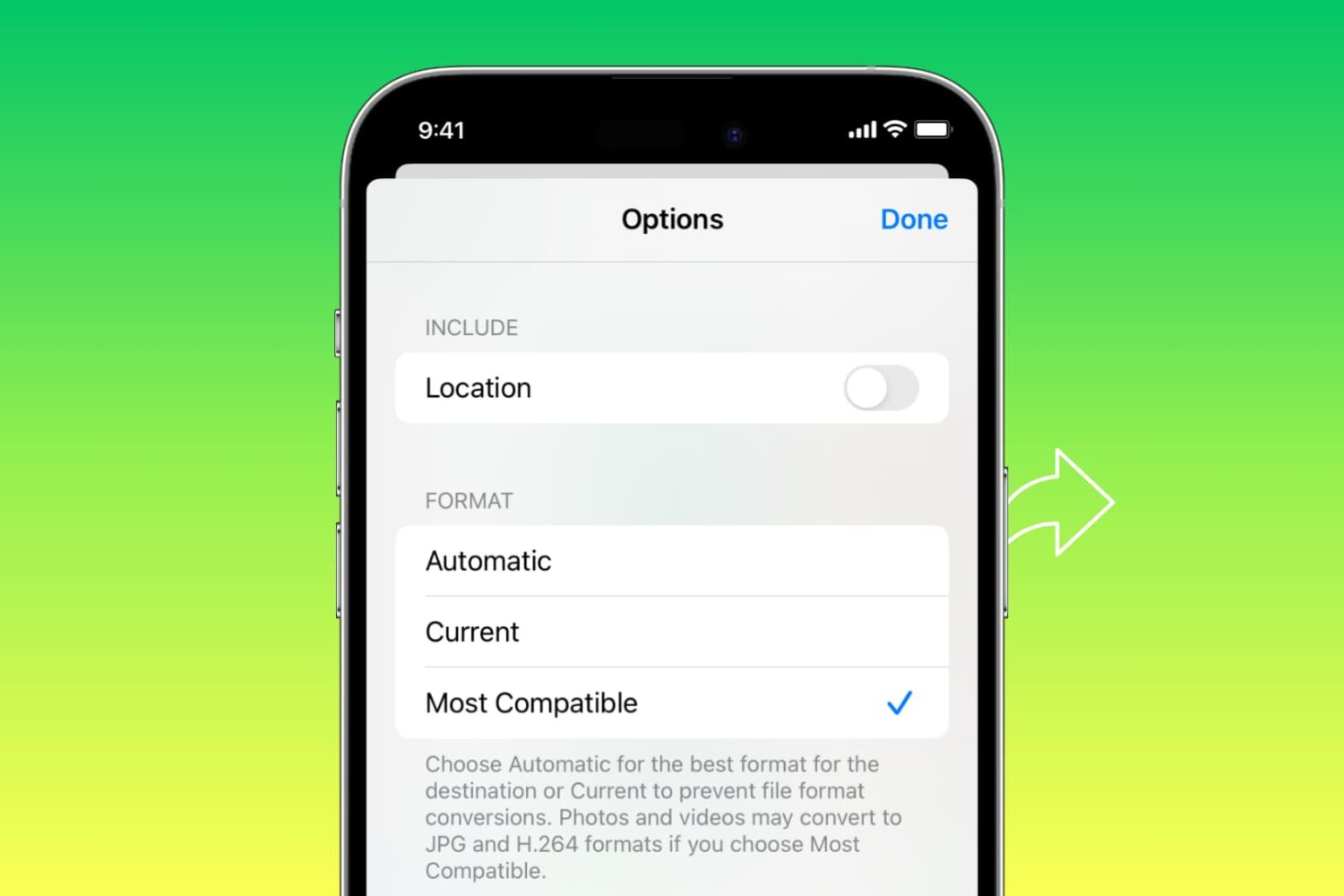
Learn how to automatically convert pictures to the JPG format and videos to MOV when you share them from your iPhone or iPad.
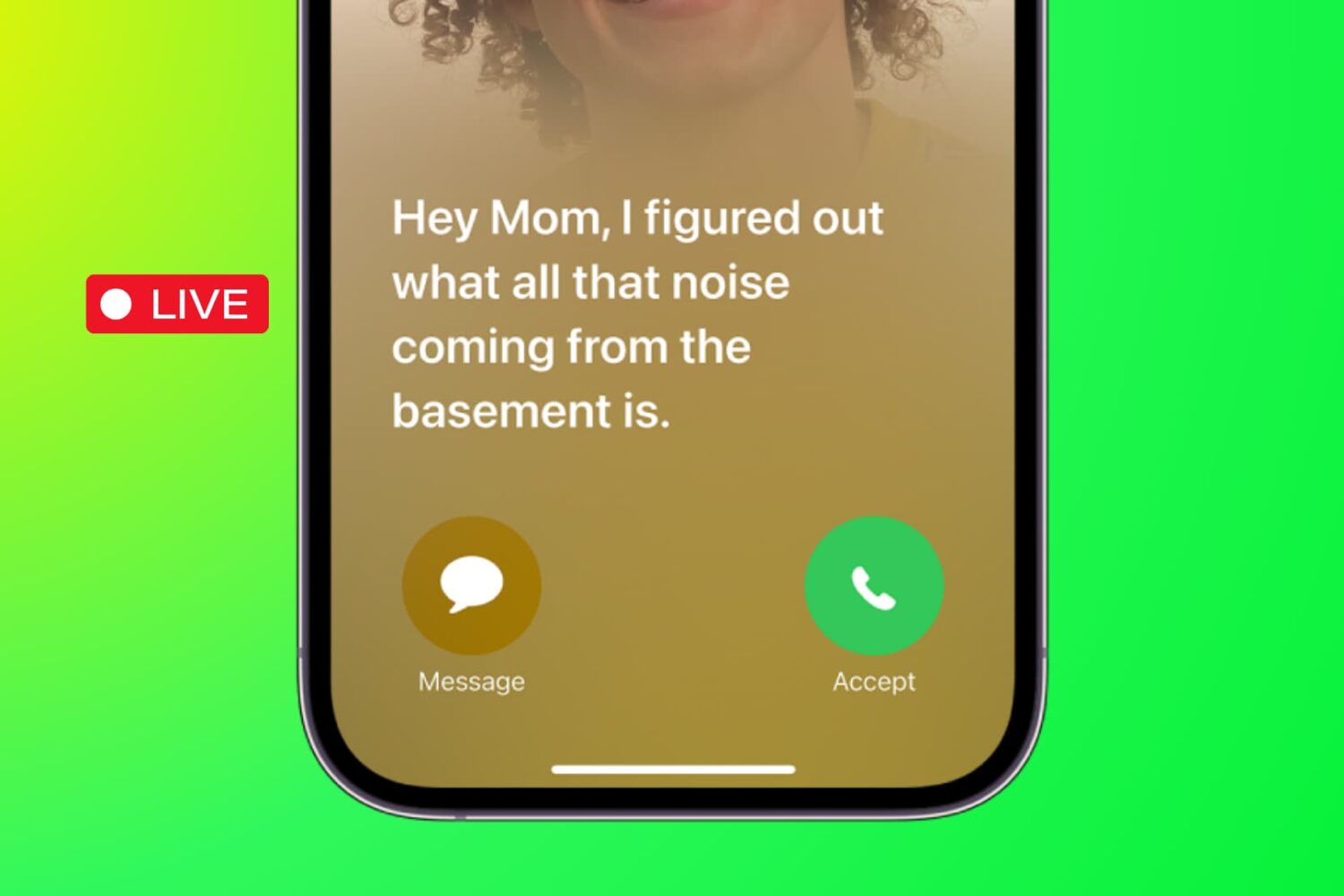
Learn how to use the Live Voicemail feature on your iPhone to view real-time transcription as the caller is still on the line, leaving their voice message.
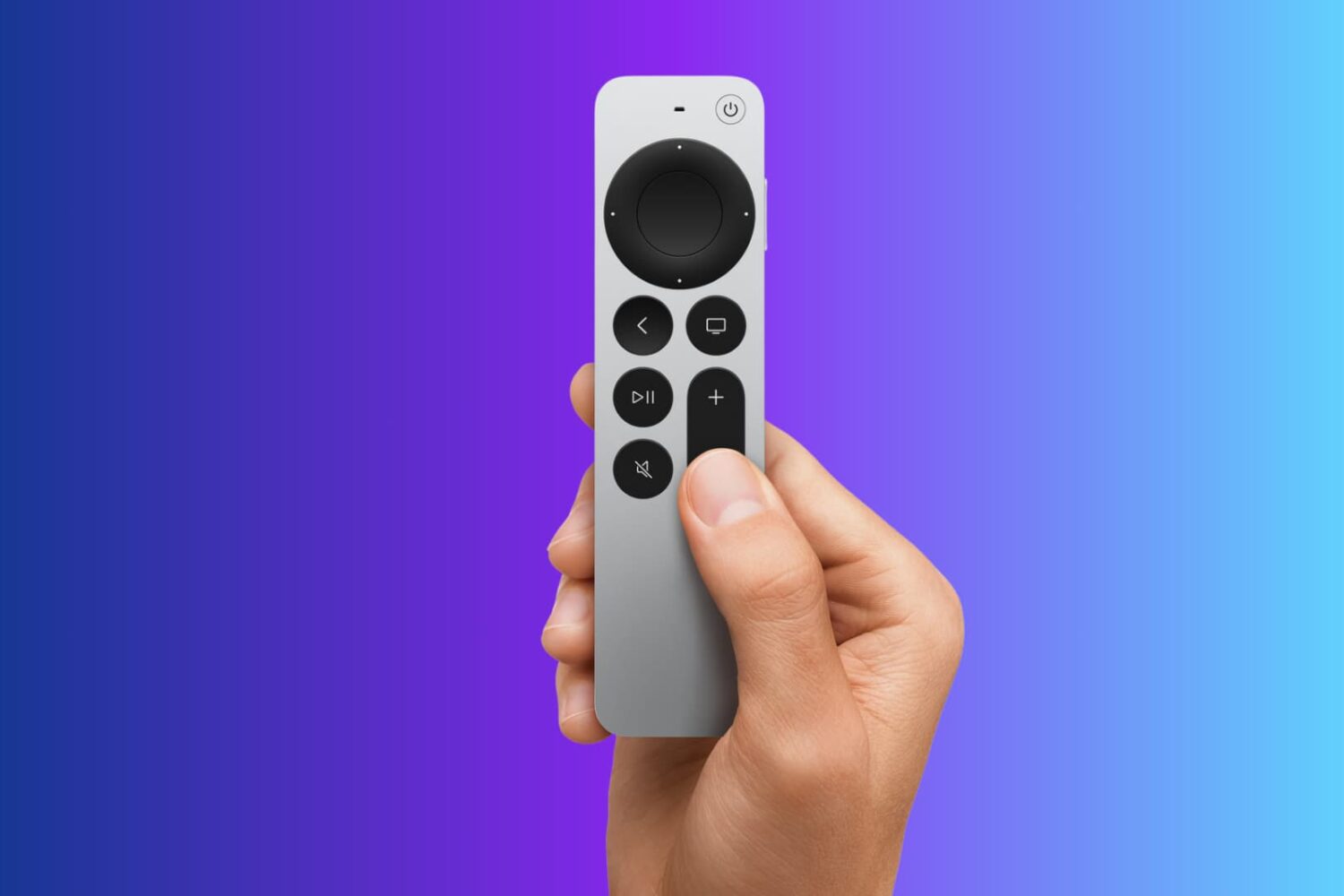
Lost your Apple TV Siri Remote? Learn how to use your iPhone to quickly find your Apple TV remote without tearing apart your couch or living room.
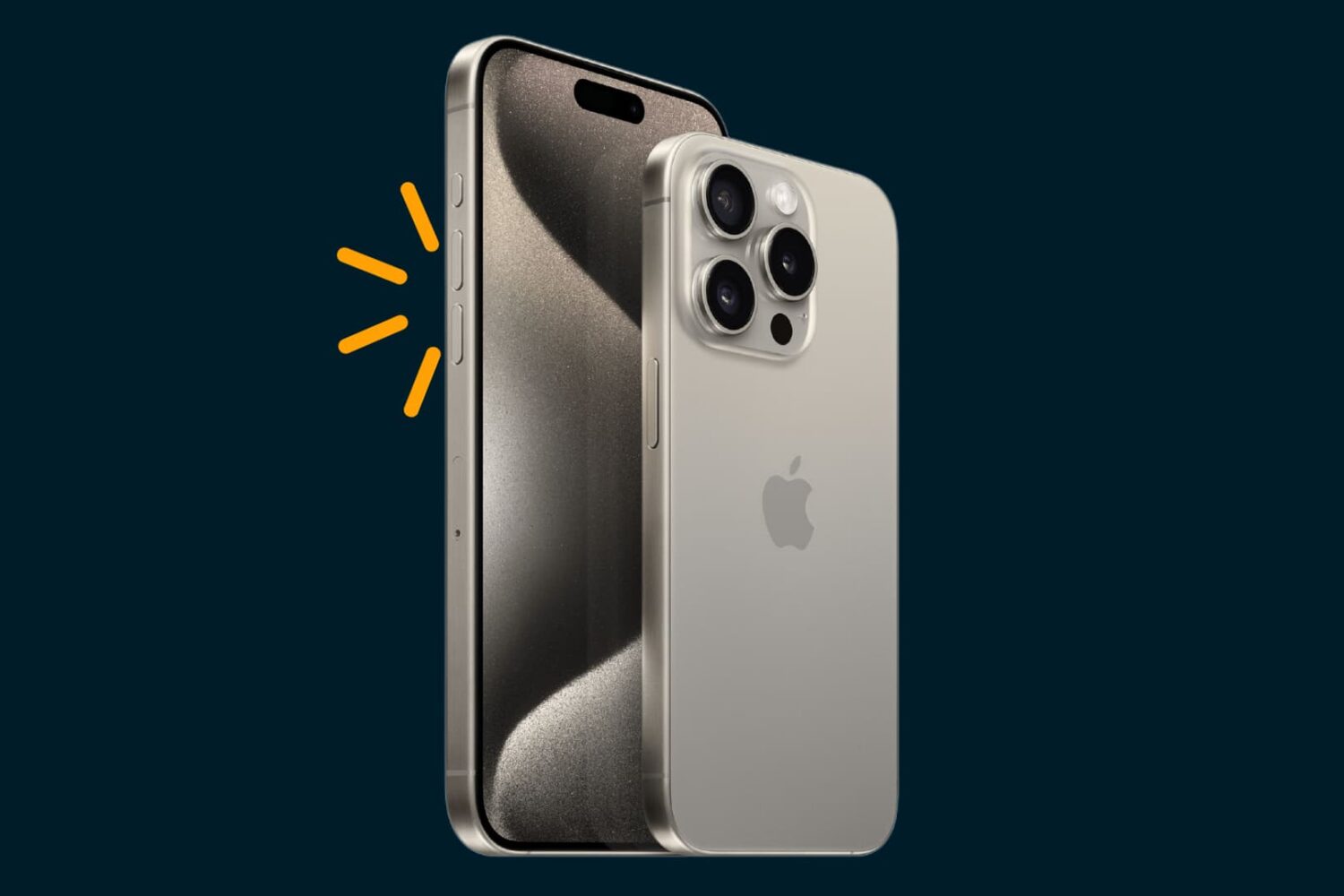
The up and down volume buttons on your iPhone are not just limited to changing the volume, and in this article, we will tell you about several other things you can do by using these physical keys.

Hesitating between the regular iPhone 15 or the more expensive iPhone 15 Pro? Here are eleven reasons why you may consider spending extra to get the 15 Pro or Pro Max version.
