Learn how to add the Siri icon to your Mac’s Dock and top menu bar for quick access or remove it from these places if you want to declutter that space.
How to show or remove Siri from Dock and menu bar on Mac
Learn how to master your Apple devices with our comprehensive tutorials. From iPhone and iPad to Mac, Apple Watch, AirPods, and more, our expert guides will help you unlock the full potential of your Apple products. Discover new features, tips, and tricks each day to enhance your user experience.
Learn how to add the Siri icon to your Mac’s Dock and top menu bar for quick access or remove it from these places if you want to declutter that space.

Ever since Philips released version two of their Hue app with a complete redesign, one of the most prominent complaints I've heard is that custom scenes can't be transferred from the original Hue app to the new one, which has prevented many users from deleting the version one app.
Fortunately, Netherlands-based blog appletips has published a solution for users of Apple's Home app in iOS 10. It's worth noting that this method still doesn't enable importing scenes into Philips Hue's second generation app, but rather, the scenes from the old Hue app can be saved in iOS 10's Home app. While this may not be ideal for everyone, it's a solid workaround that allows users to easily retrieve custom scenes from the first generation Hue app.

Learn how you can sign up as an organ donor with the Donate Life program straight from your iPhone using the Apple Health app.
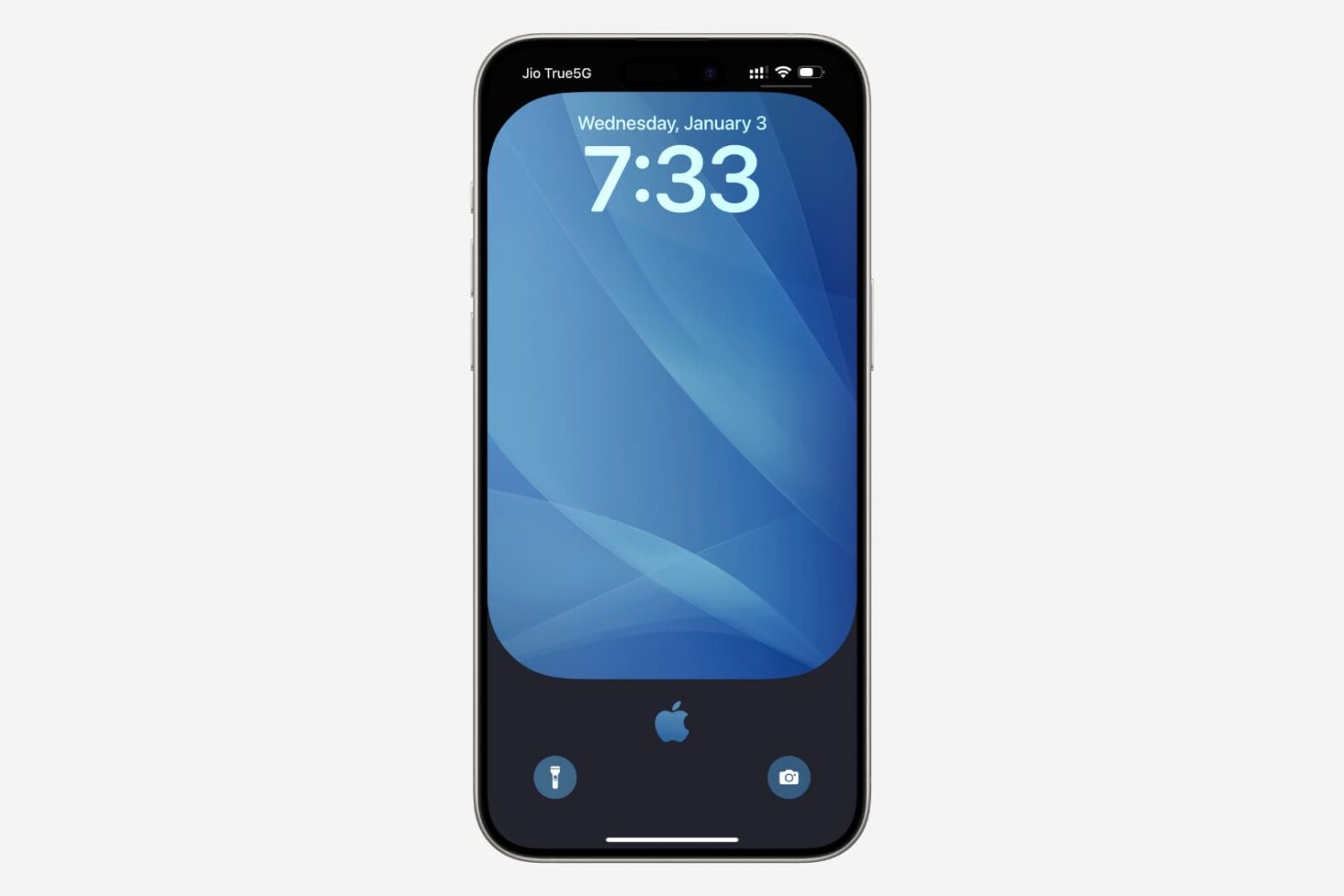
It’s easy to lose track of the notifications you’re receiving on your iPhone and end up having dozens of them filling up your Notification Center. Thankfully, you can dismiss all your Notification Center notifications in one fell swoop with a single gesture, making it much quicker than swiping left on each alert and dismissing them individually.

MacBook equipped with a Force Touch trackpad produces an audible ‘click’ sound in order to simulate the sound you would hear on a Mac without a Force Touch trackpad. It has no down travel and all you’re hearing is an audible sound when you click it. In this tutorial, we’ll talk about how to disable that fake clicking sound.
Learn how to stop your Mac from automatically downloading and installing macOS software updates, security updates, and app updates in the background.
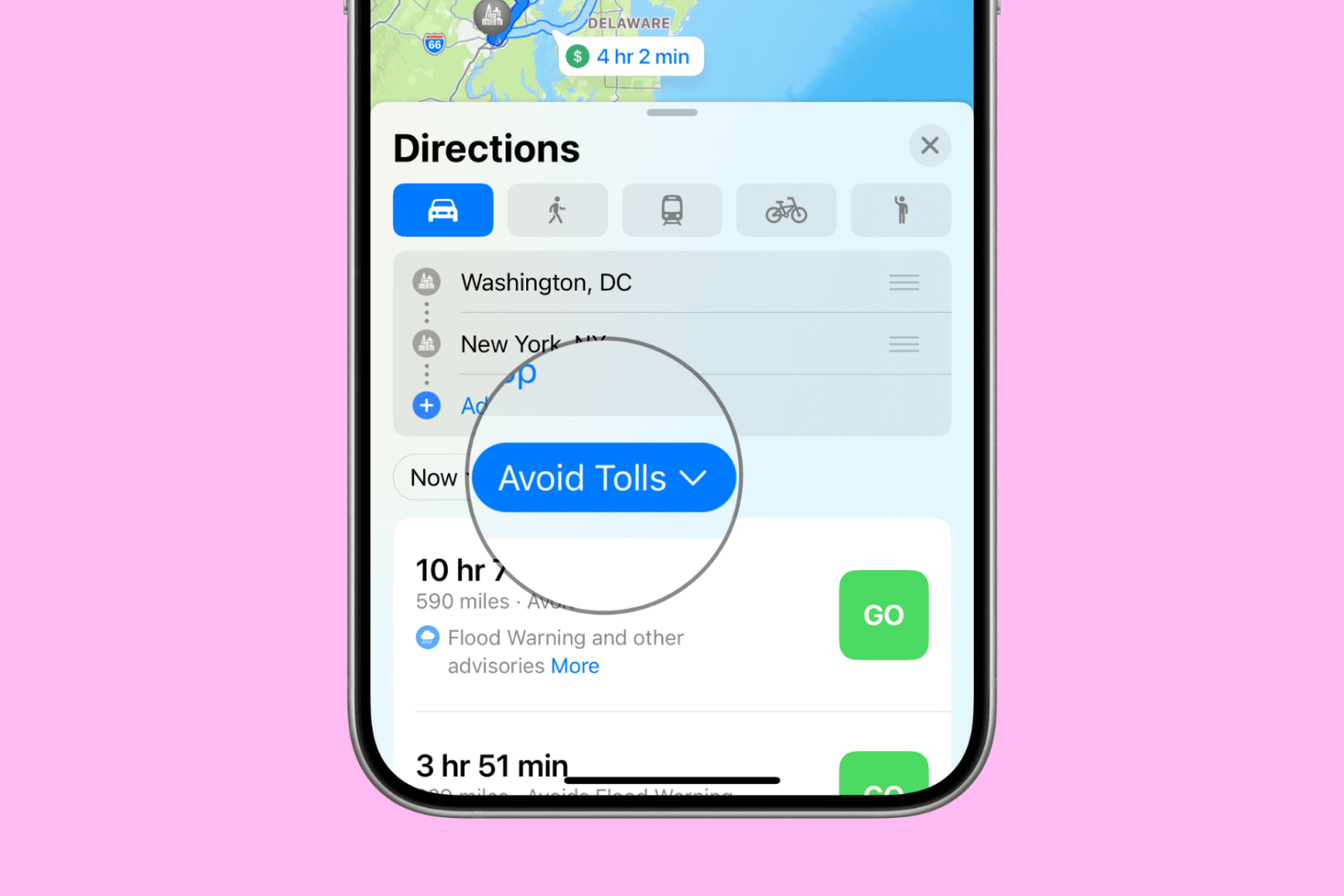
Want to avoid toll roads in Apple Maps on your iPhone, iPad, or Mac? In this tutorial, we’ll share two different methods to do that.
While lots of people aspire to have a Bluetooth keyboard to use to type on their iPhone or iPad, not everyone has a pocket deep enough to go out and purchase another peripheral.
Fortunately, an app called Typeeto lets you use the keyboard built into your MacBook, MacBook Air, or MacBook Pro to type on your iOS devices.
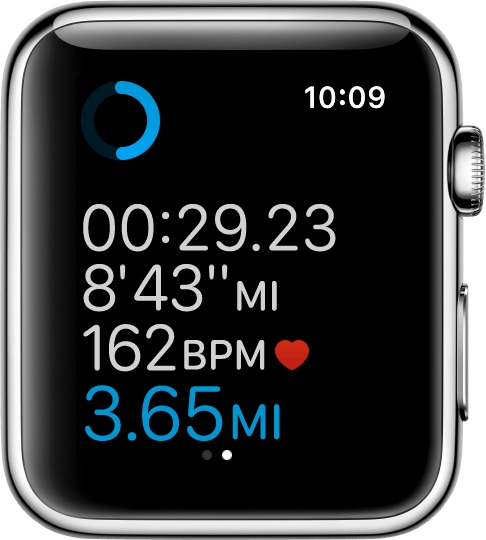
If you'll be using your Apple Watch's fitness features, you'll want to become acquainted with the Workout app, which helps you to keep track of your progress.
Starting with watchOS 3, you can customize your workout metrics, and in this tutorial, we'll talk about all the ways you can do that.