Tutorial

Learn how to master your Apple devices with our comprehensive tutorials. From iPhone and iPad to Mac, Apple Watch, AirPods, and more, our expert guides will help you unlock the full potential of your Apple products. Discover new features, tips, and tricks each day to enhance your user experience.

Turning on Power Reserve mode on your Apple Watch

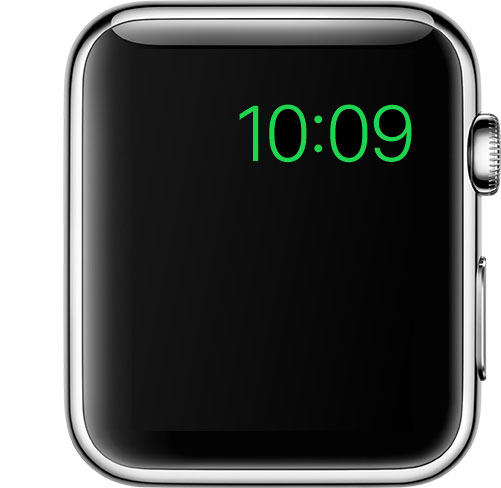
Apple Watch in Power Reserve mode showing just the current time on its watch face

Power Reserve mode is a feature of watchOS that let's you conserve what's left of your battery when you get low on juice by limiting your Apple Watch's functionality to nothing more than a time piece.

Starting with watchOS 3, the steps to enable it has changed, so we'll show you how it's done.

How to adjust iPhone Home button “clicks”

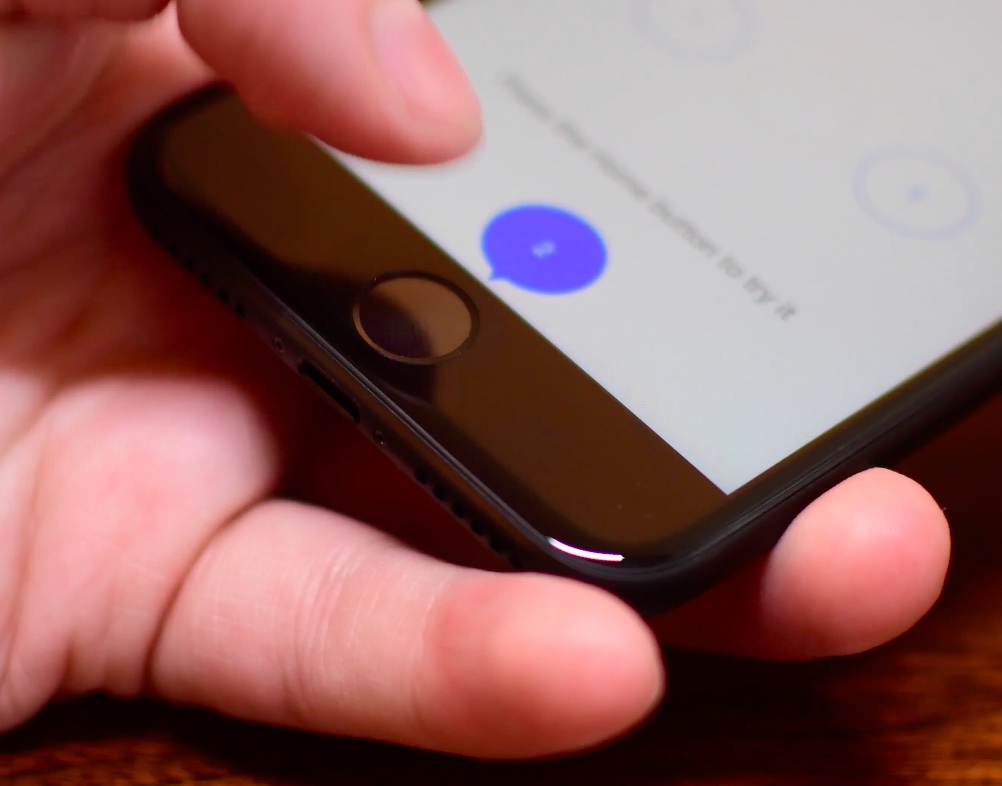
The iPhone 7 came with a shiny new Home button to take advantage of built-in pressure sensors and an enhanced Taptic Engine to detect and simulate clicks. Because the button no longer uses any moving parts, you’re less likely to break it. A new “Meet the new Home button” section in the iOS installer allows you to “make your iPhone experience even more personal by choosing the click that’s right for you”.

Of course, you can select between three degrees of haptic feedback that simulate clicks at any time using the stock Settings app, here's how.

How to enable “Hey Siri” on Mac

Five years after its introduction in 2011, Siri finally made its debut on Mac with the release of macOS Sierra. Featuring much of the functionality that Siri contains on iOS, such as being able to check the weather forecast or set a reminder, Siri for macOS also has some exclusive abilities, such as handling documents in the file system and being able to pin results to Notification Center.

One feature that macOS's Siri didn't port from its mobile counterpart, however, is the ability to activate Apple's digital assistant hands-free with the "Hey Siri" command. Fortunately, there's a viable workaround available that enables users to invoke Siri in macOS with their voice to give commands from across the room.

Tip: use Messages low quality image mode to conserve precious cellular data

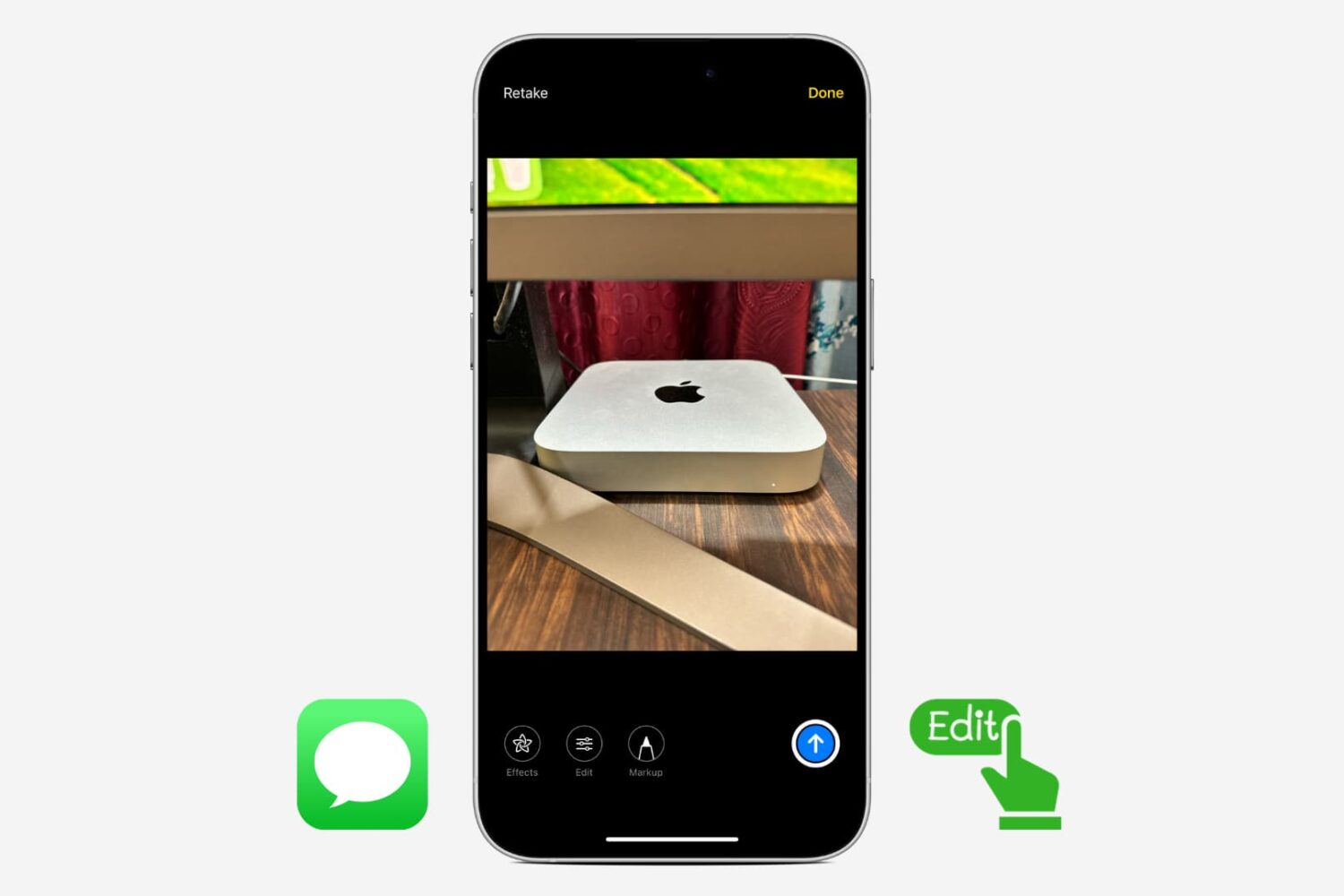
Apple's Messages app provides an optional iOS-only mode which cuts down your cellular data consumption to a bare minimum when sending image attachments. I don't know about you, but I worry about sharing high-resolution images when cellular data is on. In my experience, most normals are oblivious to the fact that sending a single shot-on-iPhone photograph through iMessage burns through one to five megabytes of data, sometimes even more.

In low quality mode, Messages uses only 100KB per image attachment. Another way to think about it: you can send 30 to 50 images for the same amount of data required to share a full-resolution attachment in Messages. In this brief tutorial, we'll teach you how to tell Messages to send lower quality images in order to optimize your cellular data consumption and prevent unwanted overage fees.

How to hide Stories on Instagram

Marketing image with a tagline "Everyone has a story (to hide)" in white font printed on top of a colorful Instagram gradient background

Instagram recently unveiled a new feature called Stories which allows you to shoot, annotate, and share photos and short videos outside of your normal feed. By default, all of your followers can see the Stories your post. Likewise, you can see all the Stories the people you follow are posting. This is where it sometimes gets overwhelming.

I follow a lot of random people on Instagram because I appreciate the quality of the photos they share on their feeds. However, I care very little for their Stories, which are typically more about their personal lives than sharing beautiful shots. In this case, I'd rather not see their Stories at all.

There are also some people who follow me with whom I don't want to share my Stories, so I am opting to hide my Stories from these people.

In this post we will learn how you can hide your story from select people, but also how you can prevent other people's stories from filling up your screen.

How to set up Two-Factor Authentication for your Apple ID

Two-Factor Authentication strengthens the security of your Apple ID by preventing anyone from accessing or using it, even if they know your password. With Two-Factor Authentication, one of your trusted devices generates a one-time code when you make a purchase or sign in to your Apple ID, iCloud, iCloud.com, iMessage, FaceTime or Game Center account on a new device. Two-Factor Authentication is also required for Auto Unlock so you can unlock your Mac by wearing an Apple Watch.

In this tutorial we'll show you how to protect your Apple ID with Two-Factor Authentication or, if you're still using the older and less secure Two-Step Verification, upgrade to Two-Factor Authentication.

How to save drafts of Instagram posts to work on later

With Instagram drafts, you can save any half-finished photo edits and work on them later, which is handy for those times you get too busy to post right away. And if you run an Instagram account for your business, letting your social media manager save a post as a draft makes it easy for you to review it in advance of publishing.

How to use voicemail transcription on iPhone

One of the more useful features for iPhones that comes packed inside of Apple’s new iOS 10 release is voicemail transcription, which transcribes your voicemails into text so you can read them rather than listen to them.

The feature is available to users in the United States and it’s very much still in its beta stages despite the fact that iOS 10 is now a public firmware, but if you want to know how to use it, or to see if you can use it yet, then you’ll be happy to know it’s quite easy to follow.