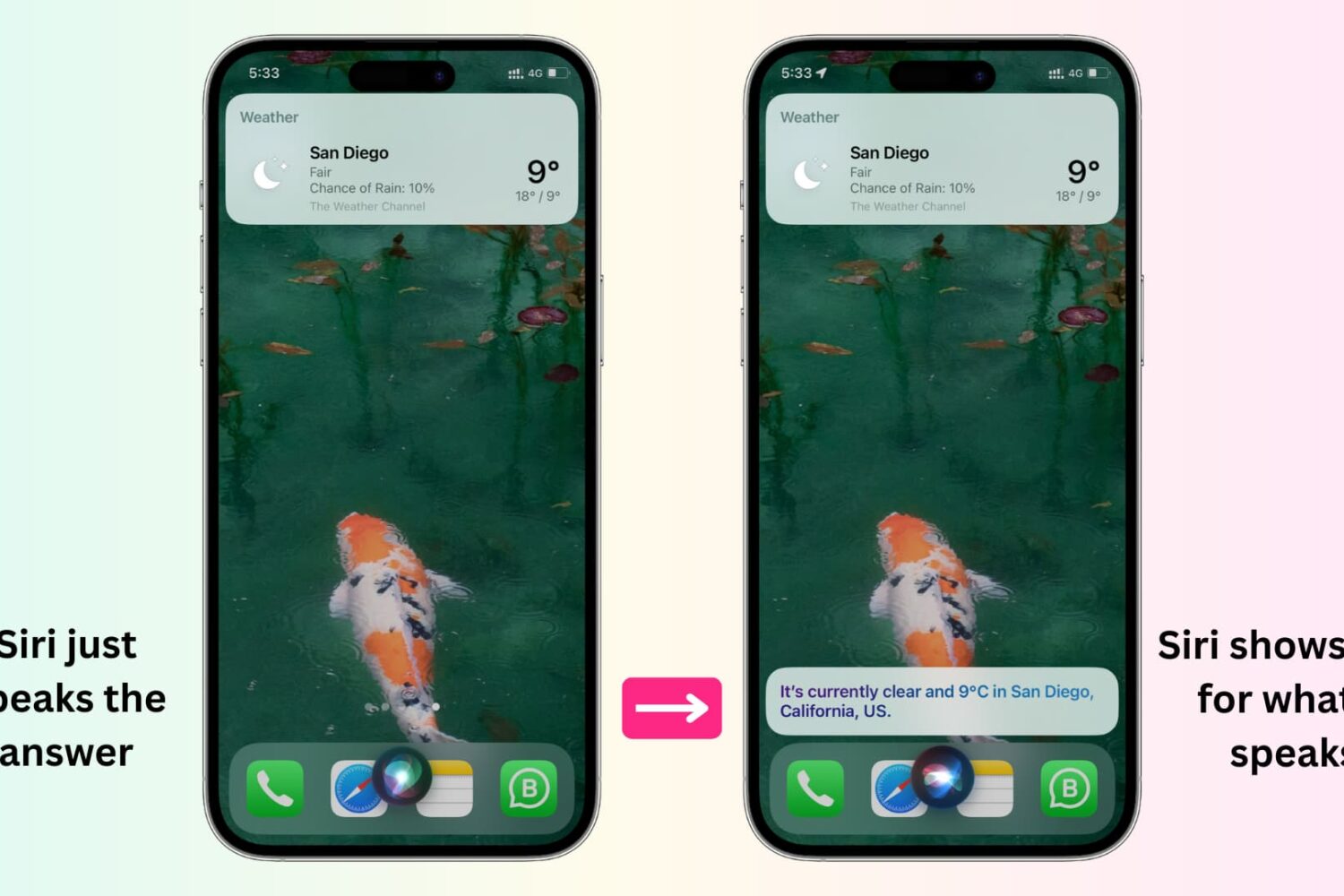
In this tutorial, we'll show you how to display anything Siri says to you on the screen of your iPhone, iPad, Apple Watch, and Mac.
How to display whatever Siri says as text on the screen of your iPhone, iPad, Apple Watch, or Mac
Learn how to master your Apple devices with our comprehensive tutorials. From iPhone and iPad to Mac, Apple Watch, AirPods, and more, our expert guides will help you unlock the full potential of your Apple products. Discover new features, tips, and tricks each day to enhance your user experience.
In this tutorial, we'll show you how to display anything Siri says to you on the screen of your iPhone, iPad, Apple Watch, and Mac.
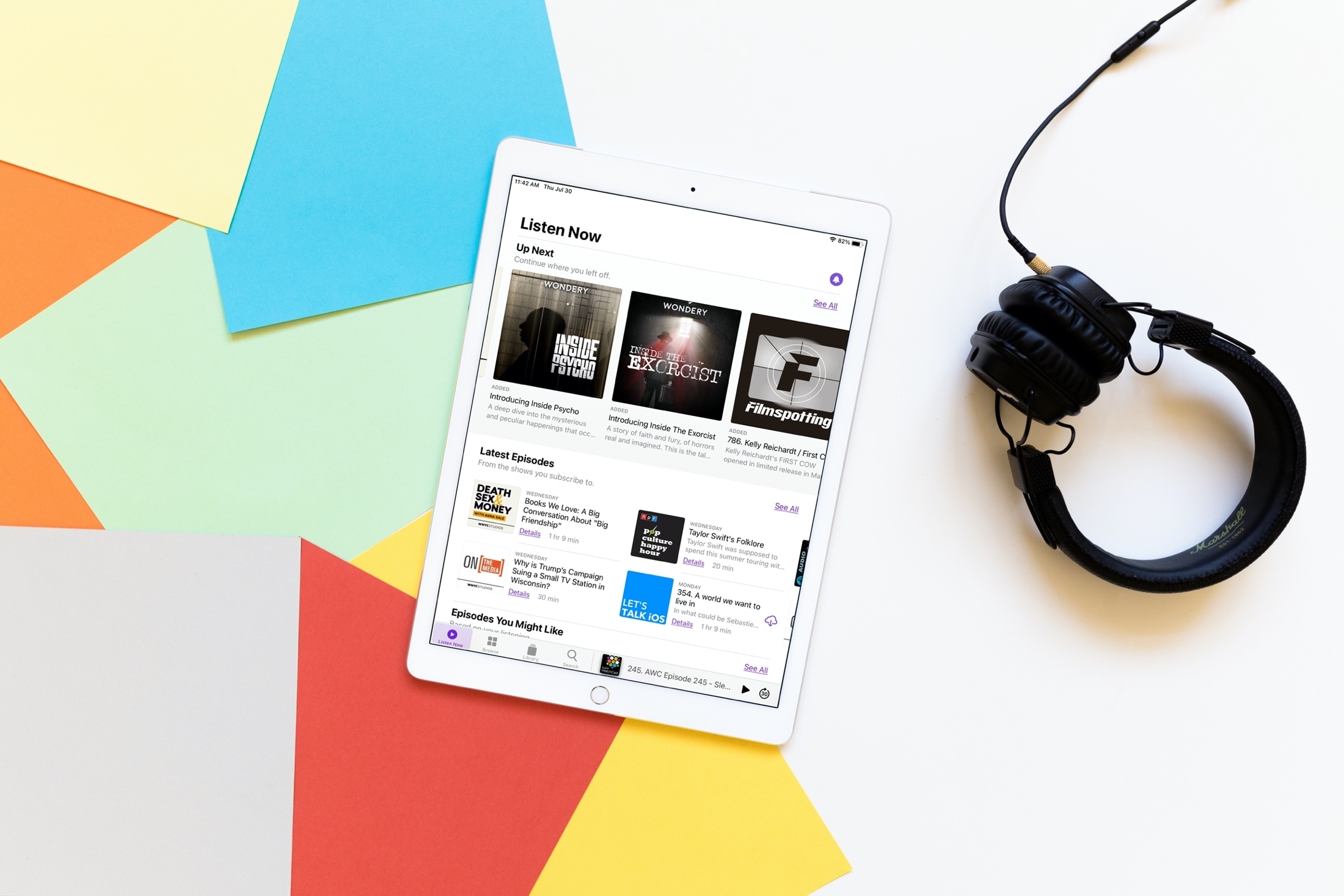
With iOS 14, iPadOS 14, and macOS Big Sur came many enhancements and new features to your favorite and most used apps. And if you enjoy the Podcasts app, you’ll be glad to know this one was not overlooked.
While Podcasts didn’t receive a major overhaul or new slew of features, what it did get will make your experience just that much better. The Listen Now section of the Podcasts app is smarter than ever and here we’ll show you how.
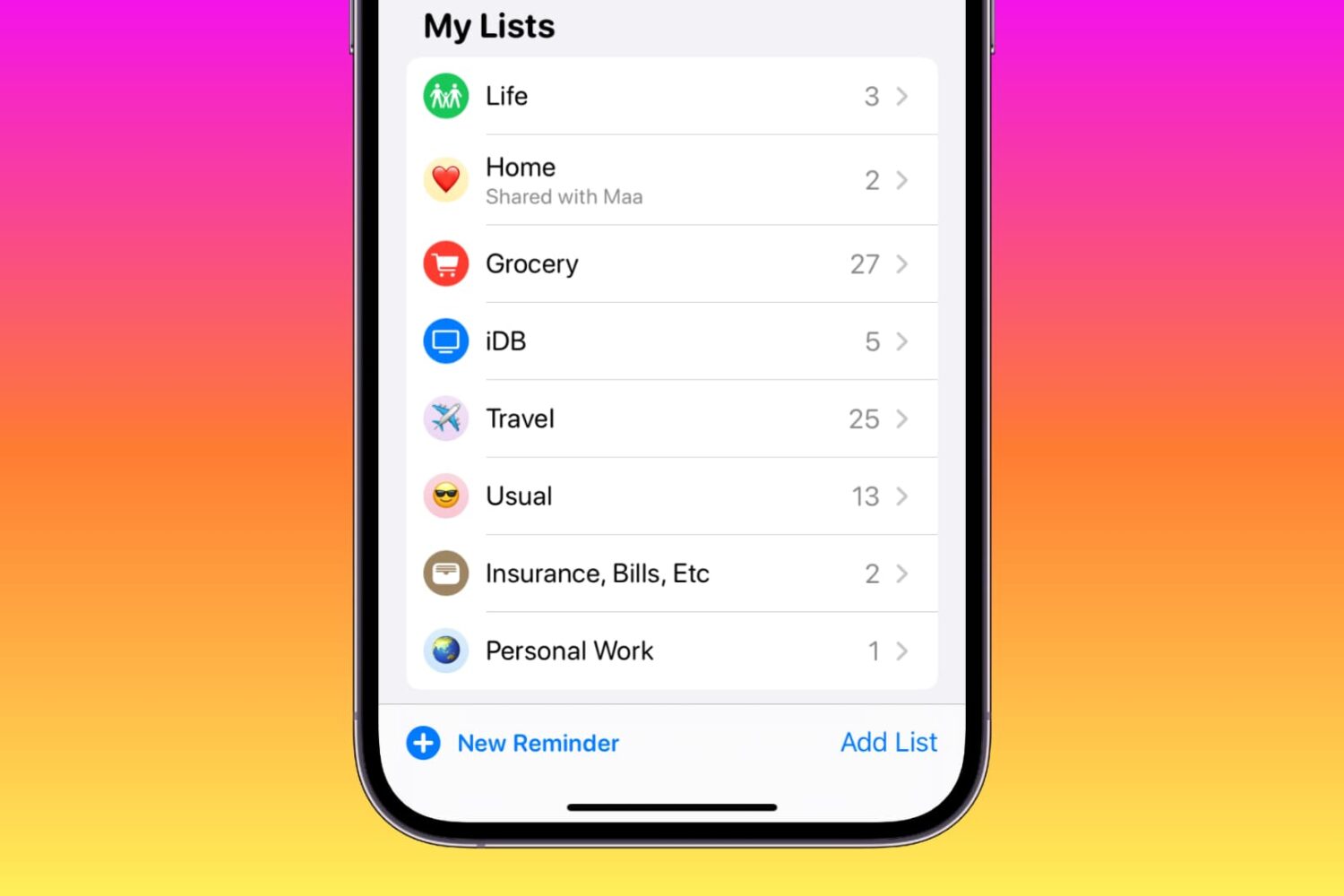
Learn how to customize your reminder lists on iPhone, iPad, and Mac using colors, emojis, and symbols to enhance usability or add a touch of style.

Learn how to view carrier information on your iPhone to confirm whether the device you’re buying or selling is locked or unlocked.
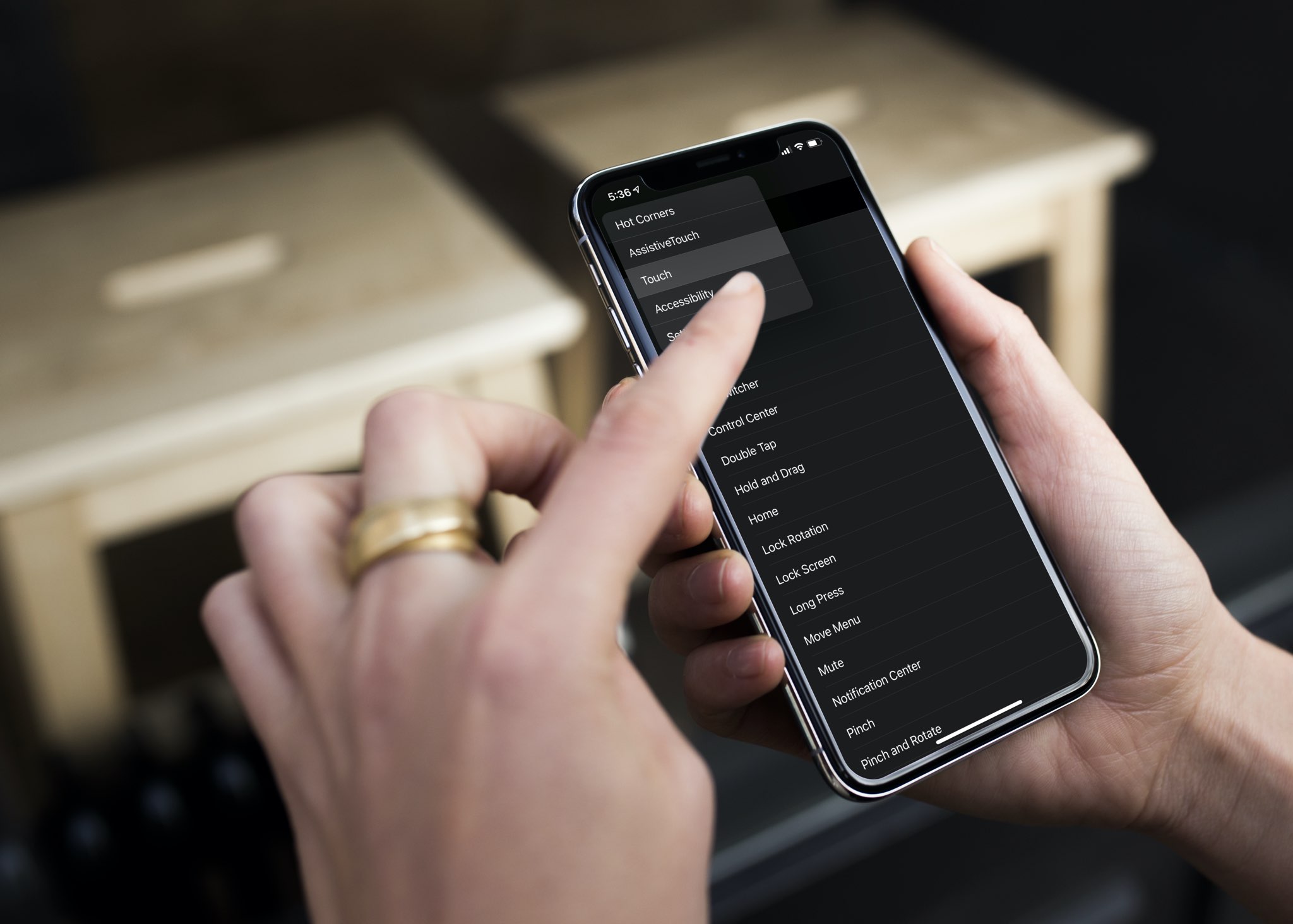
Check out this pro tip to navigate Settings and System Settings on your iPhone, iPad, and Mac faster using the hidden navigation menu.

Learn how to view a transcription of the voice commands you give Siri on your iPhone, iPad, Mac, Apple Watch, and Vision Pro so you can verify that the device is interpreting spoken commands accurately.
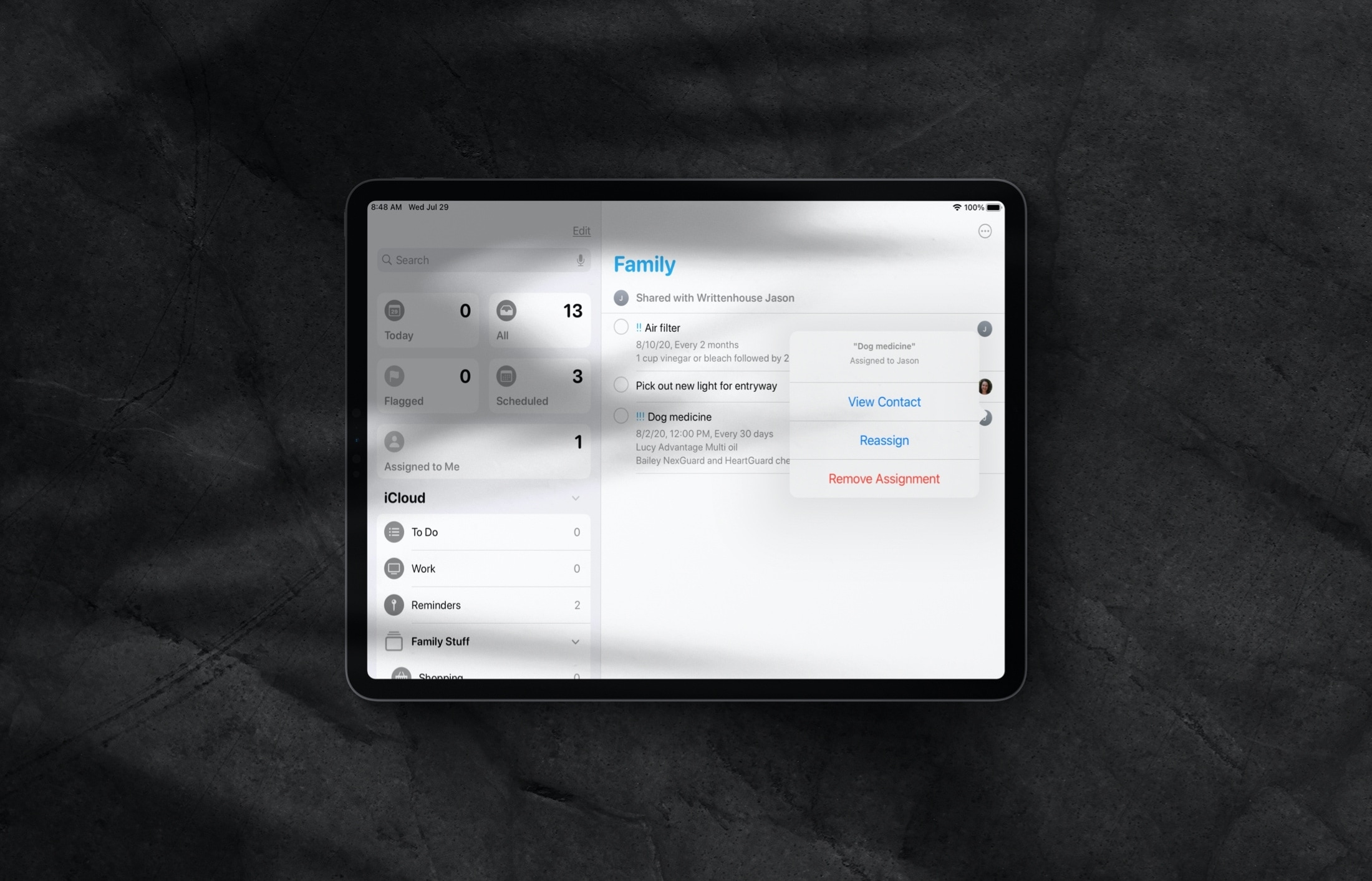
Learn how to assign reminders to different people in a shared Reminders list on iPhone and iPad so everything gets done on time by the right individuals.
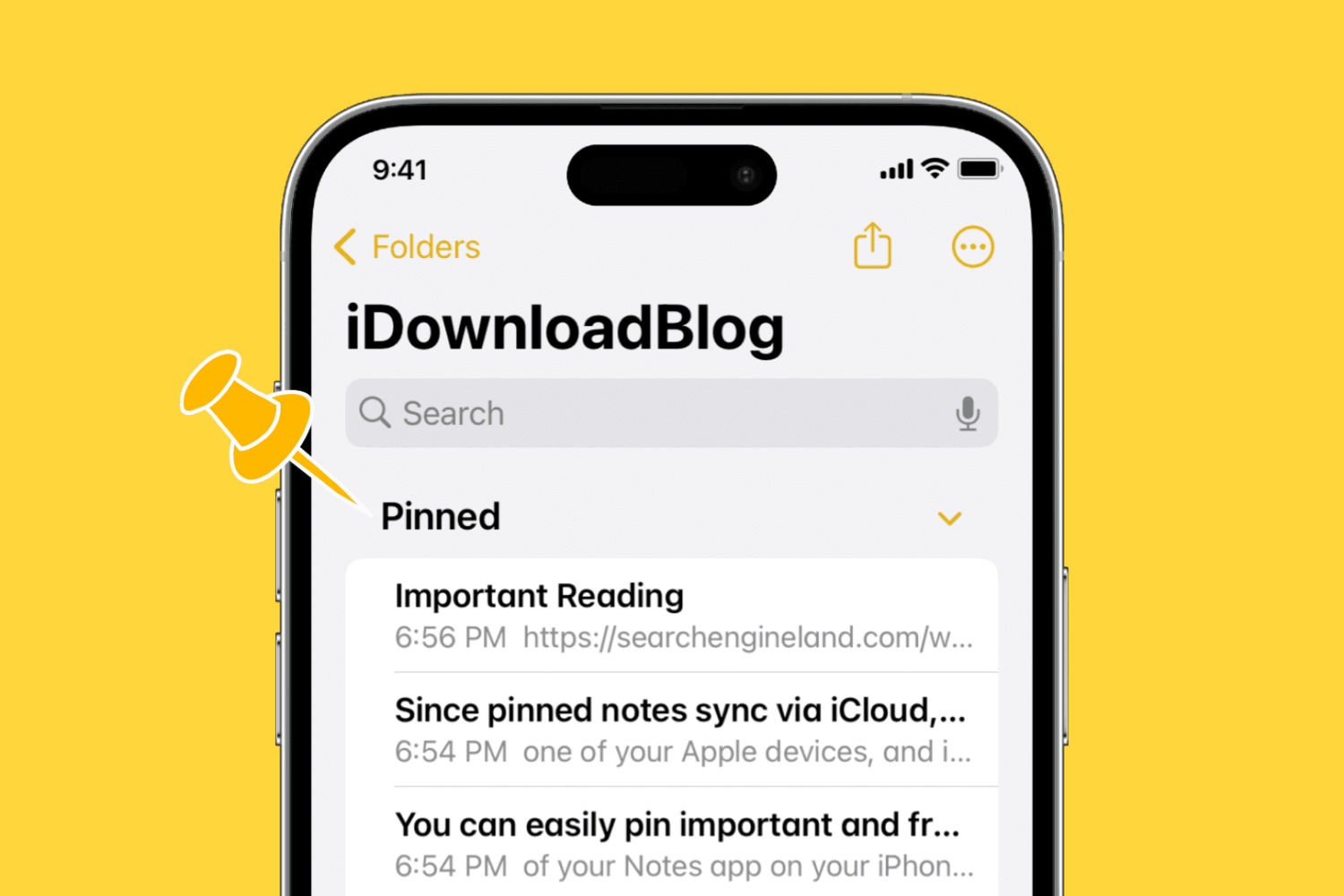
Learn how to pin notes in the Apple Notes app on your iPhone, iPad, and Mac to keep your most important entries easy to access.
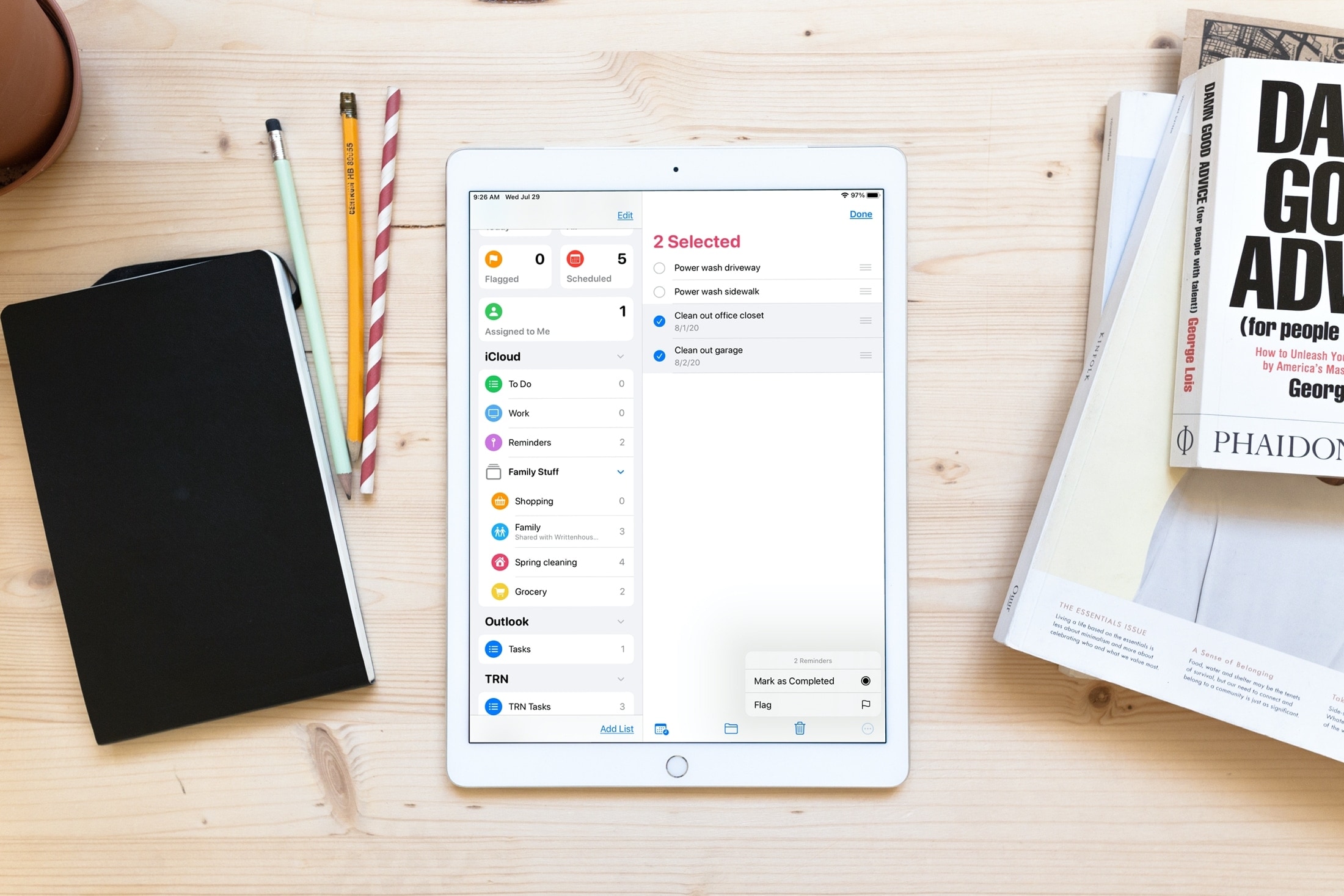
Save time and increase productivity by editing multiple reminders at once, including marking them as done or revising their due date.

Get quick and easy access to the most common actions of the iOS Notes app by learning how to use the handy actions menu for an individual note, folder, or sub-folder.

Learn how to improve your online privacy by sharing only your approximate location with apps that request it.
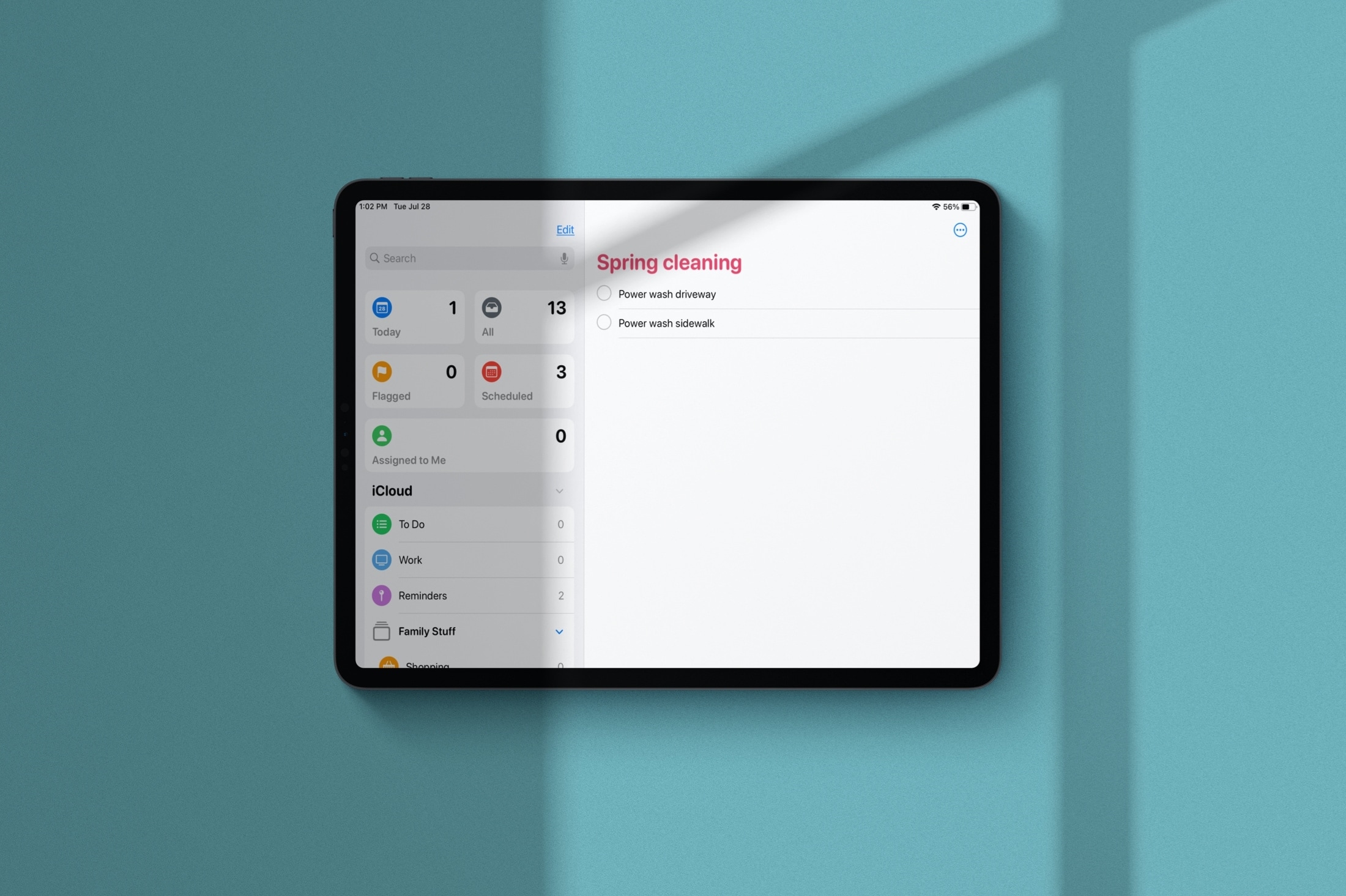
Learn how to manage Smart Lists in the Apple Reminders app and rearrange their order or hide the ones you never use.