Learn how to improve your online privacy by sharing only your approximate location with apps that request it.
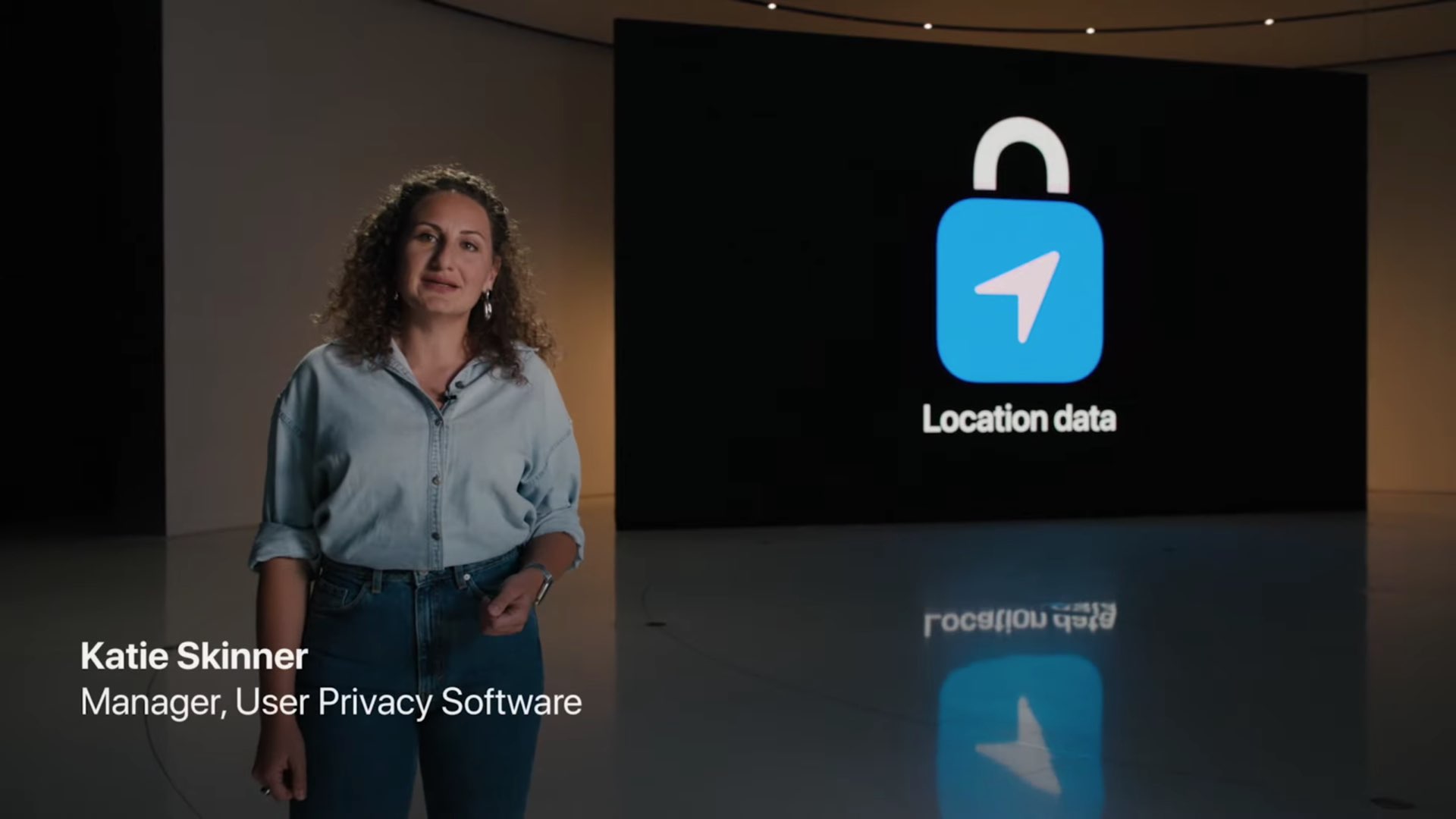
Approximate Location on iPhone and iPad
Location data is among the most personal pieces of information about you because it’s often used to gain valuable insights into your daily routine, habits, places you frequent, and so forth.
iOS and iPadOS make it easy to share your rough location with apps instead of exact GPS coordinates.
You can give apps your broad location within 10 square miles (circled) rather than the precise spot you’re at.

When to share your approximate location
Some apps depend on knowing your precise location. One such example are ride sharing apps such as Uber. In order to pick you up, they need to know your exact location.
But a weather app doesn’t need to pinpoint exactly where you are (unless it’s a hyperlocal weather app). Local news apps also don’t need to know your exact location. All these types of apps need is a general idea of where you are.
Share your approximate location with apps
- Open the Settings app on your iPhone or iPad and tap Privacy & Security.
- Select Location Services from the top of the screen.
- Choose the desired app, like App Store, Weather, or Instagram.
- Switch off Precise Location to only share the approximate location with that app.

With this setting off, apps can only determine your approximate location. The Precise Location toggle is a per-app setting.
Turn off the precise location when you open an app for the first time
One of the easiest ways to change an app’s location tracking settings is via iOS’s standard location permission prompt.
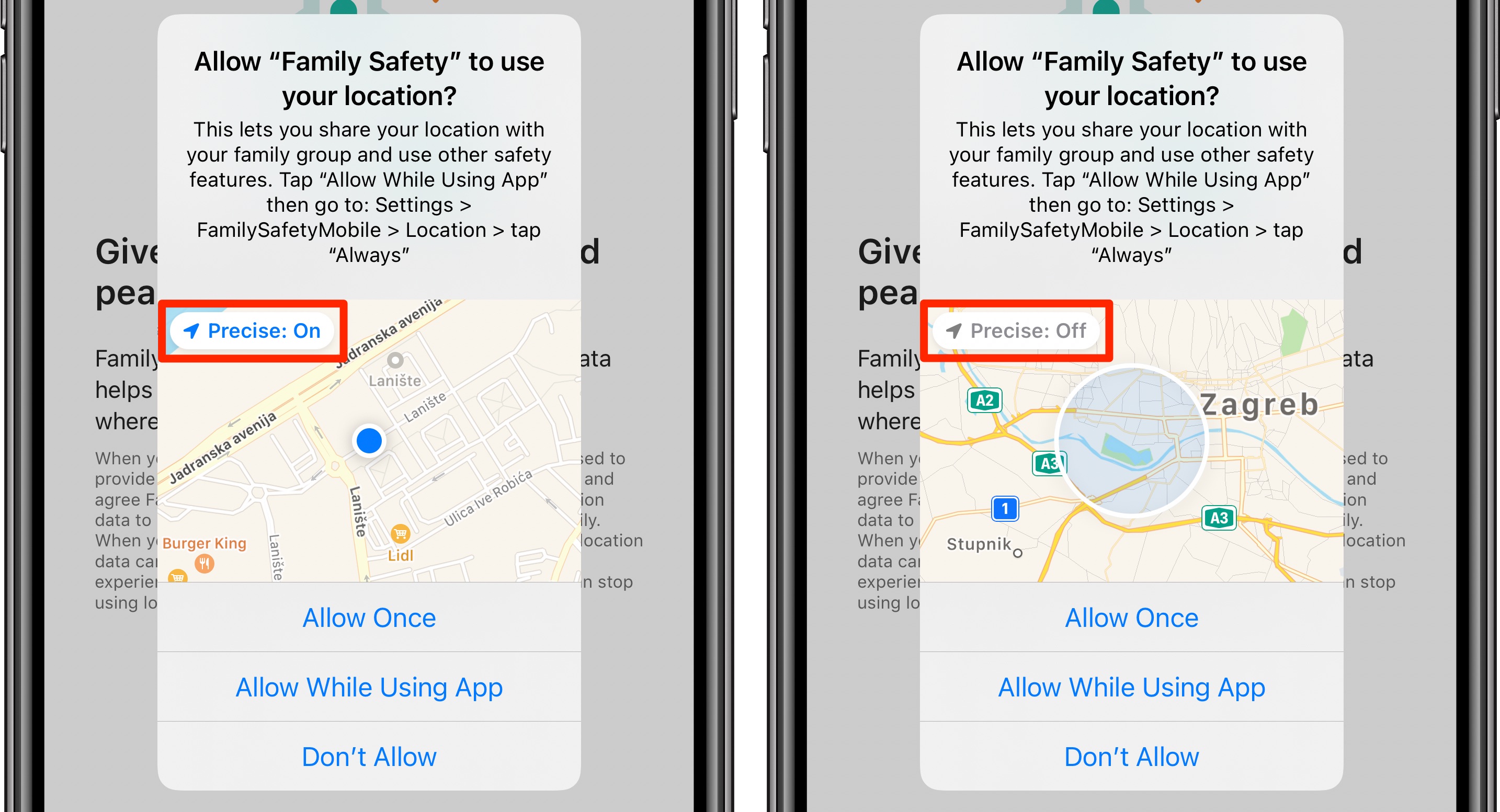
When an app seeks location access for the first time, just tap the Precise button in the top-left corner of the mini-map to switch between sharing approximate and precise locations.
On a related note: