Learn how to apply bold, italics, title, heading, bullet, numbered list, and other formatting options using quick styles in the Apple Notes app on your iPhone or iPad.
How to use quick styles to format text in the Notes app on iPhone and iPad

Learn how to master your Apple devices with our comprehensive tutorials. From iPhone and iPad to Mac, Apple Watch, AirPods, and more, our expert guides will help you unlock the full potential of your Apple products. Discover new features, tips, and tricks each day to enhance your user experience.
Learn how to apply bold, italics, title, heading, bullet, numbered list, and other formatting options using quick styles in the Apple Notes app on your iPhone or iPad.
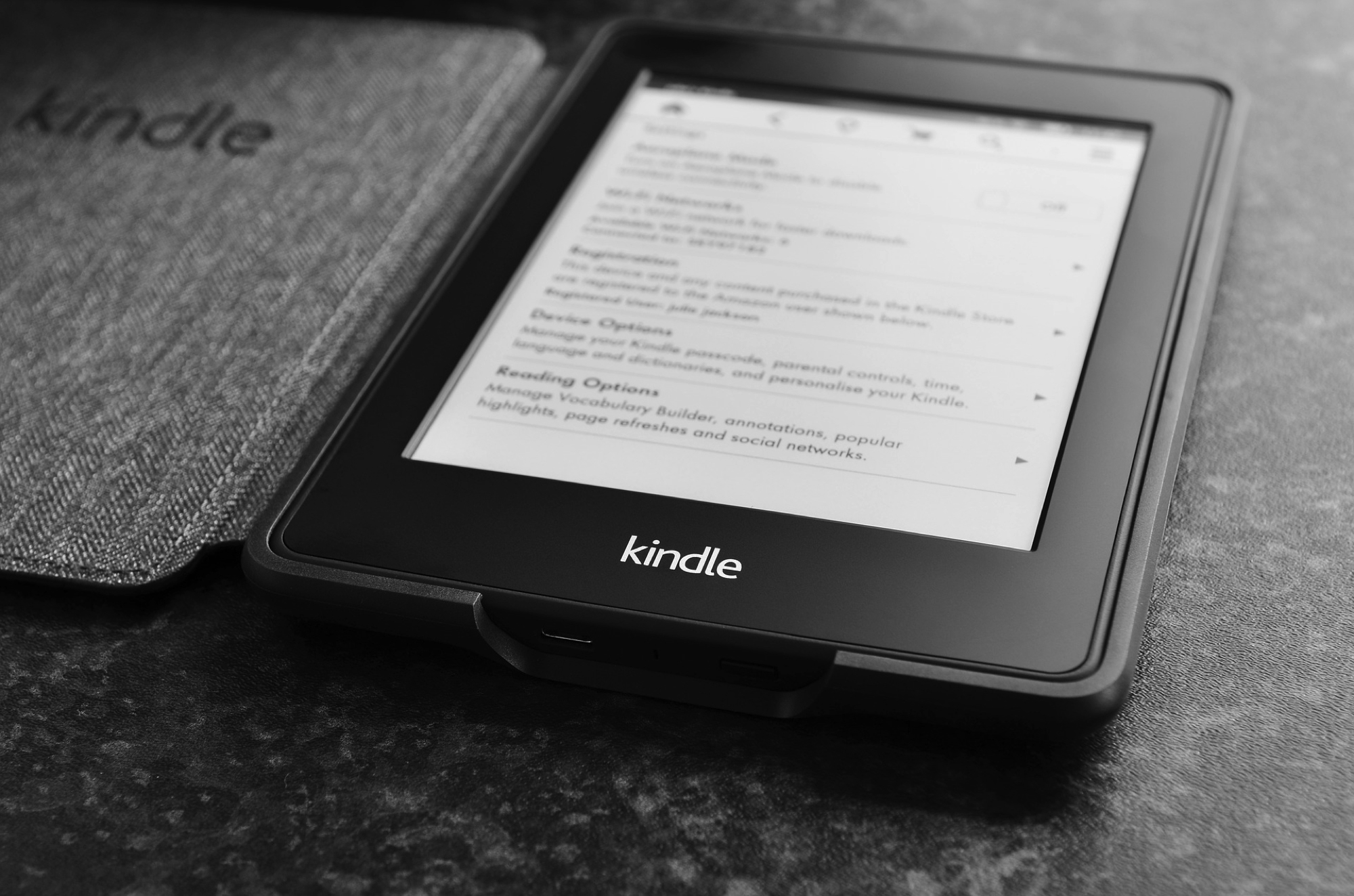
Like taking a screenshot on your iPhone, you may have plenty of reasons for doing it on Kindle. We here at iDB take screenshots to show you how to do things on your devices. But you might take one to get support from the maker or help show a friend how to navigate.
If taking a screenshot on your Kindle Paperwhite is something you’re interested in doing, then this is your how-to. We’ll show you how to take a screenshot on the eReader and how to view it once you do.

Find out how you can help further Apple health research by participating in studies that help with women’s health, heart health, hearing health, and more.

In this tutorial, we’ll show you how to use, change, and lock VoiceOver modifier keys on your Mac to enter VoiceOver commands and make the most use of this accessibility feature.
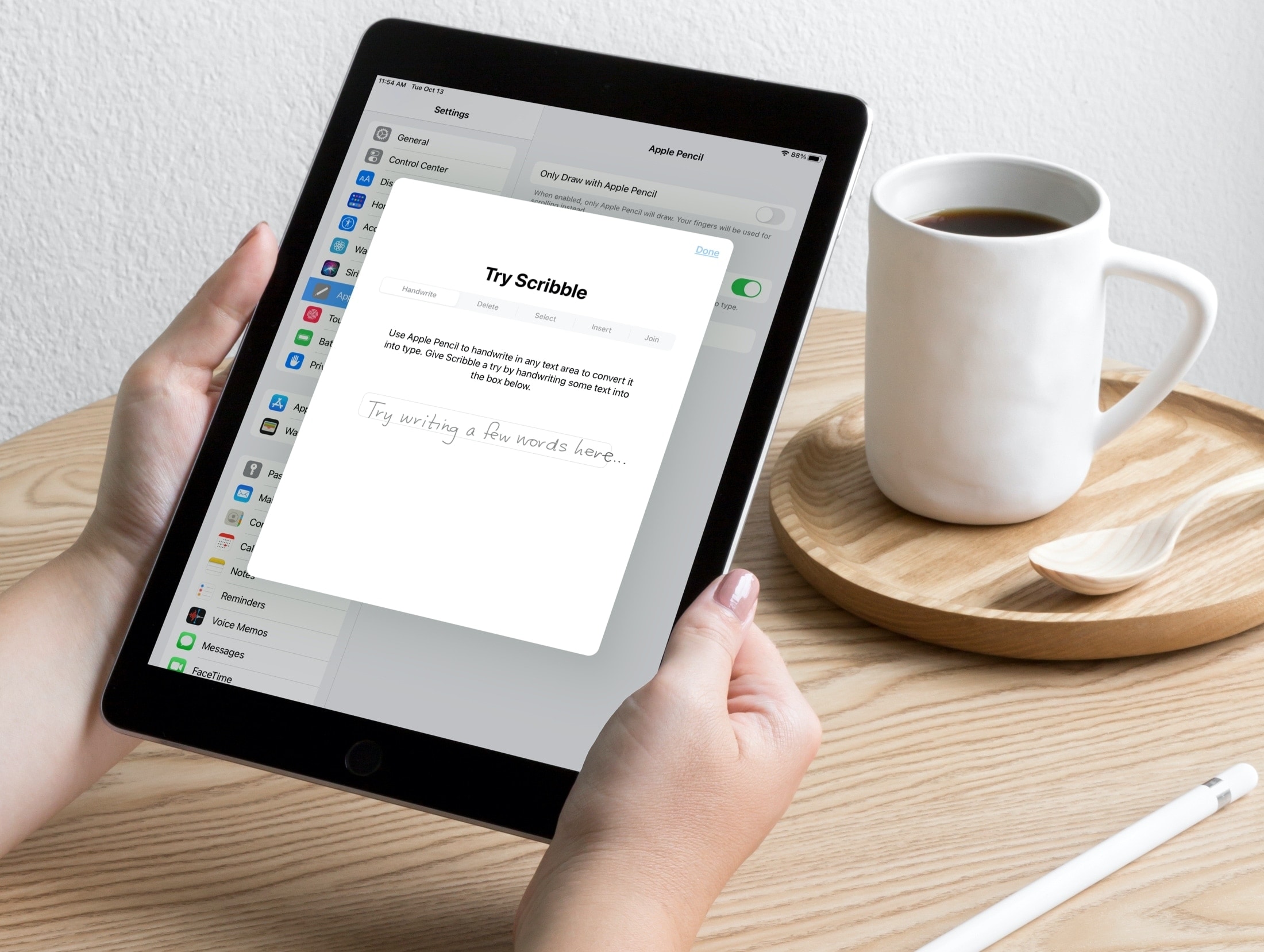
Scribble is a terrific tool for jotting down notes on your iPad with an Apple Pencil. With iPadOS 14, you can do things like turn handwriting into typed text and use handwriting in text boxes like search fields.
So when it comes to being productive with Pages, Numbers, and Keynote on iPad, you can use Scribble to get things done quickly. Here are some tips for using Scribble in those apps with your Apple Pencil so you can make the most of the feature.
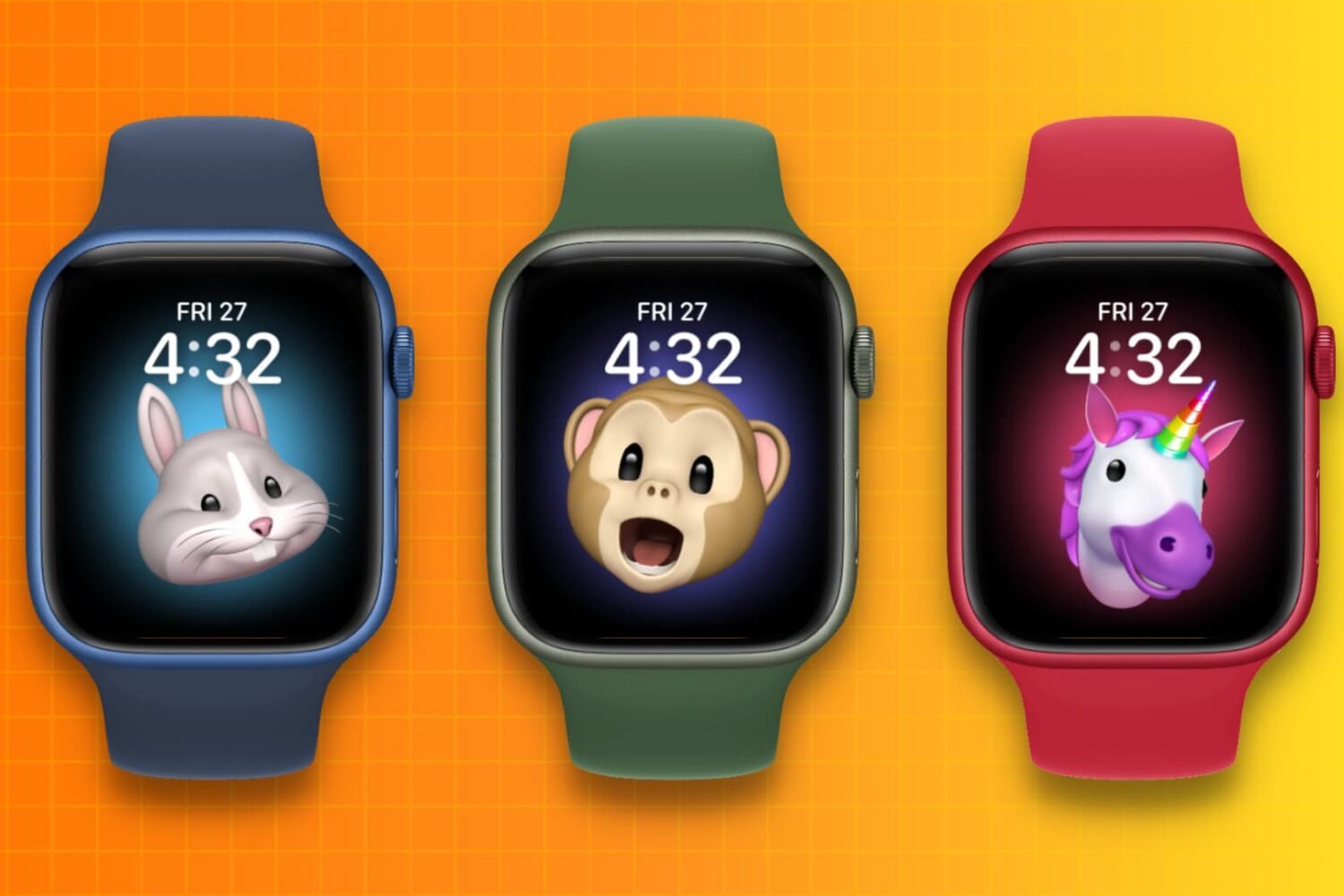
Looking for a bit of fun or quirkiness on your Apple Watch? This tutorial explains how to use the Memoji watch face with your own Memoji or an Animoji and see it move!

Are you ready to start using your built-in Mac screen reader? In this quick tutorial, we’ll share how to turn VoiceOver on and off on your Apple computer.

Sharing your screen can be beneficial for both business and personal situations. For instance, maybe you’re showing a coworker or family member how to do something in an application. You can share your screen easily in Facebook Messenger. And you can do so in both the mobile and desktop Messenger app. Here’s how.

All iPhones with OLED screens can render images and videos with high dynamic range (HDR), resulting in many more colors than regular LCD screens. And with the latest models, you can for the first time not only shoot true 10-bit HDR video with Dolby Vision but also edit, share and play it back. But does your device support these features? Here's a handy list of all Apple devices that support 10-bit HDR video capture, as well as playback and edit in Photos.

In this very cool tutorial, we’ll show you how to add, edit, animate, and work with a drawing inside a document, presentation, or spreadsheet in the Pages, Keynote, or Numbers app on your iPhone and iPad.

In this tutorial, we will tell you about AirPods and Beats headphones automatically switching between your Apple devices, and how to turn off this feature if you find it annoying.

In this tutorial, we'll show you how to set up and use sleep mode on your iPhone to automatically dim your display, set an alarm, track your sleep, and more.