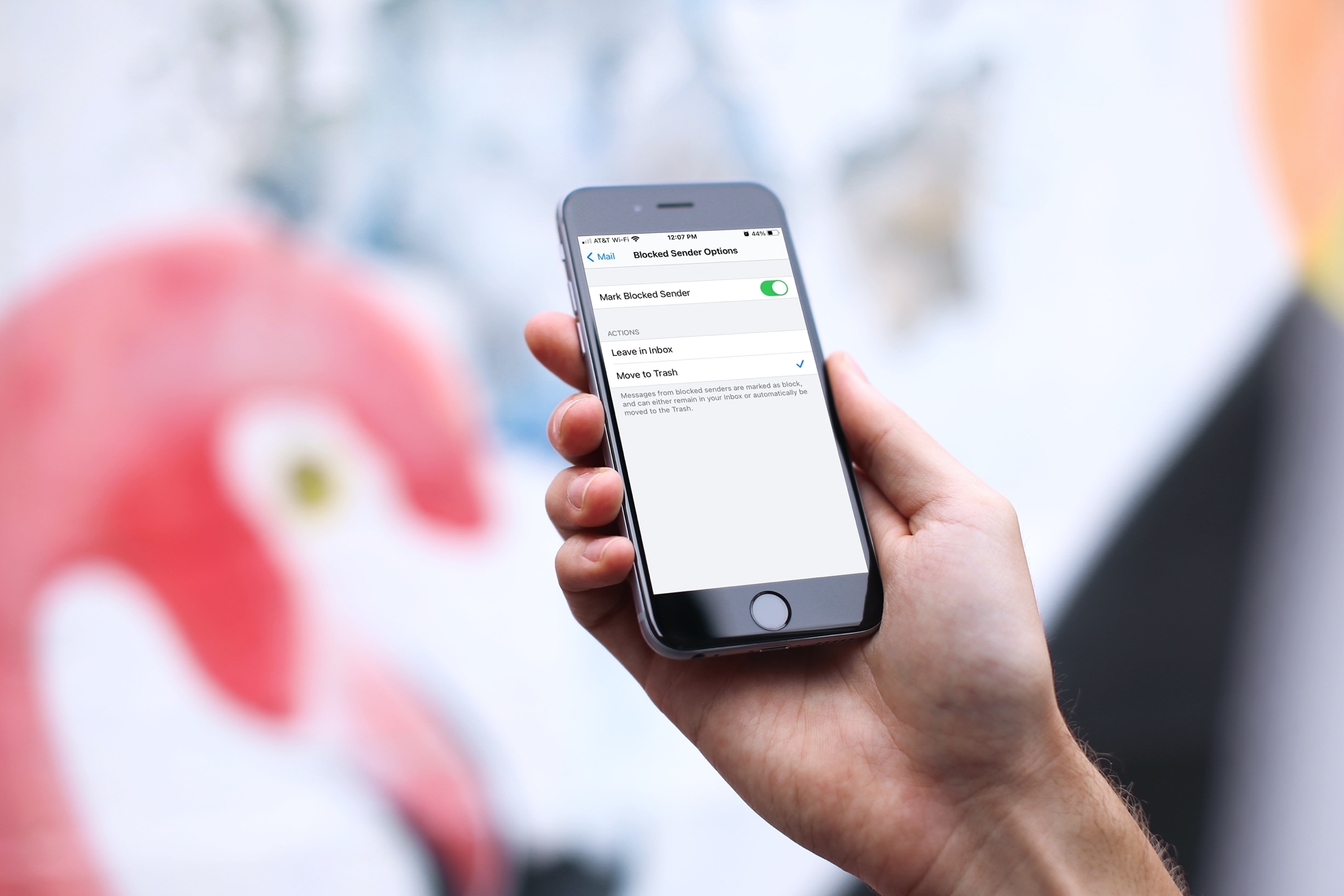
Learn how to move blocked sender emails to the trash in Apple Mail on iPhone, iPad, and Mac to keep your inbox clean of unwanted emails.
How to automatically move blocked emails to trash in Apple Mail
Learn how to master your Apple devices with our comprehensive tutorials. From iPhone and iPad to Mac, Apple Watch, AirPods, and more, our expert guides will help you unlock the full potential of your Apple products. Discover new features, tips, and tricks each day to enhance your user experience.
Learn how to move blocked sender emails to the trash in Apple Mail on iPhone, iPad, and Mac to keep your inbox clean of unwanted emails.
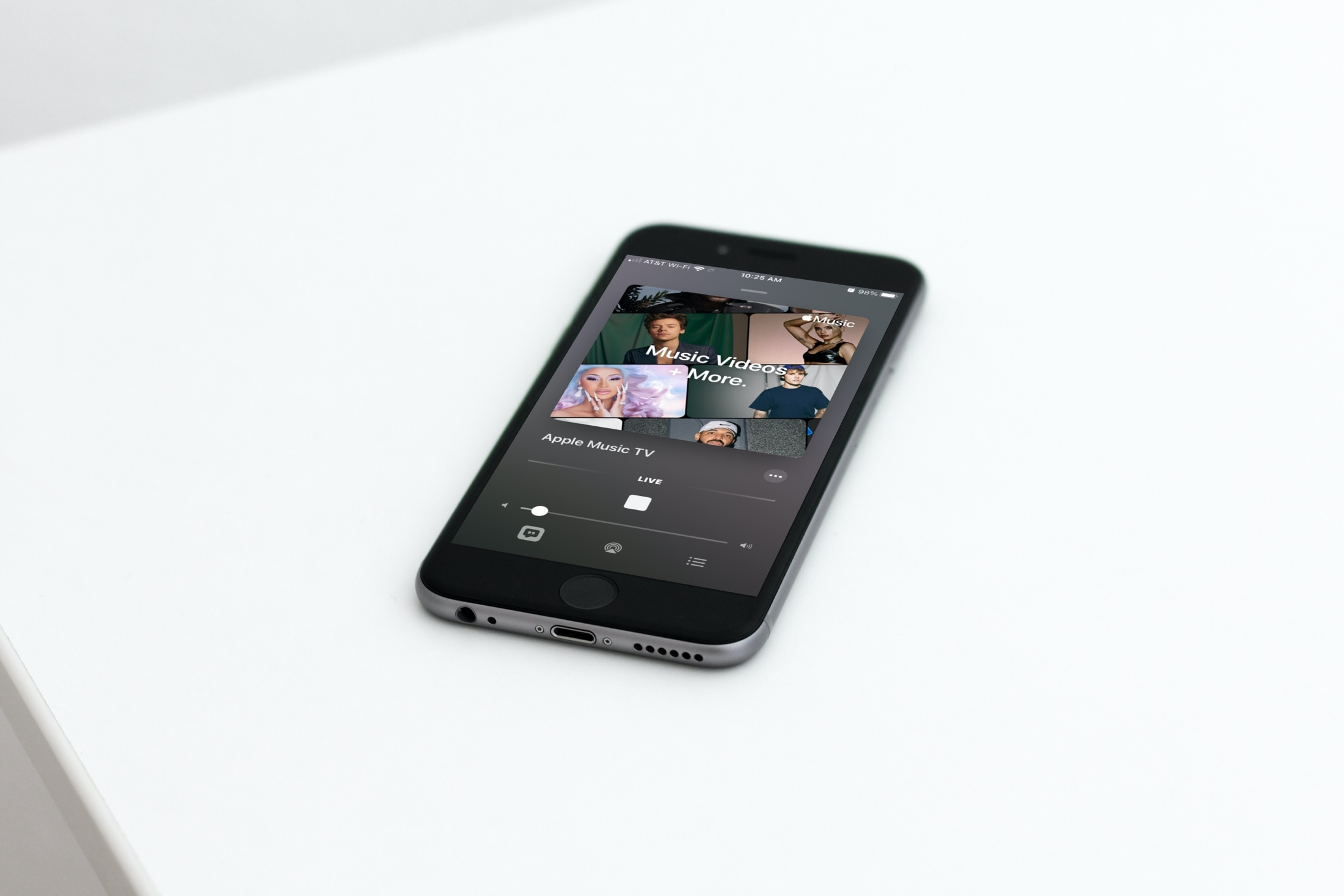
In this tutorial, we will show you how to find and watch Apple Music TV for free on your iPhone, iPad, Mac, TV, and other supported devices.
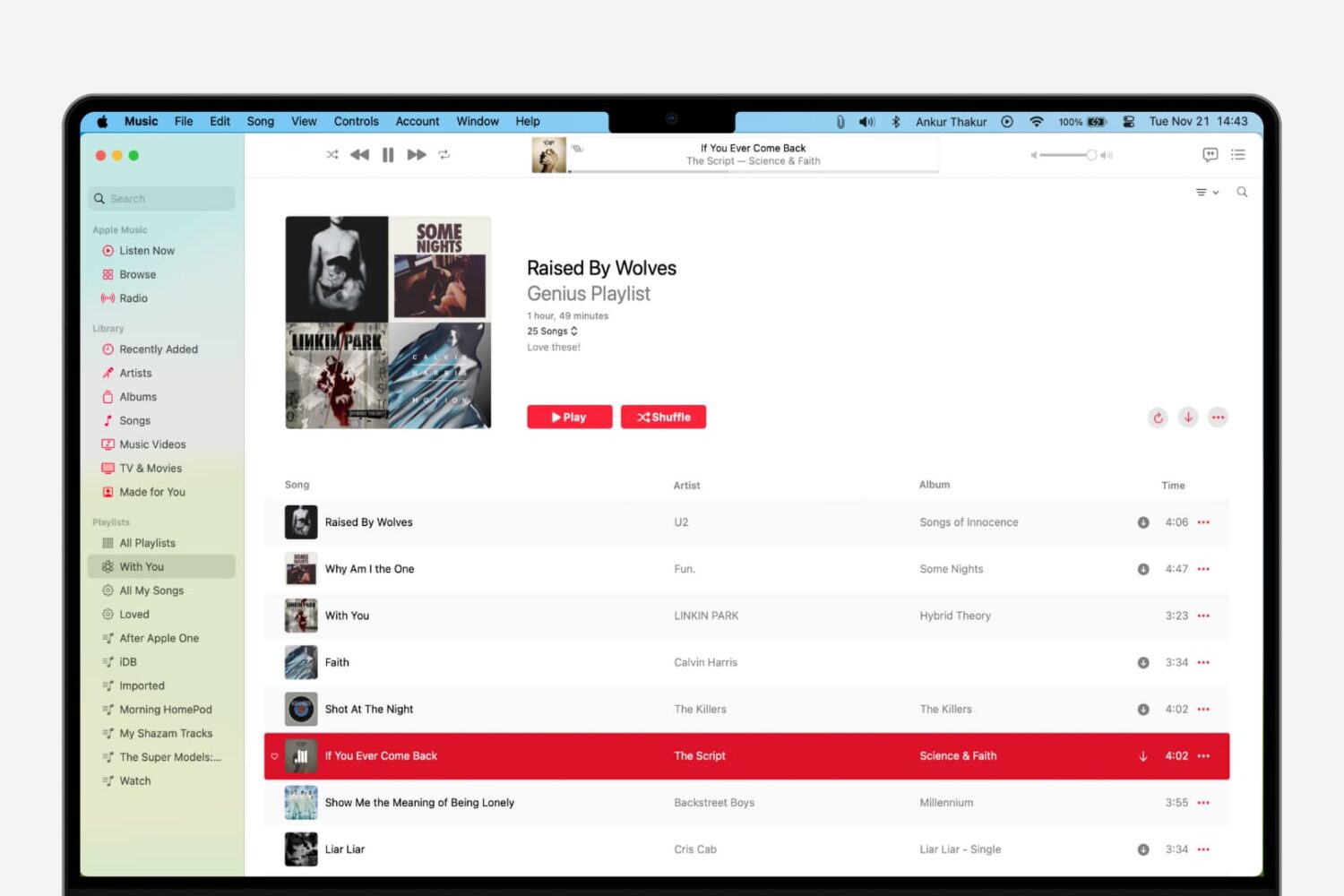
Learn how to use the Genius Playlist and Shuffle features in the Music app on Mac for a nice and easy mix of tunes that sound great together.
Do you wear an Apple Watch to bed? Learn how to set up and use Sleep mode on your Apple Watch to create schedules to hit your sleep goals, set up a time to Wind Down beforehand, track your sleep, and view your sleep and respiratory rate data.
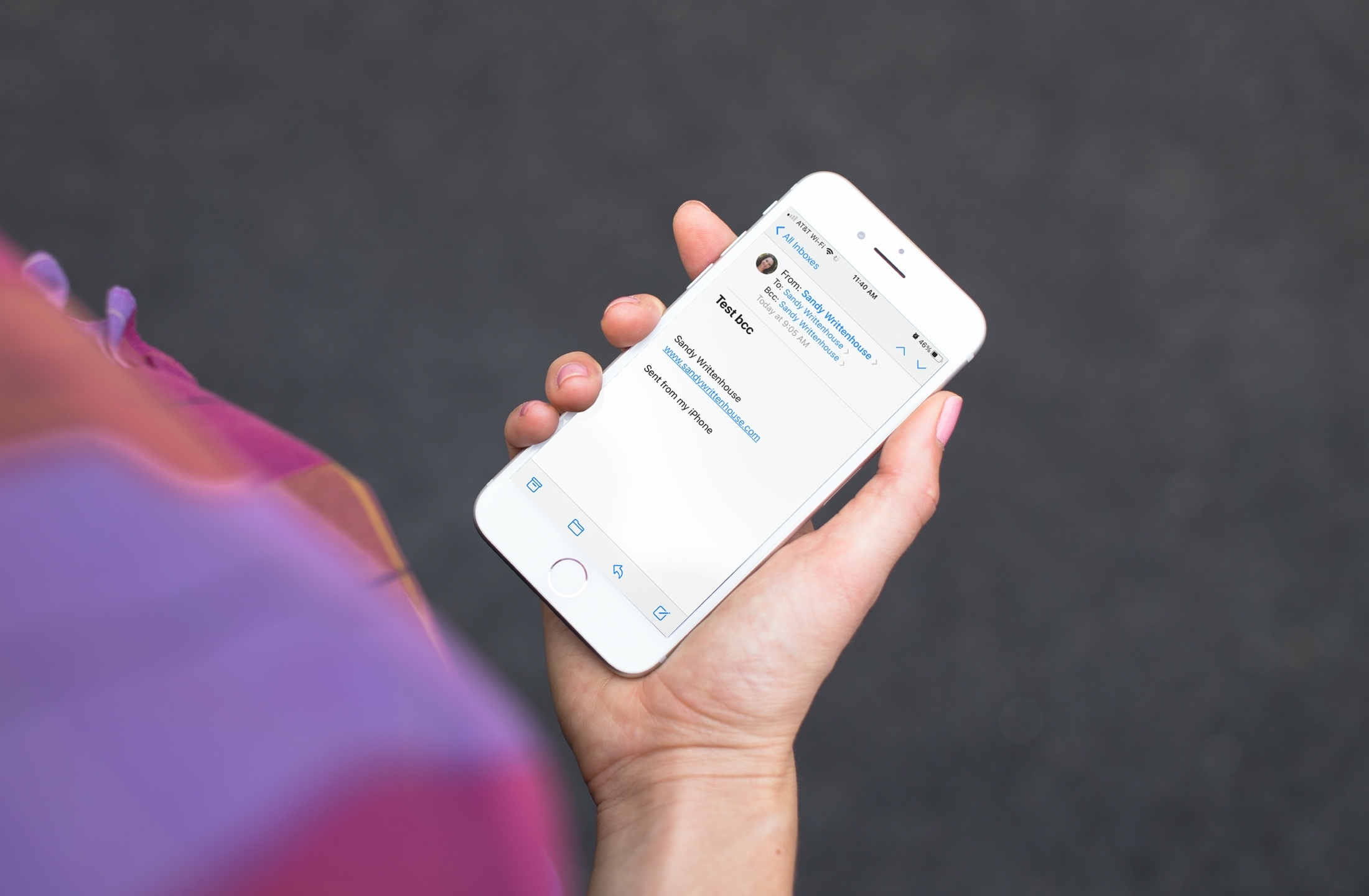
Learn how to always add yourself as BCC (blind carbon copy) in the emails you send from your iPhone, iPad, or Mac so that you get a copy of the message in your inbox just as your recipient does.
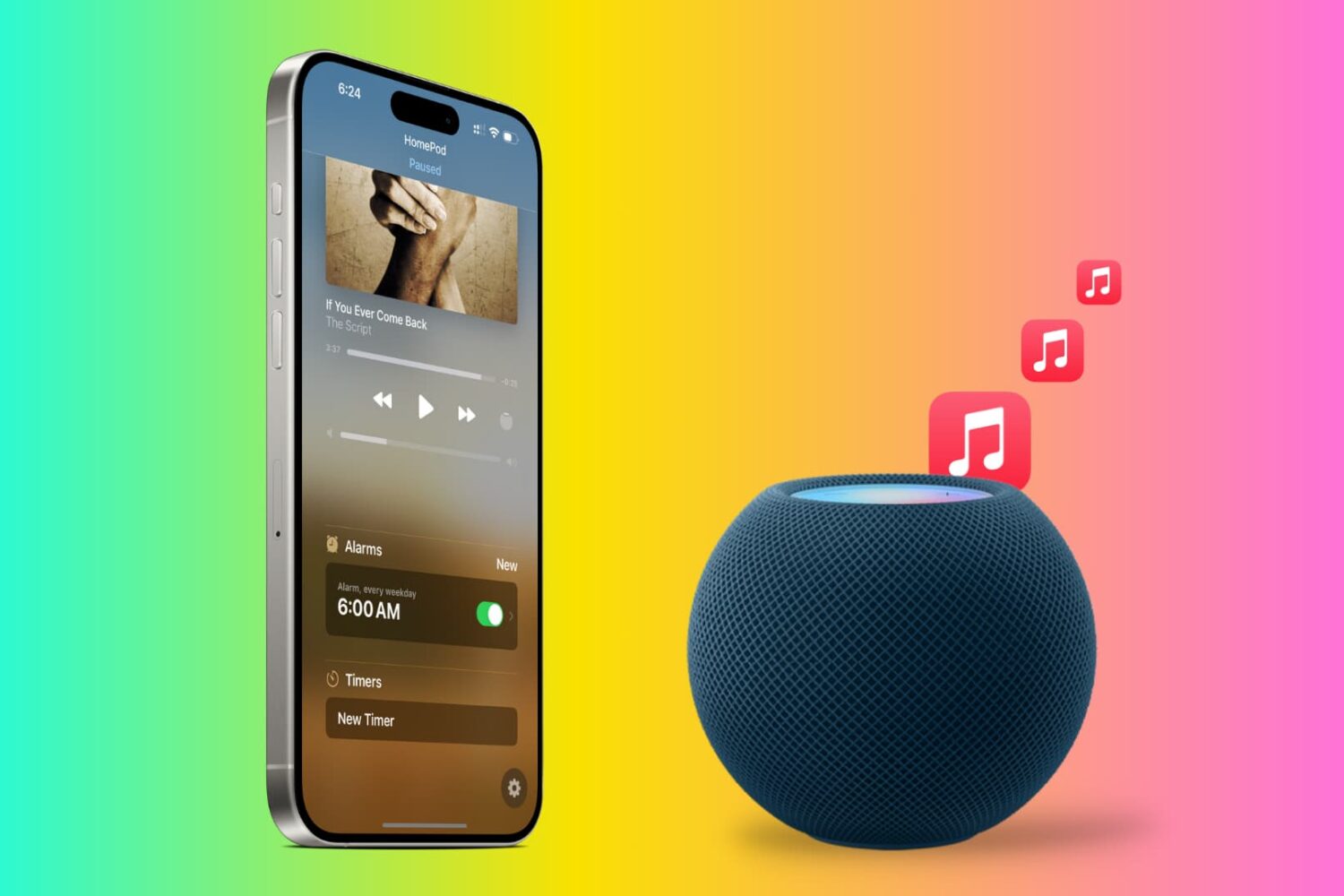
Tired of the default HomePod alarm tone? In this tutorial, we will show you how to use songs from Apple Music as an alarm sound on your HomePod so you can wake up to your favorite track and start the morning gleefully.

In this tutorial, we’ll show you how to set your iPhone to always use 5G or use it only when needed. Additionally, we’ll help you decide if you should let your phone use more 5G data or not.
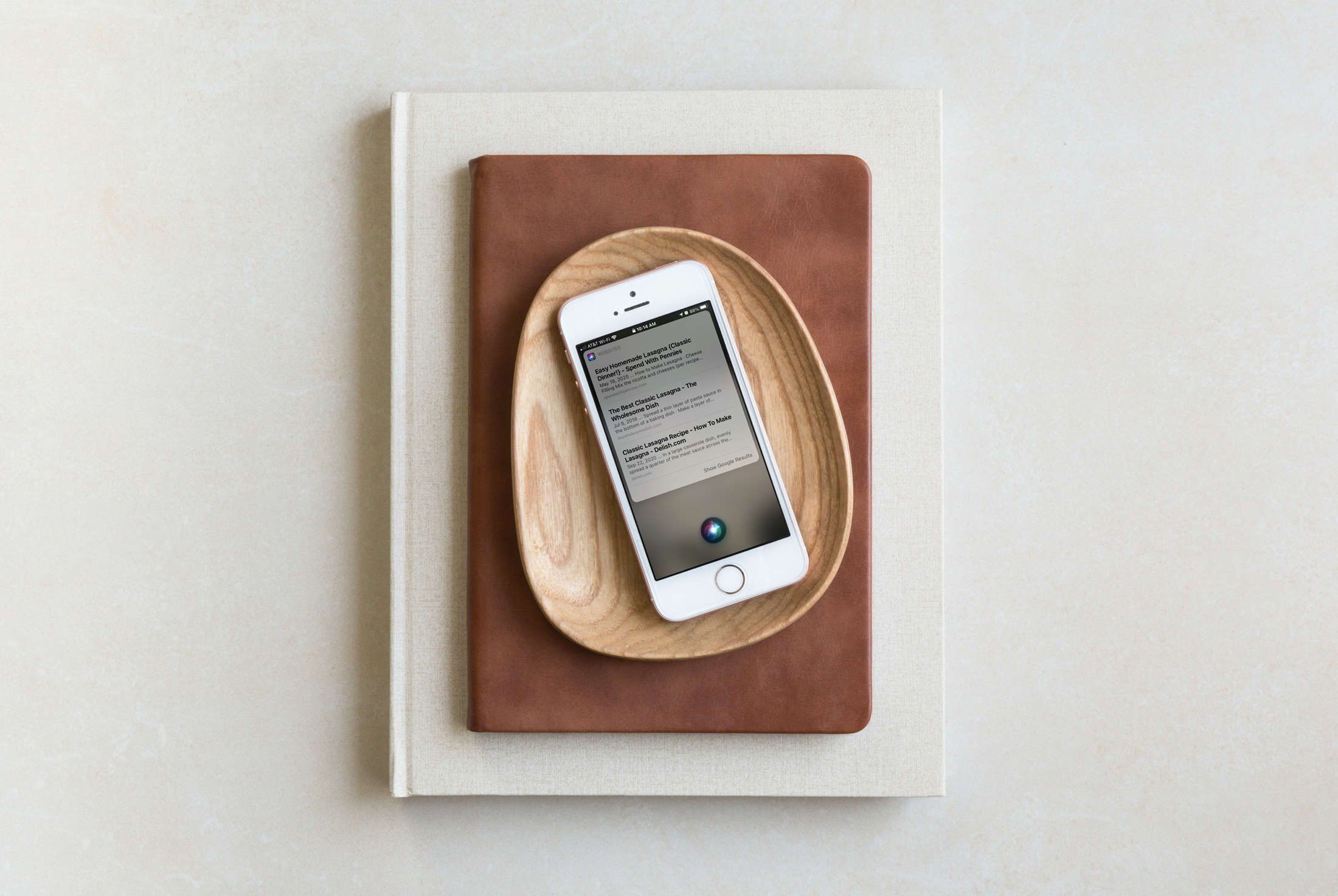
Siri can be super handy on HomePod and can do plenty of things for you. But one thing that was always a bit difficult was getting information that Siri didn’t have at hand. You might end up hearing something like, "Sorry, I can’t help with that".
With the iOS 14.1 update, HomePod also got a bit of a boost in abilities. You can use Apple Music for an alarm sound, check out the Intercom if you own more than one HomePod, and yes, have Siri send web results right to your iPhone.
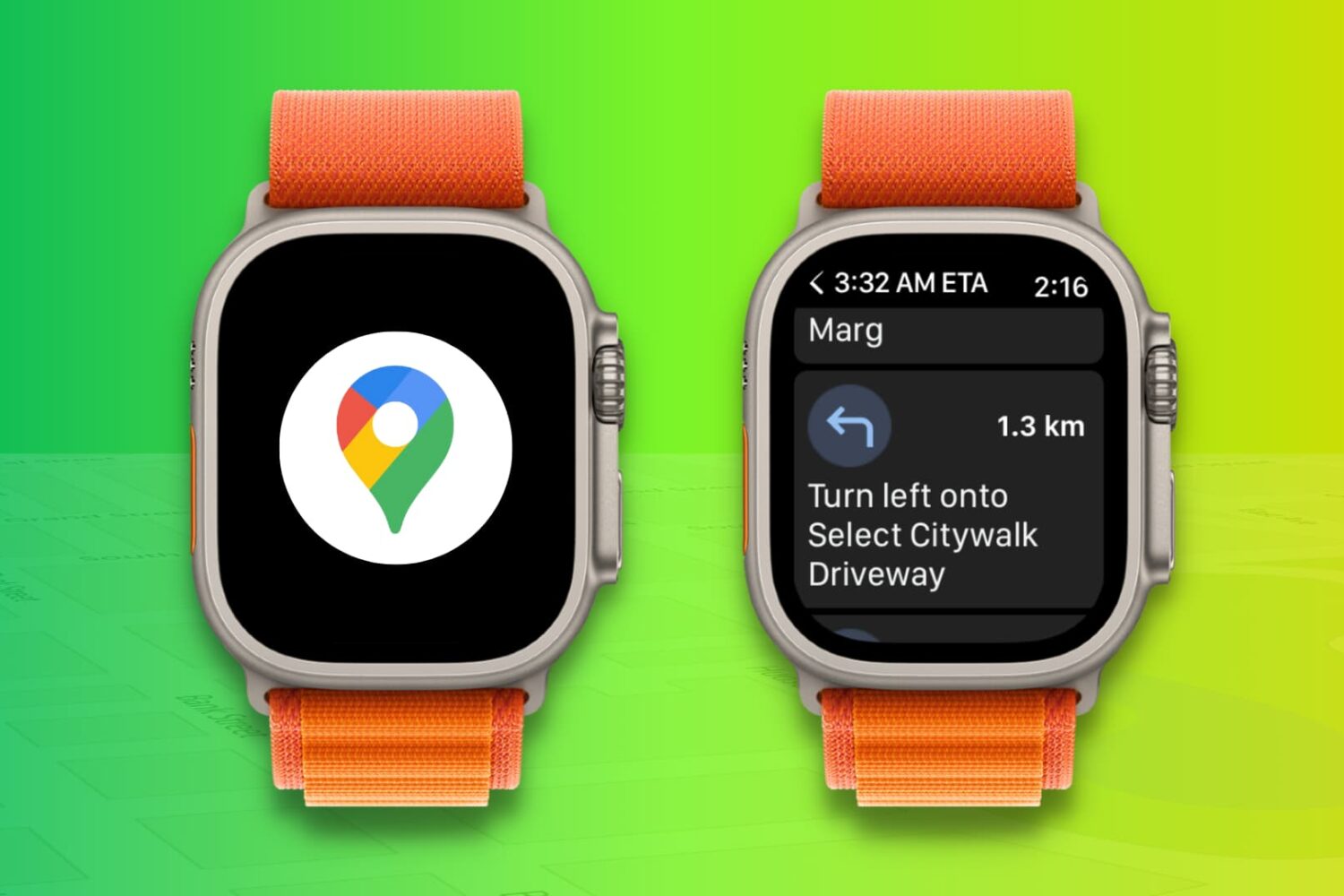
Learn how to use the Google Maps app on your Apple Watch to get navigation directions right on your wrist while cycling, driving, or walking, and eliminate the need to look at your phone screen constantly.
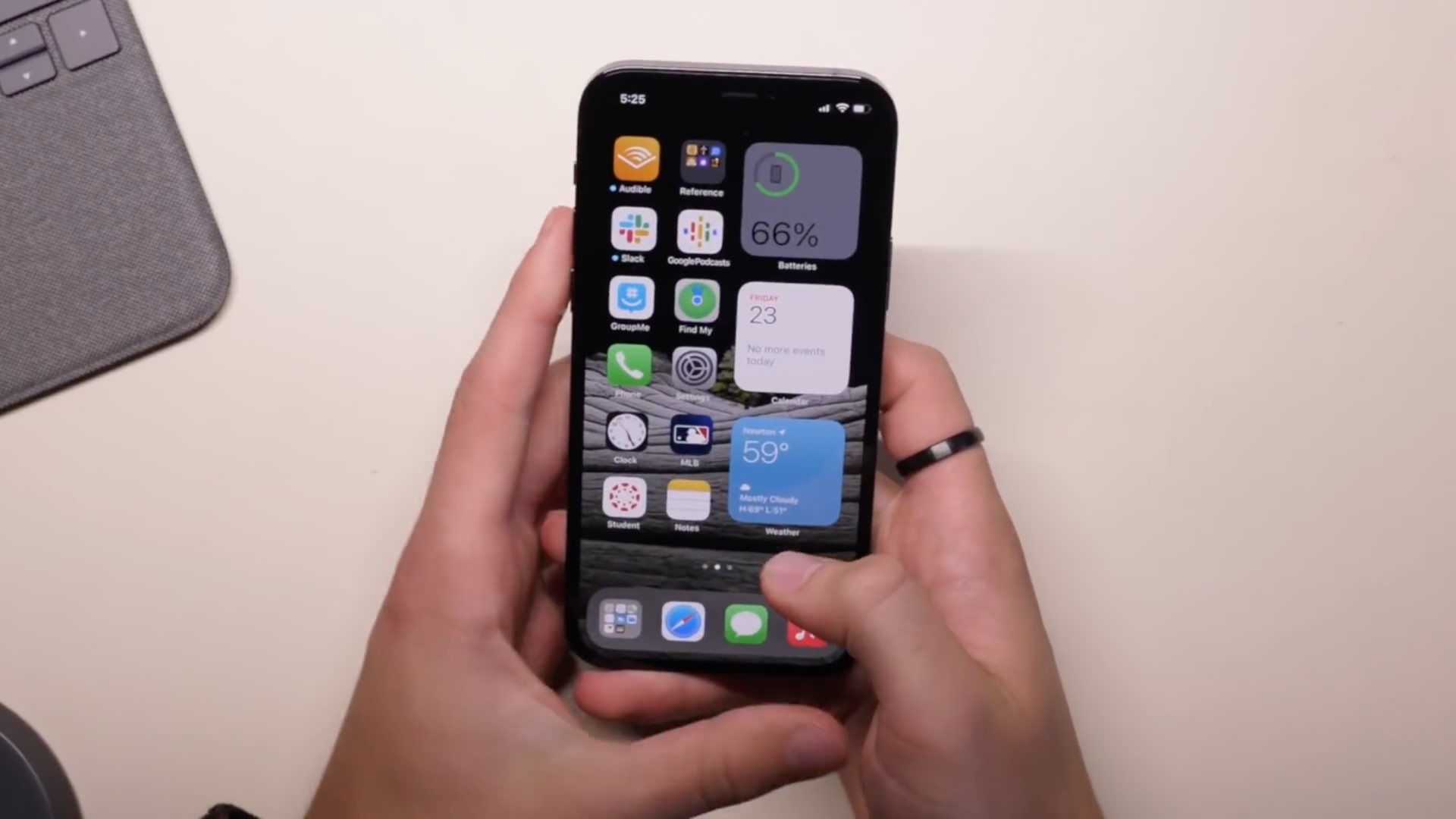
Apple's first 5G-enabled iPhone models are here, with the iPhone 12 and iPhone 12 Pro available since last Friday and the iPhone 12 mini and the iPhone 12 Pro Max arriving next month. Whether you already have a new iPhone or are planning on buying one soon, here's a selection of useful tips and tricks for making the most out of your shiny new Apple handset.
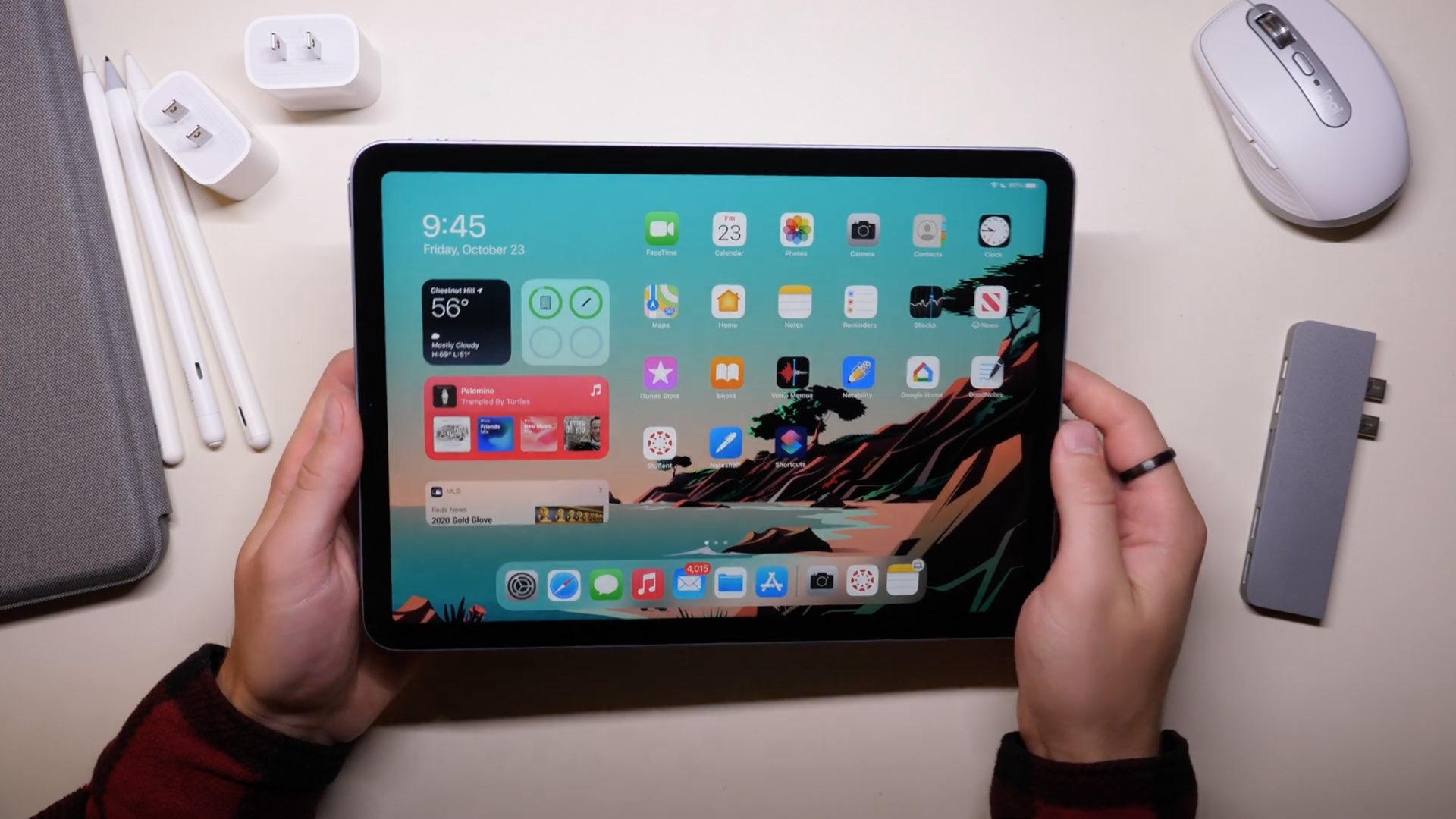
Our videographer Harris Craycraft has managed to get his hands on a brand new iPad Air 4 in a beautiful blue finish that Apple markets as Sky Blue. Harris is big on the iPad, he uses his Apple tablets for everything from studies to work to entertainment and so forth, so we thought our readers might appreciate a handful of tips and tricks for efficient use of the new iPad Air.
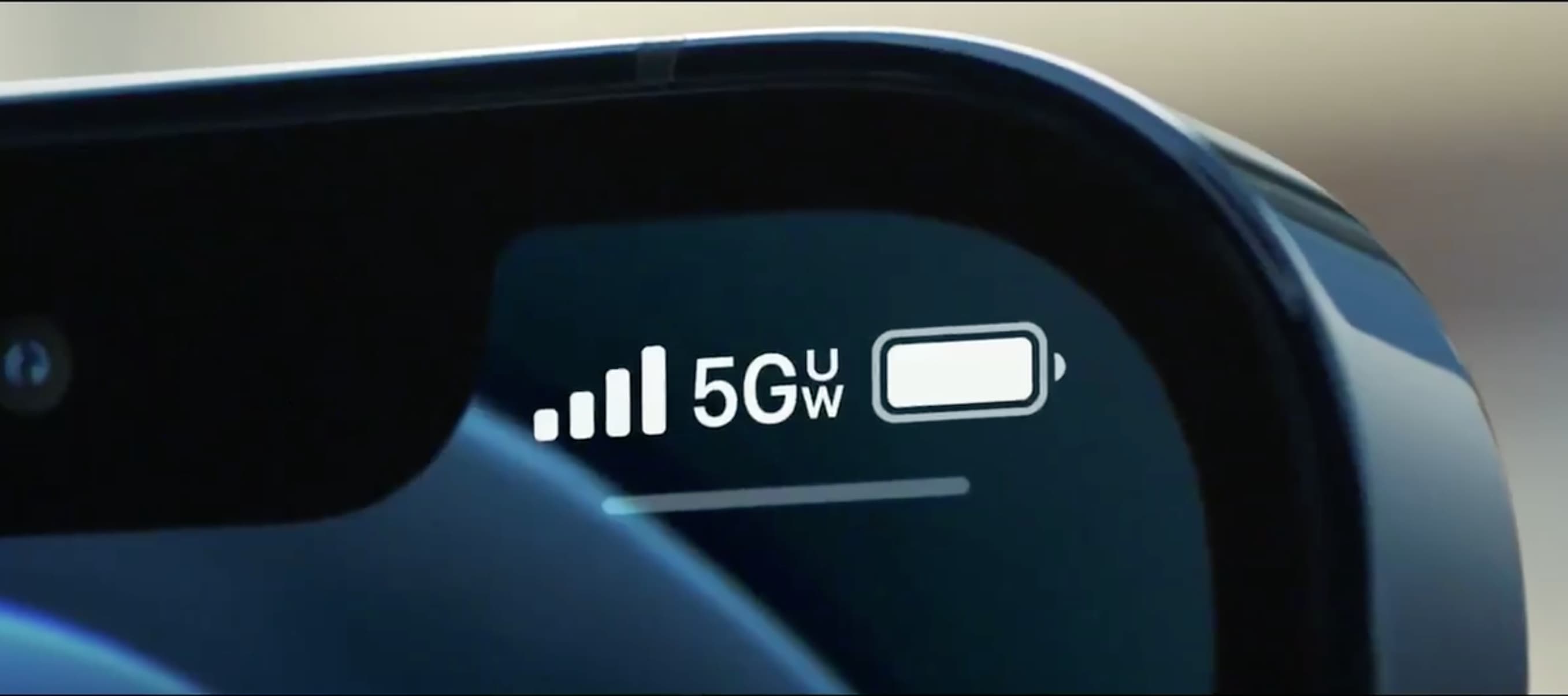
With the arrival of the iPhone 12 came an alphabet soup of abbreviations and different 5G icons in the iOS status bar, ranging from 4G masquerading as 5G to 5G Ultra Wideband. Follow along with our tutorial to learn the meaning of all those iPhone 5G icons.