Learn how to unlock your iPhone with your Apple Watch for times when you’re wearing a face mask, sunglasses, or ski goggles and can’t use Face ID.
How to unlock your iPhone with Apple Watch

Learn how to master your Apple devices with our comprehensive tutorials. From iPhone and iPad to Mac, Apple Watch, AirPods, and more, our expert guides will help you unlock the full potential of your Apple products. Discover new features, tips, and tricks each day to enhance your user experience.
Learn how to unlock your iPhone with your Apple Watch for times when you’re wearing a face mask, sunglasses, or ski goggles and can’t use Face ID.
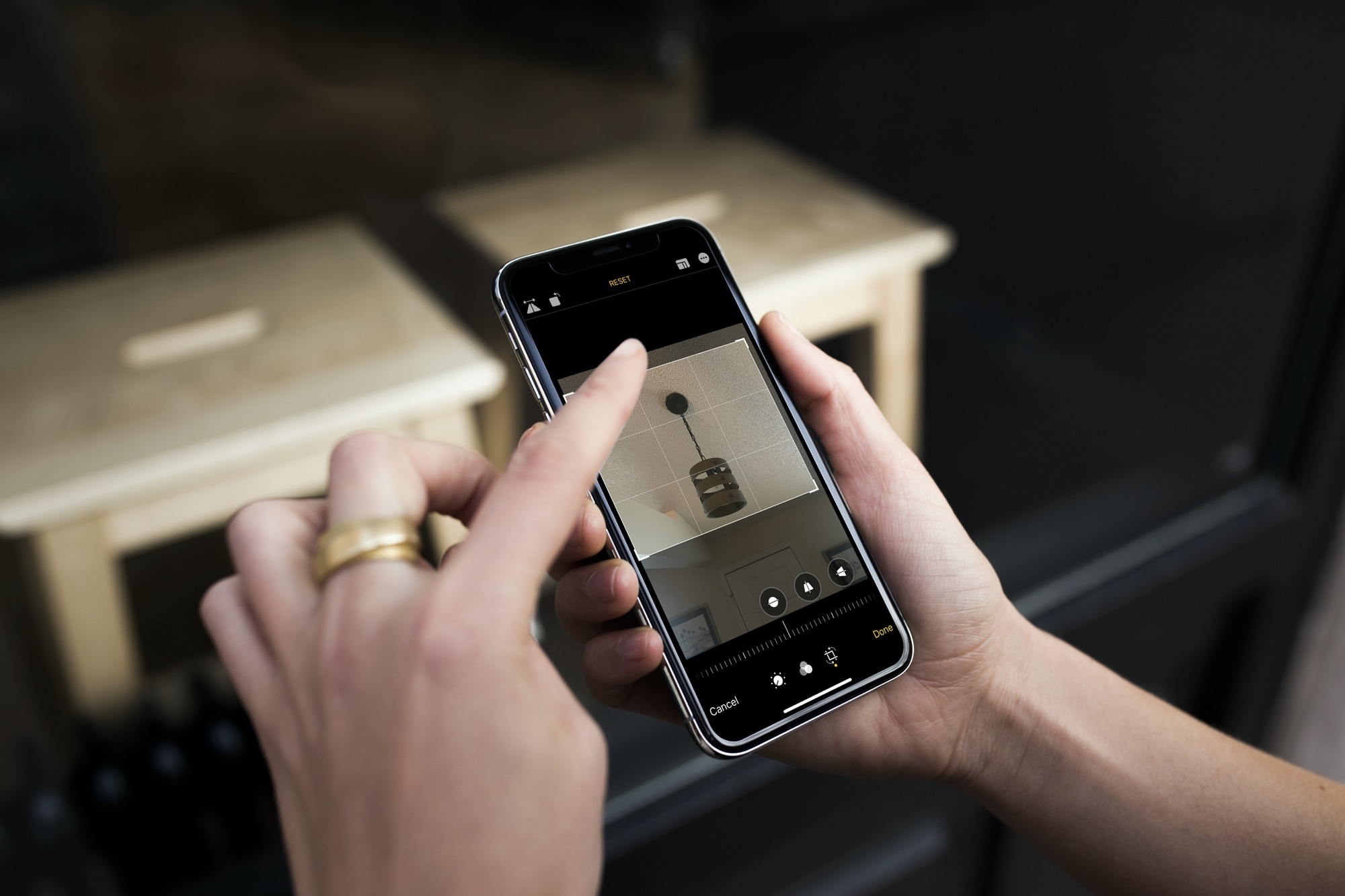
Learn how to crop one or multiple photos at once on your iPhone or iPad to enhance your composition and achieve the desired visual impact.

Learn how to hide photos and videos on your iPhone, iPad, and Mac if you’d like to keep them private or simply want to declutter your camera roll.

Learn how to quickly add the loop, bounce, or long exposure effect to your Live Photos on iPhone, iPad, or Mac to make these moving images even more fun!
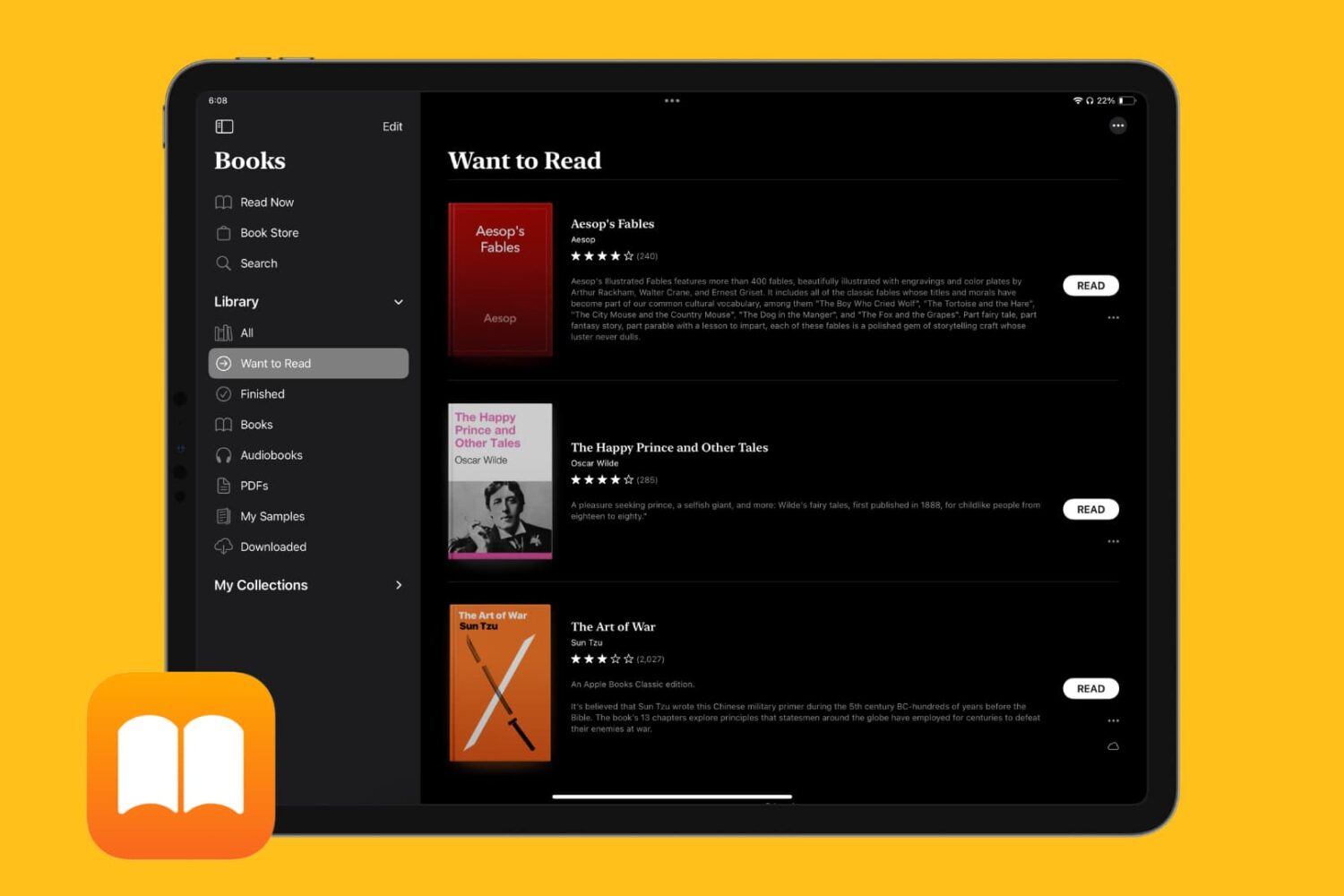
Learn how to keep track of all the books you want to read in the Apple Books app on your iPhone, iPad, and Mac so you can quickly find and start reading them whenever you like.
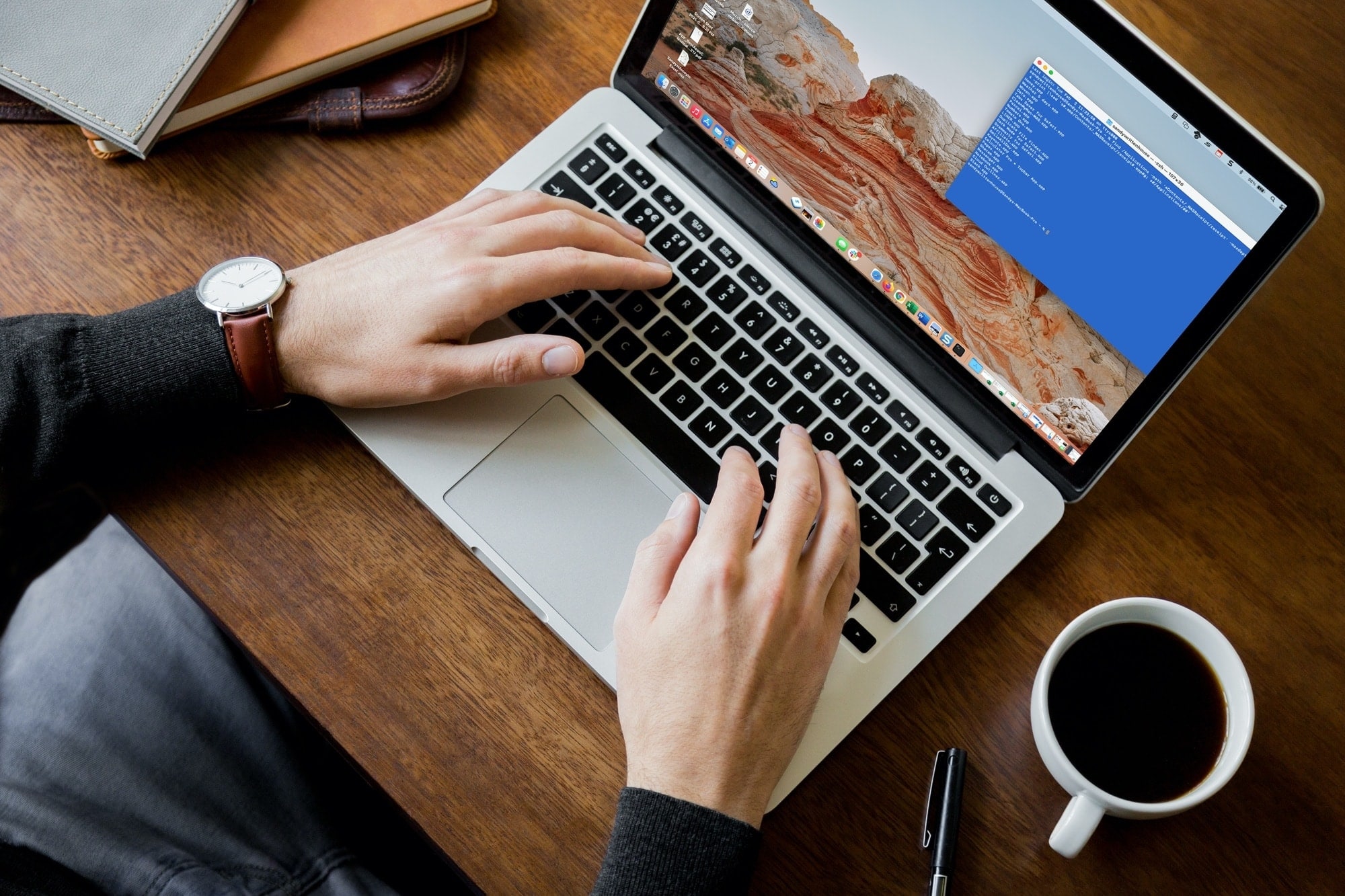
Whether it’s the results of a command, the command itself, or everything between the prompt marks, you can select what you need and print it easily from Terminal on your Mac.
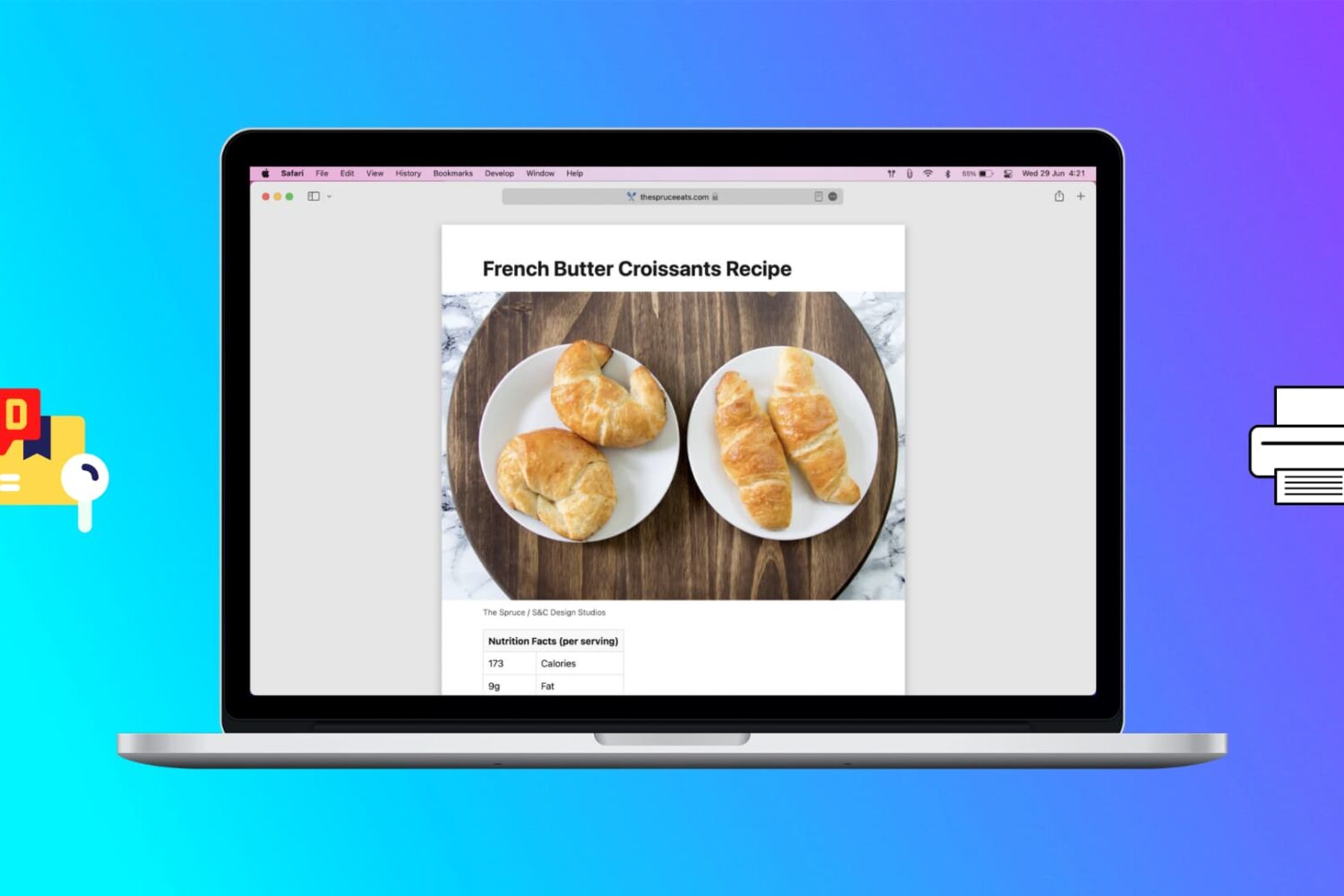
Learn how to print web pages without ads in Safari, Firefox, and Chrome on Mac to have fewer, clutter-free pages.

Speed up your Home Screen navigation by learning how to move through the pages of apps much faster than by swiping.
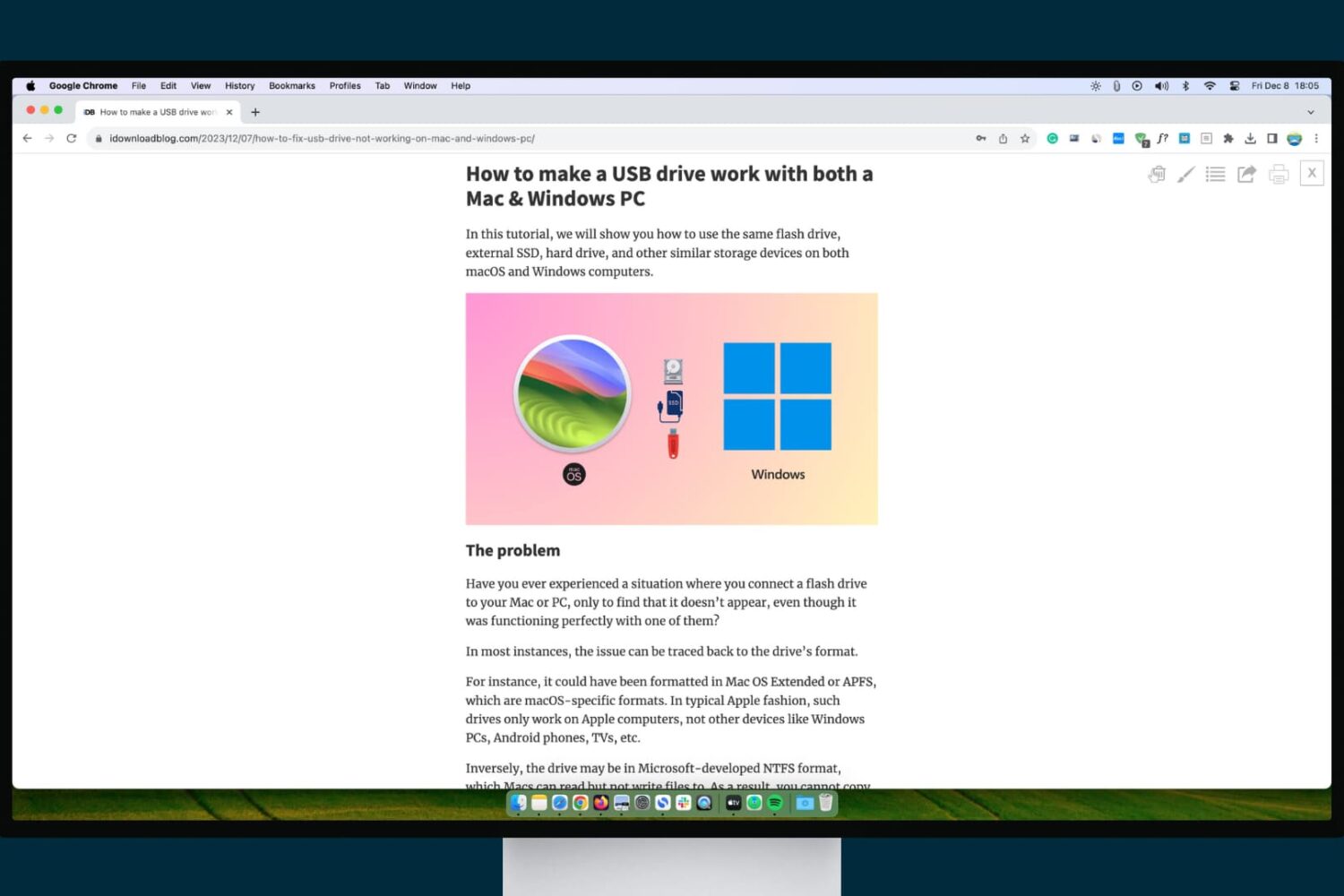
Check out these three ways to turn on and use reading mode in Google Chrome on Mac and Windows PC, which makes it comfortable to read articles without ads, pop-ups, and other distractions.
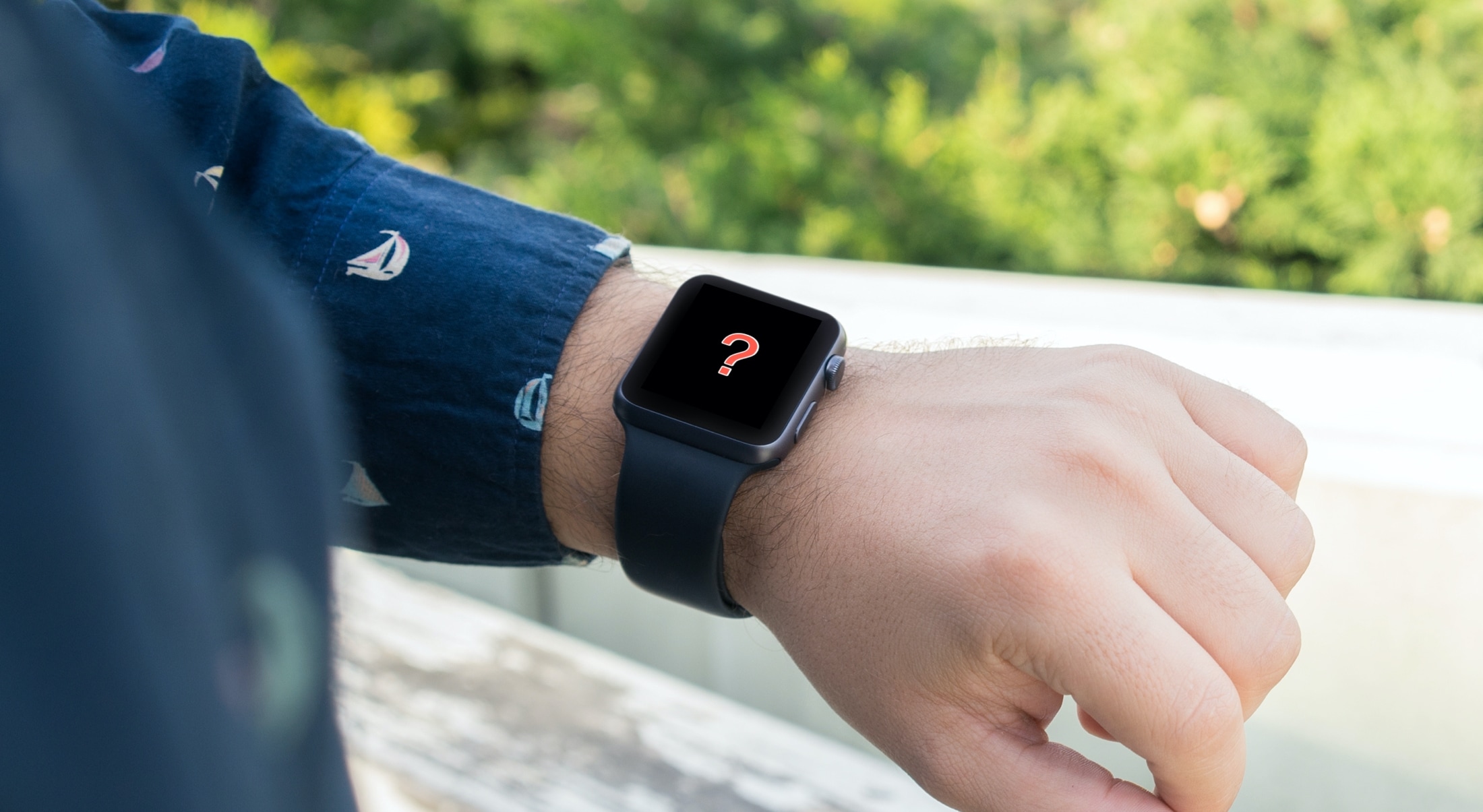
Is your Apple Watch running low on local storage space? In this tutorial, we’ll share five easy ways to make space on your watch for newer apps, media, and more.
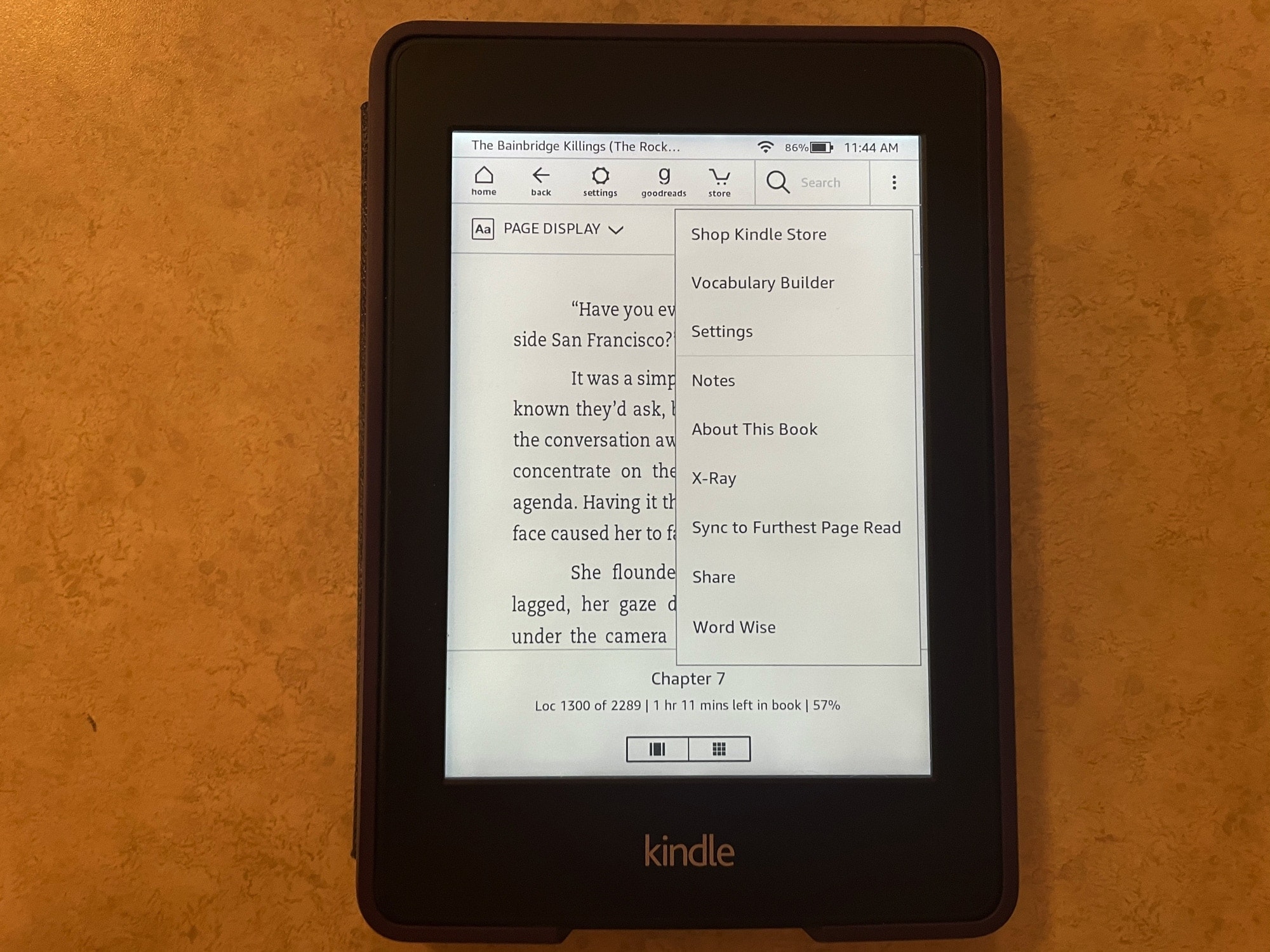
If you’re brand new to the world of Kindle, then you might be wondering what this X-Ray feature you see is and how to use it.
With X-Ray enabled books, you can get more information on what you’re reading. It’s an overall reference that you can use to keep up with characters, terms, and even images. Here, we’ll show you how to use X-Ray for books on your Kindle Paperwhite.