Check out these quick ways to unblock one, multiple, or all email addresses on Gmail from your iPhone, iPad, Android phone, or computer.
How to unblock all or selected email accounts in Gmail

Learn how to master your Apple devices with our comprehensive tutorials. From iPhone and iPad to Mac, Apple Watch, AirPods, and more, our expert guides will help you unlock the full potential of your Apple products. Discover new features, tips, and tricks each day to enhance your user experience.
Check out these quick ways to unblock one, multiple, or all email addresses on Gmail from your iPhone, iPad, Android phone, or computer.
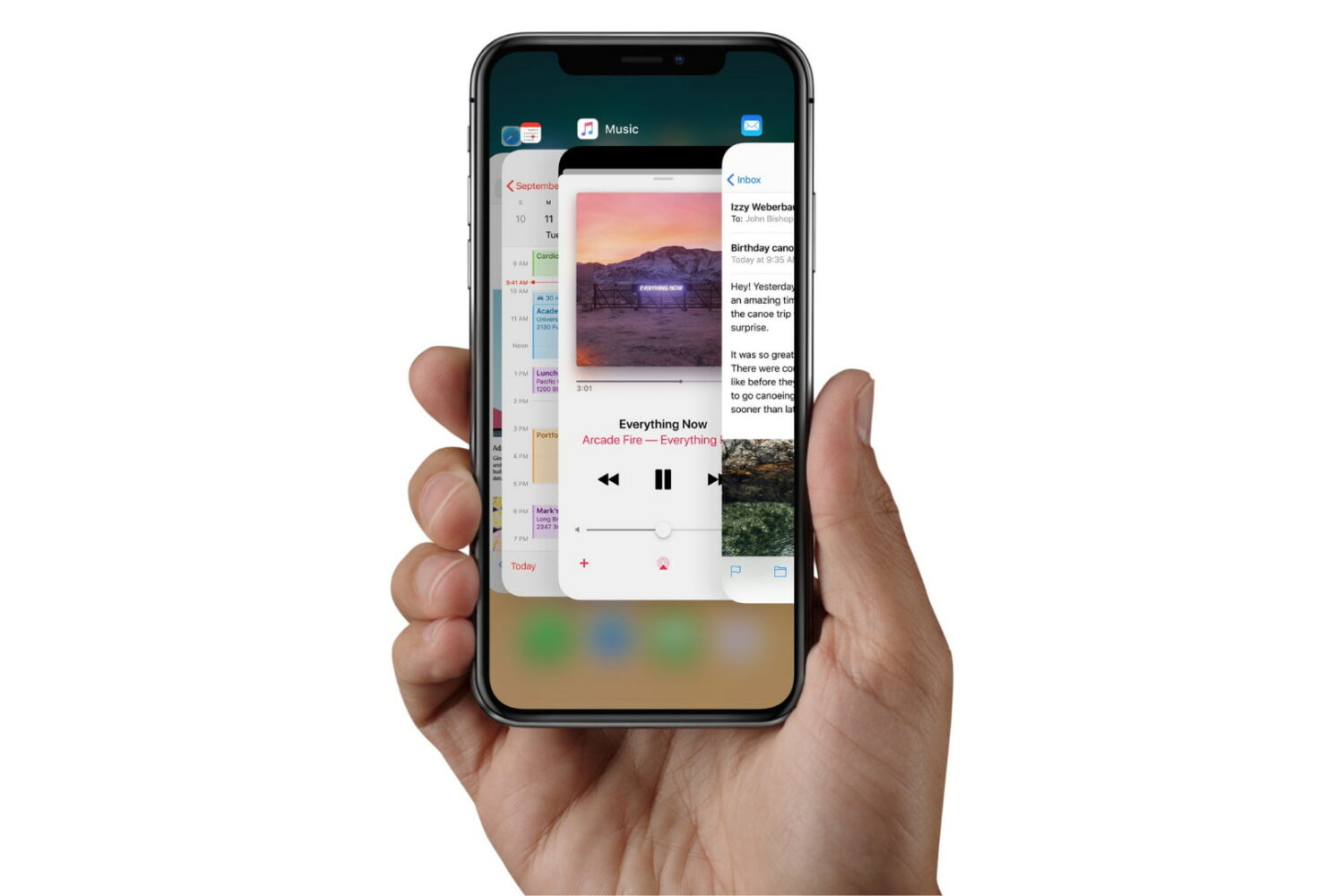
Check out the quick steps to force-close unresponsive apps on your iPhone, iPad, or iPod touch for smooth performance and to quickly resolve app issues.

If you have a Fugu14 untether-compatible device and you’re interested in using it to untether your unc0ver jailbreak, then you’re in luck because recent updates to AltStore, Fugu14, unc0ver have tied it all together to make the installation process easy and straightforward.
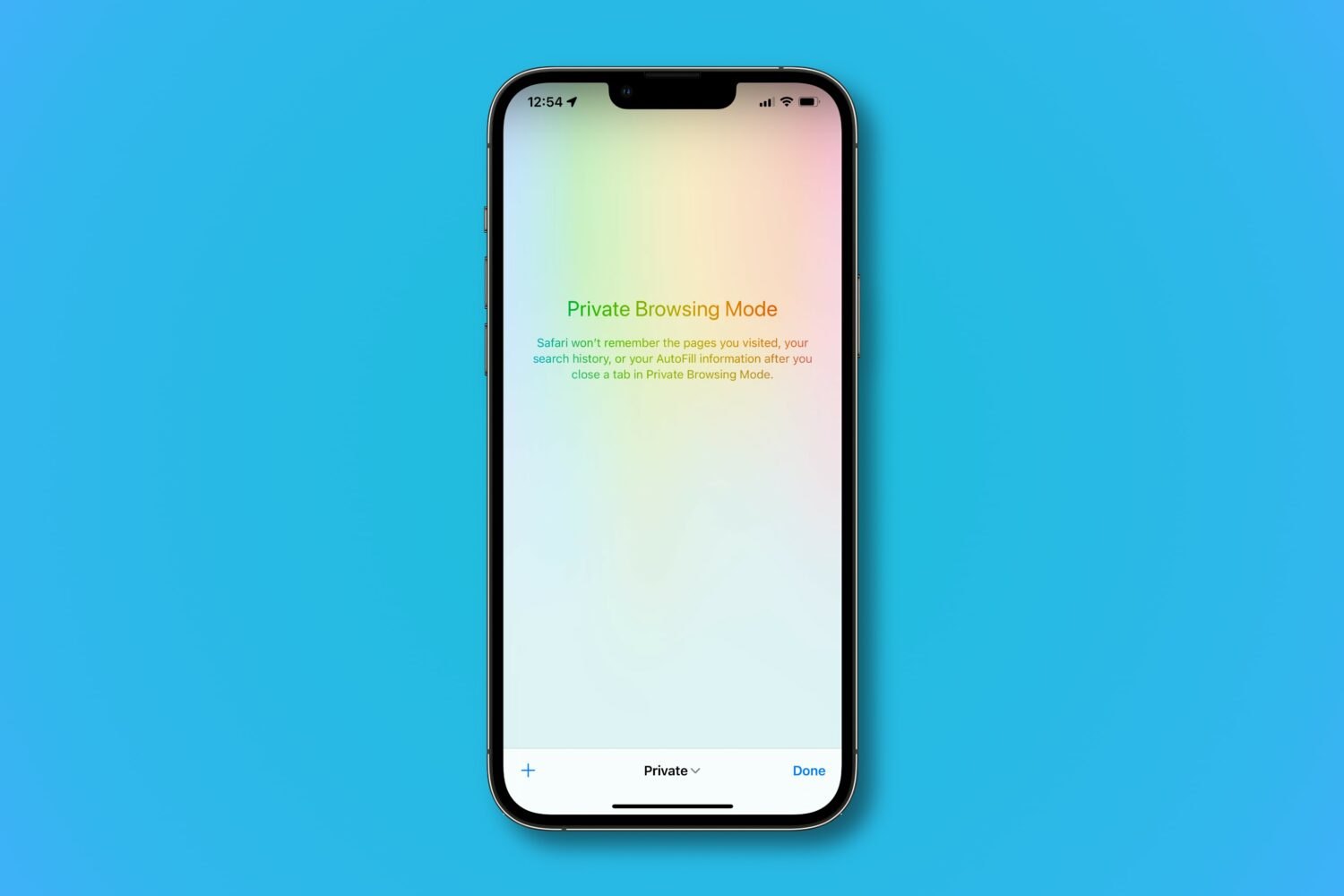
Learn how Safari’s private browsing mode works and how to activate it to surf the web without leaving tracks on your iPhone, iPad, Mac, and Apple Vision Pro.
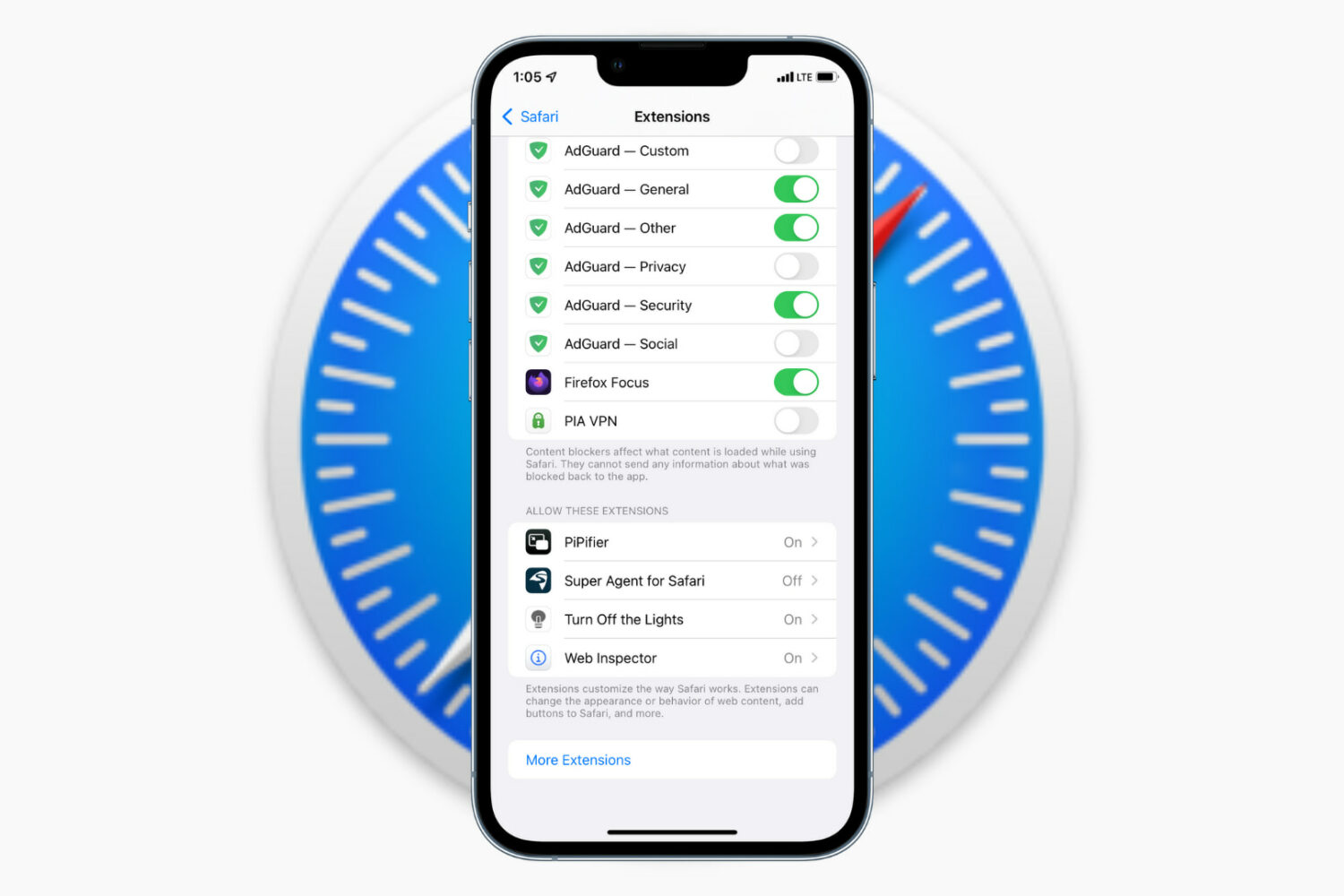
Learn how to install, run, and manage browser extensions to add more capabilities to Safari on your iPhone and iPad.
Extensions are companion software that add extra features to a web browser. For instance, the PiPifier extension lets you play videos in Picture in Picture (PiP), even from websites that do not natively support PiP.
Once you know the basics, you can explore the iOS App Store to find the extensions that seem exciting or useful to you.
Note that we're using an iPhone for these steps, but they also work if you have an iPad.
Install Safari extensionsI'm using the Turn Off the Lights extension to demonstrate the steps below. This handy extension basically dims the web page when you are watching videos on YouTube or other websites (more on it below).
1) Open the Settings app on your iPhone and tap Apps > Safari > Extensions.
Extra info: You can turn on the Share Across Devices switch in Safari settings to have a uniform experience across all your Apple devices.
2) Tap More Extensions and this will open the Safari Extensions page in the iOS App Store. Hit the GET button or the arrow icon to download a Safari extension. It appears just as a regular app.
Note: Some apps can have Safari extension built-in. If you have such an app installed (i.e., PayPal), it will show up automatically on the extensions page.
3) Once the extension is downloaded, go back to Settings > Apps > Safari > Extensions and tap the recently downloaded extension. Now, turn on the Allow Extension switch.
If you have created more than one profile in Safari, turn on the switch next to the profiles where you want it to run. Additionally, you can choose to run the extension even during private browsing.
Optionally, you can open the extension from the iPhone Home Screen and configure its settings if applicable.
4) Now, open Safari, and you should see an extension icon in the address bar. Even if you don't see it, tap the options button (or AA on older versions of iOS) and then tap the extension name. Now, allow it to run for one day or always.
Note: If you installed a content blocker extension, you may not see the extensions icon. To use content blockers, tap the options button (or AA) and choose Turn on Content Blockers or Turn off Content Blockers.
When you don't want to use the extension any longer, tap the options button and hit the extension name to disable it.
Change Safari extension permissionWhen you use a Safari extension for the first time, it may show a popup asking permission to work on that particular web page. You can allow it for one day, always, or don't allow it at all. You can manage this permission by following these simple steps.
1) Go to Settings > Apps > Safari > Extensions and tap the extension name.
2) Tap a website under the Permissions section and set it to allow, deny, or ask your permission the next time you try using this extension in Safari.
Deactivate a Safari extension1) Open the Settings app and tap Apps > Safari > Extensions.
2) Tap the extension name you want to deactivate.
3) Turn off the Allow Extension switch or the switch next to your Safari profile.
4) If you change your mind, follow the same steps to re-enable it.
You can also do this from inside the Safari app by following these steps.
1) Open Safari and tap the options icon (or AA) from the address bar.
2) Tap Manage Extensions.
3) Disable (or enable) the extension switch here and tap Done.
Uninstall and remove Safari extensionsRemoving a Safari extension is the same as deleting a regular iOS app.
1) Touch and hold the Safari extension icon from the iPhone Home Screen or App Library.
2) Tap Remove App > Delete App > Delete.
3) Restart your iPhone.
You can also remove the Safari extension by going to Settings > General > iPhone Storage > extension name > Delete App.
Three Safari extensions I love using on my iPhoneThe Safari Extensions section in the App Store is full of ad blockers, content blockers, adult site blockers, and such. You can explore them all by tapping More Extensions in Safari extensions settings.
Here are three extensions that I have installed and use frequently.
1. PiPifierThis tiny extension called PiPifier lets you enjoy videos in Picture-in-Picture mode, even on websites that do not support it. Super handy!
2. Turn Off the LightsNot all websites have the toggle to enable Dark Mode or support system Dark Mode. On these sites, enabling the Turn Off the Lights extension can be comfortable during the night.
Plus, if you are watching something on YouTube in Safari, Turn Off the Lights will keep the video in focus and dim everything else. It looks pretty nice.
3. AdGuardAs a content creator myself, I typically don't like to use ad blockers. However, some websites take ads to such an annoying level that I have to block ads in order to be able to use the site. If I am ever on such a website, I tap the options icon (or AA) and hit Turn on Content Blockers to eliminate all ads, thanks to AdGuard.
What do you think of Safari extensions on mobile? Let us know using the comments section below.
On a related note:
How to manage Safari extensions on a per-website basis How to install, manage, update, and remove Google Chrome extensions on Mac and Windows PC
We show you how to fast-charge your brand spanking new 14-inch or 16-inch MacBook Pro from dead to fifty percent battery in about 30 minutes, and tell you about the caveats.
Learn how to access, view, and download your photos and videos saved on iCloud using your iPhone, iPad, Mac, or a web browser.

Check out these simple steps to download an iPhone or iPad app that's not officially available in your country.
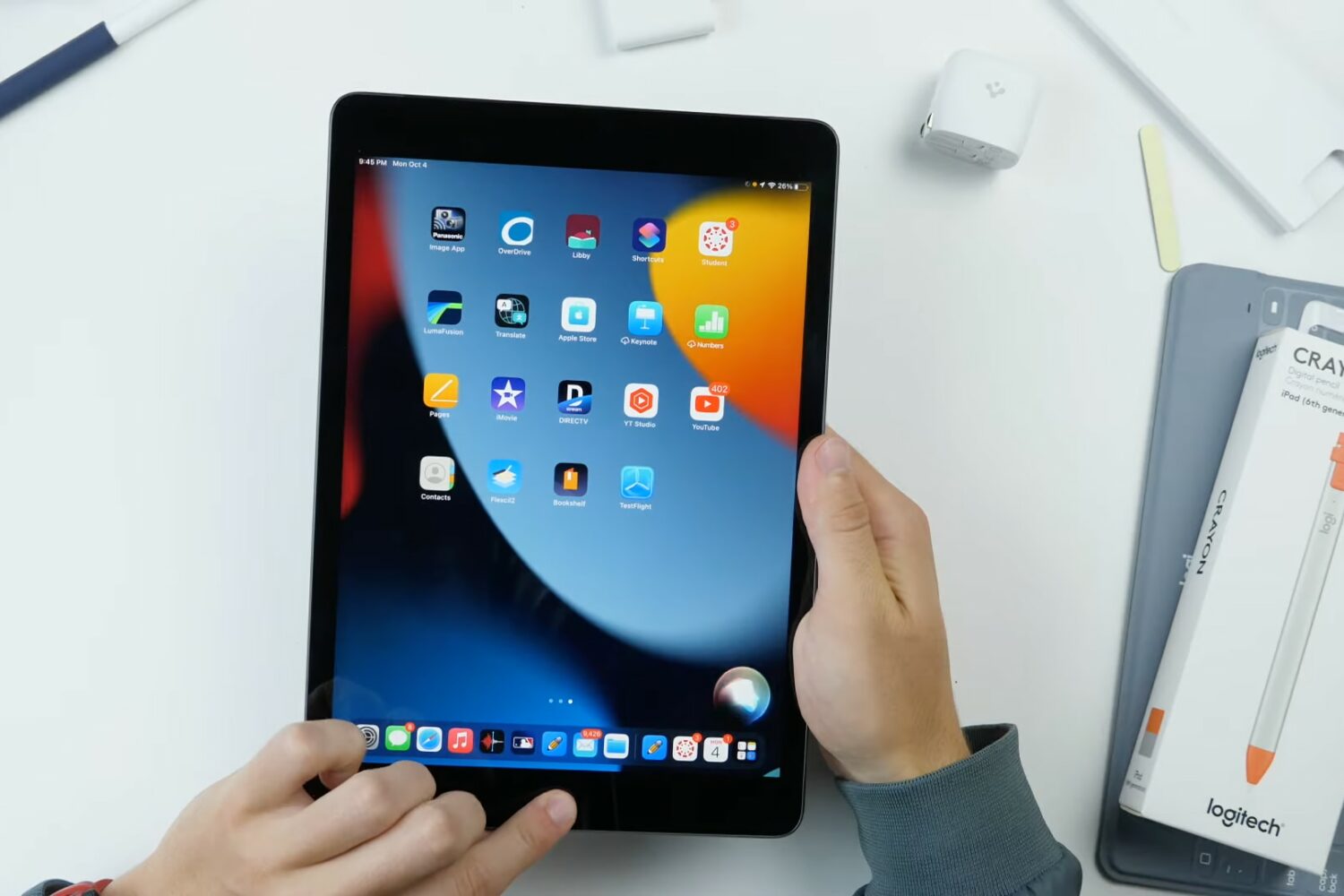
Just got your iPad 9 delivered to your doorstep? Planning on buying one soon, you say... Either case, you'll want to watch our hands-on video walkthrough packed with useful tips and tricks for getting started with Apple's ninth-generation iPad.
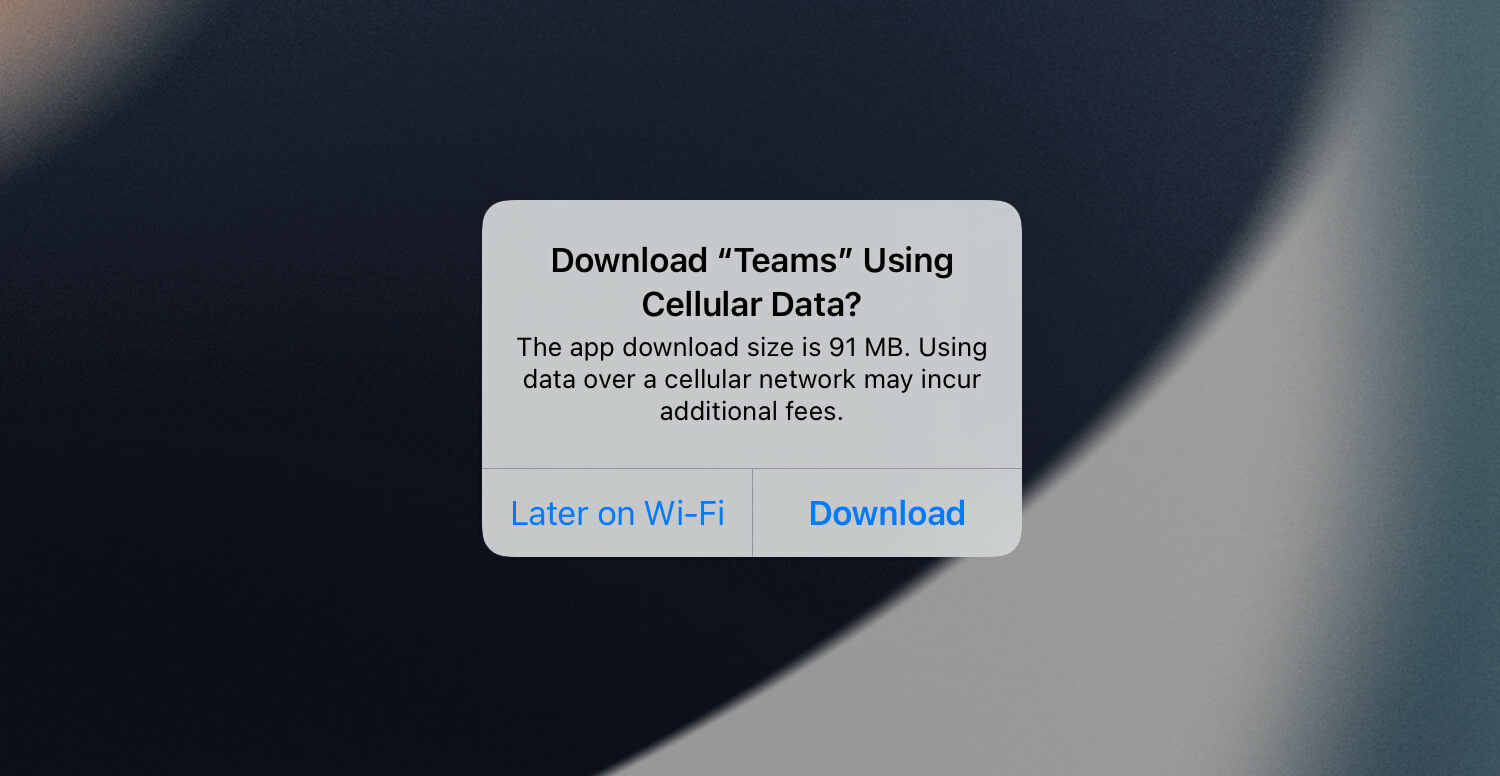
Learn how to find the precise file size of an app or app update for your specific iPhone model. This will help if you're on a limited data plan.
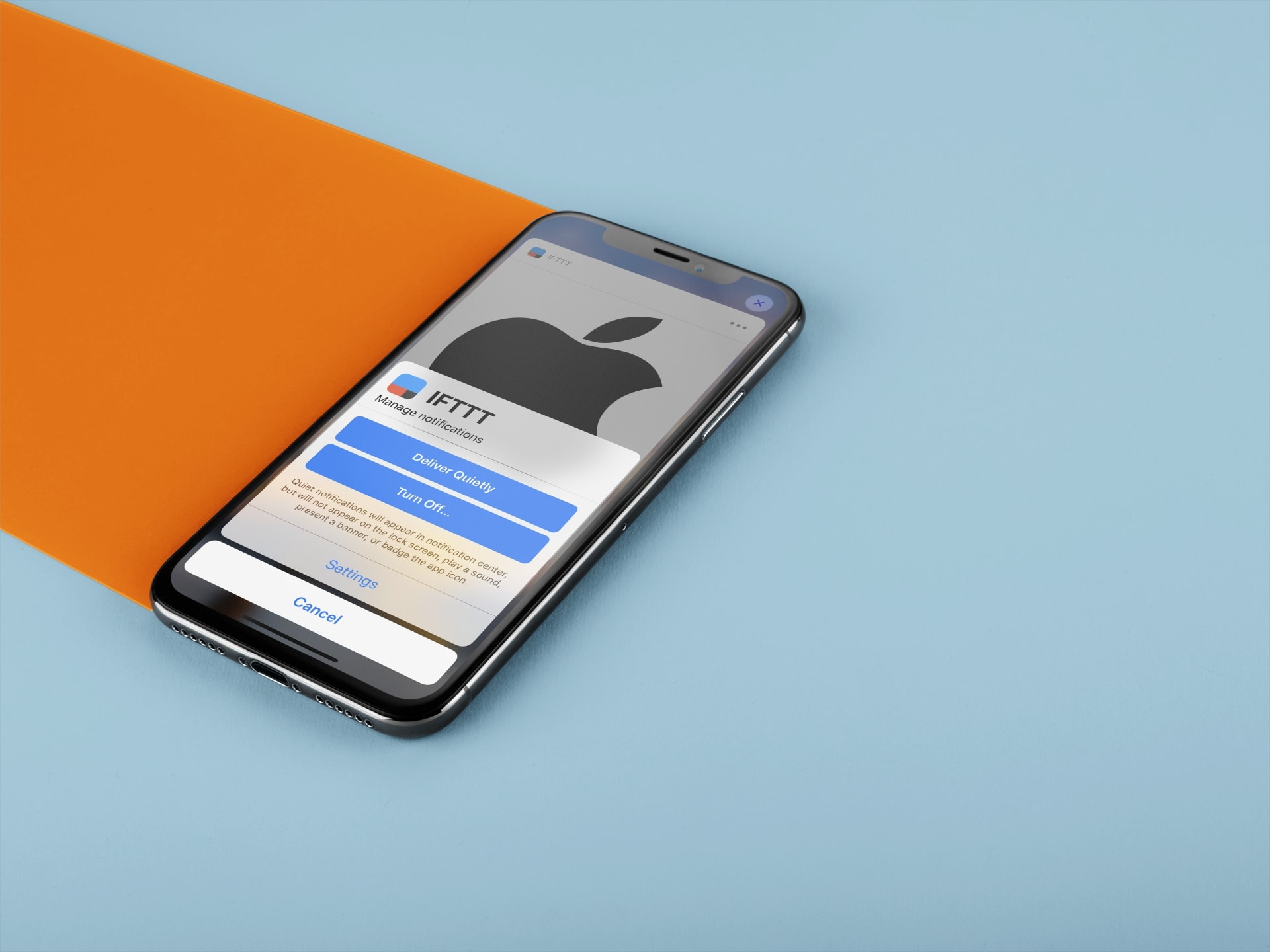
Learn how to set certain app notifications to be delivered quietly without making a sound or waking up the Lock Screen on your iPhone and iPad.

Learn how to use the Per-App Settings feature to customize your iPhone apps with specific settings that only apply to those apps.