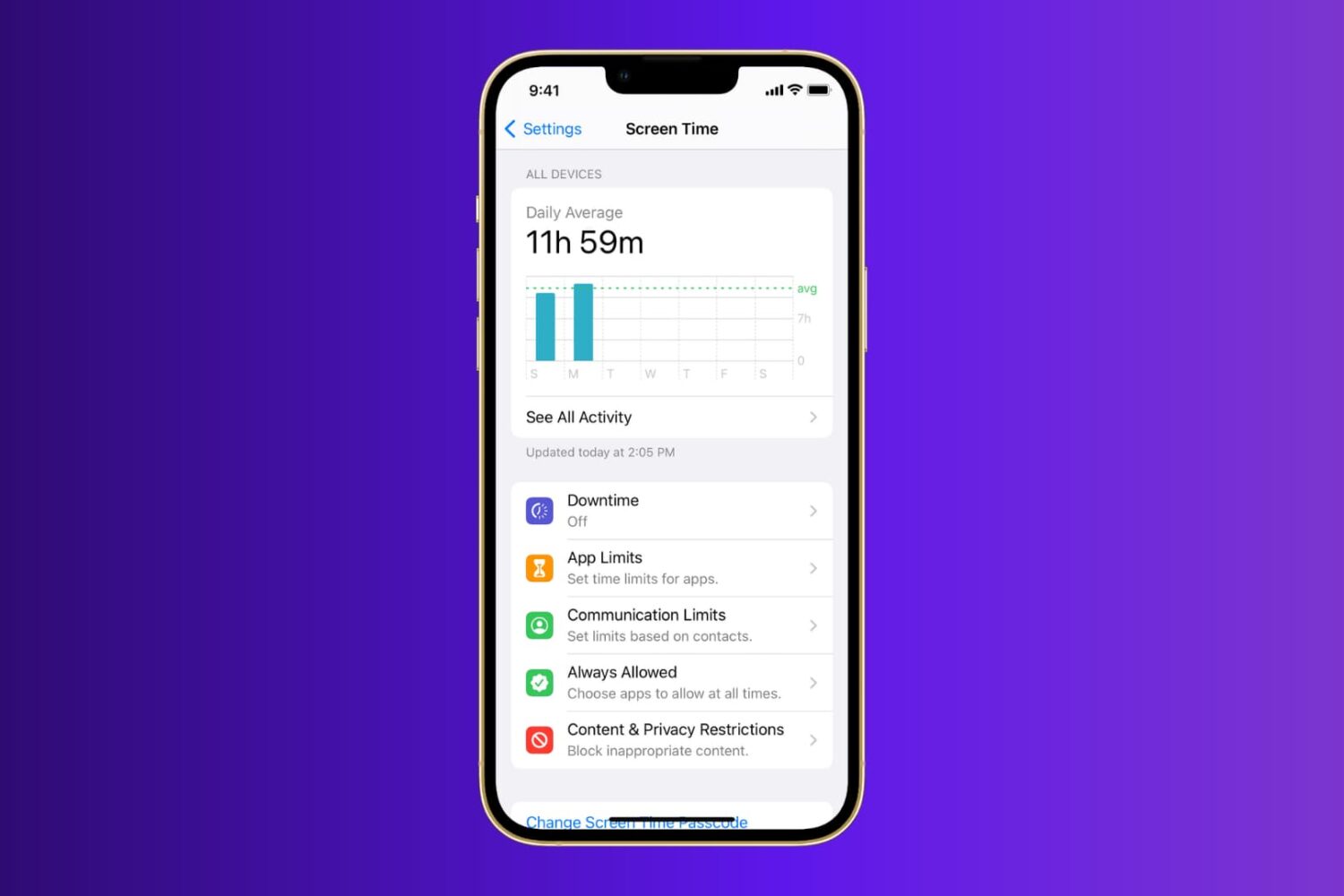
Learn what to do when Screen Time is not working properly on your iPhone or iPad running a recent version of iOS or iPadOS.
How to fix Screen Time not working on iPhone and iPad
Learn how to master your Apple devices with our comprehensive tutorials. From iPhone and iPad to Mac, Apple Watch, AirPods, and more, our expert guides will help you unlock the full potential of your Apple products. Discover new features, tips, and tricks each day to enhance your user experience.
Learn what to do when Screen Time is not working properly on your iPhone or iPad running a recent version of iOS or iPadOS.
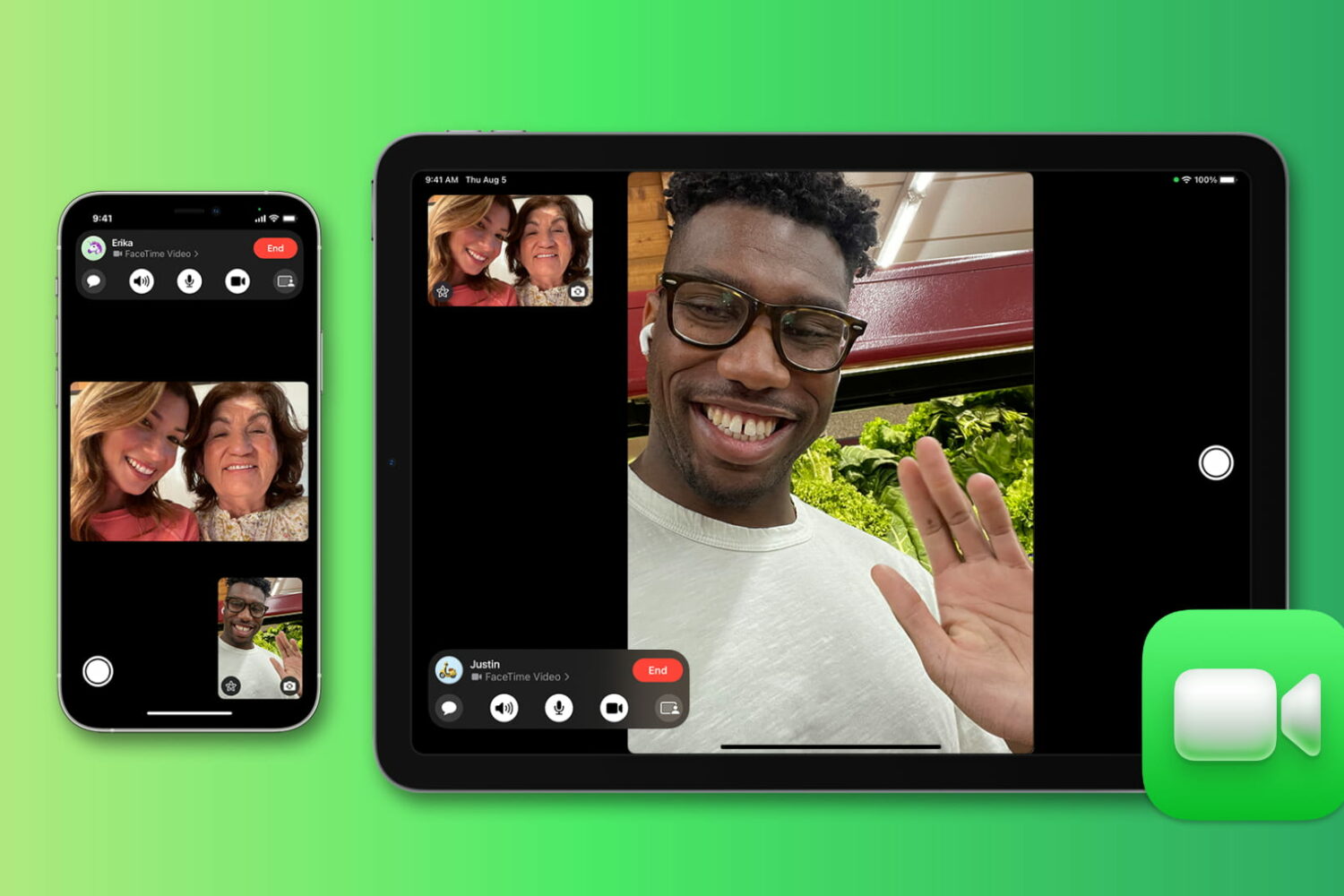
Wondering for how long you talked with a friend or family member on FaceTime? Check out the quick steps to see FaceTime call duration on iPhone, iPad, and Mac.
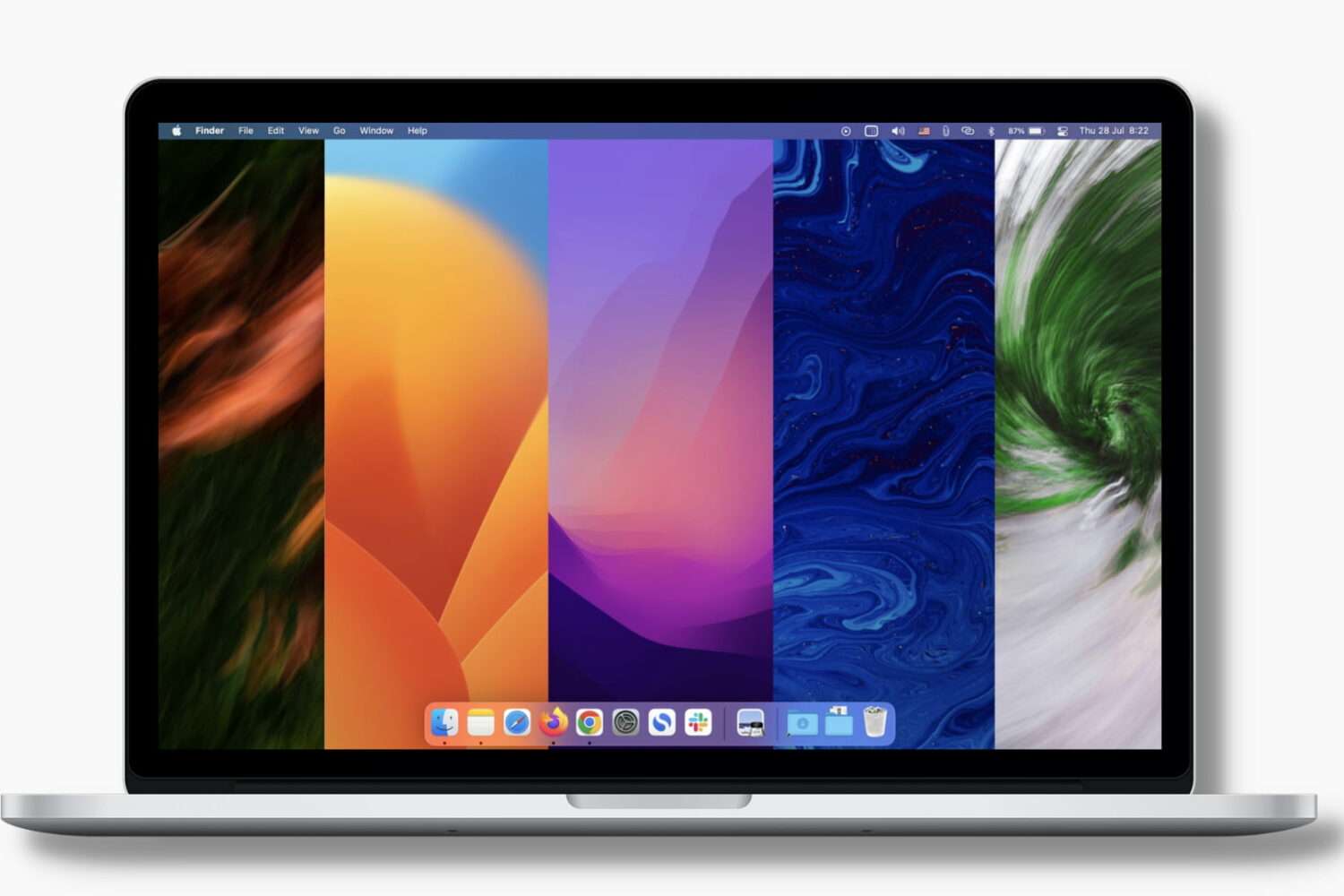
Learn how to set your Mac to automatically change the desktop wallpaper so you get to look at a new image at regular intervals and keep things fresh.

In this tutorial, we show you how you can change the speedometer megabit scale in the popular Speedtest app for iPhone, iPad, and Android phone.
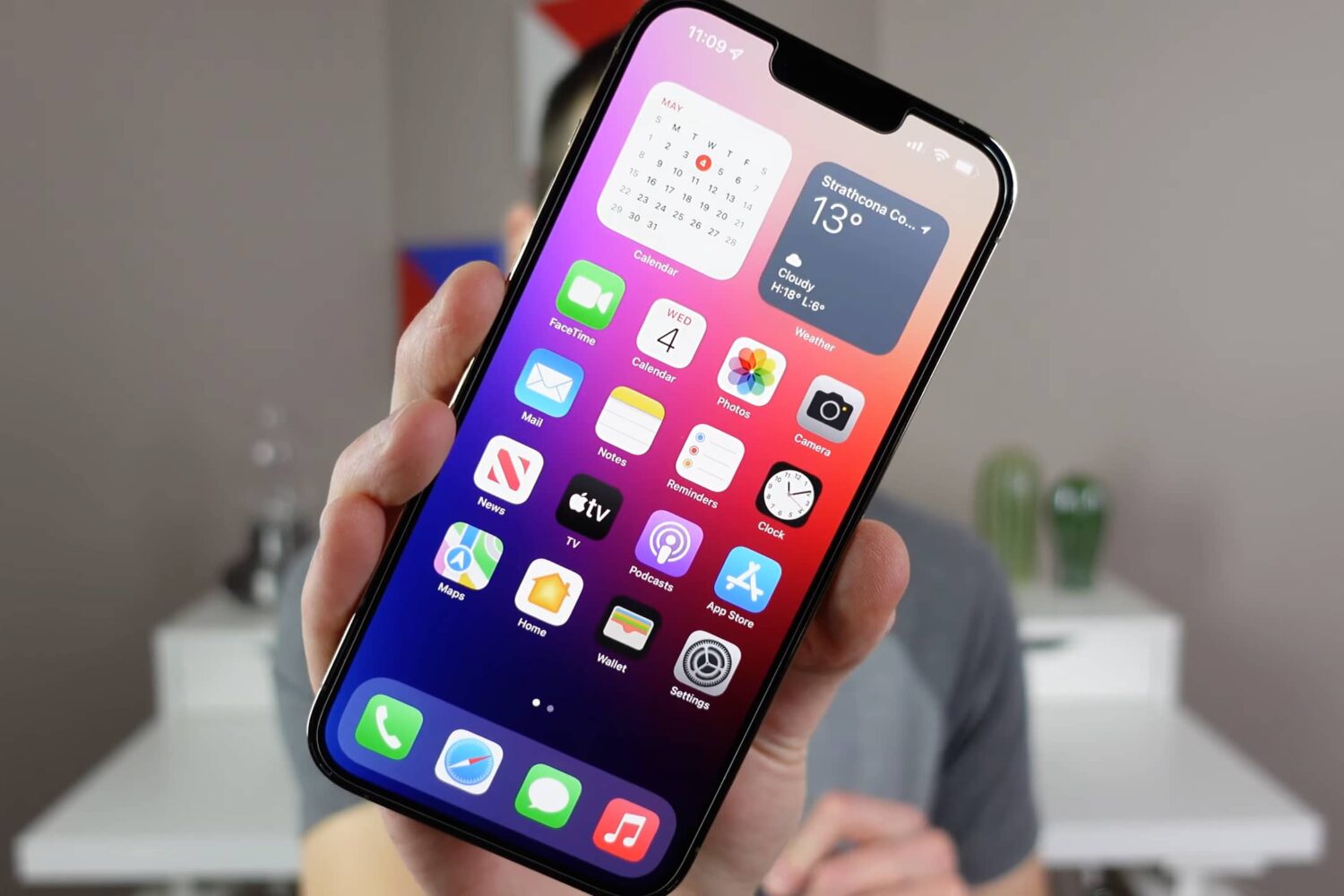
Watch and read these tips and tricks to learn about hidden or lesser-known features that help you make the most of your iPhone.
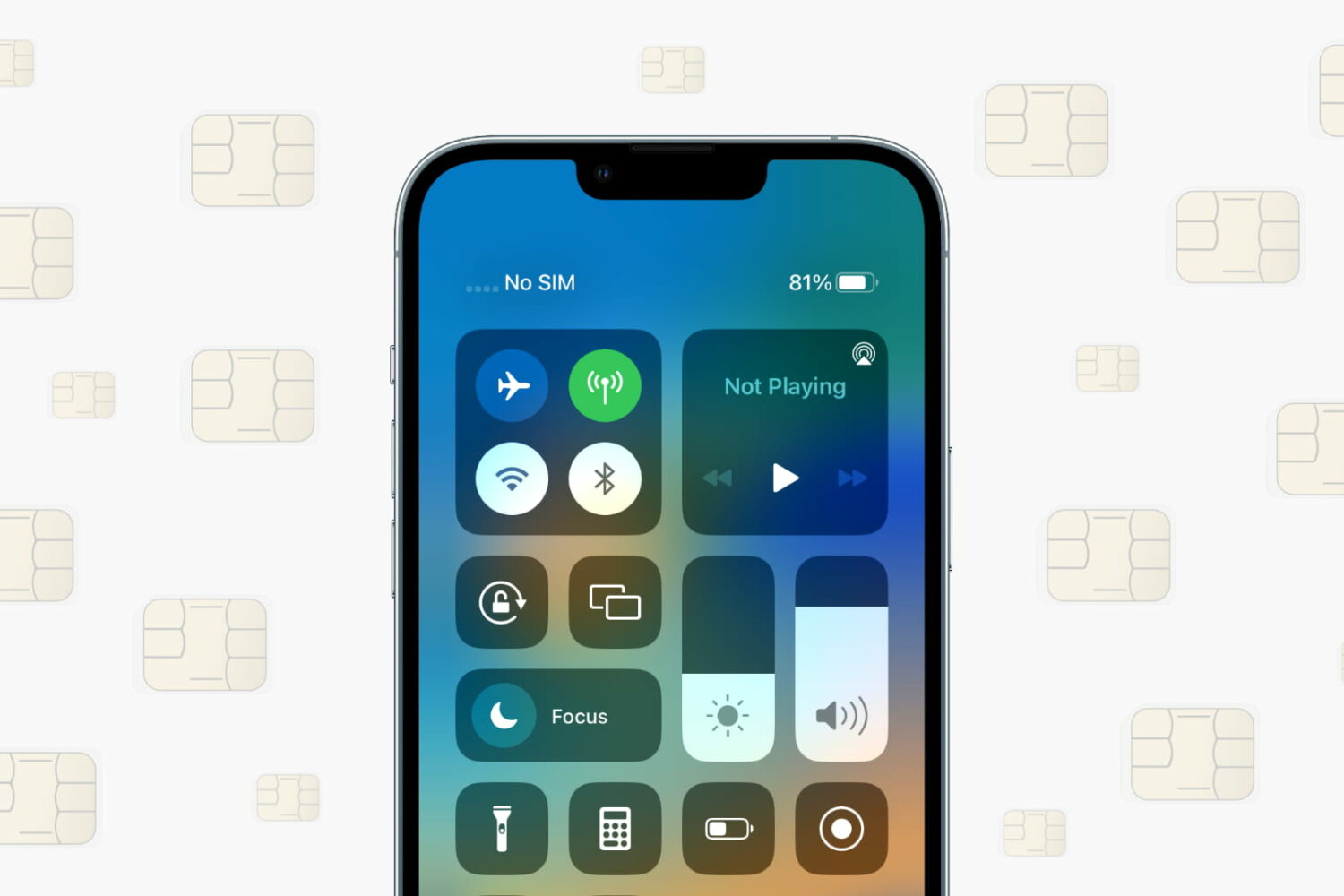
Learn what to do if your iPhone or cellular iPad isn’t recognizing the SIM card and shows “No SIM,” “SIM Not Valid,” or other SIM-related errors.
Protect your privacy by stopping email tracking inside Gmail and other email accounts in the Apple Mail app on iPhone, iPad, and Mac.
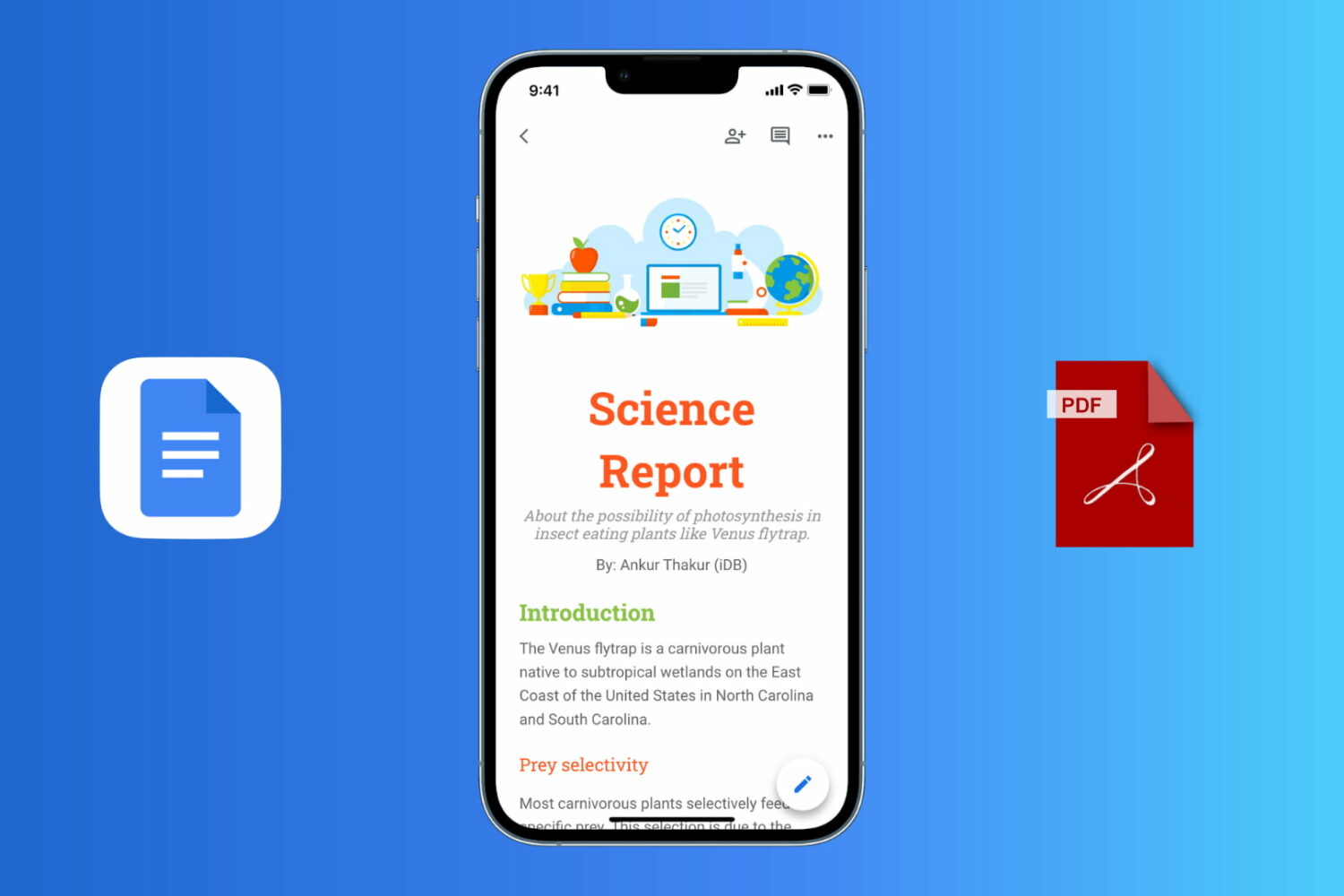
Follow these easy steps to export a Google Docs document as a PDF file on your iPhone, iPad, Mac, or Windows PC.
Learn how to discreetly chat with your friends or colleagues using Google Docs or the Apple Notes app, avoiding traditional chat apps and services.
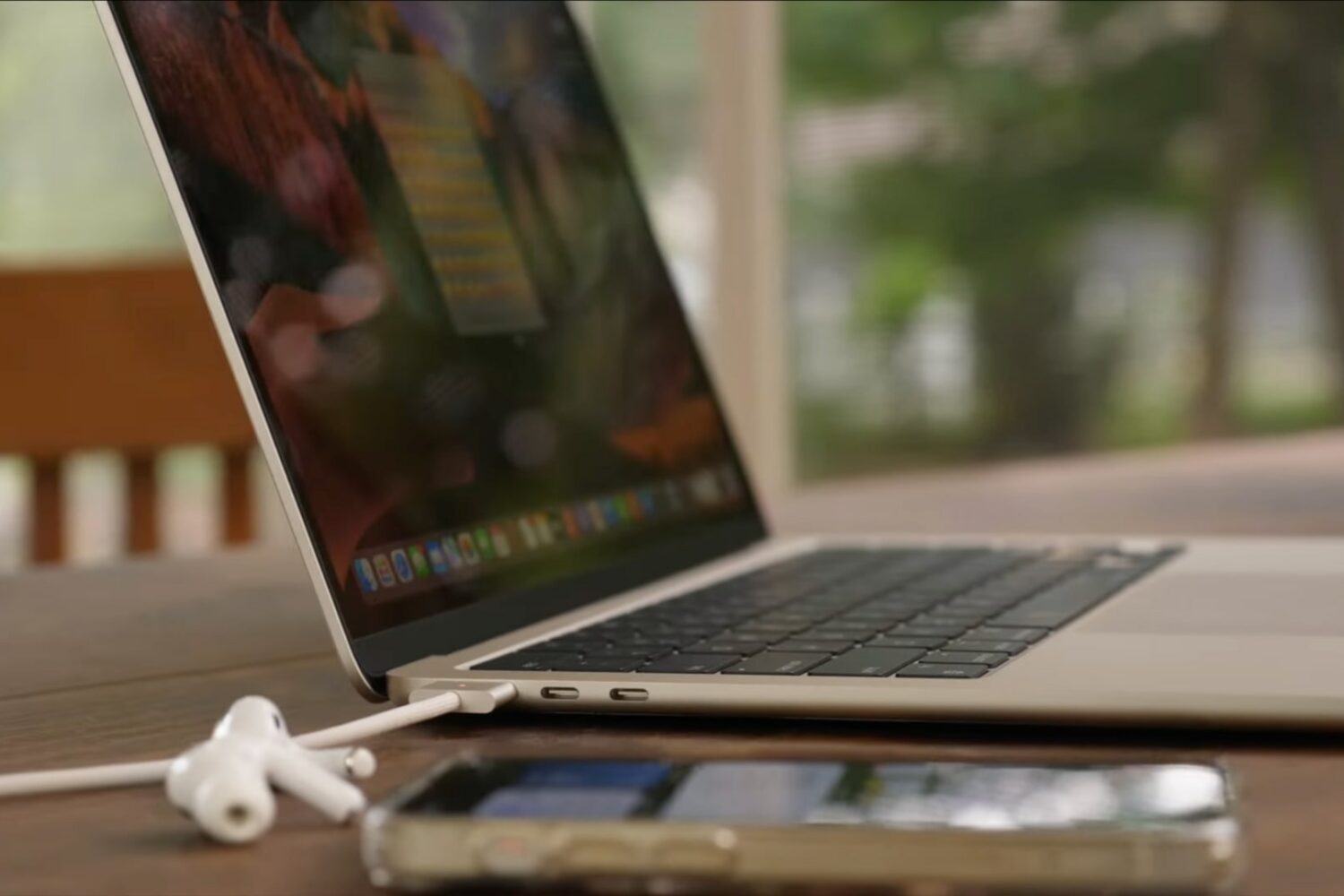
Watch our M2 MacBook Air tips and tricks video to learn how to set up your new Apple notebook, install apps, pick a power adapter for fast-charging and more.
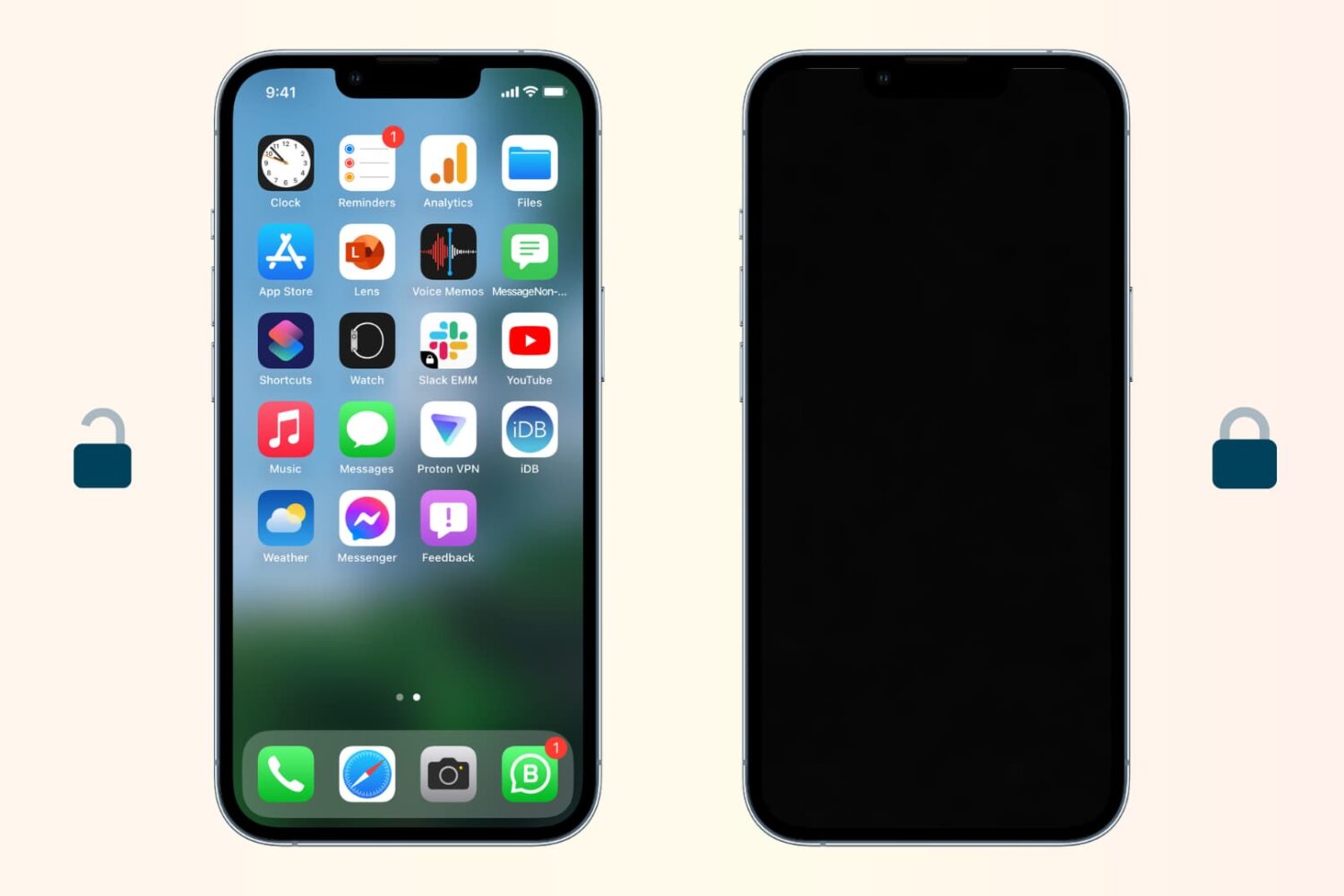
Follow these steps if your iPhone is not locking and going to sleep automatically after a period of inactivity.
Keep your sensitive information and browsing data safe by ensuring your web browsers are up to date on your iPhone, iPad, and Mac.