In this quick tutorial, we show you how to block someone who has called you on FaceTime or sent you an iMessage in the Messages app on your Mac.
How to block someone in FaceTime or Messages on Mac
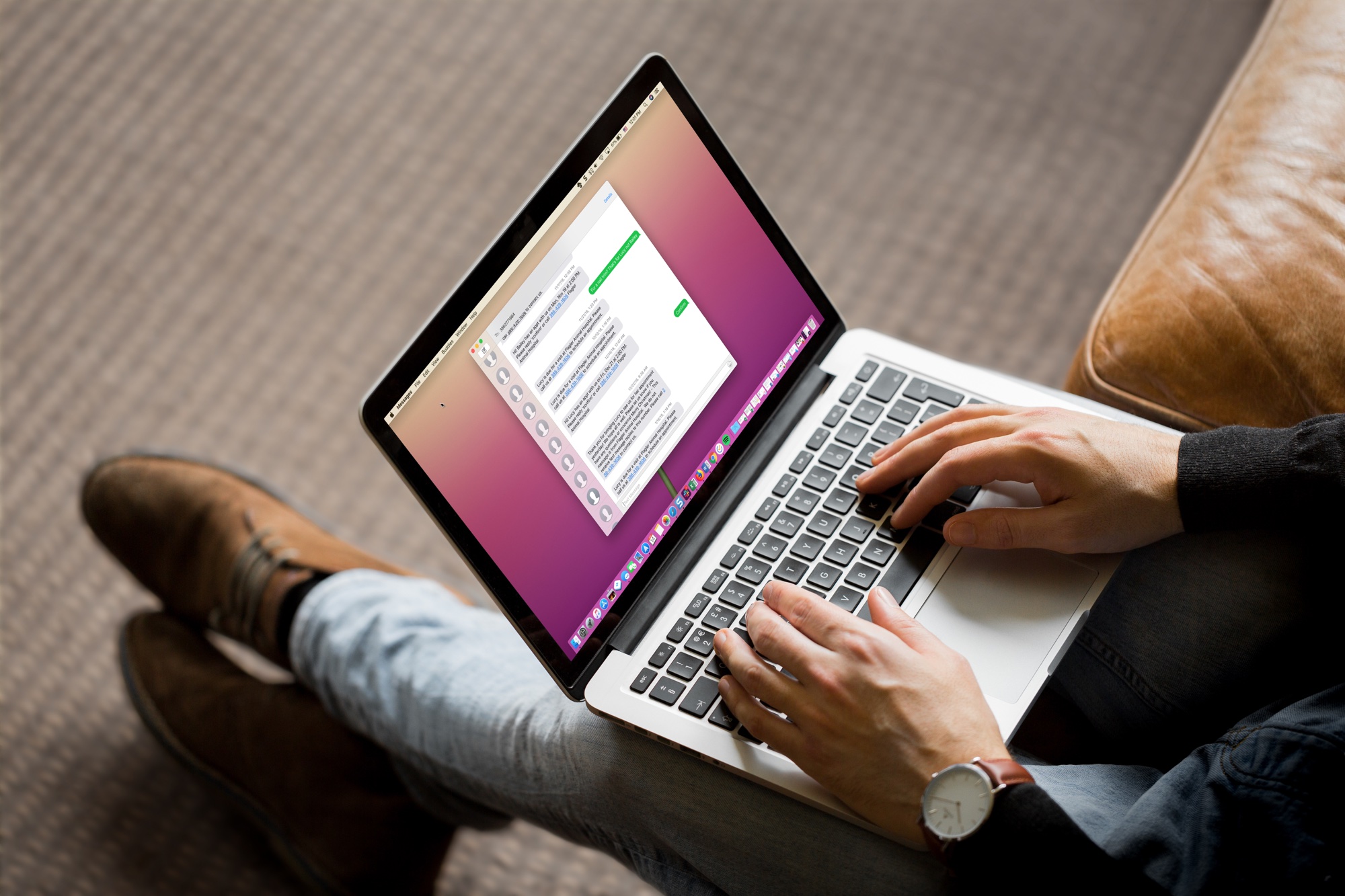
Stay up-to-date on the latest Mac news, and tutorials. Get expert tips and tricks to optimize your Mac’s performance and learn about the latest Apple products and software updates. Discover the best Mac apps and accessories to enhance your user experience.
In this quick tutorial, we show you how to block someone who has called you on FaceTime or sent you an iMessage in the Messages app on your Mac.

Bookmarking your favorite websites in Safari on your iPhone, iPad, and/or Mac is handy for accessing the pages you need with a tap. But bookmarks can also quickly get out of control. So for the best experience, you can organize your bookmarks in folders, rearrange them, edit them, and of course, delete those you end up never using.
To help you get control of your saved pages, here's how to manage bookmarks in Safari on iOS and Mac.
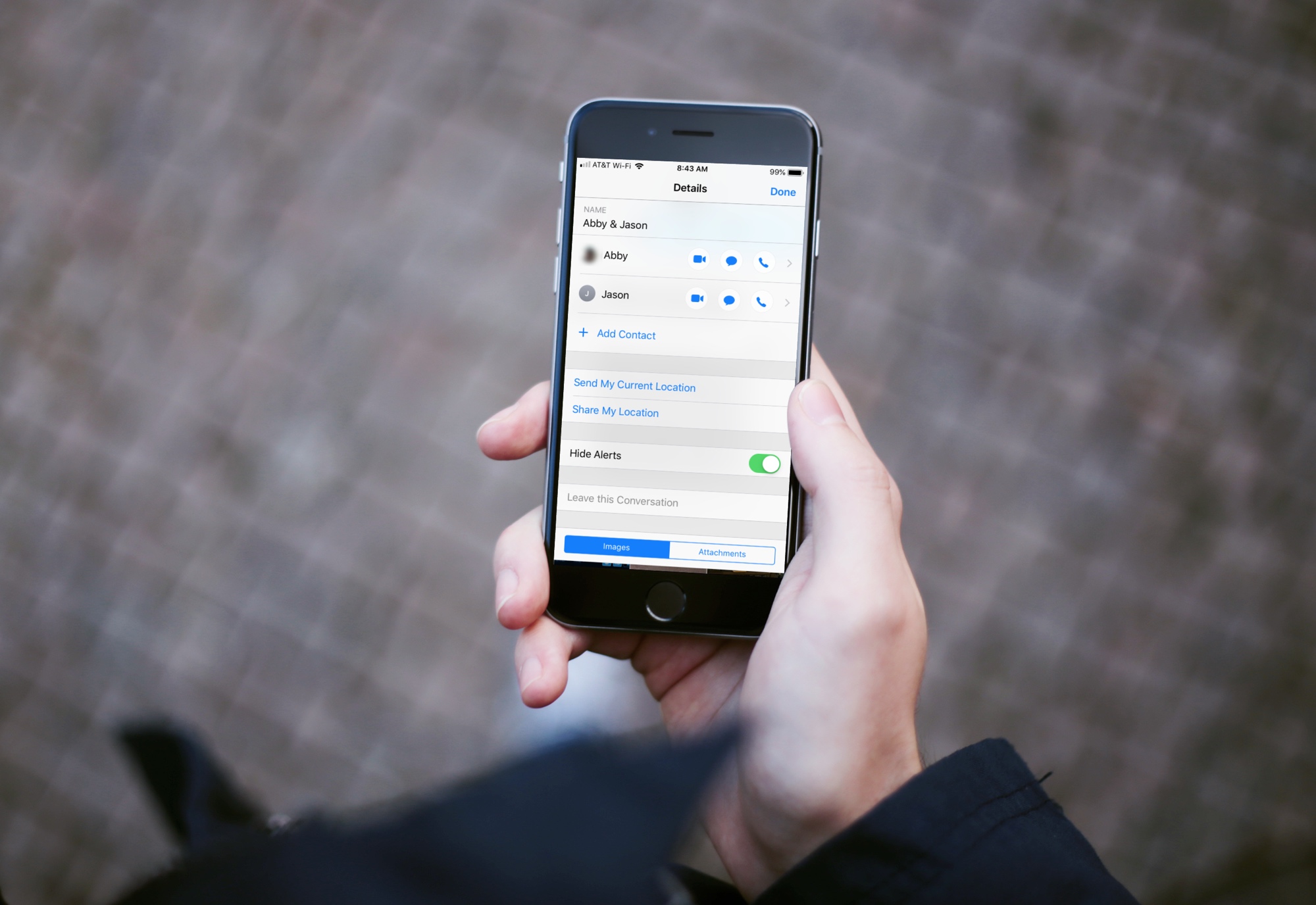
Group text messages can often get out of control, with several participants sending messages in quick succession. In such situations, you can either leave the group text or hide group text alerts and see them later.
This brief tutorial will show you how to turn off notifications for group iMessage or SMS conversations on your iPhone, iPad, and Mac. We will also share a pro tip that ensures you're instantly notified of the group message with you in it, even if that group conversation is muted!
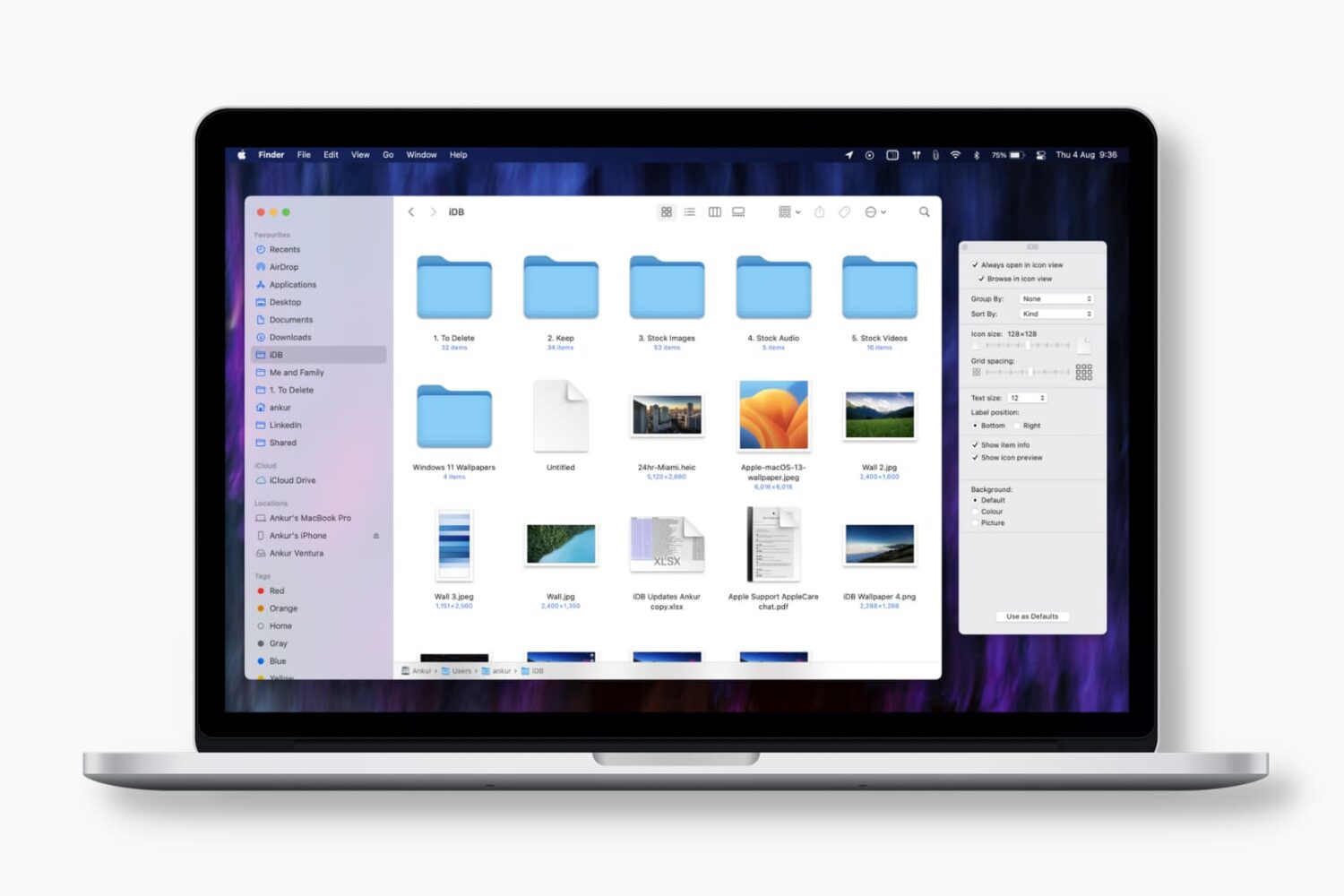
Learn how to set Finder on your Mac to always open a specific folder in your favorite view, with the files sorted and grouped in the order of your choosing.
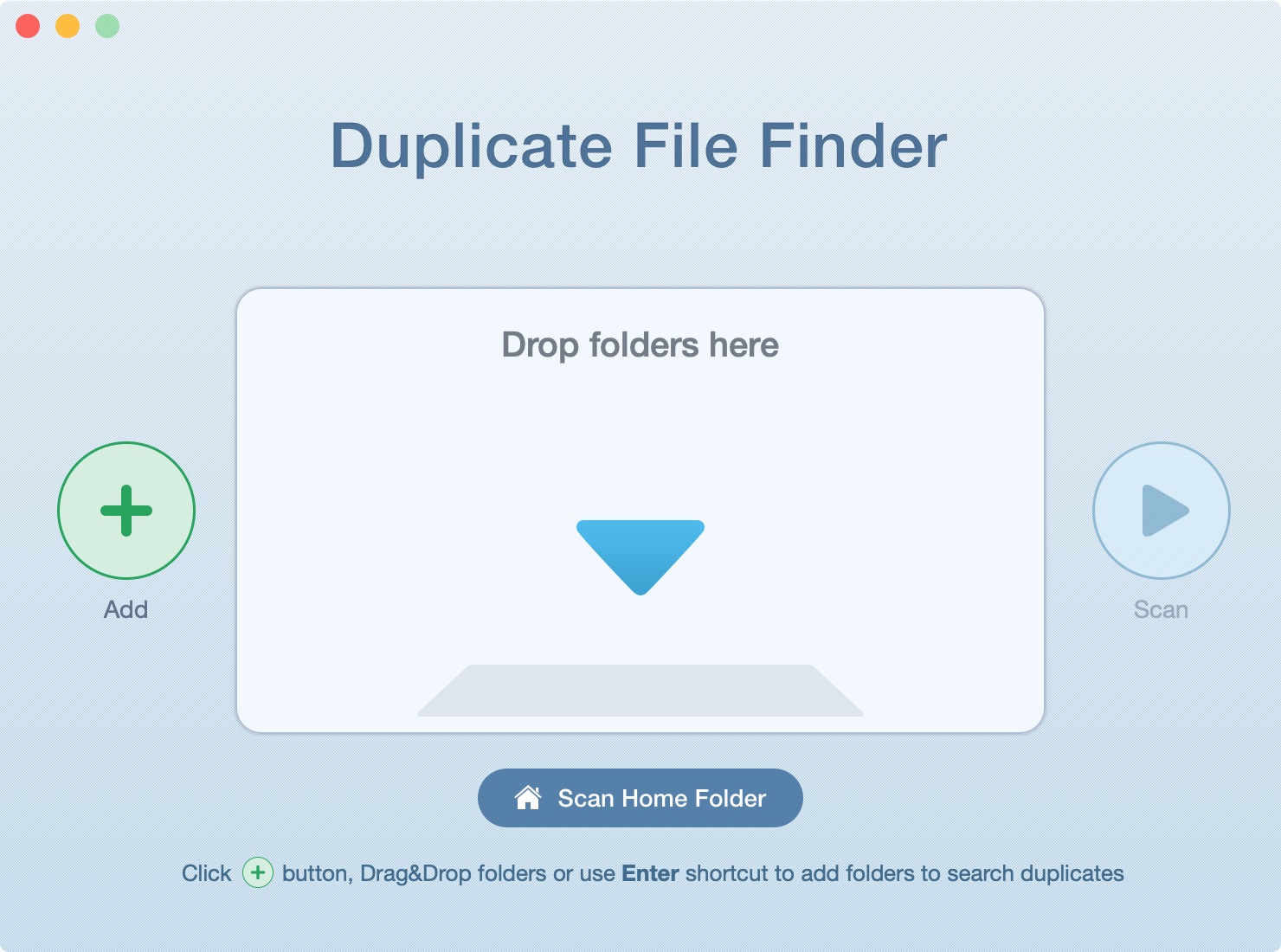
In this tutorial, we’ll show you how to scan your Mac’s drive to find and delete all duplicate files. This will help free up space and reduce clutter.
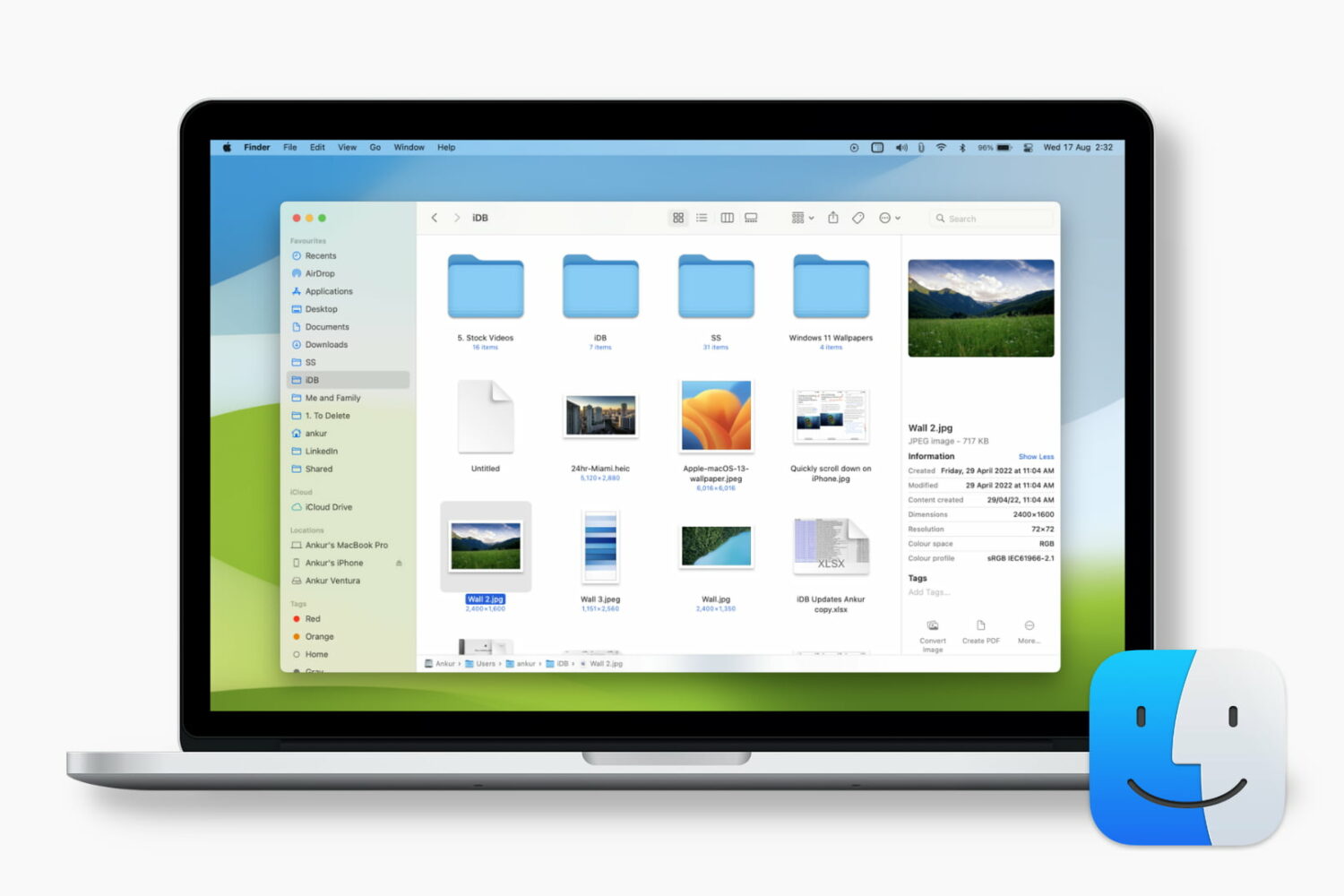
Learn how to customize the Finder preview pane by choosing specific glanceable details to show when browsing files on your Mac.

Learn how to leave group chats in the Apple Messages app on your iPhone, iPad, and Mac to cut down on notifications and enjoy peace when you need it.
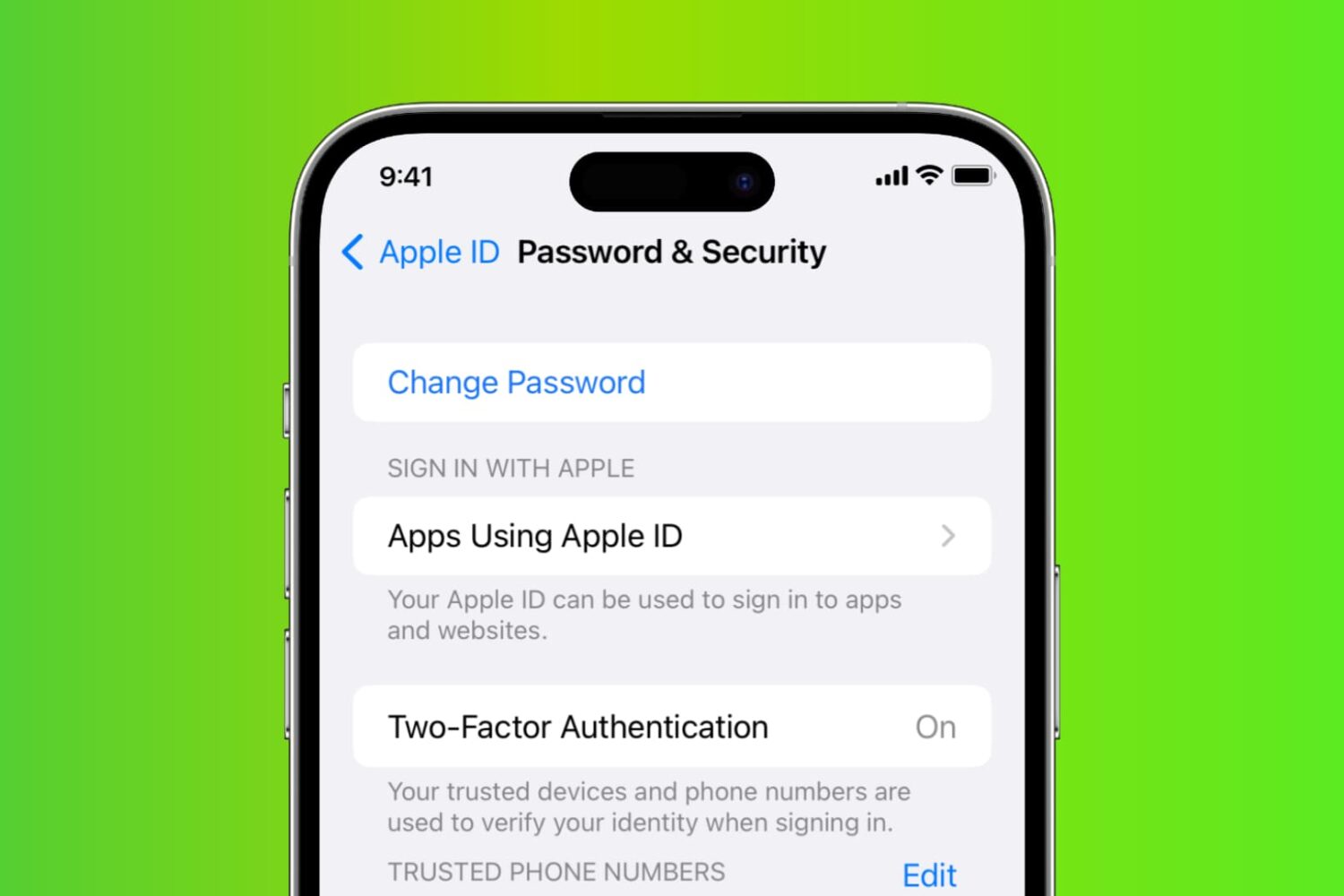
Learn how to reset your Apple account password if you’ve forgotten it, so you can regain access to your account, iCloud files, Photos library, Messages chats, and more.

Explore these 12 essential Mac tips designed to streamline your workflow and enhance productivity.
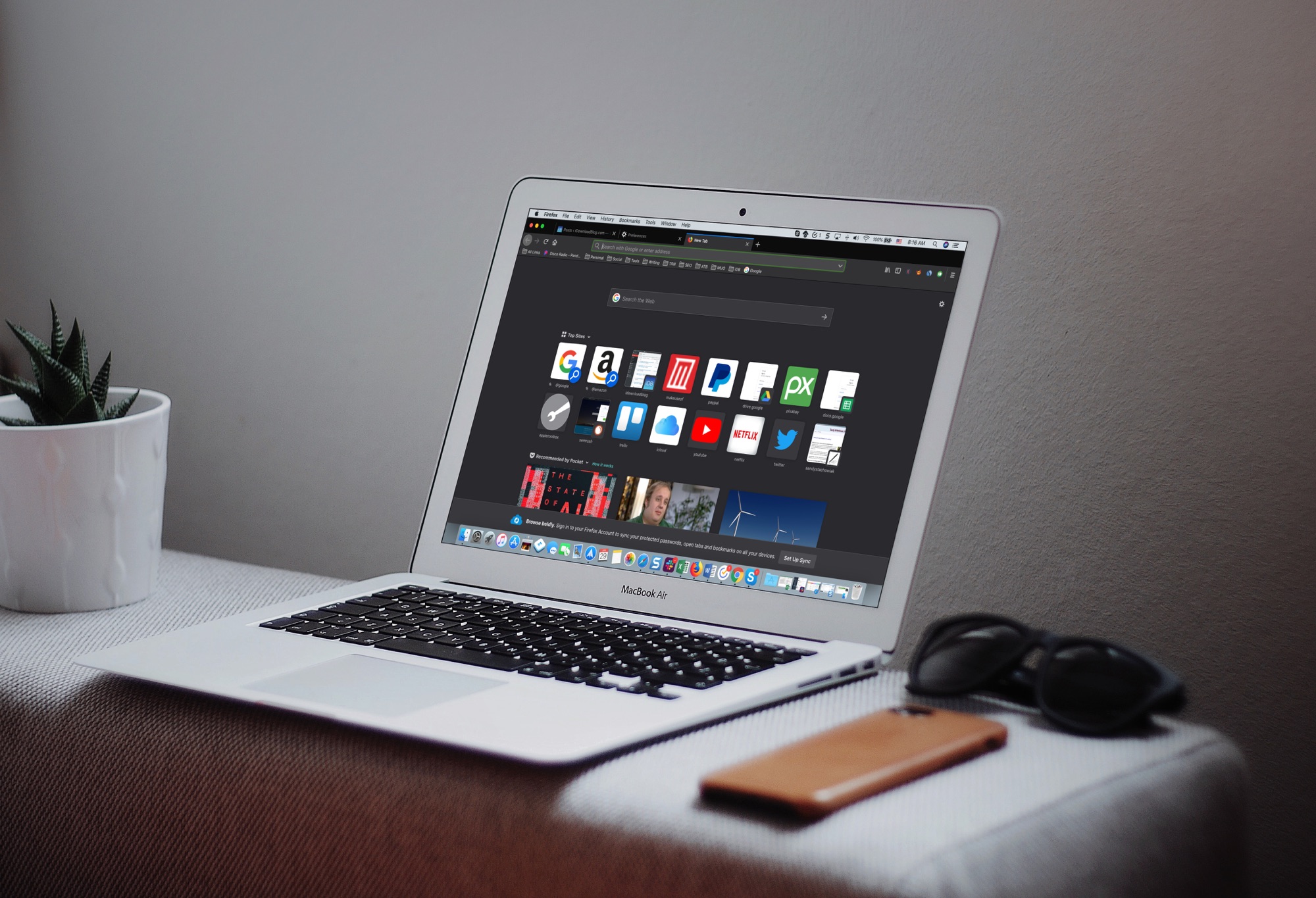
The Dark Mode on Mac is a cool feature, not just for the look and feel, but can be helpful for toning down the bright screen, especially in the evening. So, using a dark mode on your apps can be just as useful.
If you use Firefox in addition to or instead of Safari, you can set this up there too. Here’s how to enable the Firefox Dark Theme on Mac.
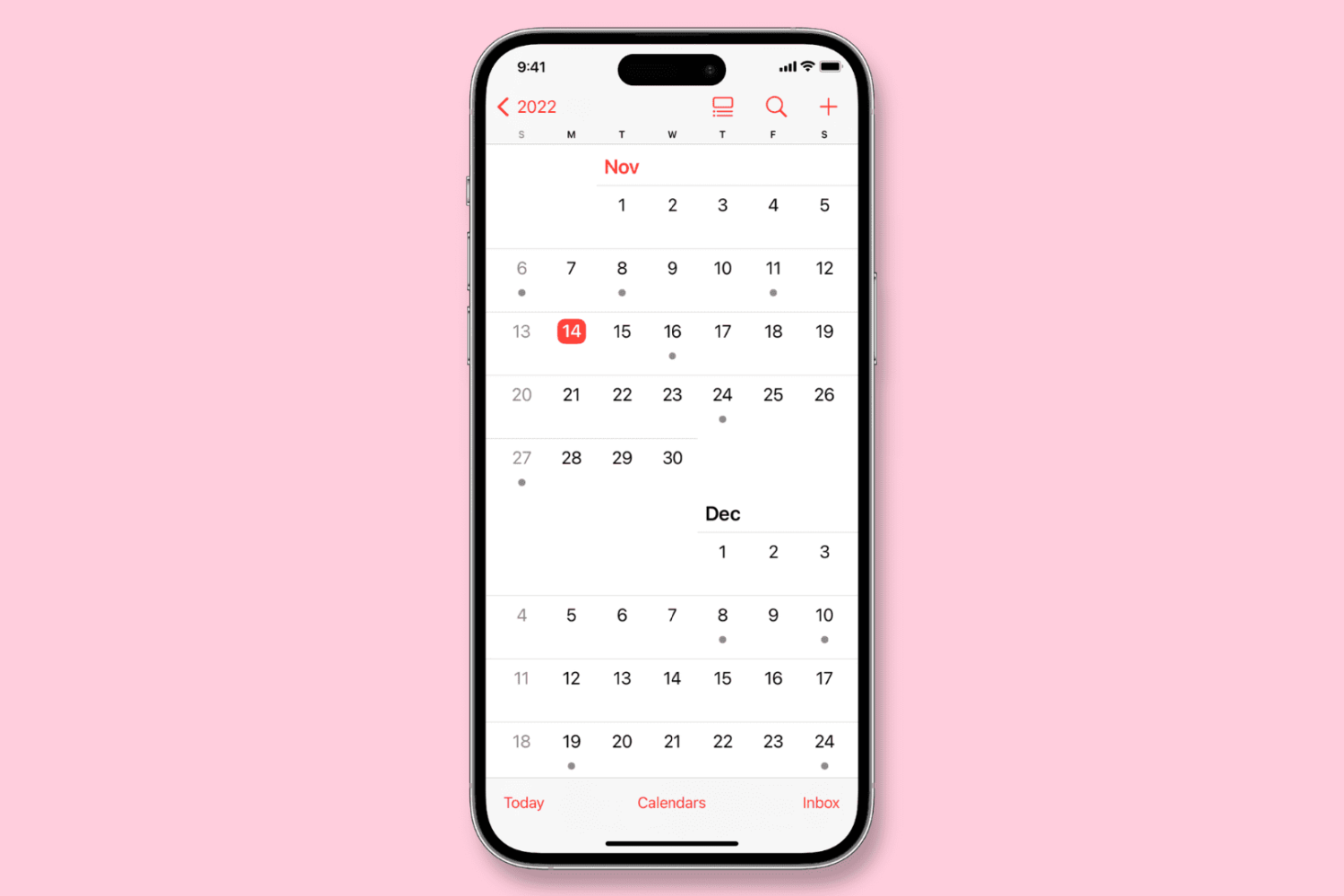
Learn how to configure the Calendar app on your iPhone, iPad, or Mac to start the week on a day other than Sunday, if that’s your preference.
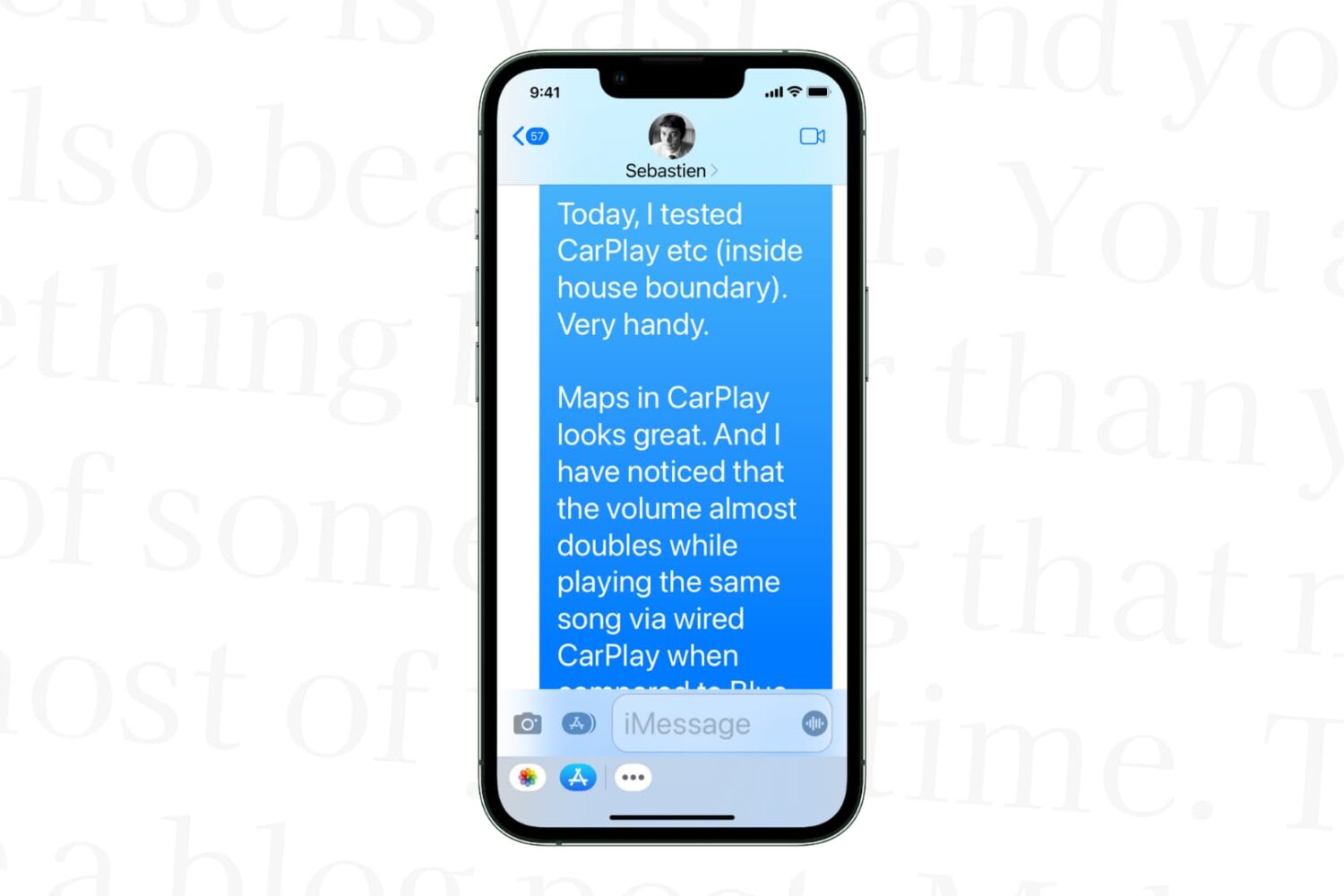
Learn how to increase text size in the Messages app on your iPhone, iPad, and Mac to stop squinting your eyes if you struggle to read small words.