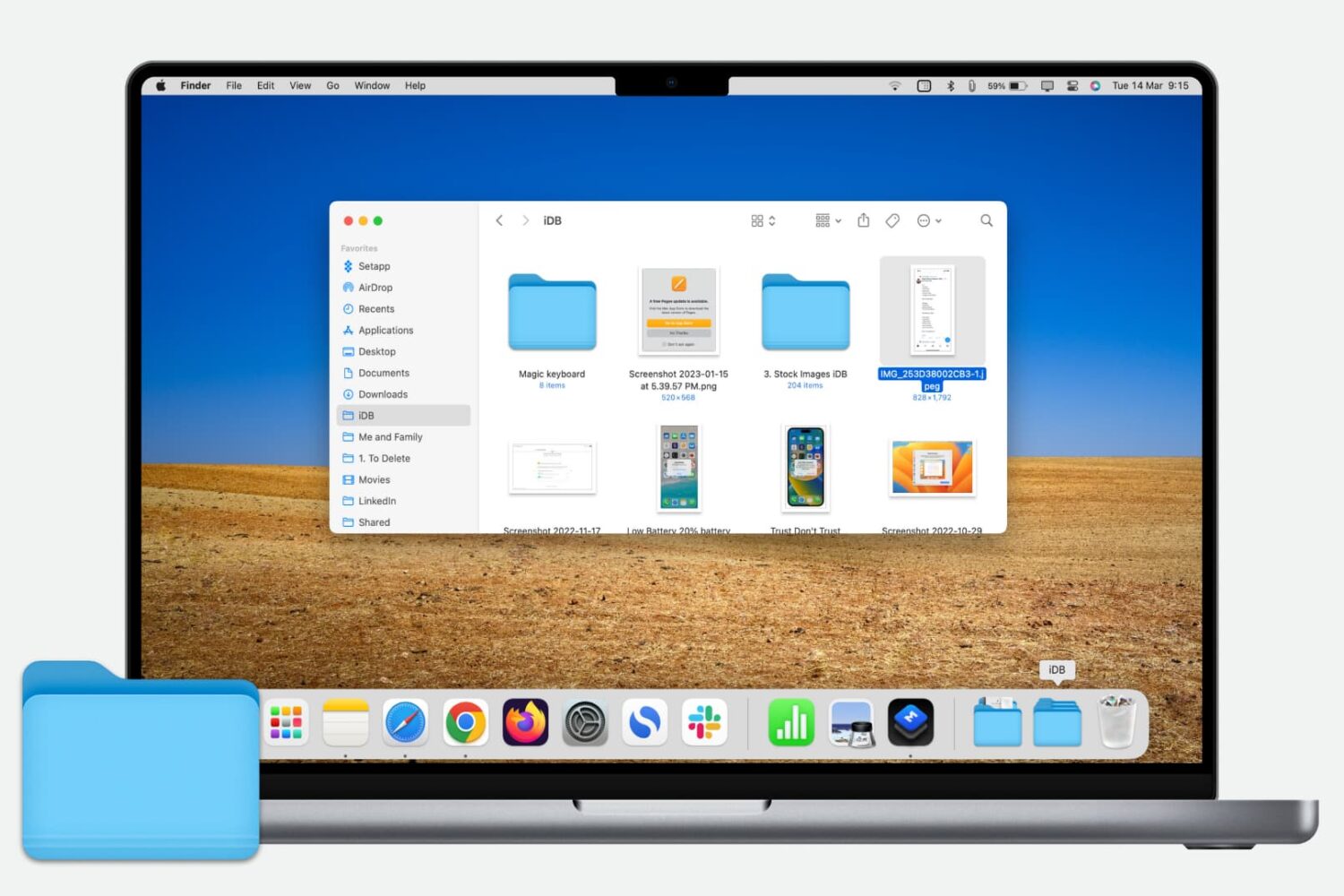
Learn how to quickly add a folder from the Finder Sidebar to the Dock on your Mac for even faster and easier access to those files.
How to add folder from Finder Sidebar to Dock on Mac
Stay up-to-date on the latest Mac news, and tutorials. Get expert tips and tricks to optimize your Mac’s performance and learn about the latest Apple products and software updates. Discover the best Mac apps and accessories to enhance your user experience.
Learn how to quickly add a folder from the Finder Sidebar to the Dock on your Mac for even faster and easier access to those files.
You’ve received a Photoshop file (.PSD) that you need to look at, but you don’t have Photoshop. Here are three free ways you can view PSD files on Mac.

Learn how to stop people from logging into macOS using a guest account to prevent unauthorized access to your Mac.
Every Mac owner should peruse this list comprising 50 super useful keyboard shortcuts in macOS that let them do things faster, increasing productivity.

Quickly mark all unopened emails as “read” in the Apple Mail app on iPhone, iPad, and Mac to clear the unread messages in your inbox.

Learn how to protect your Apple Pages, Numbers, and Keynote documents with a password on the iPhone, iPad, and Mac to keep your files secure and private.
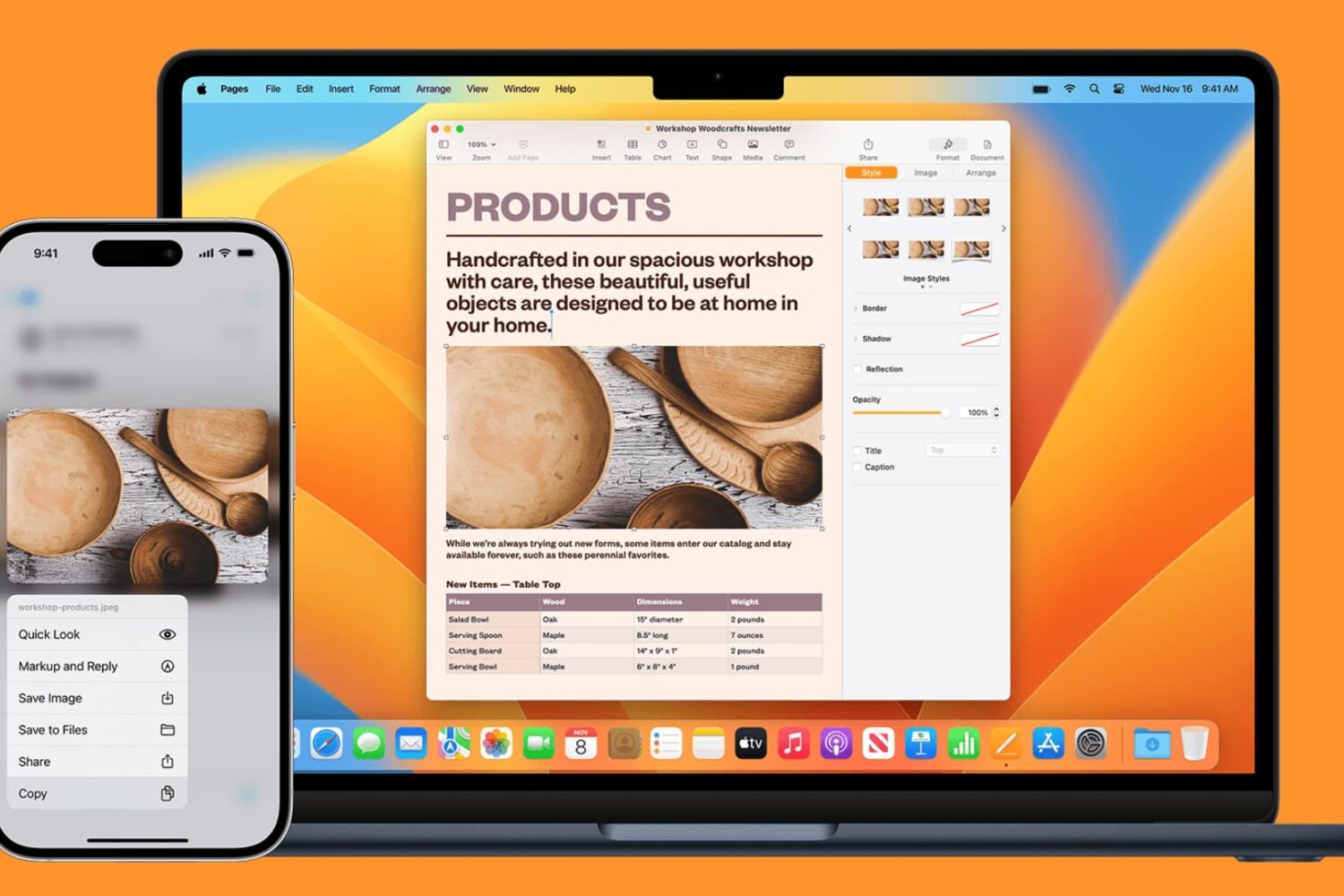
Learn how to seamlessly copy and paste text, images, links, and files across your iPhone, iPad, and Mac using Universal Clipboard.
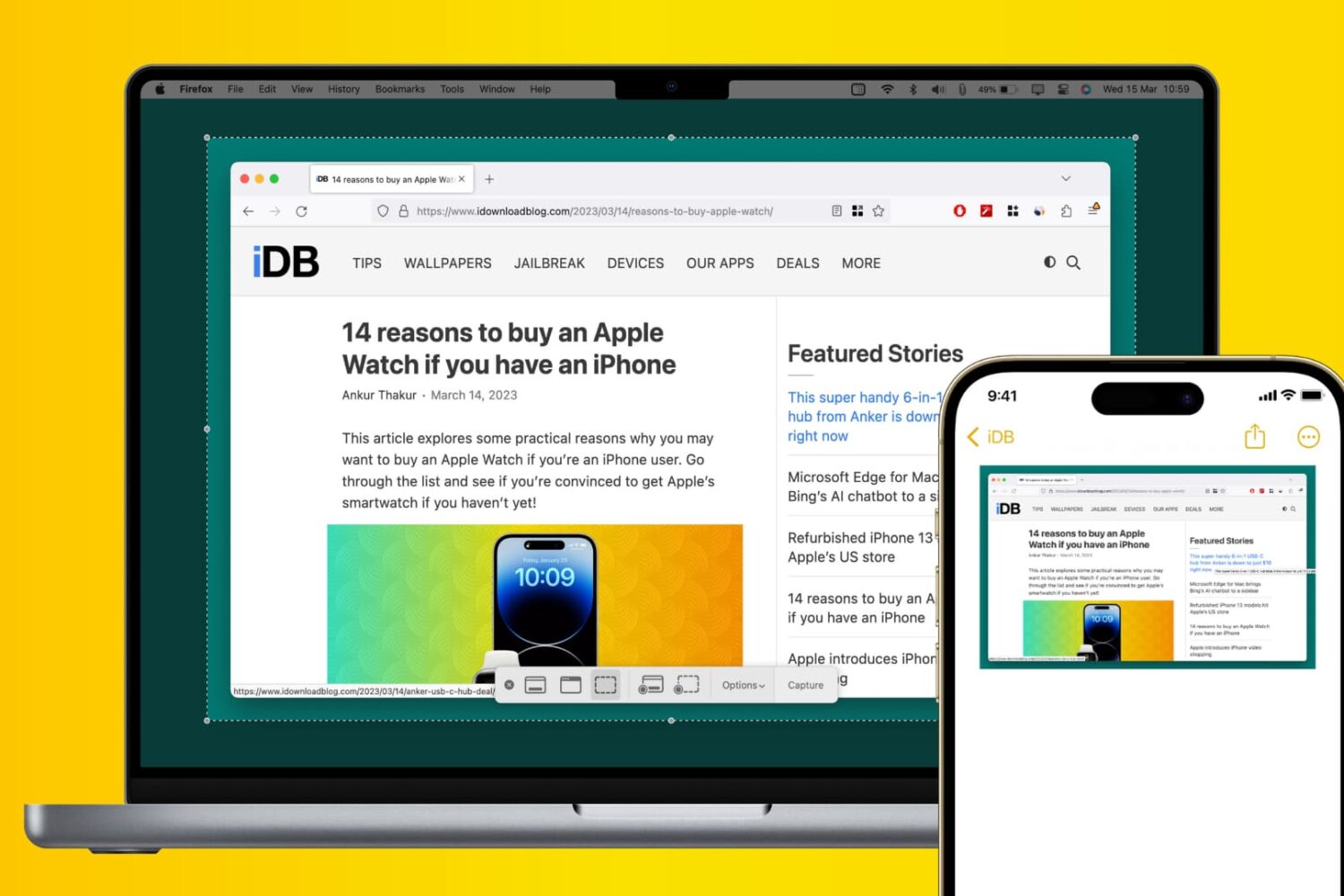
Learn how to use Apple’s Universal Clipboard to copy and paste Mac screenshots into iPhone apps like Notes, Mail, or social media to boost your productivity.
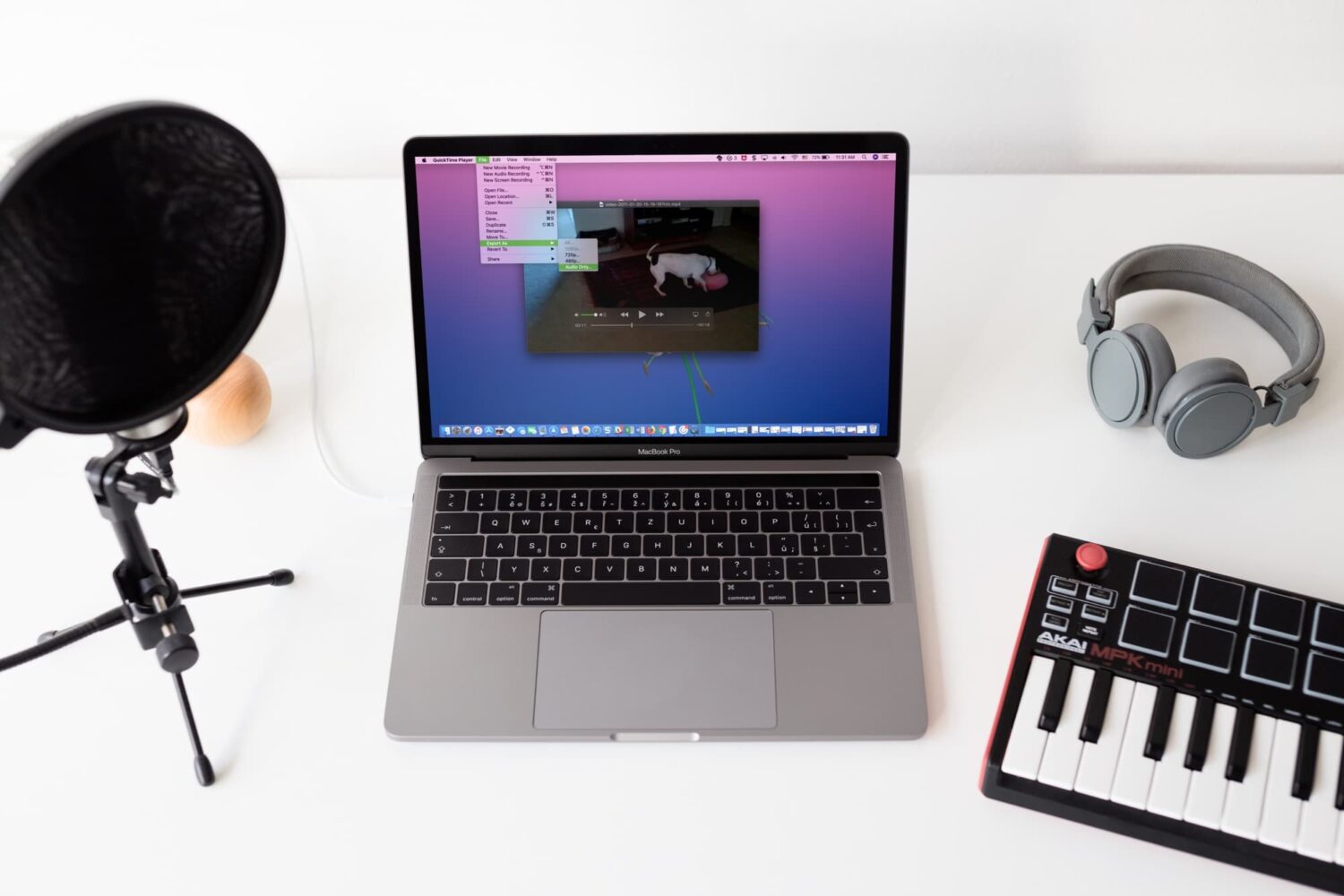
Check out four free methods to extract an audio track from a video clip on your iPhone, iPad, or Mac and save it as a separate file in the MP3 or M4A format.
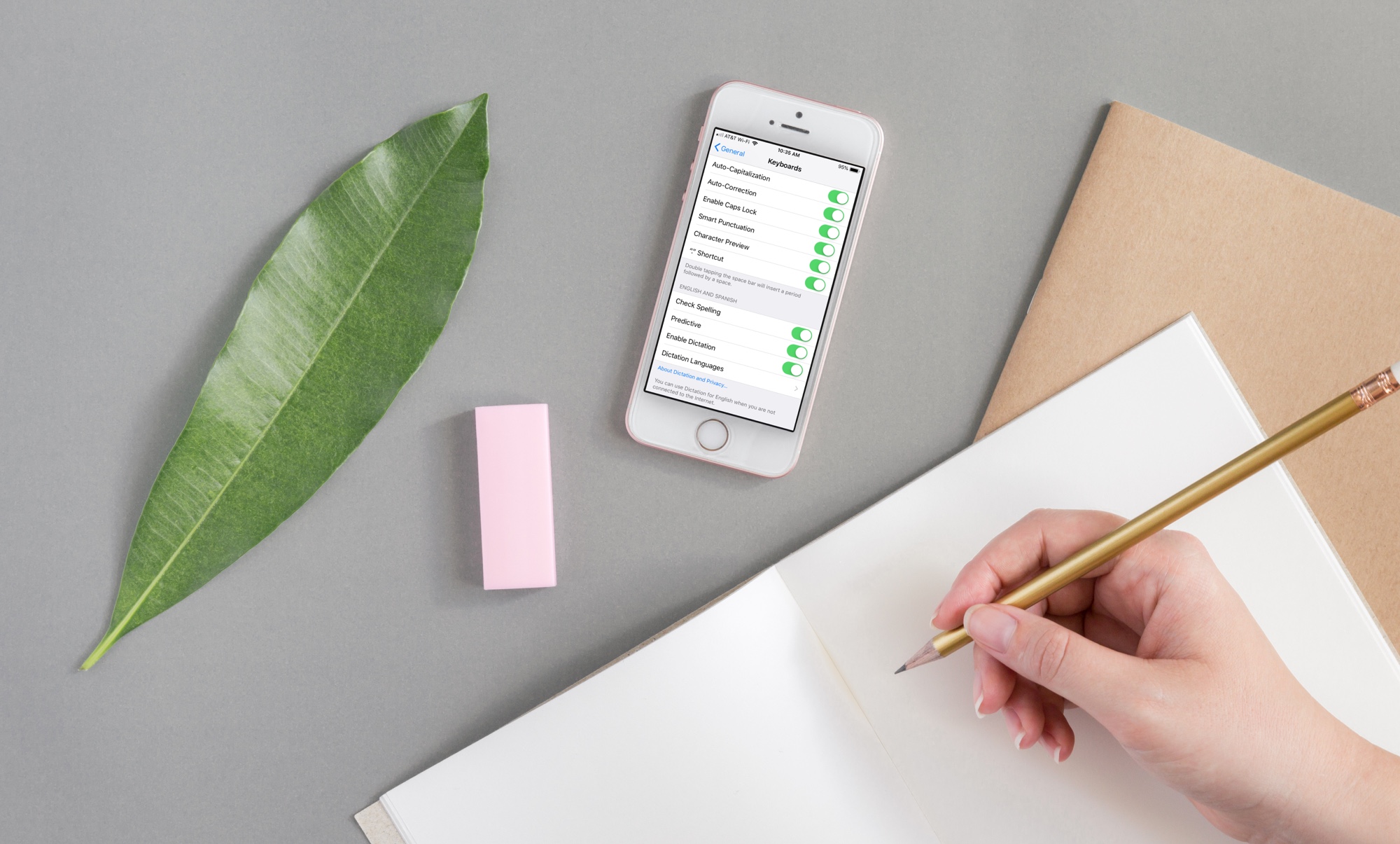
If you need to write in another language that you also speak yourself, using spell check in that other language is convenient for avoiding errors.
Here’s how to use a different spell check language on iPhone, iPad, and Mac.
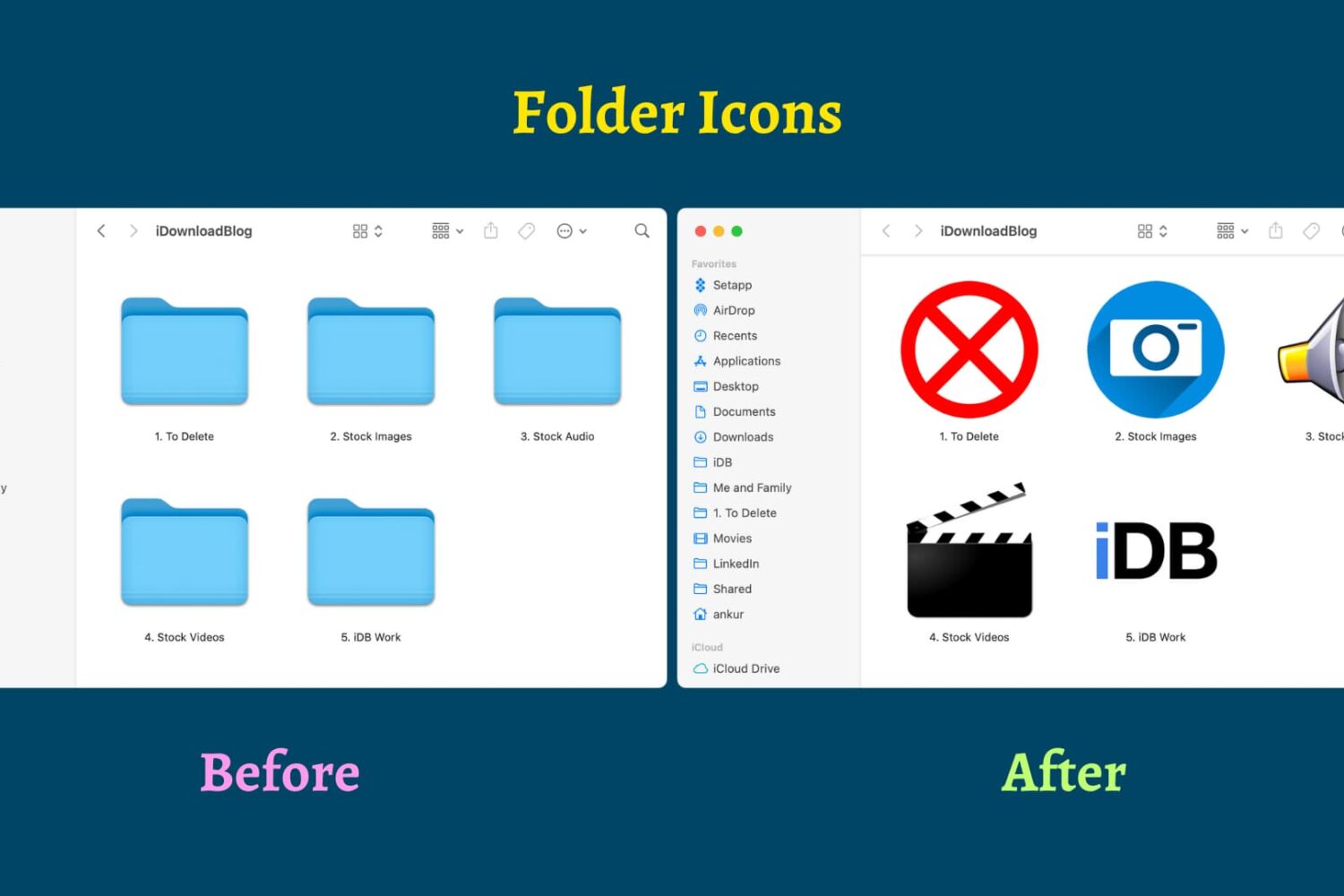
Find out how to replace the default folder icon with a custom photo or logo to personalize your Finder experience on Mac.
