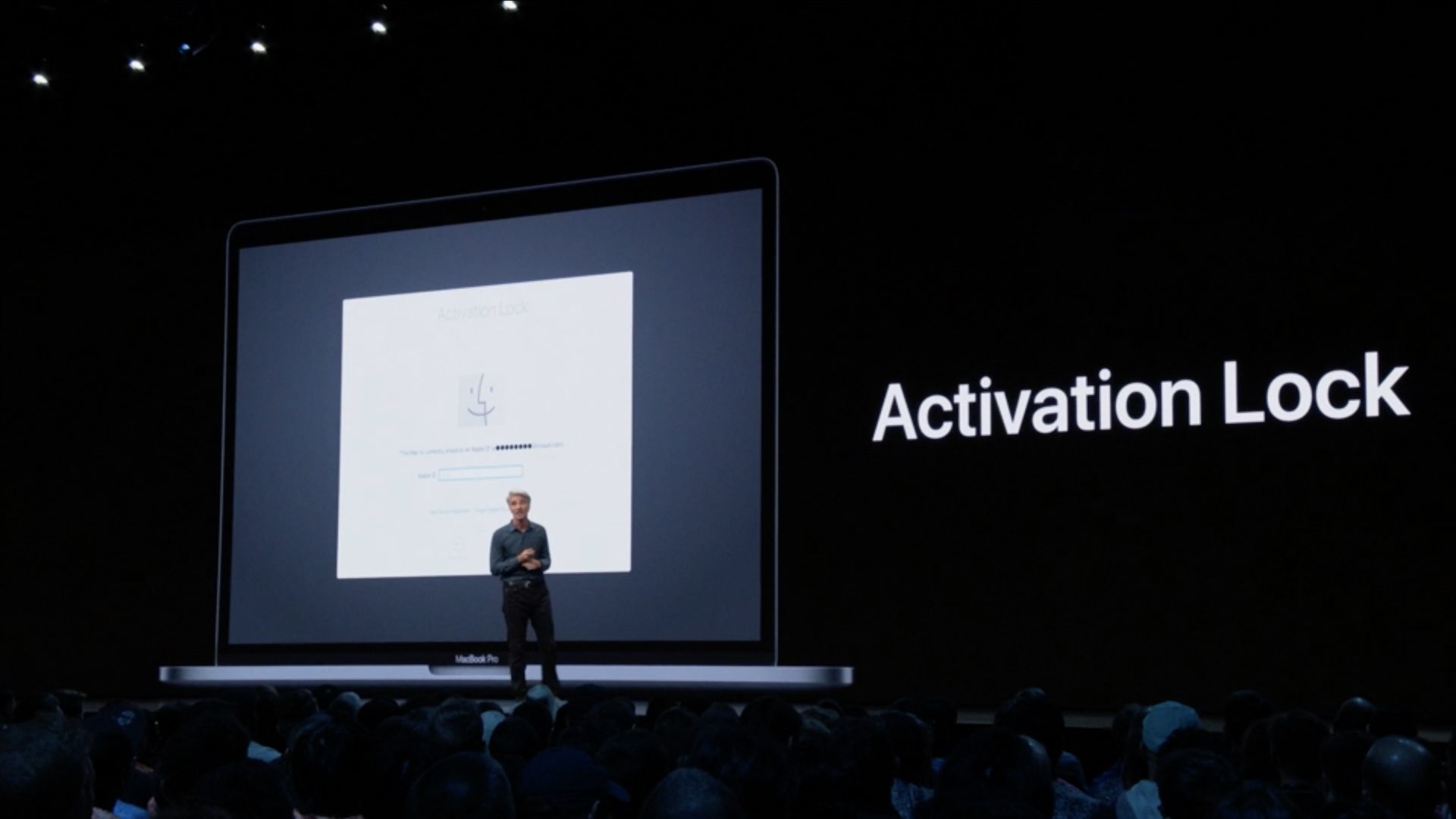
Learn how to make sure the Activation Lock feature is enabled on your Mac, disable it if necessary, and find out if your computer is compatible with this security protocol.
How to check and use Activation Lock on your Mac
Stay up-to-date on the latest Mac news, and tutorials. Get expert tips and tricks to optimize your Mac’s performance and learn about the latest Apple products and software updates. Discover the best Mac apps and accessories to enhance your user experience.
Learn how to make sure the Activation Lock feature is enabled on your Mac, disable it if necessary, and find out if your computer is compatible with this security protocol.
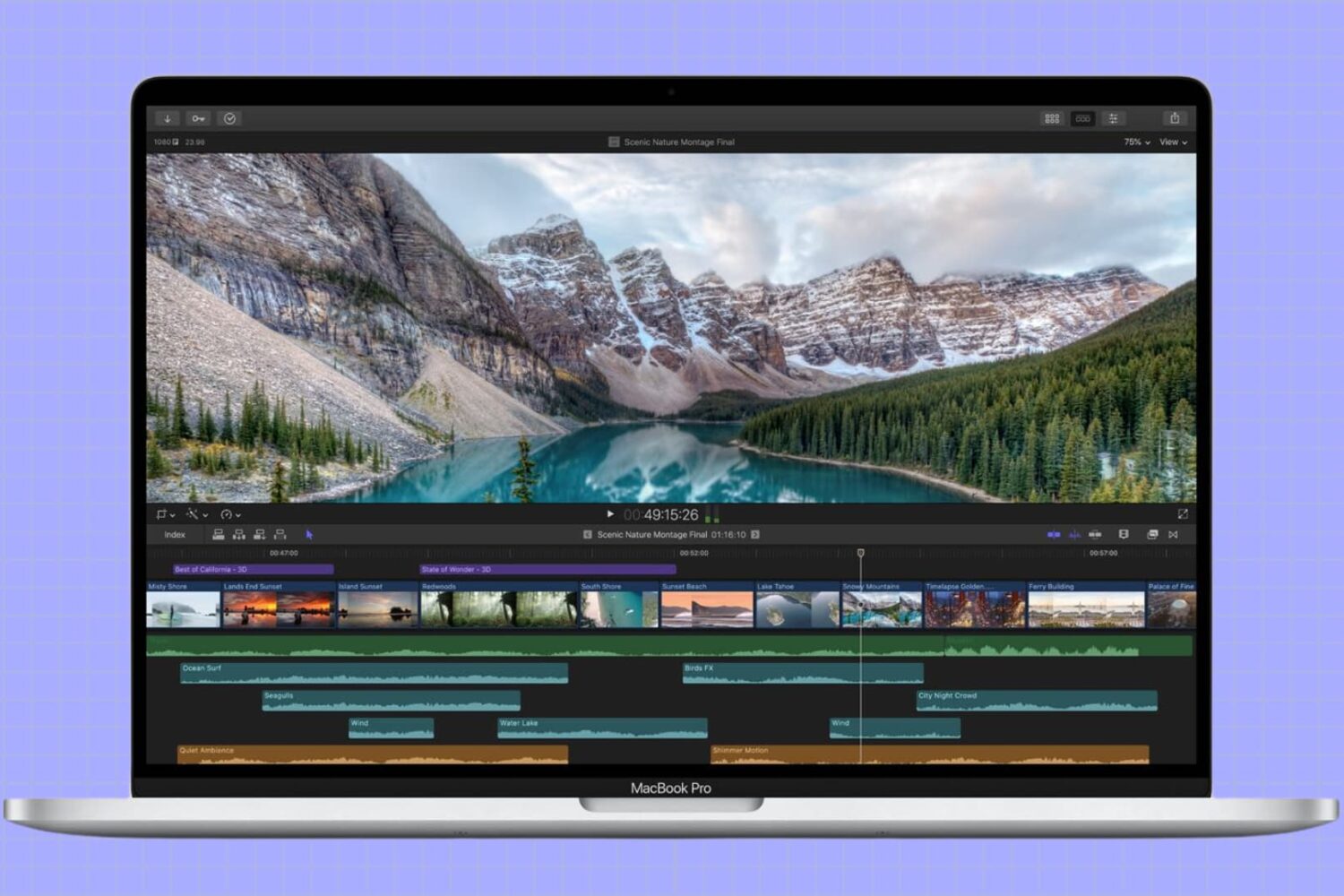
In this tutorial, we’ll show you how to adjust the refresh rate of your MacBook screen or external display for smoother visuals and reduced eye strain.
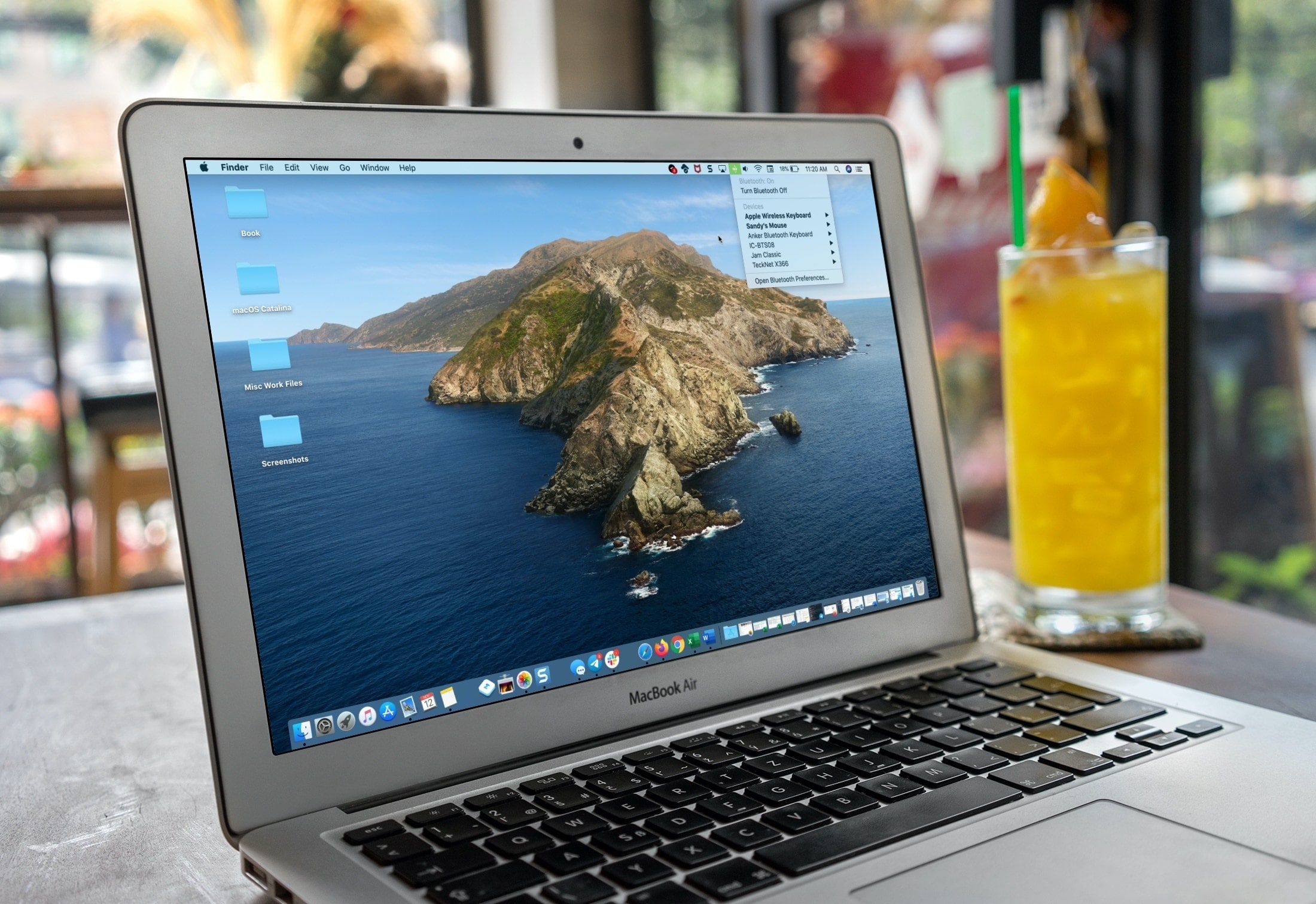
If you’re a new Mac user, we want to help make your macOS experience as productive and efficient as it can be. From understanding the various icons, to customizing its layout, here are the basics of the menu bar that you need to know, along with some tips to help you use it more effectively.

Find out which songs you played recently on Apple Music on iPhone, iPad, or Mac, to listen to them again or delete them from your history.
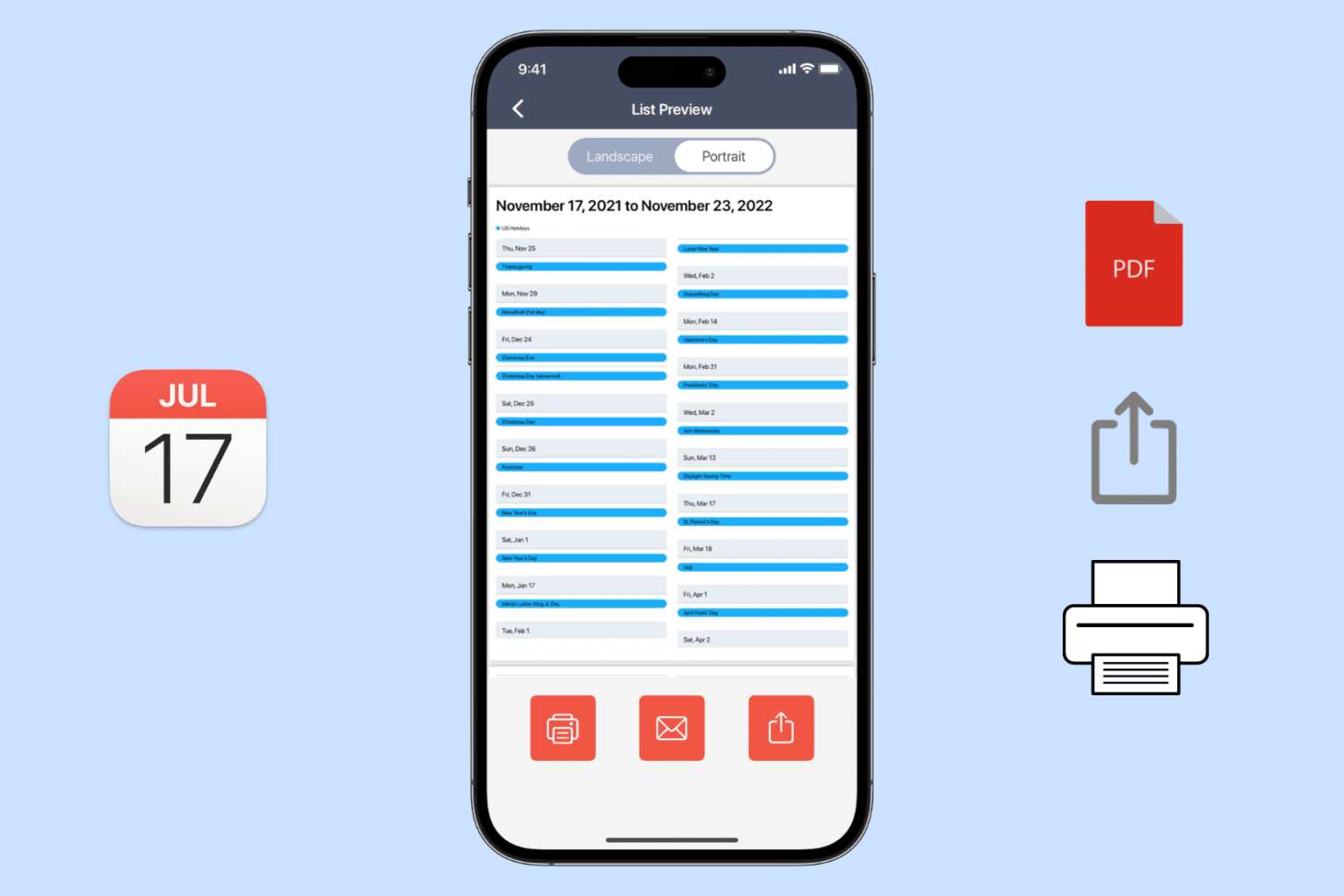
Learn how to export, save, and share your calendar events as a PDF on your iPhone, iPad, or Mac, or print them to get a physical copy.

Learn how to change the default app for opening specific file types on Mac to customize it to your liking.
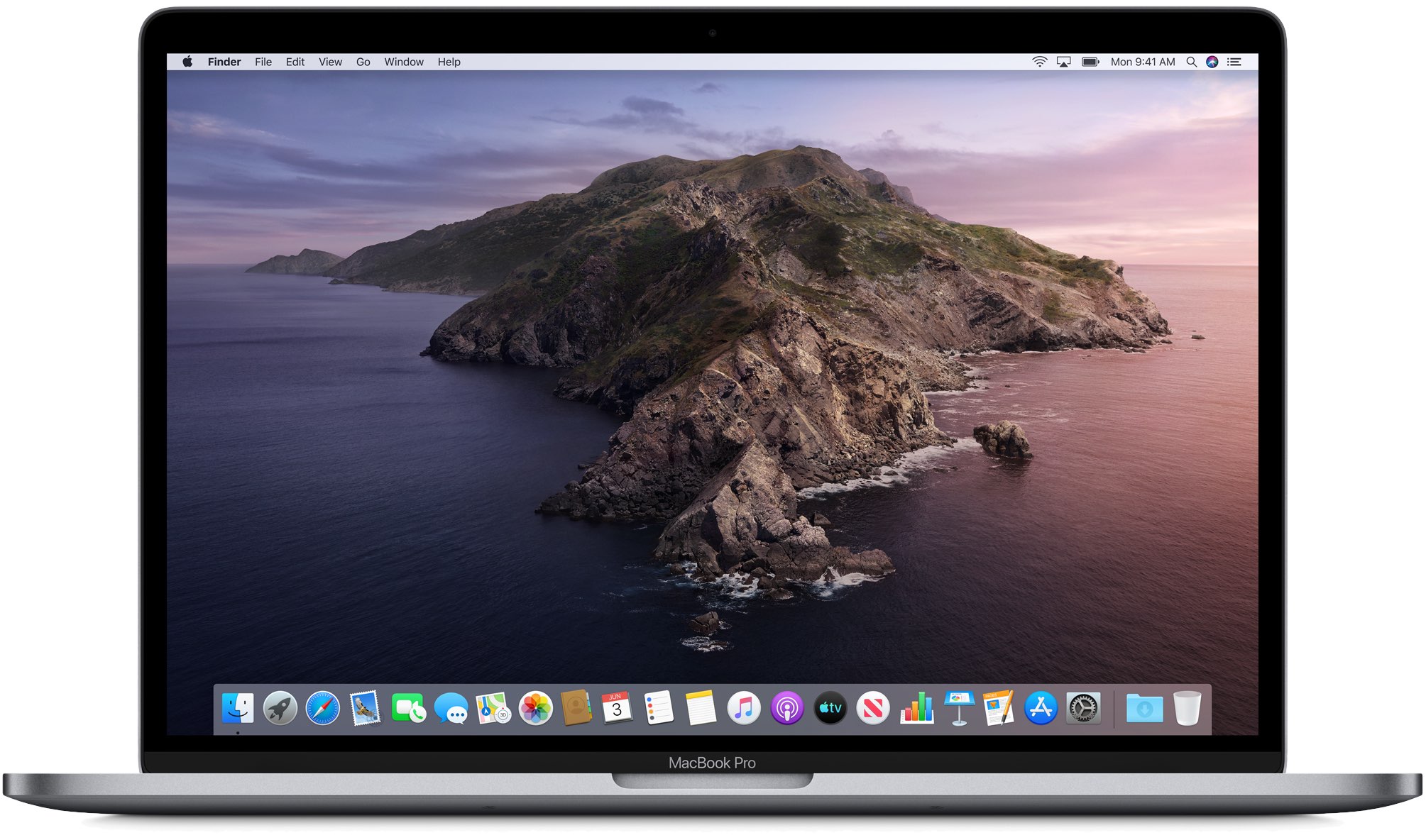
Getting tired of seeing that persistent notification in your Mac dock to remind you to upgrade to macOS 10.15 Catalina? It's possible to turn off that notification permanently without having to upgrade. All it requires is a little command-line tinkering, if you're up for it. Read on for details.

Take control of your Mac desktop by using Stacks, sorting, sizes, and spacing to organize it for a more efficient workspace.
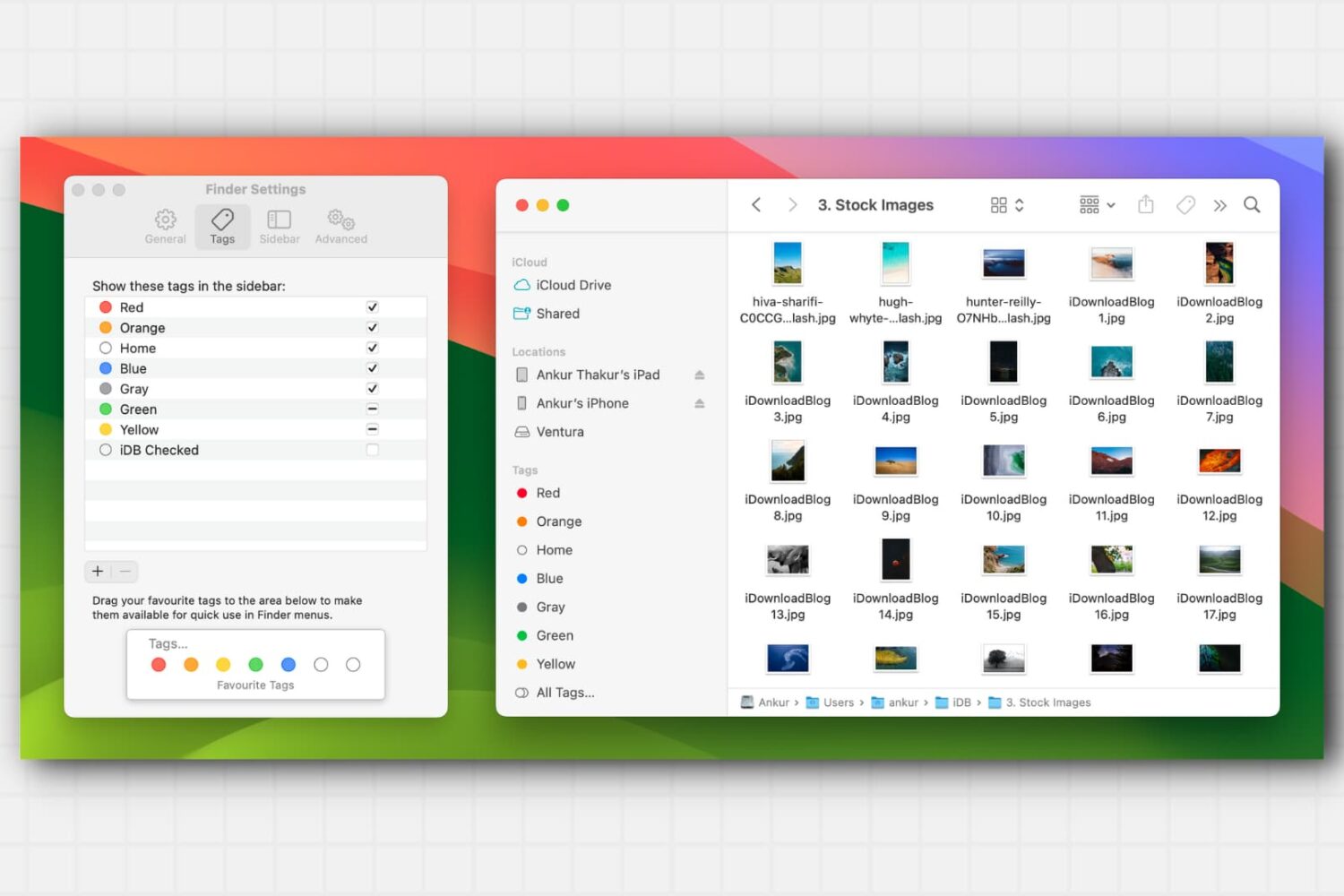
Learn about this simple and efficient method for organizing your files and folders in Finder on Mac using colored tags.
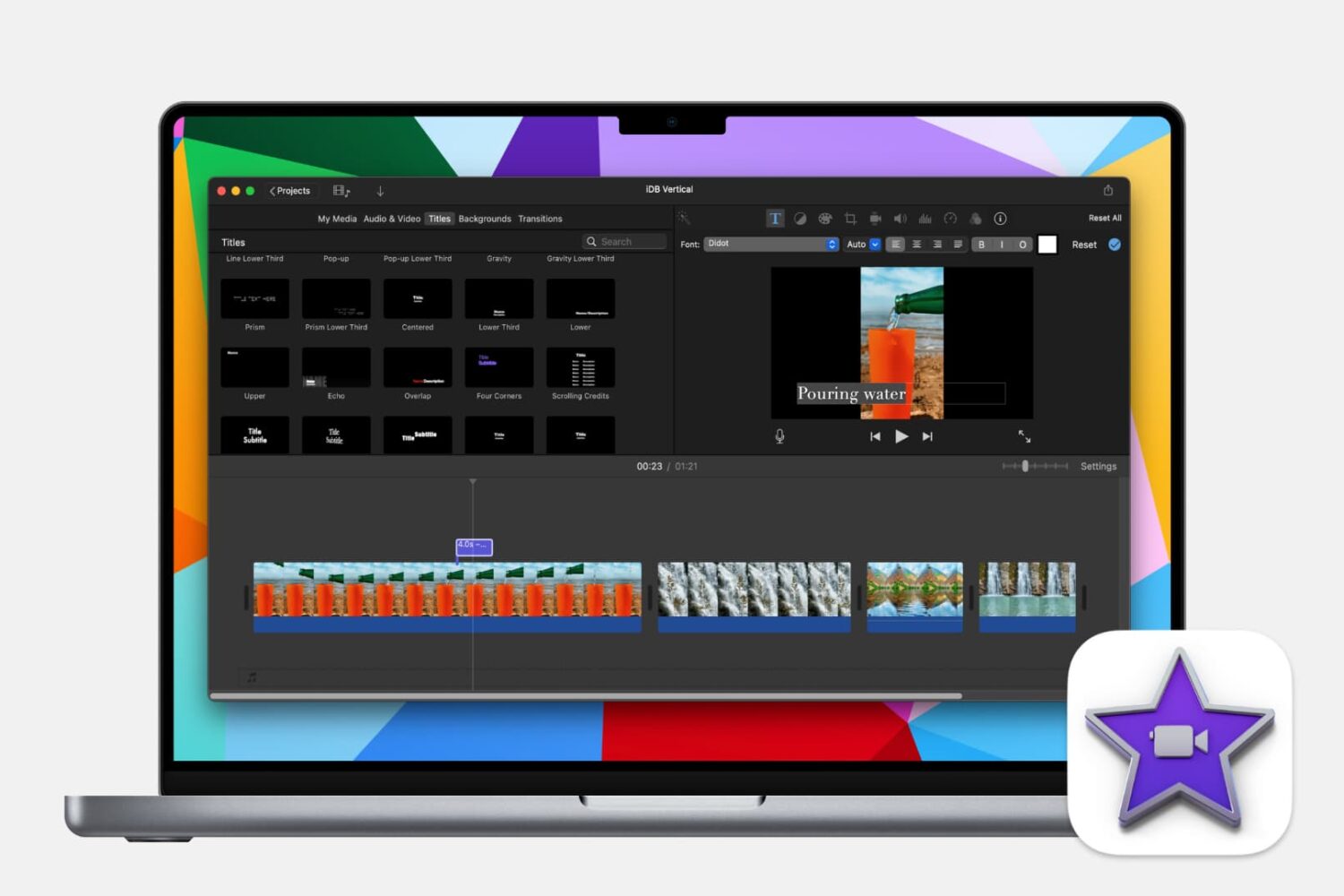
Learn how to make your iMovie creations more accessible by adding subtitles or captions to your videos with this step-by-step guide.
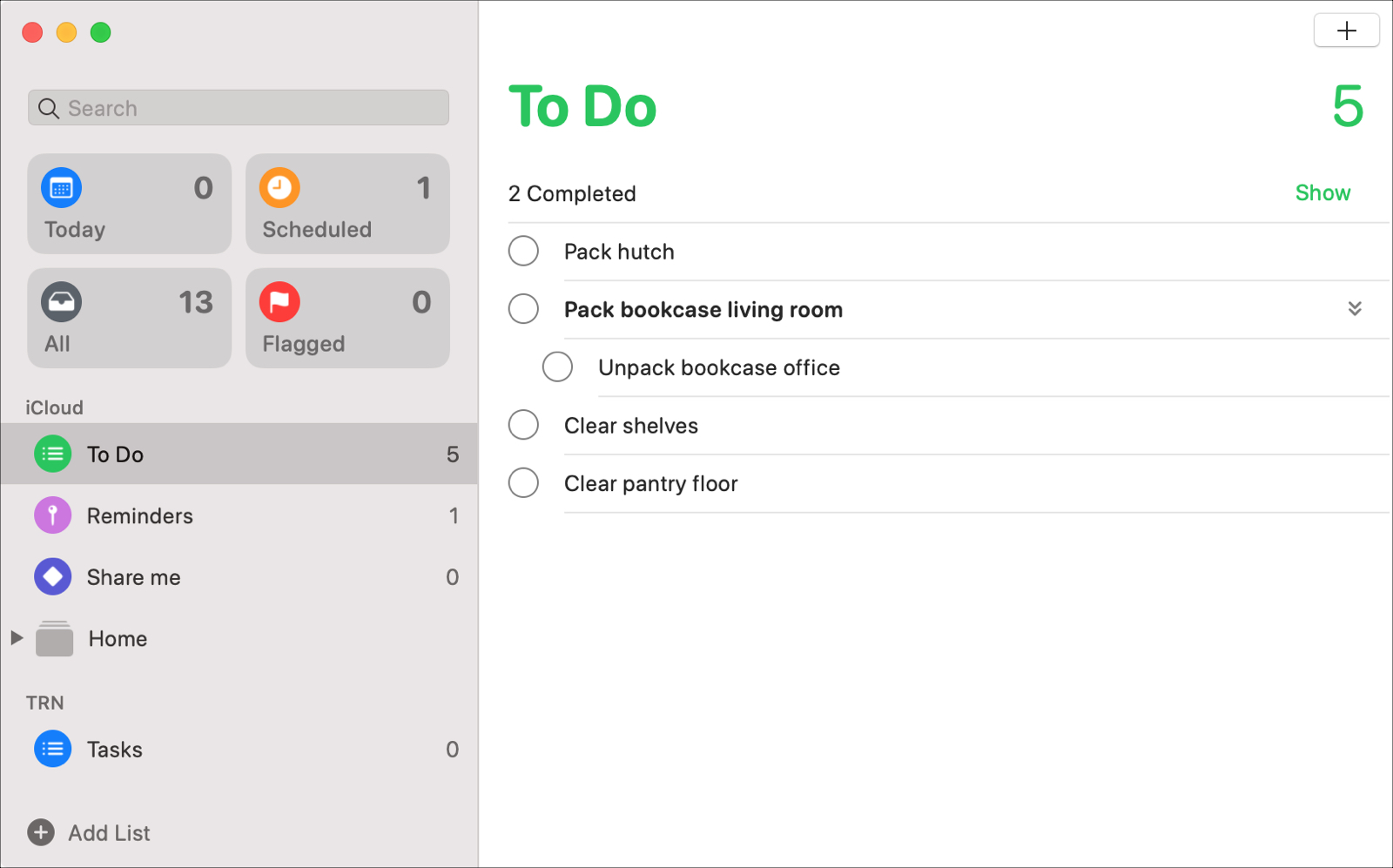
With the macOS Catalina update, users received new apps like Music, TV, and Podcasts along with updates to others like Notes and Mail. The Reminders app also got an update to its appearance and functionality that many have been waiting for.
Enhancements like subtasks and Messages integration, that can increase your productivity both at work and at home, are now part of the package.
Let’s take a look at all of the new features and how to use them in the redesigned Reminders app on Mac.
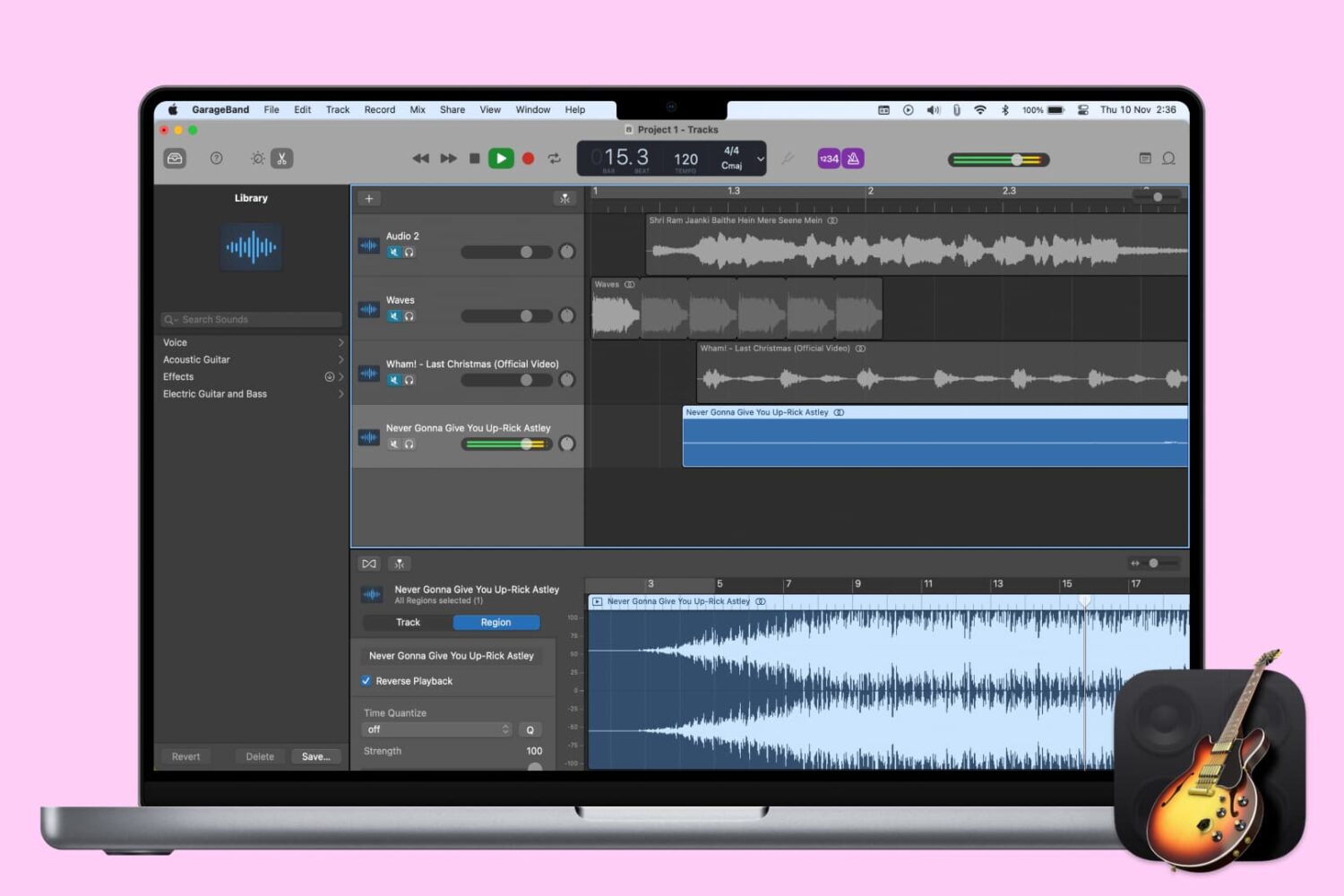
When you’re creating or editing a song in GarageBand, you might want to add something unique to it by reversing a track. Playing a track backwards can give you an unusual sound that you might not be able to replicate another way.
Here’s how to reverse a track (or region) in GarageBand on Mac, iPhone, or iPad.