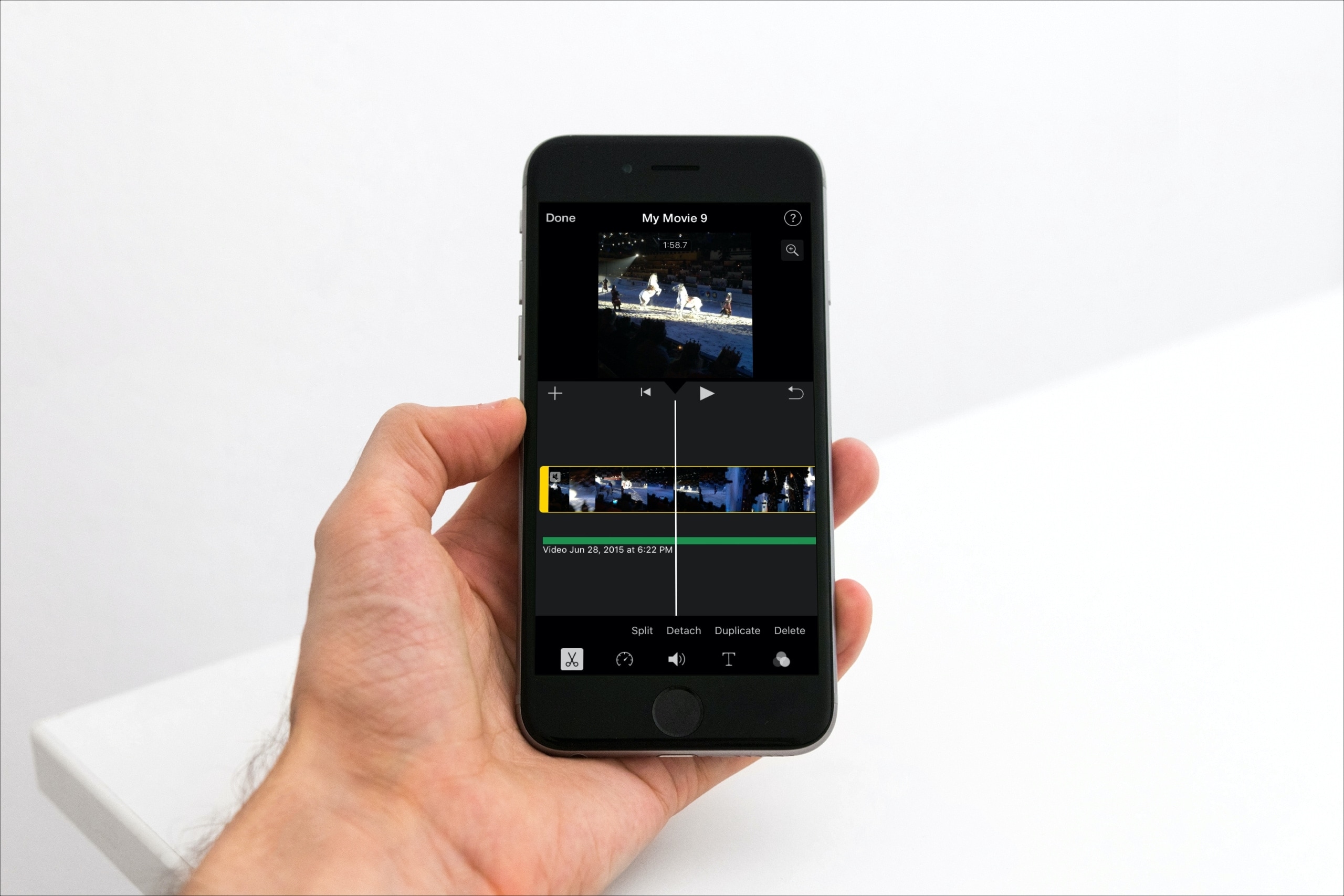
Learn how to detach the audio from your footage in iMovie if you want to remove the visuals but keep the sound, music, and voices in your project.
How to remove video and keep only its audio in iMovie
Stay up-to-date on the latest Mac news, and tutorials. Get expert tips and tricks to optimize your Mac’s performance and learn about the latest Apple products and software updates. Discover the best Mac apps and accessories to enhance your user experience.
Learn how to detach the audio from your footage in iMovie if you want to remove the visuals but keep the sound, music, and voices in your project.

Apple yesterday launched its original video streaming service, dubbed Apple TV+. Wondering if your gadget is on the list of supported Apple TV+ devices? You’ve come to the right place!
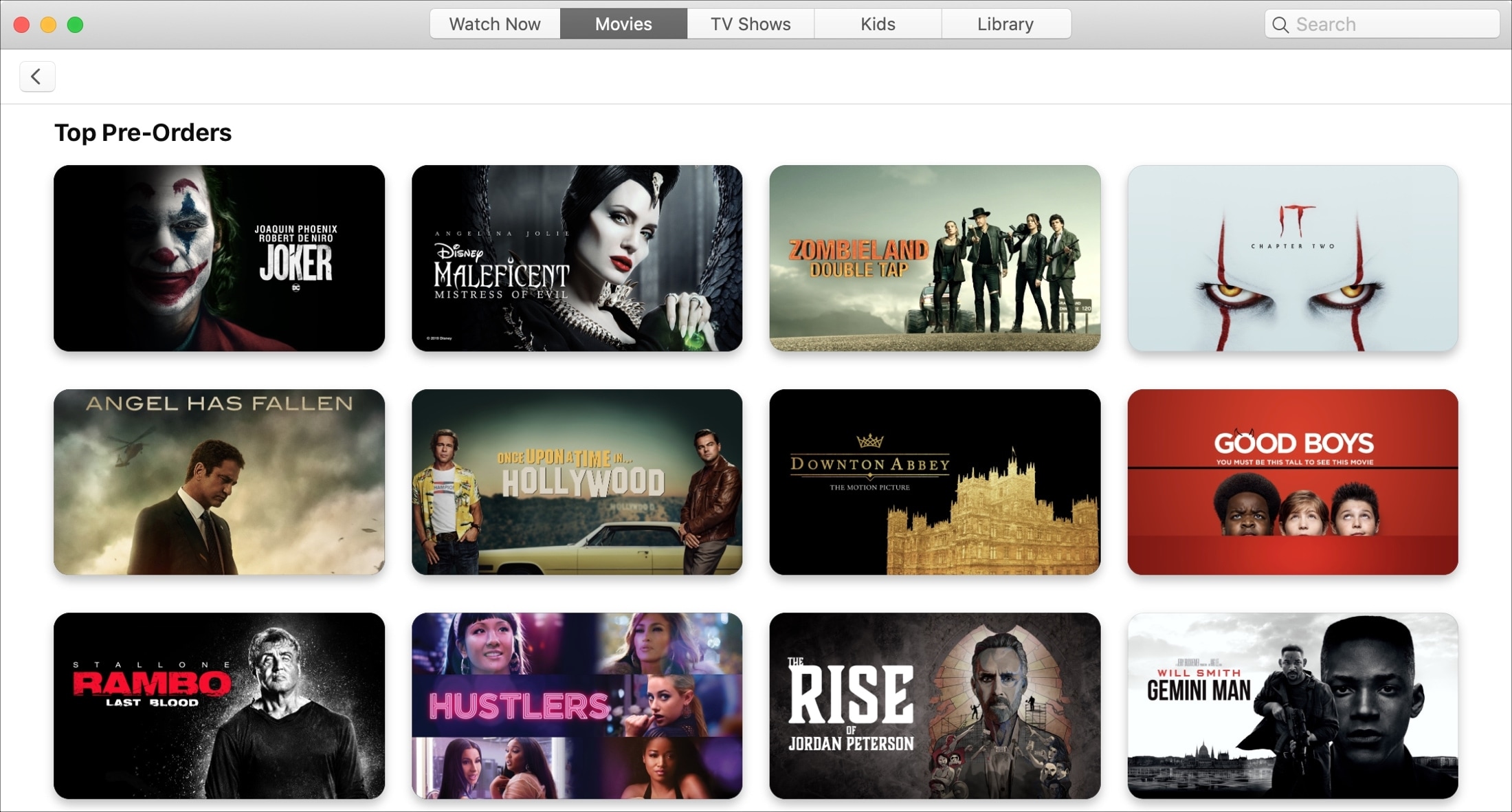
Just like pre-ordering that new iPhone, you can do the same with upcoming movies in the TV app. This is a terrific way to make sure you get the movie you want as soon as it’s released. So you don’t have to mark your calendar or set a reminder.
Pre-ordering upcoming films is easy to do in the TV app on both iOS and Mac. And if you change your mind, you can quickly cancel that pre-order before it’s fulfilled.
This tutorial shows you how to place, view, and cancel pre-orders in the TV app on your devices.
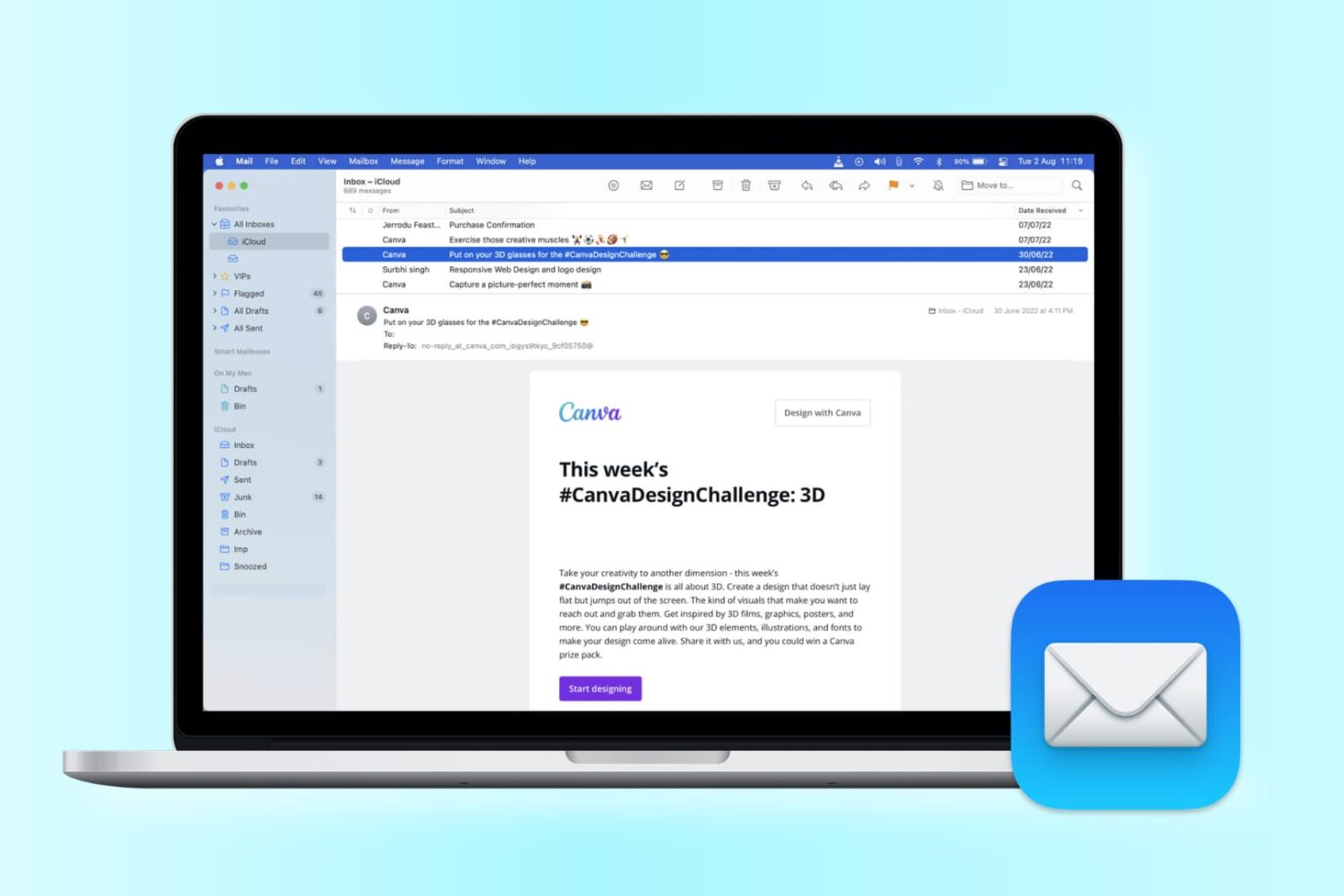
Want to change the look of your Mail app? Check out these handy tips to use sidebar, column, previews, and more to personalize your inbox for increased productivity.
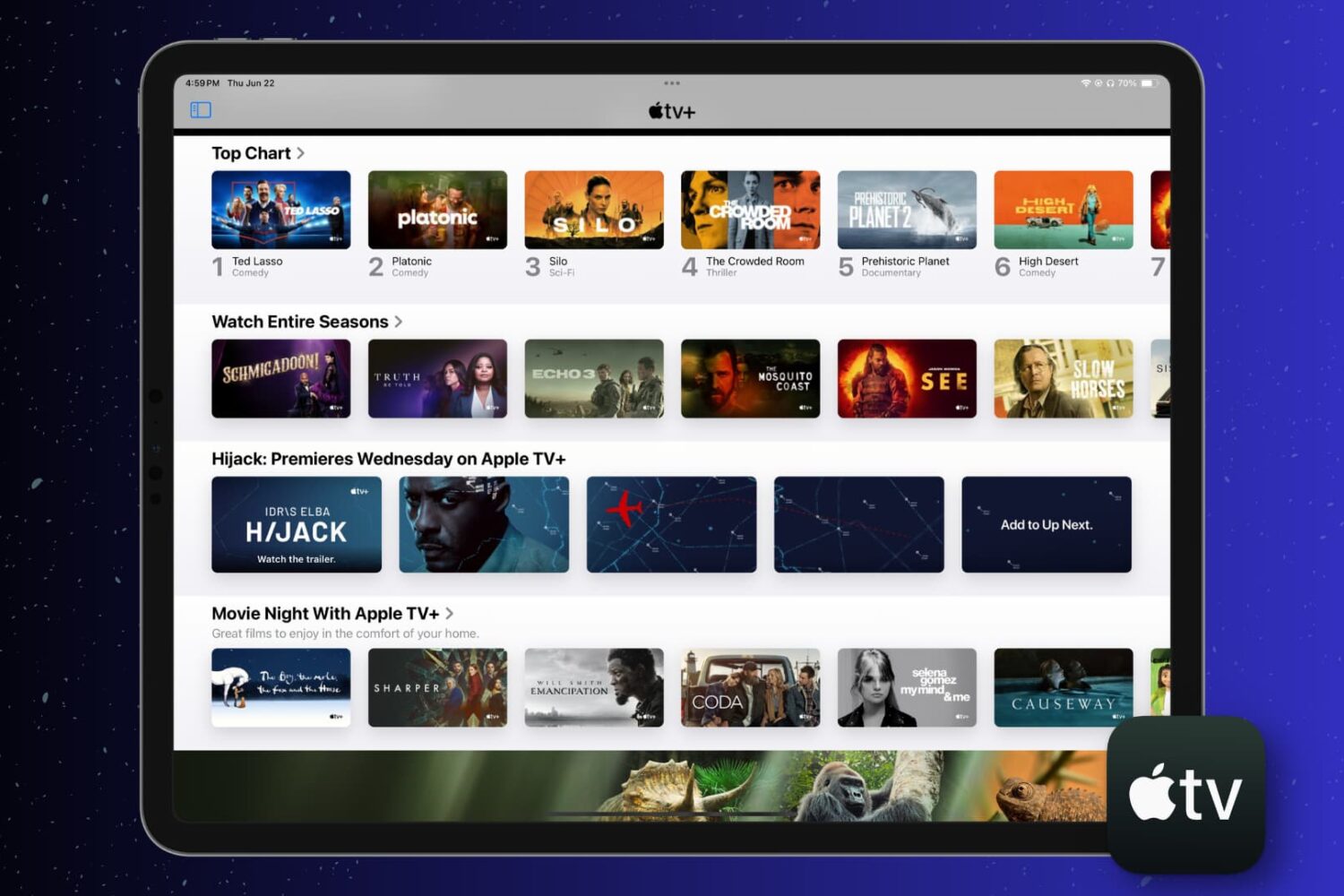
This short tutorial walks you through how to automatically delete shows you’ve watched or simply clear your play history in the Apple TV app on your iPhone, iPad, and Mac.

The Find My app, available on iOS and Mac, is a terrific tool for staying up to date on where your favorite people go and tracking down missing devices, all in one spot. With the host of features in the Find My app, one that stands out is the Notification function. You can receive an alert when someone else leaves or arrives at a location, as well as notify them when you leave or arrive at yours.
Not only are these notifications convenient for staying in the know, but they can help you and your loved ones have peace of mind. Here’s what you can do with the Notifications and how to set them up in the Find My app.
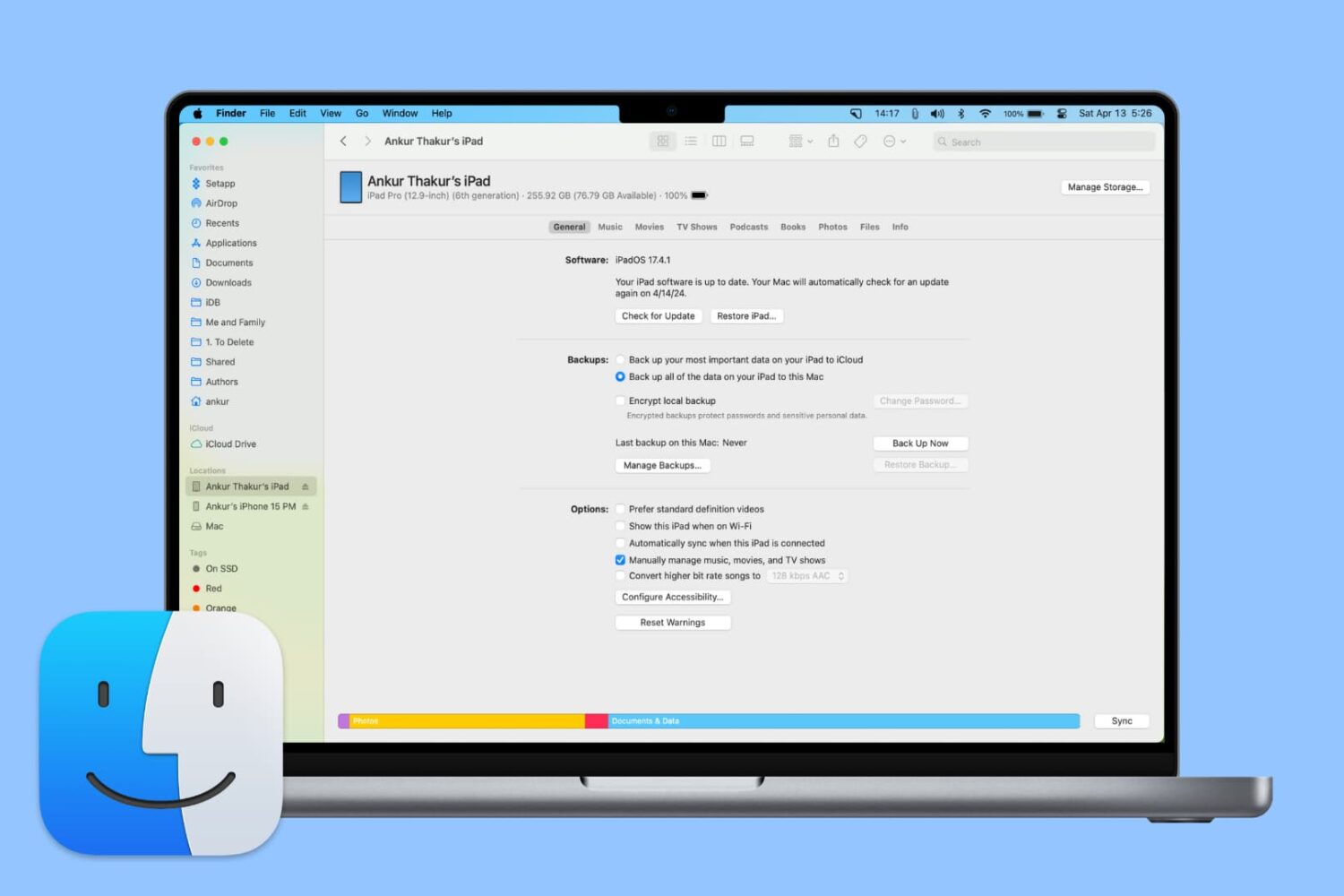
From adding music to updating or restoring devices, learn all the important things you can do on your iPhone or iPad using Finder on Mac.

Learn how to use the Picture in Picture feature in Apple’s Safari browser to watch web videos from websites like YouTube while doing something else on your Mac.

Learn how to quickly unsubscribe from newsletters and promotional emails with just two taps in the Mail app on iPhone, iPad, and Mac if you’re getting flooded by unwanted emails.

Find out what a station is in the Apple Podcasts app and how to create, play, and delete it on your iPhone, iPad, and Mac.

Learn how to understand the chart and data you see for app usage, notifications, and pickups in the Screen Time settings to get better insights into how you use your Mac.
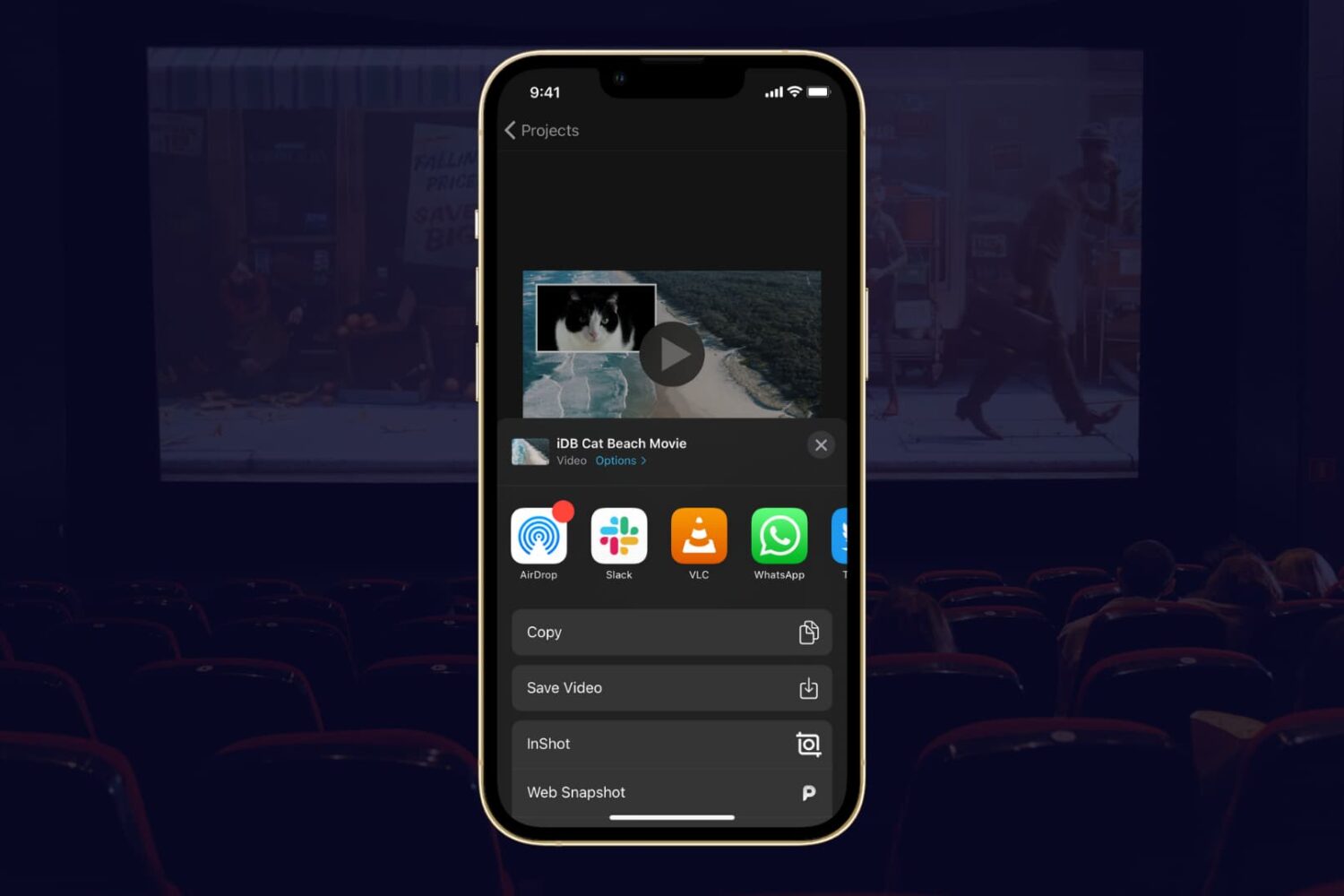
If you completed your movie magic in iMovie and want to share your creation, the app makes it easy. You have a few different options to export a movie directly or save it as a file to do with what you wish.
If you have a finished project that you’re ready to share, here’s how to export a movie in iMovie on Mac, iPad, and iPhone.