Check out these quick tips to customize your Mac’s desktop and create a personalized, productive workspace.
Easy tips to personalize your Mac desktop

Stay up-to-date on the latest Mac news, and tutorials. Get expert tips and tricks to optimize your Mac’s performance and learn about the latest Apple products and software updates. Discover the best Mac apps and accessories to enhance your user experience.
Check out these quick tips to customize your Mac’s desktop and create a personalized, productive workspace.

Do you have complex slides and need more room to work? In this tutorial, we’ll show you how to expand the workspace in Keynote around your slides.
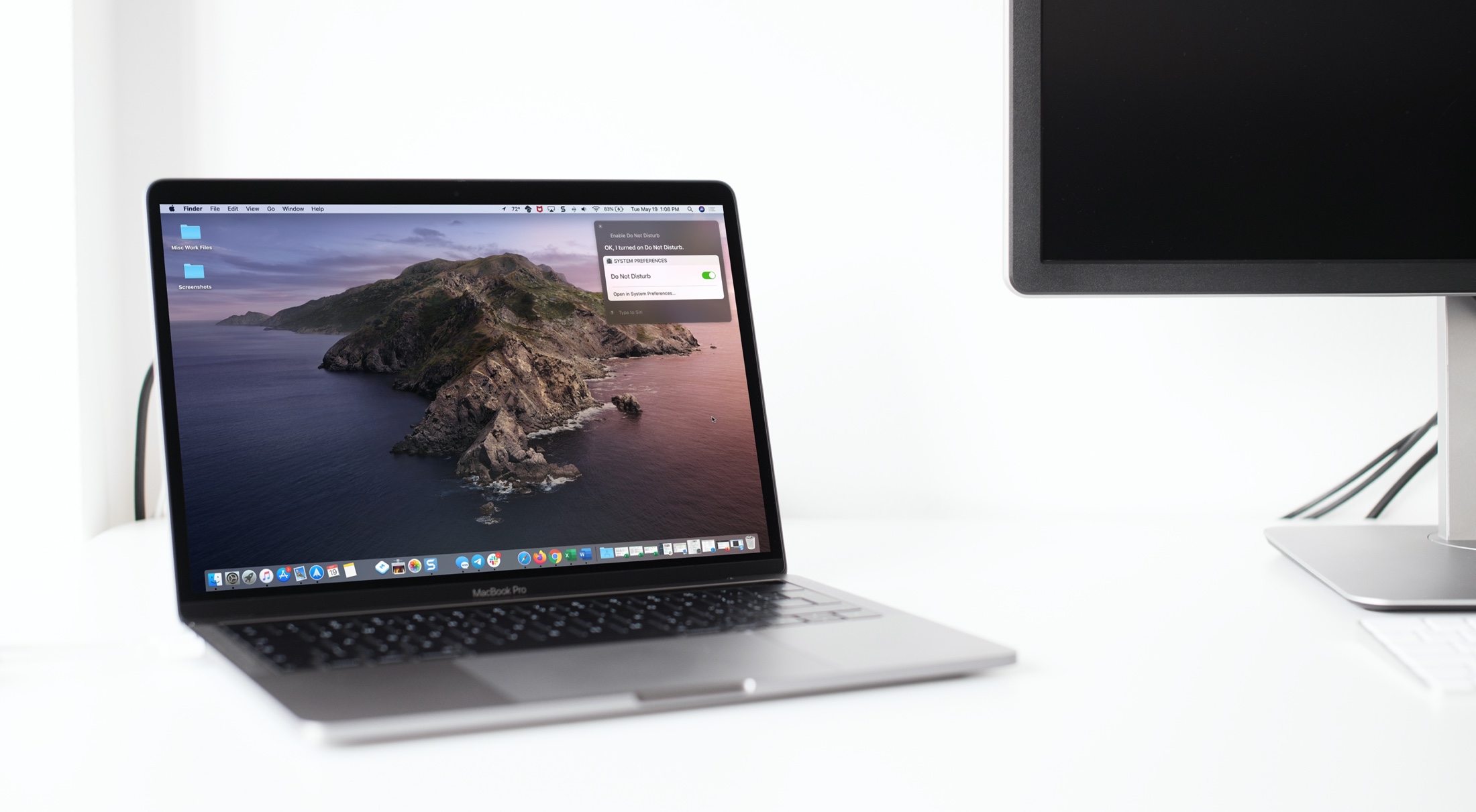
Learn how to harness the full potential of Siri on your Mac to control system settings for enhanced productivity and convenience.

Check out news stories, add or remove symbols, and zip around the Stocks app on your Mac with this list of helpful keyboard shortcuts.

Learn about some quick ways to customize the macOS login screen to make your Mac more personalized, functional, and welcoming when you power it on or wake it up from sleep.

You might use QuickTime Player on your Mac to watch movies, edit videos, or record your screen. And for the various tasks you can perform in this handy tool comes a bunch of keyboard shortcuts.
For managing the app window, movie viewing and playback, and editing videos, here are the keyboard shortcuts for QuickTime Player on Mac you can use.
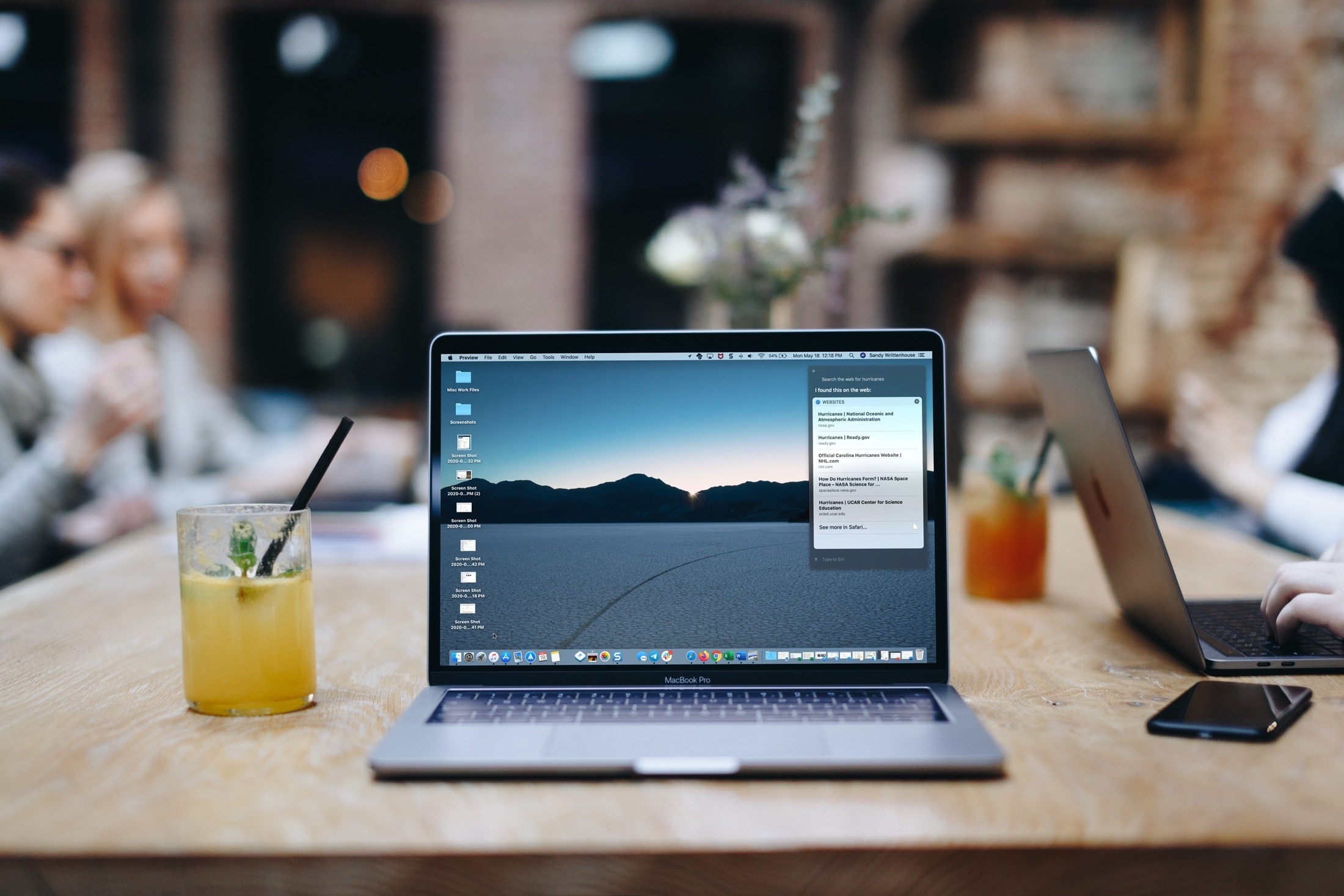
Learn how to use the Siri voice assistant on your Mac to search the web, find pictures, and more -- without leaving the app you are in.

No physical Escape key on your iPad or Mac? No problem, as both iOS and macOS allow you to invoke Escape with a simple keyboard shortcut. Follow along with us to learn how to trigger the Escape command on iPad and Mac keyboards that lack a dedicated ESC key.

Explore this list of handy keyboard shortcuts for the Apple Music app on your Mac so you can move & groove quicker and easier than ever!

Learn how to view retweets with comments, also known as quote tweets, in the Twitter app and website to see what people are saying about it.
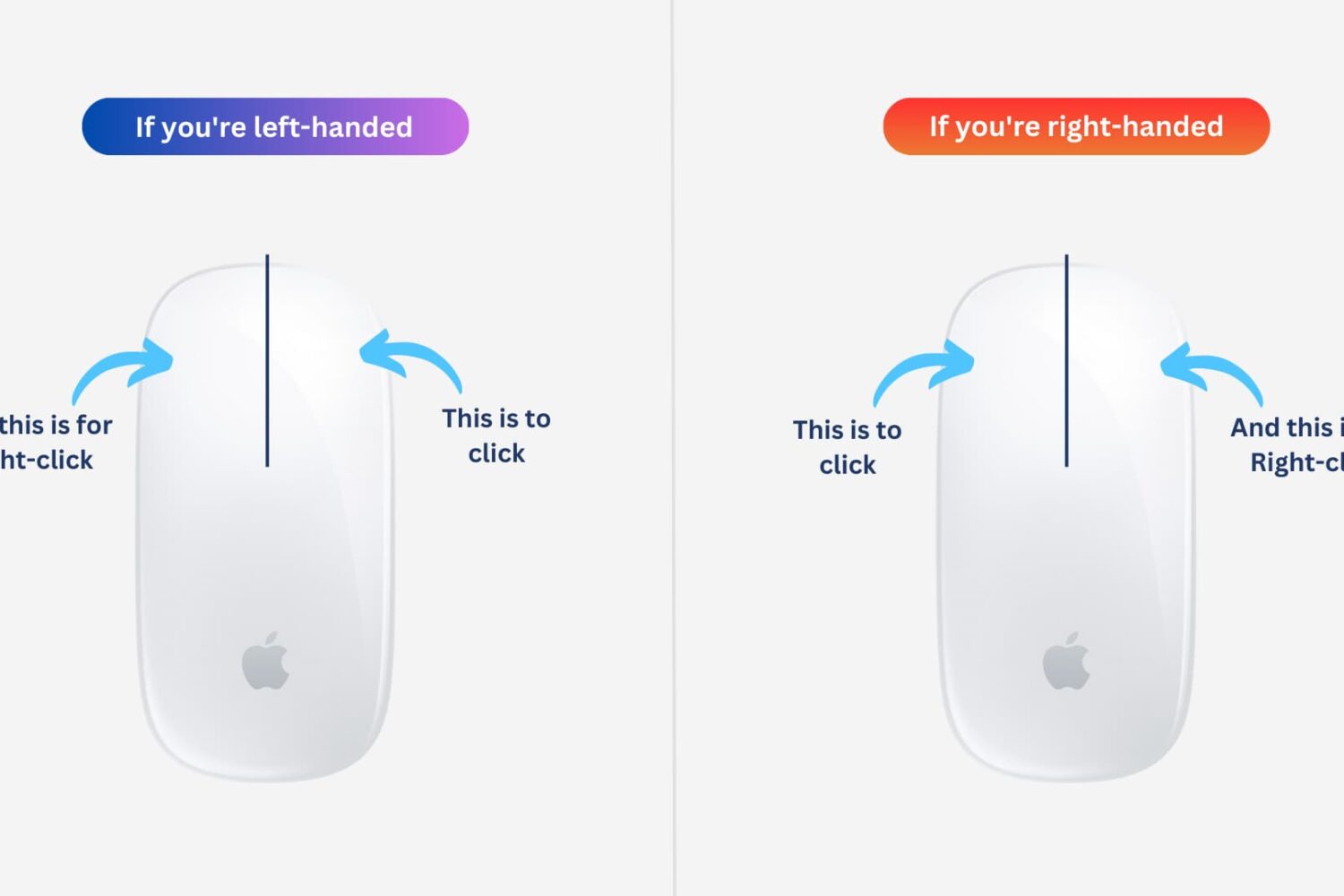
Learn how to easily customize and switch the mouse buttons on your Mac for enhanced control and ease of use. Whether you’re a left-handed user or simply prefer a different button configuration, you can optimize your experience to suit your needs.
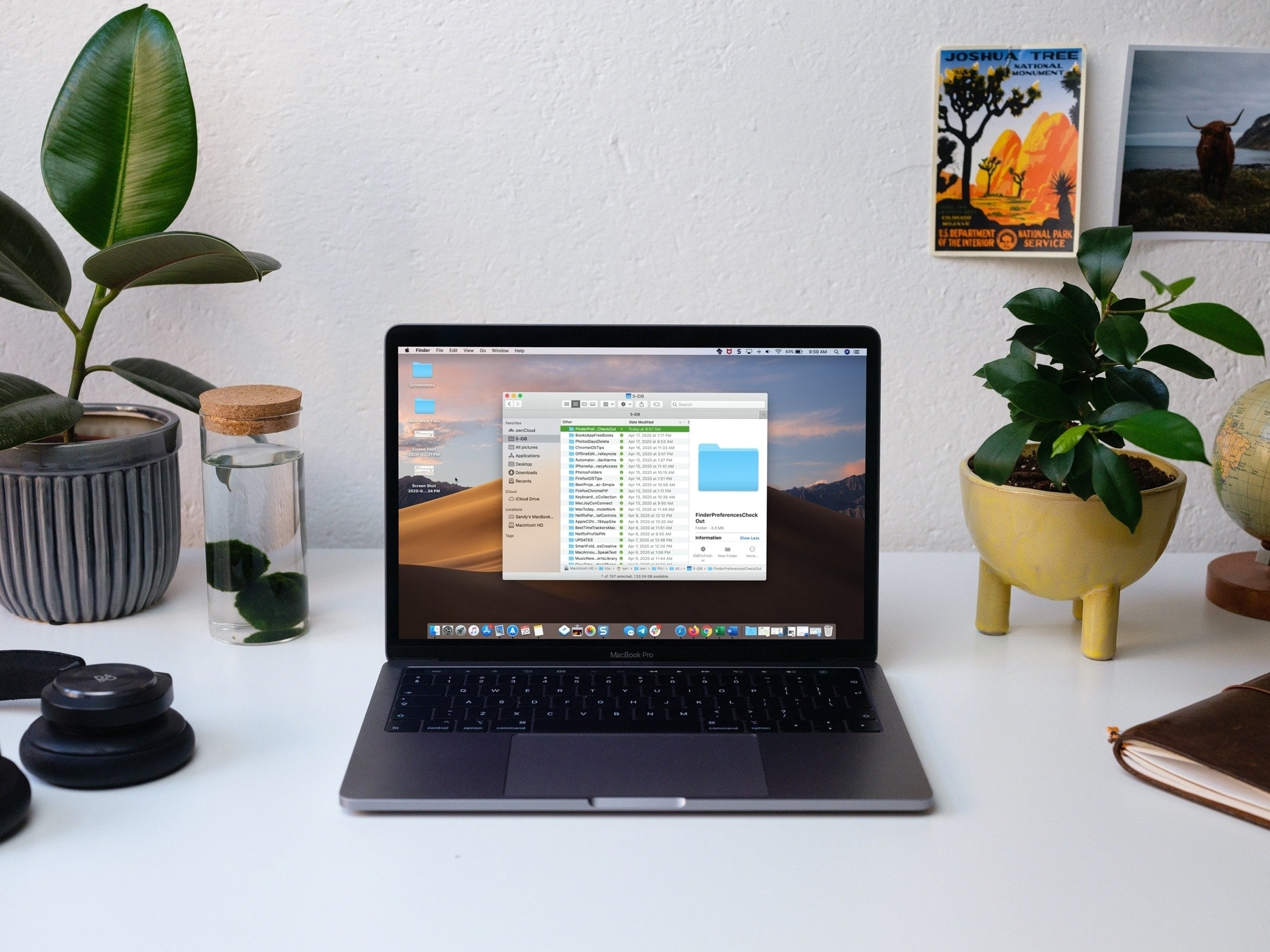
Save time and be more productive by taking a moment to customize these useful Mac Finder preferences and settings.