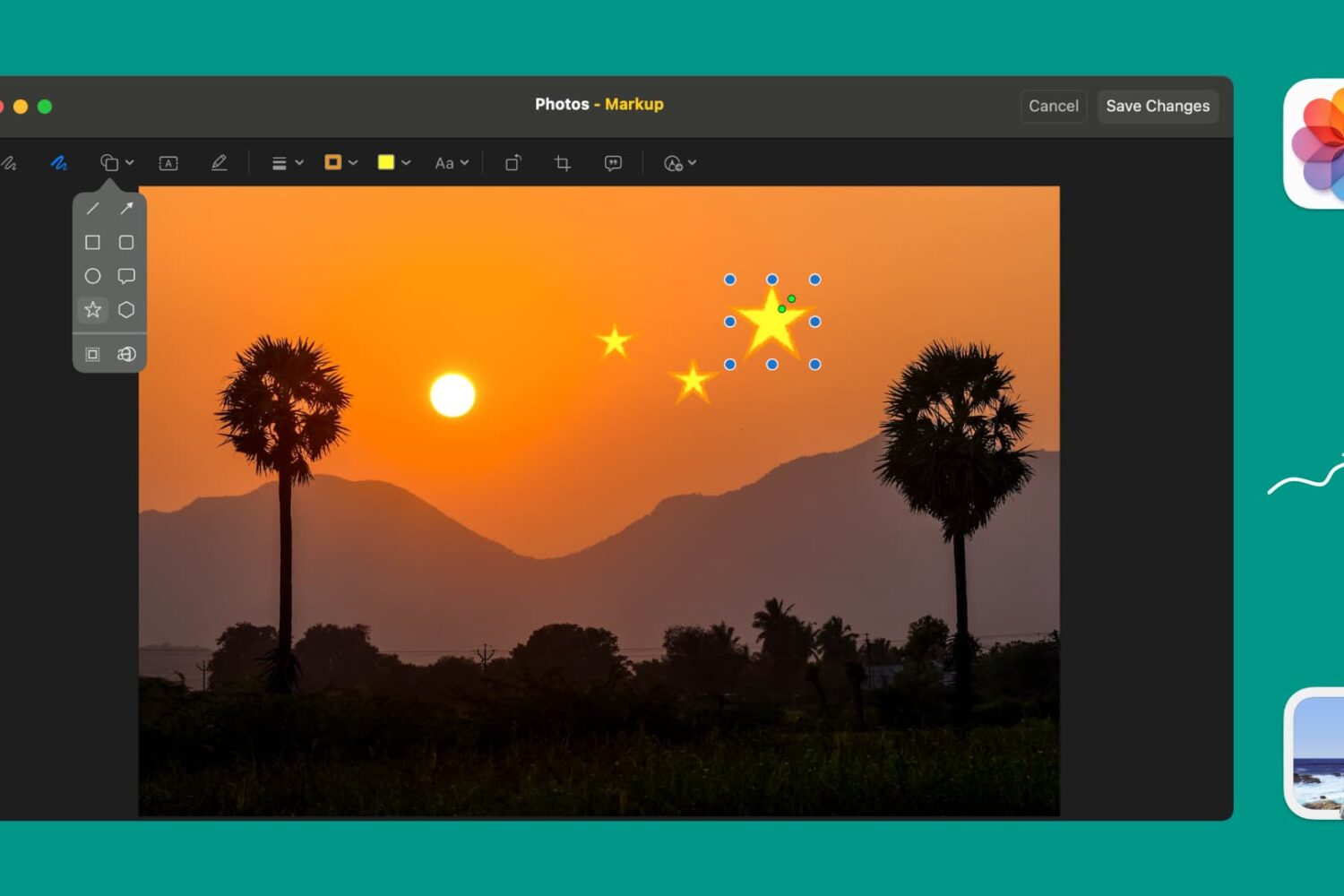
Learn how to use Markup tools in the Preview and Photos apps to annotate, highlight, add shapes, or draw on images without needing third-party apps.
How to mark up and annotate Photos on Mac
Stay up-to-date on the latest Mac news, and tutorials. Get expert tips and tricks to optimize your Mac’s performance and learn about the latest Apple products and software updates. Discover the best Mac apps and accessories to enhance your user experience.
Learn how to use Markup tools in the Preview and Photos apps to annotate, highlight, add shapes, or draw on images without needing third-party apps.
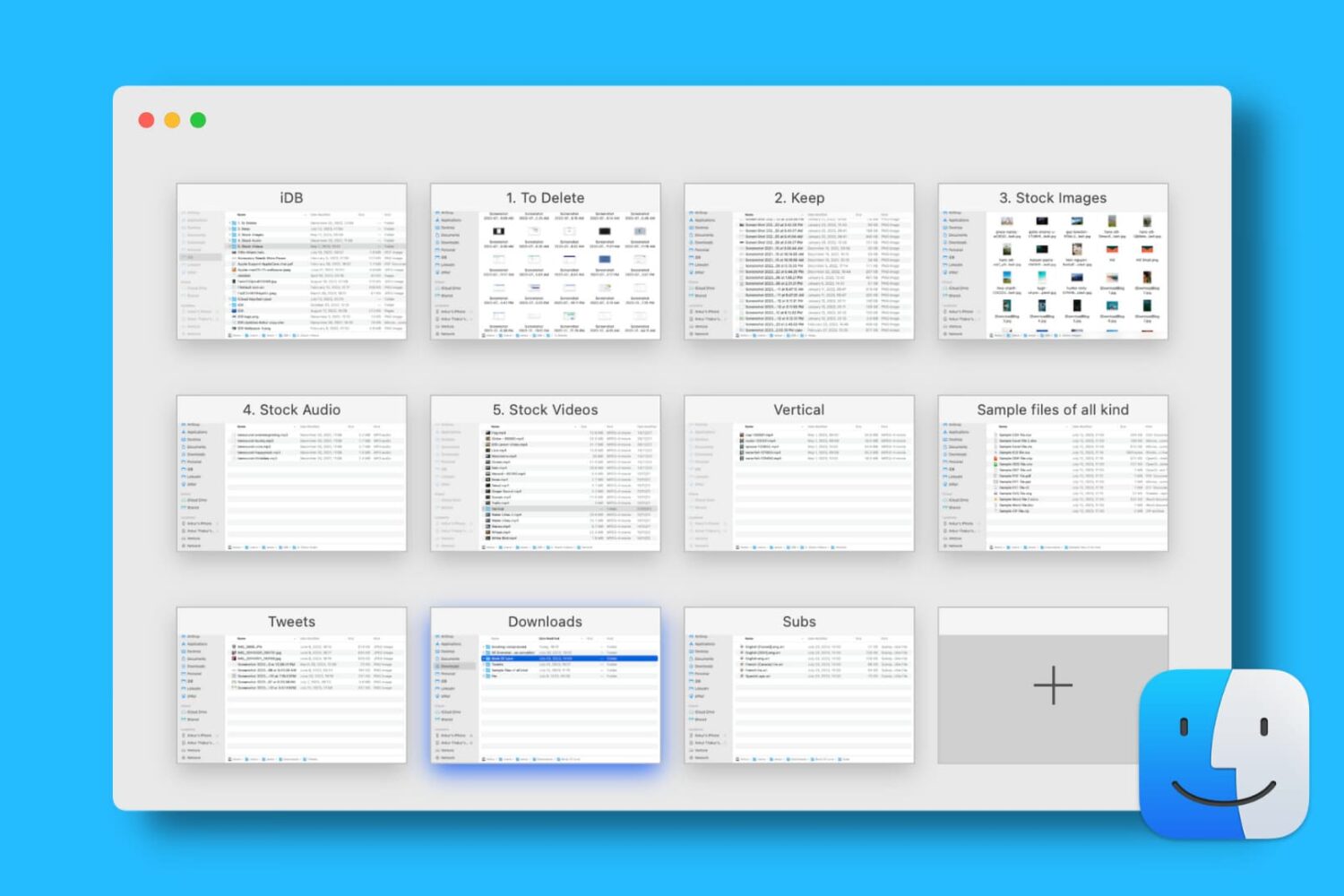
Find out how to open, use, navigate, rearrange, and close tabs in Finder on your Mac so you can work with multiple folders in just one window and keep your desktop uncluttered.

A lot of the keyboard shortcuts available for apps on Mac are the same across those applications. Things like cut, copy, paste, close, or quit are often the same, especially for Apple’s apps like Pages, Numbers, and Keynote.
So in this list of keyboard shortcuts for the Numbers app, we’ve included some that you would only use inside Numbers, like shortcuts for working with tables, basics for controlling the Numbers window, working in spreadsheets, and more.
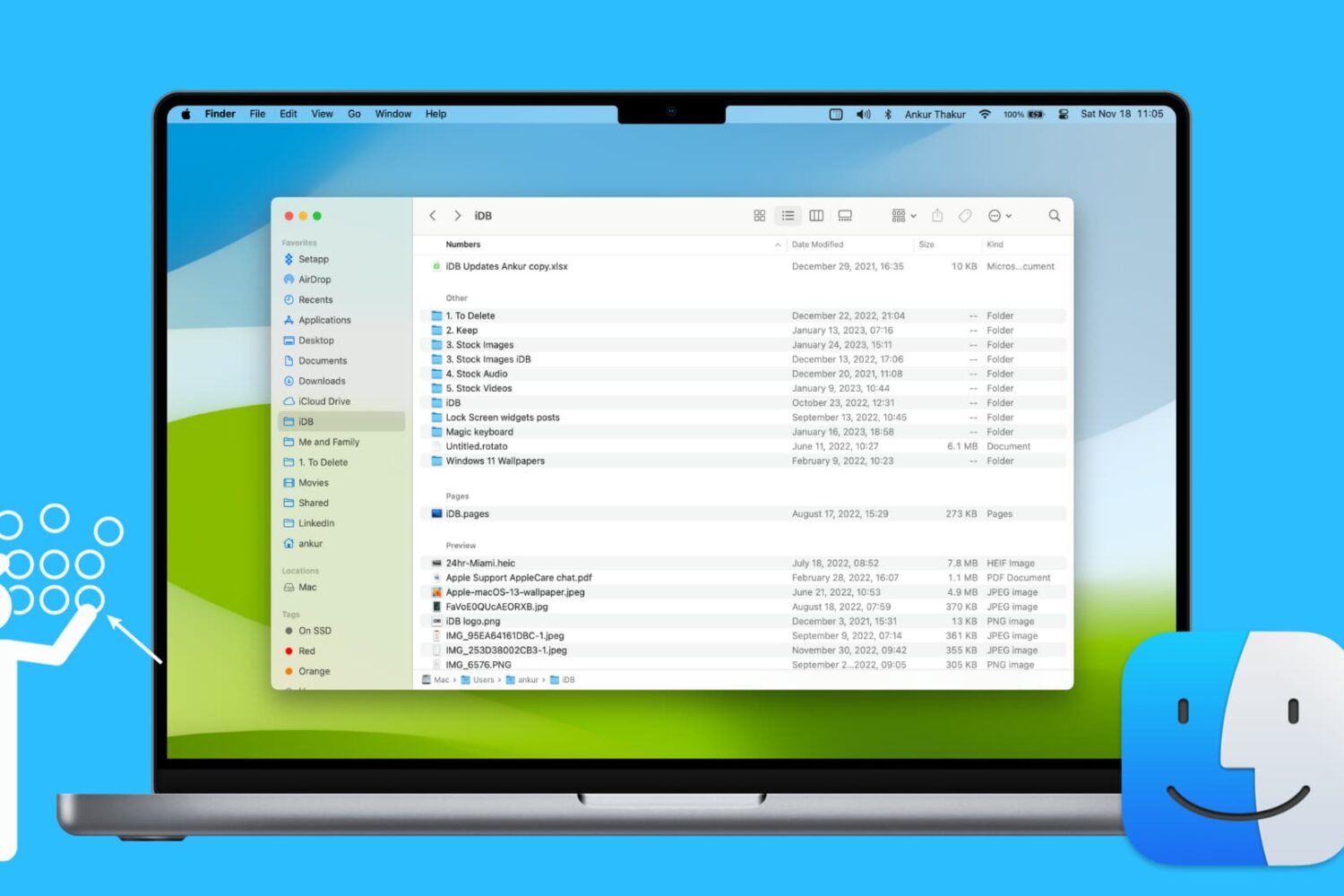
Learn how to use groups in Finder on your Mac to easily sort and manage files for a more streamlined and efficient experience.
Learn how to use the hidden Secure Notes feature of the Keychain Access app on your Mac running an older version of macOS to store confidential notes, private text, PINs, credit card numbers, 2FA backup codes, cryptographic keys, etc.

Check out this list of fun Terminal commands for a quick and quirky way to entertain yourself when you are bored and want to tinker around on your Mac.
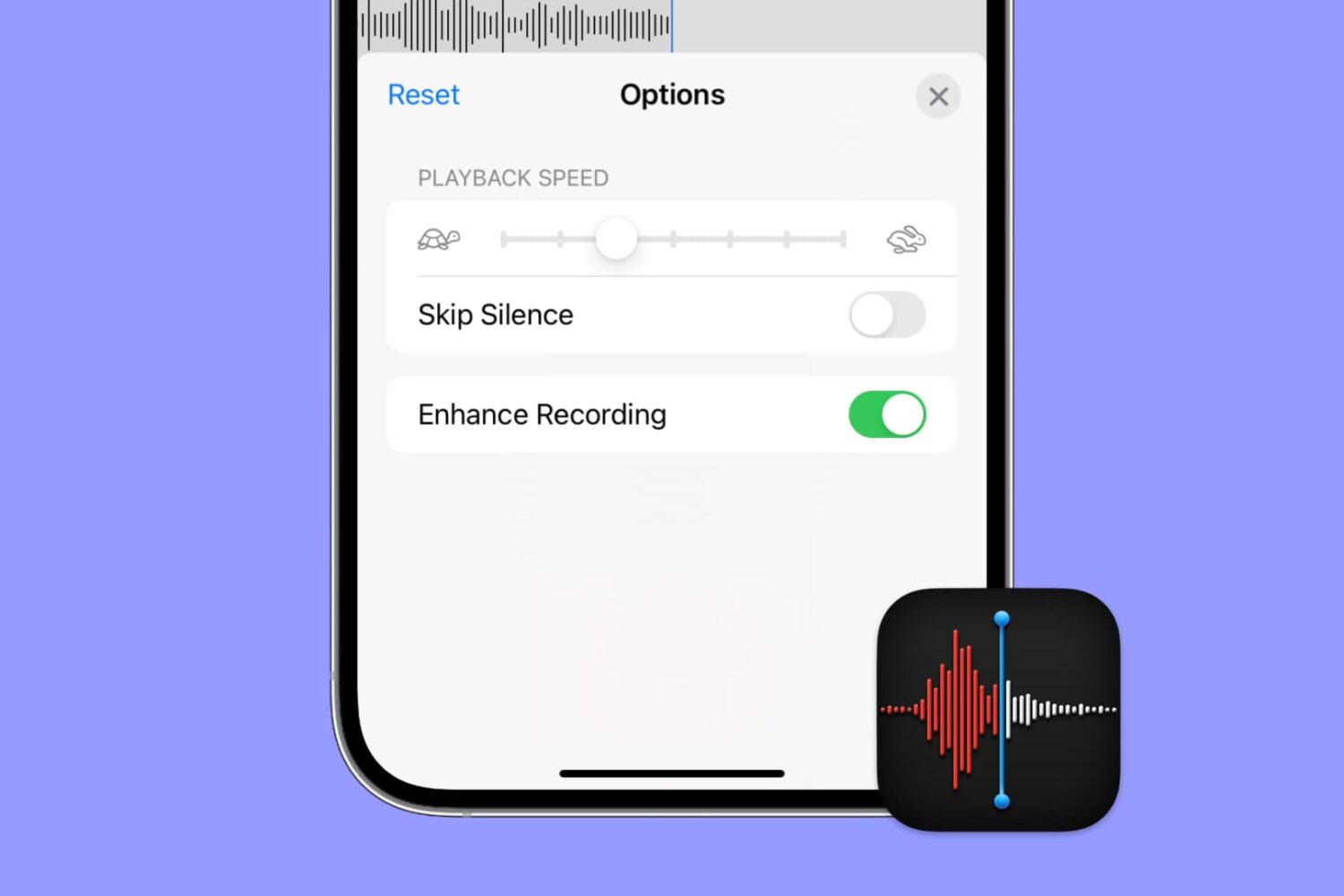
Apple's Voice Memos app has a feature designed to improve the sound quality of your recordings, including existing ones. Follow along with us as we show you how to use Voice Memos' Enhance Recording feature to reduce background noise and room reverberation of your voice notes.
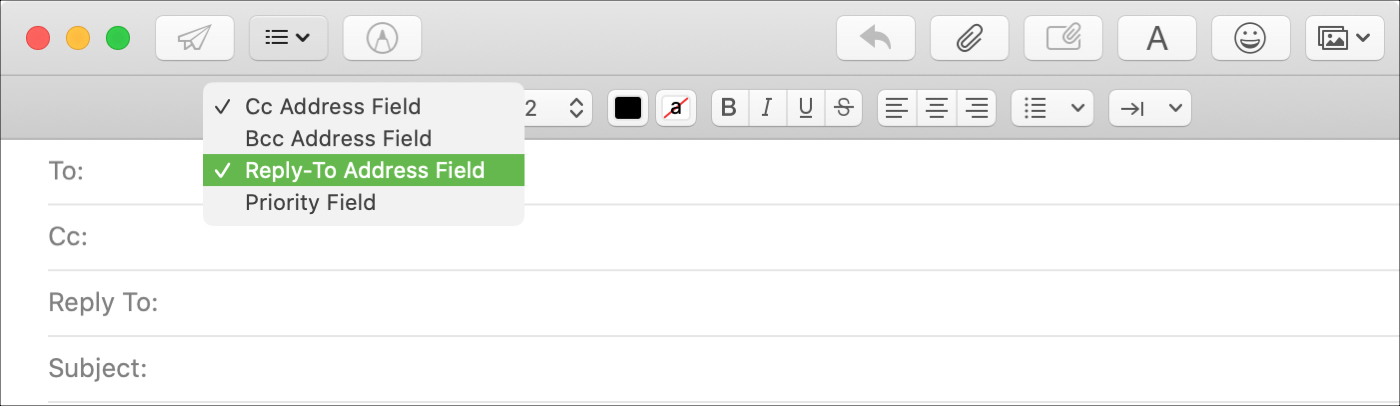
You may have seen this when emailing a business; a different Reply To address than the one you received the email from. Companies and organizations can use this when they want replies to go to a specific mailbox. And if your business uses the Mail app on Mac, you can do the same.
Although it doesn’t currently appear to be a feature in Mail on iOS, it is on macOS. So here’s how to use that Reply To field in Mail.
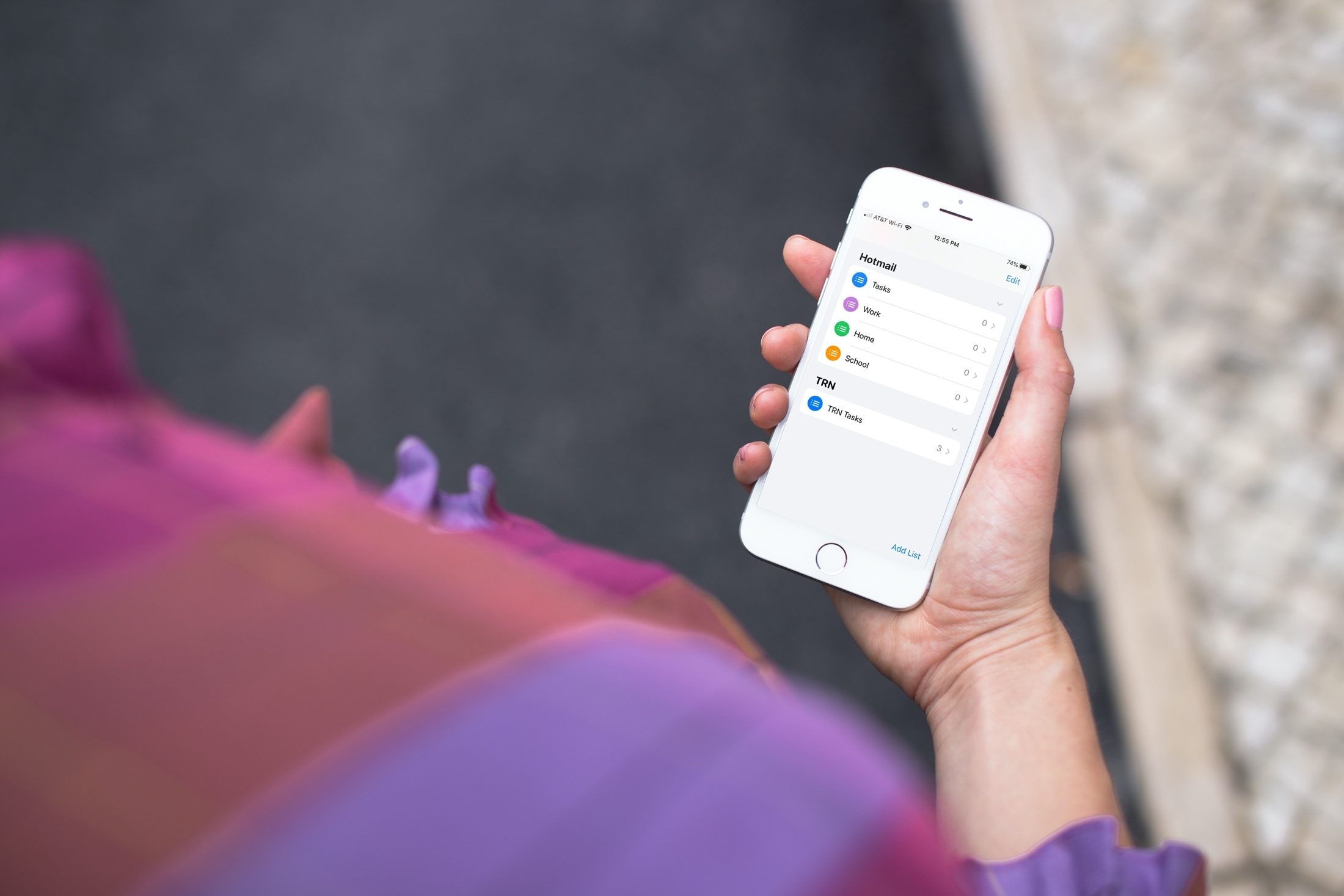
Learn how to add or remove accounts in the Apple Reminders app on your iPhone, iPad, or Mac to save your to-dos in your preferred online service.

Find out how to add a word to your Mac’s dictionary so it stops being tagged as misspelled and no longer shows a red dotted line underneath when you type it.

Learn how to use the Smart Address feature in the Mac Mail app to display only the recipient’s name instead of their full name and email address.

Automator on Mac is a terrific tool for creating workflows, applications, and other automations that can speed up tasks and make life easier. In order for you to focus on the workflows you’re creating, take a look at this list of keyboard shortcuts for Automator on Mac.