Learn how to stop your iPhone, iPad, or Mac from showing pictures in the Memories and Featured Photos sections of the Photos app as well as the photo widget.
How to turn off memories and featured photos in Apple Photos

Stay up-to-date on the latest Mac news, and tutorials. Get expert tips and tricks to optimize your Mac’s performance and learn about the latest Apple products and software updates. Discover the best Mac apps and accessories to enhance your user experience.
Learn how to stop your iPhone, iPad, or Mac from showing pictures in the Memories and Featured Photos sections of the Photos app as well as the photo widget.
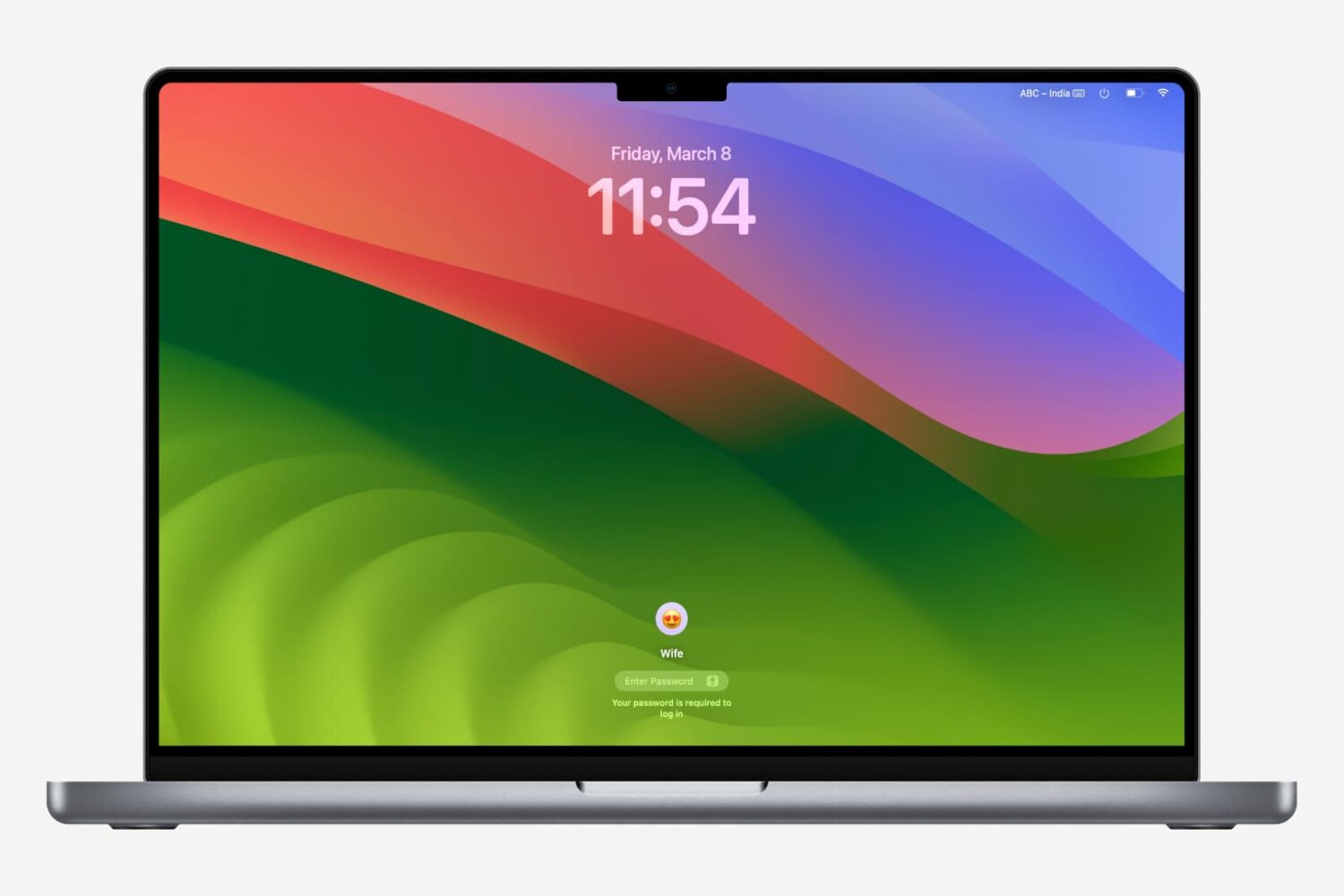
Getting locked out of your computer could easily be one of the most frustrating things that could happen to you. This guide shares a few useful tips that will ensure you do not face this issue on your Mac.
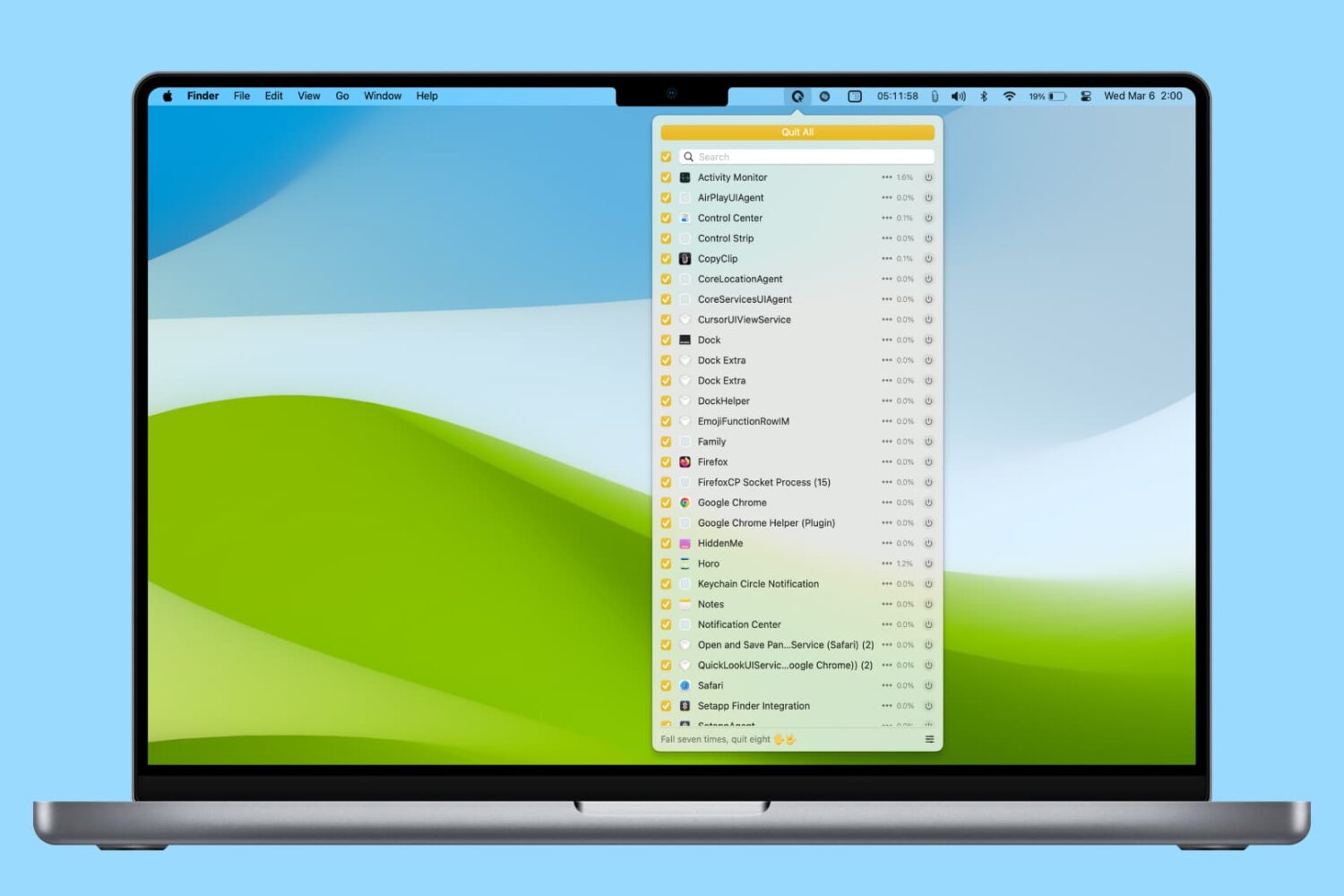
In this tutorial, we’ll share various easy ways to find and kill apps and hidden system processes that are running in the background on your Mac.
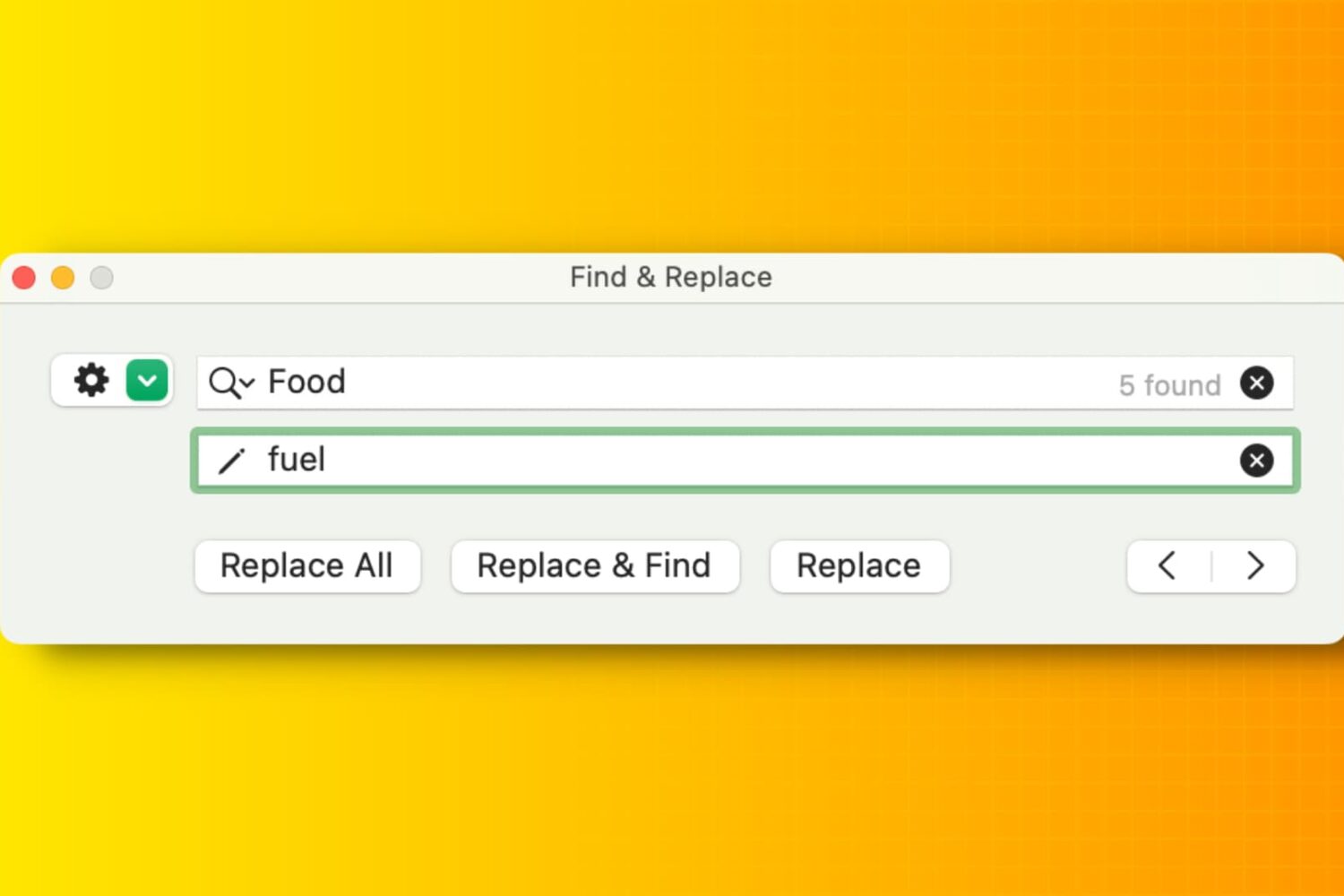
Learn how to efficiently manipulate text on your Mac using Find and Replace, simplifying tasks and boosting productivity in popular apps like Notes, Pages, Numbers, Google Docs, etc.
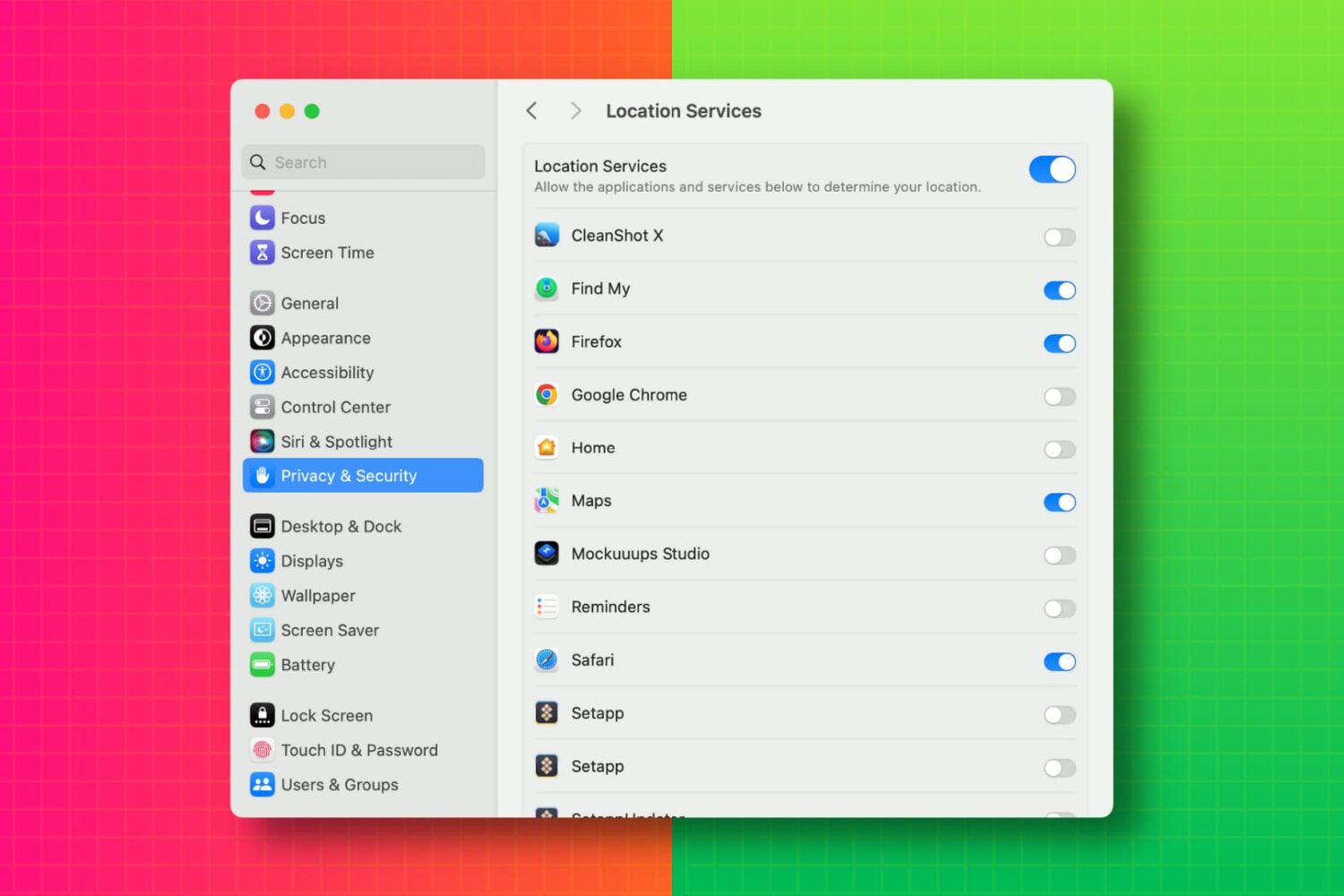
In this tutorial, we’ll show you how to view a list of apps that have access to your photos, camera, microphone, location, contacts, calendar events, Bluetooth, and other such things on your Mac. From there, you can revoke the app’s permission if needed.
In this tutorial, we will show you how to transcribe a voice memo into text without using third-party apps or services.
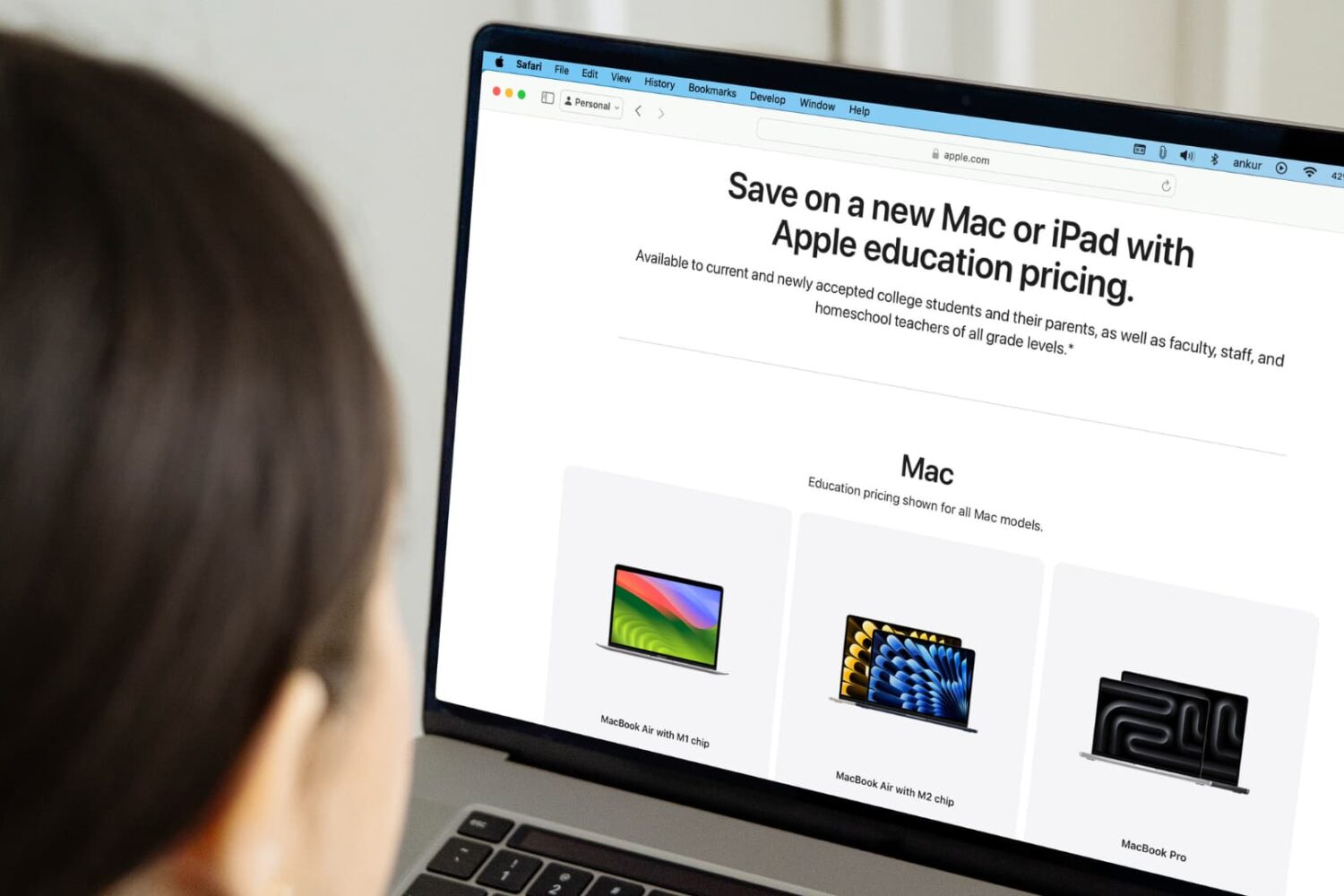
Learn how you can get discounts when buying Apple products if you're a college student, a parent buying for them, or a teacher.
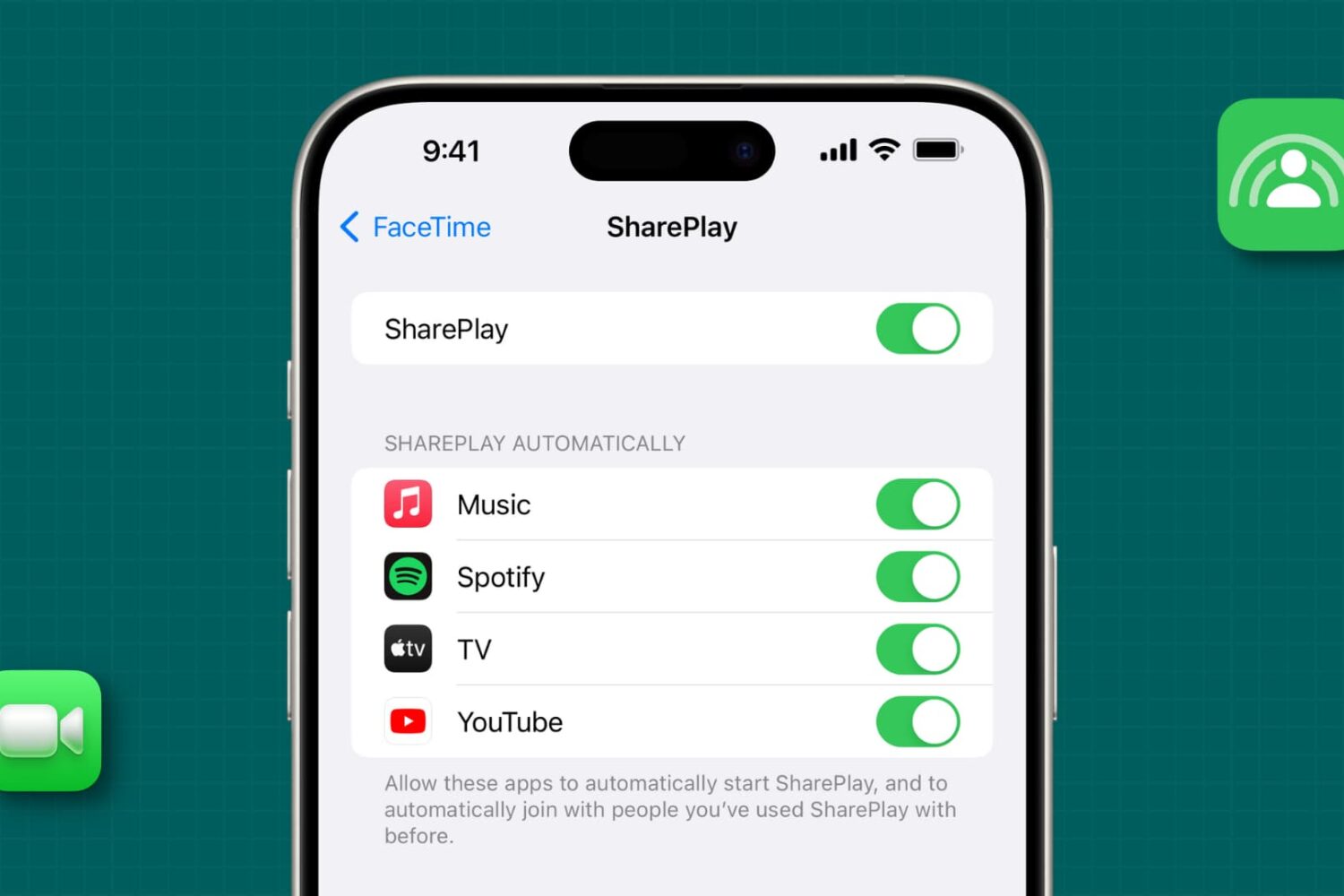
In this tutorial, we'll show you how to stop specific apps from automatically starting SharePlay during FaceTime calls, or completely block the SharePlay feature on your iPhone, iPad, or Mac.
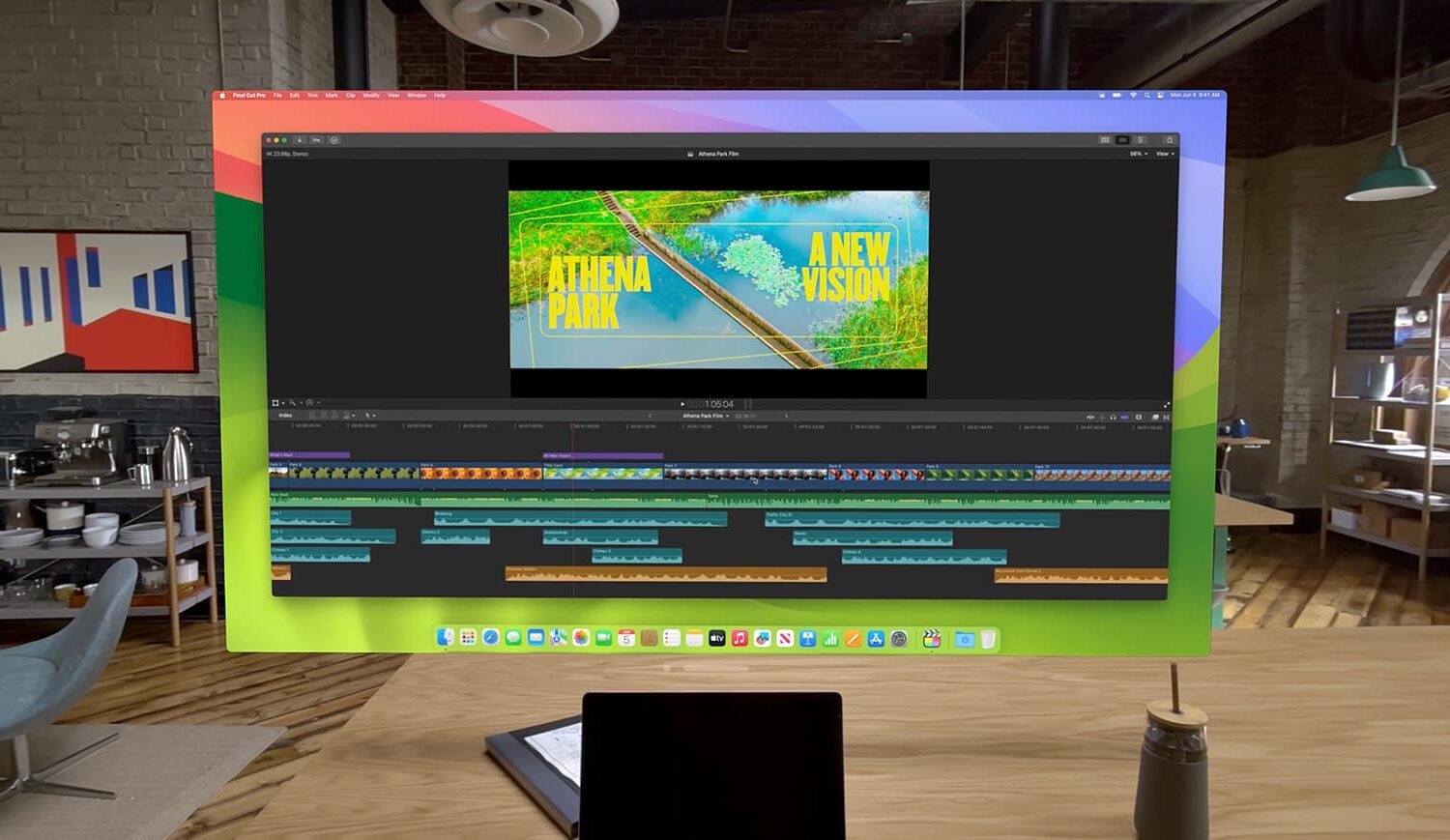
Learn how to take advantage of the Virtual Display feature that lets you use your Apple Vision Pro as a portable and wireless monitor for your Mac.

Learn how to type in visionOS apps like Notes, Keynote, Freeform, Safari, and others using the virtual keyboard, dictation, a physical Bluetooth keyboard, or your Mac's keyboard.
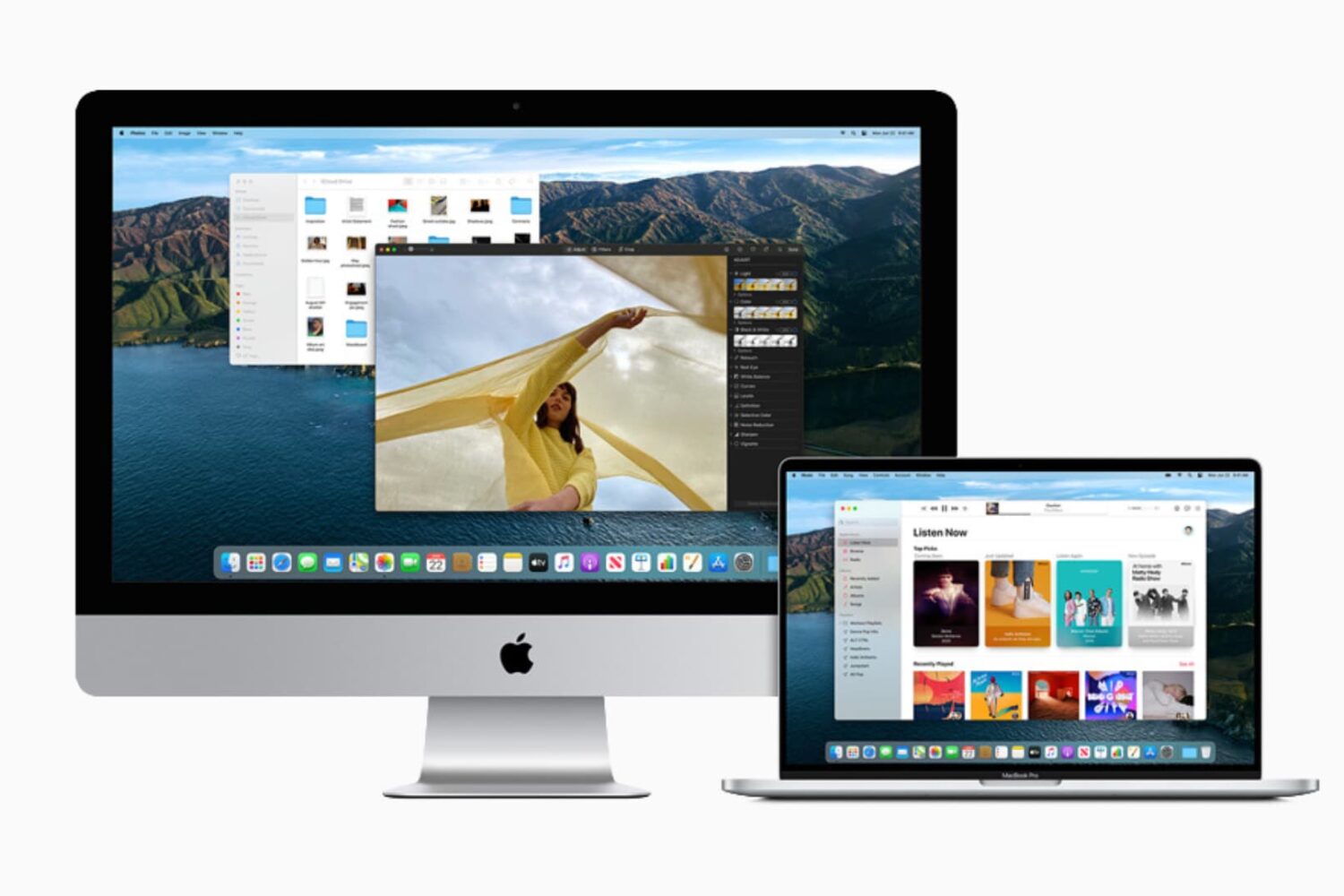
This guide lists 13 signs that indicate it may be time to say goodbye to your current Mac and move to a new model. We will also list some tips along the way to help you continue using your Mac until you decide to upgrade.